@Klasw @nerd
I did a pull request for this change. When merged before friday, it will be part of the next bookworm beta.
The addition will also be part of the next volumio3 version.
@alberto_bocca @Wheaten
this device is supposed to have an Intel / Centrino Advanced-N 6235 AGN wifi component, which is old but should still be supported.
@alberto_bocca Could you please submit a log as @Wheaten advised above, so we get an idea how wifi has been initialised on this nuc. This will help us determining the next step to help you.
Volumio 3 Issues?
Please see: Volumio 3 issues: hints and solutions before posting a new issue.
(You’ll need to cut and paste the link)
----------------------------- Delete here & above before posting below -----------------
Volumio on x64 touchscreen tablet, mouse pointer is disablet but is still there!
Please read the opening post of this thread.
There are thousands of different PC configurations, so without more info about your setup, nobody will be able to help.
Also, how did you try to disable the cursor?
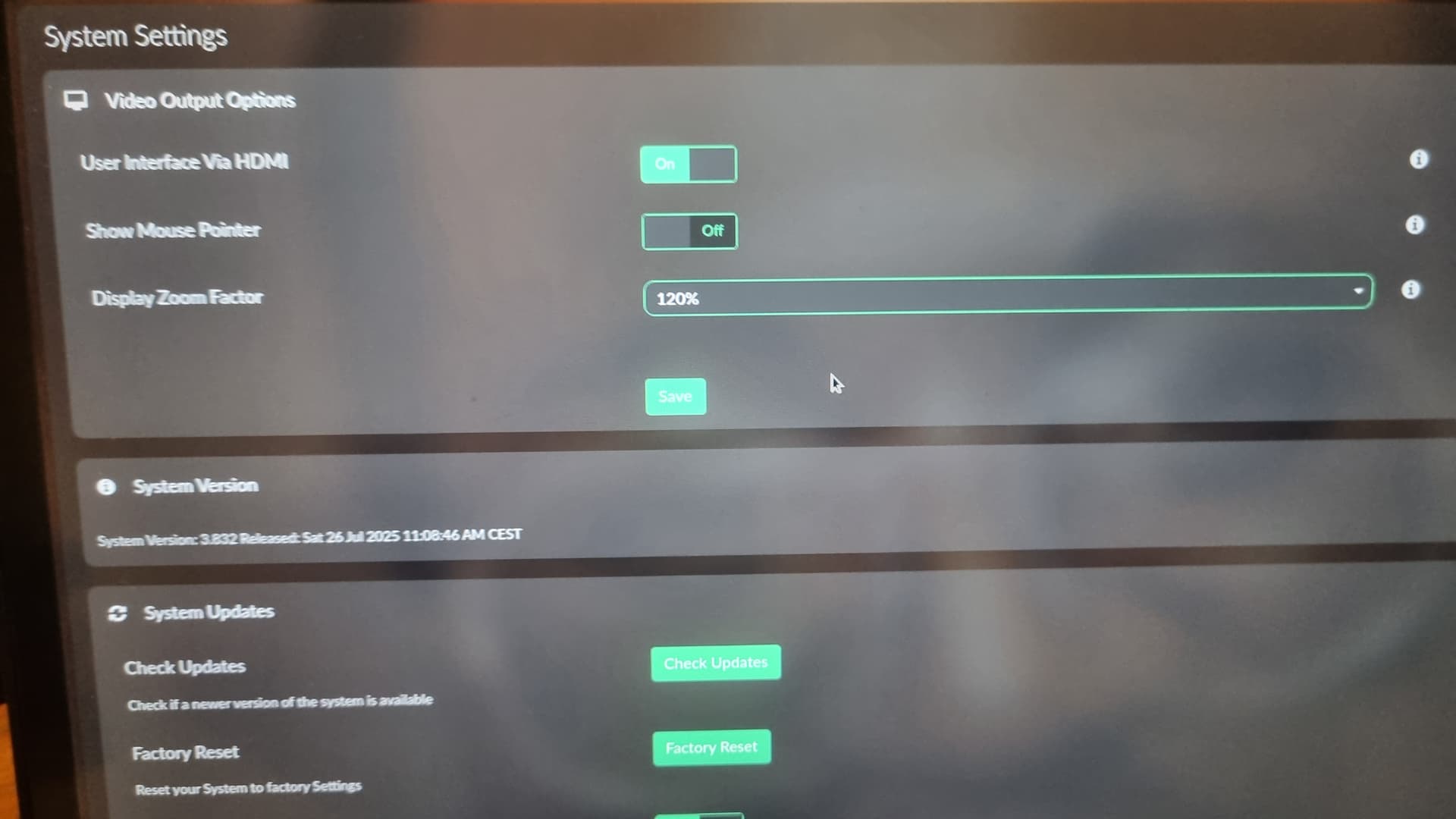
So i disablet in volumio under HDMI "Show Mouse Pointer " Set it off,rebot but is still there!
Is a windows tablet,Fujitsu Q7310 FUJITSU Tablet STYLISTIC Q7310 - Fujitsu Hong Kong
Yes i was reading lots of stuff here but no Chance!
Last Volumio x64 image.
Thanks for your answer!
@Soka
What is meant with reading the openingpost, look at the point:
**  Reporting**
Unfortunately I won’t be able to test this until the weekend.
Perhaps anyone else can confirm with a simple notebook setup?
Edit: afaik we used “unclutter” for this when setting up the kiosk function. It hides the cursor (well, it should) when there is no mouse activity.
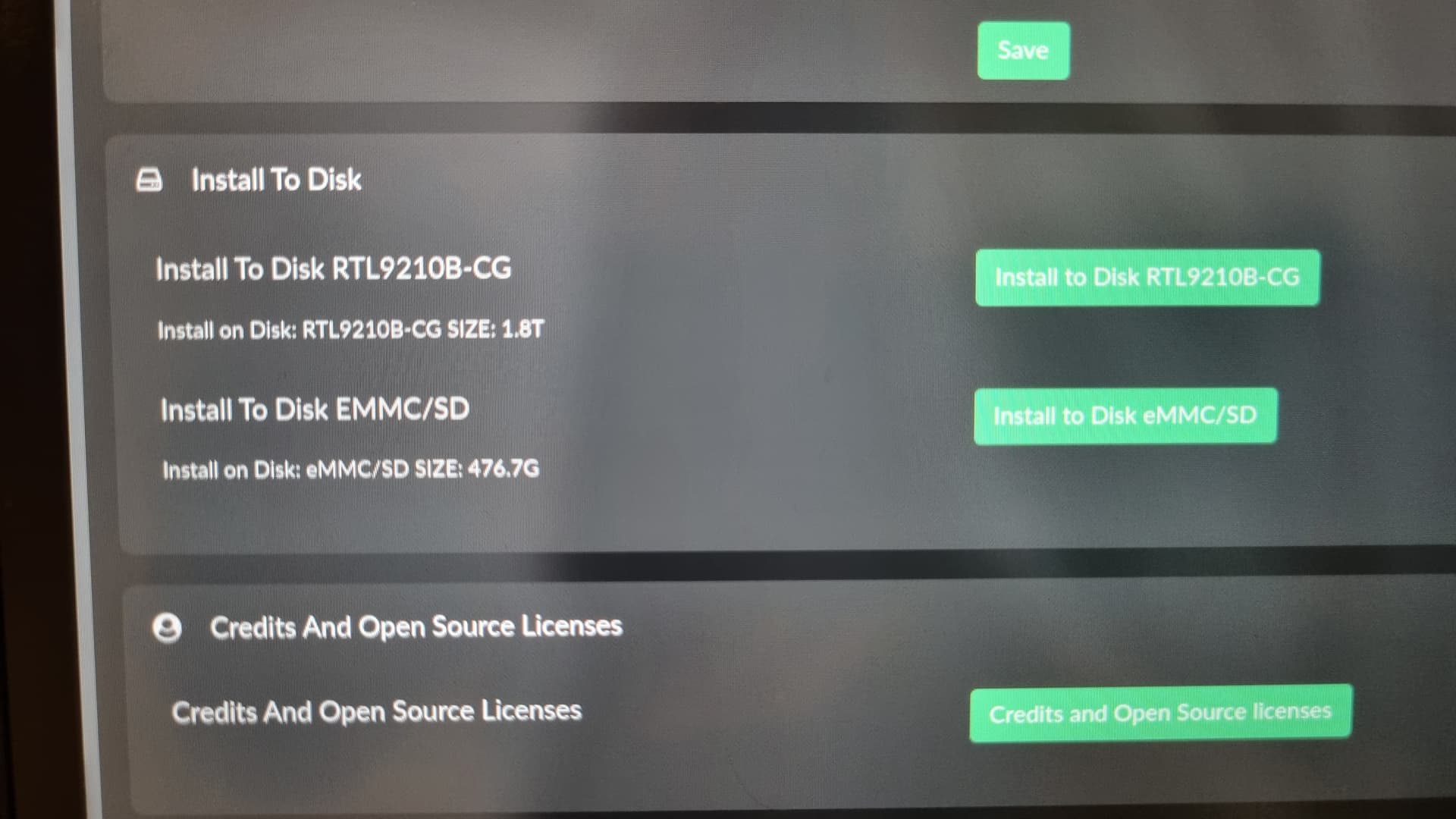
Ok no pb,thanks anyway.And this tablet got a sdcard reader,inside is a 512gb card with music(ntfs).The problem is i can see this in setings,but not in my music library!this is odd too!
After re-checking the code, it seems “unclutter” is still being installed, but I did not find any reference anymore of it being used in the kiosk startup. It may have been removed, this needs to be checked.
No further details from the OP necessary!
To be continued…
This is not “odd”, but by design.
Any storage is being skipped by Volumio, unless is is labeled “issd” or “ihdd” (and a few similar ones). This has been done on purpose to avoid Volumio scanning all internal devices for music.
So I suggest you just re-label your SD card as “ihdd”, then it should work.
BTW. Booting from an SD only works in very rare occasions, most bios’ don’t offer it.
Tested with Dell Latitude 3189:
- Volumio x86-V3.818 => unclutter is installed and working (1)
- Volumio x86-V3.832 => unclutter is installed and working (1)
Tested with Toshiba Click Mini:
- Volumio x86-V3.818 => unclutter is installed and working (1)
- Volumio x86-V3.832 => unclutter is installed and working (1)
(1): The mouse is visible when you touch the screen, but will hide after 1-2 seconds
That was intended behavior, still looking for unclutter being called, just for my own peace😉
ihdd is not working, still not showing!Is “ihdd” or just ihdd?issd not working too!
Is the same problem (Tinkerboard S) Can't play music from micro SD card
So i can forget about reading music from sdcard.
Thanks for helping me.
Just wanted to add that I got an error when running Volumio off a USB stick on my 2019 HP Spectre x360. It simply would not boot.
I needed to enter bios and in 1 go change>
- Enable Legacy Support (Compatibility Support Module) - this also greyed out “disable secure boot”
- Choose USB as top priority for boot
- Save and restart
- Input a code as asked by the Boot menu and hit Enter.
It just seems Volumio needs to write these things in a startup guide. Especially if I need to pay for Volumio. Otherwise, I’ll get a Wiim.
To setup the WiFi / I needed to “disable” the hotspot. That seemed very non-intuitive. And these things are not mentioned in the setup guide. 2019 HP Spectre x360.
It’s simply not feasible to document every possible exception—there are thousands of x86 devices, each with unique configurations and hardware variations.
On Wi-Fi Behavior
- AP + STA (simultaneous) mode is rare and often unreliable on Linux.
- AP or STA (exclusive) mode is common; Volumio automatically selects the appropriate mode based on availability.
- STA-only adapters do not support hotspot functionality at all.
This means many inexpensive Wi-Fi adapters, especially those commonly used in recent years, can only operate in one mode at a time. So if your adapter is STA-only, it can’t run both Wi-Fi and hotspot simultaneously, which is why you needed to disable HotSpot…
On Booting:
We assume a basic familiarity with BIOS settings required to boot a non-Windows installer. It’s challenging to provide universal instructions due to the wide variety of BIOS and EFI implementations, each with manufacturer-specific customizations.
Last time I checked, Volumio is still free of charge, unless you want premium features.
How can i put the tablet display off?Is allways on.There s something like screensaver or so?
Unfortunately you can‘t.
The original setup for an x86 device was pc with monitor or notebook. No x86-specific user settings were requested at the time.
But seeing your request and a few recently, one could ask why not having an x86-specific plugin catering for a few of current requests like setting screen resolution, cursor on/off, notebook lid close, screen blank and more. I can‘t help as x86 maintainer, while being a coder (C, Shell). Unfortunately not for Volumio‘s backend using node.js
I can help designing (pinpointing to the various config files and how to edit) but anyone willing to help with the plugin note.js and ui part?
@volumio, @balbuze, @Wheaten , @nerd ?
Community?
Hello,
This is something I would like to see!
Screen saver
Rotation
And maybe more.
A plugin could do the job…
Some help as you @gkkpch suggested welcome.
Contact me 
for x86 i had these running for rotation (brightness is already handled in BW).
Only need to find a proper way to detect which event is the keyboard.
detect_key.sh
#!/bin/bash
DEVICE="/dev/input/event3"
SCRIPTB="/home/volumio/scripts/rotate.sh"
# Monitor key events
sudo evtest "$DEVICE" | while read -r line; do

	if echo "$line" | grep -q "KEY_LEFTCTRL.*value 1"; then
        ctrl=1
    elif echo "$line" | grep -q "KEY_LEFTCTRL.*value 0"; then
        ctrl=0
    elif [[ $ctrl == 1 ]]; then
        if echo "$line" | grep -q "KEY_LEFT.*value 1"; then
           sudo "$SCRIPTB" left
        elif echo "$line" | grep -q "KEY_RIGHT.*value 1"; then
           sudo "$SCRIPTB" right
        elif echo "$line" | grep -q "KEY_UP.*value 1"; then
           sudo "$SCRIPTB" normal
        elif echo "$line" | grep -q "KEY_DOWN.*value 1"; then
          sudo  "$SCRIPTB" inverted
        fi
    fi
done
rotate.sh
#!/bin/bash
set -e
export DISPLAY=:0.0

# Check for input
if [ -z "$1" ]; then
  echo "Usage: $0 [left|right|inverted|normal]"
  exit 1
fi

# Choose the desired rotation
case "$1" in
  left|right|inverted|normal)
    # Find the primary display
    display=$(xrandr | grep " connected" | awk '{ print $1 }' | head -n 1)
    xrandr --output "$display" --rotate "$1"
    echo "Screen rotated to $1"
    ;;
  *)
    echo "Invalid option: $1"
    echo "Usage: $0 [left|right|inverted|normal]"
    exit 1
    ;;
esac