download for trial 1280x800
noted
or try adding it in user config.txt
hdmi_group=2
hdmi_mode=87
hdmi_timings=400 0 220 32 110 1280 0 10 10 10 0 0 0 60 0 59400000 3
need to delete previus entries ?
its dsi display not hdmi
Wait for @Wheaten
Have you tried without adding the overlays?
Please comment out the lines in /boot/userconfig.txt:
#vc4-kms-v3d-pi4
#vc4-kms-waveshare-panel,7_9_inch
add:
display_auto_detect=1
reboot.
Check what the display is doing.
Also post the output of:
export DISPLAY=:0
xrandr --query
cat /boot/userconfig.txt
As with DSI screens, the line display_auto_detect=1 mostly does the trick
But your previous output of xrandr shows it’s not a DSI screen, but HDMI…



display is not working
Please provide the exact link where you can buy your screen, as it’s getting very confusing.
You claim it’s DSI, xrandr reports HDMI-1
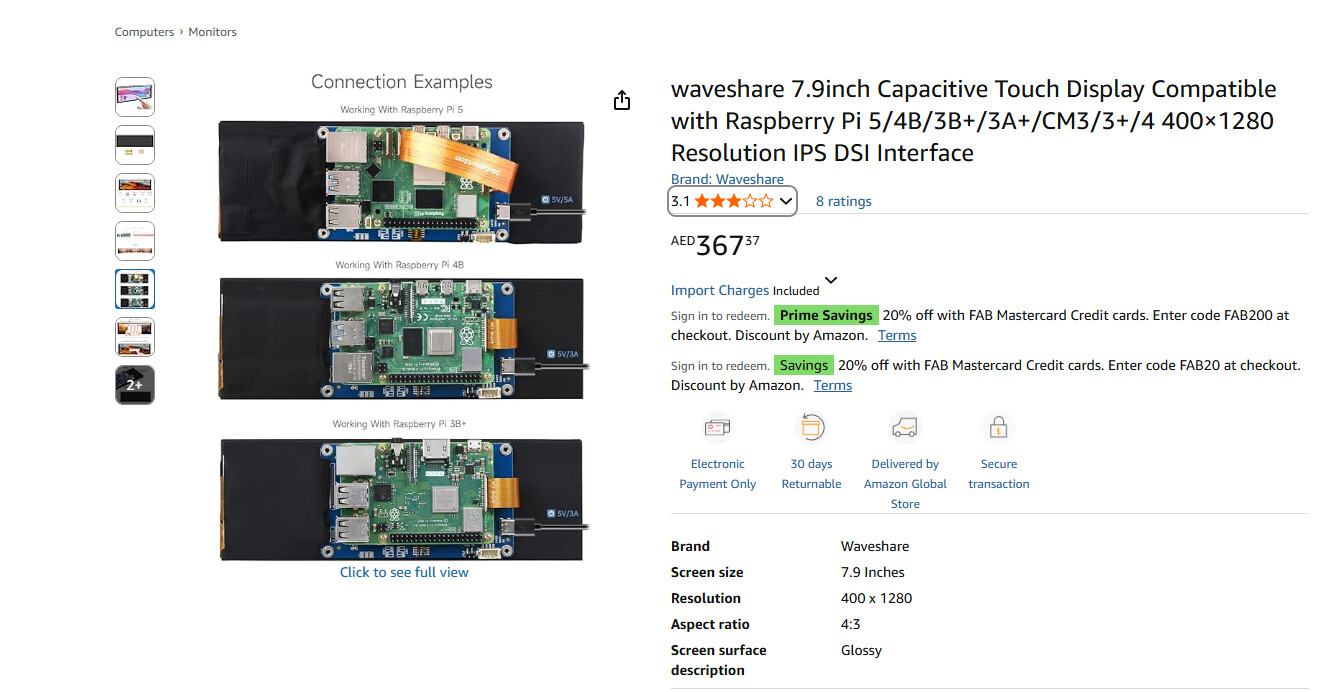
No screenshots, provide the URL.
And Raspberry Pi4 or …
pi 4b

Magic,
Then for the time being, place back in /boot/userconfig.txt
dtoverlay=vc4-kms-v3d-pi4
dtoverlay=vc4-kms-waveshare-panel,7_9_inch
#display_auto_detect=1
Use a 1280x800 template.
@nerd
Any idea as this one is peculiar at least.
- xrandr reports a HDMI connected display, but it is DSI
- With the overlay, the resolution for height is doubled (1280x800 instead of 1280x400)
@Gelo5
These instructions are for Bookworm, not Buster.
Please provide the output of:
cat /proc/cmdline