good for you!
1 Like

I will wait for stable version.
Now I can’t rotate and Touch Screen not working. Only this I have few sec.
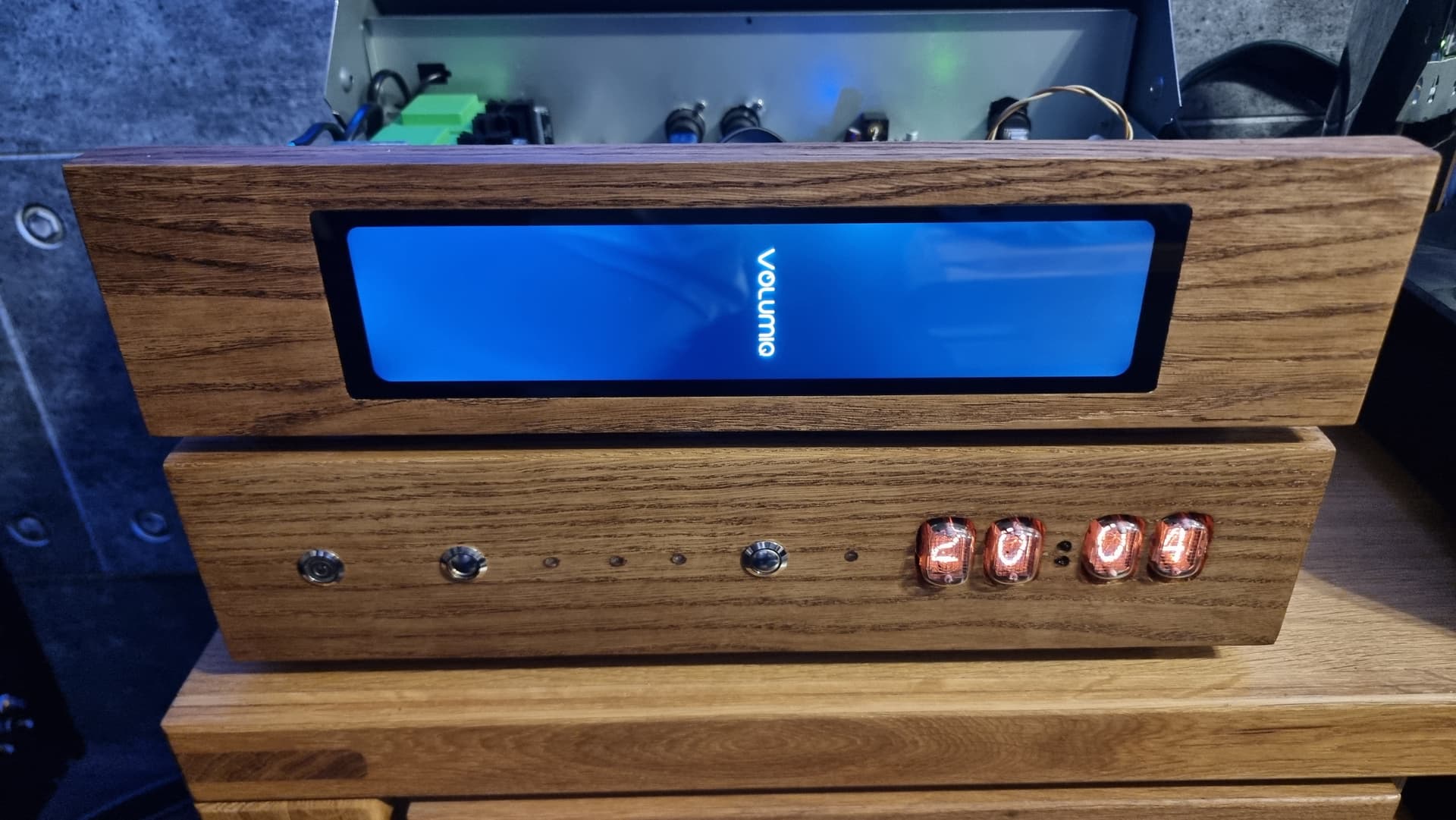
and restart without Touch Screen.
Touch Screen try to start only first time after “Active On”
I will wait and ask for help on stable 3.584.
Please post the ouput of
ls -al /dev/fb*
and with the Touch Display plugin being started of
cat /var/log/Xorg.0.log
I need to add it to userconfig.txt or on command line after start ??
and this ??
Sorry if it is stupid question.
1 Like
Not “userconfig.txt”. After connecting to Volumio via SSH paste each command to the command line (one after the other of course  ) and hit enter. Copy the output and paste it into your next post in this thread.
1 Like
volumio@volumio:~$ ls -al /dev/fb*
crw-rw---- 1 root video 29, 0 Dec 12 20:52 /dev/fb0
volumio@volumio:~$ cat /var/log/Xorg.0.log
[ 364.434]
X.Org X Server 1.20.4
X Protocol Version 11, Revision 0
[ 364.434] Build Operating System: Linux 5.4.0-109-generic armv8l Raspbian
[ 364.434] Current Operating System: Linux volumio 6.1.64-v8+ #1702 SMP PREEMPT Wed Nov 29 14:23:01 GMT 2023 aarch64
[ 364.434] Kernel command line: coherent_pool=1M 8250.nr_uarts=1 pci=pcie_bus_safe snd_bcm2835.enable_compat_alsa=0 snd_bcm2835.enable_hdmi=1 smsc95xx.macaddr=D8:3A:DD:CB:30:4C vc_mem.mem_base=0x3fc00000 vc_mem.mem_size=0x40000000 splash plymouth.ignore-serial-consoles dwc_otg.fiq_enable=1 dwc_otg.fiq_fsm_enable=1 dwc_otg.fiq_fsm_mask=0xF dwc_otg.nak_holdoff=1 quiet console=ttyAMA10,115200 console=tty1 imgpart=/dev/mmcblk0p2 imgfile=/volumio_current.sqsh rootwait bootdelay=5 elevator=noop logo.nologo vt.global_cursor_default=0 net.ifnames=0 snd-bcm2835.enable_compat_alsa= snd_bcm2835.enable_hdmi=1 snd_bcm2835.enable_headphones=1 loglevel=0
[ 364.434] Build Date: 04 April 2023 07:50:56AM
[ 364.434] xorg-server 2:1.20.4-1+rpt4+deb10u9 (Debian -- User Support)
[ 364.434] Current version of pixman: 0.36.0
[ 364.434] Before reporting problems, check http://wiki.x.org
to make sure that you have the latest version.
[ 364.434] Markers: (–) probed, () from config file, (==) default setting,
(++) from command line, (!!) notice, (II) informational,
(WW) warning, (EE) error, (NI) not implemented, (??) unknown.
[ 364.434] (==) Log file: “/var/log/Xorg.0.log”, Time: Tue Dec 12 20:57:58 2023
[ 364.434] (==) Using config directory: “/etc/X11/xorg.conf.d”
[ 364.434] (==) Using system config directory “/usr/share/X11/xorg.conf.d”
[ 364.435] (==) No Layout section. Using the first Screen section.
[ 364.435] (==) No screen section available. Using defaults.
[ 364.435] () |–>Screen “Default Screen Section” (0)
[ 364.435] (**) | |–>Monitor “”
[ 364.435] (==) No monitor specified for screen “Default Screen Section”.
Using a default monitor configuration.
[ 364.435] (==) Automatically adding devices
[ 364.435] (==) Automatically enabling devices
[ 364.435] (==) Automatically adding GPU devices
[ 364.435] (==) Max clients allowed: 256, resource mask: 0x1fffff
[ 364.435] (WW) The directory “/usr/share/fonts/X11/cyrillic” does not exist.
[ 364.435] Entry deleted from font path.
[ 364.435] (==) FontPath set to:
/usr/share/fonts/X11/misc,
/usr/share/fonts/X11/100dpi/:unscaled,
/usr/share/fonts/X11/75dpi/:unscaled,
/usr/share/fonts/X11/Type1,
/usr/share/fonts/X11/100dpi,
/usr/share/fonts/X11/75dpi,
built-ins
[ 364.435] (==) ModulePath set to “/usr/lib/xorg/modules”
[ 364.435] (II) The server relies on udev to provide the list of input devices.
If no devices become available, reconfigure udev or disable AutoAddDevices.
[ 364.435] (II) Loader magic: 0x1fdf80
[ 364.435] (II) Module ABI versions:
[ 364.435] X.Org ANSI C Emulation: 0.4
[ 364.435] X.Org Video Driver: 24.0
[ 364.435] X.Org XInput driver : 24.1
[ 364.435] X.Org Server Extension : 10.0
[ 364.436] (–) using VT number 2
[ 364.436] (II) systemd-logind: logind integration requires -keeptty and -keeptty was not provided, disabling logind integration
[ 364.437] (II) xfree86: Adding drm device (/dev/dri/card0)
[ 364.437] (II) xfree86: Adding drm device (/dev/dri/card1)
[ 364.445] (II) no primary bus or device found
[ 364.445] falling back to /sys/devices/platform/axi/1002000000.v3d/drm/card0
[ 364.445] (II) LoadModule: “glx”
[ 364.446] (II) Loading /usr/lib/xorg/modules/extensions/libglx.so
[ 364.447] (II) Module glx: vendor=“X.Org Foundation”
[ 364.447] compiled for 1.20.4, module version = 1.0.0
[ 364.447] ABI class: X.Org Server Extension, version 10.0
[ 364.447] (==) Matched modesetting as autoconfigured driver 0
[ 364.447] (==) Matched fbdev as autoconfigured driver 1
[ 364.447] (==) Assigned the driver to the xf86ConfigLayout
[ 364.447] (II) LoadModule: “modesetting”
[ 364.447] (II) Loading /usr/lib/xorg/modules/drivers/modesetting_drv.so
[ 364.447] (II) Module modesetting: vendor=“X.Org Foundation”
[ 364.447] compiled for 1.20.4, module version = 1.20.4
[ 364.447] Module class: X.Org Video Driver
[ 364.447] ABI class: X.Org Video Driver, version 24.0
[ 364.447] (II) LoadModule: “fbdev”
[ 364.447] (II) Loading /usr/lib/xorg/modules/drivers/fbdev_drv.so
[ 364.447] (II) Module fbdev: vendor=“X.Org Foundation”
[ 364.447] compiled for 1.20.3, module version = 0.5.0
[ 364.447] Module class: X.Org Video Driver
[ 364.447] ABI class: X.Org Video Driver, version 24.0
[ 364.447] (II) modesetting: Driver for Modesetting Kernel Drivers: kms
[ 364.447] (II) FBDEV: driver for framebuffer: fbdev
[ 364.462] (WW) Falling back to old probe method for modesetting
[ 364.462] (WW) Falling back to old probe method for fbdev
[ 364.462] (II) Loading sub module “fbdevhw”
[ 364.462] (II) LoadModule: “fbdevhw”
[ 364.462] (II) Loading /usr/lib/xorg/modules/libfbdevhw.so
[ 364.462] (II) Module fbdevhw: vendor=“X.Org Foundation”
[ 364.462] compiled for 1.20.4, module version = 0.0.2
[ 364.462] ABI class: X.Org Video Driver, version 24.0
[ 364.462] (II) FBDEV(0): using default device
[ 364.478] (II) modeset(G0): using drv /dev/dri/card1
[ 364.478] (EE)
Fatal server error:
[ 364.478] (EE) Cannot run in framebuffer mode. Please specify busIDs for all framebuffer devices
[ 364.478] (EE)
[ 364.478] (EE)
Please consult the The X.Org Foundation support
at http://wiki.x.org
for help.
[ 364.478] (EE) Please also check the log file at “/var/log/Xorg.0.log” for additional information.
[ 364.478] (EE)
[ 364.545] (EE) Server terminated with error (1). Closing log file.
volumio@volumio:~$
It is without modifications of userconfig.txt
Stop the Touch Display plugin.
On Volumio’s command line become root by excuting
su
(root’s password is “volumio”, too).
Then execute
cat >> /etc/X11/xorg.conf.d/99-vc4.conf <<EOL
Section "OutputClass"
    Identifier "vc4"
    MatchDriver "vc4"
    Driver "modesetting"
    Option "PrimaryGPU" "true"
EndSection
EOL
Start the Touch Display plugin again.
It is my first time Should I put it line by line ??
1 Like
no just copy the complete block at once and run it.
1 Like
I have Volumio Touch Screen but rotate right.
1 Like
If you are still root type
exit
and hit “Enter”.
Then execute
mkdir /home/volumio/.config/openbox
and
cat >> /home/volumio/.config/openbox/autostart <<EOL
xrandr --output HDMI-1 --rotate left
EOL
Stop and start the Touch Display plugin.
Works !!!
I have to do it all time after restart ??
EDIT:
after restart still ok
No.
1 Like
Thank you very much !!!
Do you know why I dont have HDMI signal on 3.569 but on 3.584 have it ??
Can I use 3.584 till finall version ?? Play music from my USB converter.
Probably kernel related.
I guess so.
1 Like


2 Likes
Do you know if this modification will be included in the next firmware upgrade?
1 Like
Which one ??
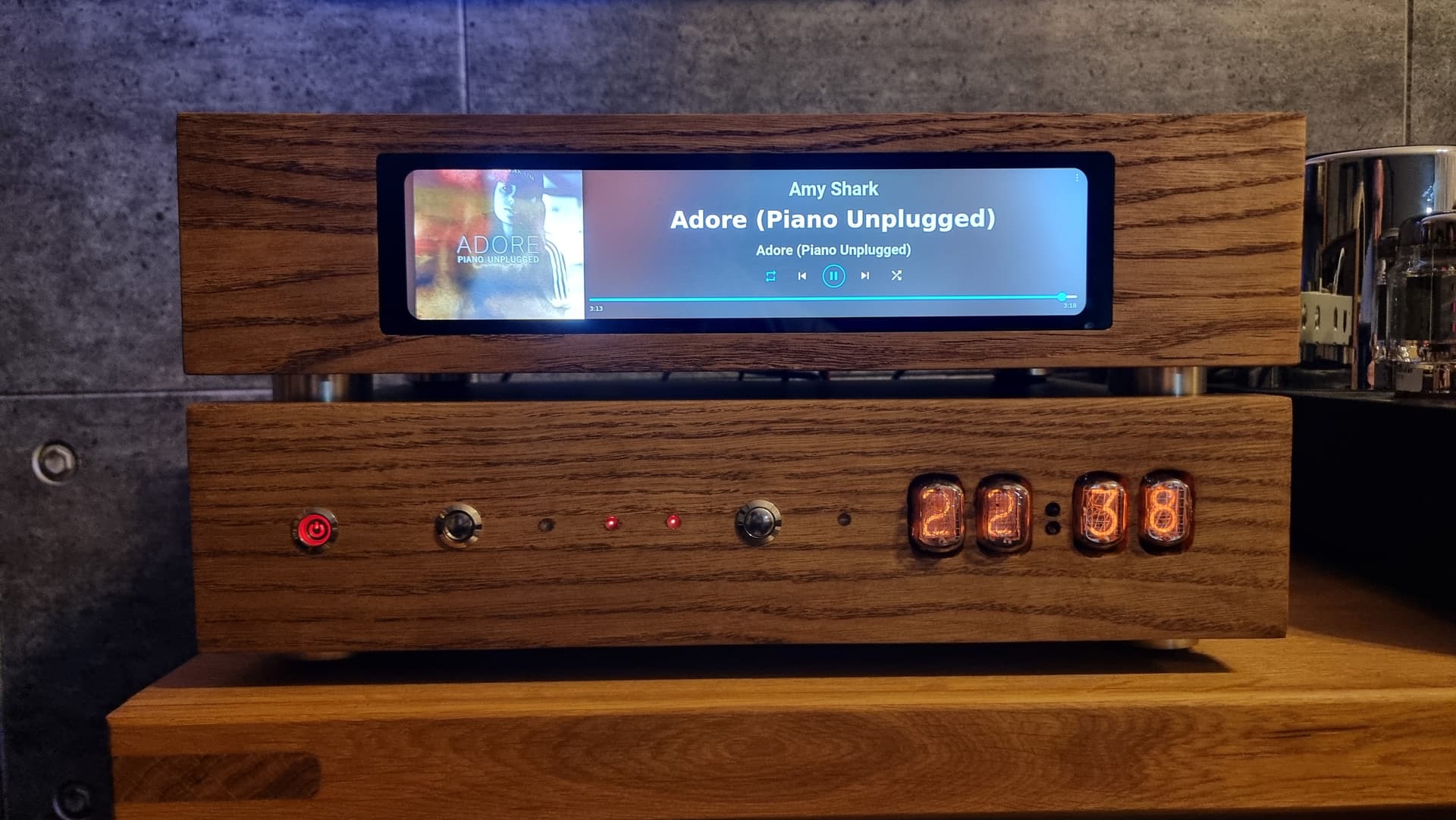
If you asked about working Waveshare 11.9" - my started to work on next firmware 3.584 ( but now it is Beta ver. ). I use it because it was my problem solution.
It would be nice to have a brief sum up of what’s been modified to get it to work. I’ve just picked up the 7.9" display; effectively the same albeit smaller.
I’ve grabbed the beta (3.584) and the display seems to work. Only issue is the touch mapping is off/still orientated for a portrait layout, and I don’t see where that particular tweak is in this thread after a few up and down skims.
TIA
Here was solved 7.9" Pi5 issue .
and here is source by @gvolt :
1 Like