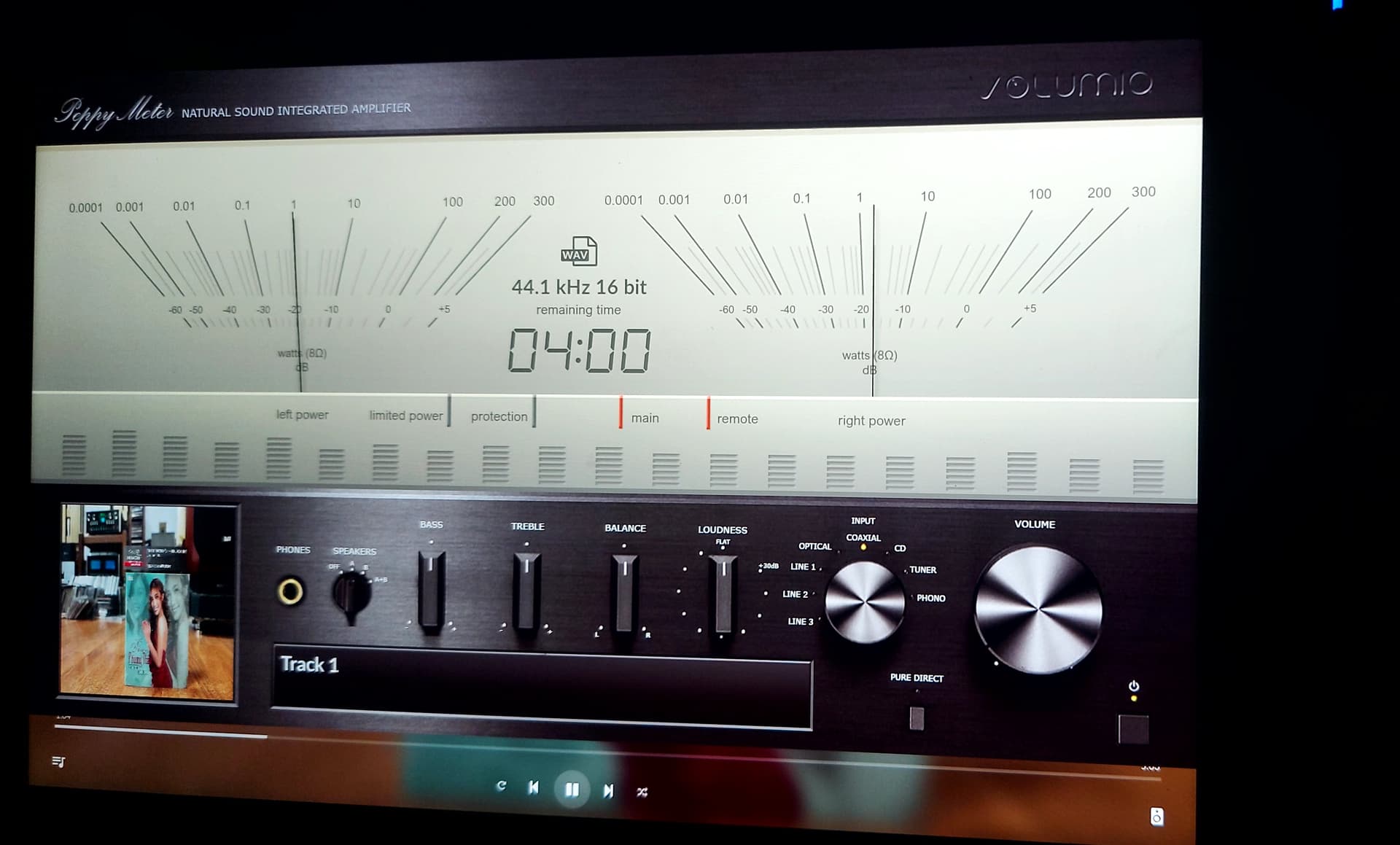
hi volumio’s frieds!
i installed the peppybasic plug in on my volumio RPI 4 ver 3.812 but don’t work very well,
start and stop in different moment and when start after e few second stop! Why???
Can you halp me?
and it’s possible use peppy on screensaver?
Danke
Your posting in in the wrong topic. This is Peppy_meter for x86.
For rPi there are 2 version:
Peppy_Meter, Which doesn’t run well on a x86.
Peppy Meter basic., which supports both rPi and x86.
Make sure to post in the correct topic.
ok… sorry!
Here’s the English translation of your passage:
Hello everyone,
I’m a new user. I’ve reviewed your 4-step guide and followed the instructions up to step 3. The system automatically rebooted, and I couldn’t complete the remaining step.
Details:
- Volumio version: 3.799
- Python: 3.7.3
- Hardware: NEC PC-VK11FT1 (Celeron N3350, 4GB RAM, 46GB SSD)
- Volumio functions work perfectly otherwise.
Let me know if you’d like any adjustments!
Hi @Phanquynh
Please upgrade to the latest stable version (V3.816) before proceeding.
The Peppy_meter, as discussed in this topic, is not stable on x86 systems since it was originally designed for the Raspberry Pi platform.
We recommend trying PeppyMeterBasic instead.
A post was merged into an existing topic: X86 Hardware issues (Graphics, WiFi, Onboard Sound, external DACs, Disks, BIOS/UEFI Boot problems etc.)
"I followed your instructions, and the machine worked (spun) for the first time. However, when I restarted it, the machine returned to its original state. Could you help me check where the issue might be?
I also installed Peppymeter as per your instructions. The plugin appears, but the screen isn’t working.
Everything was installed via Putty."
http://logs.volumio.org/volumio/atq4wxT.html
I am pretty sure you didn’t install “PeppyMeterBasic”
1 Like