Installed the following plugins
Now Playing
MPD HTTP Icecast and enabled HTTPStream
Stylish Player (1.1.68)
about-gpu-2026-05-11T13-59-24-208Z.txt (43.9 KB)
followed your instructions.
Copy of GPU report attached
5. kiosk still looks the same on the Volumio server machine
Another question.and apologies for being like Oliver Twist (always asking for more)
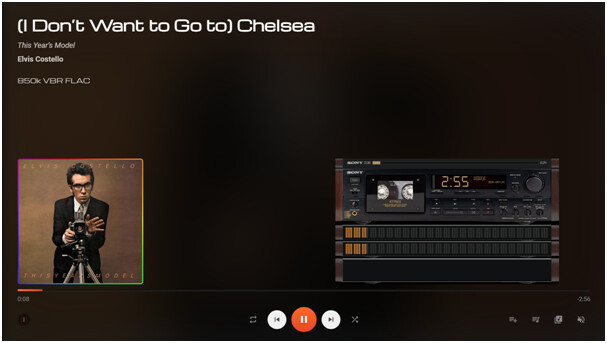
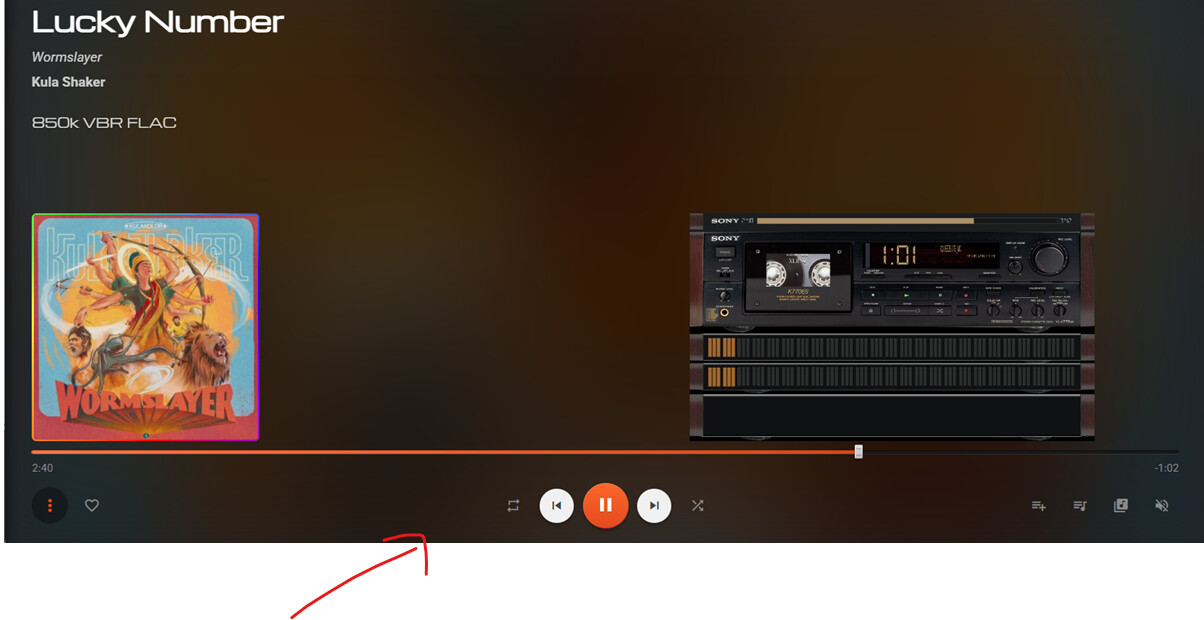
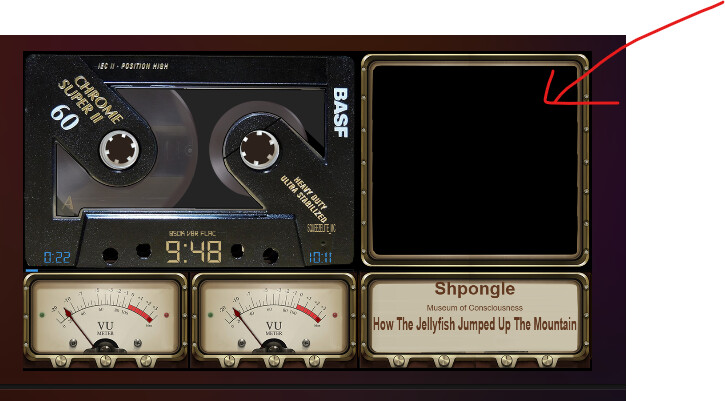
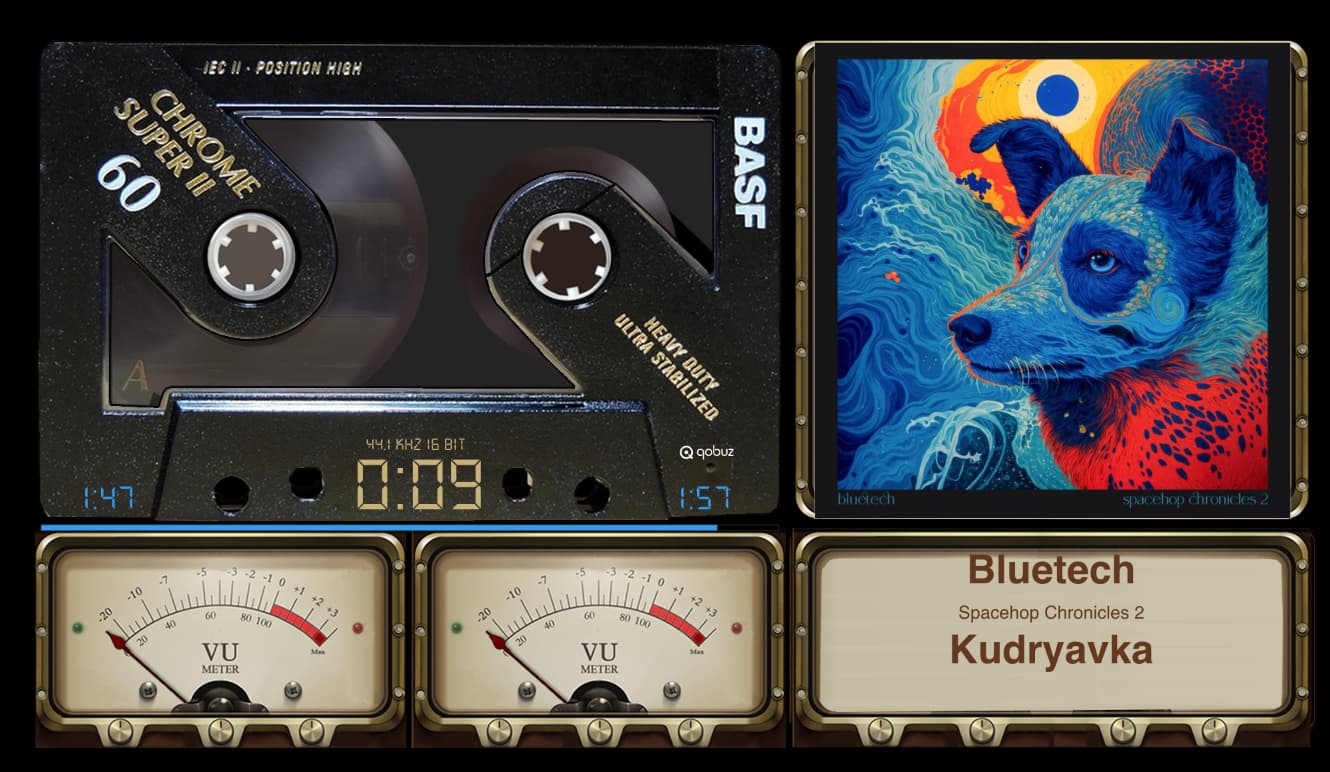
Is it tecnically possible to add the album art to relevant Peppymter templates where the template has an area set aside for it ? The track details are alraedy there.
Try restarting the plugin or even rebooting the Volumio device to make sure new version is in effect. If the settings page was already loaded, you would need to refresh it.
Let me check on the Peppy screen, it should already be loading album art, bit rate, other details. Some of those Peppy zip files have bad data in them so some models may not be working. I don’t maintain the zip files.
So I think that the issue is only when I use Volumio as a Squeezelite client so not something in your plugin per se. It seems to be OK sending the audio stream to Volumio as a UPnP renderer
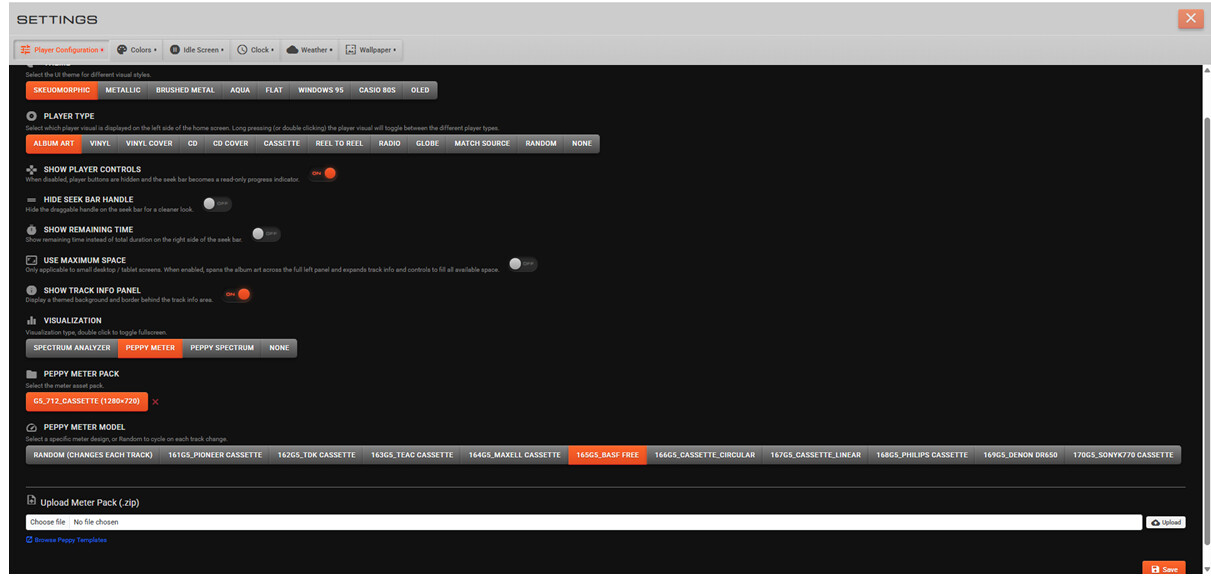
I’m having a problem with some of the Peppymeter packs
e.g. the downloaded zip file 1280x800_g5_420_meters has been set up with more than one folder level. I can see this when I look at the zipfile in 7Zip
Downloads\1280x800_g5_420_meters\1280x800_g5_420_meters\1280x800_g5_420_0120
Looks like your code understandably does not expect any additional folder levels.
I tried to create a new zip file with only the files in one folder level
Downloads\MyMeters2.zip which contains one level of folder MyMeters2 with the template files.
Although it uploads no template choices are displayed
settings acreen message “Pack uploaded and extracted successfully.”
Worked for me. I uninstalled old version, installed new version. Restarted device, played directly from web browser + Spotify connect. I have 2 devices, 1 PC and 1 Raspberry Pi. Worked on both.
Also try stopping and starting Spotify plugin.
PS: I found that when the device is inactive for a few hours, Spotify completely drops out of the list of sources in Volumio (nothing to do with my plugin). I had to stop and start Spotify and choose a different playlist then it works.
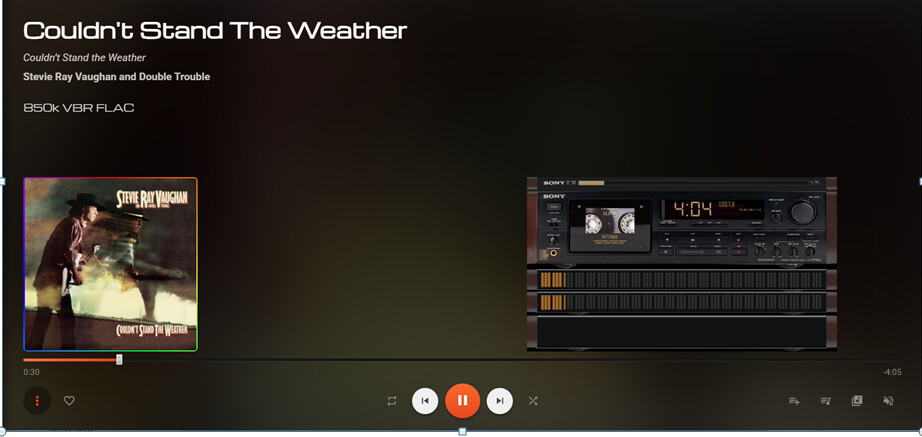



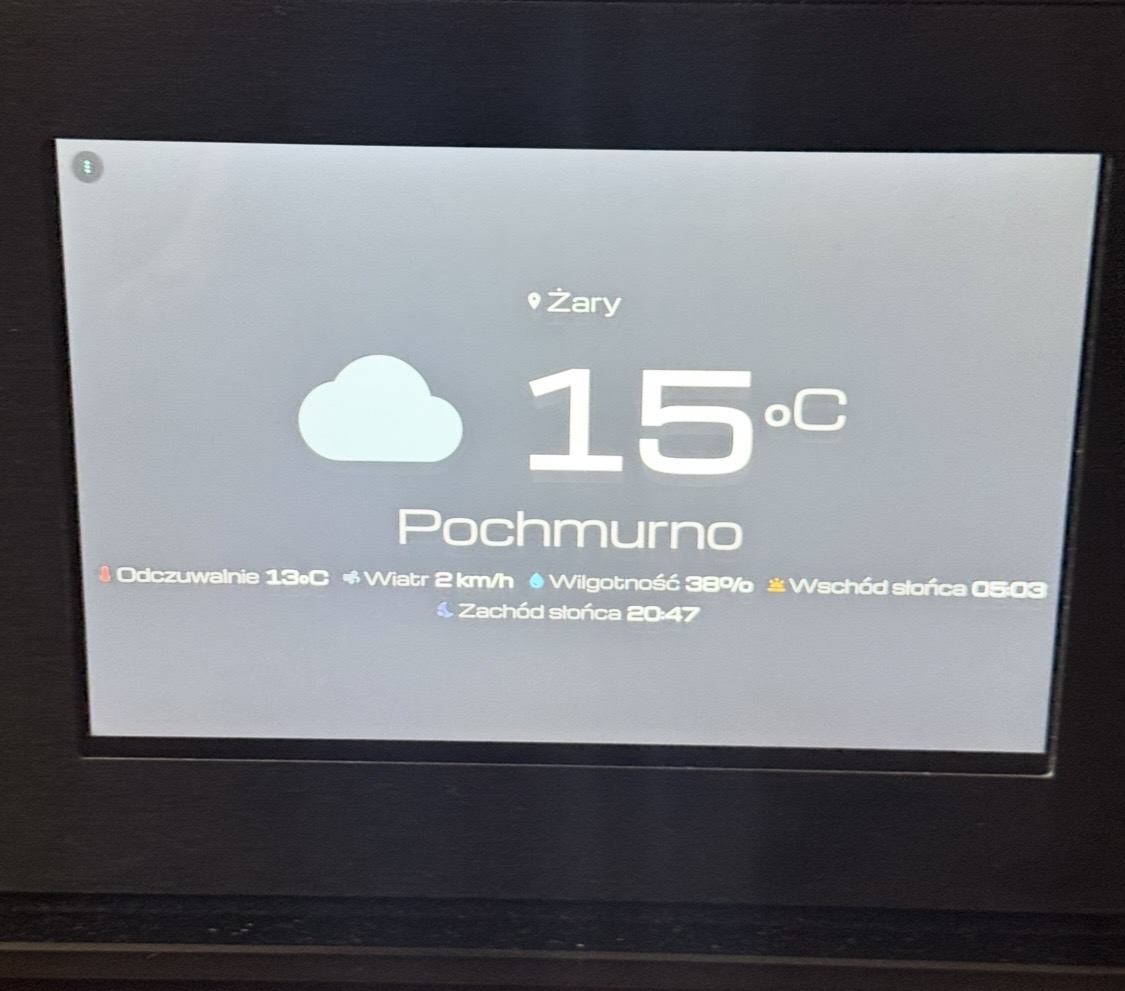
 there is no weather