Currently in Beta hoping for feedback from you all. Can view used on any device with a browser (default URL is http://volumio.local:3339), minimum usable width is about 800px.
Feature list
Screenshots
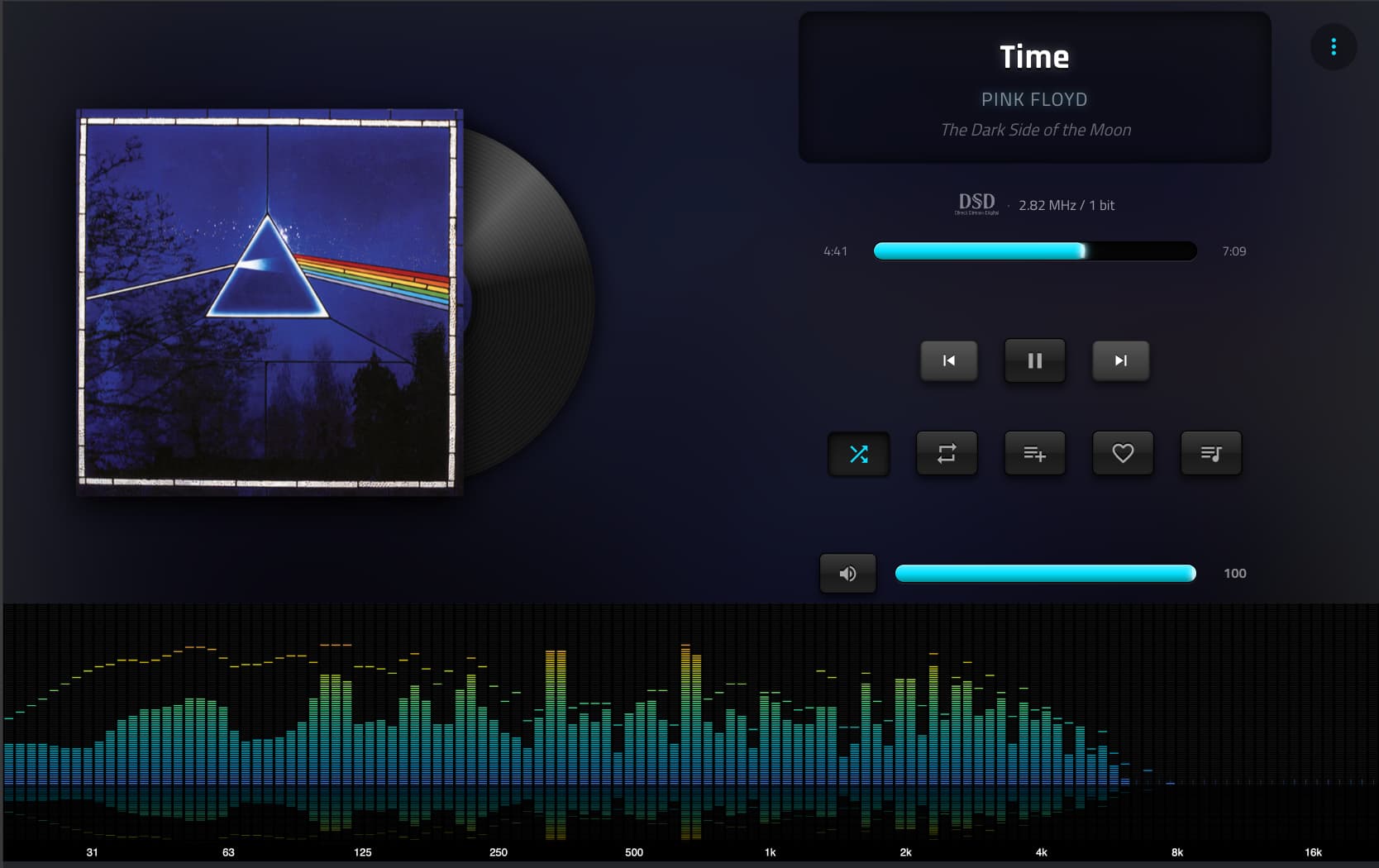
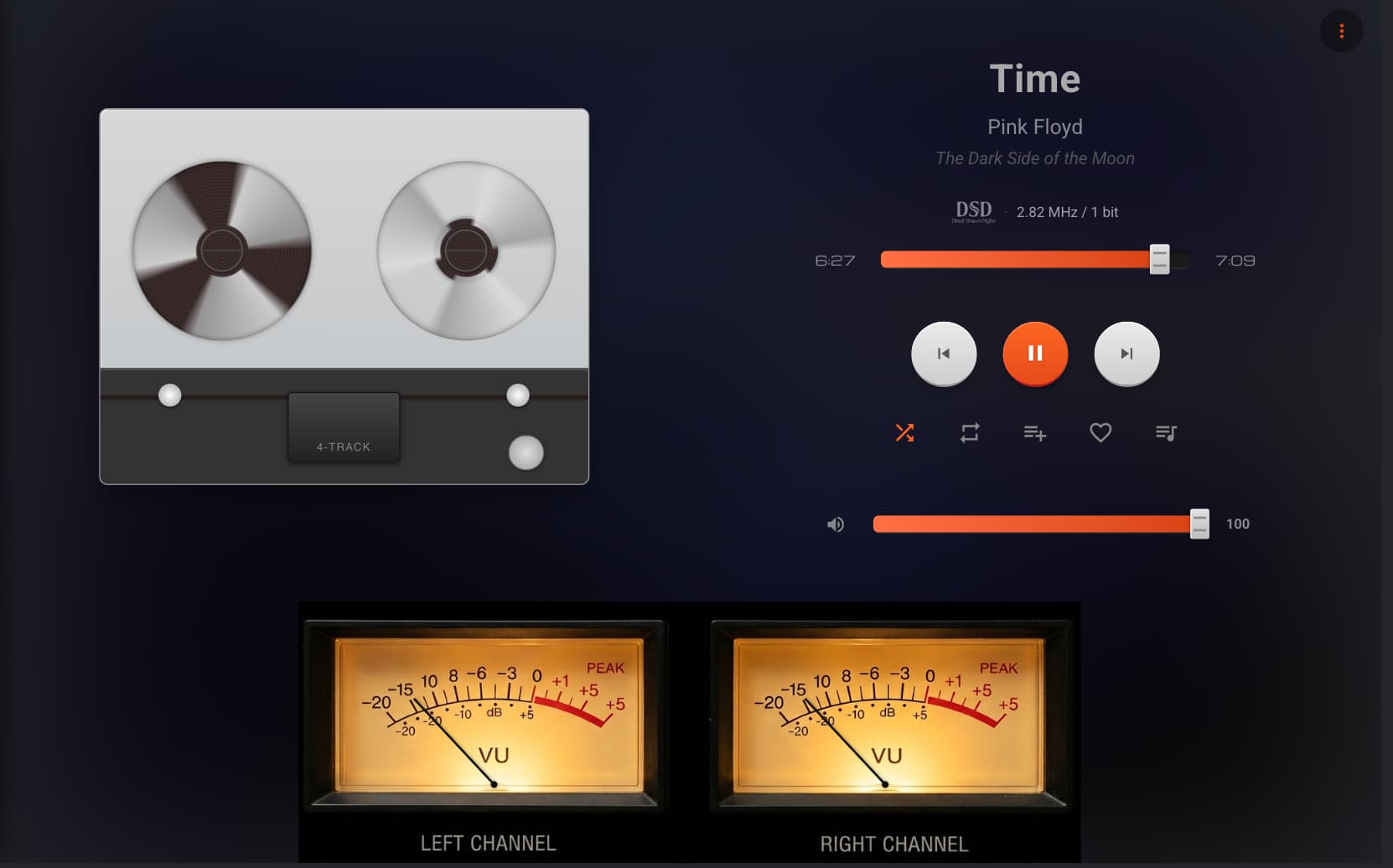
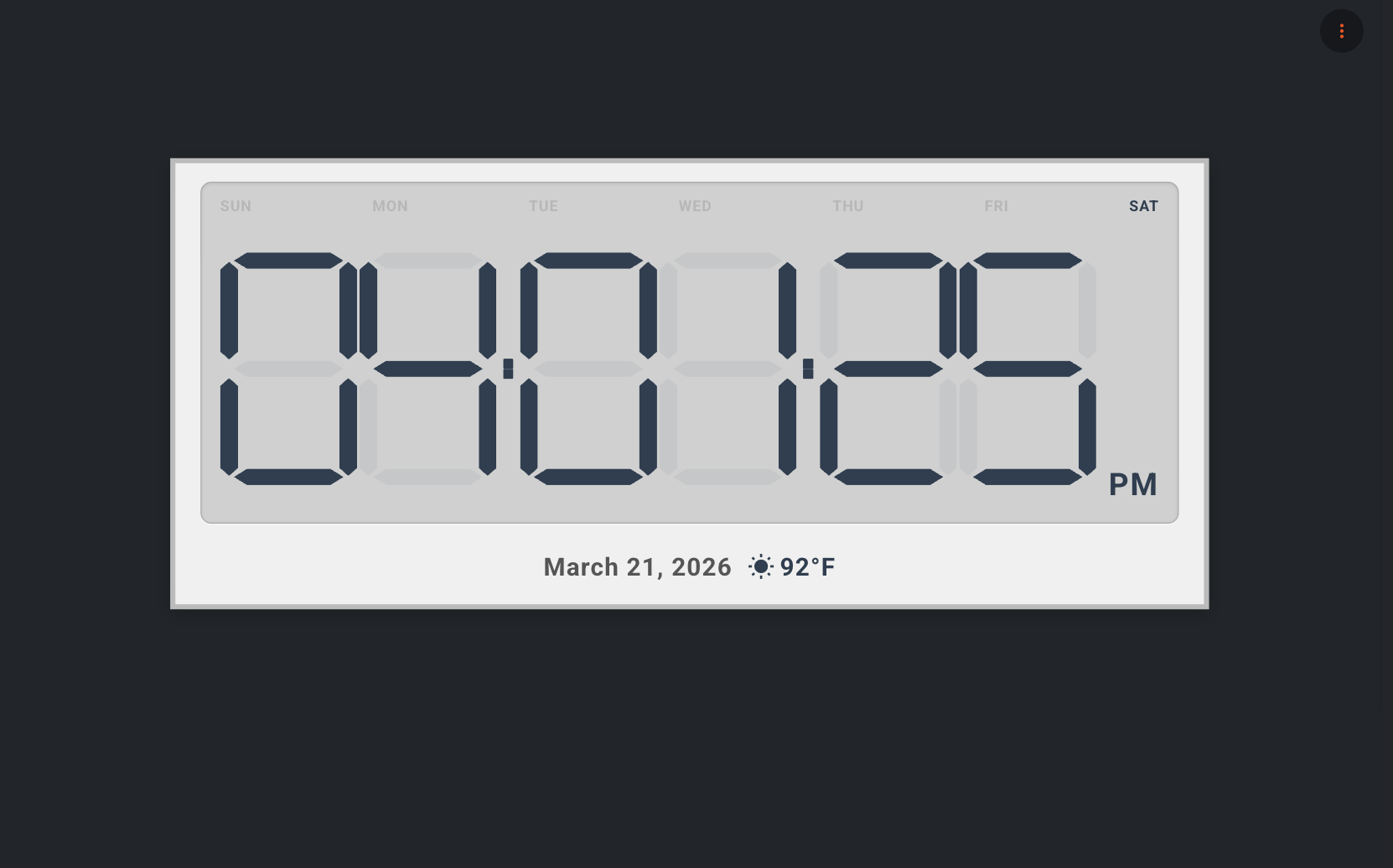
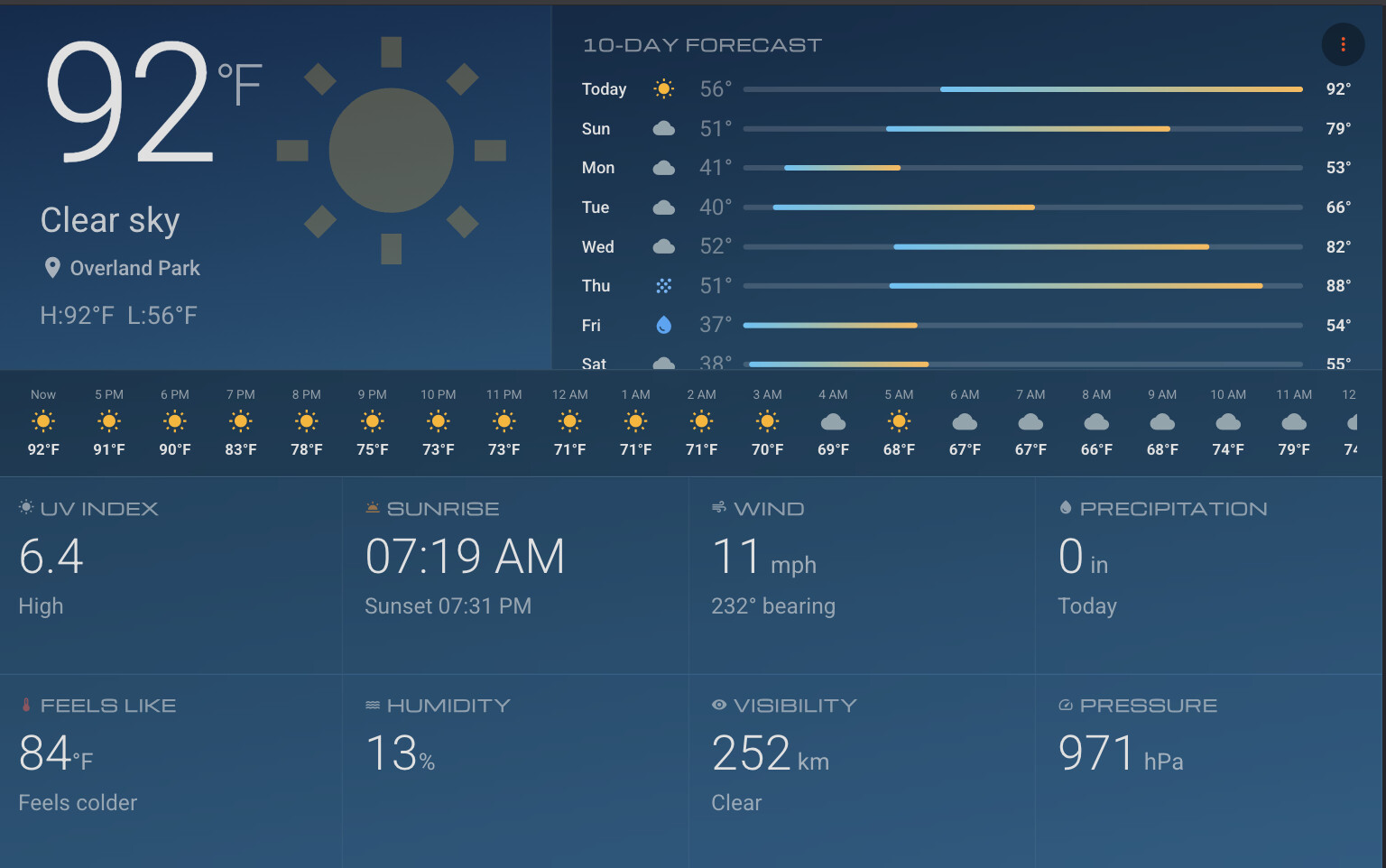
Idle Screens
Currently in Beta hoping for feedback from you all. Can view used on any device with a browser (default URL is http://volumio.local:3339), minimum usable width is about 800px.
Feature list
Screenshots
Idle Screens
This is in Beta channel now. @matteo.tonini @Lee.Yan @Darmur
Have tried the plugin. I now seem to be unable to return to contemporary layout. I have uninstalled the plugin, done an update on volumio. It looks as though it’s a re-flash that’s needed.
Have you checked the logs? If you can ssh just remove the /data/plugin/user_interface/stylish_player directory.
Did you by any chance install the MPD plugin along with modifying the MPD.conf file for the visualizer? That was causing problems for me yesterday.
This plugin just starts another webserver at port 3339 it doesn’t change anything in the Volumio system.
There is also a menu in the plugin screen on the top right side. Have you used that to exit?
Thanks for feedback.
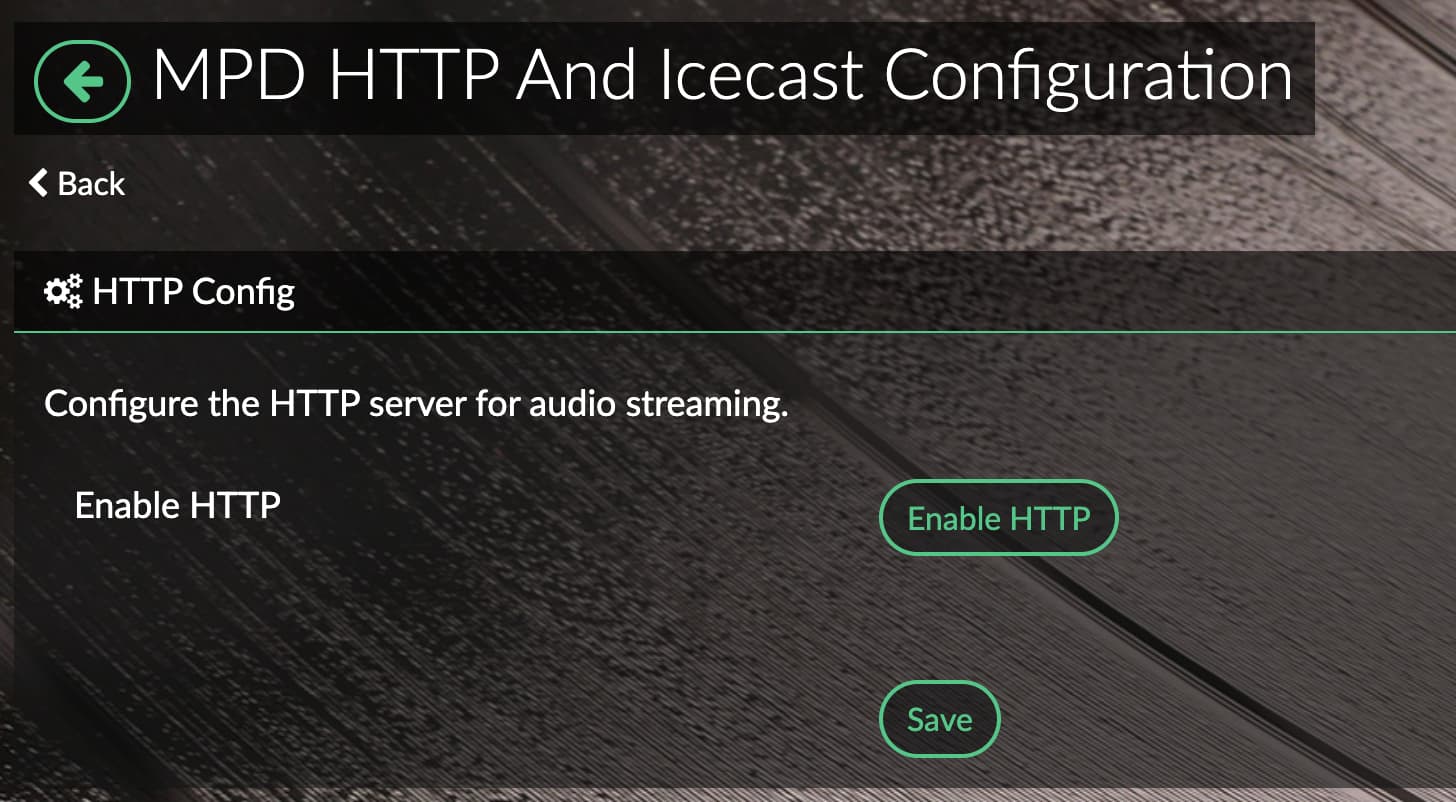
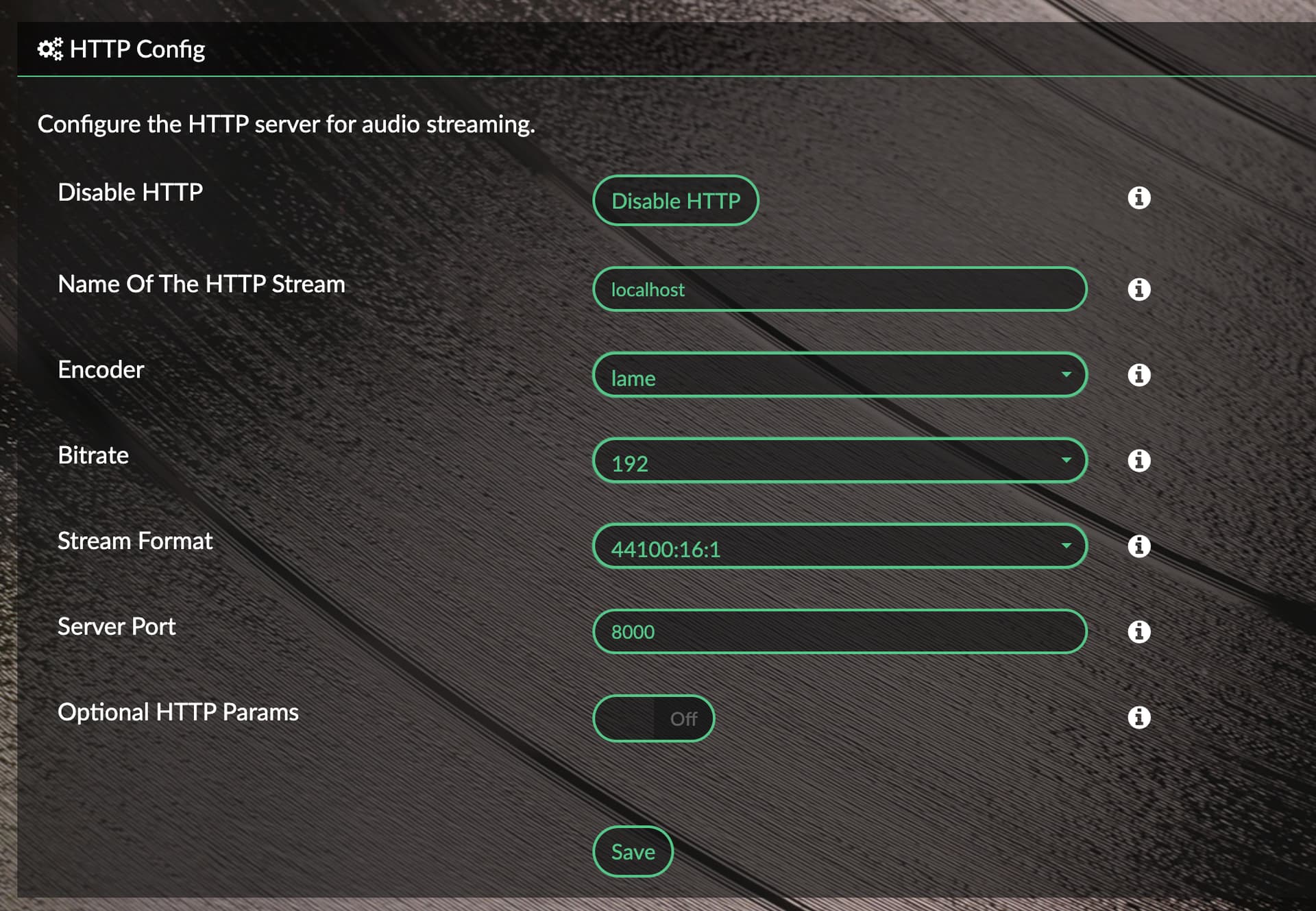
Check this config change needed to make it work. (If you have installed the MPD plugin then do not do it otherwise it will crash)
The change exposes the music stream on port 8000 for the equalizer to work. What device is that screen running under? It requires hardware acceleration enabled (should be already on a Raspbery Pi) to function smoothy too. The visualization uses real music data to show the bars.
Please retry as per my instructions on the above post after updating the conf file.
@maniekok3 Did you try adding MPD settings? Did it work?
I’m a layman, I don’t know anything about it, I installed the plugin and it doesn’t work
OK. The Visualizer needs the audio stream access to work.
Try installing “Mpd Http & Icecast Output” plugin from “Audio Interface” section
Port should be 8000
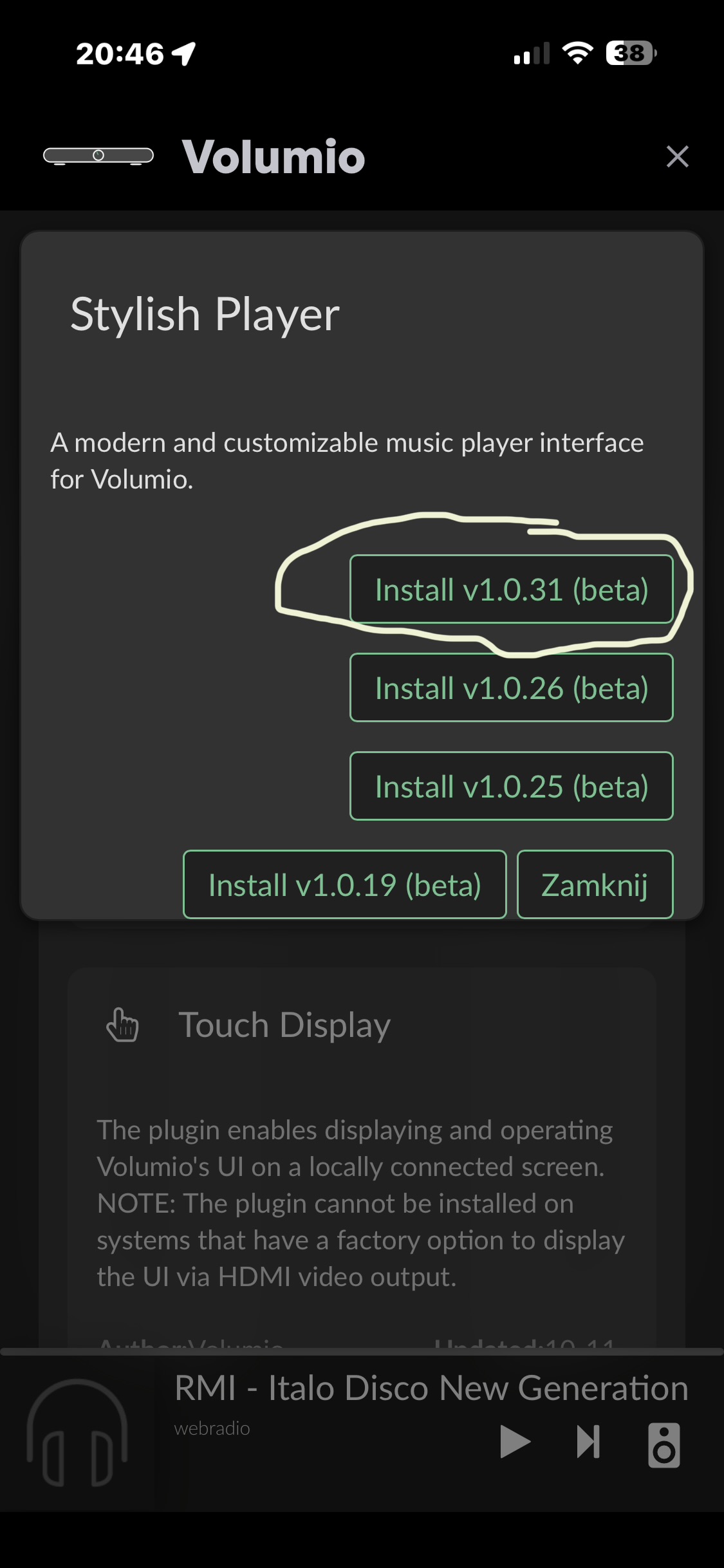
I installed this plugin, still nothing
Open this in a new tab on the same tablet. When you play music on the Volumio, after a few seconds, there should be music coming on this player
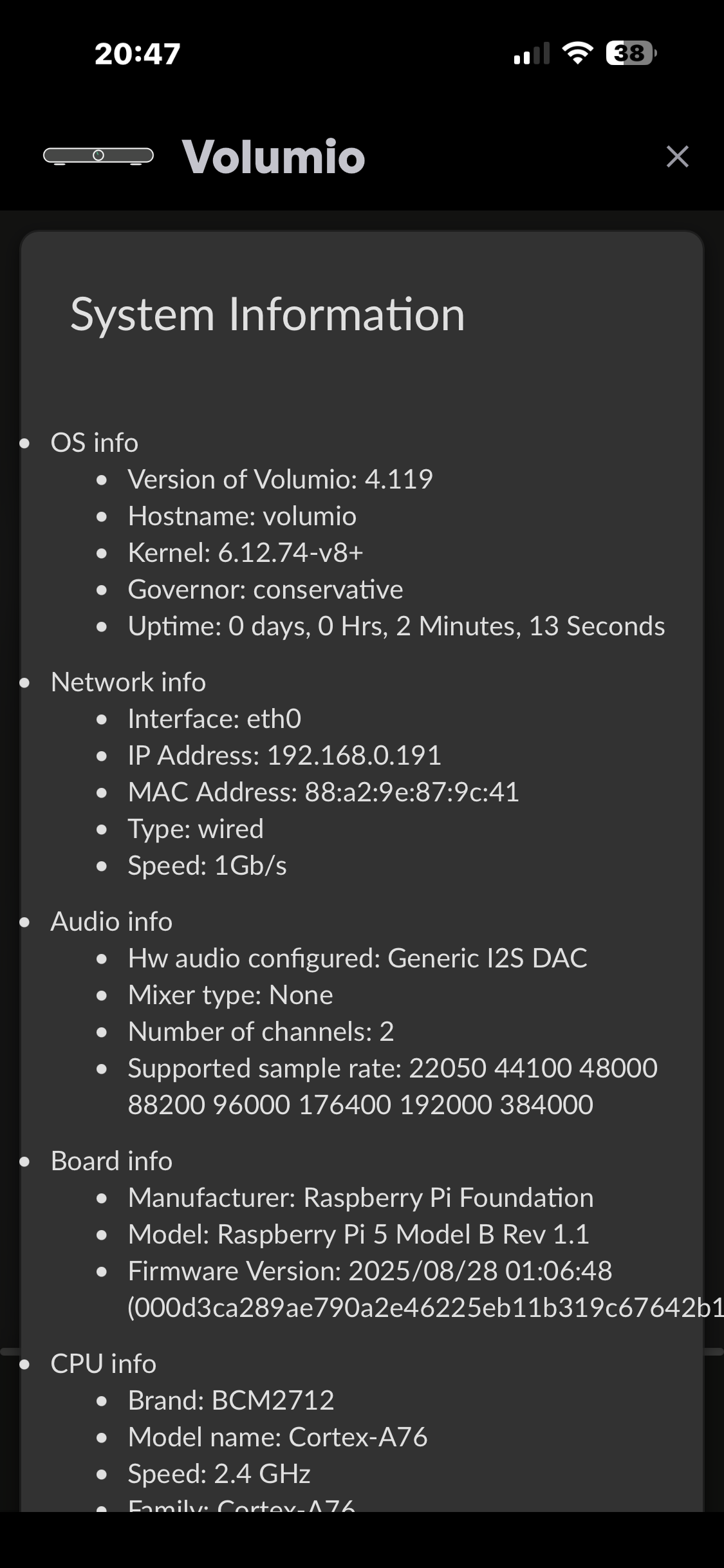
OR http://192.168.0.191:/8000/ (or whatver your current Volumio IP address is)
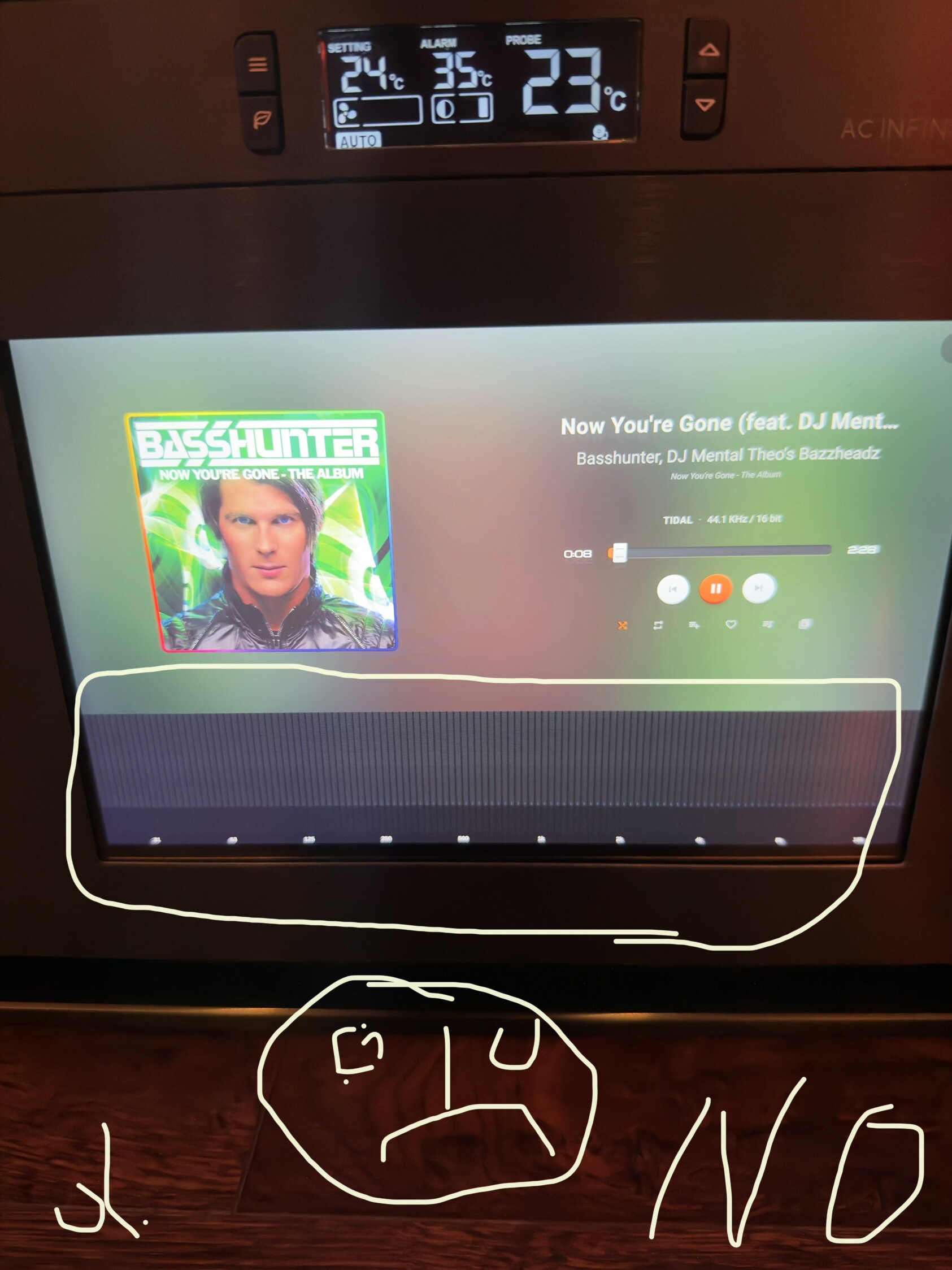
I installed the MPD plugin, but the Spectrum Analyzer doesn’t work. Has it worked for anyone? I haven’t had time to try editing the config file.
The volume control in the plugin does not work.
I set it up as you showed in the pictures and it still doesn’t work.
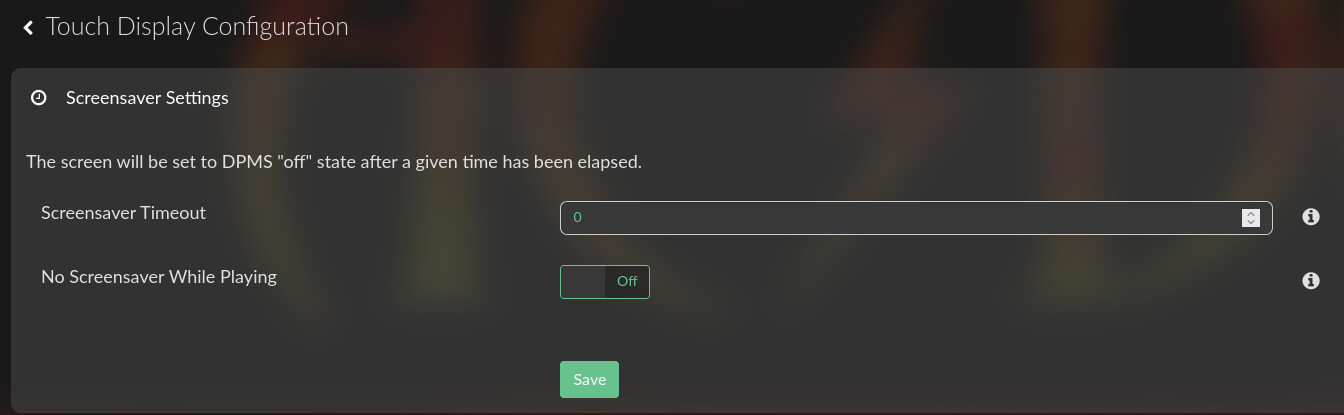
Everything works (album cover, vinyl, etc.) except for the spectrum analyzer. And the screen turns black after about two minutes. You have to touch the screen to turn it back on.
Looks like the spectrum analyzer won’t work for all streaming services as it relies on mpd. I am looking into alternatives and waiting on more input from @balbuze on how to make it work for everything.
For me it works for local FLAC, UPnP renderer, Web Radio - and it worked for me flawlessly as long as the browser supports webgl audio. My iPad doesn’t but everything else is.
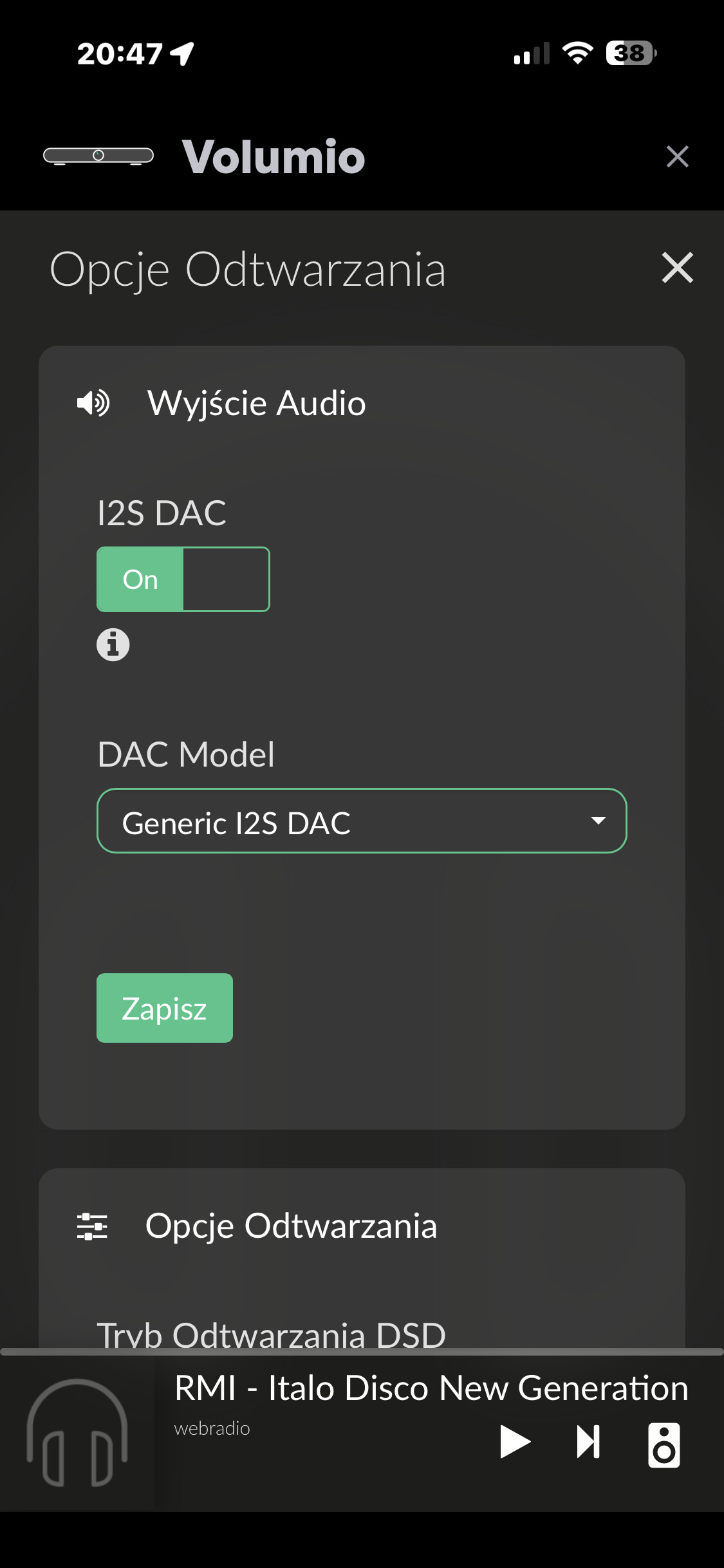
The volume control won’t work either unless the mixer is software. My native Volumio volume slider also does nothing when I am using hardware mixer. It means you are sending a fix volume to the DAC / amplifier.
I have it set like this and it turns it off