Yes. Check out 1.1.74 version in the beta channel (enable beta from here http://volumio.local/dev)

Change this setting to OFF.
Yes. Check out 1.1.74 version in the beta channel (enable beta from here http://volumio.local/dev)
Change this setting to OFF.
1.1.78

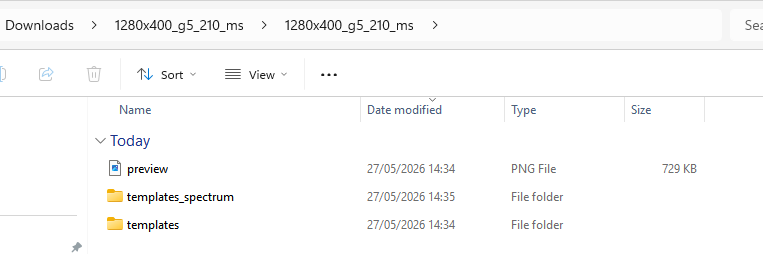
Just seeing this now. Did you create the file yourself? All files I tested with are from the official Peppy_Template github repository
And all of them are 1 level deep. It follows a very strict folder structure and file naming conventions. Please refer to the repo for guidance.
Yep my error. I extracted from the zip once I downloaded and that by default creates a higher level folder of the same name so for example you get
1.1.78 works perfectly  . Cheers
Had to uninstall the plugin - it stopped responding to touch on my 7" pi touchscreen.
The plugin doesn’t change anything in that regard, unless you have Kiosk mode enabled on the Stylish Player plugin.
Were you able to reinstall the latest version and maybe reboot the Pi and try again?
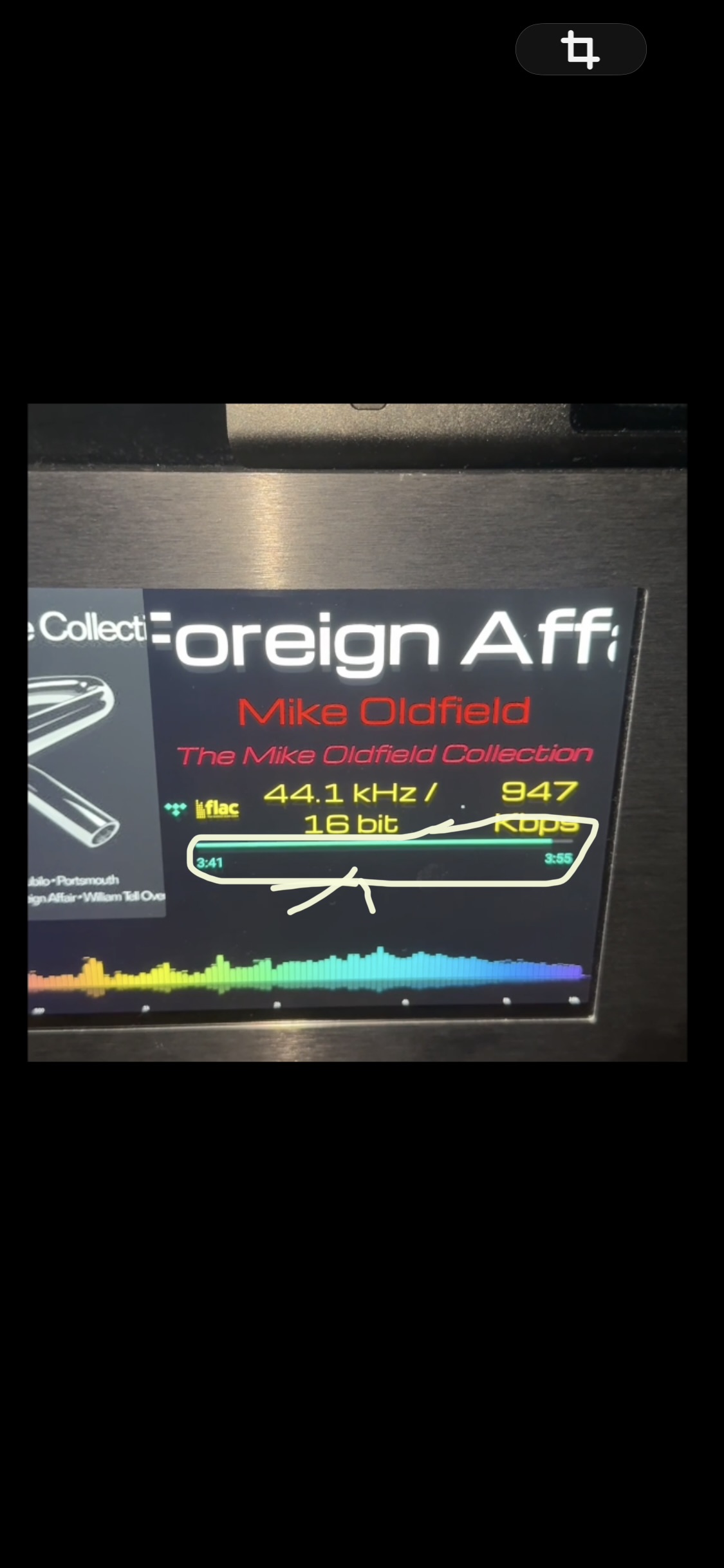
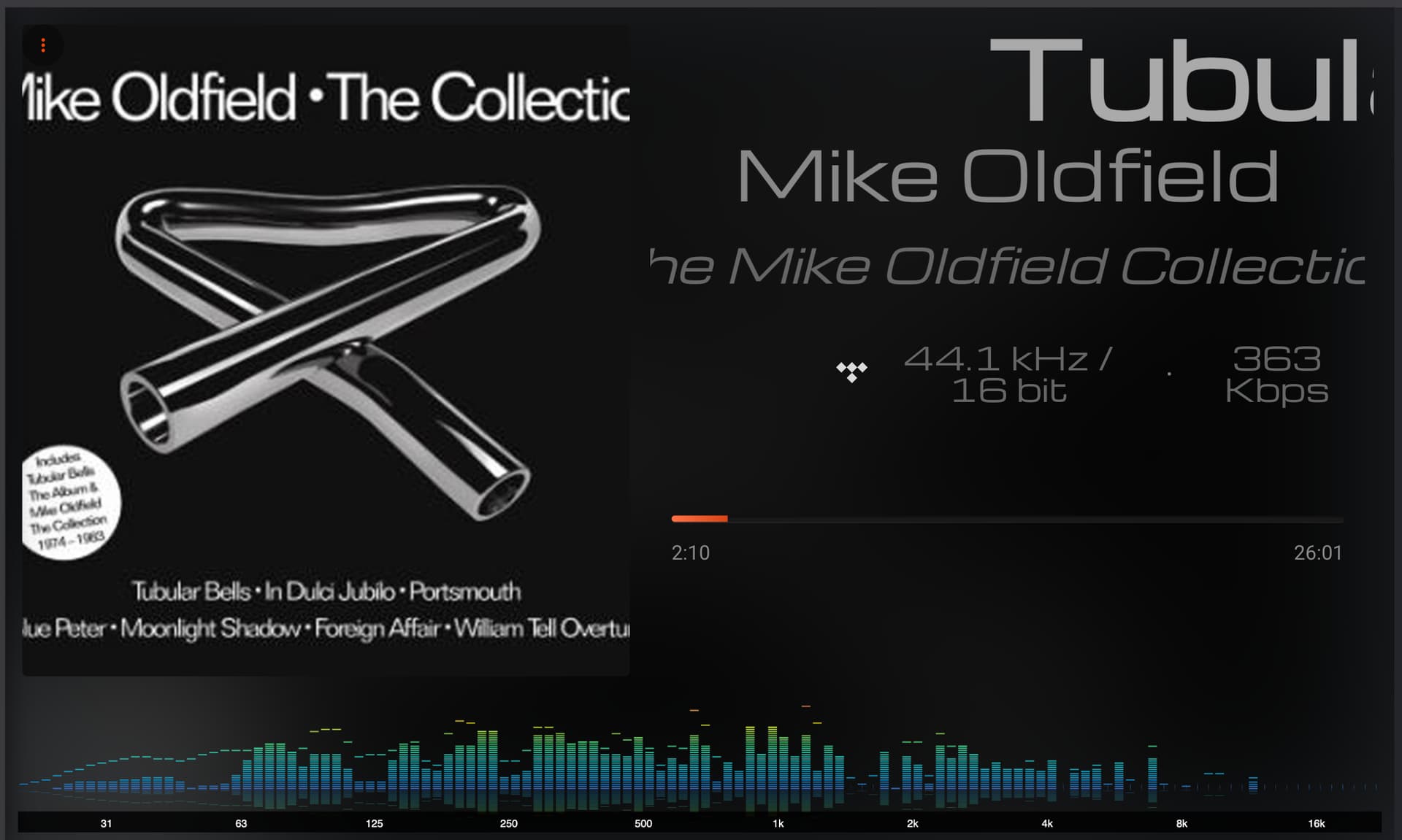
Yesterday everything worked, but today, when the songs end, the kHz-bit-kbps number doesn’t change. It only works when I manually change songs. Restarting, etc. doesn’t help.
I will look into it, as far as I know that wasn’t changed at all. Could be Volumio or your service (Tidal / Qobuz etc)? How are you listening to the songs and what service?
Just tried Tidal / Qobuz / Spotify / Local Flac all work perfectly.
Tidal launched directly in Volumio
So did I.
It’s coming from Volumio pushState bitrate property and changes, with some random value, every time I skip Qobuz or Tidal tracks.
@balbuze any idea why? I can provide logs if needed. Could this be coming from the service provider?
This is a bug in Volumio, it’s in their backlog to resolve it.
1.1.81
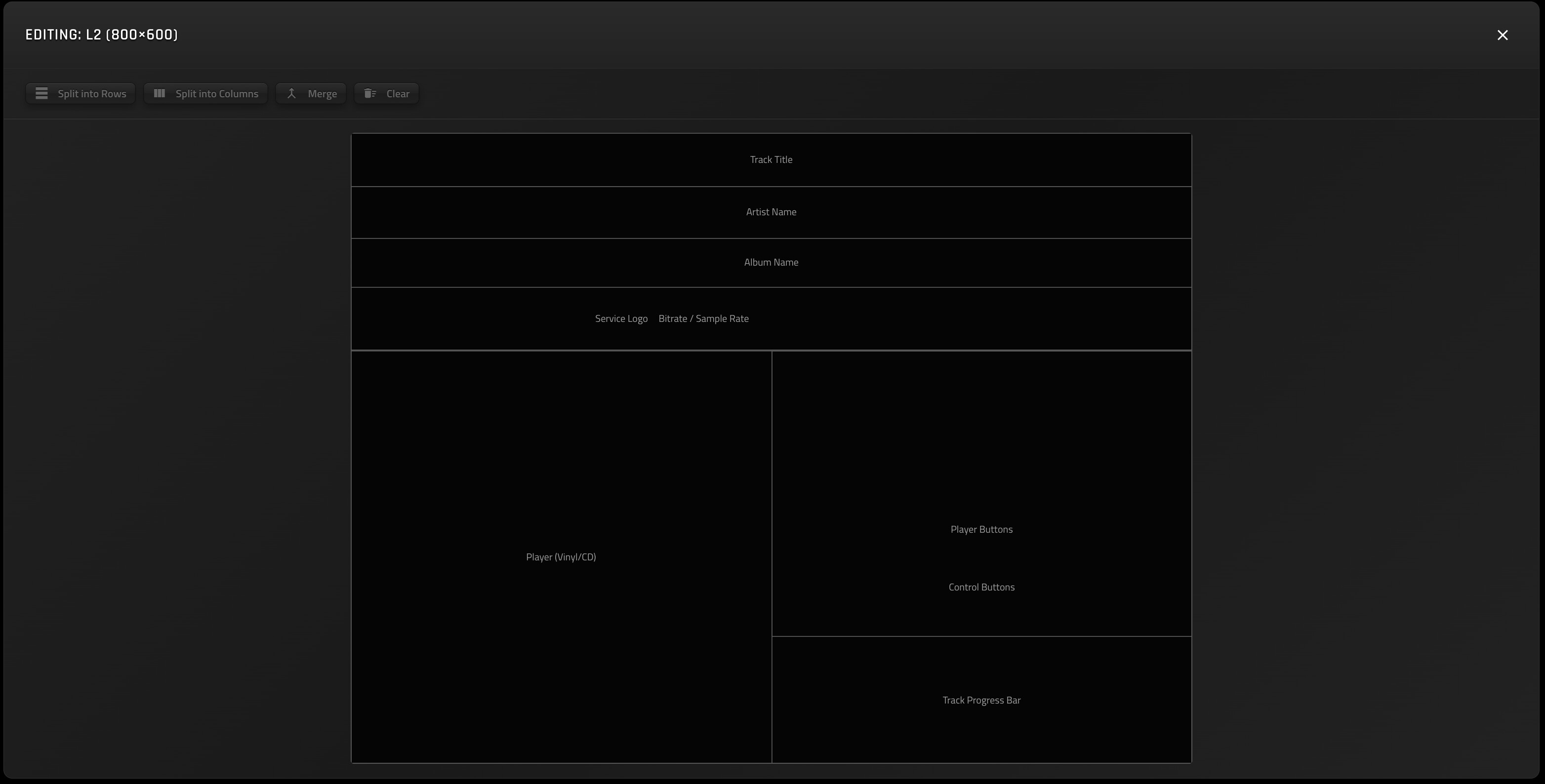
Sample 1
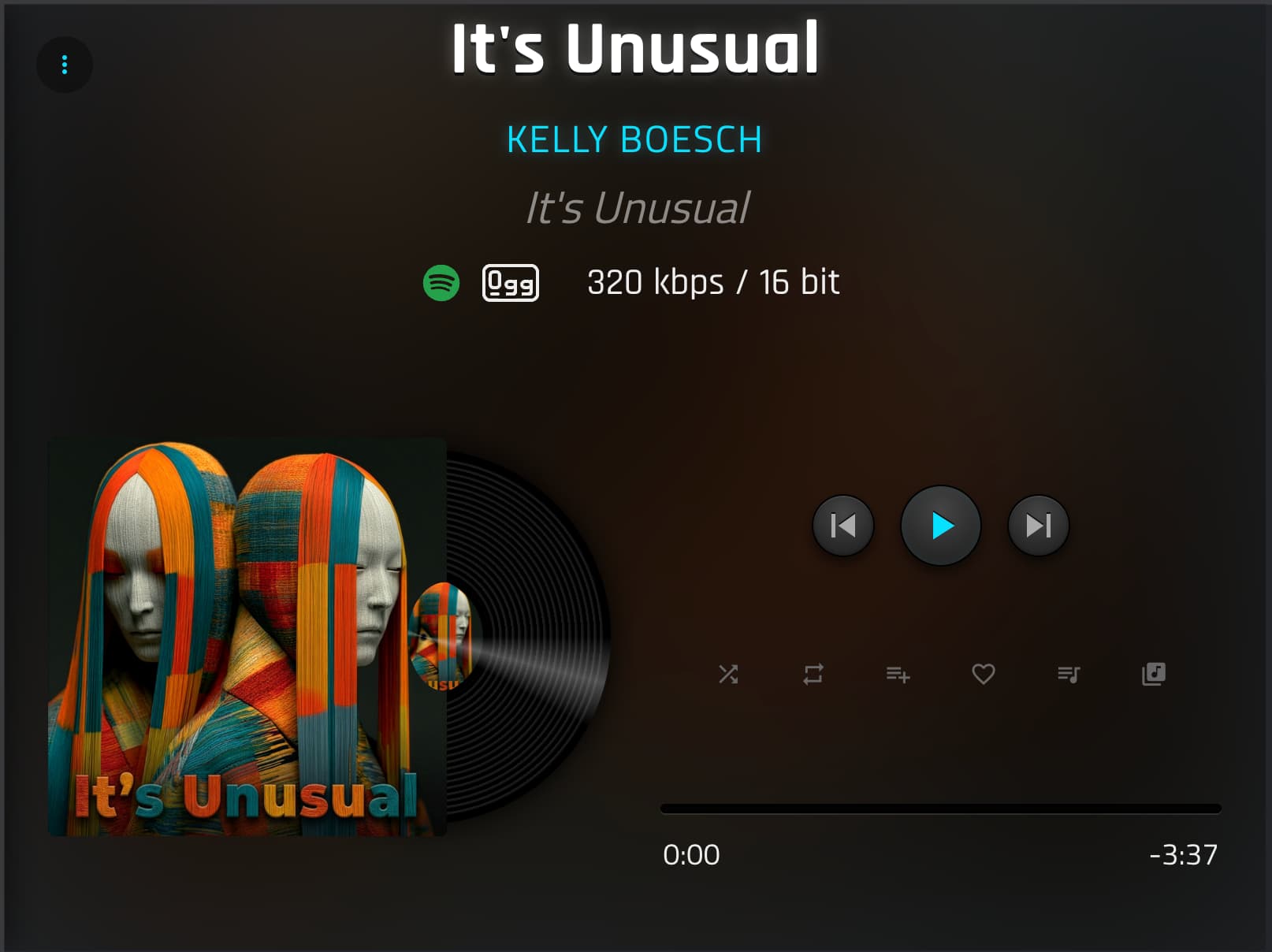
Result 1
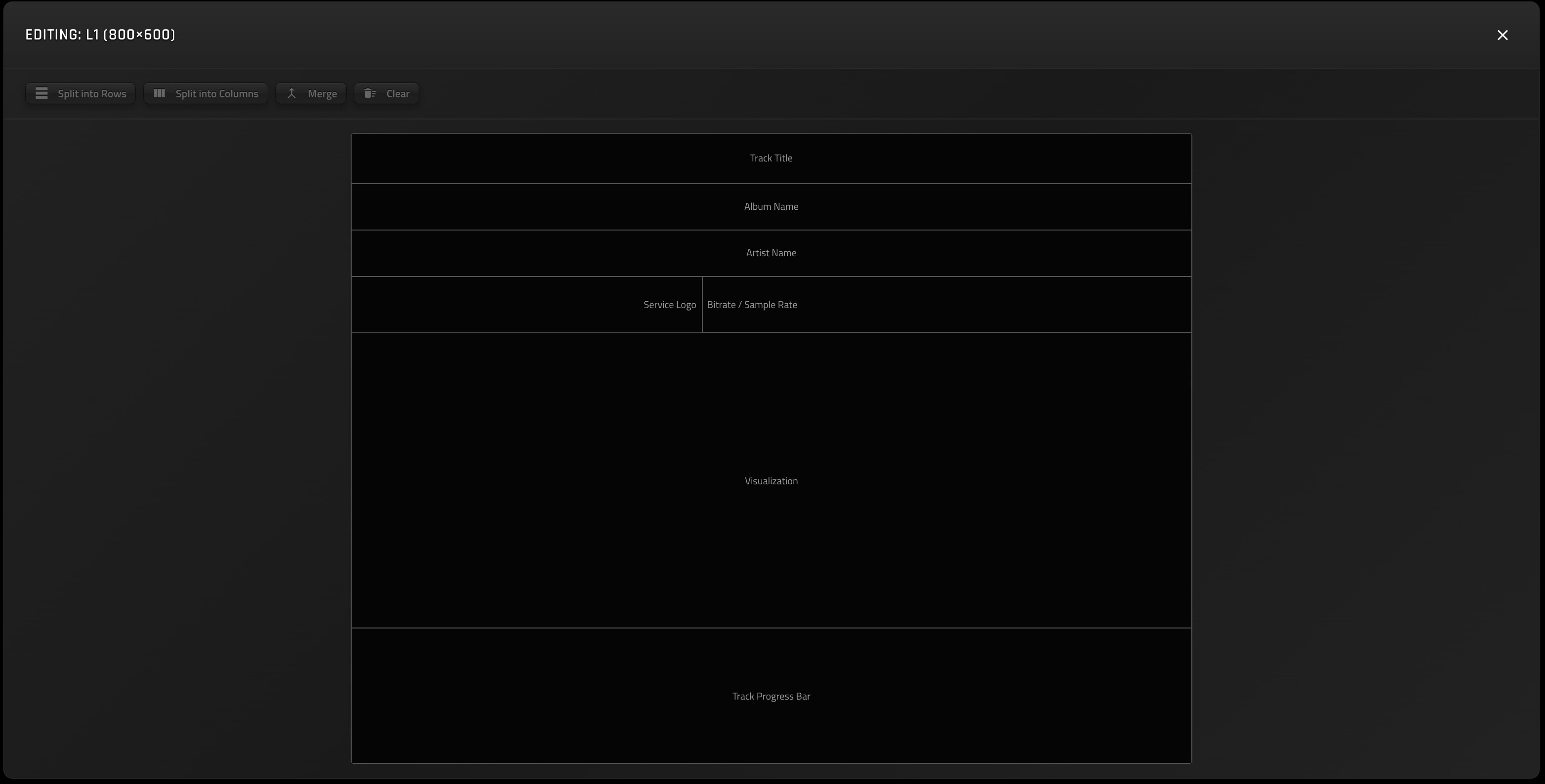
Sample 2
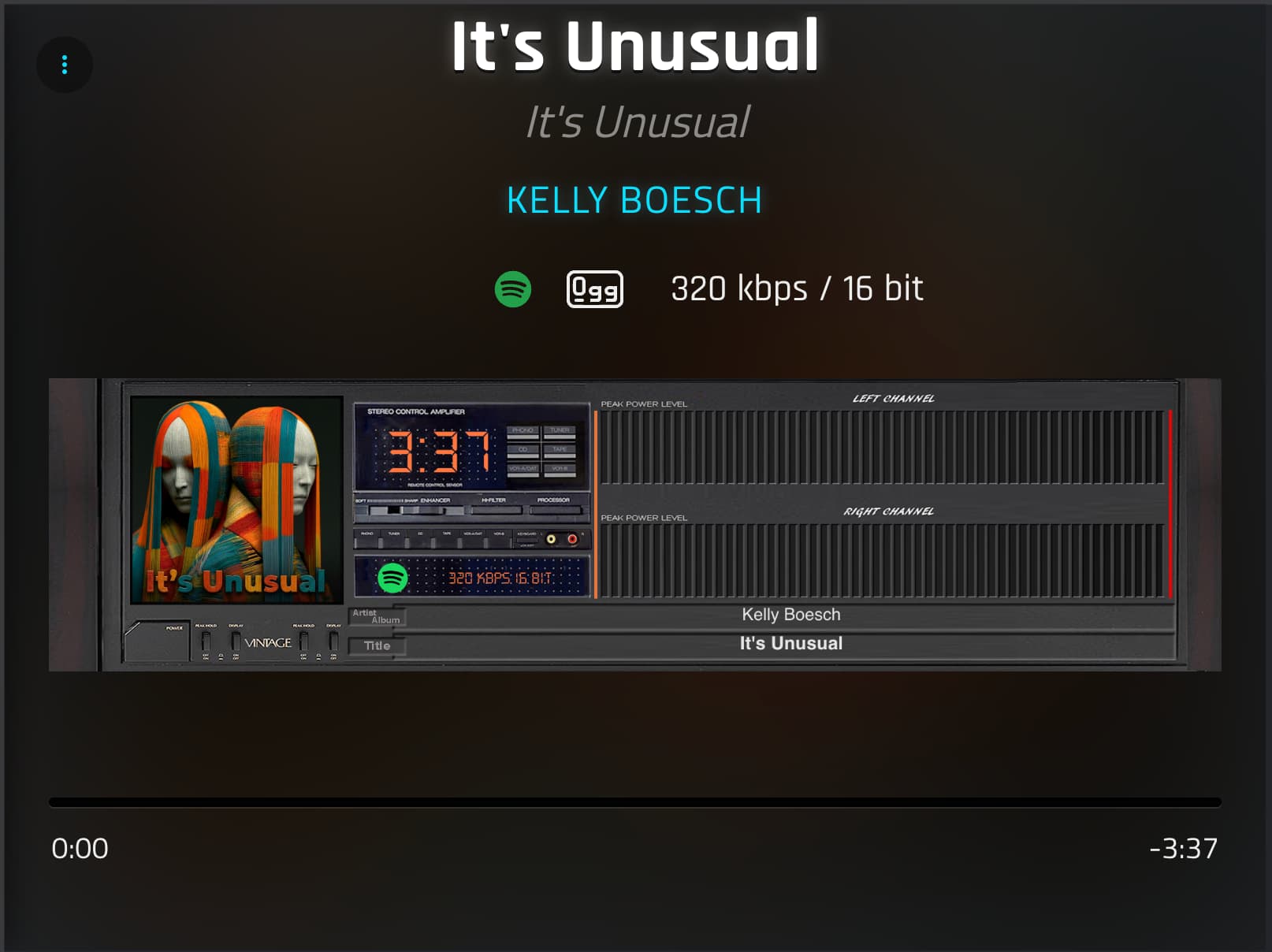
Result 2
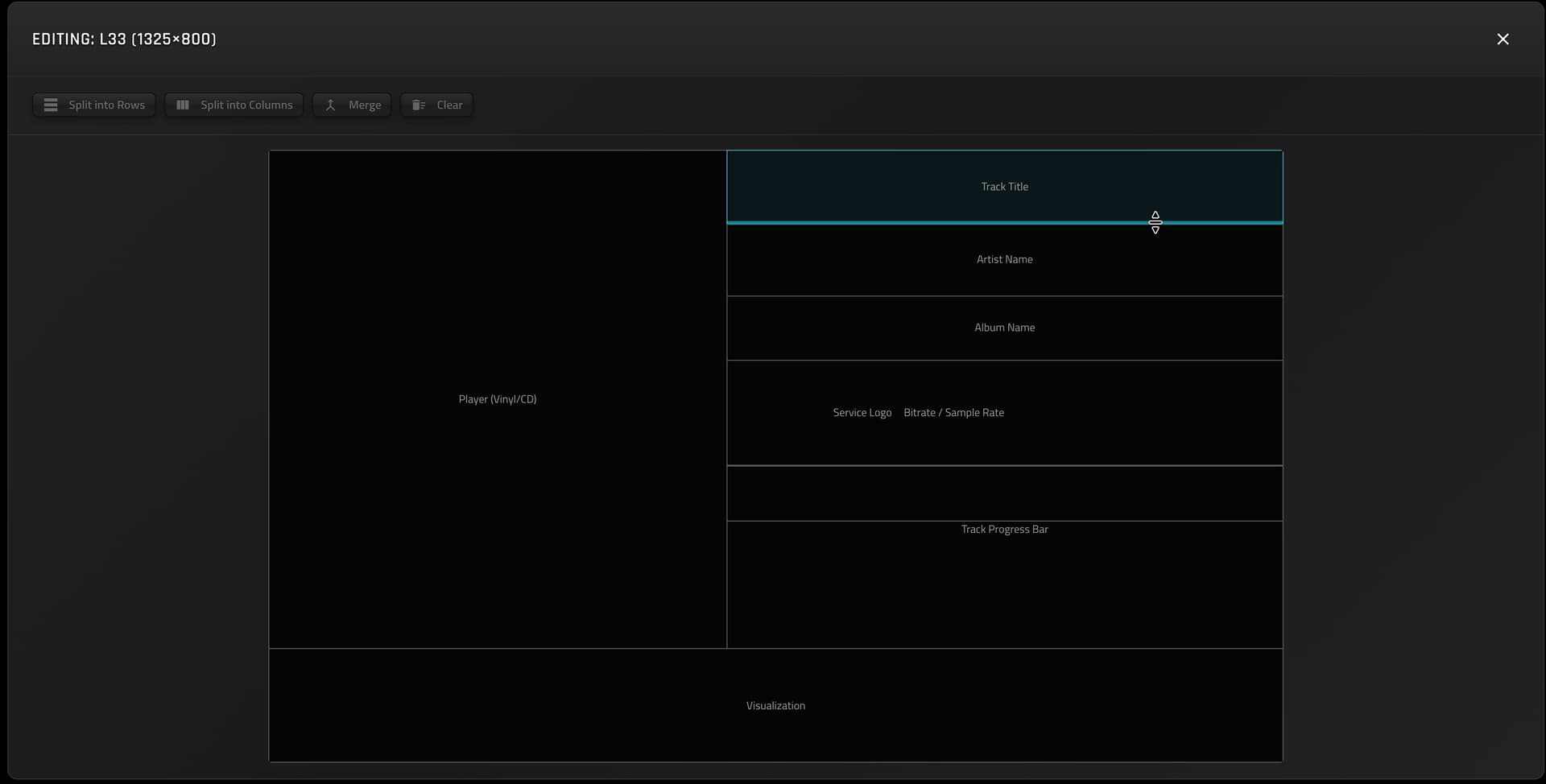
Are you using custom layout? If so send me a screenshot of the layout.