Make this setting OFF
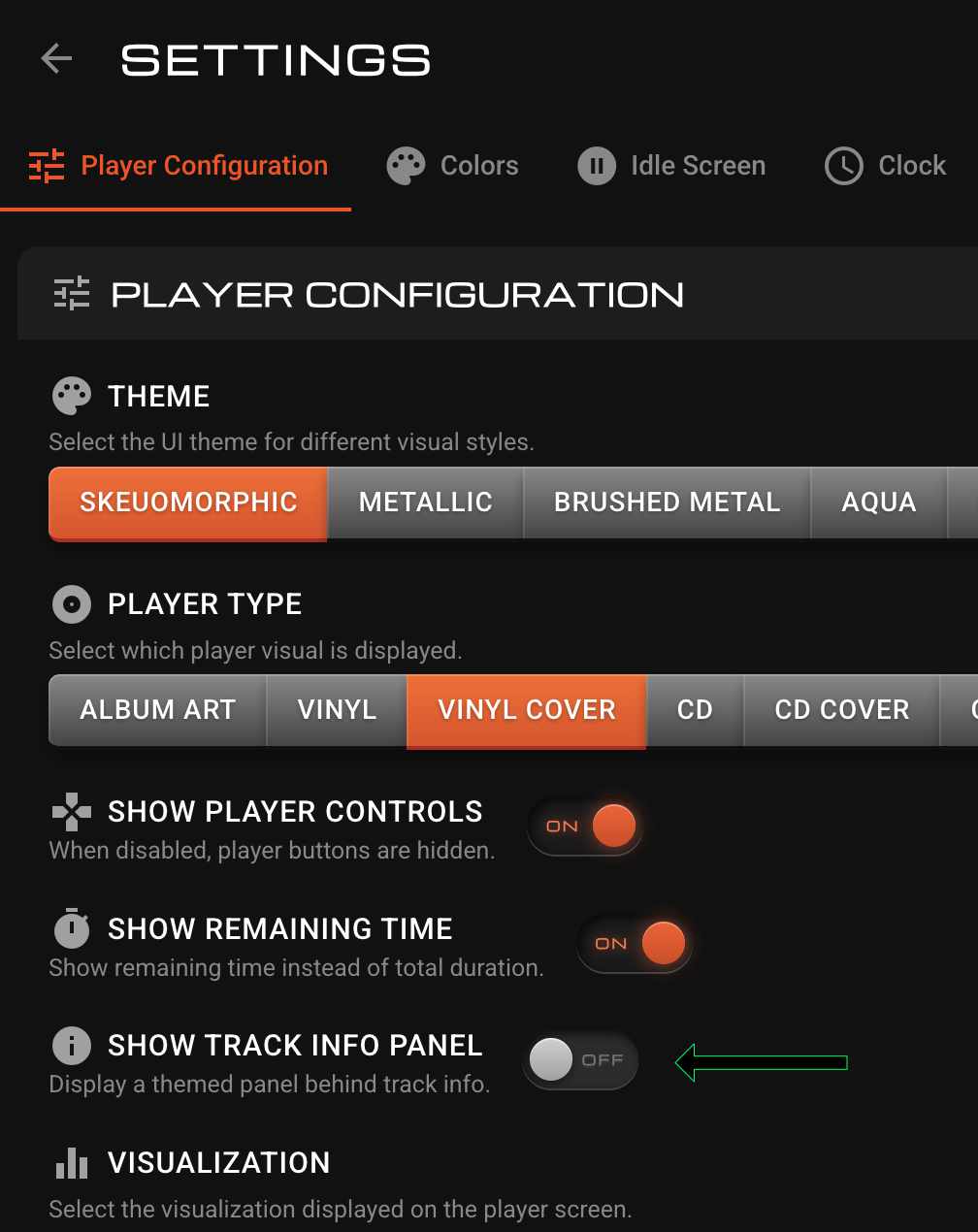
Well done master BRAVO 


1 Like
Also fixes Spotify problem. Let me know if any other issues.
v1.1.38
Spotify works fine with the Volumio app, but with the Spotify app the screen doesn’t respond, the music plays but the screen doesn’t work
and after another restart it works normally 
1.1.53
Added native, canvas based + JS only, Peppy Meter (in browser, no extra plugins)
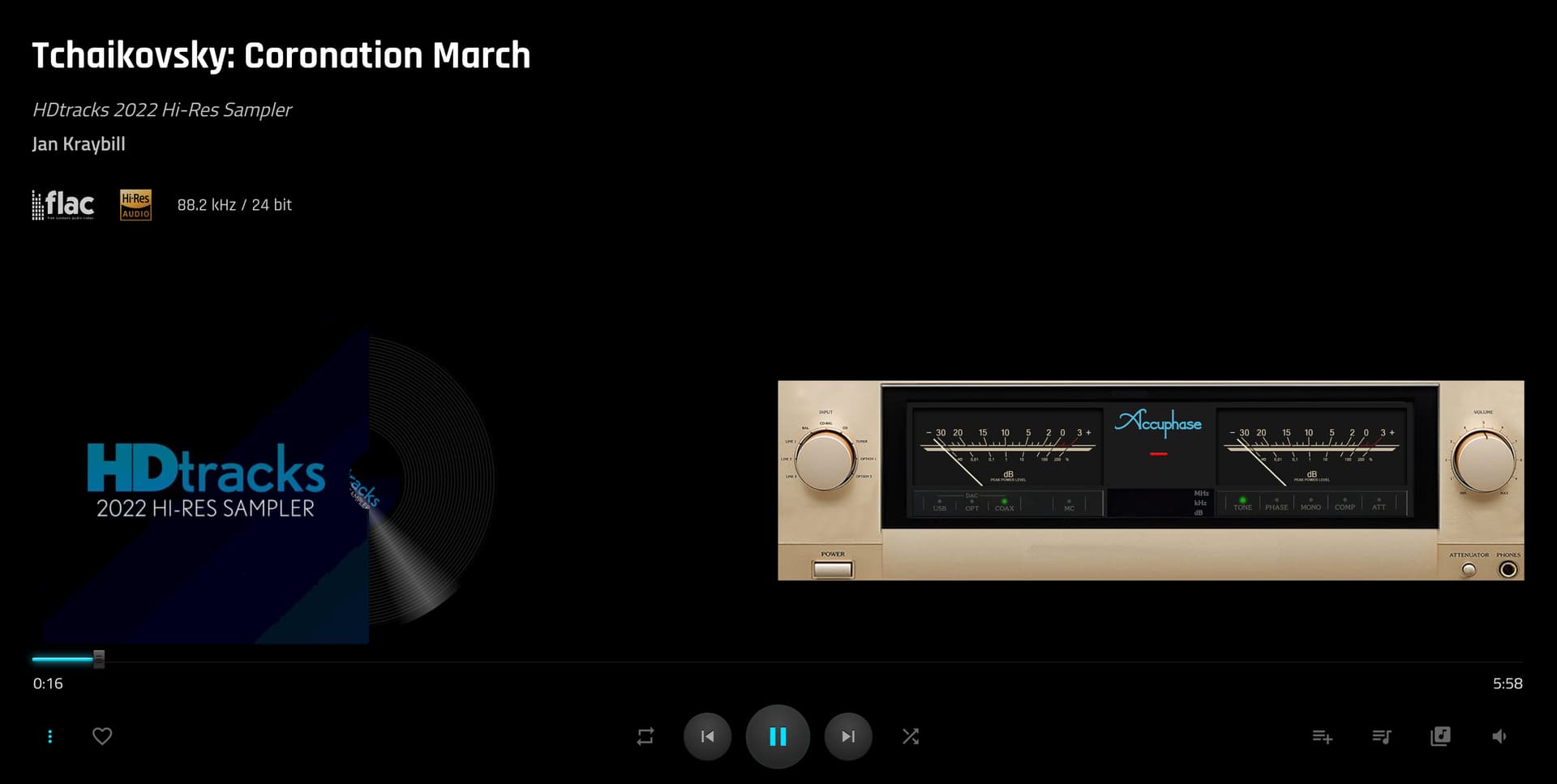
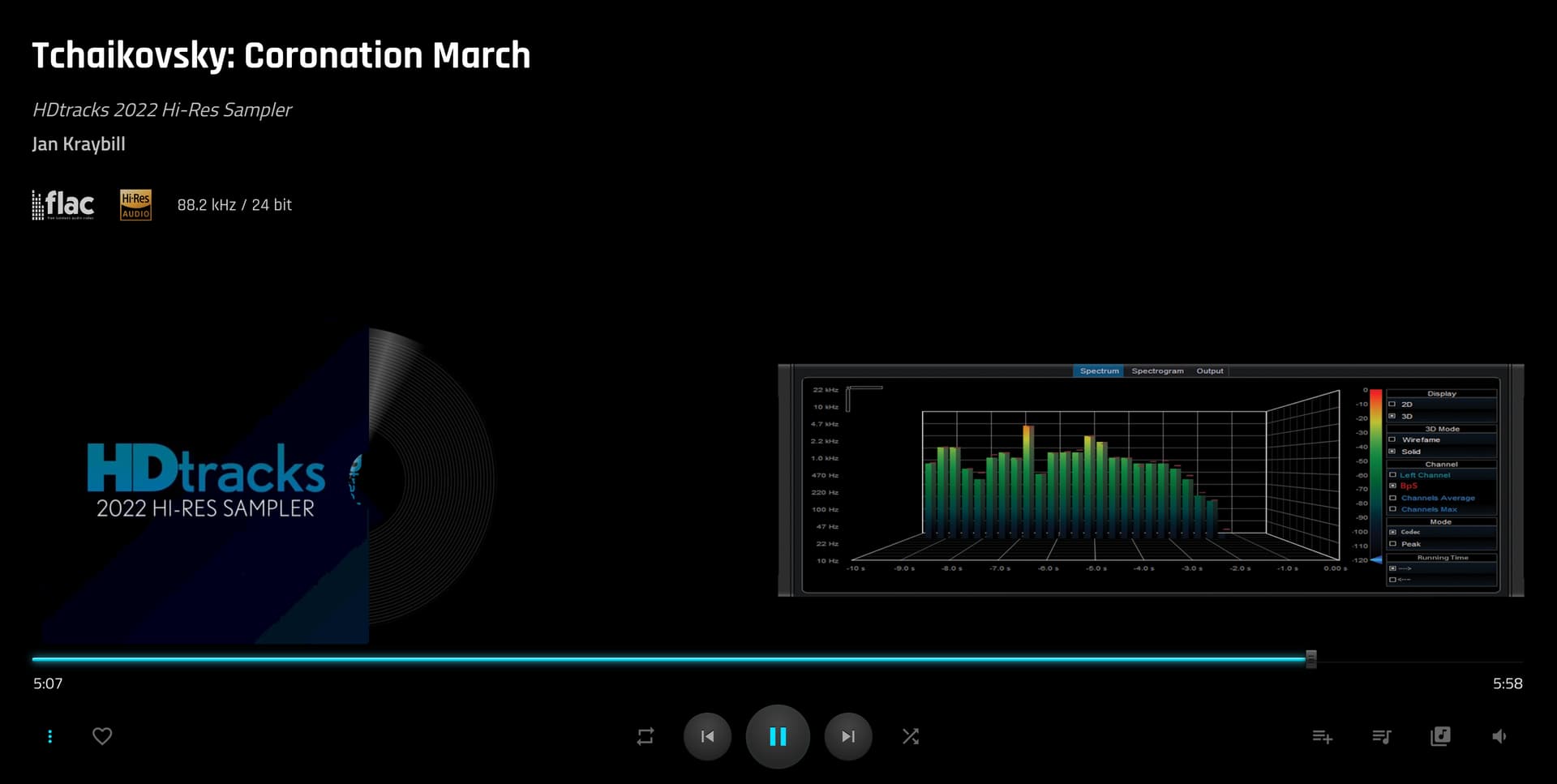
And Peppy Spectrum
Easy way to upload zip files via Settings page from the plugin directly.
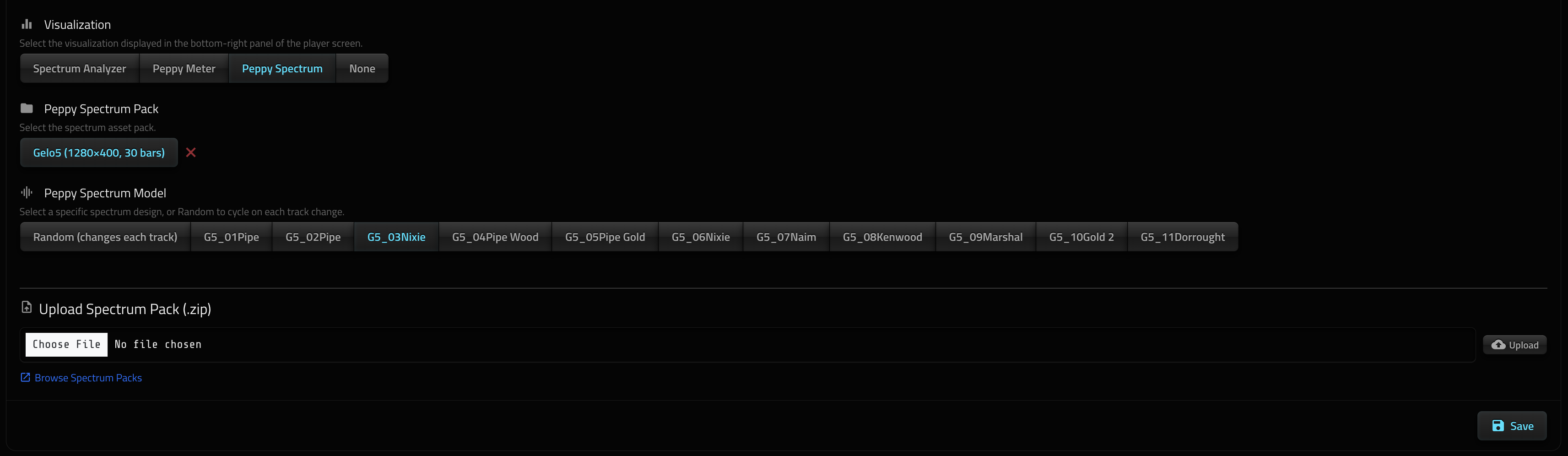
Directions:
- Pause music
- Upload zip file
- Choose the one you like
- Start music (otherwise you will have to click on the peppy area to start it)
Does not work on Apple Phone or iPad 
Does not show track progress or album art as it’s already available outside on the plugin screen.
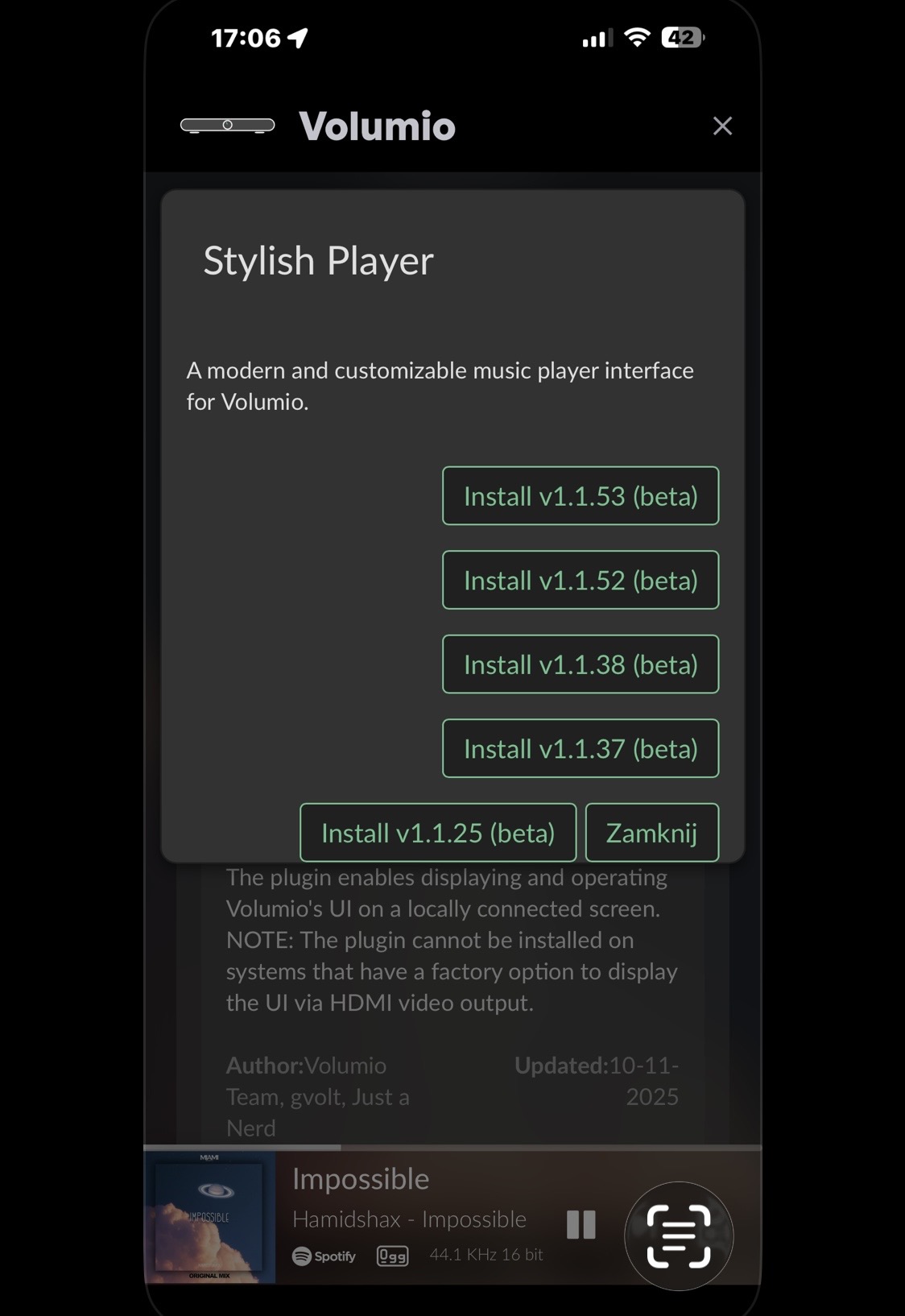
Your plugin can’t be updated, you need to uninstall and install the new version. After installing v1.1.53, there’s no program menu on iOS or Windows. Trying to install v1.1.52 isn’t possible; it doesn’t download or install. Currently, you can’t have this plugin on Volumio 
It works v1.1.38 
1.1.54
Try installing this, I had the same problem but changing from
Settings → Playback Options → Mixer Type from Software to None, it started working
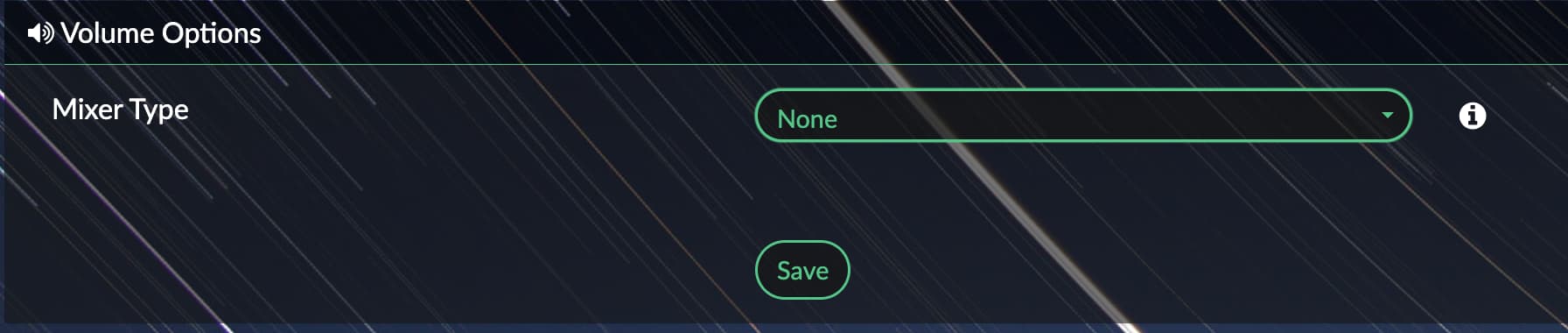
Change that setting one to another couple of times and see if it works.
If that does not work, I will come up with a new version later tonight with a fix.
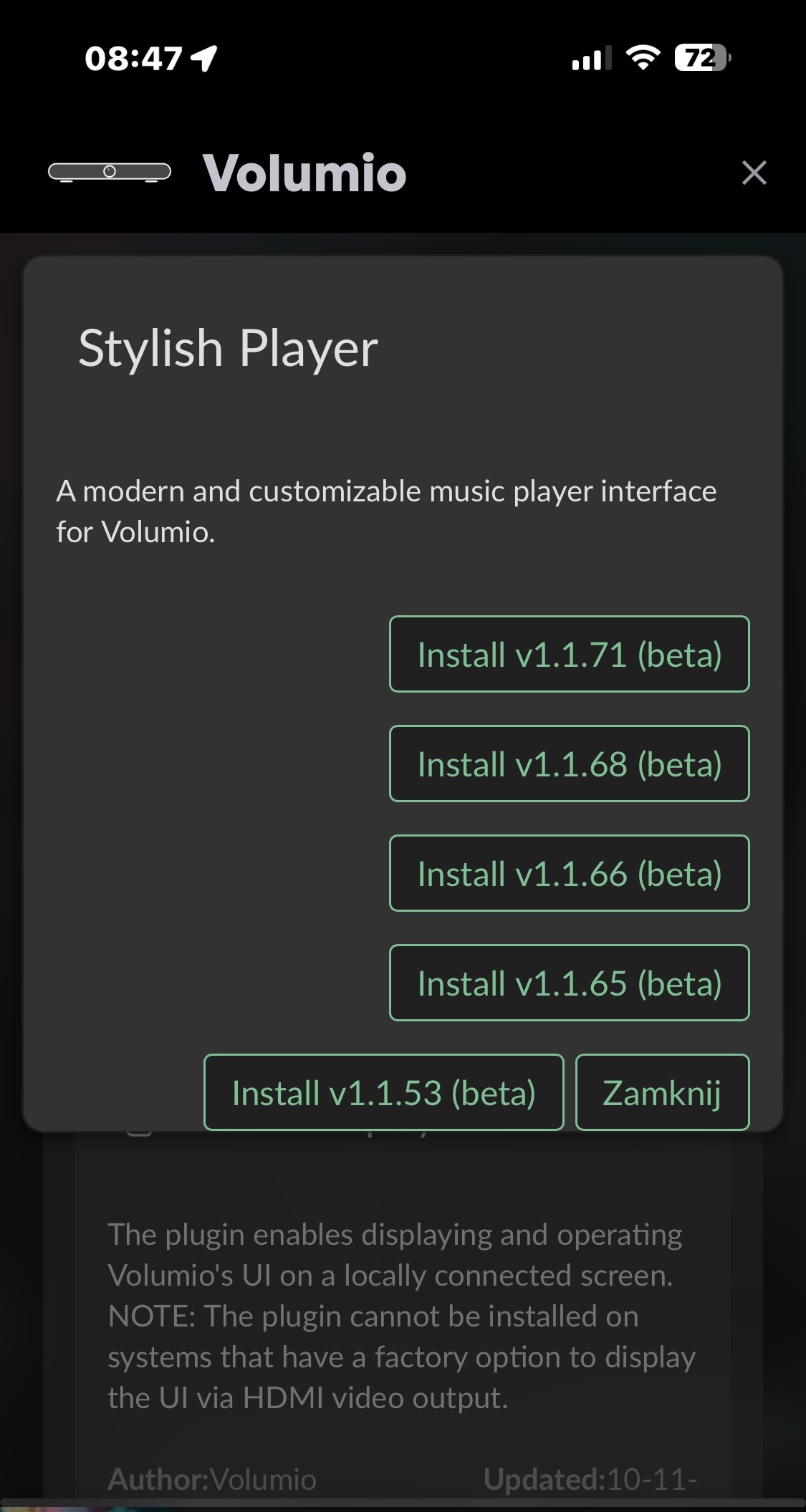
1.1.66
- Fix plugin not starting due to bad alsa config
Peppy Meter / Peppy Spectrum / Vizualization
- All types of Peppy Meter and Peppy Spectrum players should be working now.
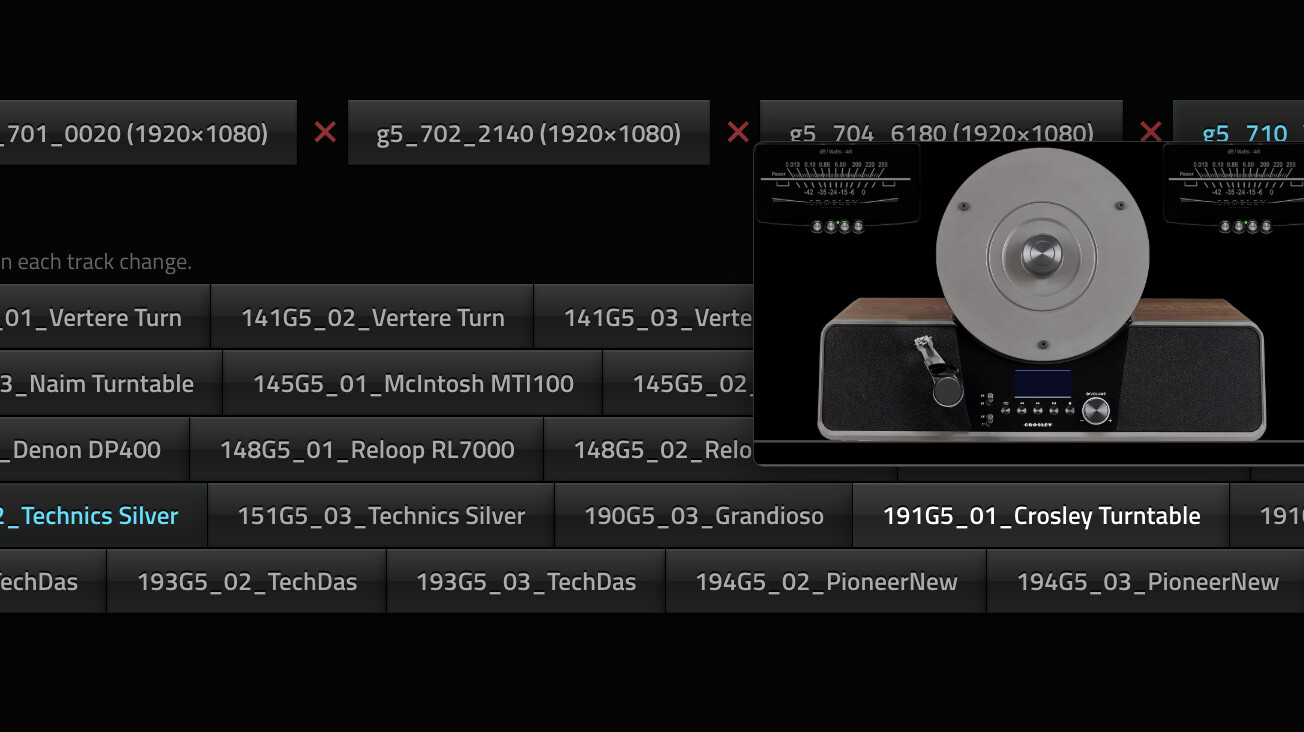
- Added preview to uploaded Peppy zip files to easily select model.
- Double click / double tap on viz area to toggle full screen.
Download zip files from here based on your screen size.
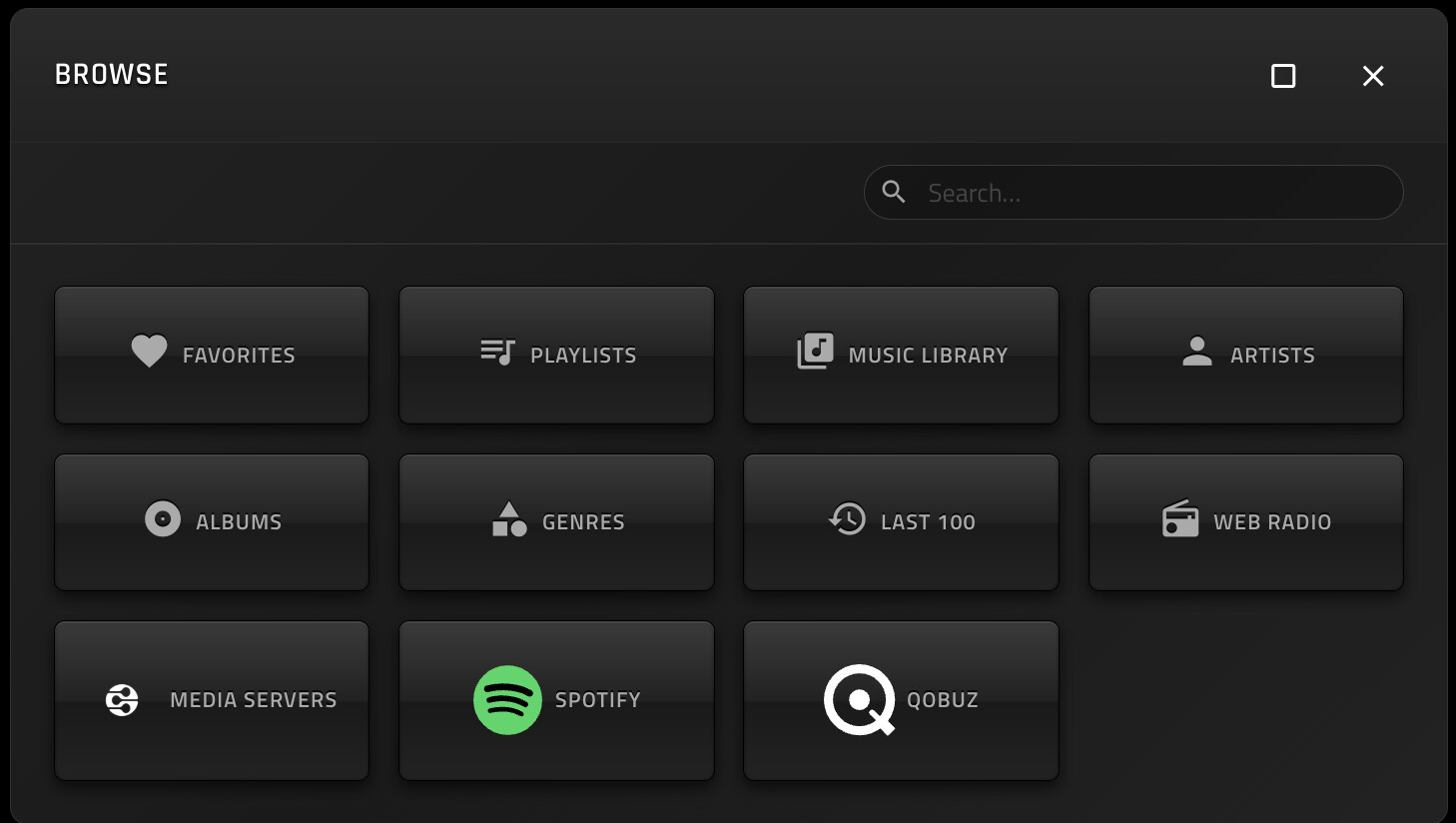
Browse Dialog
- Added installed services like Qobuz/Spotify in the browse dialog
- Added direct Play button in the browse dialog
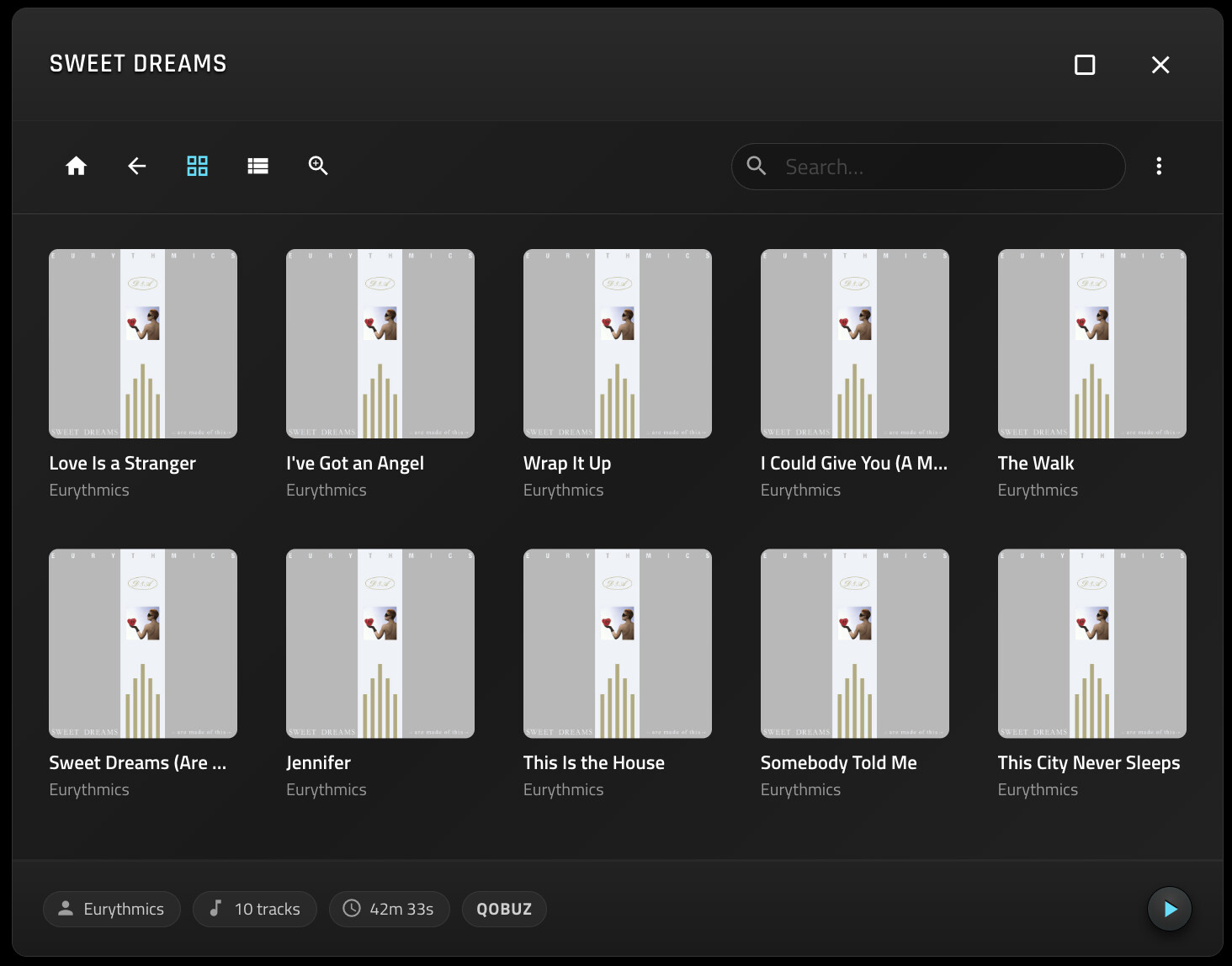
1.1.66
everything is fine
1 Like
1.1.72
- Added quick navigation using letters on Browse dialog
- Fixed Peppy random player issue
- Added option to hide progress track handle.
Hi,
great plugin.
I have volumio running on an old X86 laptop.
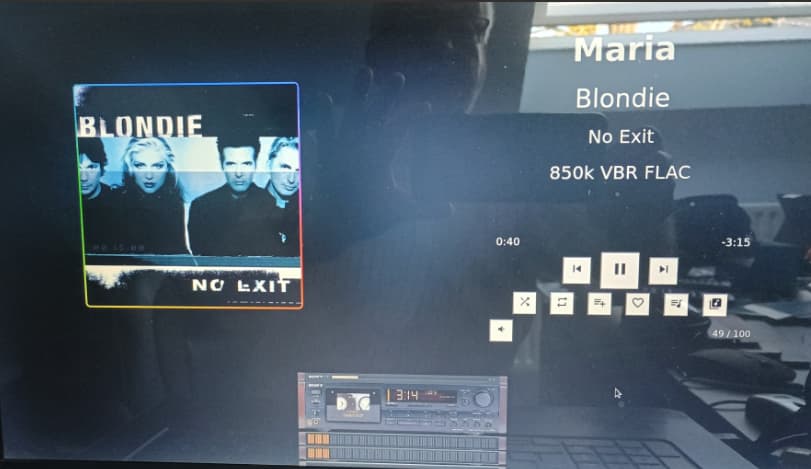
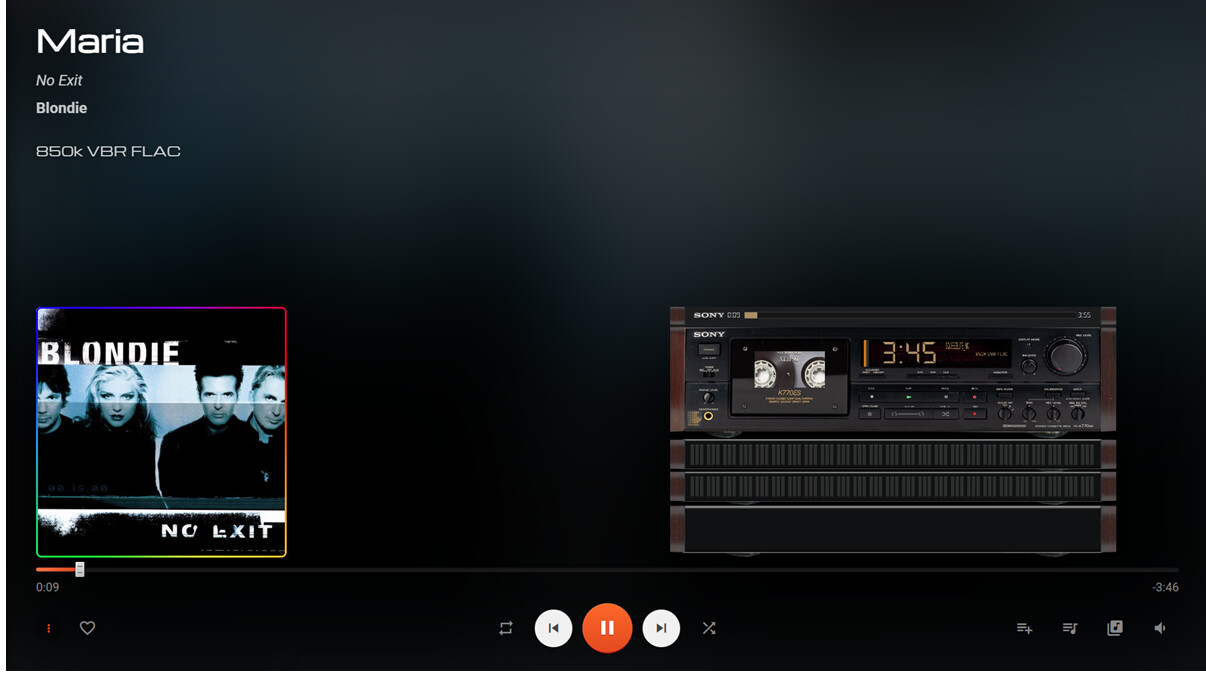
The full screen display behaviour is different when viewed in kisok mode on the Volumio server and when running in a browser on anothe device.
The latter is much cleaner and it would be great if kiosk mode on the server looked the same.
Pic of kiosk mode on server
Web browser screenshot
Thanks for trying this out. I am the developer. 
When you run Kiosk mode, it uses the attached screen. It seems your screen resolution is smaller than what your web browser (different machine I guess).
On your X86 laptop you can either use a higher resolution OR press CTRL & Minus (-) together to zoom out on the screen. The Kiosk mode is nothing but Chrome browser running full screen. Zooming out should then use the same screen layout.
Hint: Double clicking on the Peppy meter viz, will make it full screen (and resize again)
Also it seems that the buttons aren’t rendered properly. What are the specs of the laptop? It’s possible hardware acceleration is not enabled on your laptop for Chrome browser given its quite old.
Someone from Volumio might help you if you publish the make / model / specs of the laptop and share your logs from http://volumio.local/dev
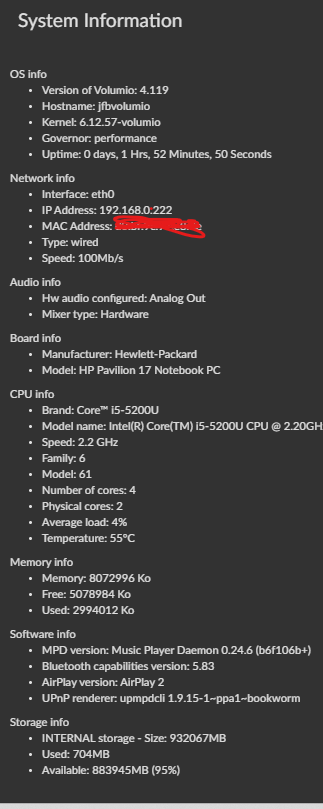
It doesn’t show the screen resolution. But still the hardware should be able to run Chrome properly.
Can you press Home button on the server laptop, and go to chrome://gpu on the address bar.
It will show you if hardware acceleration is enabled?
Also if you know how to ssh into the laptop, I can share my /opt/volumiokiosk.sh file
Or read this thread (I have a similar X86 machine, slightly newer and had problems running hardware acceleration)
Regardless pressing CTRL and Minus few times should get your resolution lower CTRL and Plus higher.
How do I do this from within volumio ?
volumiokiosk.txt (2.3 KB)
Try now.
Step 1: Set Kiosk mode to default inside the Stylish Player Plugin settings

Step 2:
from another PC or Mac command line → ssh volumio@192.168.0.222 (or whatever your volumio IP is) Password is volumio
Step 3:
Once inside volumio shell, sudo nano /opt/volumiokiosk.sh again it will ask for password enter volumio
Step 4:
Inside nano text editor: keep pressing CTLR + K to clear each line one by one. When the file is empty.
Once the file is empty, copy paste the content of this updated file.
volumiokiosk-updated.txt (2.2 KB)
Make sure contents are correct. Press CTRL +X to exit nano and press “Y” when it asks to overwrite the buffer. aka saving the file.
Step 5:
Once saved, run sudo systemctl restart volumio-kiosk this will restart the browser.
Step 6:
Verify that the changes actually works:
On the Volumio laptop press HOME key, to go to the Chrome home page and enter chrome://gpu
It should show green in some of the hardware acceleration fields. Once that’s ok,
Step 7: Reenable Kiosk mode from Stylish Player plugin.