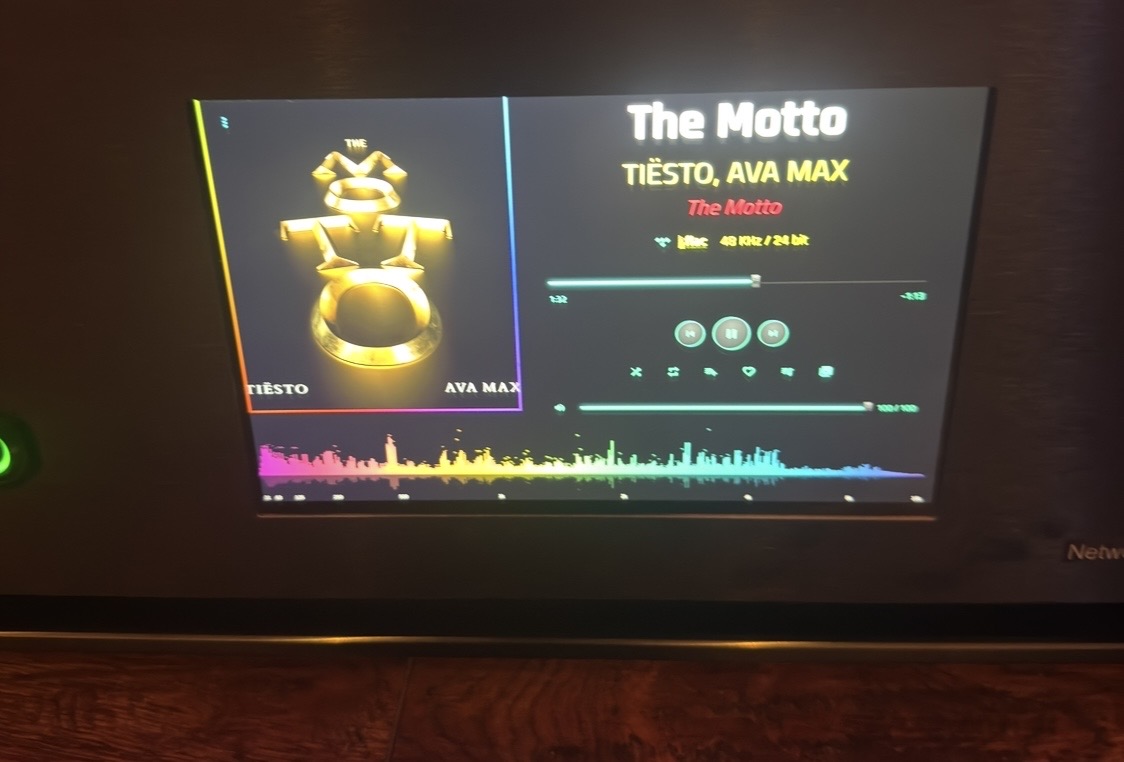
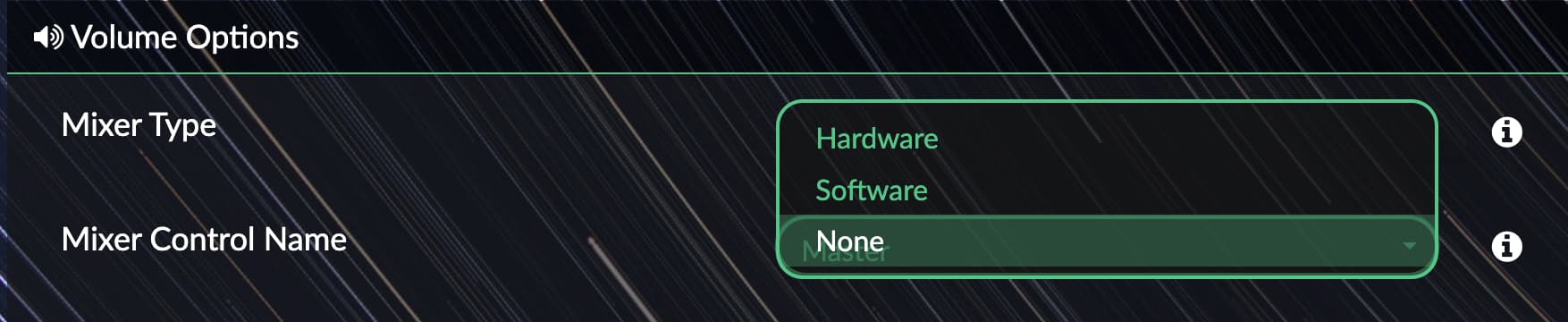
Oh, it actually works. It’s a shame you can’t launch it from the phone app; you just have to tap the streamer’s screen.
Yes, it’s a browser security limitation. Nothing I can do 
Generally, a minor problem. Congratulations on a great plugin, a lot of work from you. Best regards once again.
1 Like
1.1.16 beta with
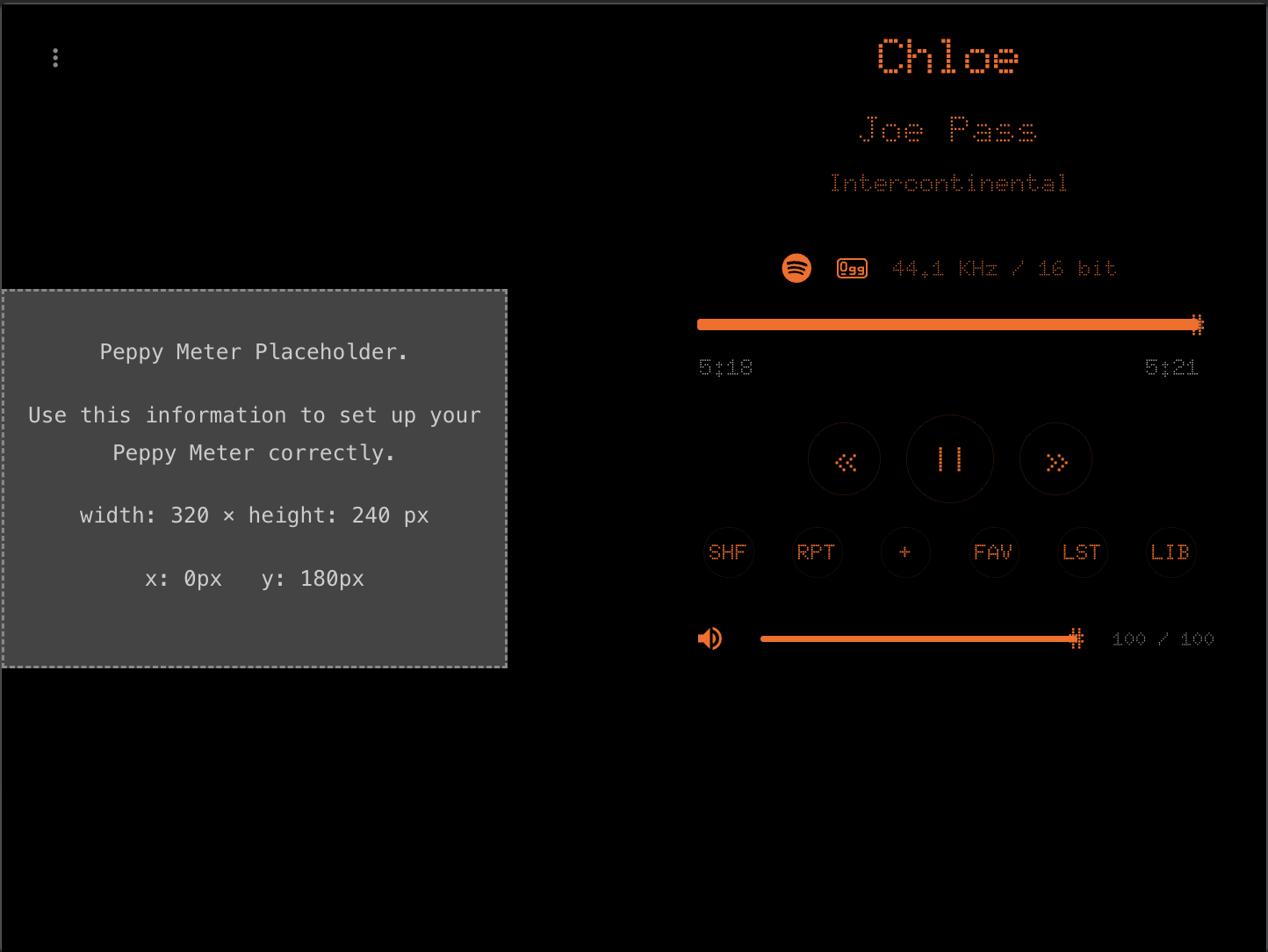
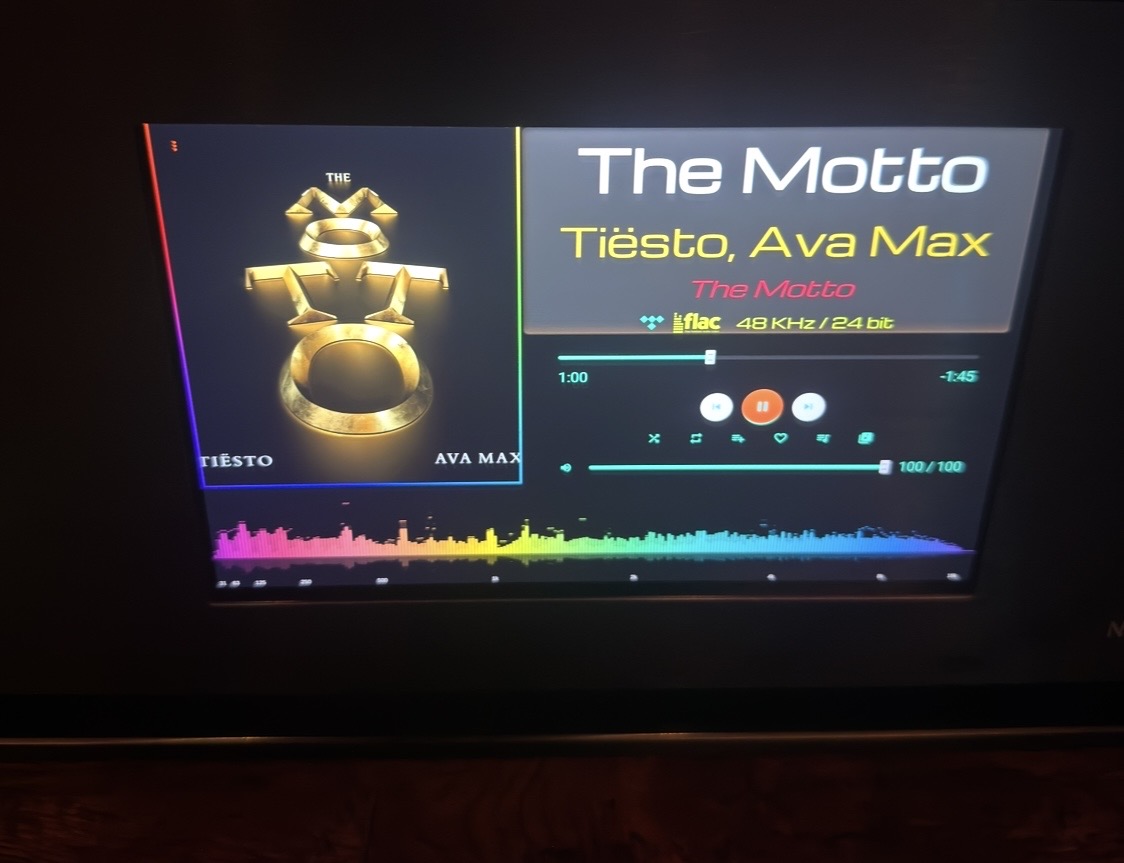
- OLED Theme (best for built in screens) Black + Orange (customize colors)
- No player mode (best for small screens + OLED theme, text only, no pics)
- Added Peppy Meter Screen saver placeholder instead of built in Viz
Peppy screen saver is not yet official, but it can provide much better viz at difference screen sizes. This will make it easy to position the screen saver based on your screen size.
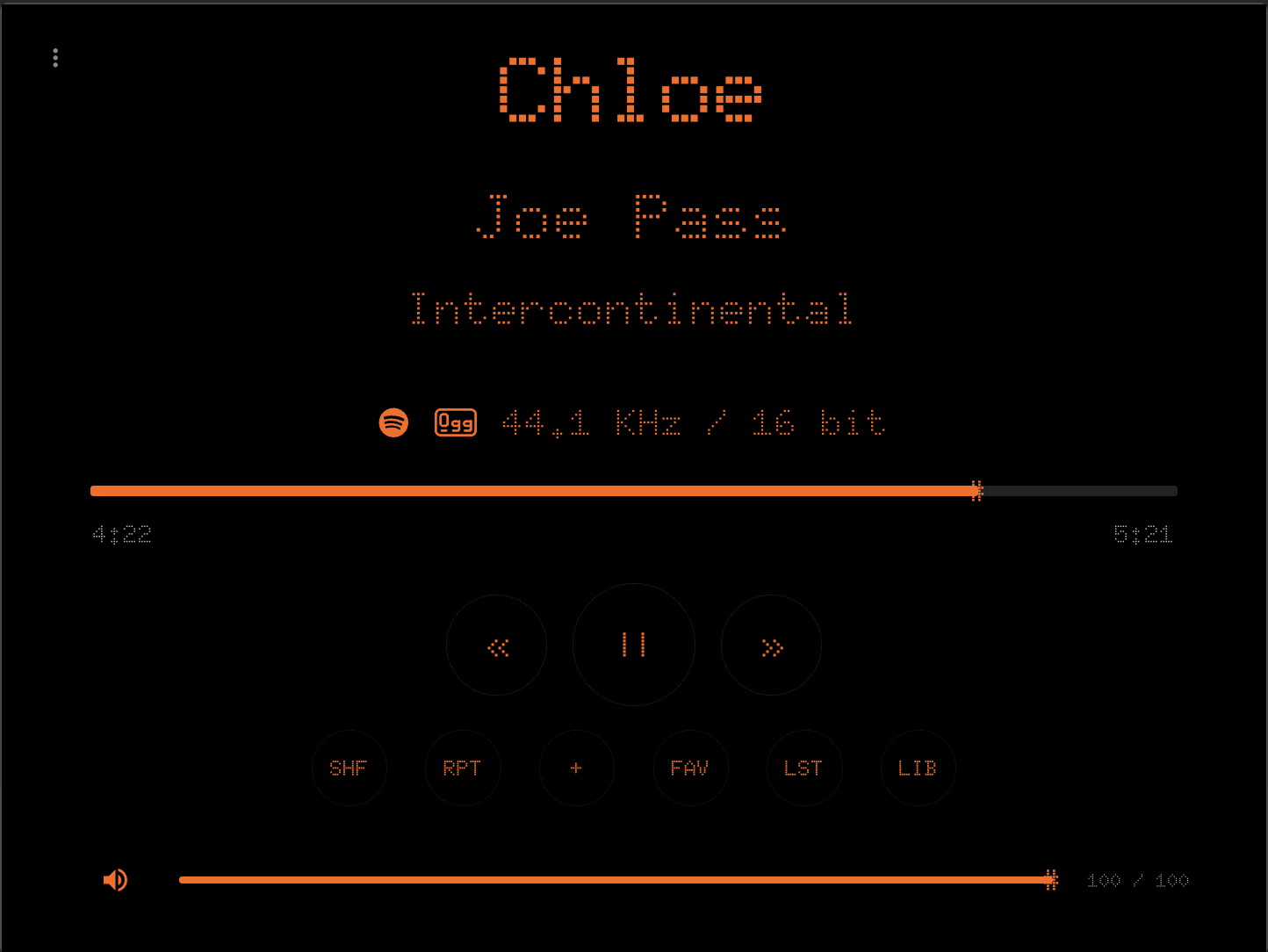
I like this font better
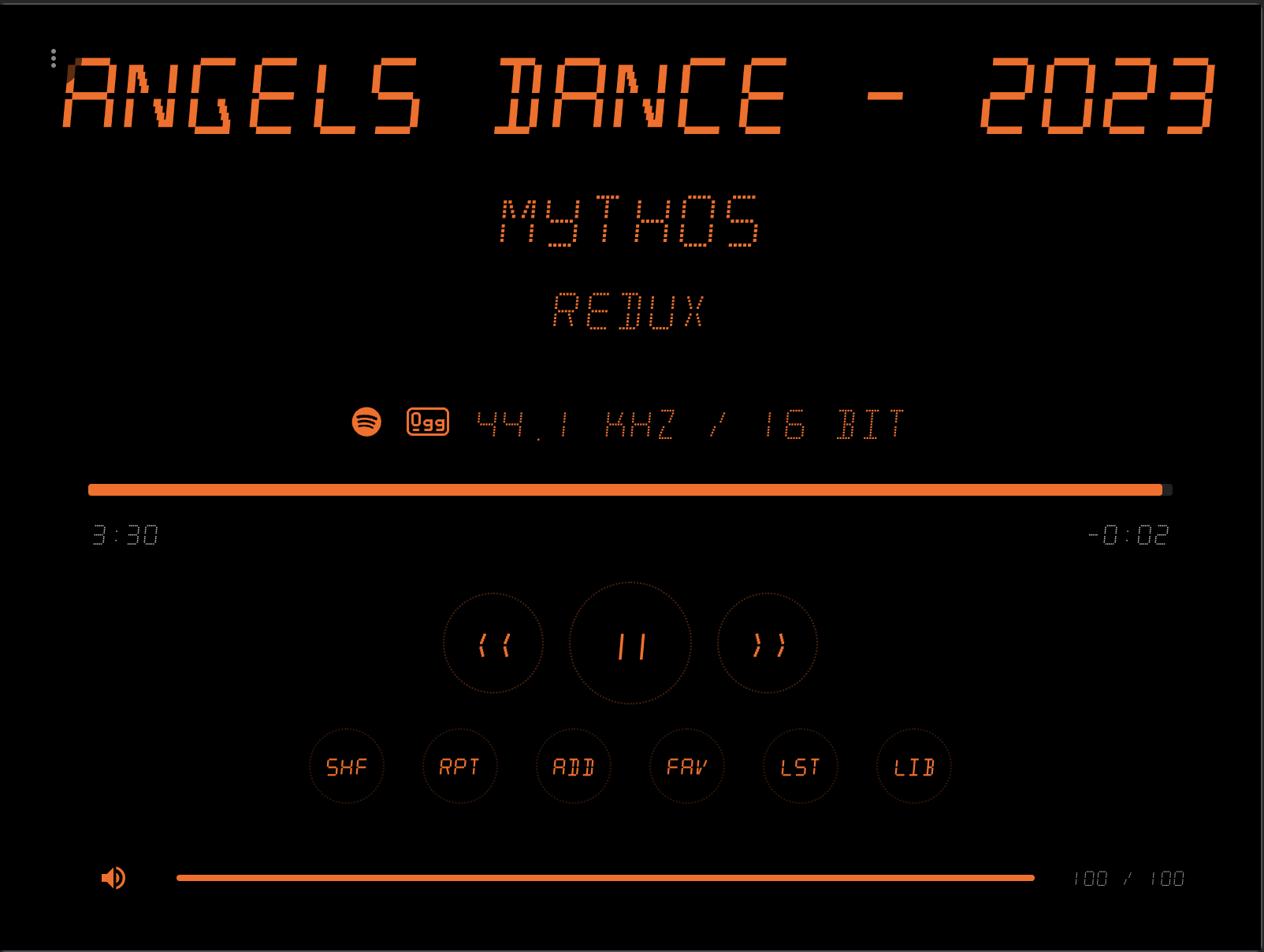
There is no version 1.1.16 on Volumio
Try 1.1.17
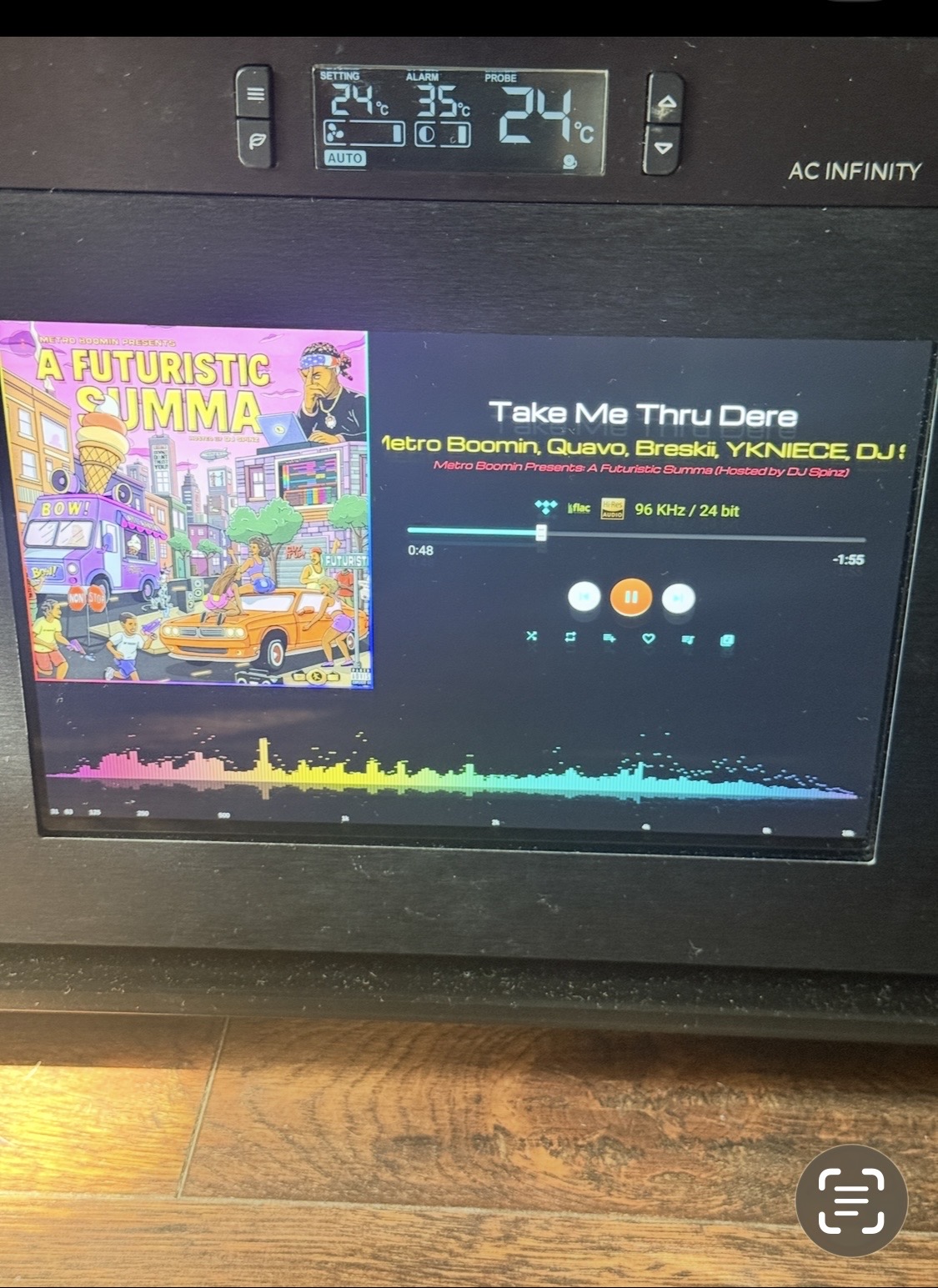

This should not change in new version, you need to check your settings.
plugin v1.1.7
Big
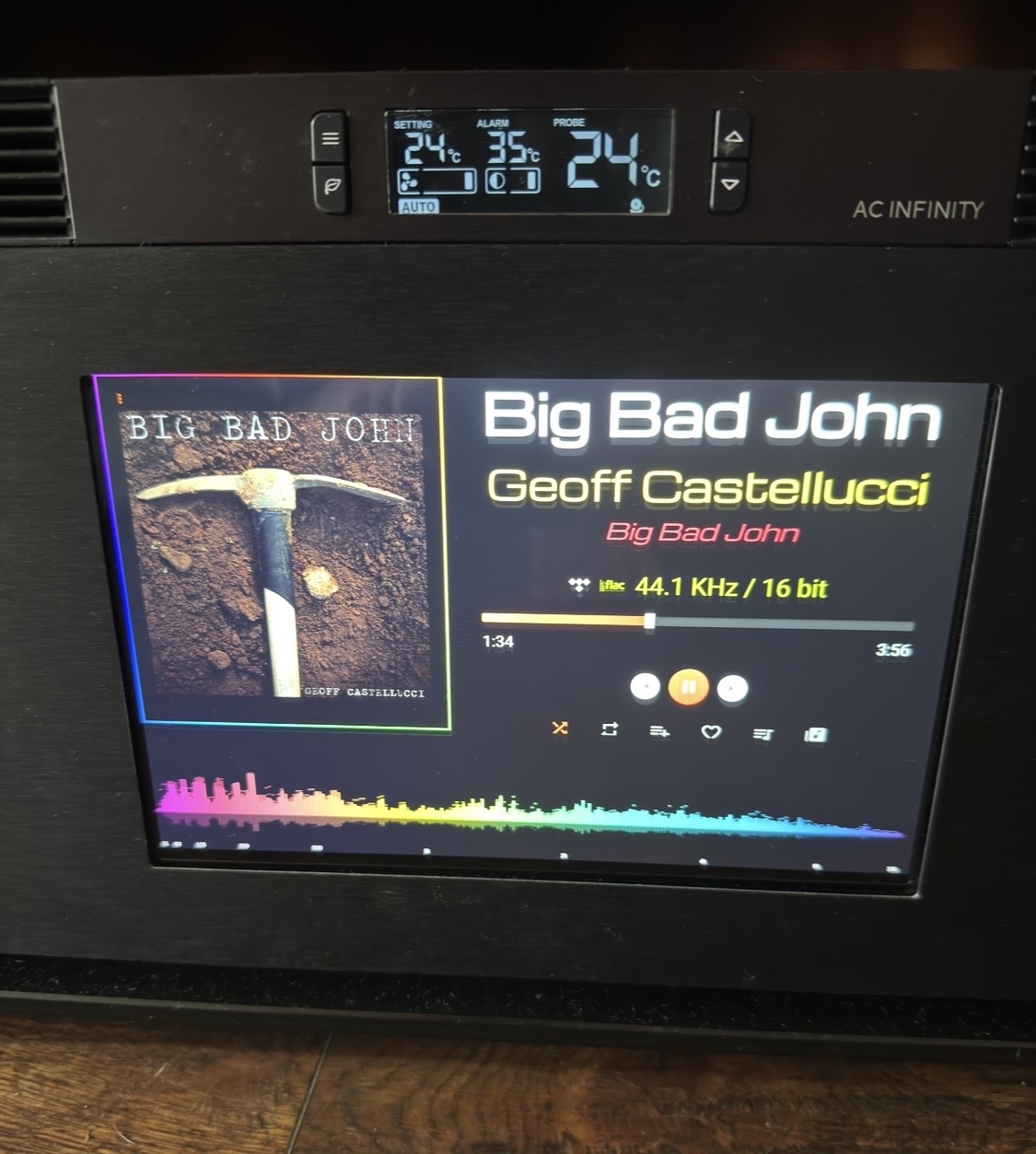
Small
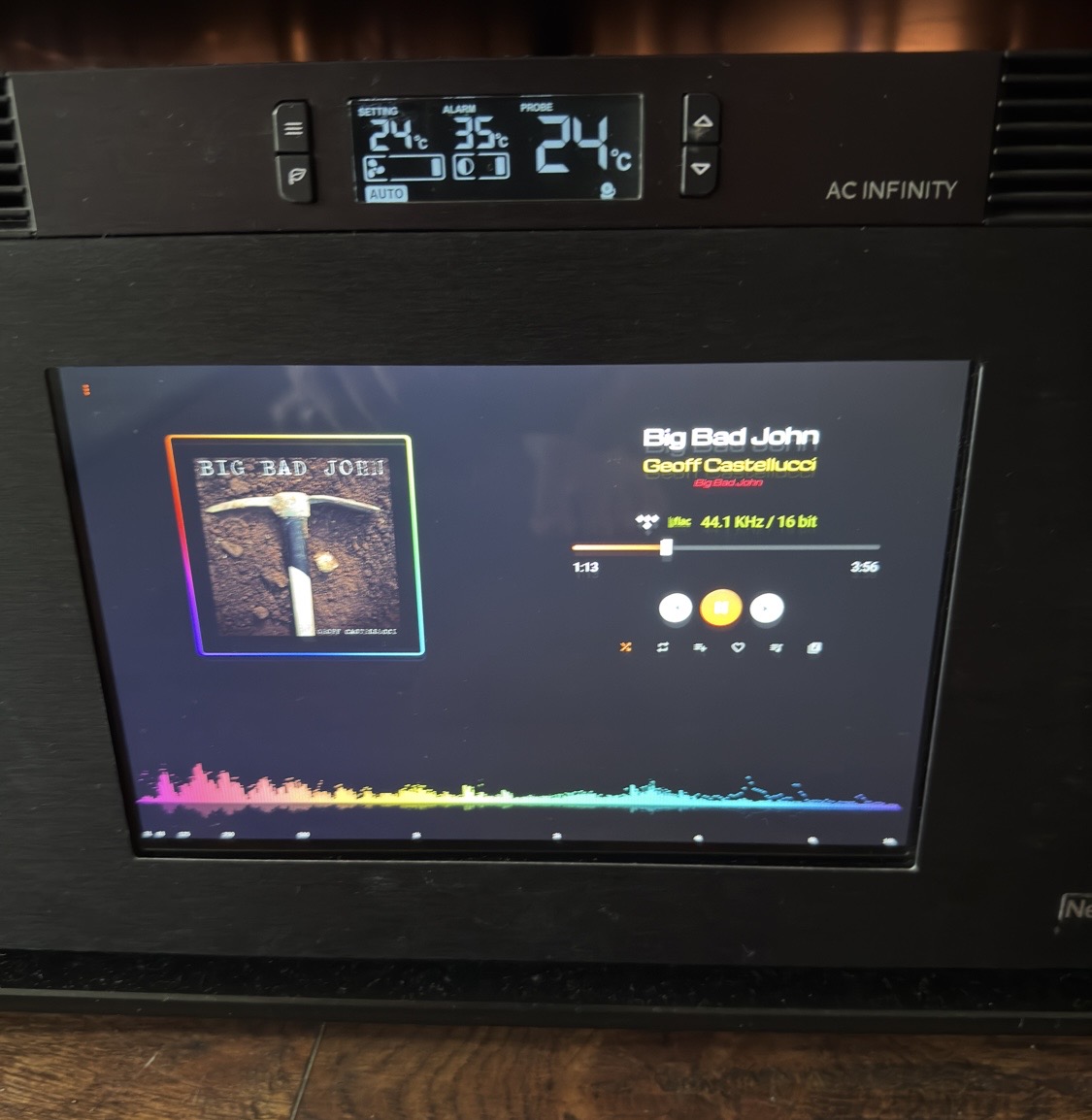
Plugin v1.1.17
Big
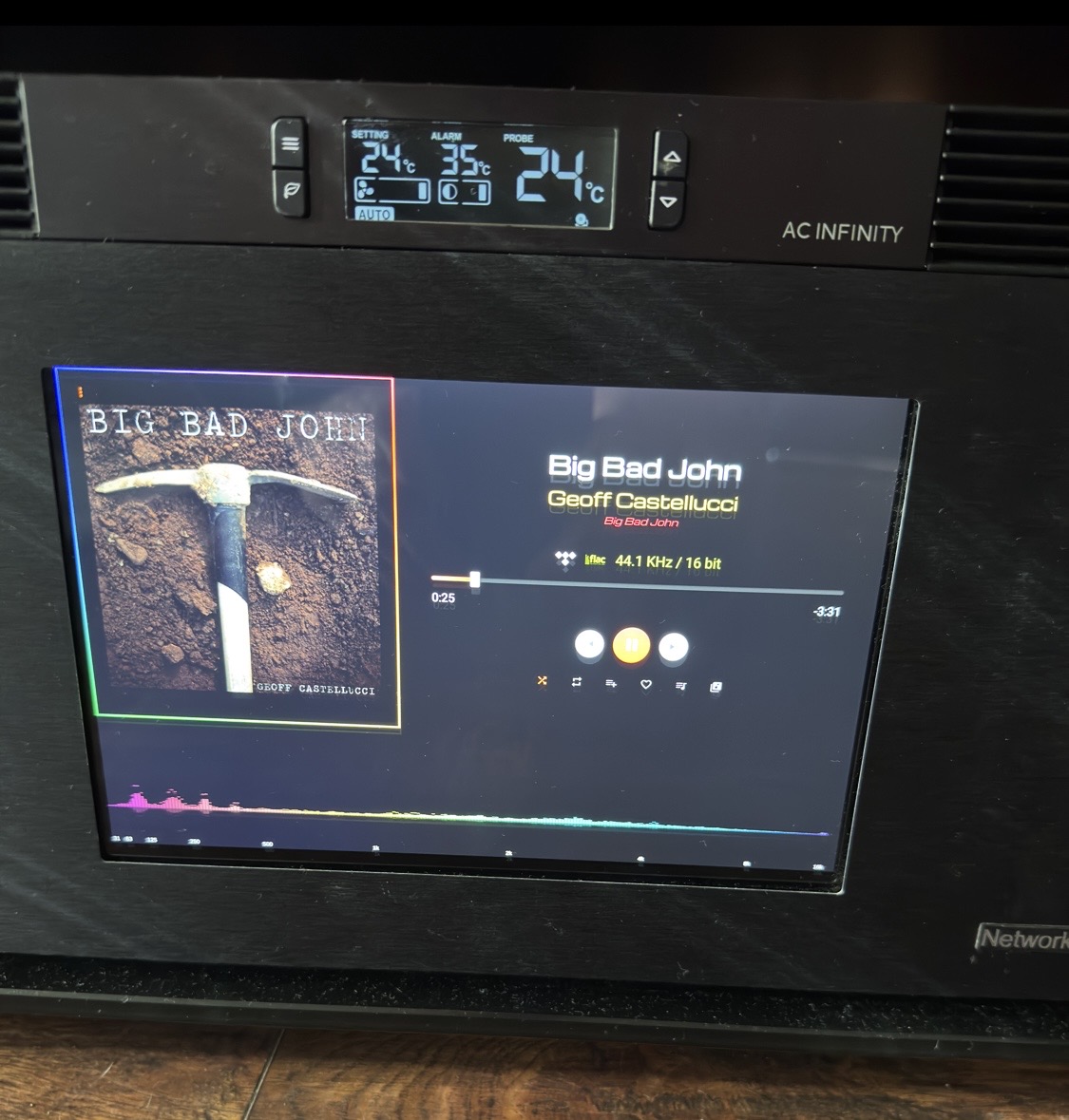
Small
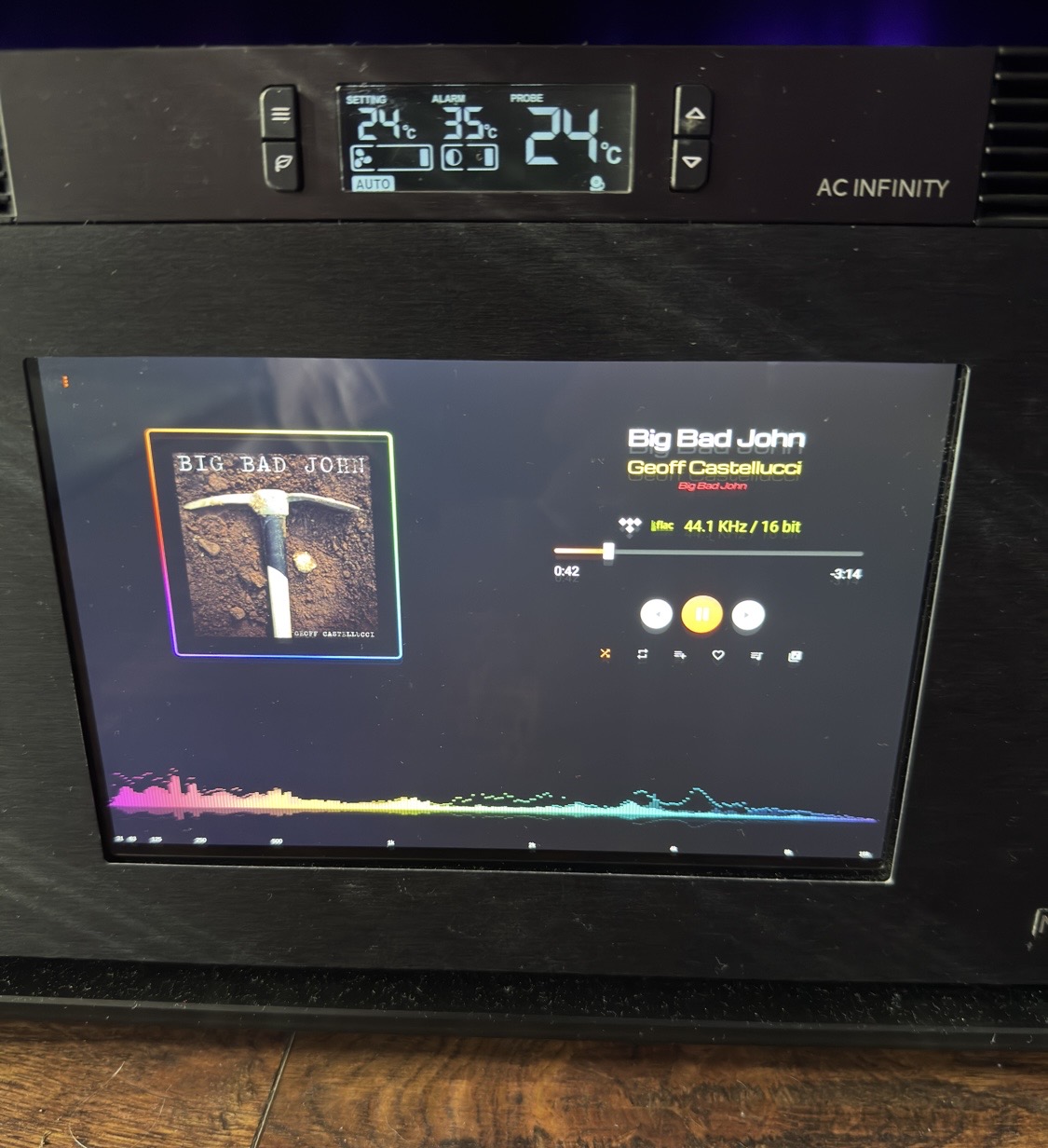
New plugin v1.1.17 works badly for larger screen v1.1.7 works ok
P.S. Big Version 1.1.7 works fine, the song title and the rest scroll nicely when there’s a long description
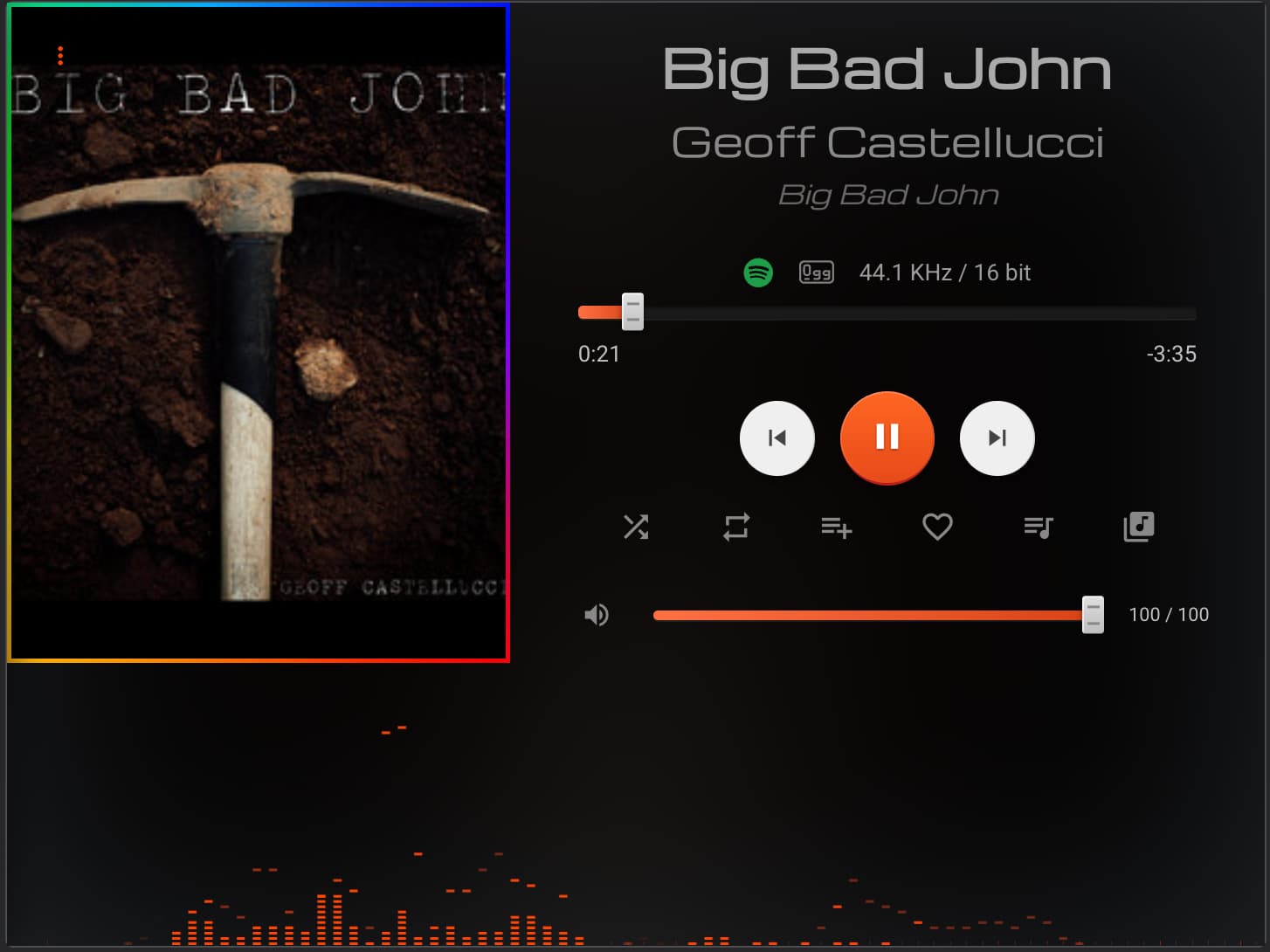
Well, v1.1.20 is not for me, v1.1.7 verification is great! 
v1.1.7
big
V1.1.20
big

small
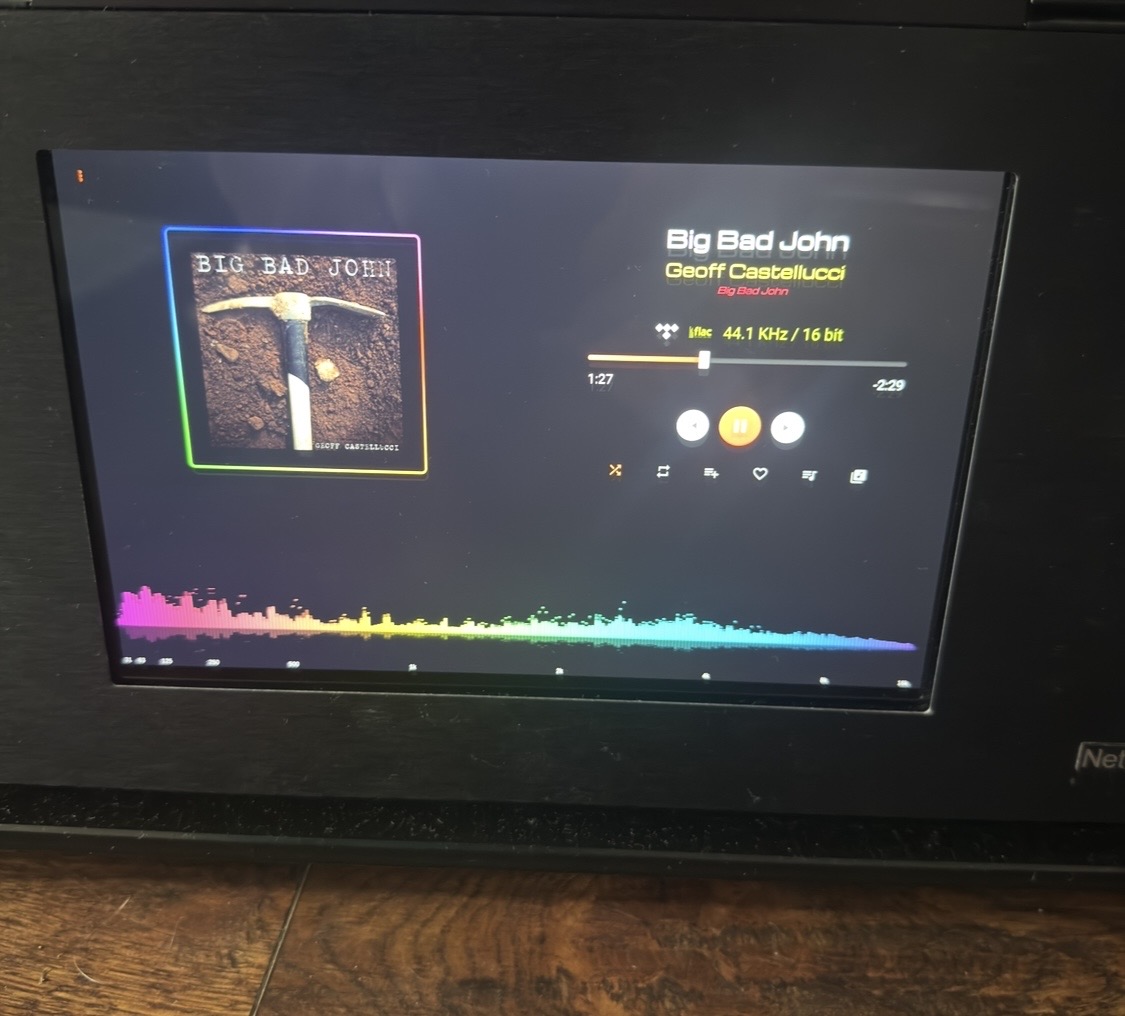
v1.1.7
and it was already so great 
Please, creator, do not remove version 1.1.7 from Volumio when uploading subsequent versions.
Looks like you still have cached older version. Just try rebooting and also use the menu button on top left corner → Refresh to make sure the page is loaded correctly.
What is your screen resolution?
Restart. I always do this after installing a new version. 9 inches
2560×1600 2K
I’m not interested in the volume level on the screen. I repeat, please, creator, do not remove version 1.1.7 from Volumio when uploading subsequent versions.
1.1.24
I don’t think your screen is 2650X1600 because I cannot see the same image as you do (unless I zoom to 140%), maybe your Raspberry Pi is applying zoom to the screen.
Also as I add new version, Volumio will hide old version (sorry I cannot do anything).
Hopefully this last version is good enough.
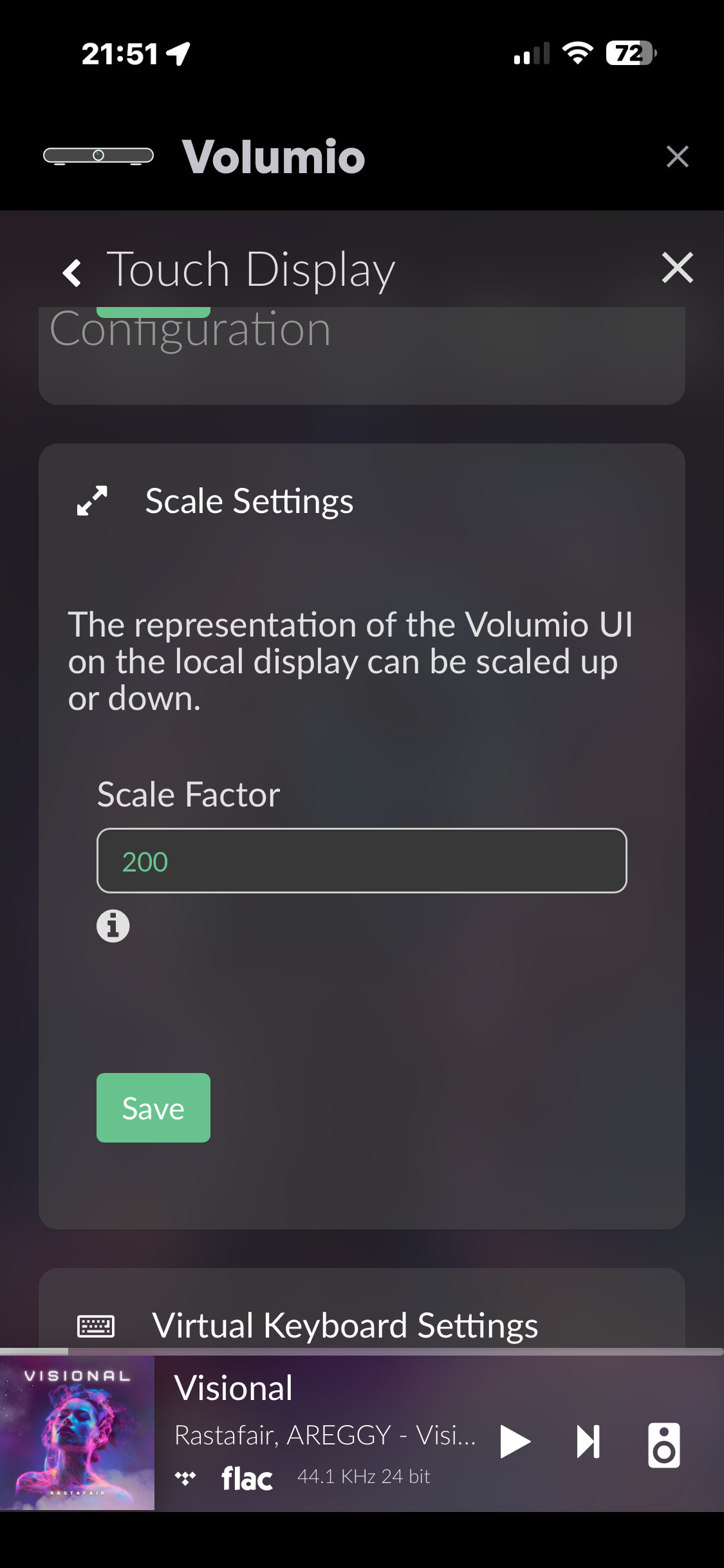
I always have 200, and 100 on the screen looks like this
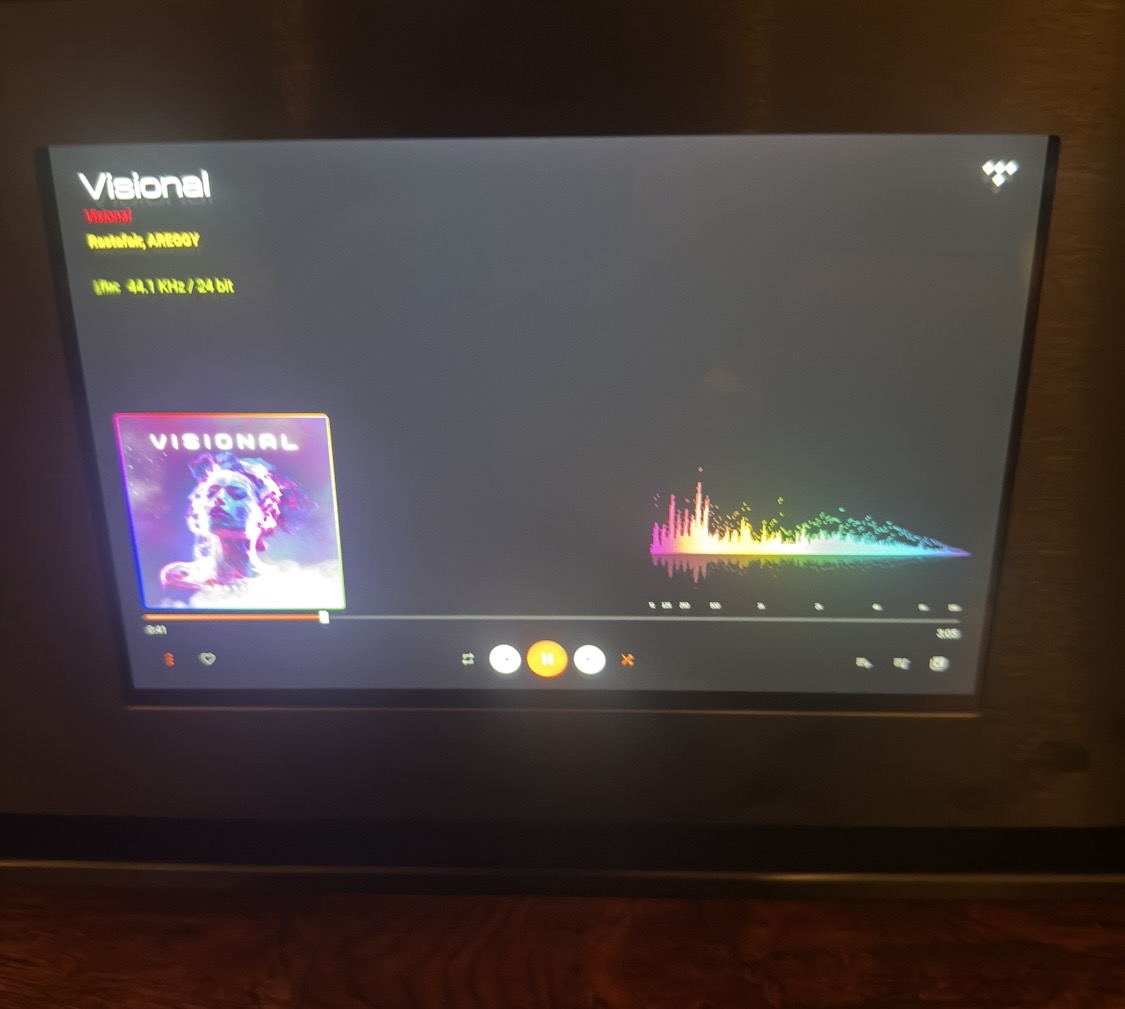
V1.1.24
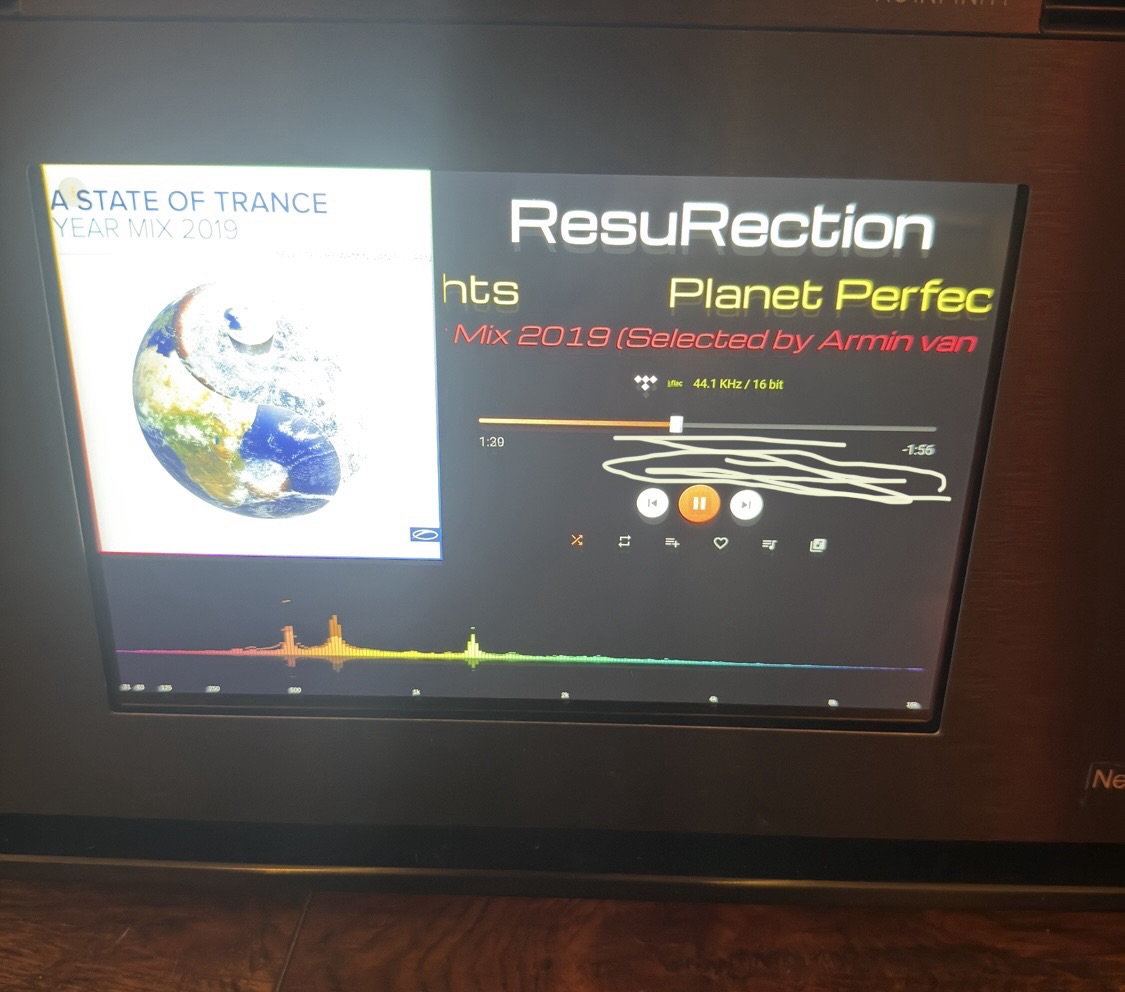
everything may be ok  , but can you make this - 44.1 kHz / 16 bits - bigger at the expense of the one marked in the picture, it’s a pity it can’t be done like in version
v1.1.7
v1.1.24
another serious problem is turning on Spotify and then the spectrum analyzer starts interrupting the sound, this is not the case on TIDAL It was ok and now it is 
v1.1.7 everything worked 
v 1.1.25 now plays music on Spotify, but the spectrum analyzer is only barely visible in the right corner. You’re putting in a lot of work, but I’m tired of it non-stop. It was fine. This is the final step. If you add the next version, v 1.1.7 will disappear, and so will I. Good luck.
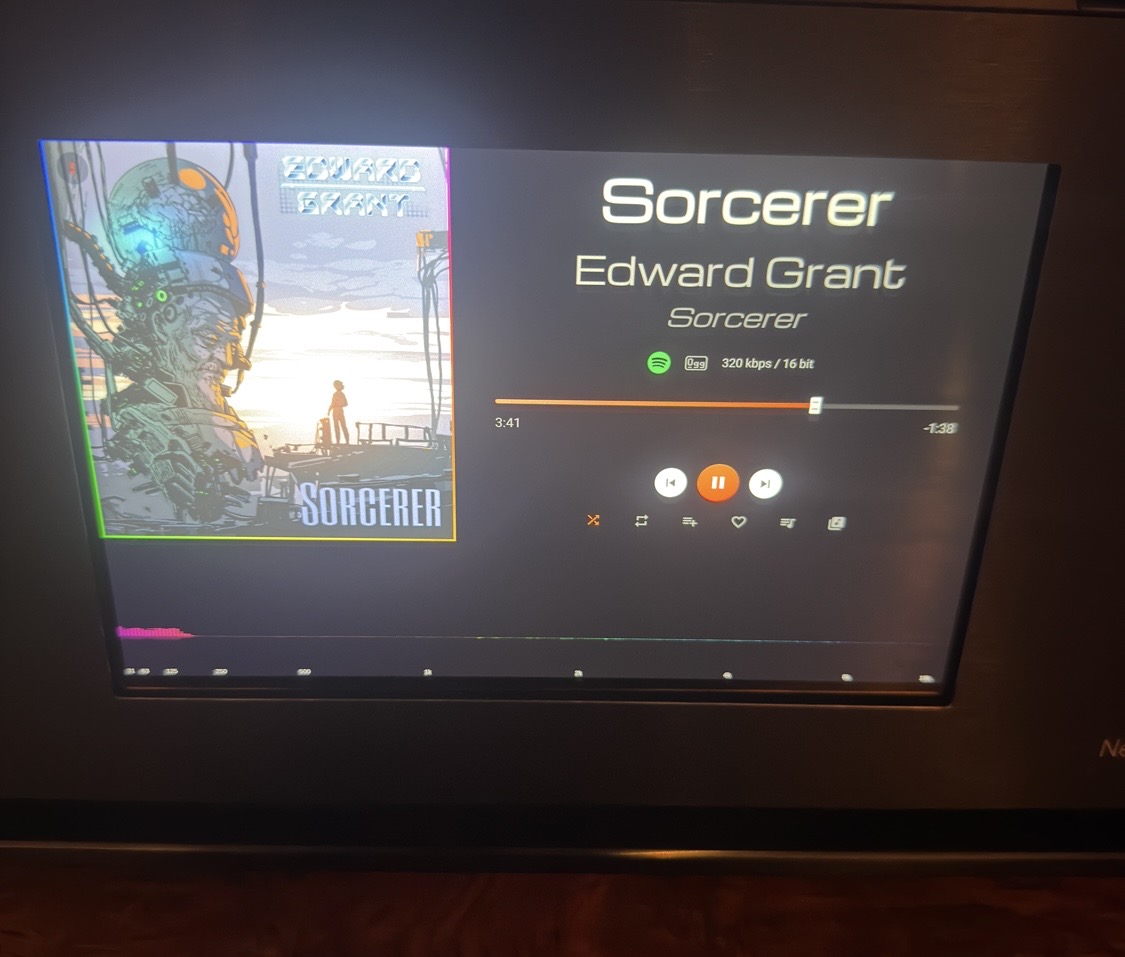
Let me test Viz on Spotify.
Also will fix the layout for your screen resolution. It’s helpful to know you have a 200% zoom on it  I was only applying 140% zoom.
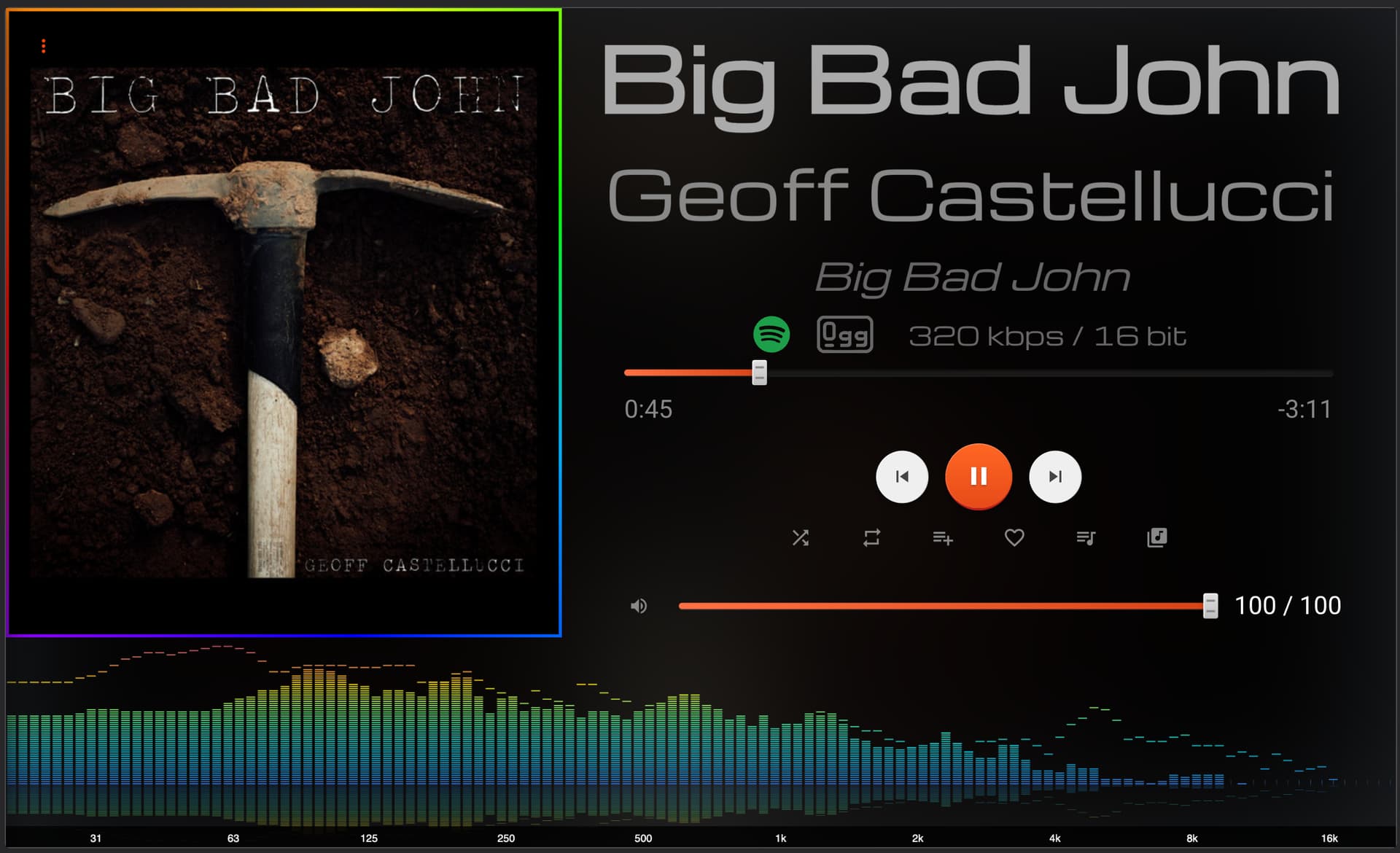
1.1.38
New features:
- Separate redesigned layout to fix responsive issues
- New theme “Brushed Metal”
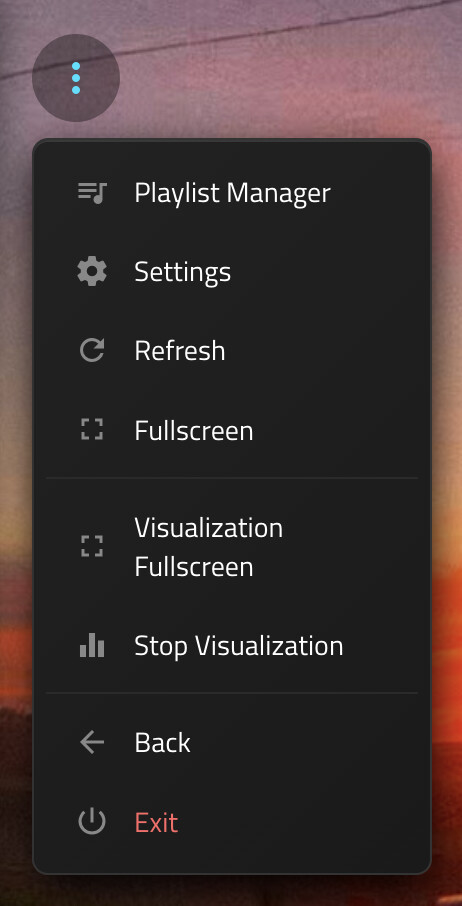
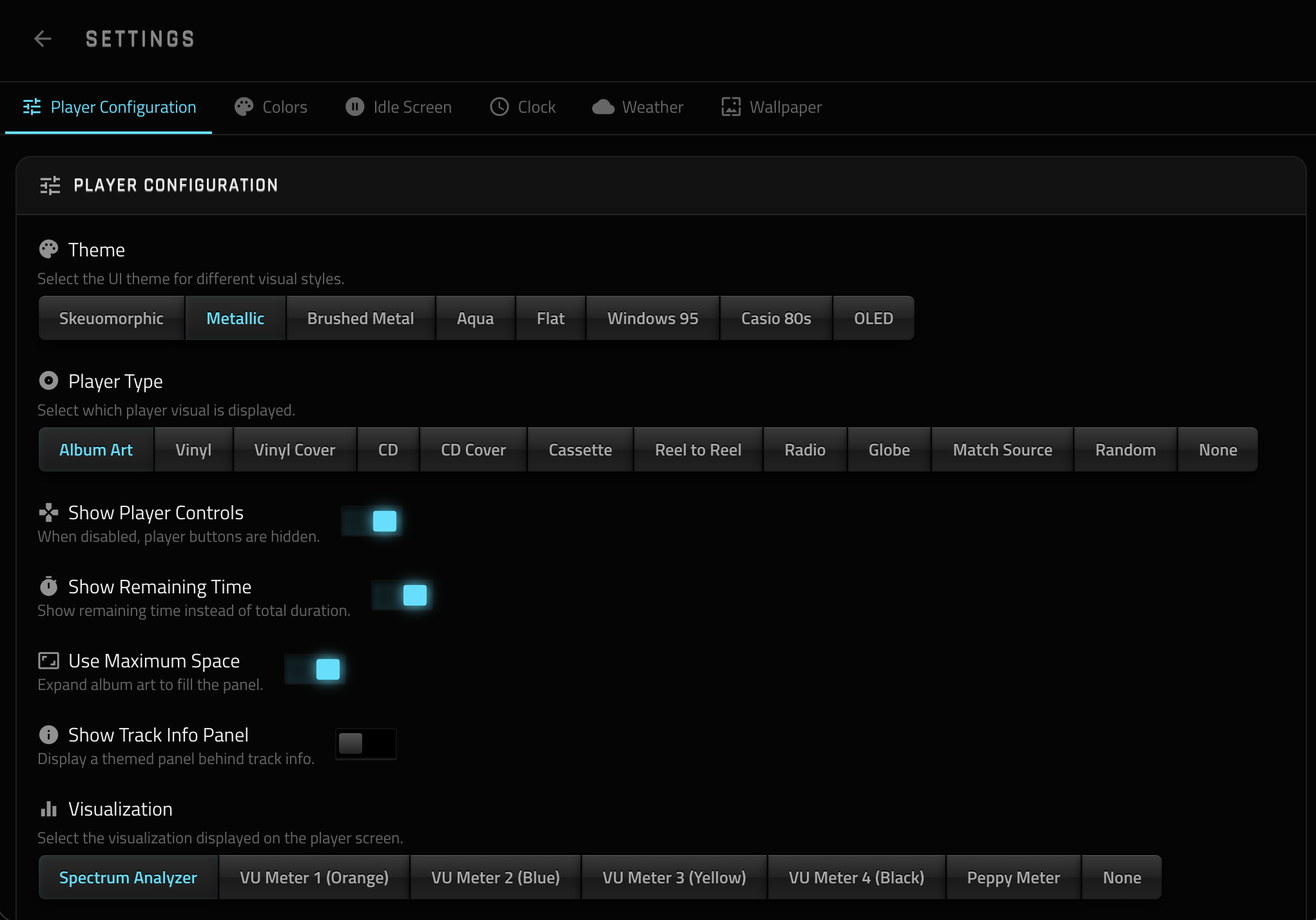
- New “Settings” page to manage plugin settings easily
Brushed metal
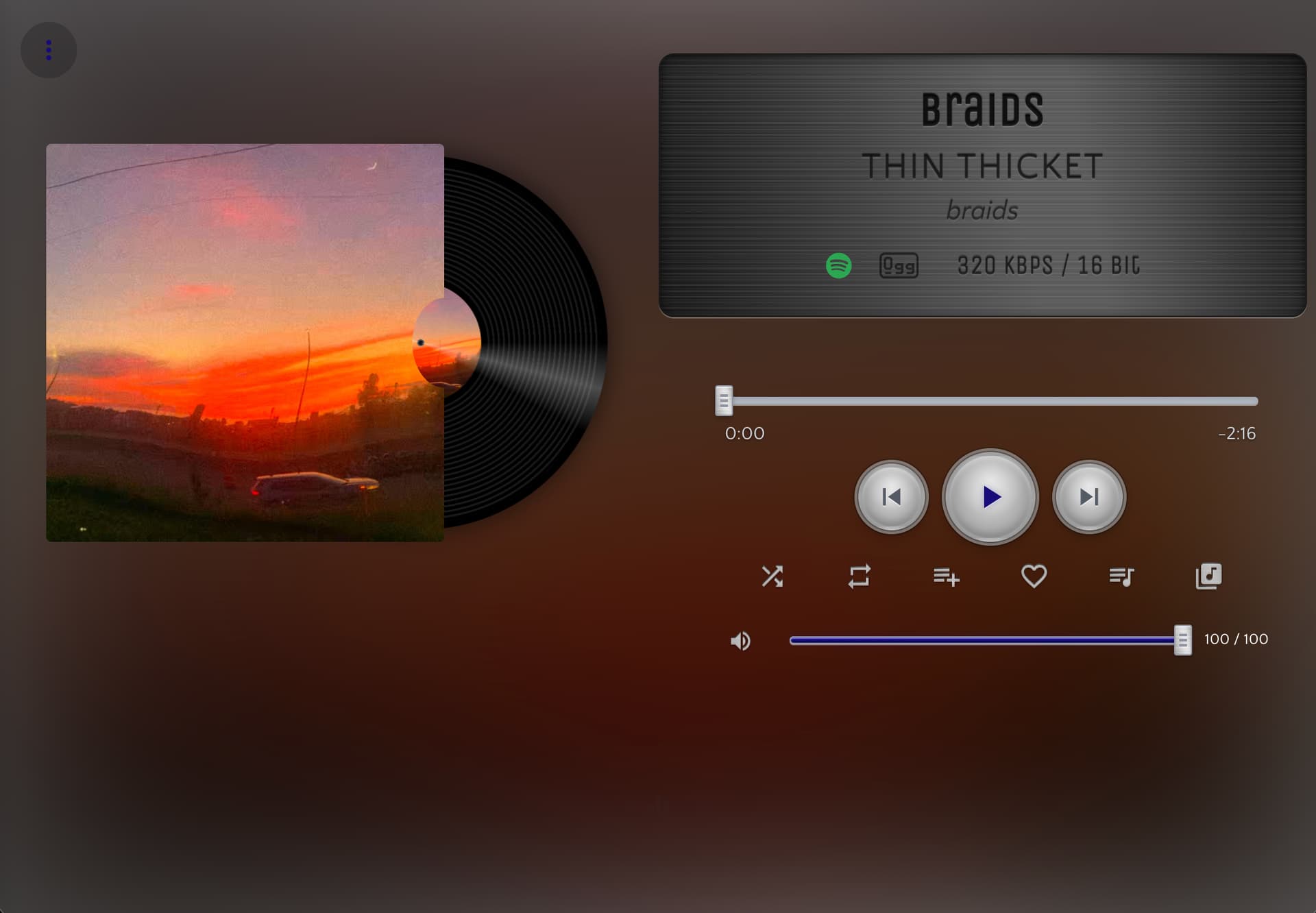
Settings
1.1.38
Resolution is ok👌 only in Skeuomorphic there can be a black background like in Metallic
Skeuomorphic
Metallic