Unfortunately, version 1.0.83 still has the same issue when I launch TIDAL directly from the streamer screen after restarting the new version. Touch responses on the streamer are slower than on apps like my phone, and vice versa – changing tracks on my phone lags on the streamer screen, and there’s also a delay with each track.
After a while, without the app running on another device (iPad, iPhone, Windows laptop), the songs reach the end, but it’s not smooth. It’s better, with minimal stuttering when skipping to the next track, then it just keeps skipping. I hope this isn’t annoying and I’m trying to help. Best regards 
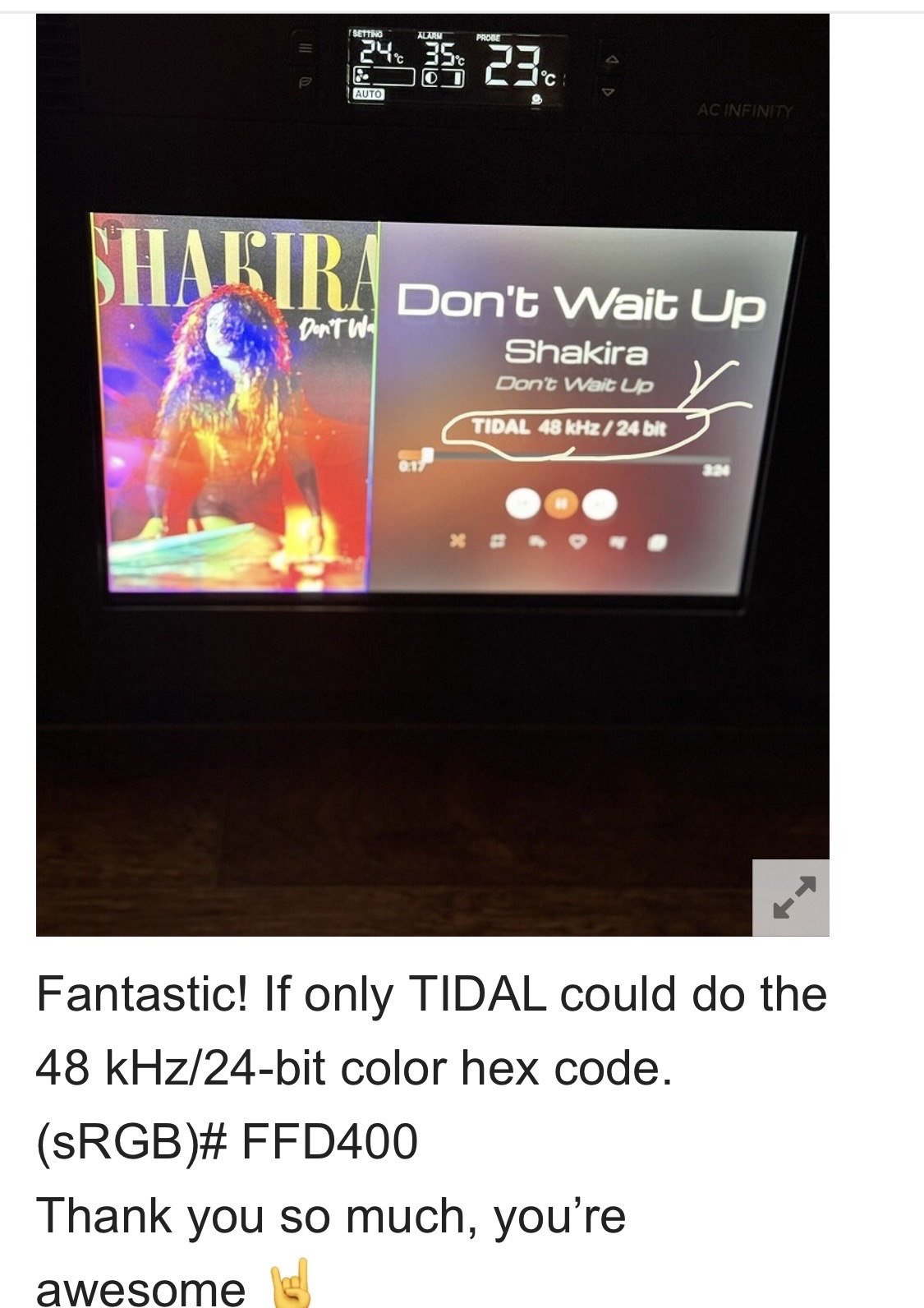
How would you deal with the above problem to make sure everything is okay? You would do what’s in the picture.
He can also miss a song (it’s a lottery, really), and then quickly skim it to show the next one, or reluctantly skip to the one currently playing. But today I’m complaining. Sorry
 and good luck
one more thing
 the album cover is cut off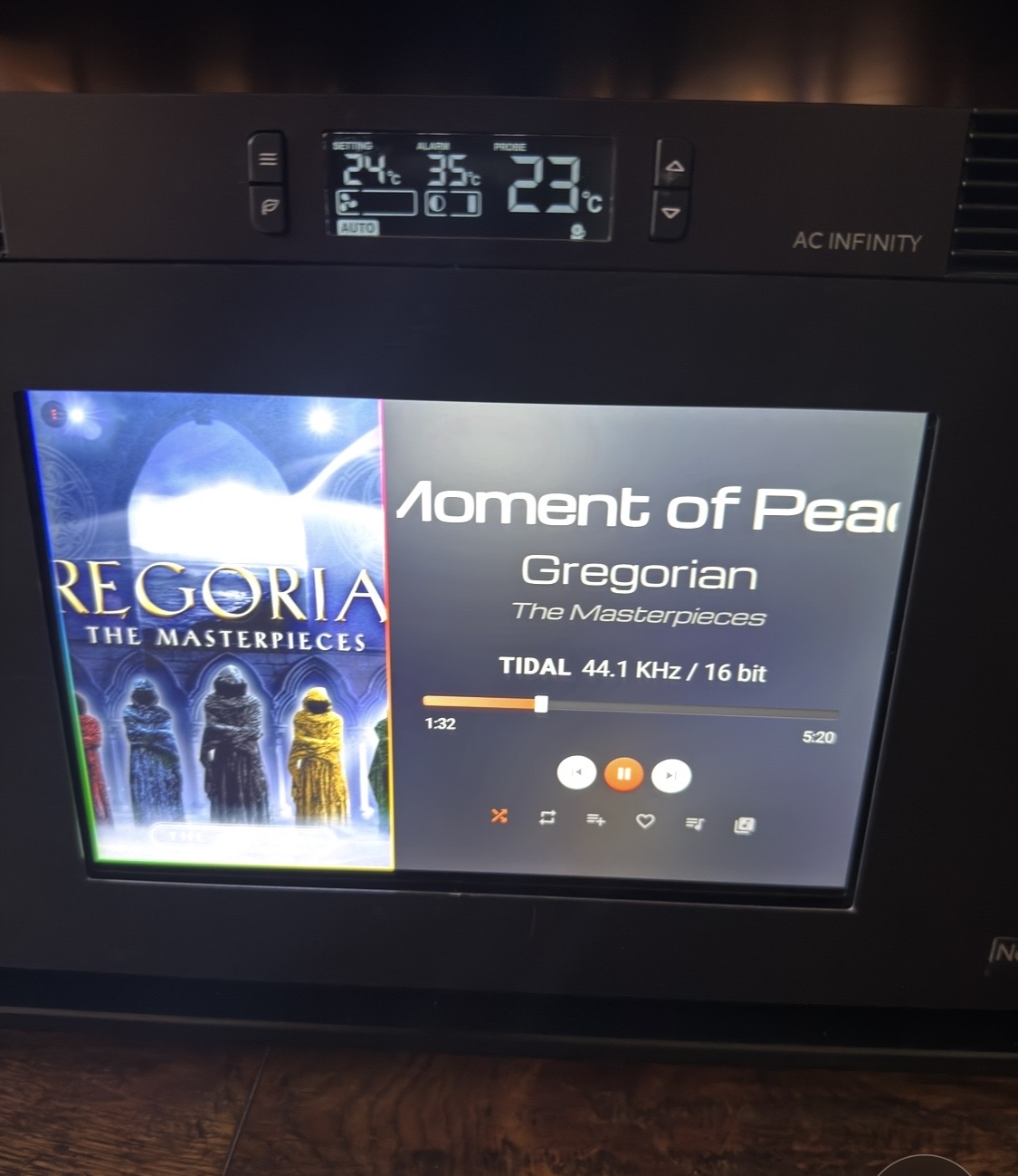
Thanks for your feedback. I don’t have a subscription to Volumio or Tidal. Let me see what I can do. I only have local FLAC files so it works without a lag.
If this is only happening on Tidal it would be a problem with Tidal or Volumio. Try local files too.
The album cover has no room you want it in that space so it has to be cropped/ cut off. Squeezing will look bad. You can’t have everything  it’s a design problem. Hope you understand.
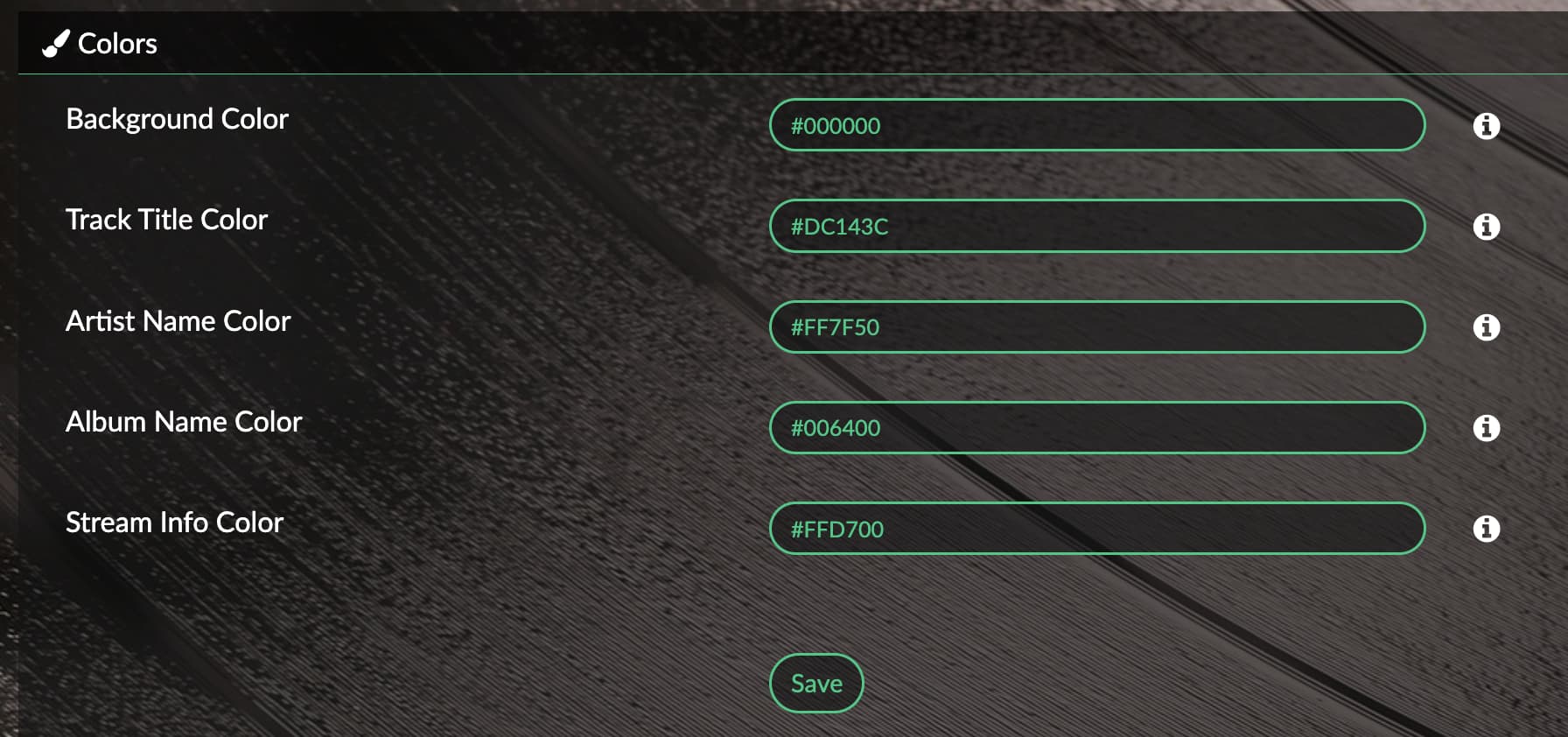
Also the color is theme color. Currently we cannot change it. Lot of work.
Ok, it cuts out the same on Spotify
Please open a ssh to this devices and run:
volumio status
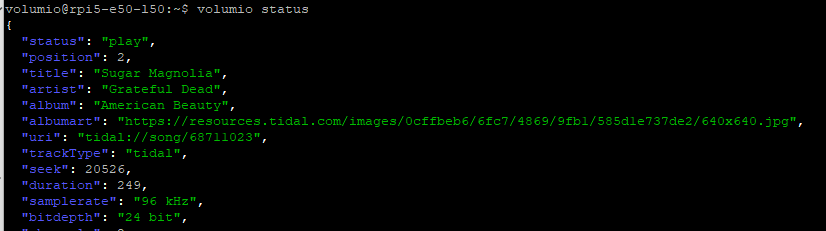
Compare this output, with the info you see on the screen.
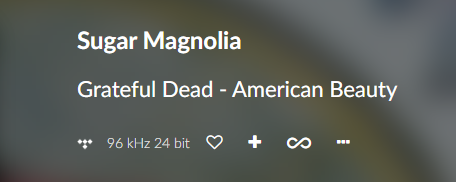
Are they aligned or are the different?
U la la, I can install the plugin and that’s it. Sorry, I can’t help you.
1.0.87 made a few enhancements to Visualization, it should now play automatically IF the user presses the play button when stopped. If the screen is loaded while still playing, then the user still needs to click the visualization as before. This should make it a bit easier though. Also the visualization should be transparent now.
Viz JSON should have
"overlay": true,
Added large screen layout, good for TVs - 1920 width and larger.
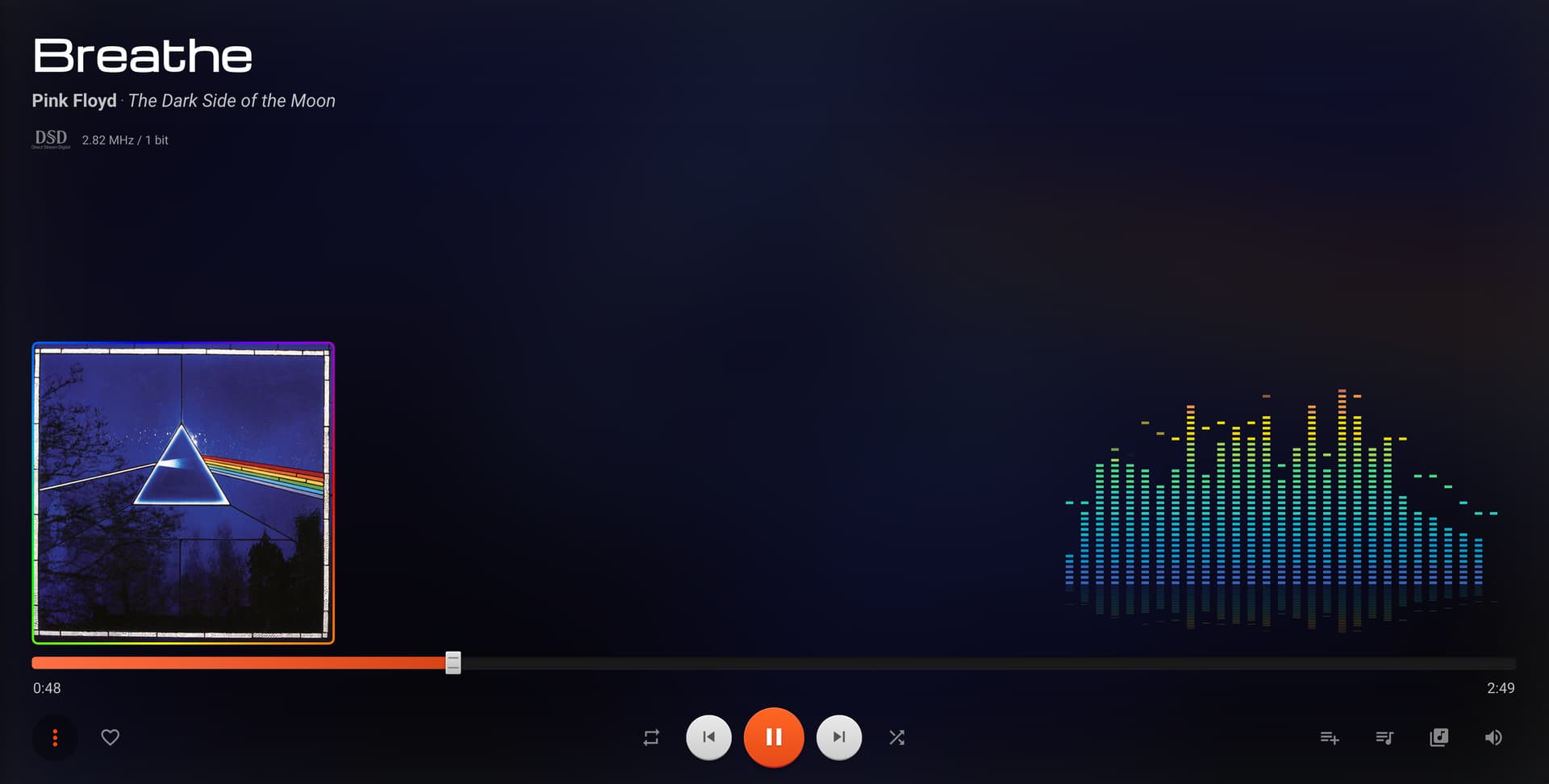

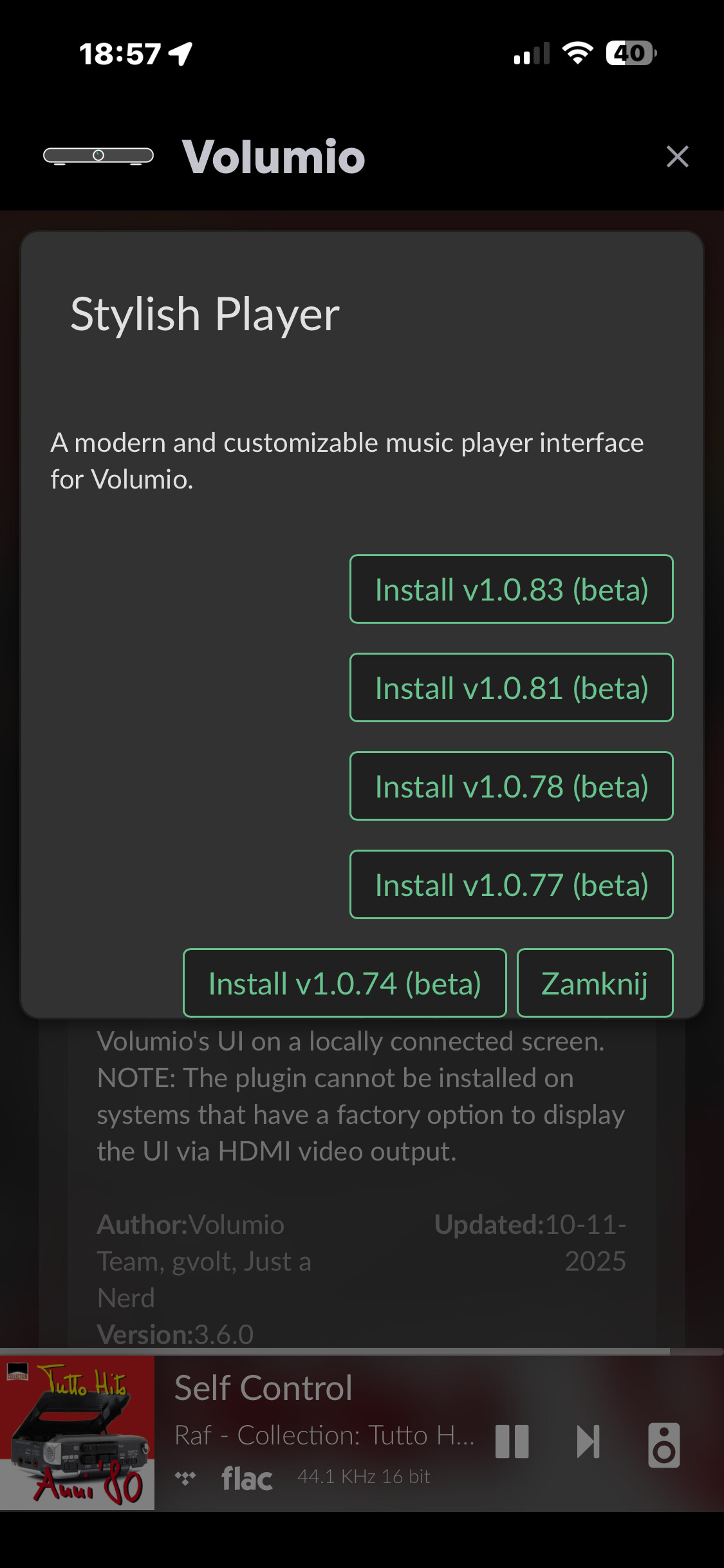
Just submitted. Try again
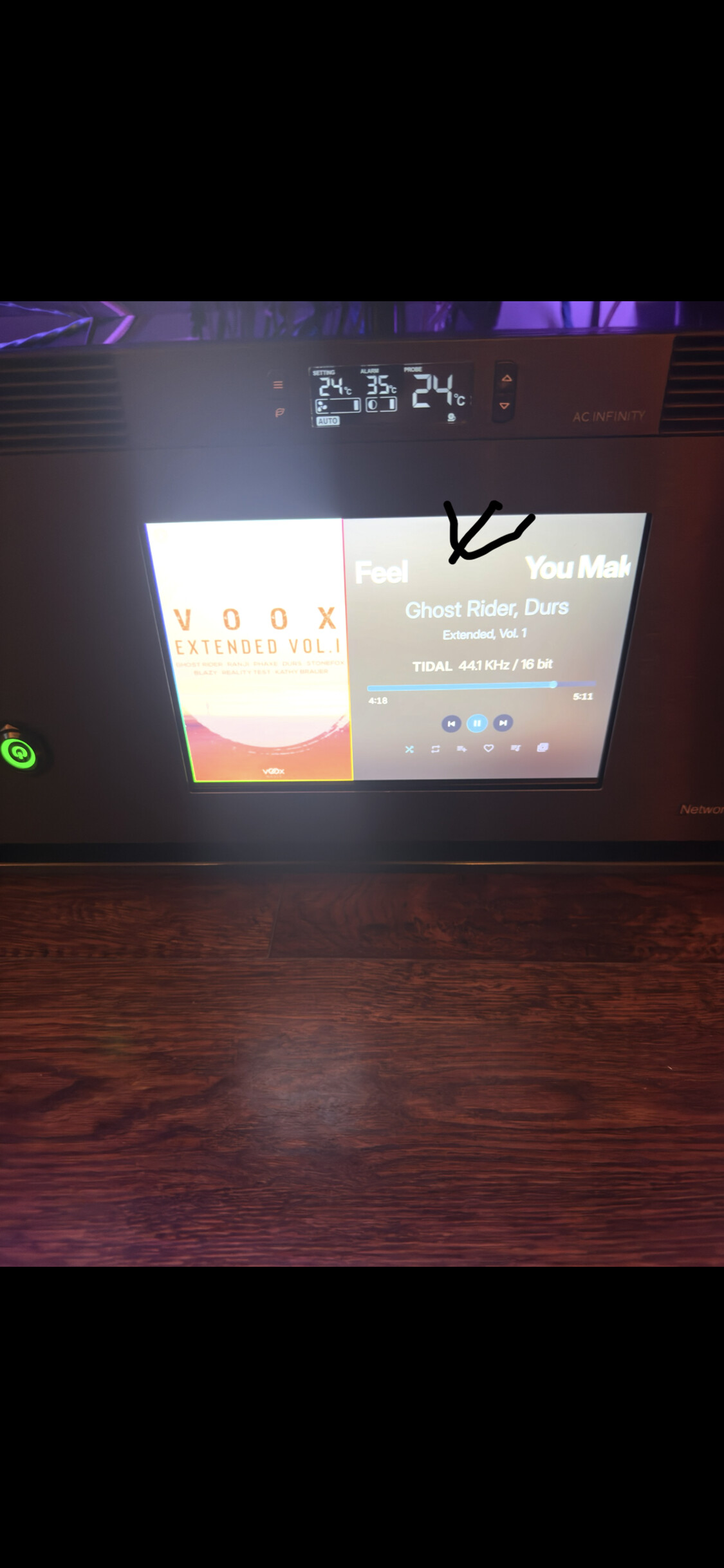
It’s impossible to insert yellow into TIDAL, color 48 kHz/24-bit. (sRGB)# FFD400 OK, a lot of work, but maybe a black background (option - album background is now - or always black :)), e.g. flat black, thanks in advance.
1 Like
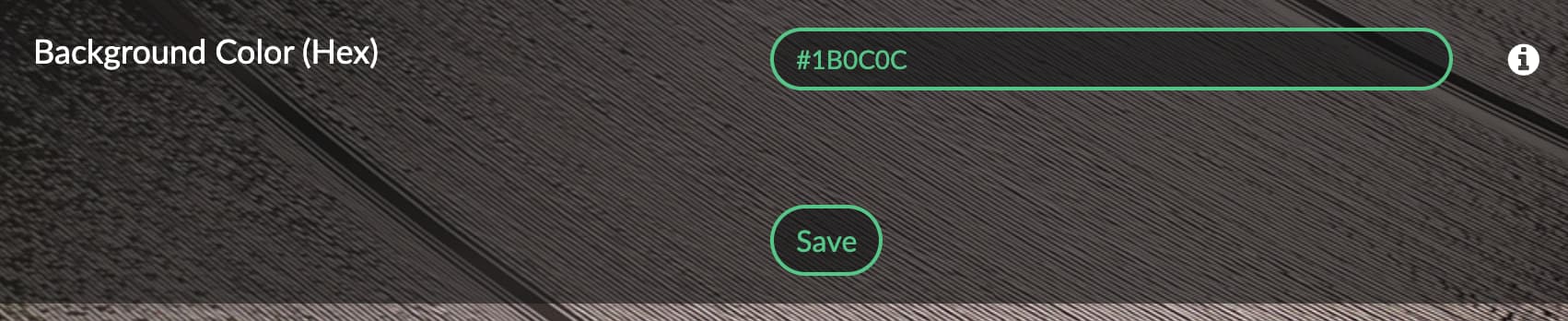
You’re great. Thanks. If you ever want to add that yellow one, that would be great. Best regards
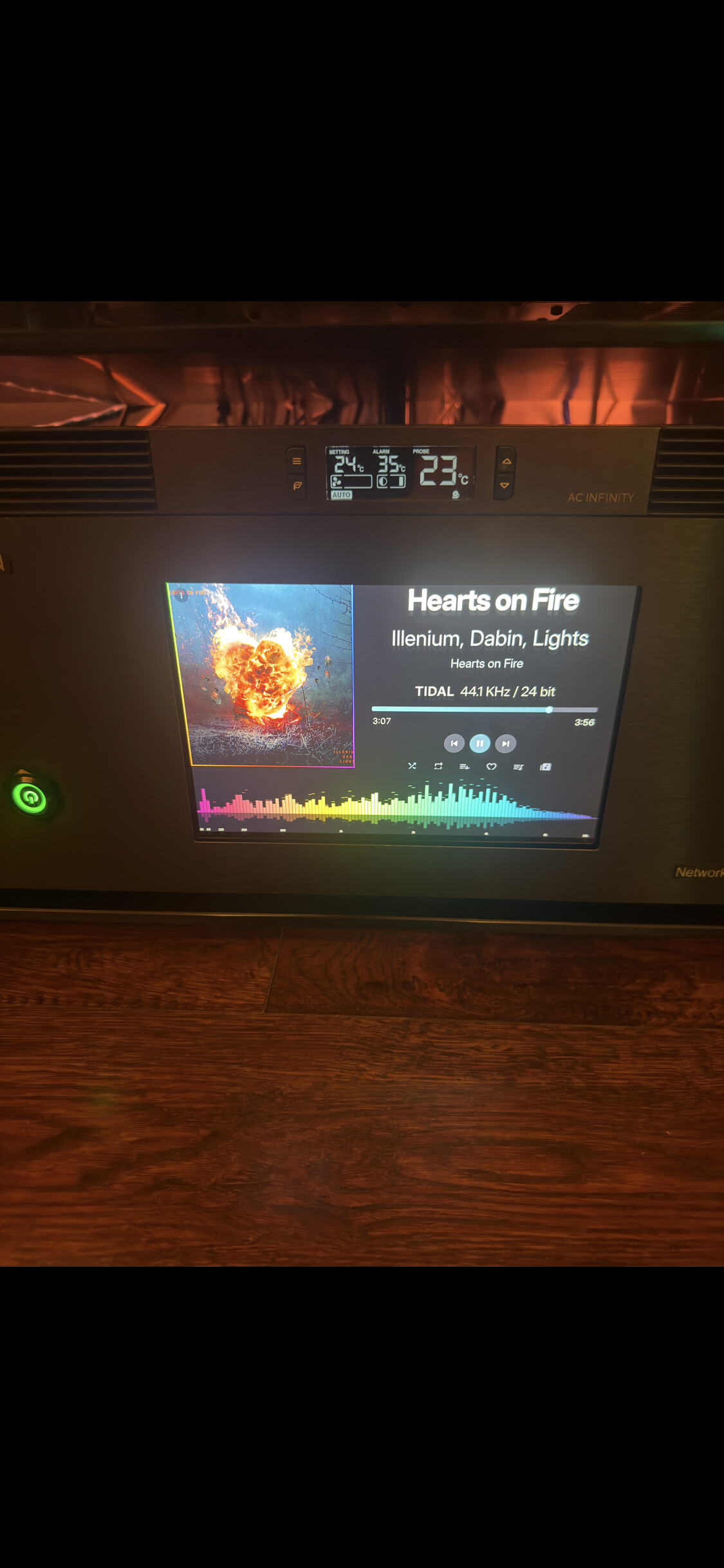
and I don’t want to jinx it, but when I put a black background, the spectrum analyzer works normally

1 Like
1.0.90 had fixes for the Visualization 
** 1.0.94 ** has lots of styling changes for different themes to make it consistent and polished
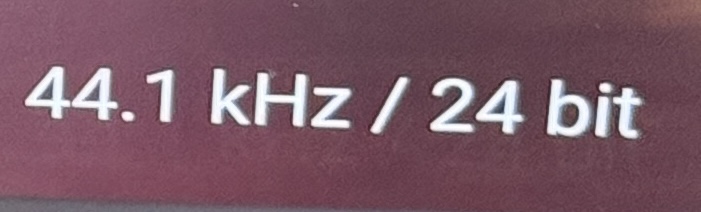
Congratulations
 great plugin. The spectrum analyzer – when it launches automatically – will be the icing on the cake. And my dream is the sRGB #FFD400 from the photo. Cheers
1 Like
1.0.100 is released as stable with UX improvements and ultra wide screen support.
1920X515 / 2650X700 etc.
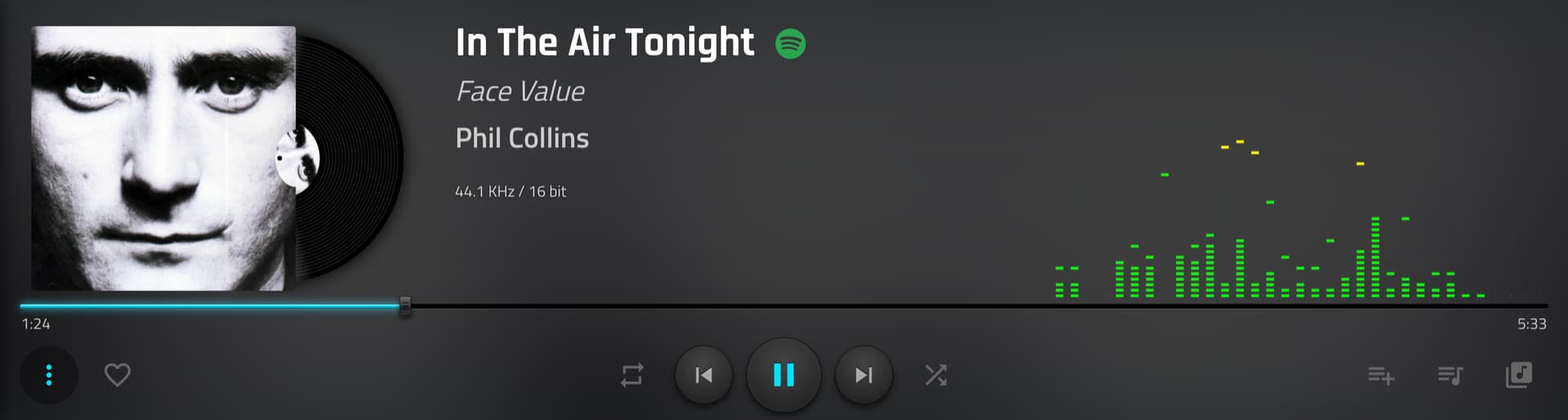

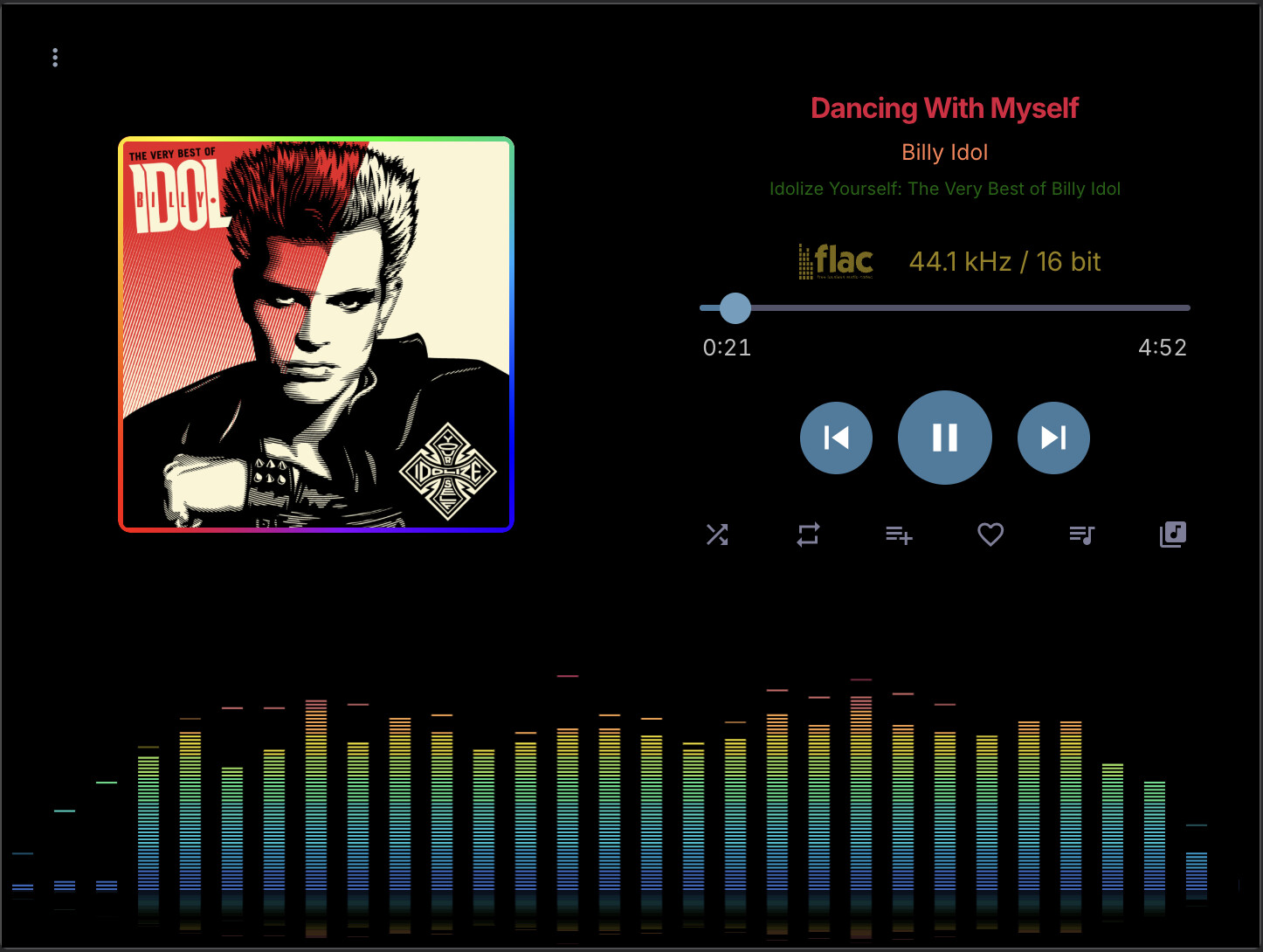
You’re amazing, thank you for everything. The spectrum analyzer, if you could connect it to play music, would be the icing on the cake. Thanks again for everything. Warmest regards.
1 Like
Use the play button on plugin screen to start music and it will automatically start the viz.