What is the mixer type you are using in Playback settings? I think volume control only applies to software based mixer.
In the Volumio settings, I have the software volume control set.
1 Like
.]()
The spectrum analyzer only works through Volumio in the browser, and you only need to touch the screen to activate it. The weather works, but I can’t handle wallpapers. I really admire your talent and effort. You’re amazing.
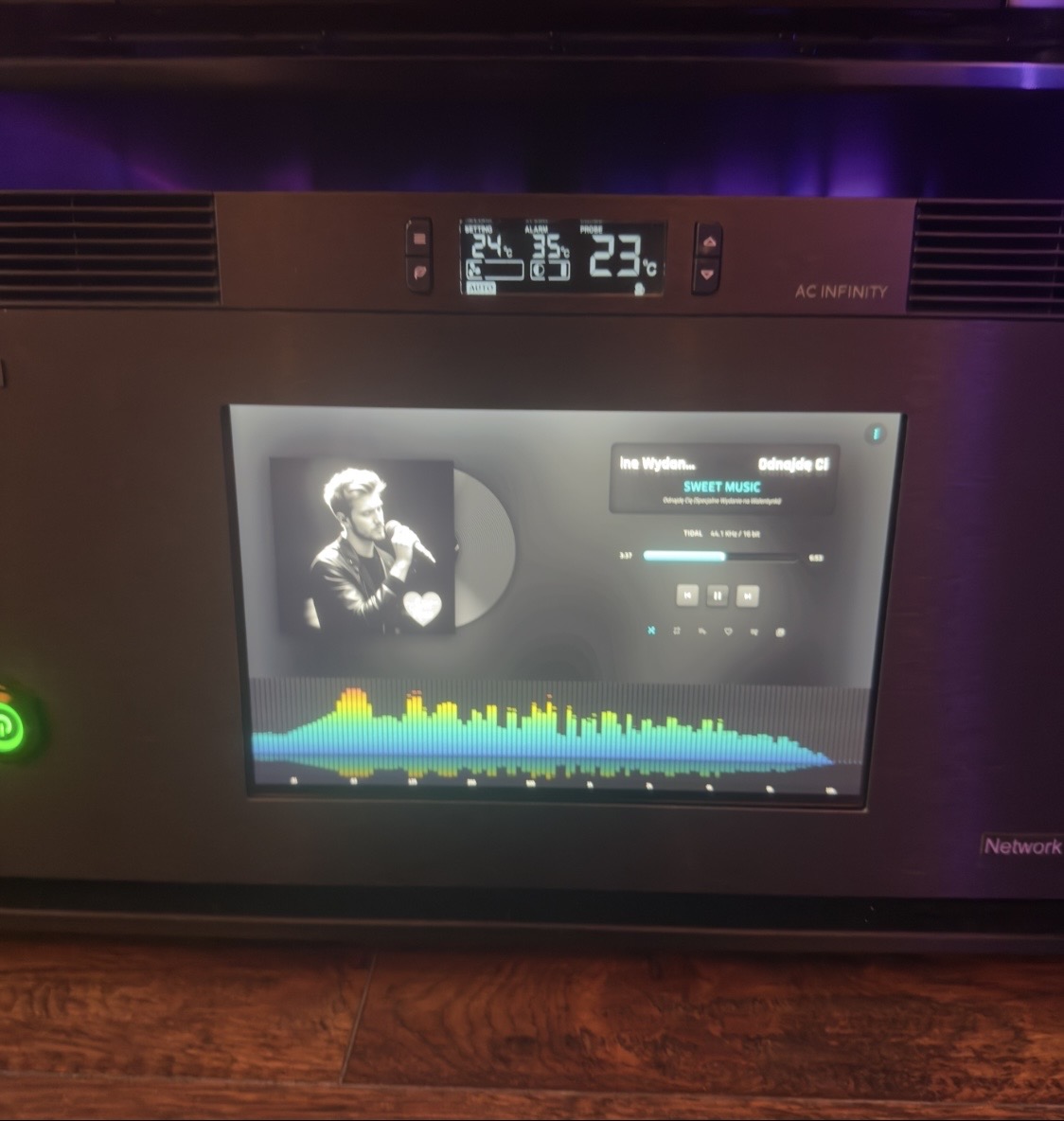
Thanks for the kind feedback 
If you give me more details what wallpaper you are trying to load? Is it a URL?
If it is from Unsplash.com Developer API it will go in Wallpaper URL.
If it is from another website that just loads pictures then it may work in the External URL setting in the plugin settings page. Try it out.
Also message me what URL for wallpaper you are trying to use.
For me, the best thing would be to add photos from phon
It only supports public url, not private photos upload 
With this spectrum analyzer, it’s a lottery, though. After restarting, nothing. I’ll try to figure out the photos. You’re a great master. Best regards.
1.0.58 Is out with some fixes for Visualization. Might need to restart the Volumio after you update. Hopefully it fixes all issues. Seems stable on my side now.
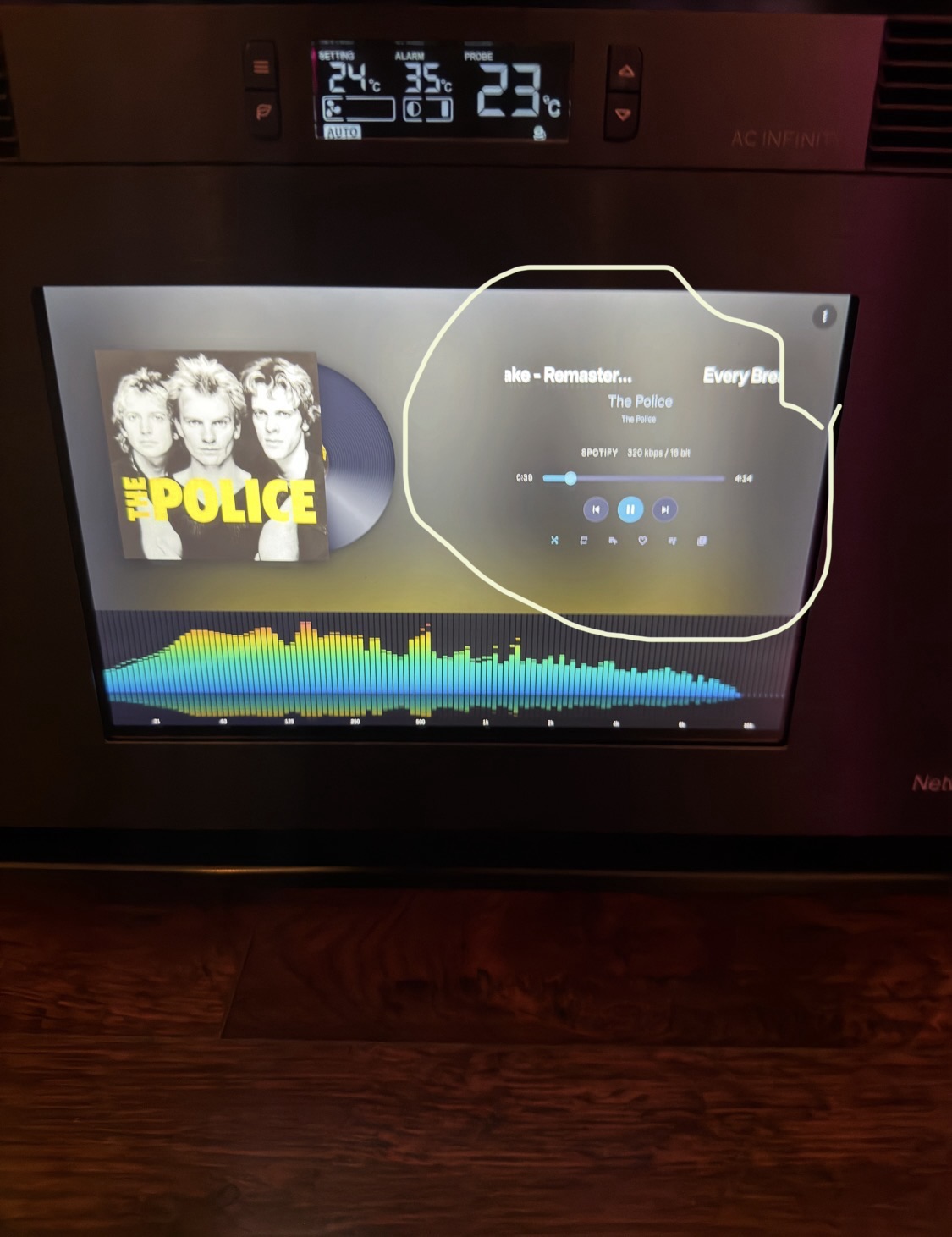
The one marked in the photo can be enlarged so that it touches the vinyl record and the spectrum analyzer.
1 Like
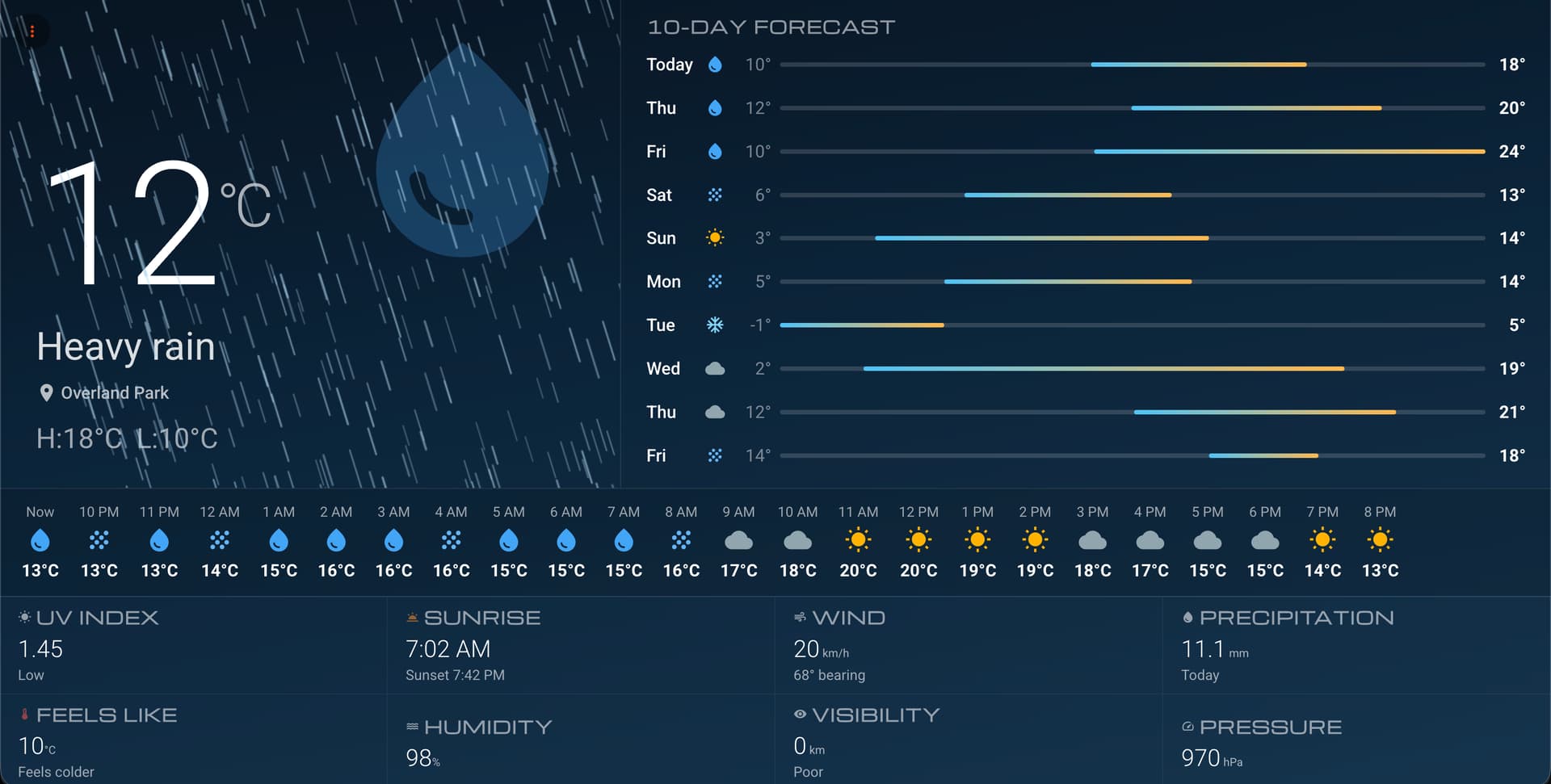
Using the External URL setting you can display many cool screensavers like this below
https://rezmason.github.io/matrix/
(many versions available https://github.com/Rezmason/matrix?tab=readme-ov-file)
Different clock
https://malte-wessel.github.io/a-million-times/
1.0.60 is out with responsive screen changes.
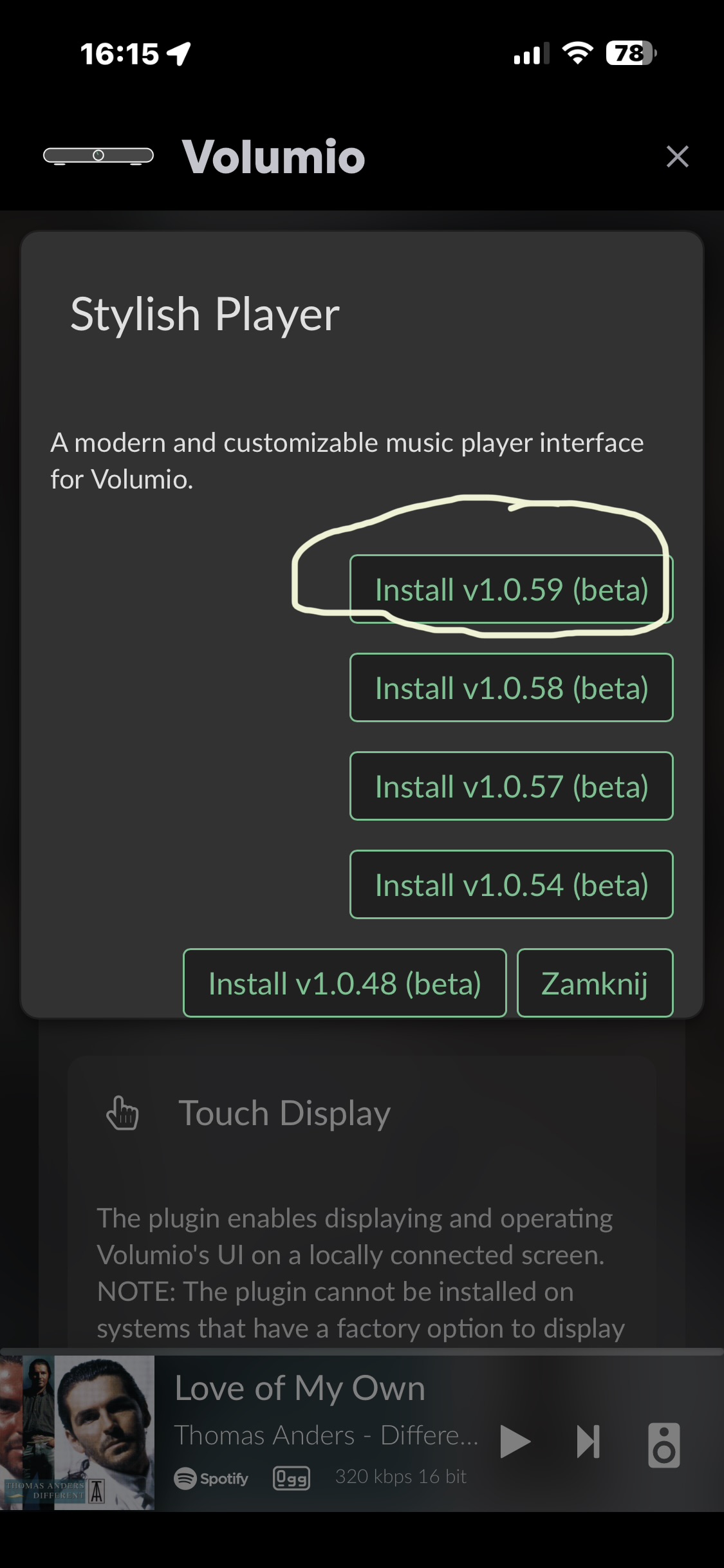
Try again. I forgot to submit 1.0.60 it should be there now.
New version 1.0.61 to change Spectrum Analyzer looks
Override Spectrum analyzer options. Leave empty to use defaults. Generate options using getOptions() on this page
https://audiomotion.dev/demo/fluid.html
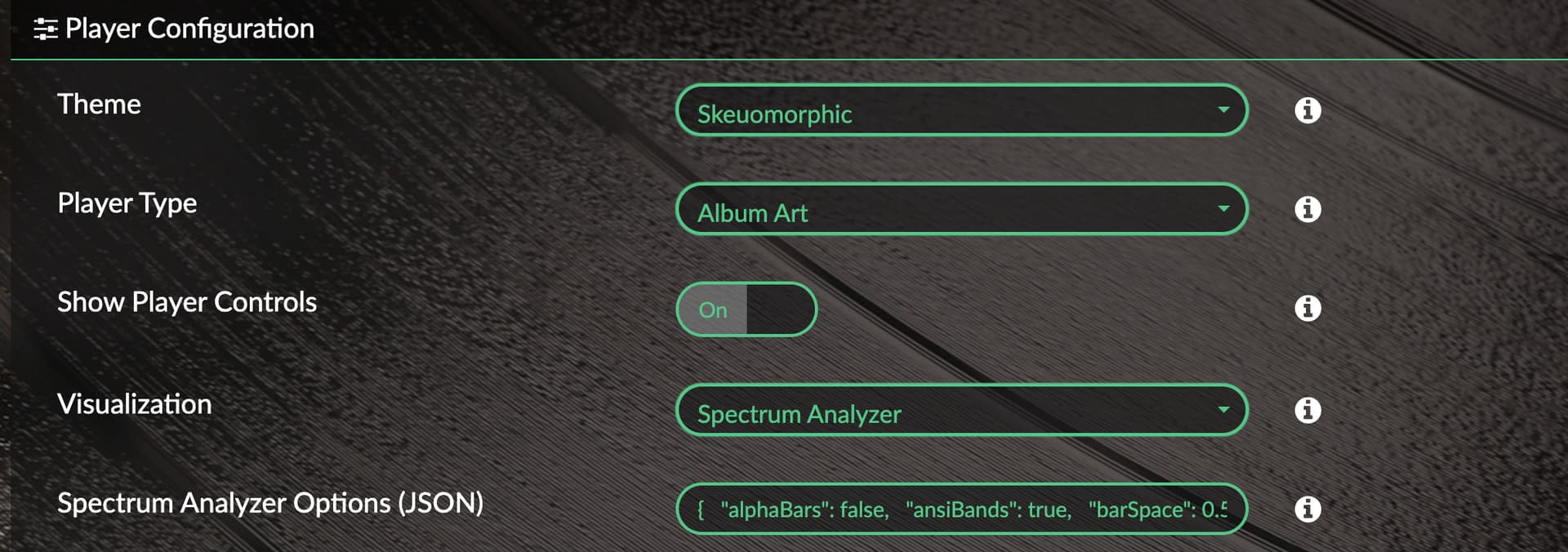
Examples:
{
  "alphaBars": false,
  "ansiBands": false,
  "barSpace": 0.1,
  "bgAlpha": 0.7,
  "channelLayout": "single",
  "colorMode": "gradient",
  "fadePeaks": false,
  "fftSize": 8192,
  "fillAlpha": 0.6,
  "frequencyScale": "log",
  "gradient": "rainbow",
  "gravity": 3.8,
  "ledBars": false,
  "linearAmplitude": false,
  "linearBoost": 1,
  "lineWidth": 1.5,
  "loRes": false,
  "lumiBars": false,
  "maxDecibels": -25,
  "maxFPS": 0,
  "maxFreq": 20000,
  "minDecibels": -85,
  "minFreq": 30,
  "mirror": -1,
  "mode": 10,
  "noteLabels": false,
  "outlineBars": false,
  "overlay": false,
  "peakFadeTime": 750,
  "peakHoldTime": 500,
  "peakLine": false,
  "radial": false,
  "radialInvert": false,
  "radius": 0.3,
  "reflexAlpha": 1,
  "reflexBright": 1,
  "reflexFit": true,
  "reflexRatio": 0.5,
  "roundBars": false,
  "showBgColor": true,
  "showFPS": false,
  "showPeaks": false,
  "showScaleX": false,
  "showScaleY": false,
  "smoothing": 0.5,
  "spinSpeed": 0,
  "splitGradient": false,
  "trueLeds": false,
  "useCanvas": true,
  "volume": 1,
  "weightingFilter": ""
}

1 Like
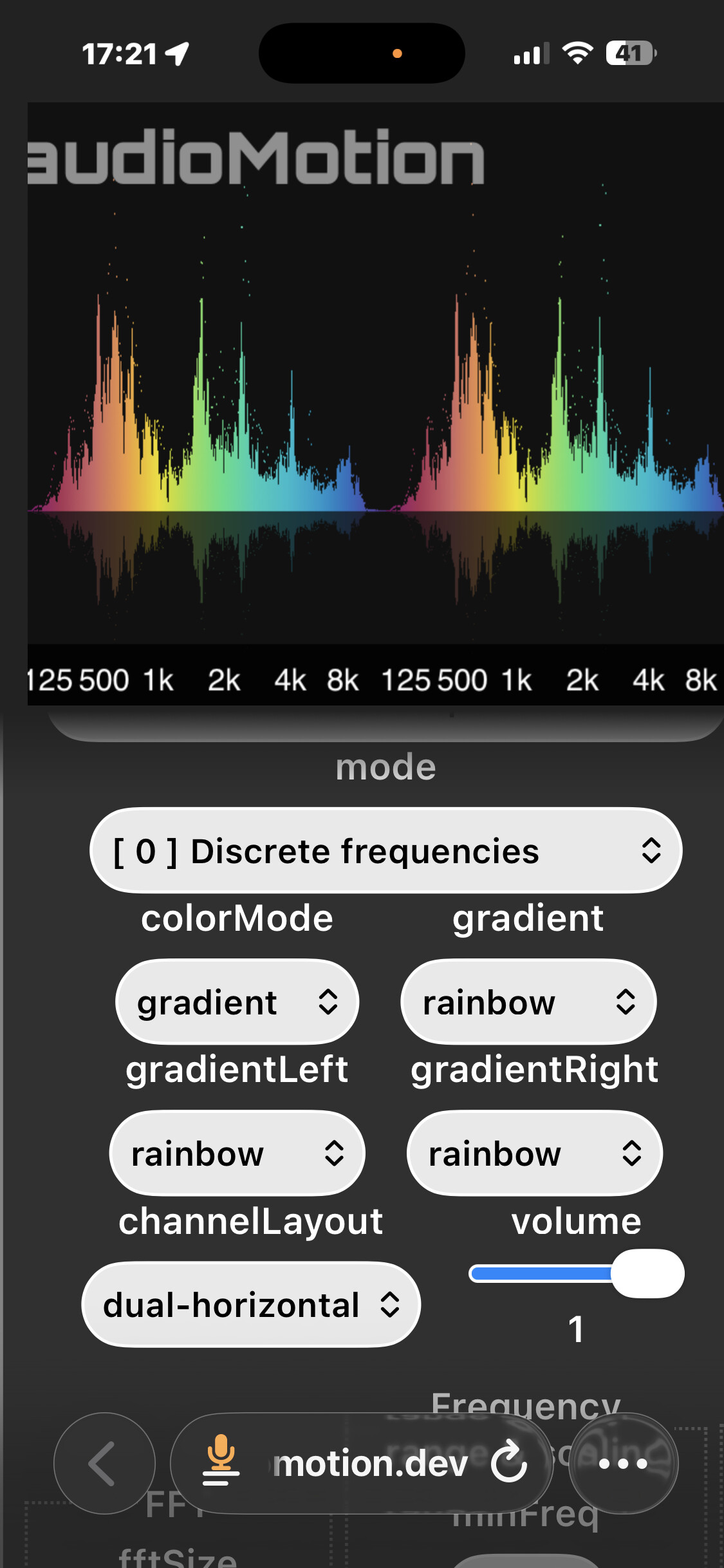
Hello. Could you post the example in my photo? I don’t know how to do it. Thank you very much! Best regards, master!
Use the getOptions button, it copies the setting in your clipboard. Then you paste it directly in the Plugin secttings.
{
  "alphaBars": false,
  "ansiBands": false,
  "barSpace": 0.1,
  "bgAlpha": 0.7,
  "channelLayout": "dual-horizontal",
  "colorMode": "gradient",
  "fadePeaks": false,
  "fftSize": 8192,
  "fillAlpha": 1,
  "frequencyScale": "log",
  "gradient": "rainbow",
  "gravity": 3.8,
  "ledBars": false,
  "linearAmplitude": false,
  "linearBoost": 1,
  "lineWidth": 0,
  "loRes": false,
  "lumiBars": false,
  "maxDecibels": -25,
  "maxFPS": 0,
  "maxFreq": 22000,
  "minDecibels": -85,
  "minFreq": 20,
  "mirror": 0,
  "mode": 0,
  "noteLabels": false,
  "outlineBars": false,
  "overlay": false,
  "peakFadeTime": 750,
  "peakHoldTime": 500,
  "peakLine": false,
  "radial": false,
  "radialInvert": false,
  "radius": 0.3,
  "reflexAlpha": 0.15,
  "reflexBright": 1,
  "reflexFit": true,
  "reflexRatio": 0,
  "roundBars": false,
  "showBgColor": true,
  "showFPS": false,
  "showPeaks": true,
  "showScaleX": true,
  "showScaleY": false,
  "smoothing": 0.5,
  "spinSpeed": 0,
  "splitGradient": false,
  "trueLeds": false,
  "useCanvas": true,
  "volume": 1,
  "weightingFilter": ""
}
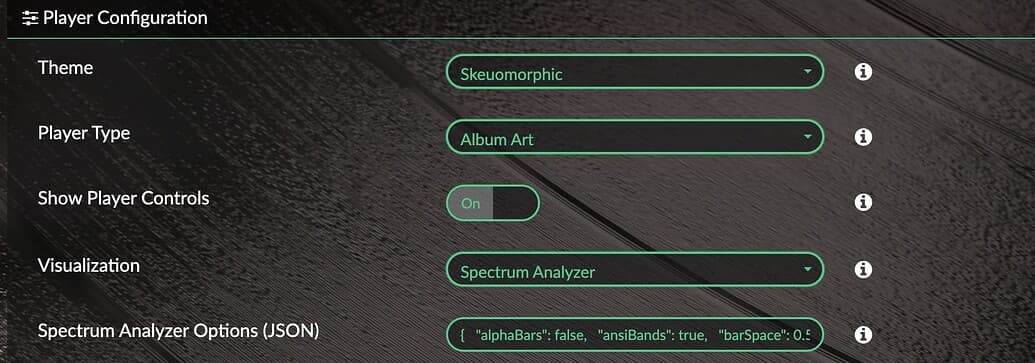
Save it here
you are great, thank you very much
1 Like
To be completely happy, the only thing missing is a self-starting spectrum analyzer (without touching the streamer screen)