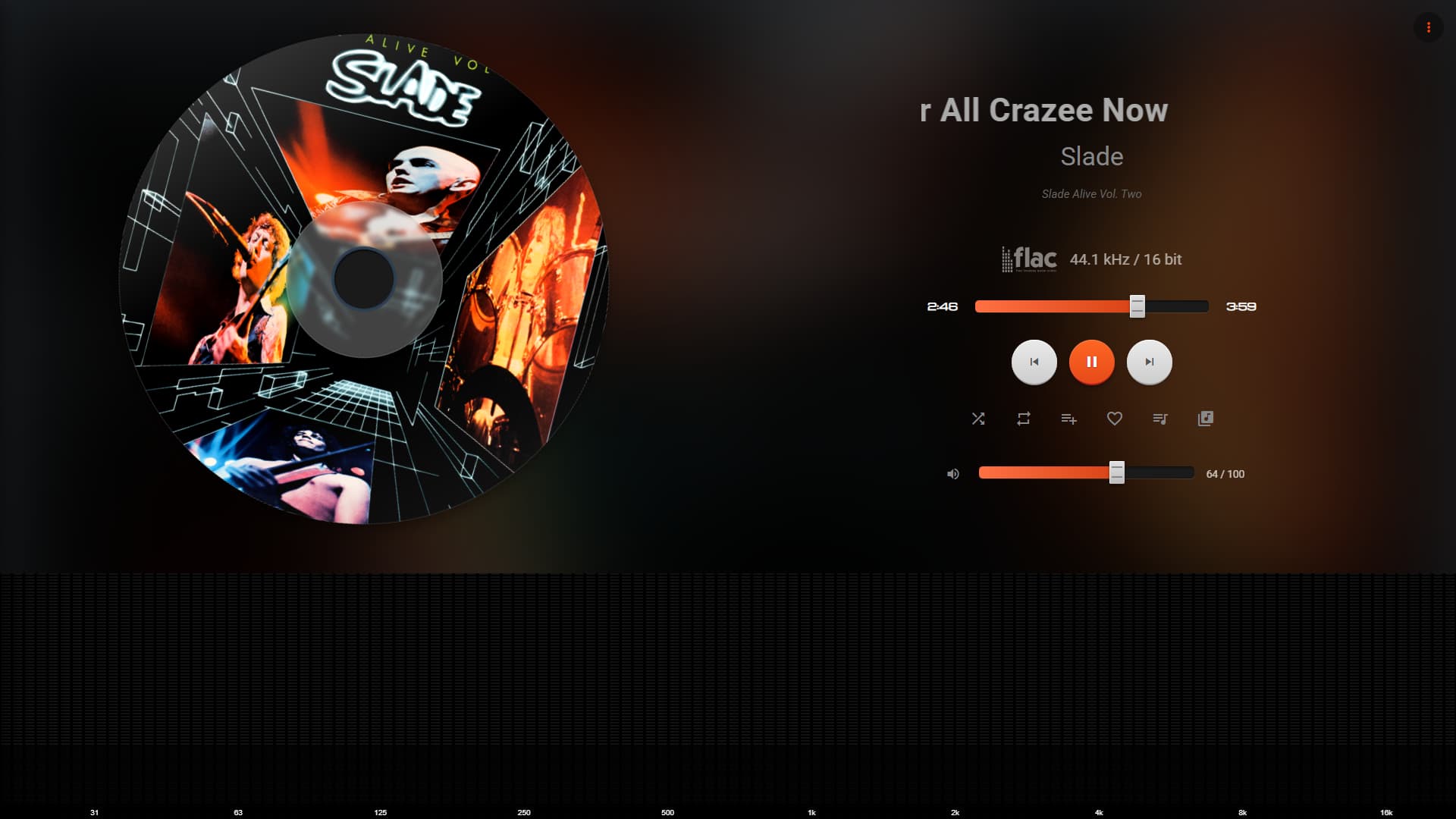
On the Stylish Player plugin, what are you using for Idle screen? If you have selected Wallpaper, you will need Unsplash API keys, so don’t use that unless you know what you are doing. Use Clock or something else.

Is the weather working for someone?
What device, OS, browser are you using?
By default the Weather will try to get your location if you have enabled location service. Depending on your browser / device if it fails it should fallback to using IP address geolocation. OR you can add Latitude and Longitude in the Plugin setting screen.
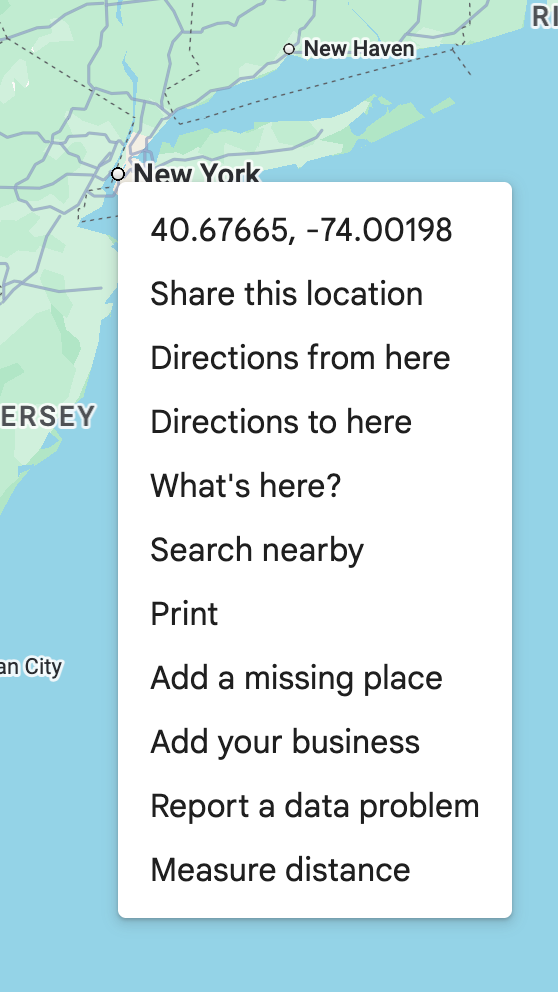
Easiest way to get it is via Google Maps (right click)
Now Playing works flawlessly all the time.
Safari can’t open this page. Error: “Navigation error; the request was for an HTTP URL, only HTTPS URLs are allowed.” Stylish Player can only be launched through the app and directly on the streamer’s screen. A similar plugin, Now Playing, has no problem with this. This may be the reason it’s not working.
The weather is working for me now.
On my MacBook Pro and iPAD, I am able to load the page in Safari with just http. Everything works on Safari except the Spectrum Analyzer (working on it).
the spectrum analyzer started working, but only on the laptop, normally on the streamer it stutters terribly
After restarting the streamer, I had to re-enable the plugin, and the spectrum analyzer stopped working. I’m done typing and returning to the “Now Playing” section. Cheers.
The Spectrum Analyzer requires GPU hardware acceleration to make it work, which by default on a Raspberry PI probably isn’t enabled.
Thanks for your feedback.
Please release a stable version (without bugs) and I will definitely use it. It’s a great plugin. I admire you and wish you the best.
1 Like
Yes, the spectrum analyzer is the problematic part and might not work in Safari because of Apple’s limitations 
Balbuz is working on an alternative to the audio stream needed for the analyzer to work, I am really hoping that will solve the issues.
If you have any feature requests, I am open to it.
It’s not that it doesn’t work on my Apple device. It’s just that when I run the Now Playing plugin on my Volumino phone, I see it on my streamer. And your plugin launches on the device it’s running on. I have to run Stylish Player directly on the streamer to get it where it SHOULD be. I don’t need it on, for example, an Apple phone, Windows laptop, or Apple tablet, ONLY ON THE STREAMER. Secondly, Now Playing starts normally after a system restart (after disabling Now Playing), but Stylish Player doesn’t work after a system restart. I have to restart the plugin, and to see the spectrum analyzer, I have to go to the streamer and tap the screen to activate it (this doesn’t work, it only works when I play music through the streamer. For example, on my phone, laptop, or tablet, when I play music, the spectrum analyzer doesn’t work). It’s annoying. The plugin is great, I really want to use it, but… Best regards, and sorry for the confusion.
-
The spectrum analyzer needs user interaction to start, this is a browser limitation and I couldn’t work my way around it. There is no option but to click/tap etc to initiate the audio stream in the browser to make it work.
-
The spectrum analyzer also need GPU hardware acceleration enabled because it runs on WebGL technology. I don’t think the average user would know how do enable it on their Raspberry Pi system. On modern, newer tablets, browsers, this is not a problem as it is already available.
The plugin was designed for people who have a larger screen and want it to see the fancy screen there.
I will try and make it work like the Now Playing plugin where it can automatically show up on your Pi but it won’t have analyzer working there without user interaction, so that part would need to be hidden.
@maniekok3 Please uninstall Stylish Player and install the latest 1.0.38. I have added a button to use Stylish player instead of the default screen. Now the Stylish player will still be running when your restart the Volumio
Still working on the spectrum analyzer, so best if you select “None” for that setting for now, and enjoy the plugins other features 
Thank you so much. How do I change the clock to show 21pm instead of 9pm, and the wallpaper URL doesn’t work. The weather doesn’t work for me either. Sorry, I’m nagging you.
The Wall Paper URL is currently only setup to use Unsplash API (requires a developer API key).
Once you get the developer API key, you can add that and an example API URL to load the Wallpapers ( https://api.unsplash.com/photos/random?query=wallpaper&orientation=landscape&count=30)
What URL are you trying to load? I will see if I can change that function to use any URL.
Weather should work, it tries to get location on the browser, do you see any popup for location permissions? If no permission is provided, it falls back to an estimated location using IP Address, automatically. What do you see in weather screen? It takes 10 seconds to fallback on IP address location. So the weather should load in 10+ seconds.
I have released 1.0.48 with 24 hour time format, some changes to weather screen that will now show Loading weather instead of Weather failed.
If you have entered Latitude + Longitude for weather double check those values too. Wrong values will cause failure.
I have released 1.0.48 with 24 hour time
doesn’t work, I installed 1.0.48,
There is a new setting to enable it “24 Hour” (might have to reboot to take effect or turn the plugin on / off)