Thanks.
Settings → Layout Designer
What is the resolution, did you add any empty layouts?
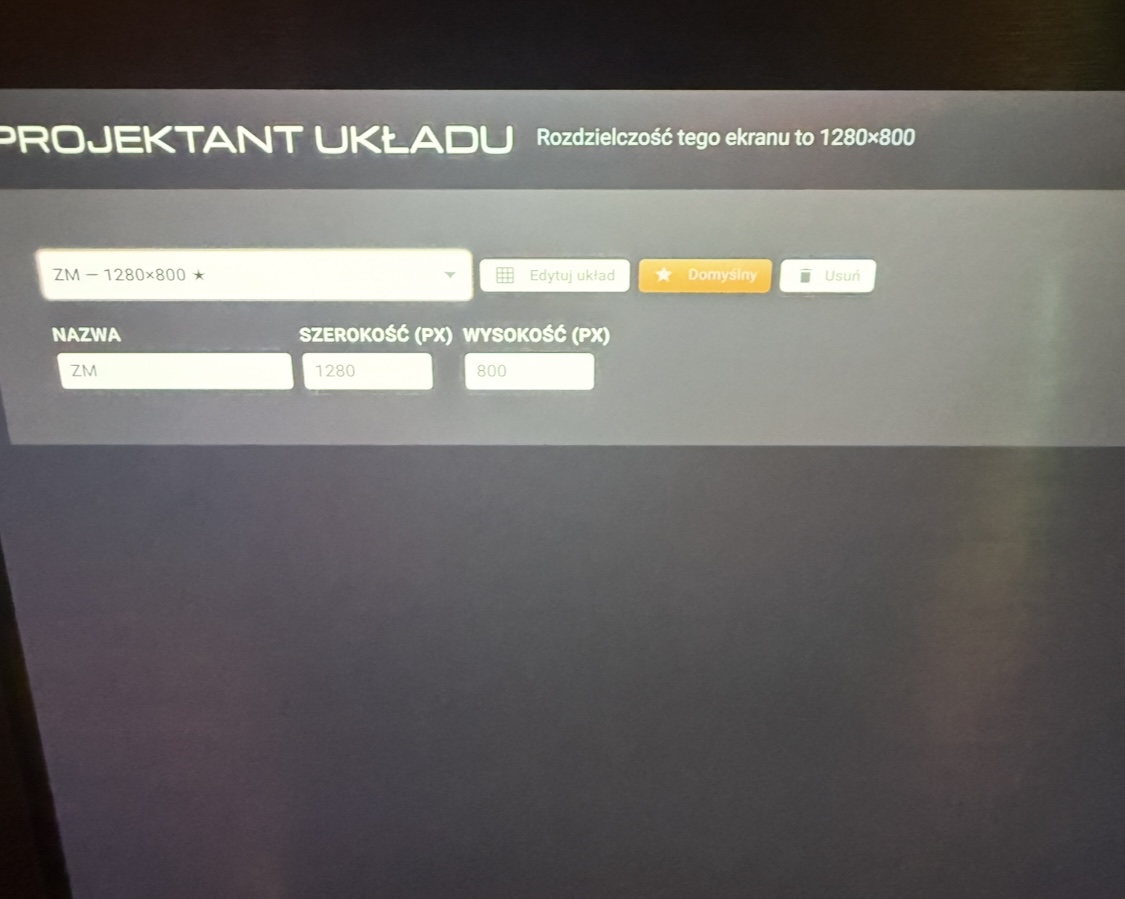
1.2.5 Fixed blank Custom Layout problem, some custom layout sizing enhancements etc.
Still the same Use Custom Layouts gray screen 1.2.5
Uncheck custom layouts first.
Then Menu → Refresh on the player screen and enable Custom Layouts again.
I think it is using cached version.
1.2.5 should be fixed.
Ok, it works, but there is no option to, for example, set the maximum size of the album cover, etc.
You already have a settings called Use Maximum Space. Does that not help?
Send a screenshot on how it looks?
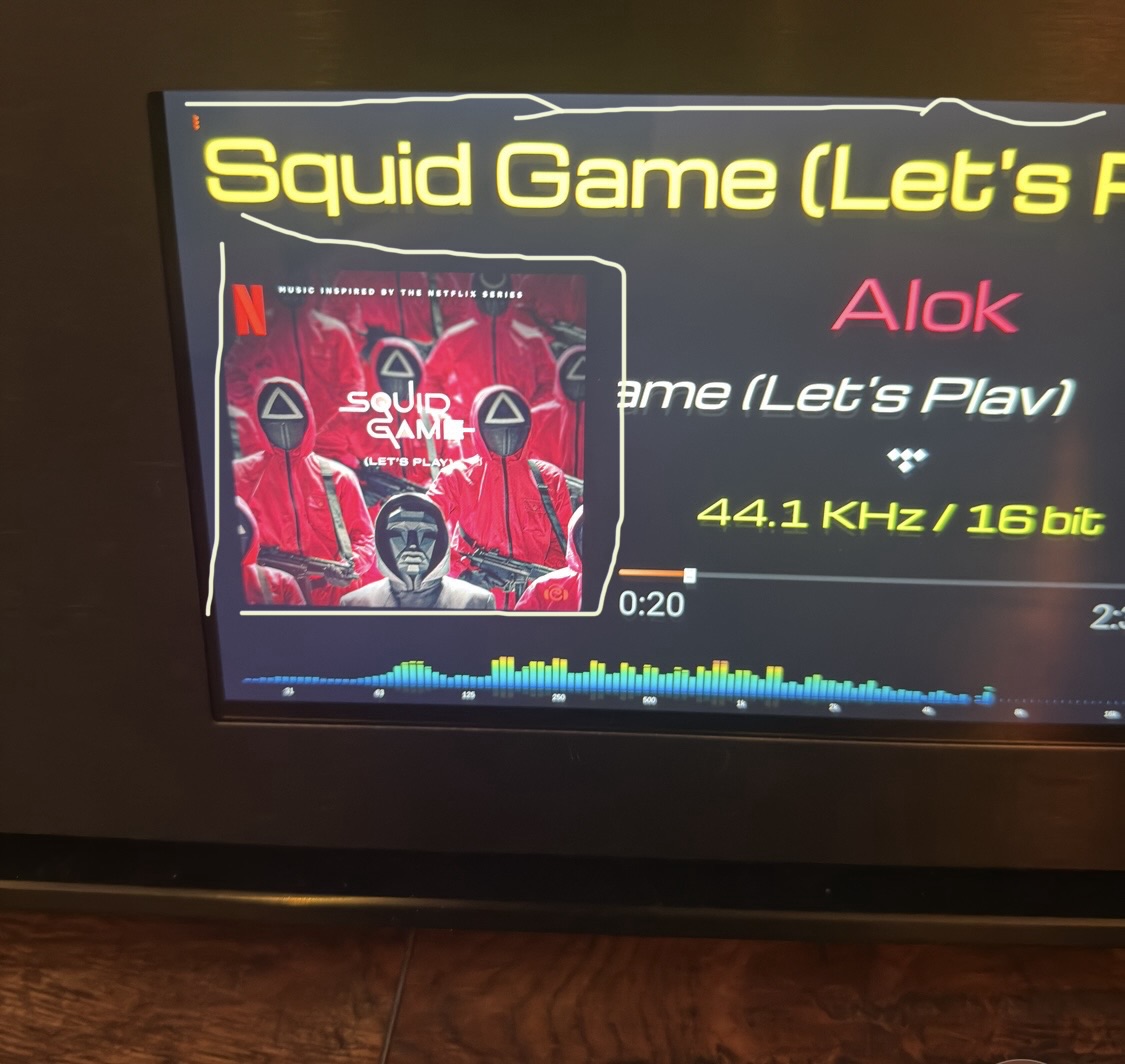
I drew white lines, for example the top one reached the very top, but now there is a black border around the album (it wasn’t there) - of course I have it set to maximum
Use Maximum Space whether on or off does nothing
OK. Can you export the layout from Layout Designer → Export button on top right corner and attach the JSON file here? I will try to play with it.
stylish-player-layouts (1).json (12.8 KB)
Thank you, KCAudio, those gradients look fantastic!!
1 Like
1.2.6
The album art setting for Use Maximum Space in Custom Layout should be fixed now.
1.2.6
Use Maximum Space only works without calling Use Custom Layouts . When I enable Use Custom Layouts , Use Maximum Space doesn’t work
The album cover size doesn’t increase any further. The options in version (I think) 1.2.3 worked differently. I don’t want to do that - I want the active version.
Great plugin, it’s a pity it doesn’t remember the old settings (adding other functions breaks others)
surprisingly  after the next restart the album cover got bigger
But moving the subtitles up and down is still 1 mm (or even less) less. I’m still complaining, thanks for the huge help 
the title of the song cuts
Yes looks like the title is broken on long text.
I tried your layout and it is working for me. Did you change the layout? If you have a different layout send the json file again
The title goes from right to left perfectly. Same track as yours.
stylish-player-layouts (1).json (11.1 KB)
it doesn’t work, I did a few and the same thing
with Use Custom Layouts disabled and Use Maximum Space set to ON, only the album cover works. Song Title, Artist Name, etc. don’t work.


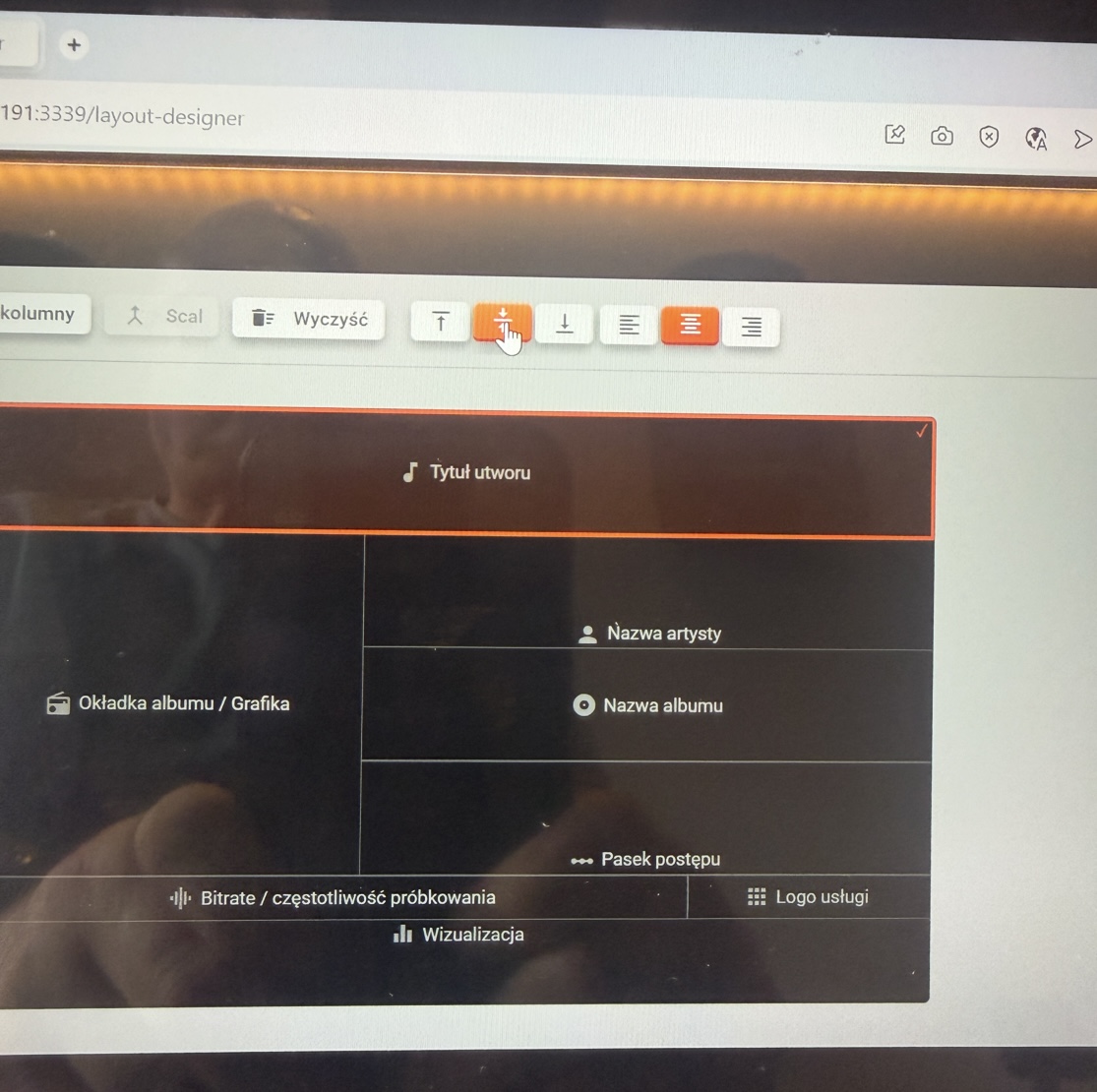
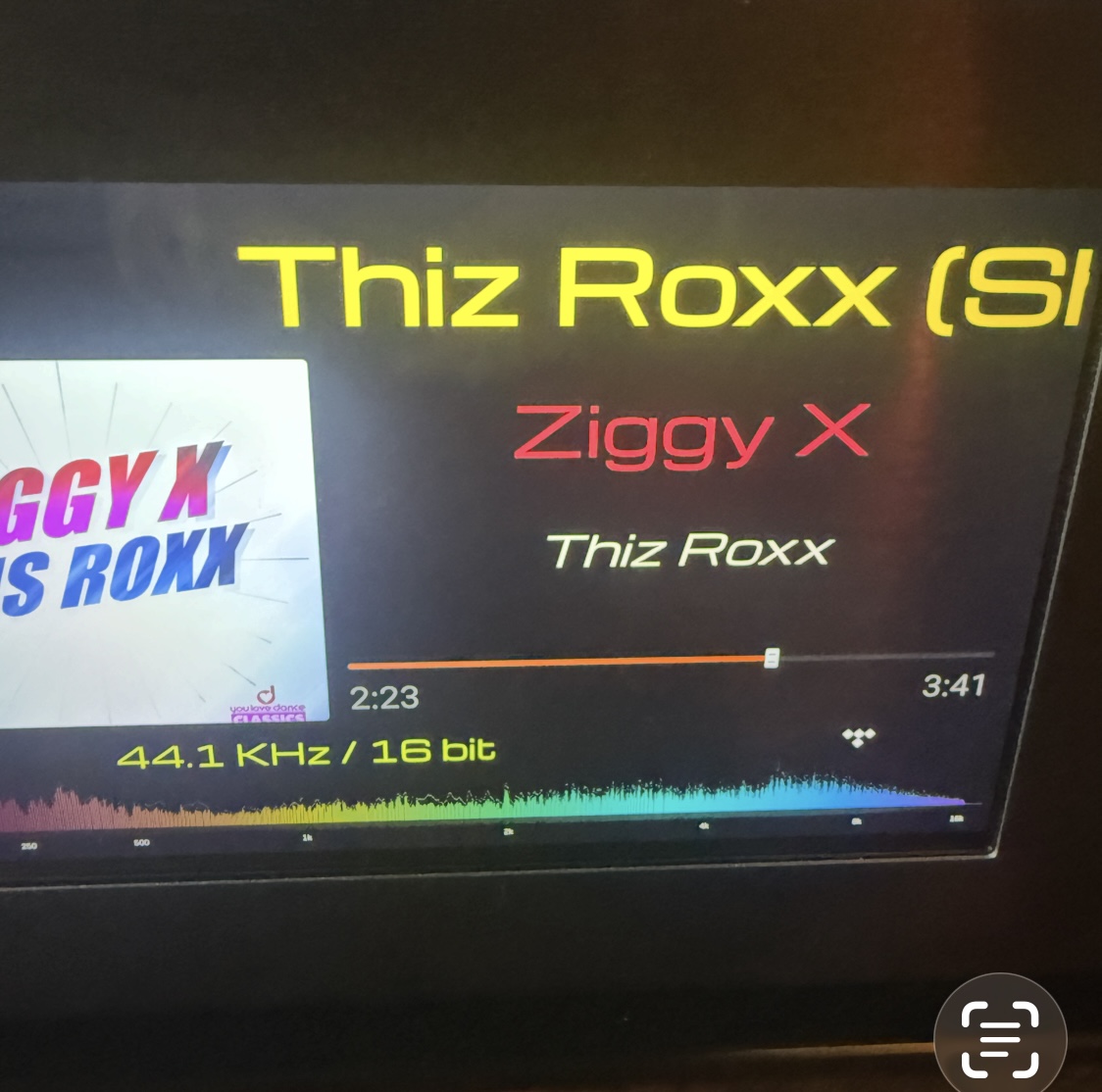
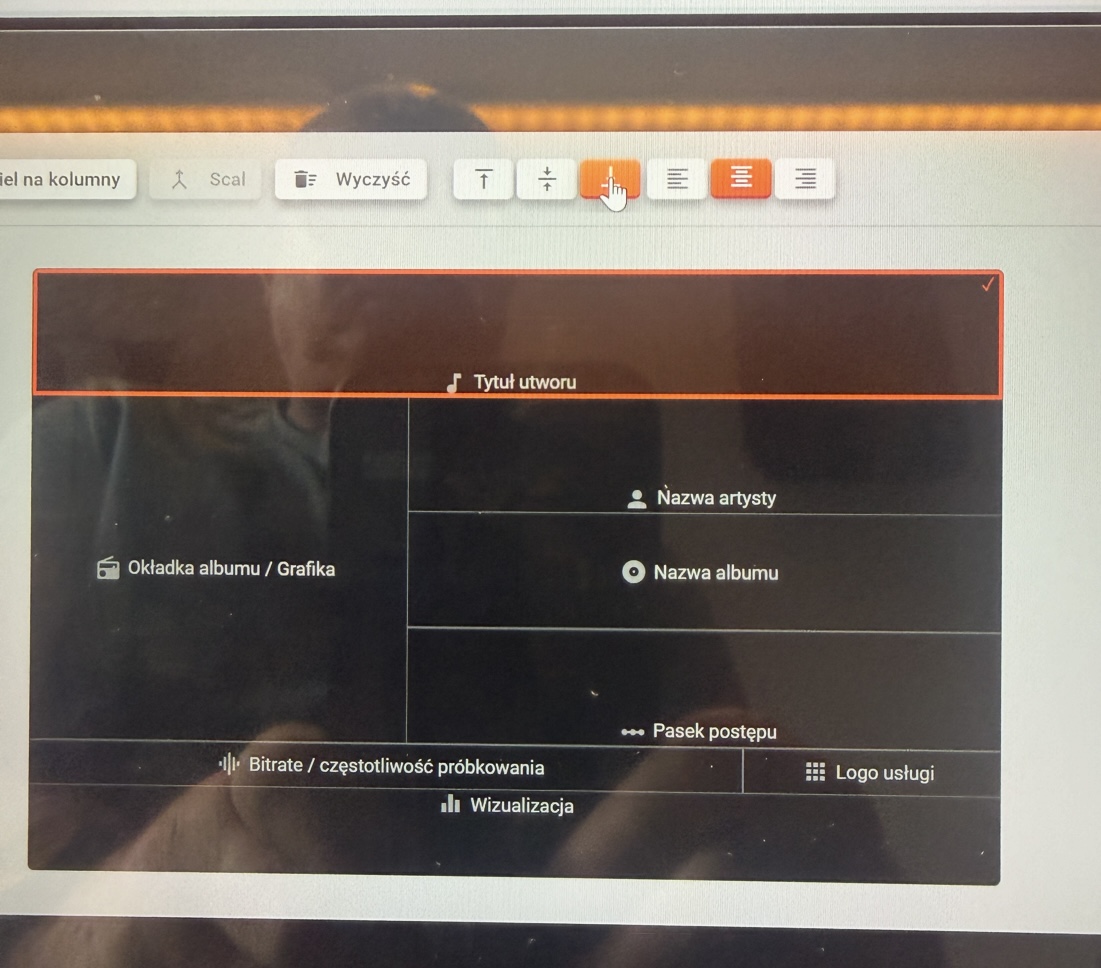
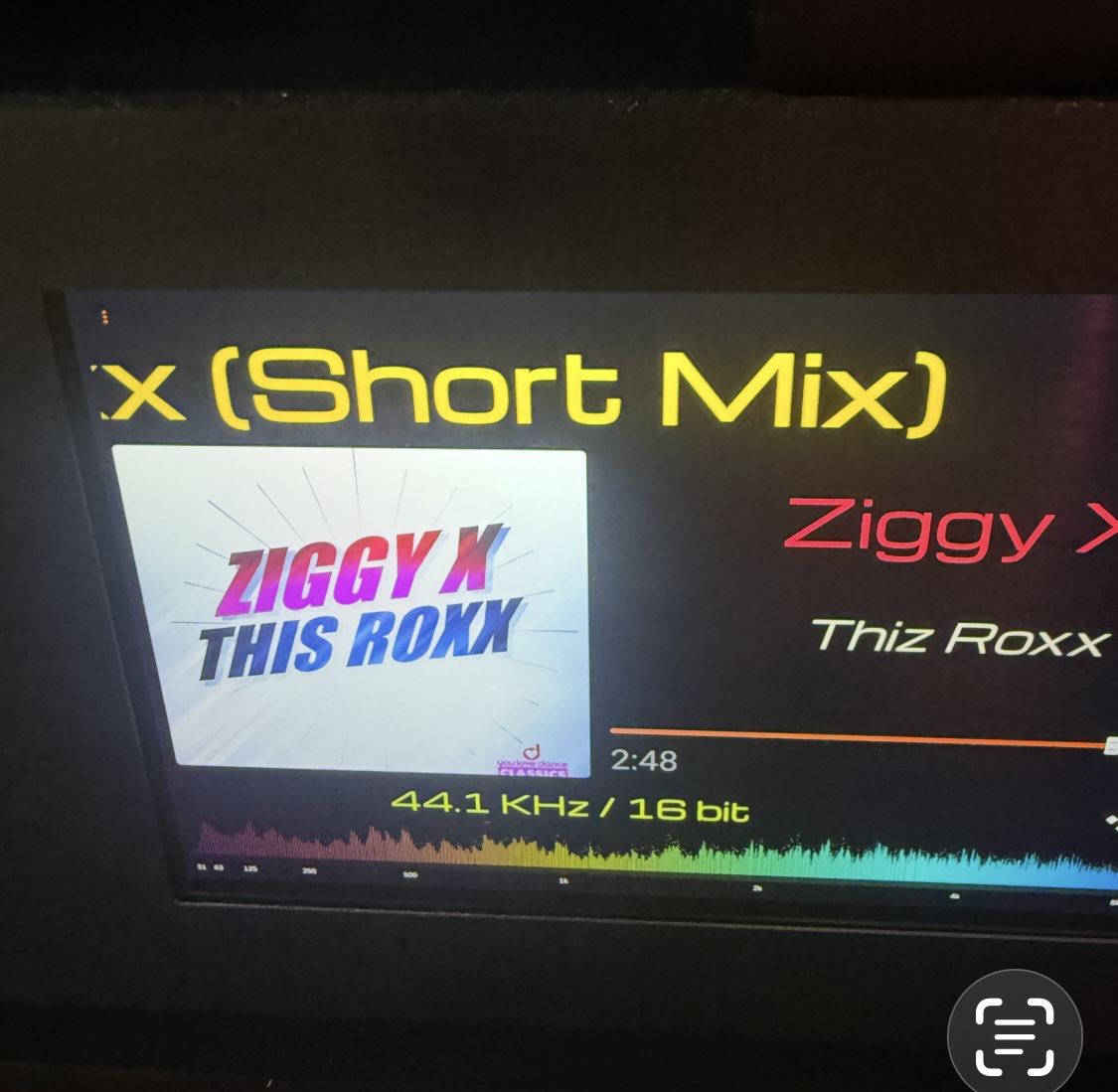
and here’s the top, middle, bottom - setting and streamer. Nothing visible, maybe 0.2 mm changes
You mean alignment is not working? That’s because your font’s are too big There is no more space 
Make the fonts 50% smaller then you can see the proper alignment.
1.2.8
- Added dimensions to layout designer cells
- Remove extra padding in title, album name, artist name items to remove clipping (cutting) of text.
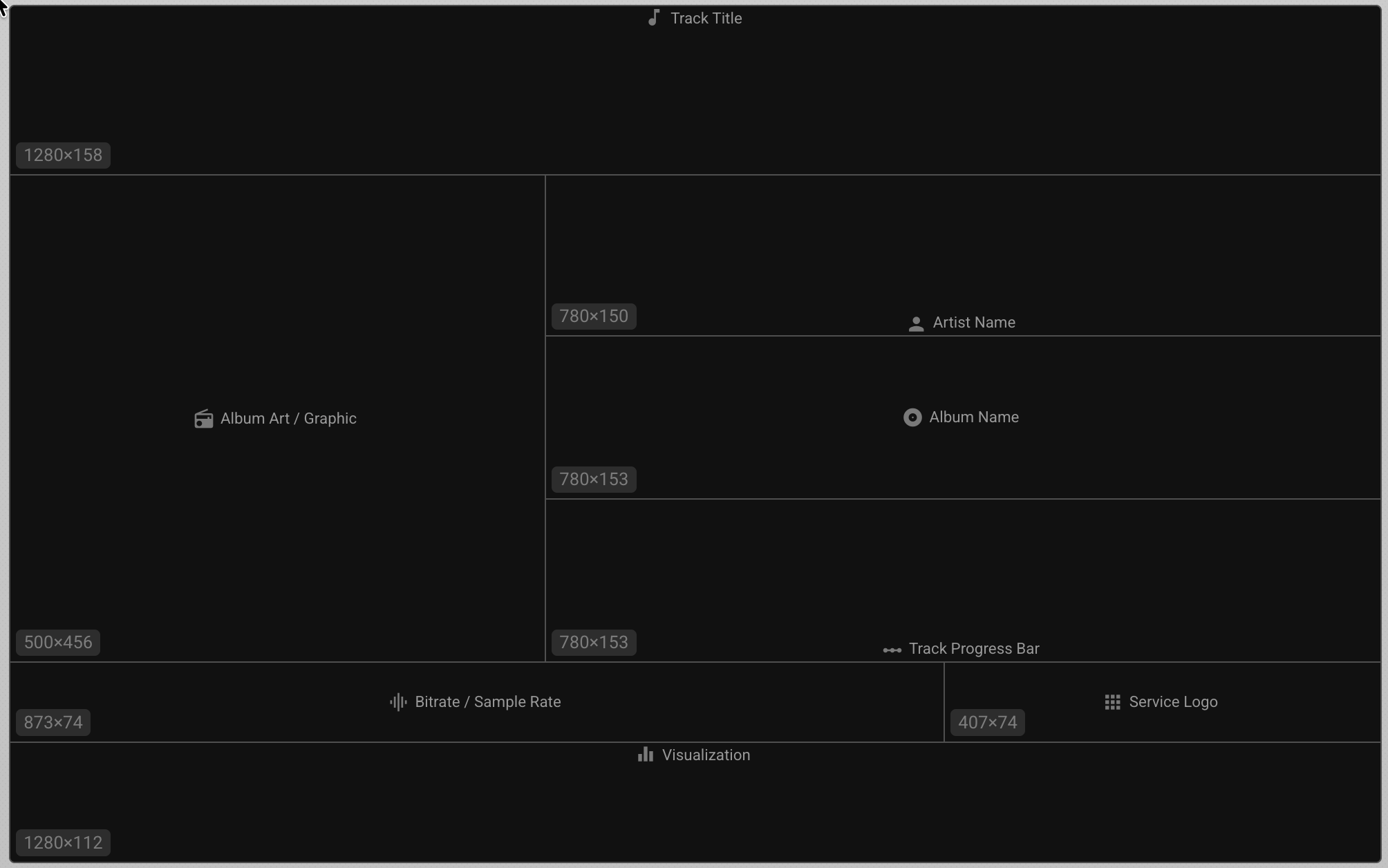
previously it worked with even larger letters
- Remove extra padding in title, album name, artist name items to remove clipping (cutting) of text.
- I don’t understand
Ok thank you for everything (your work
  ) Warm regards