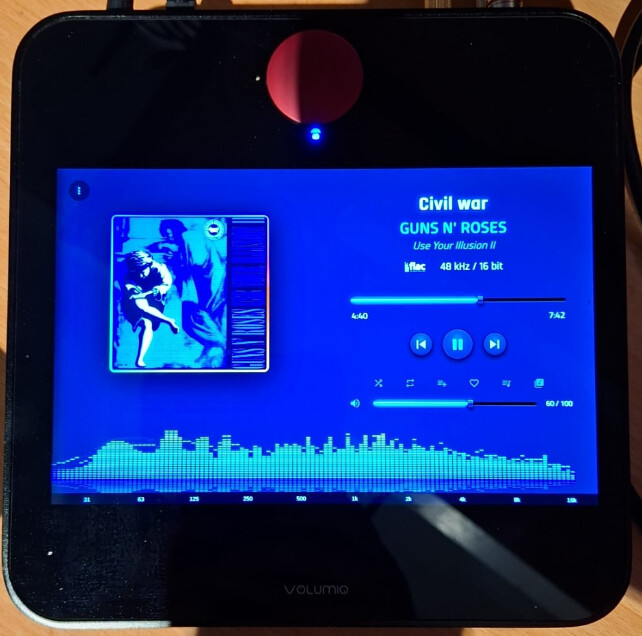
Keyboard shortcut are supposed to work on 1.1.94?
Yes. When player screen is on
Keyboard shortcut doesn’t work with custom layout, correct?
it should.
In custom layout fullscreen visualization (v) does not work. Others do work
1.2.0
Refresh device screen after installing new version
-
Fix v shortcut on custom layout (try 2 times if 1st time it doesn’t work, something with Chrome browser)
-
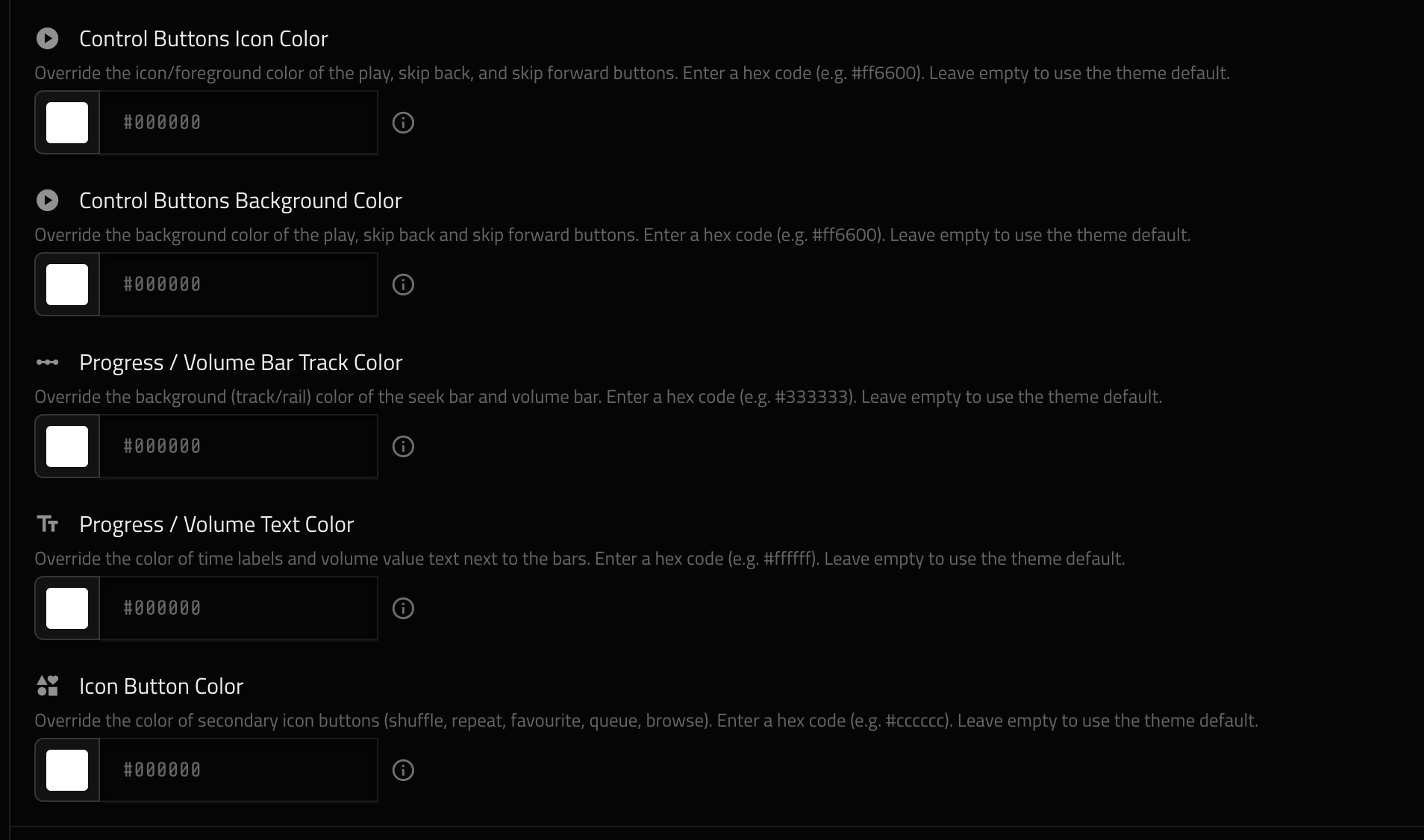
Separate colors for each item in the player screen (added few new colors)
-
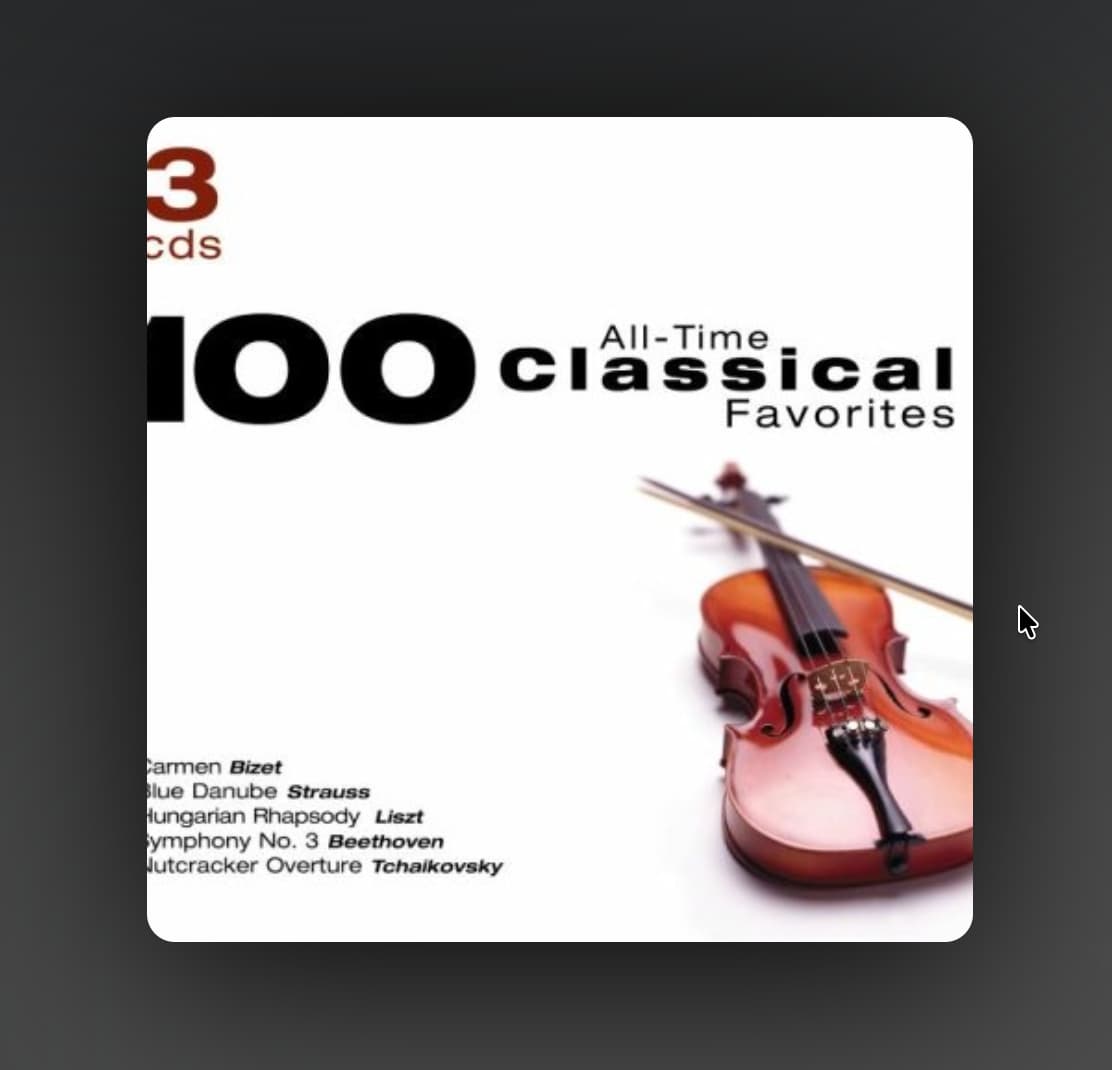
Drop shadow on Album Art
1.2.0 is not on Volumio
try now
1 Like
Should I uninstall 1.1.94 before instaling 1.2? Or just update it
If Volumio lets you updated directly, it should be fine. Otherwise uninstall first.
In custom layout fullscreen visualization (v) does not work when in kiosk mode. It works when launch SP from setting
I think that was the initial problem too on previous version since I did not try in no kiosk mode
It works for me. For some reason I had to restart the device after upgrading. But on a custom layout, Kiosk mode, pressing v toggle the viz full screen mode.
On kiosk mode press Menu → Refresh to force refresh to make sure your device browser has latest version loaded (and not a cached version).
What service (Tidal etc) / Track are you using? On a FLAC file, it works for me, my Mixer Type is also set to “None” in Playback Options.
Send me more details so I can try to replicate on my device.
Working… Thank you
1 Like
1.2.2
- Fixed Peppy Spectrum to render gradient bars, take up full width of container
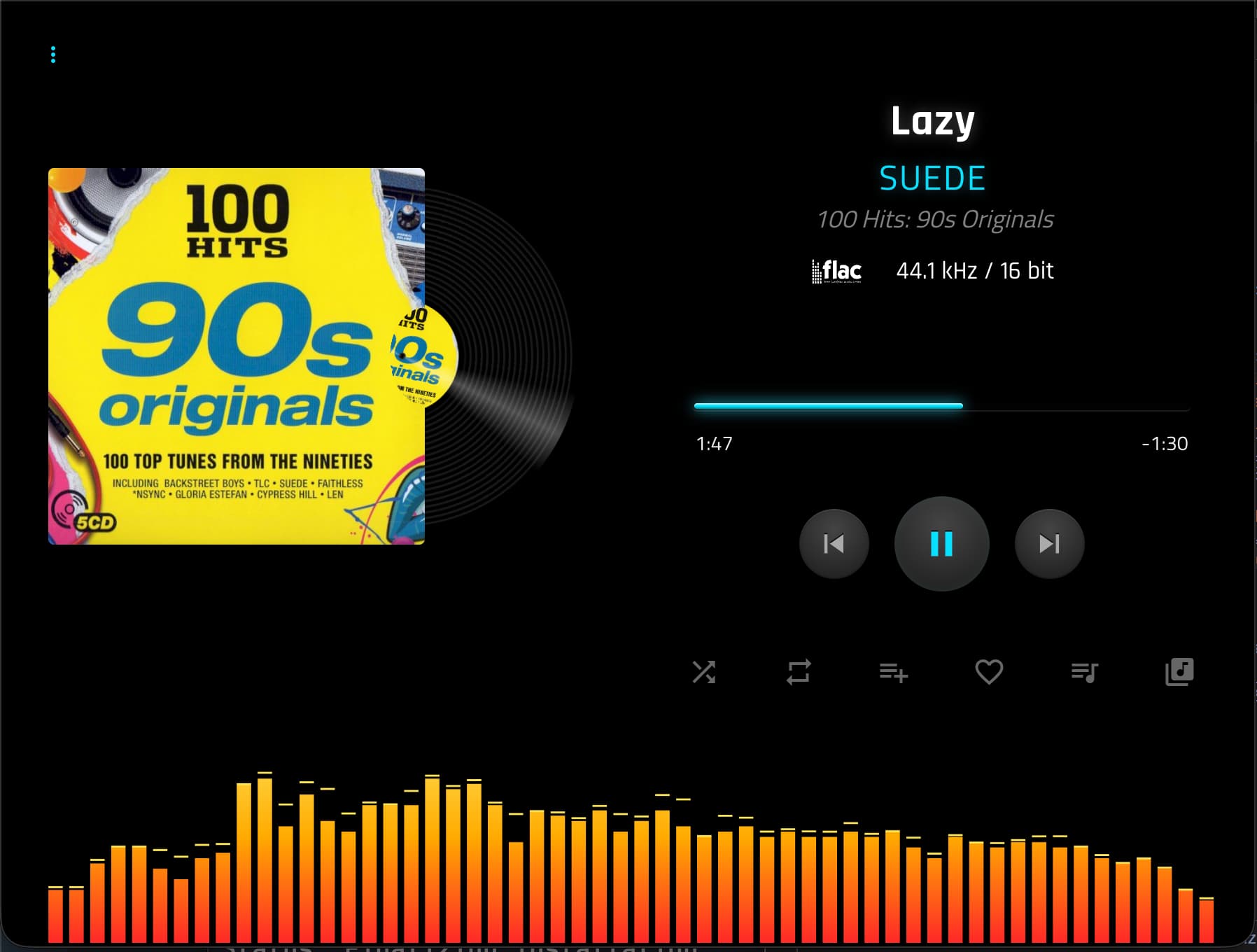
Sample with 10 variants
1920x480+60-gradients-kcaudio.zip (880 Bytes)
1 Like
Layout Designer stopped working, I only have the standard screen, I changed the eCalzer settings and everything disappeared, restarting and reinstalling doesn’t help
Not sure what eCalzer is? Can you send screenshot?
Layout designer only applies to the specific resolution. Did you change resolution?
I have a standard screen. When I enable “Use custom layouts,” the screen goes gray and nothing happens. I have to disable “Use custom layouts” and restart to get the standard screen again.
I didn’t do anything with the screen resolution, it’s ok