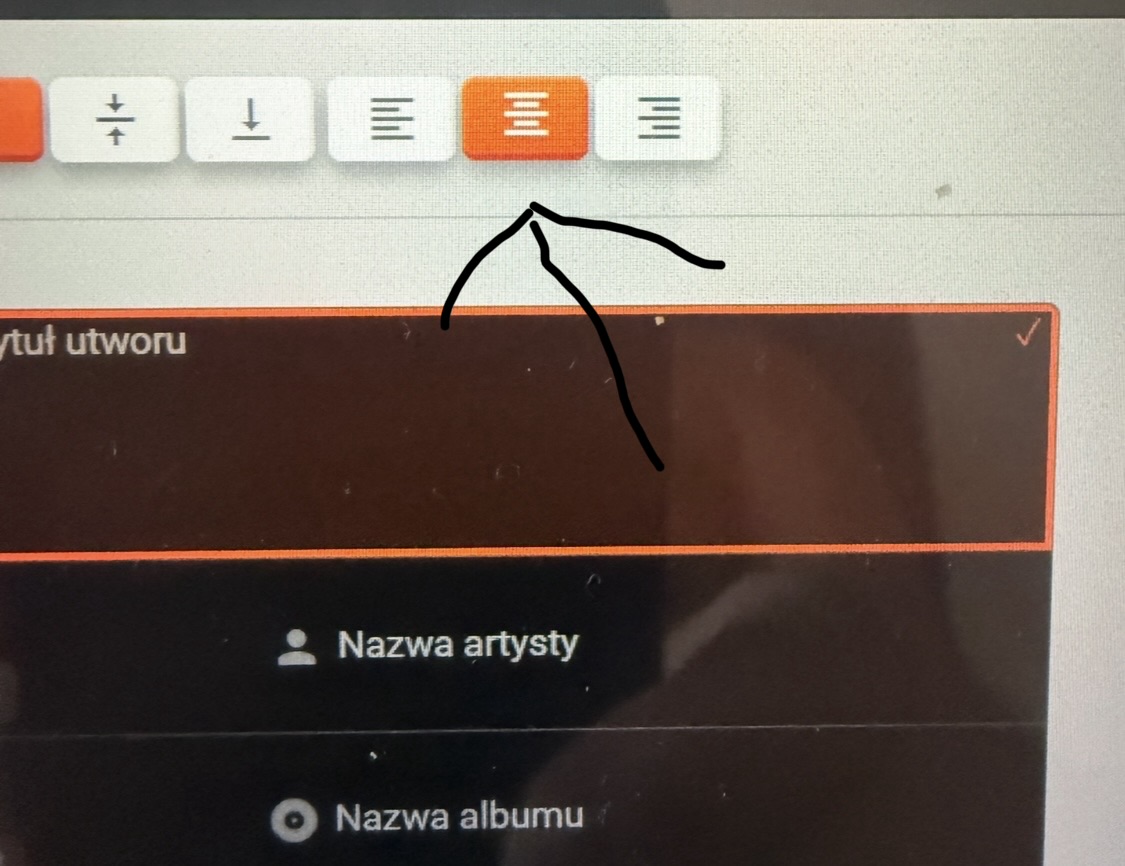
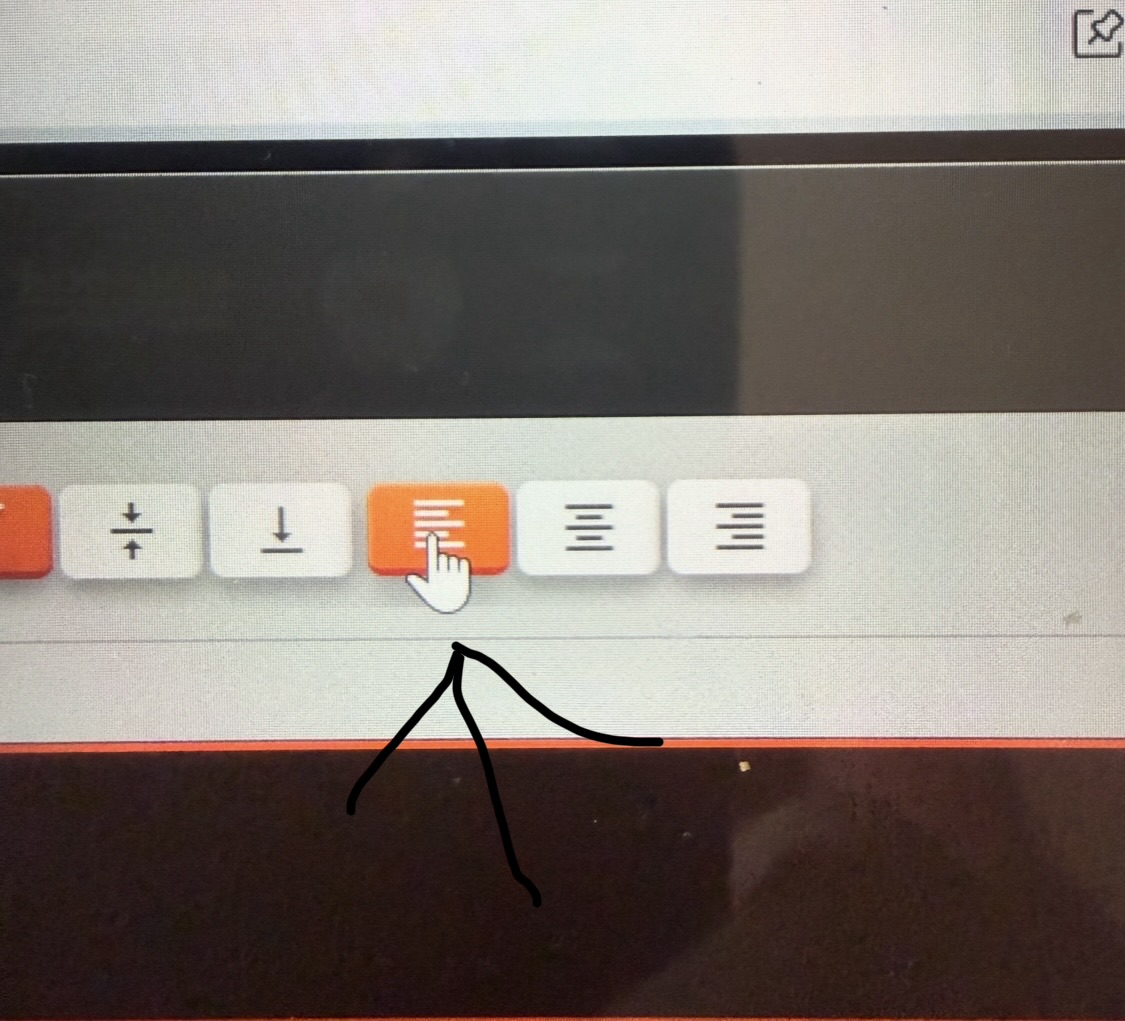
When you move it to the left, the text goes without cutting. Unfortunately, with short titles, it looks bad on the left side. It can be adjusted so that it works like the left side when set to the center.
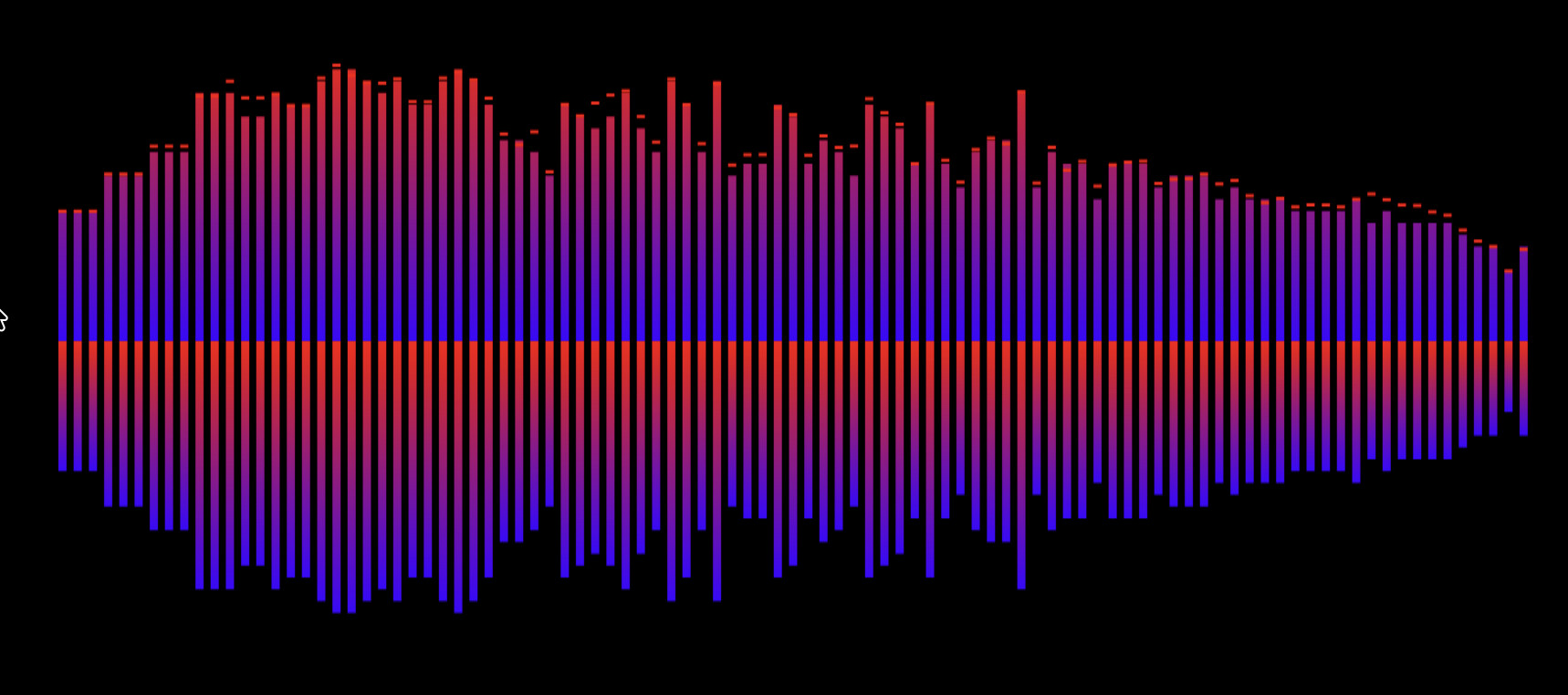
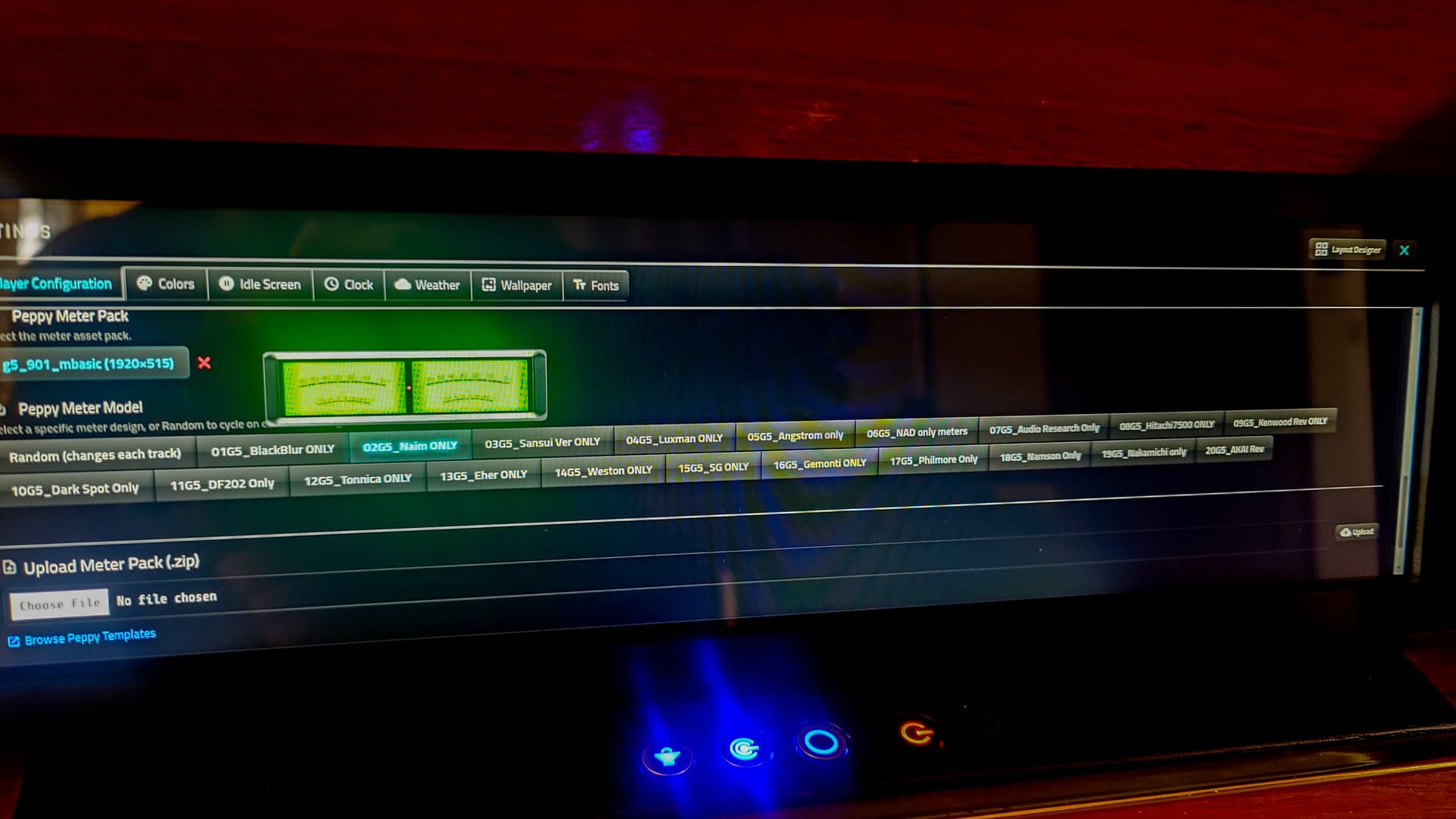
Yay! After all the installs, updates, and tinkering, the VU needles on my Peppy Meter skins are finally working properly. They used to barely move, so this feels like a small victory
It’s not about the song. I don’t remember when it started working this way (so many posts - it started sometime before). (I think I wrote that the size doesn’t increase. I don’t keep notes on what works and what doesn’t in a given version.) I only remember when the zoom option was added. This wasn’t a problem; it worked with the middle settings without any problems. Now, in the latest version, the letters are immediately at maximum in a given area, and that’s fine. If you write that nothing has changed, I apologize.
I won’t write anymore, because it looks like I’m just making things up. The plugin is generally great. Cheers
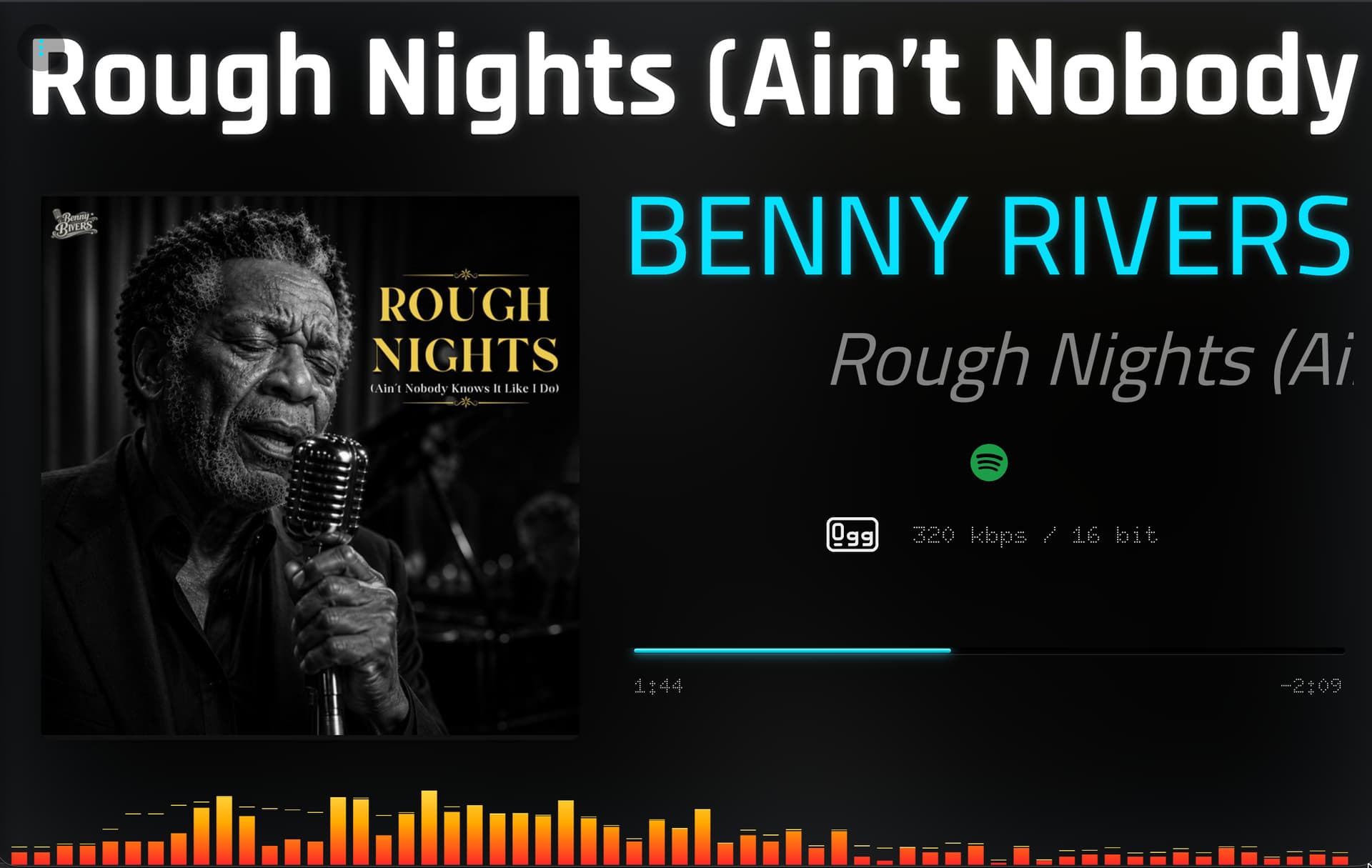
In my post from 7 days ago, I showed what it looks like: it cuts off long song names and doesn’t work smoothly. When set to the left, it works fine with long song names (if a short name appears, it looks bad with the left setting). (The short name looks better in the middle.) The middle setting cuts off the smoothness, but when set to the left, it works smoothly without skipping. My post was 10 hours ago, and this applies to the song title, artist name, and album.
Yes I remember, it’s because of the marquee effect (sliding from right to left). Not sure if there is a proper solution for it. When text is in the center and long title, it will start from middle, slide and again start from middle, hence that cutting off effect. I will look into possible solutions.
I have reinstalled Volumio and same thing Peppymeter do not launch.
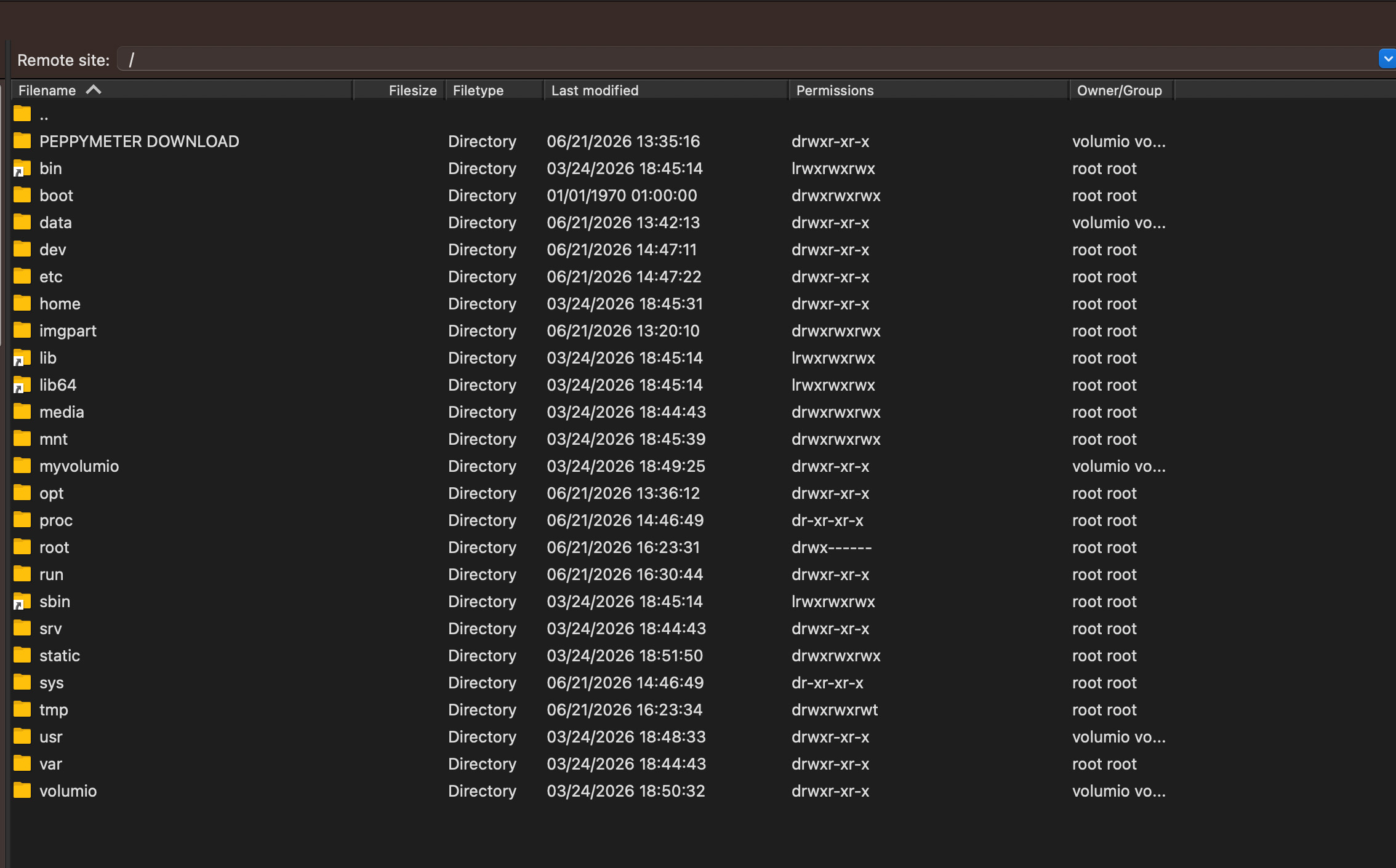
The strange thing is after the fresh install the Peppymeter package was still there as well as my favorite and playlist??
I assume that Volumio do not erase the drive when it does a new installation
Are you using WINSCP?
If yes you need to refresh first, otherwise you look into a cached folder.
When performing a factory reset, everything will be gone.
I will take a look on what’s going on. Are you using a raspberry pi or PC? Don’t think it matters but just in case.
Also the plugin files of preppy are uploaded inside /data/INTERNAL/stylish_player
Deleting the peppy pack from the plugin settings is going to be same as deleting from there.
You can reset the chrome Kiosk service by going to the official plugin page for stylish player and setting the Kiosk service to default at the very bottom of the page. Then set back to Stylish Player again. That will restart Chrome.
Export / Import entire Stylish Plugin settings (this also puts custom layout’s in the same file as other settings), apart from exporting layouts separately (from inside layout designer).
This is quite useful for taking backups and when doing a clean install.
Also made some improvements to peppy plugin but I am not sure if that’s going to fix @Jeanlaurent18 issues.


 as well as my favorite and playlist??