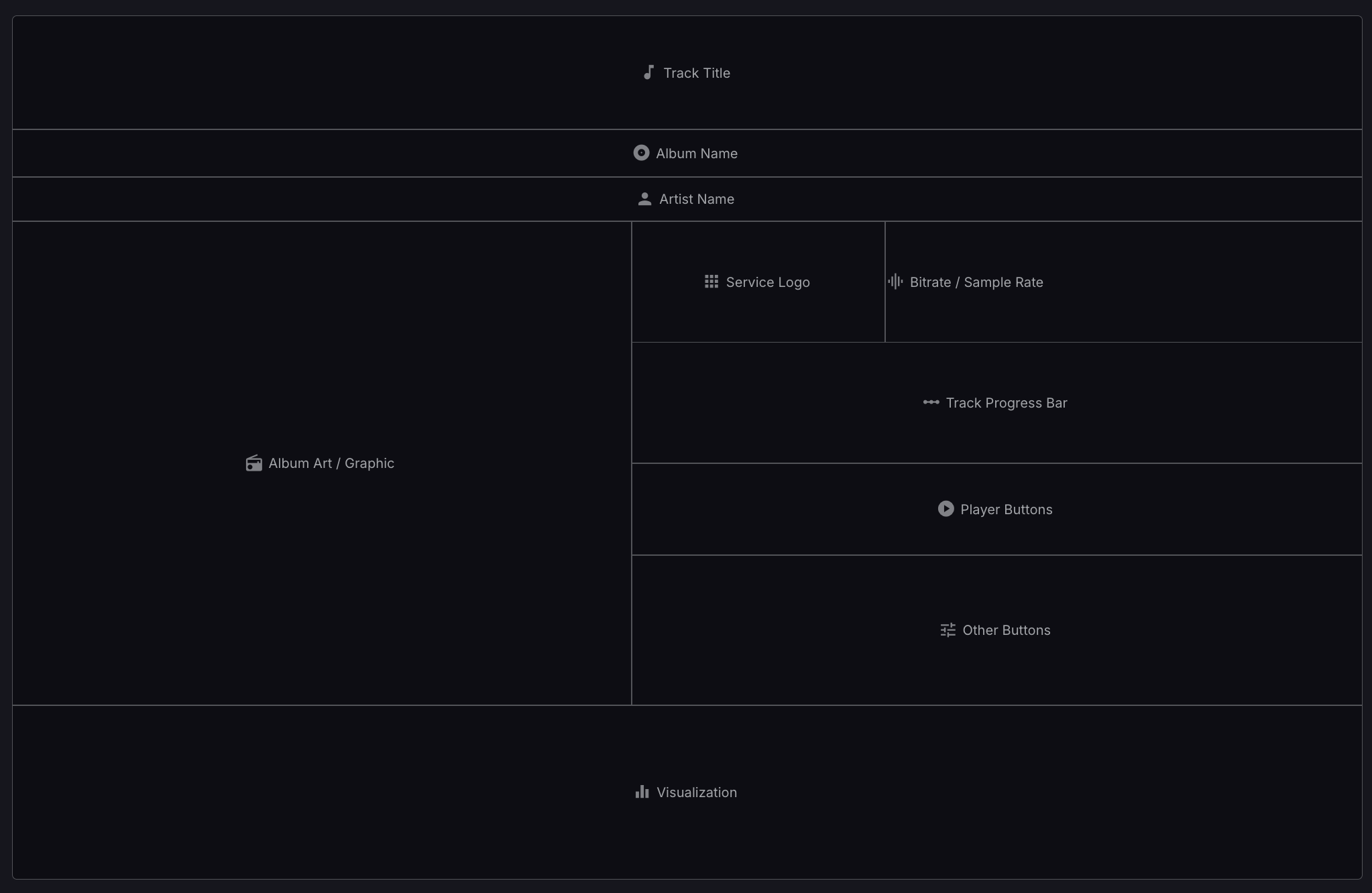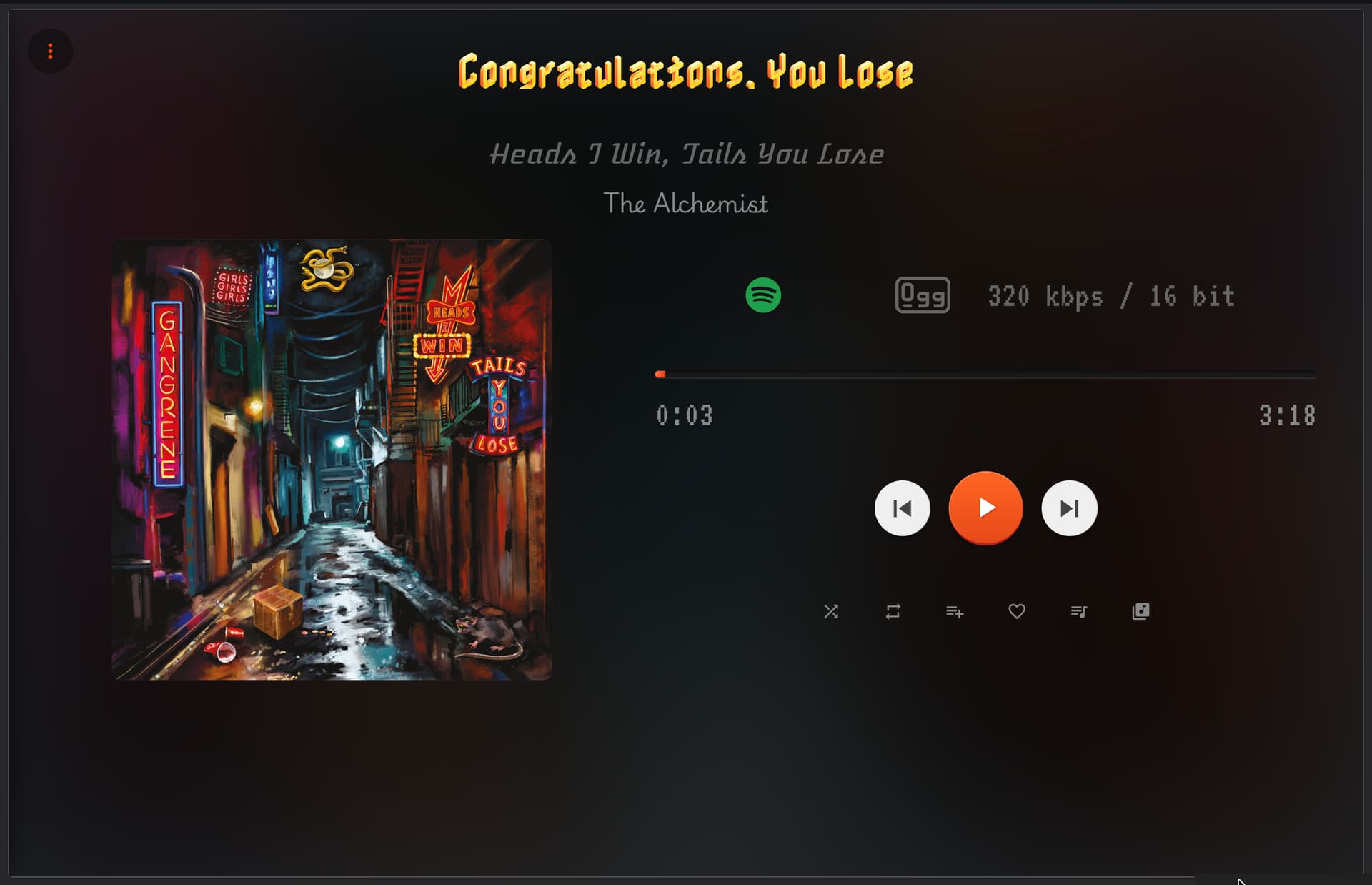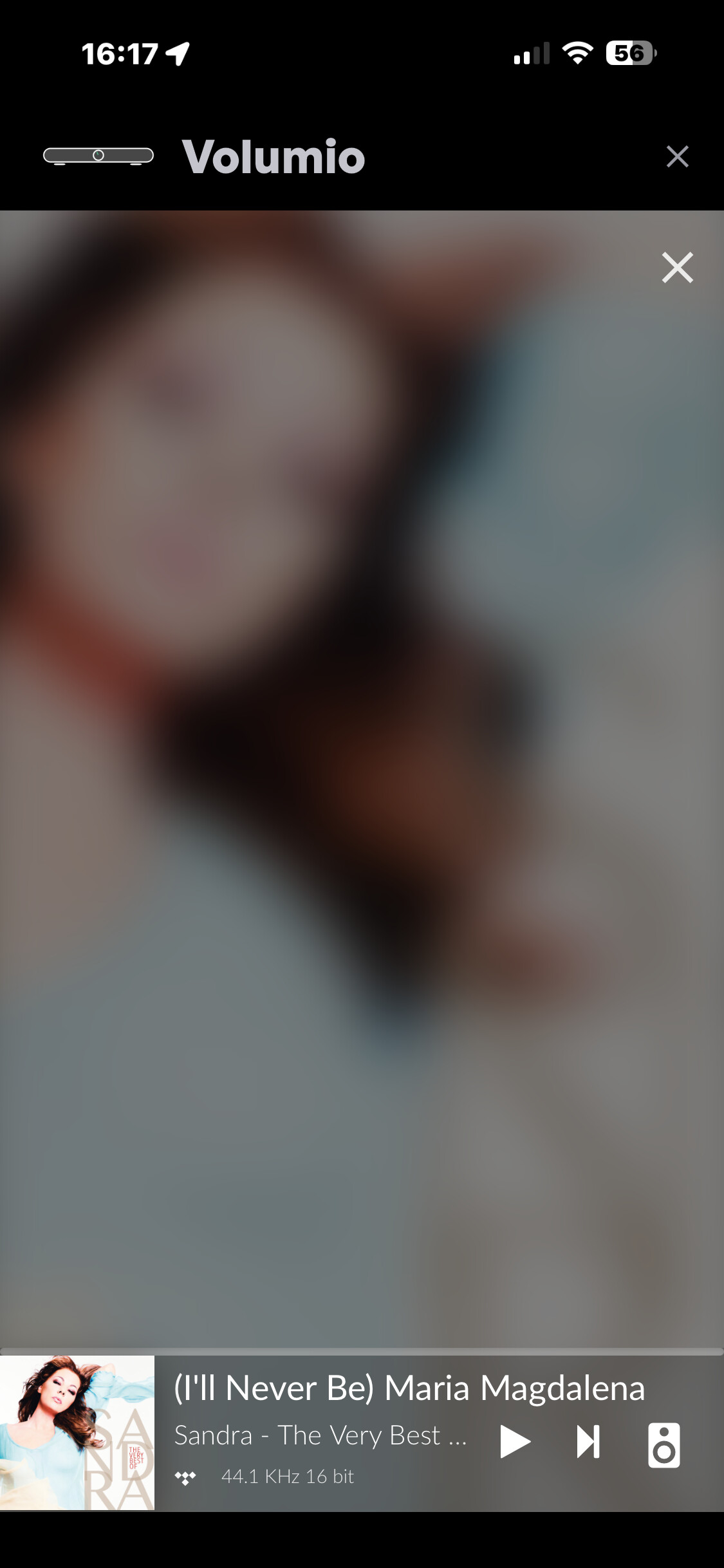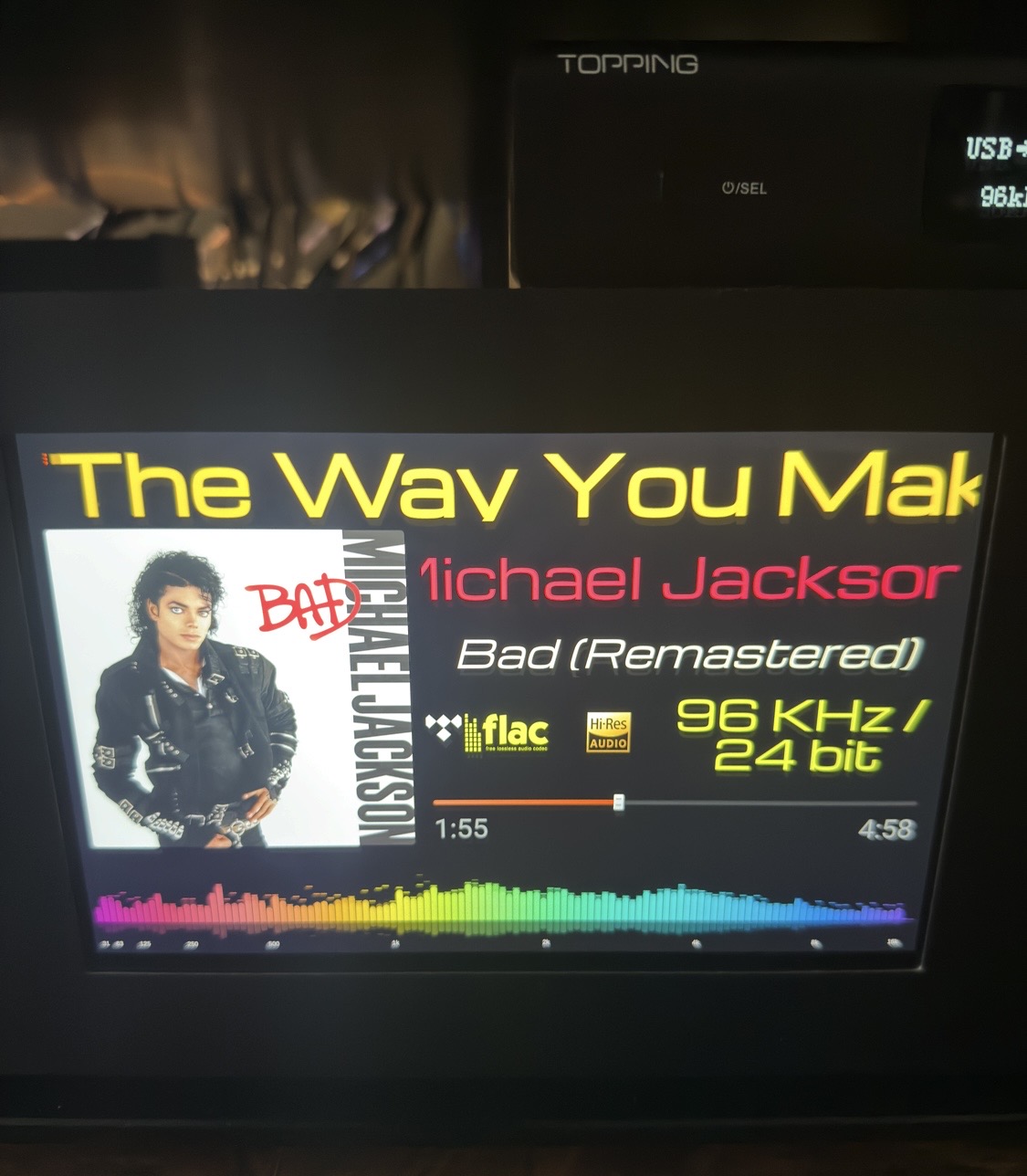
Oh, finally! 
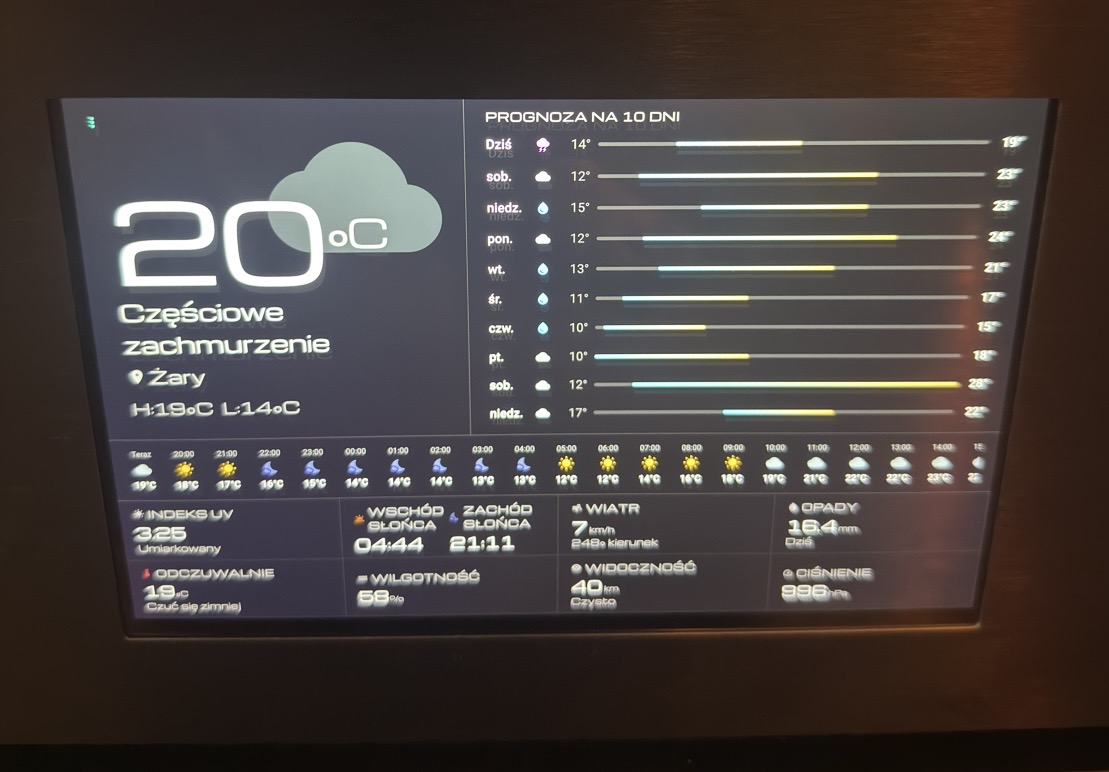
It’s not easy to set up, it took me a few tries before I got it right. In the second photo, the weather isn’t pitch black, but in reality, it’s extra black, and I like it that way

Best regards

Oh, finally!
1.1.88
Import / Export Layouts (for backups & sharing)
Better layout designer (icons and borders)
1.1.88
Master 
(in my humble opinion this version is a candidate for stable. The plugin is complete  )
)
1.1.92
Override Player Type and Visualization Type in Layout Designer
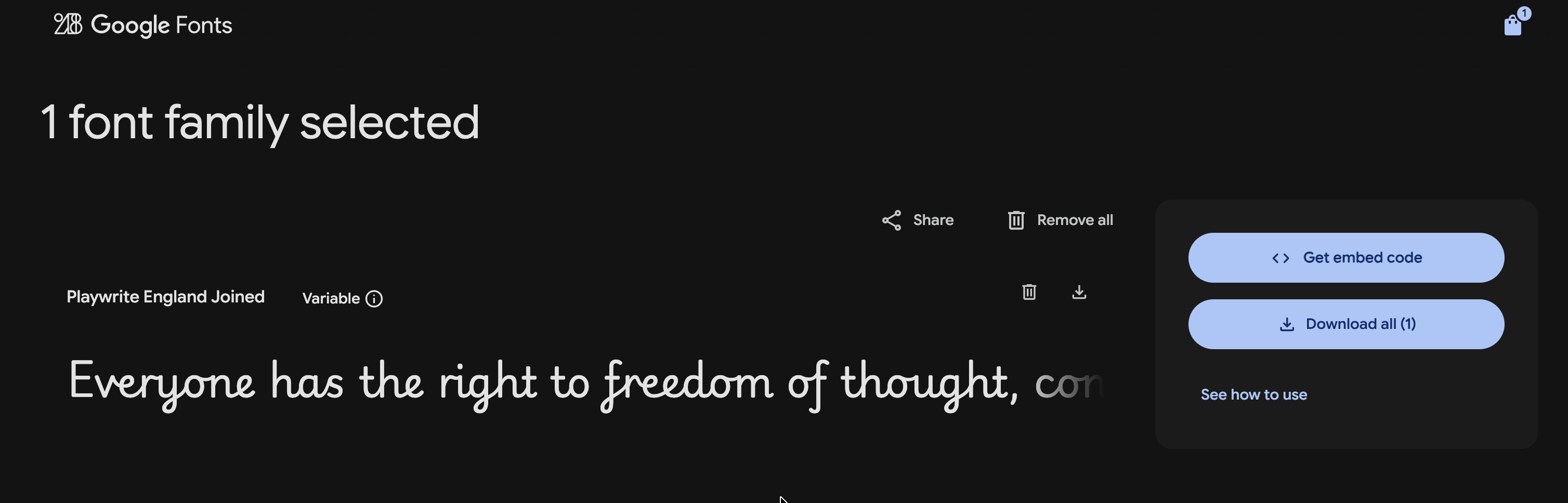
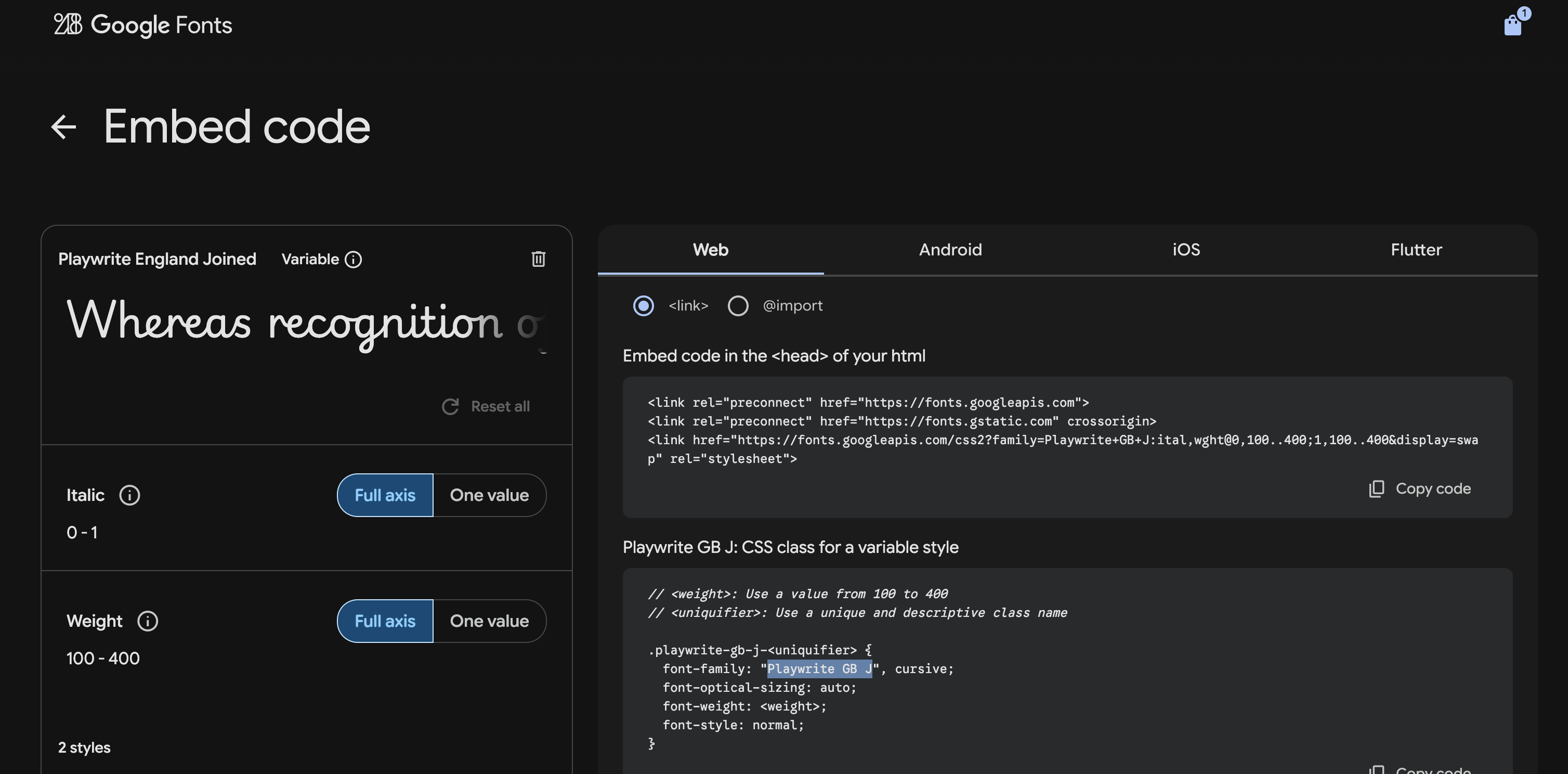
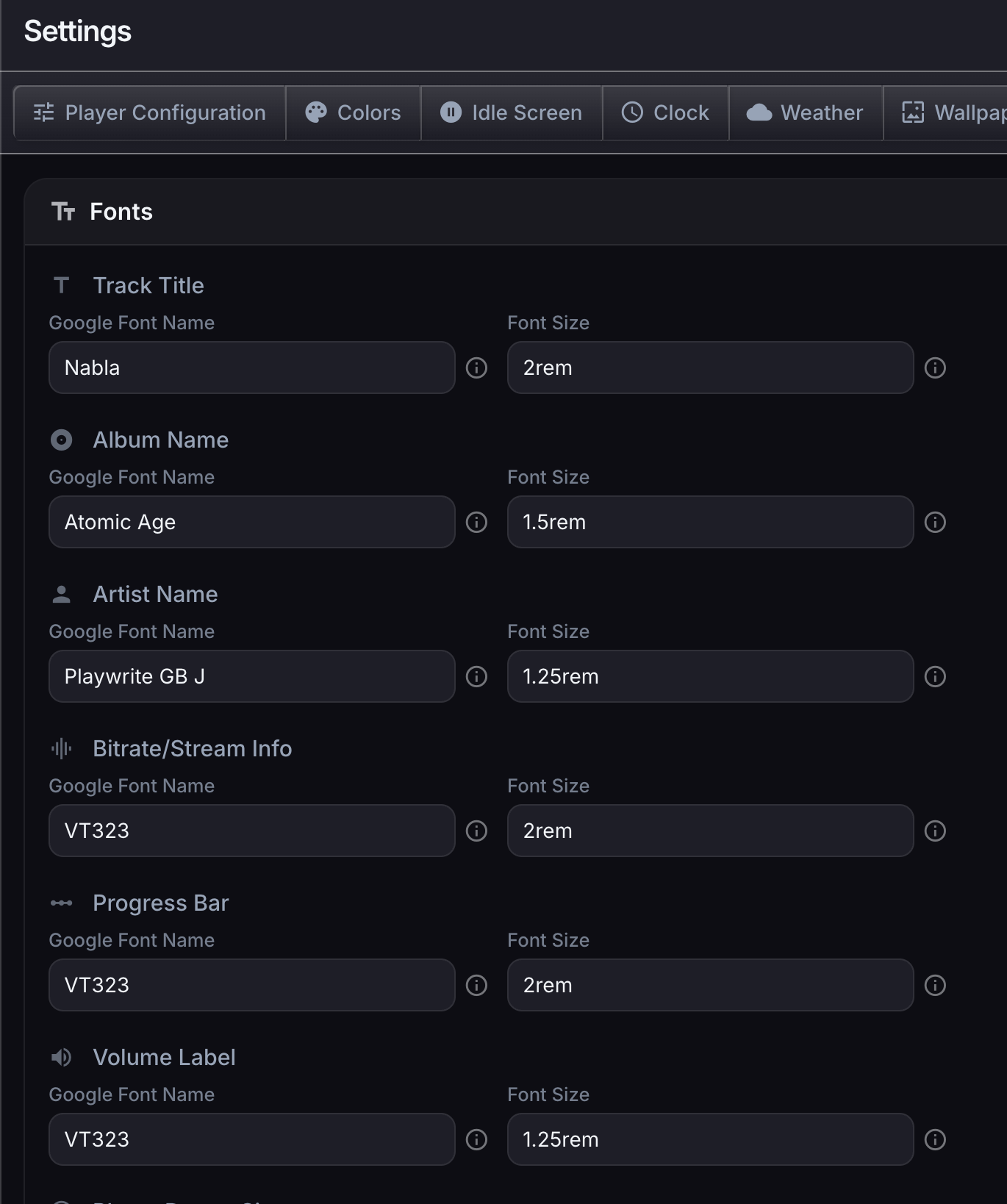
Added Google Font support for Track Title / Album / Artist / Stream Rate / Progress / Volume
Visit https://fonts.google.com find your favorite font
Get Font
Get Embedded Code
Copy font name
Paste in Settings
This is wonderful! And I quite love the idea of Volumio as a karaoke machine…
When you had this problem, did you try adding the music folder back to sources?
No, I just disable plugin. Everything came back.
Edit:
For me, the plugin has to work with Peppymeter (just like Now Playing).
1.1.93 Added keyboard shortcuts on player screen
| Key | Action |
|---|---|
| p | Play / Pause |
| v | Toggle vizualization fullscreen |
| q | Toggle queue |
| b | Open browser |
| f | Toggle favourite |
| a | Open add to playlist |
| r | Toggle repeat |
| s | Toggle shuffle |
If you are only developing templates for Peppy, then the Stylish player is almost compatible (as far as I know) with the templates.
I’ve had the same problem with several Beta releases, particularly when clicking “open app”. At the moment, I’m using version 1.1.78, which appears to be working fine.
I will look into it. When I test it locally, it works, so hard to tell.
Hey!
Just a though, maybe the IP address is not properly returned by the plugin. To check, disable the plugin, reboot, enable the plugin and retry…
Thanks - updated to 1.1.93 again (after uninstalling 1.1.78), rebooted, installed, and rebooted, and, as with some previous BETA versions, I get a blank screen when I click on settings.
It’s probably broken. I will look into it soon and issue a fix.
It appears that my file system was corrupted, and submitted a bad file in the current version.
Let’s hope 1.1.94 fixes it. Let me know.
Yes! 1.1.94 is working again. Thanks for your work on this.
Excellent. Thanks for confirming.
When I use different Peppy Meter skins, the spectrum analyser behaves as expected, but the VU needles barely move — even during the loudest peaks of a classical track.
Is there a setting that can make the needles more responsive or better calibrated for this kind of material?
What is your mixer type in Playback options! Try using Hardware if it makes a difference.