Menu → Refresh?
I will add screen resolution to display later in new version so you know the exact resolution (width X height).
Could be mismatch.
Ok  I’m waiting. Have a nice day
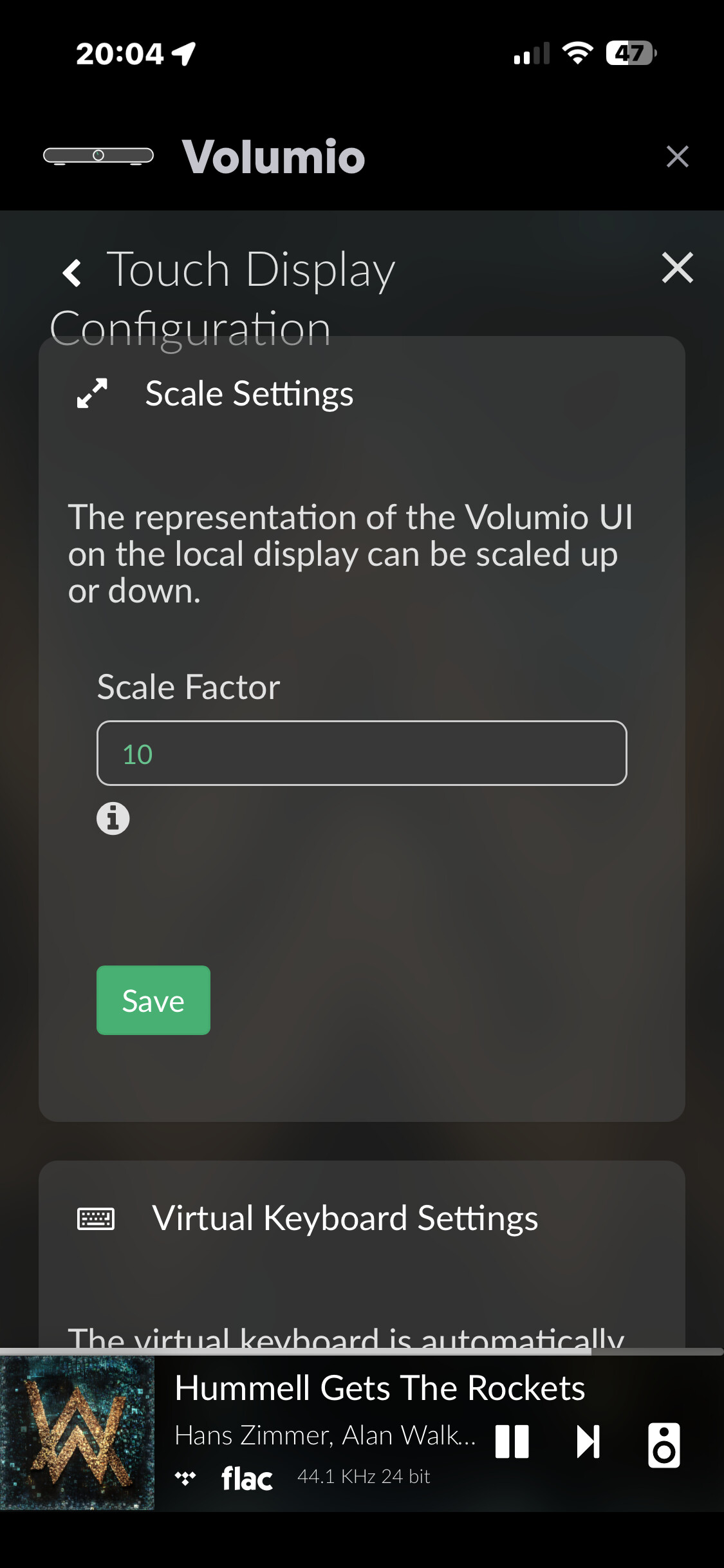
I changed the Touch Display Configuration to 10 and nothing’s changed.
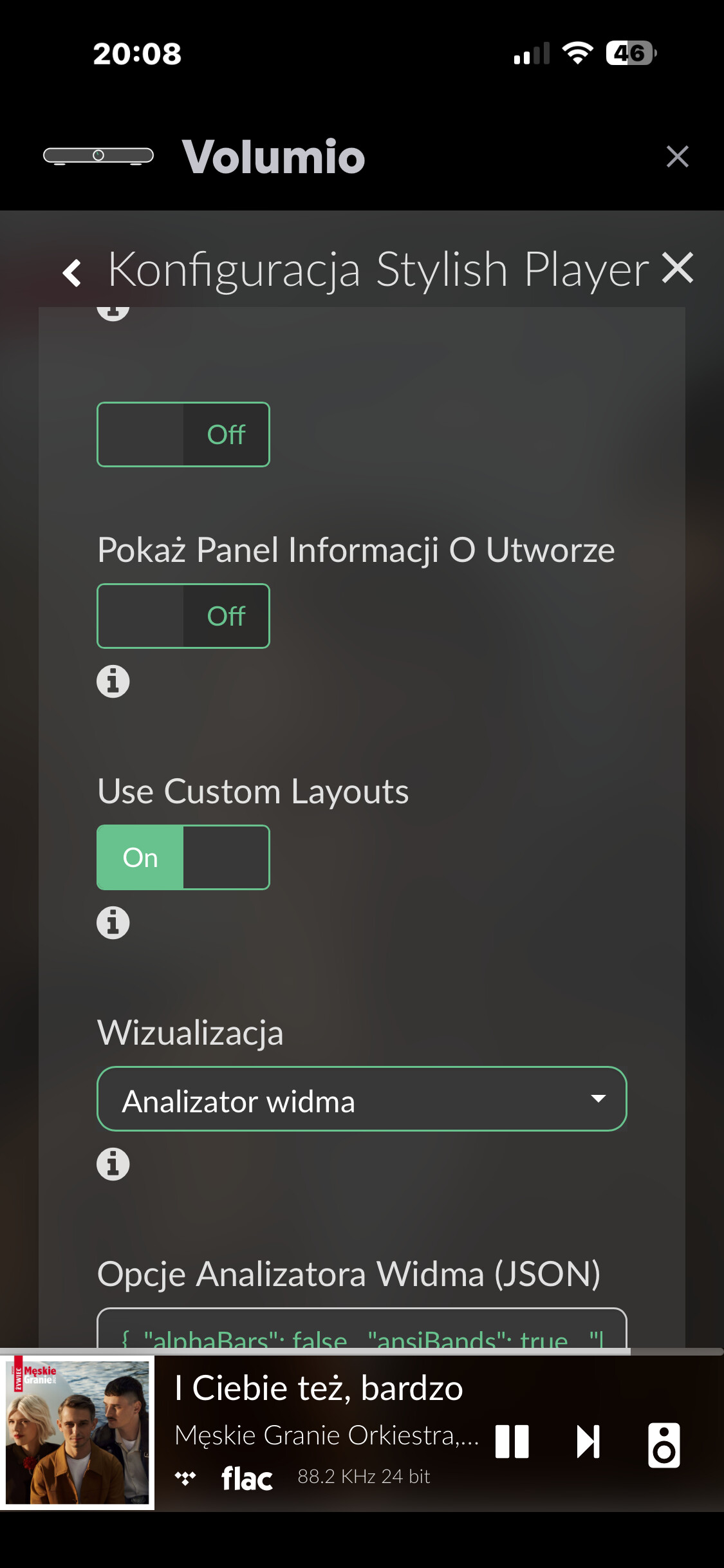
Use Custom Layouts, whether I turn it on or off, nothing happens
Change it back to 200.
Changing the Scale Factor affects the resolution so it won’t work.
1.1.86
-
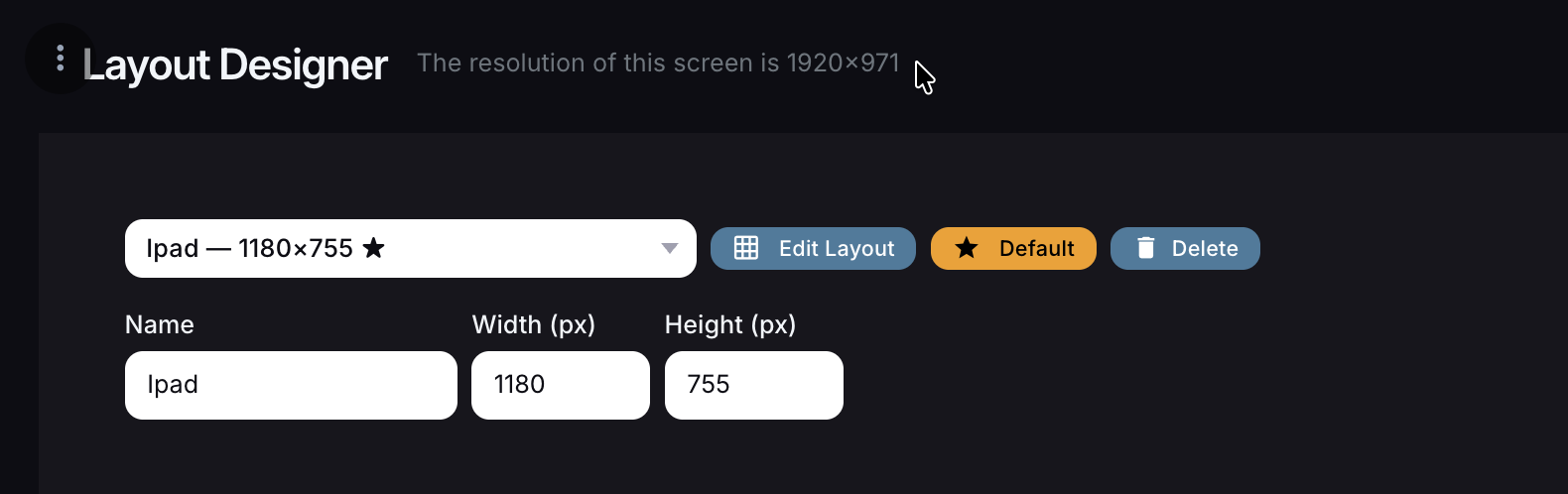
Added current screen (viewable area) resolution on the Layout designer
-
Added size settings for Player Buttons and buttons below it.
-
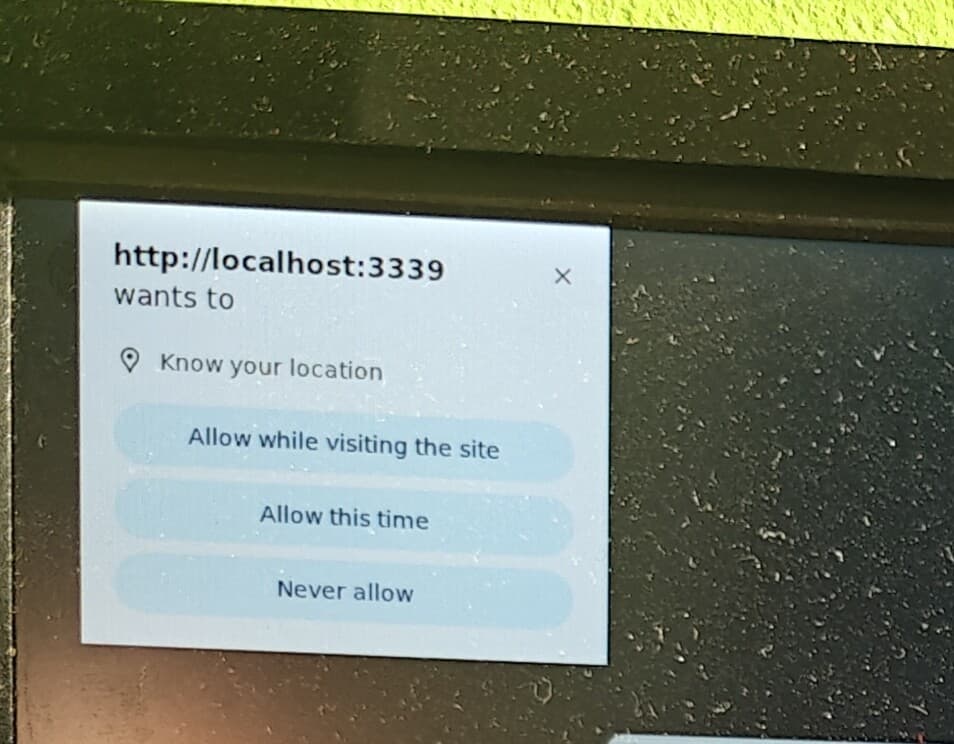
No more location popup when Latitude and Longitude are saved in Settings

1 Like
unfortunately, it still “loses” the connection to the NAS.
Yes I don’t know what is wrong with that part yet. You would have to share the log after disabling the plugin and renabling it.
The submit logs option is in the http://volumio.local/dev page
It generated a link to share here so someone can take a look
enable
http://logs.volumio.org/volumio/ZzK6yro.html
disable
http://logs.volumio.org/volumio/YzRa1RY.html
@Wheaten Can you help? Enabling Stylish Player Kiosk mode somehow removes library items. Not sure how these are connected. All the kioskmode changes is the Chrome url from localhost:3000 to localhost:3339.
Hello. I’ve tried everything, 200% back, etc., and this change to 1.1.86 doesn’t work.
I think that running both peppy_meter as plugin in conjunction with Stylish Player should be avoided, to identify errors. Both uses similar routines to get metadata.
I see multiple errors, this for sure is not helping:
Jun 03 16:45:56 volumio1920x1080bm sudo[19412]: root : unable to resolve host volumio1920x1080bm: System error
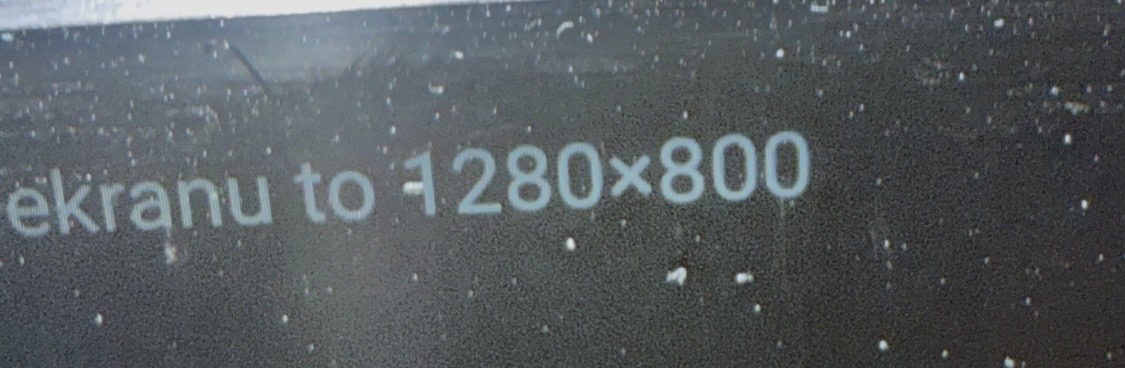
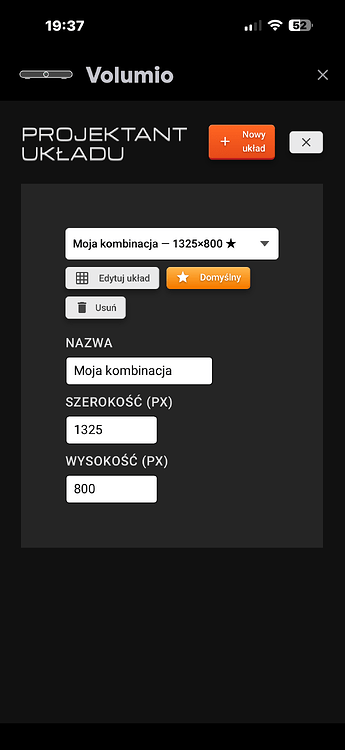
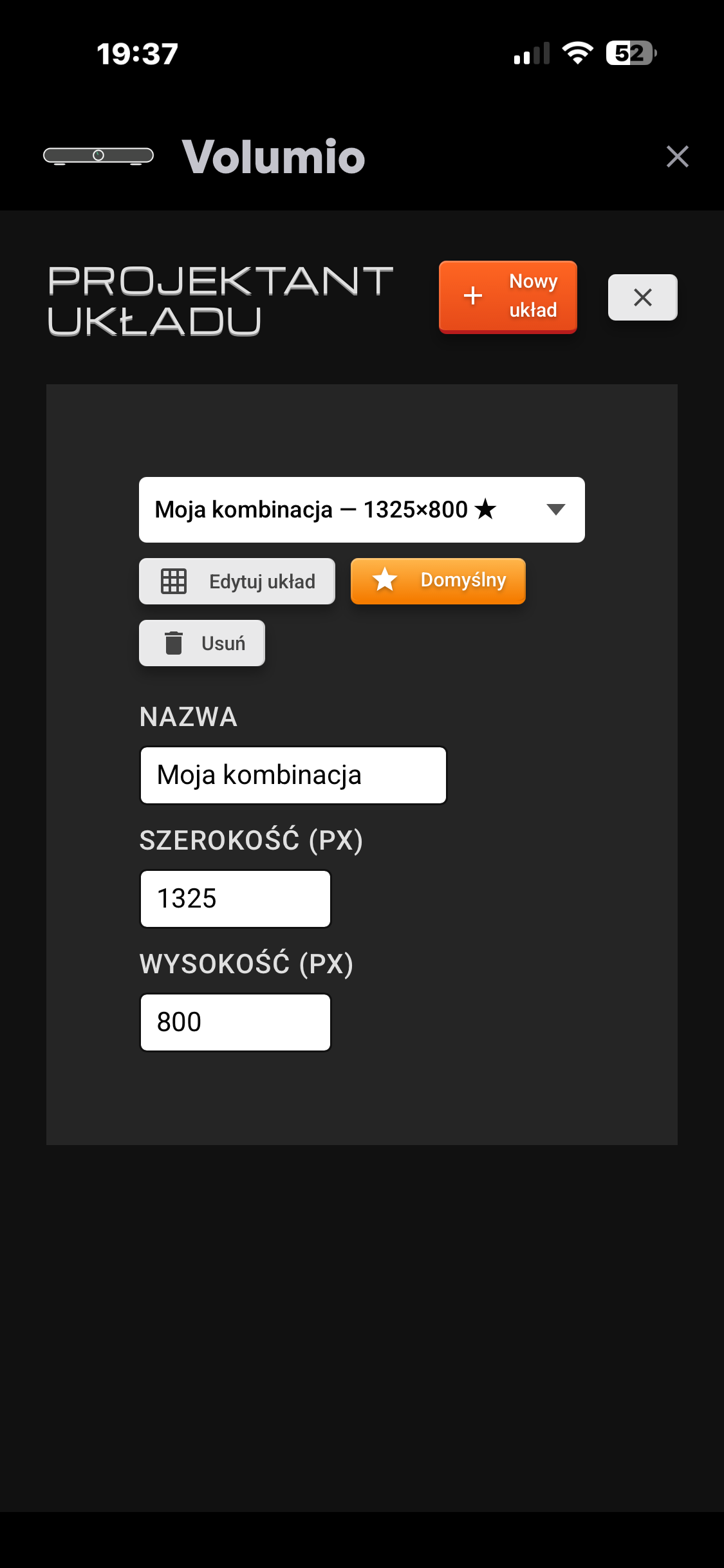
Open Menu → Layout Designer on the Volumio device screen and it will show the actual resolution of your screen.
use that resolution on the layout that you designed.
Disabling Peppymeter doesn’t solve the problem. The situation is still the same. I’m going back to Now Playing + Peppymeter (until the problem is resolved).
I will try to get to the bottom of this if possible.
1 Like
I tried on a RPi5 with a fresh Volumio install, 1st installed Touch Plugin for Kiosk service, then installed Stylish Player and it worked without issue after turning on Stylish Kiosk mode. Never installed Peppy plugins.
My sources still show, and I can also see albums, folders etc. You want to try a fresh install?
I’ll try it in my free time. Peppymeter is essential for me when creating skins, and I won’t give it up.
1 Like
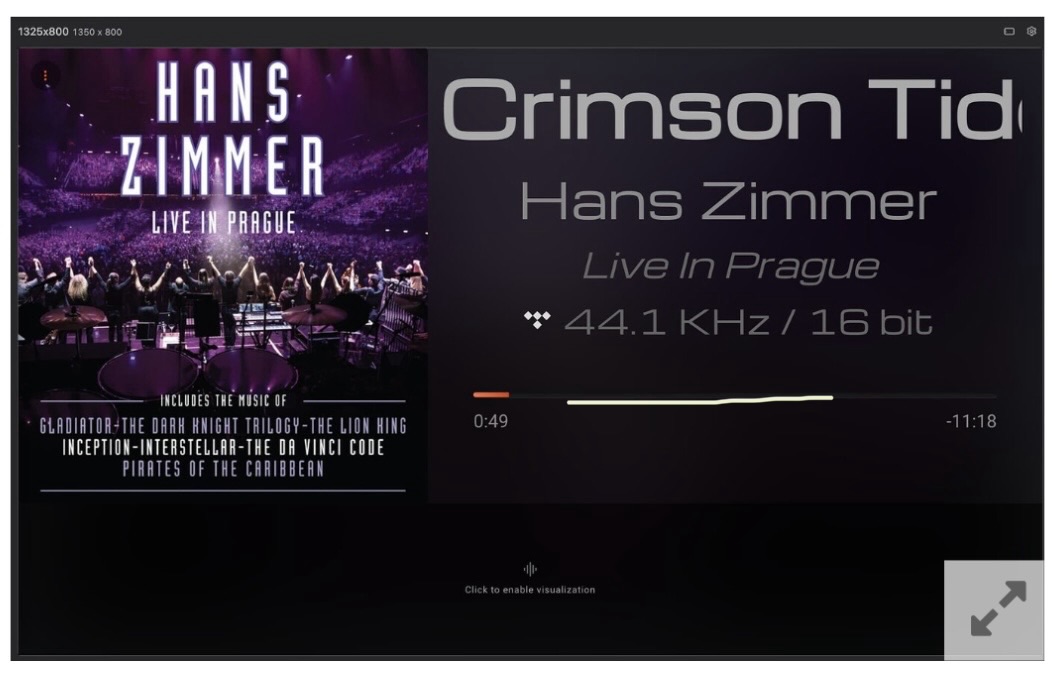
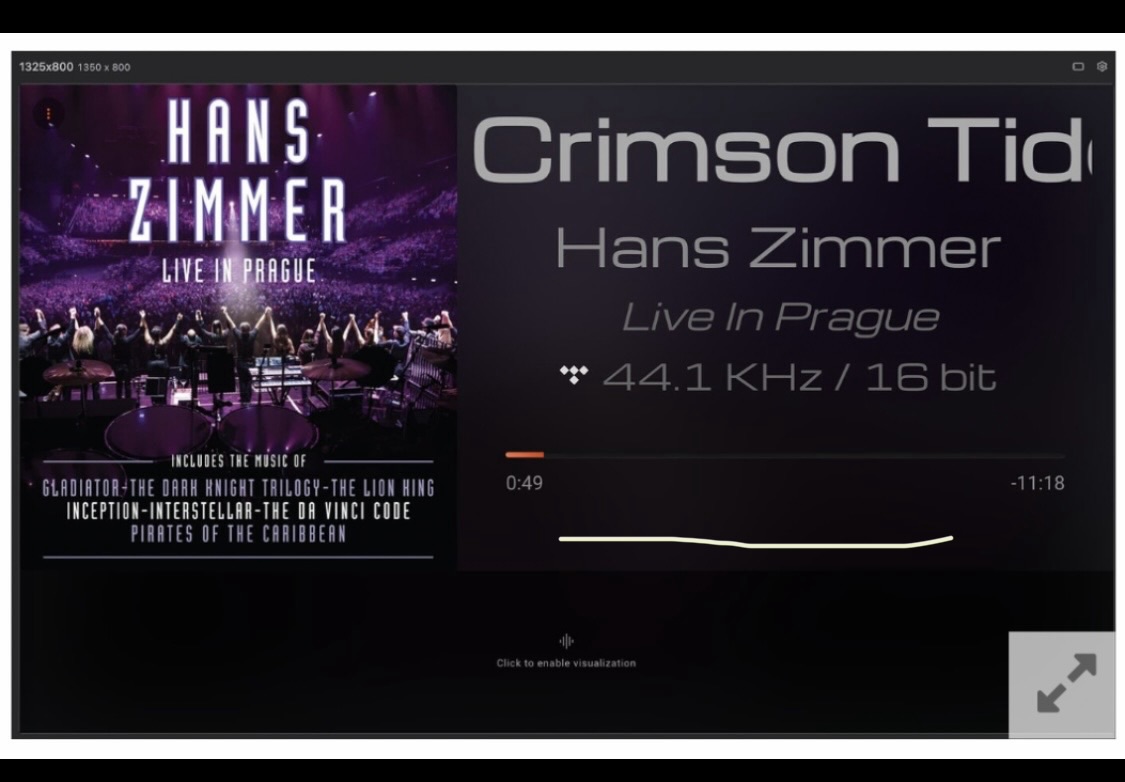
Wouldn’t it be easier to disable the “Show Player Controls” option, and the field would shrink to a minimum to only track how much time has passed?
Or it jumped to a new position after - Show player controls
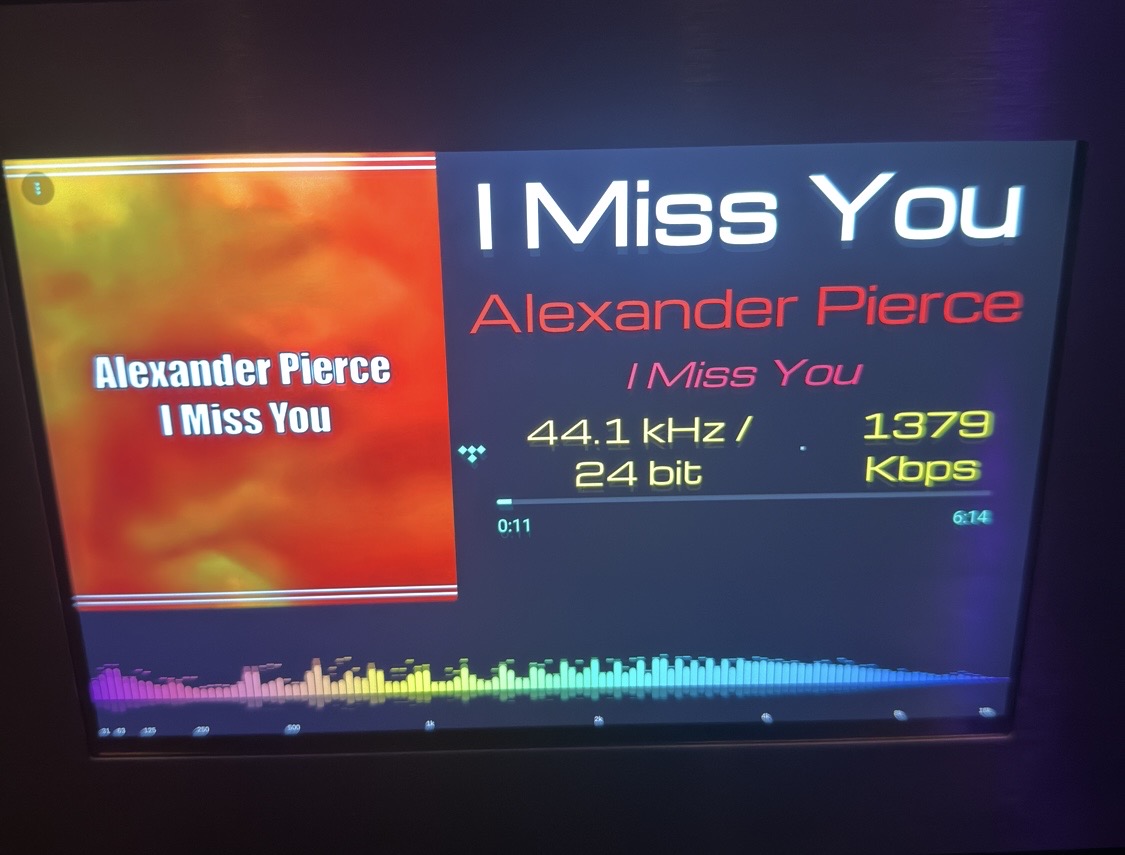
Your screen resolution should be 1325 X 800 (also your fonts are too big, make the stream info font smaller)
For me it is working
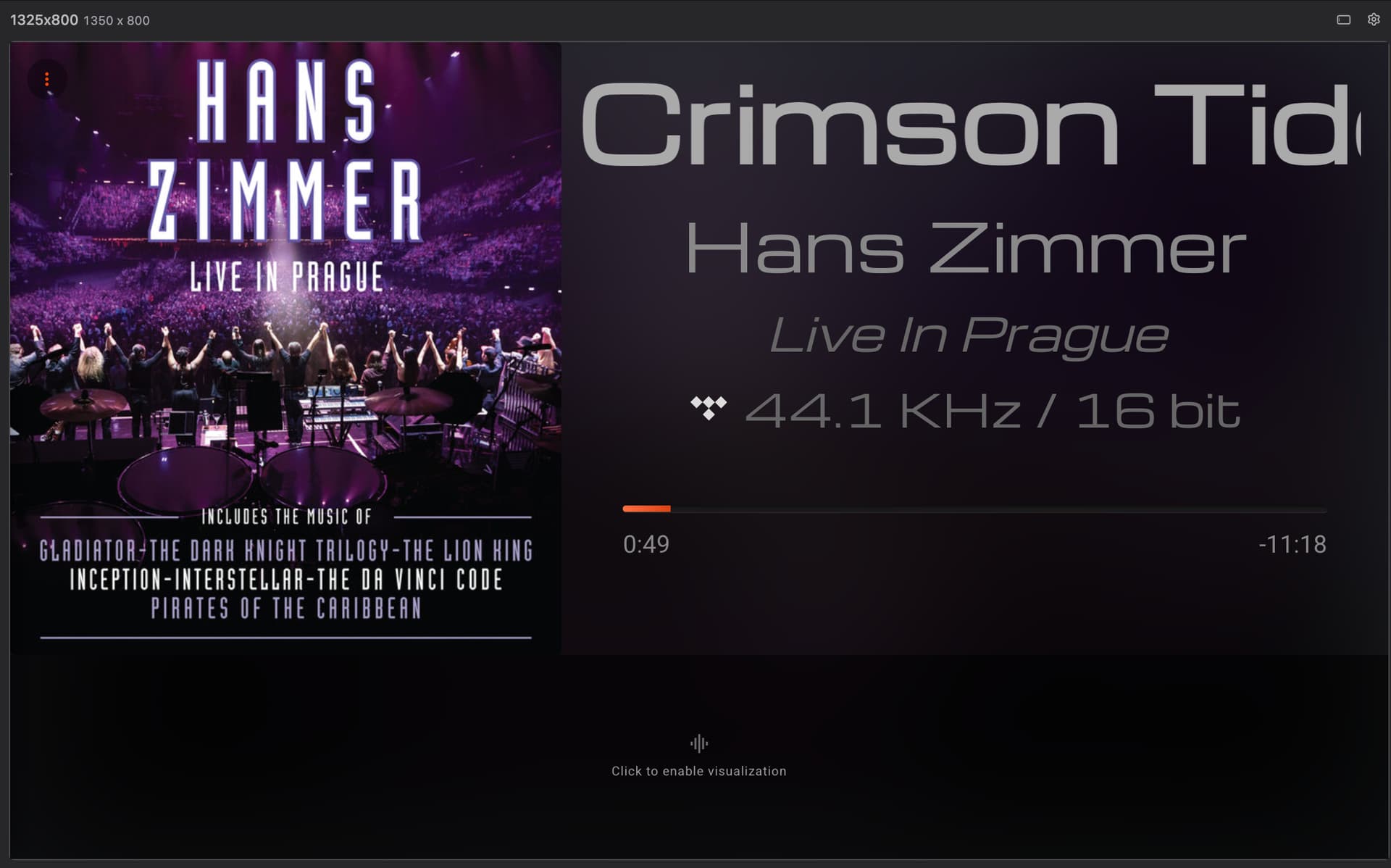
What is your resolution?
Menu → Layout Designer → The resolution of this screen is … ???