Great plugin! Congratulations. Well thought-out settings, easy to configure. But…
in my case, the setting: ‘Kiosk mode’ causes the resources from the NAS to not be visible.
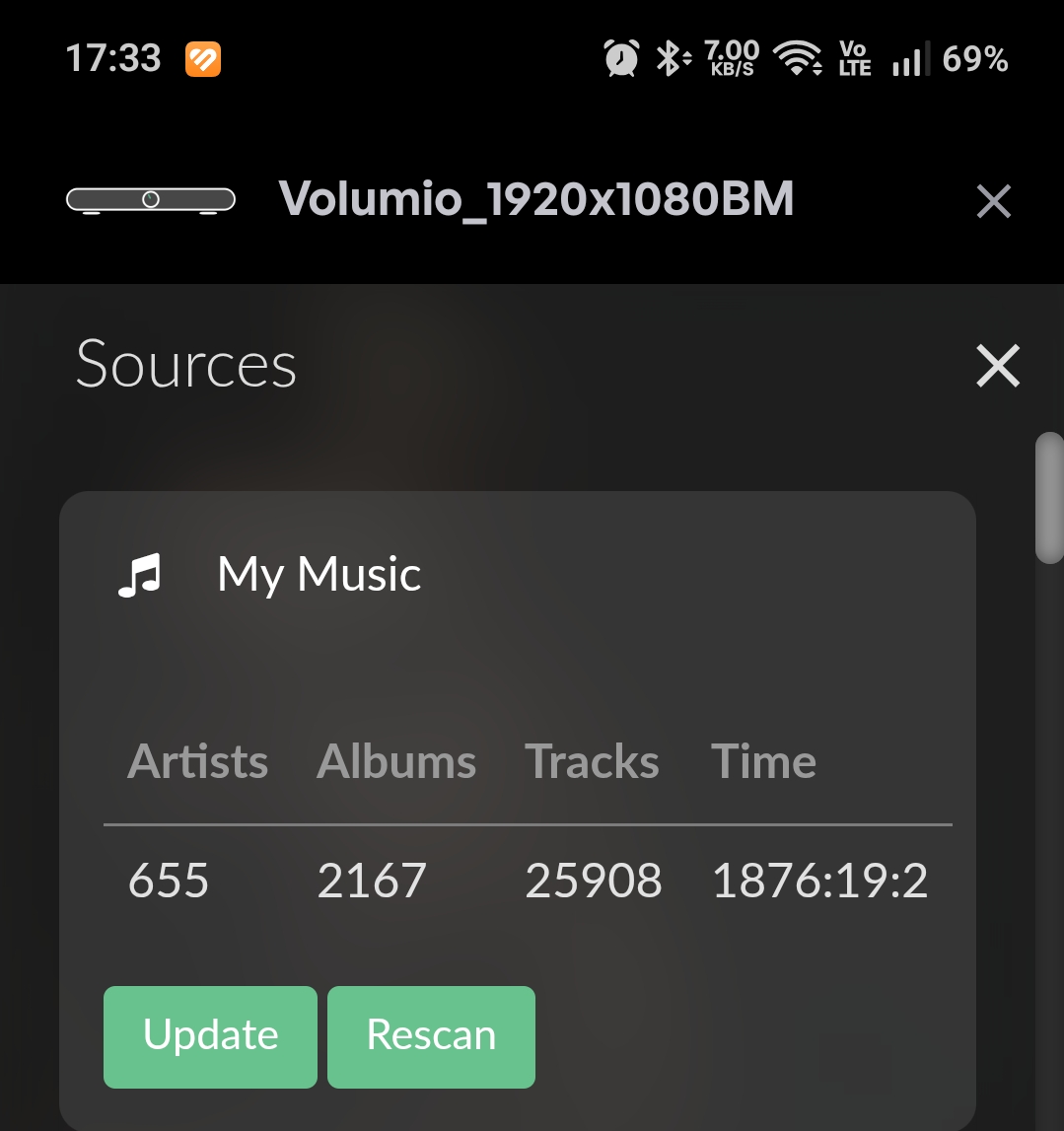
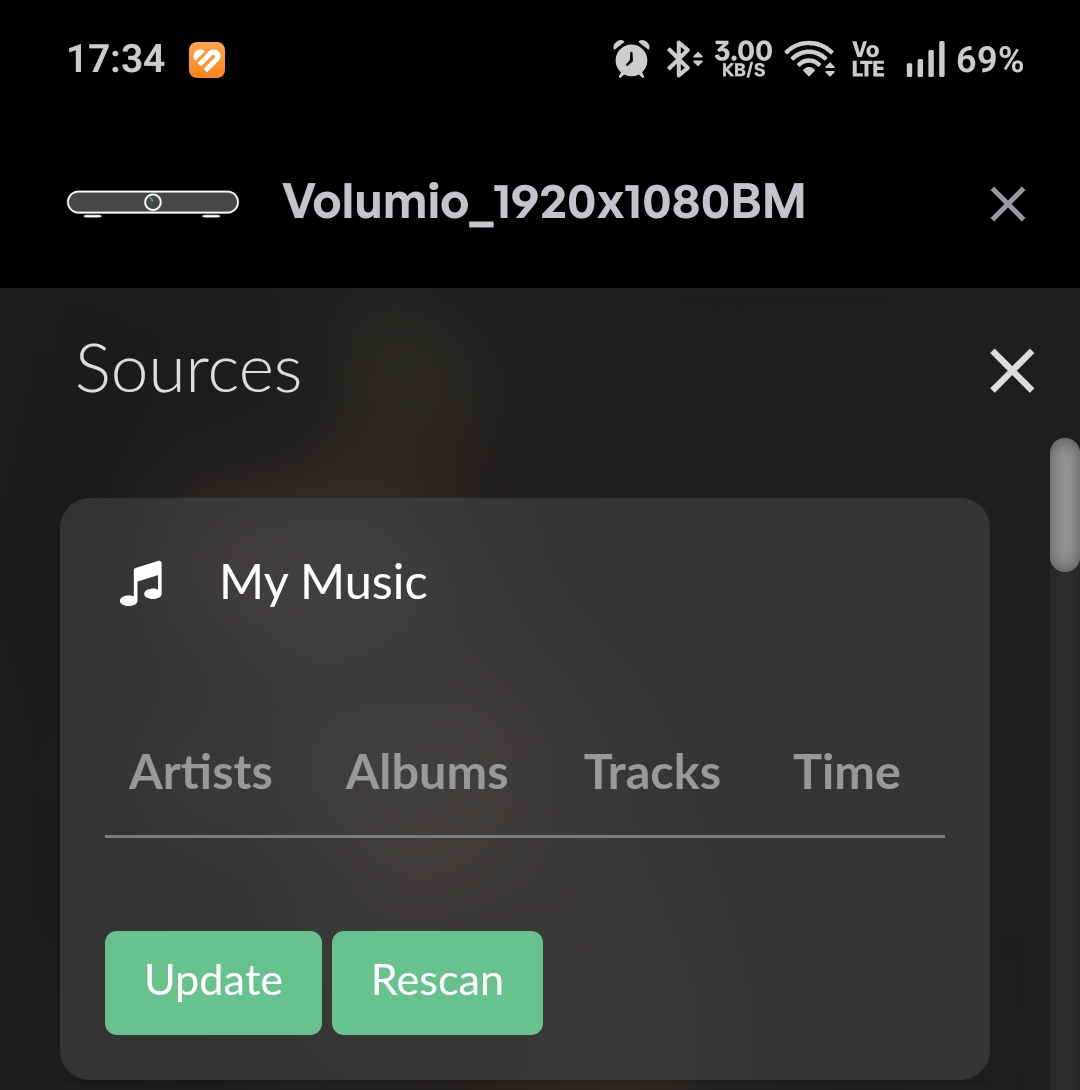
Thanks, I am glad you liked it.
It’s strange why Kiosk mode would affect this? The only thing Kiosk mode does is change the /opt/volumiokoisk.sh file to change the default url to the plugin url.
I will need to run some tests. Do the logs say anything?
Also if you revert the kiosk mode does the Sources get fixed?
I didn’t check the logs. Disabling the plugin returns the data.
Are you able to compare that file before and after the swap? See what all changes?
What file?
this file /opt/volumiokoisk.sh
If the screen is not physically attached to the device, then another option is to just load the plugin (without Kiosk mode) on http://volumio.local:3339 on a separate browser window or another device like an Android tablet.
The Kiosk mode is only for devices with a screen attached to it.
OPT_vol.zip (1.5 KB)
Both files are same. The file in Plugin Disable folder still points to 3339 port. It should point to 3000.
But doesn’t show
Have you tried restarting the device after enabling Kiosk mode?
Yes,
something’s wrong, but I don’t know where. Besides that, the window shown in the picture pops up and doesn’t respond to any commands.
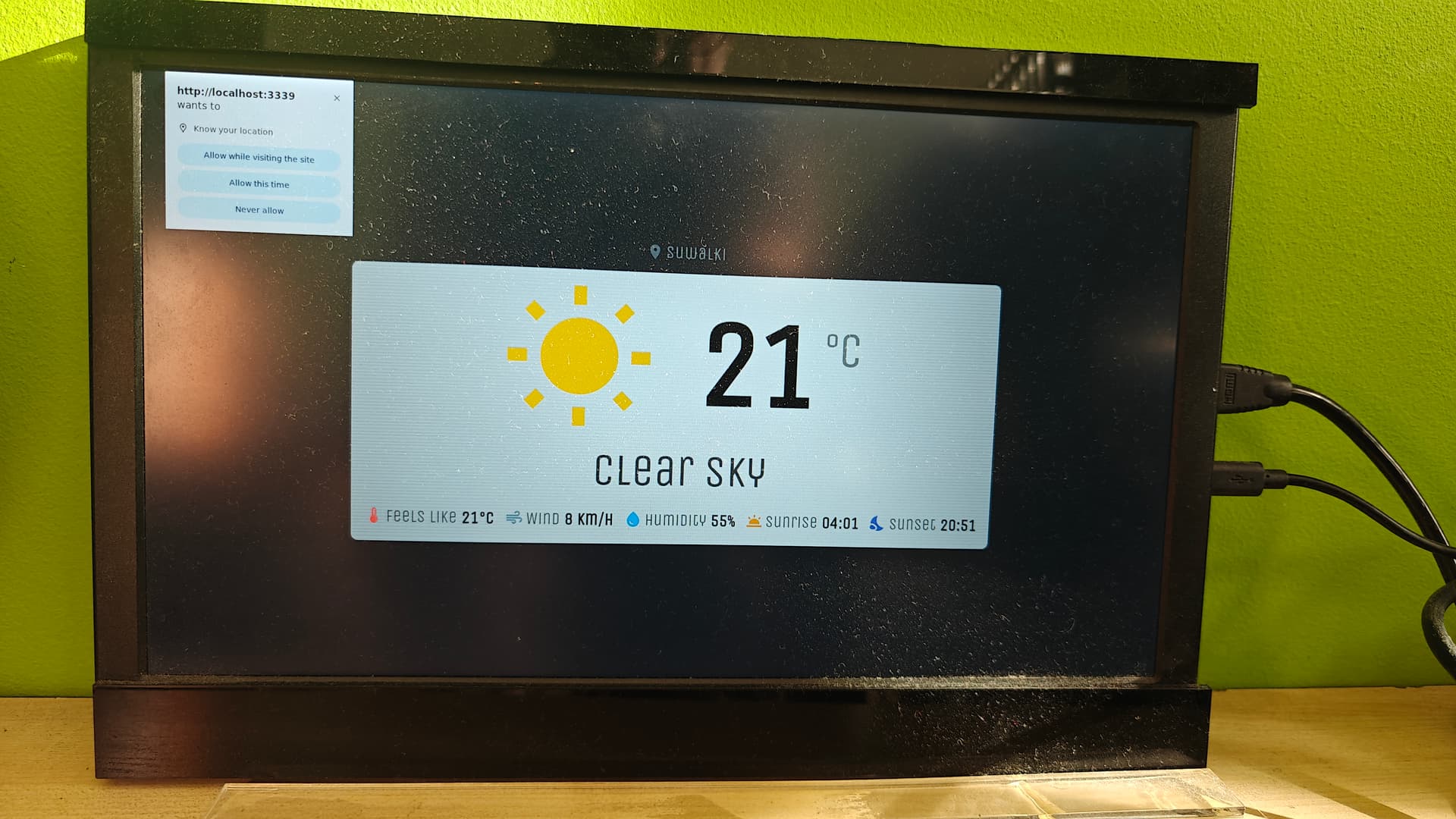
What are your hardware specs. The Kiosk mode requires 2GB ram (Chrome  ) to work smoothly. I have only tested on RPi5 and X86 machines which have ample power, even on RPi5 it’s pretty slow on my 4K TV.
Do you have a keyboard? You can press Home on the keyboard to go to the Chrome home page and type chrome://gpu it will show you if hardware acceleration is enabled on your device. It helps with performance.
Someone from Volumio team can help enable hardware acceleration.
I use a USB mouse to click on that popup button to make it go away 
5 x Rpi5, 2 x Rpi4 - min.4GB.
I will test it and let you know.
1 Like
Also if you put Latitude / Longitude in Weather settings, the popup wouldn’t show up.
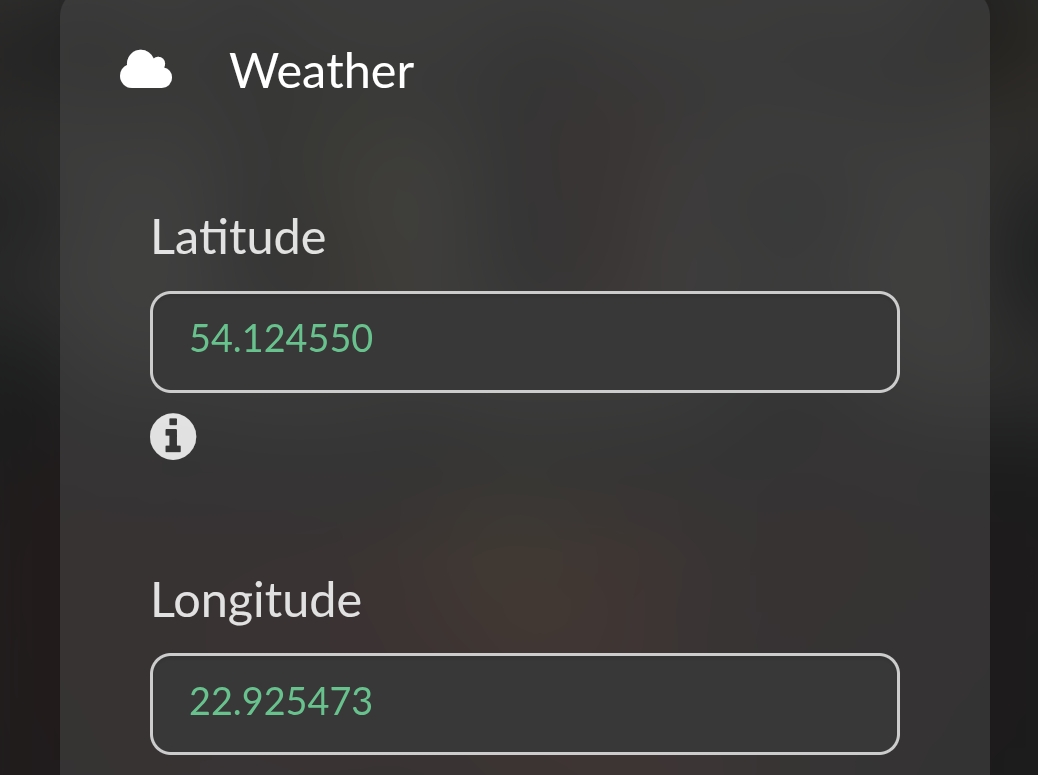
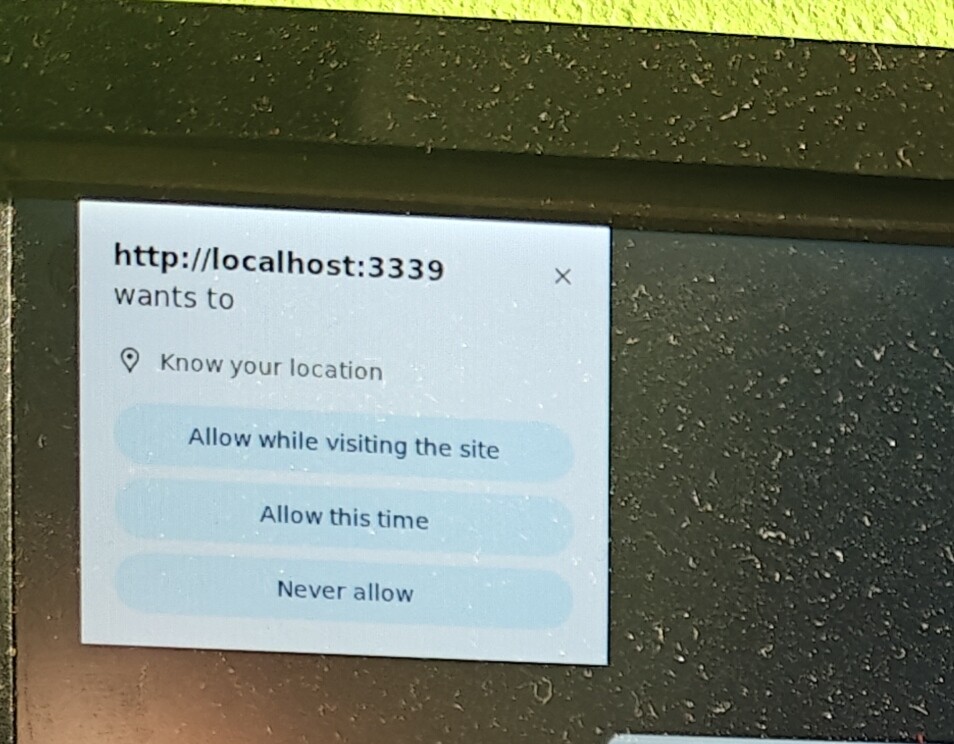
Yes I think I need to fix this.
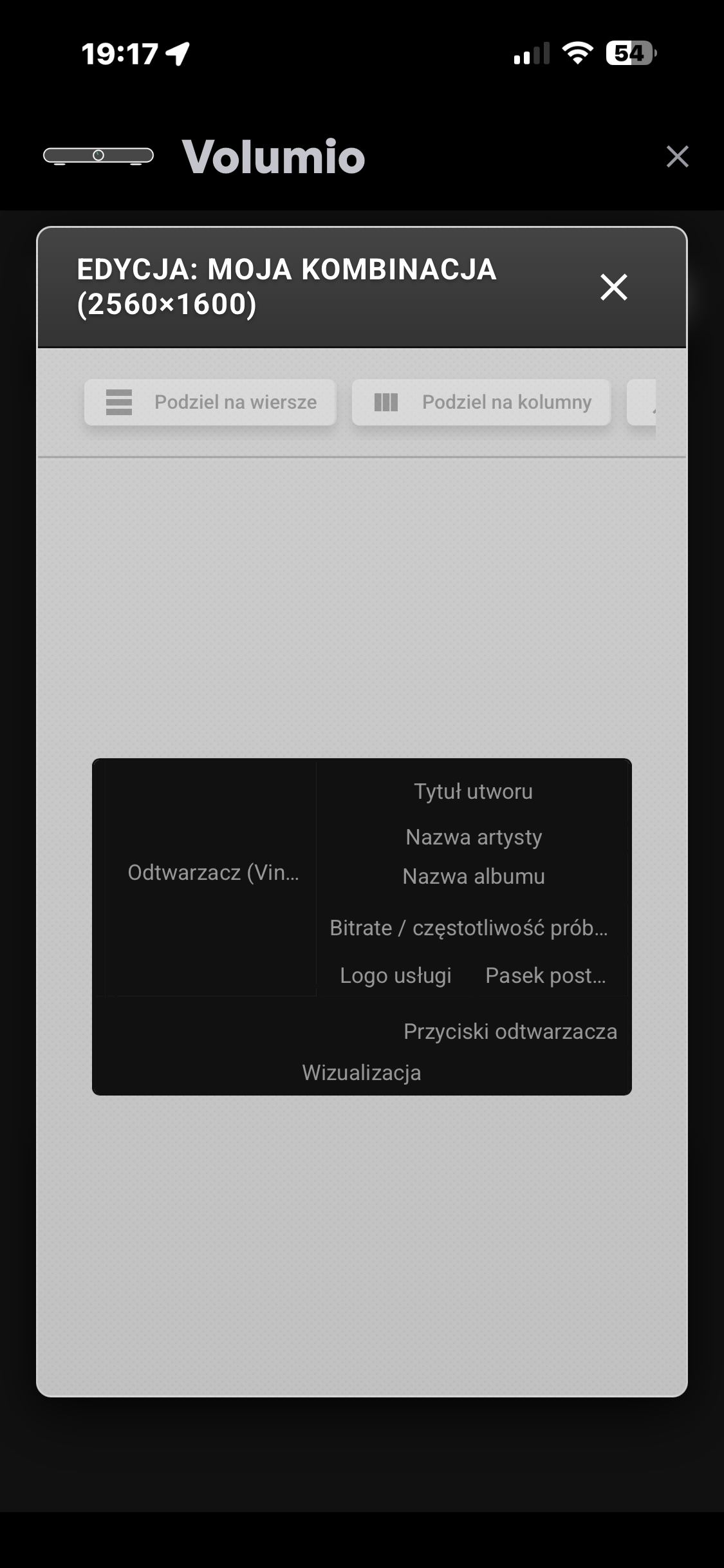
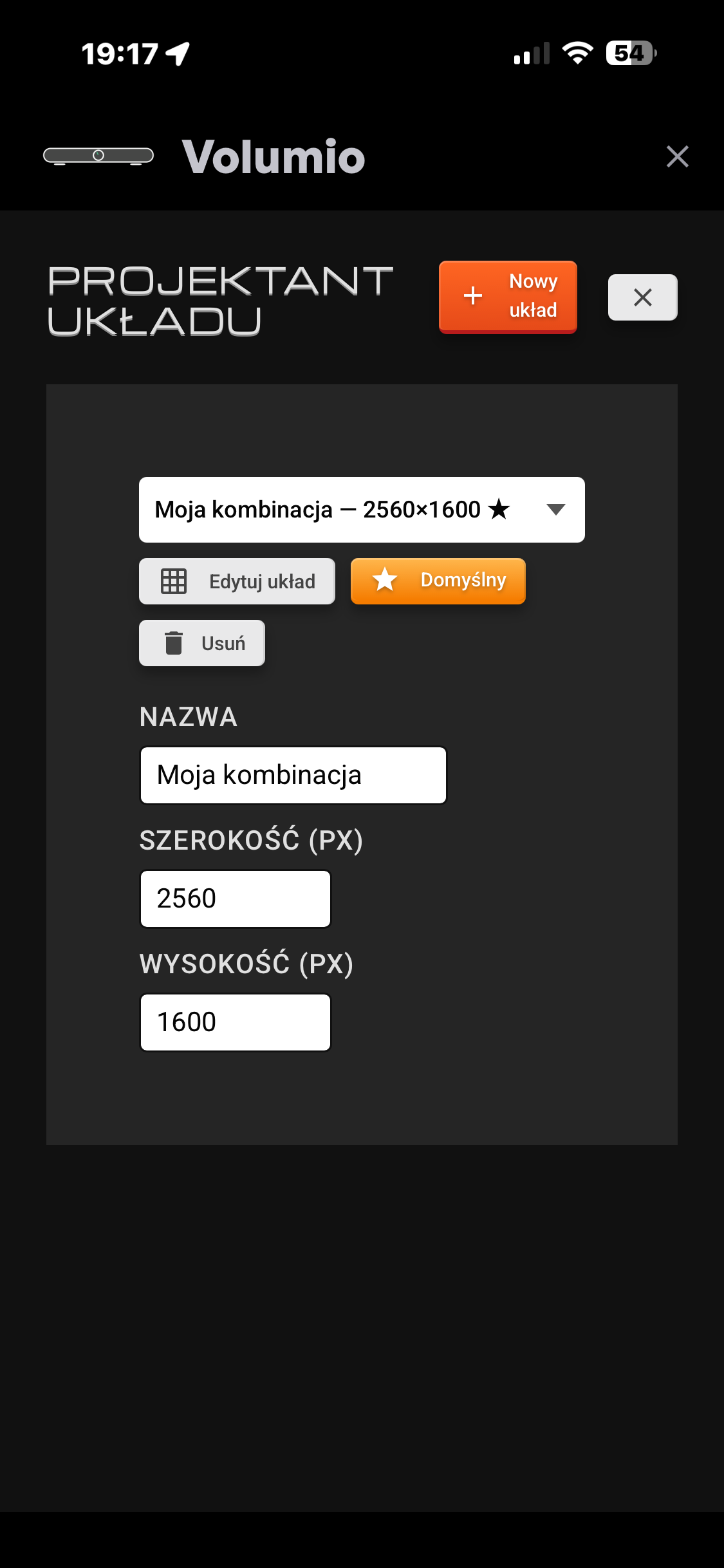
Since you have 200% zoom on your screen settings your resolution should be
1325x800 (Not 2650x1600)
Once you do that, it should automatically enable it (refresh page if needed from menu)
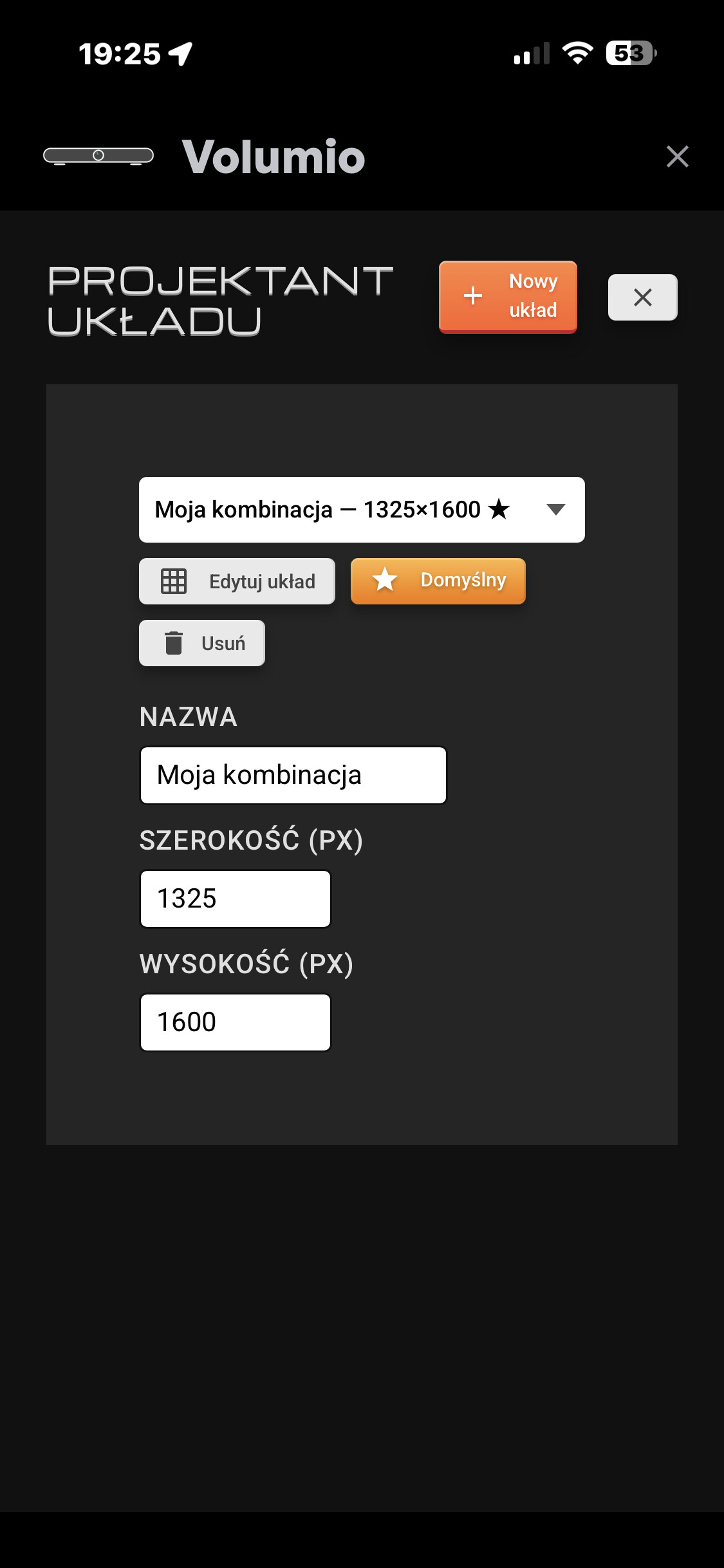

800 height not 1600.