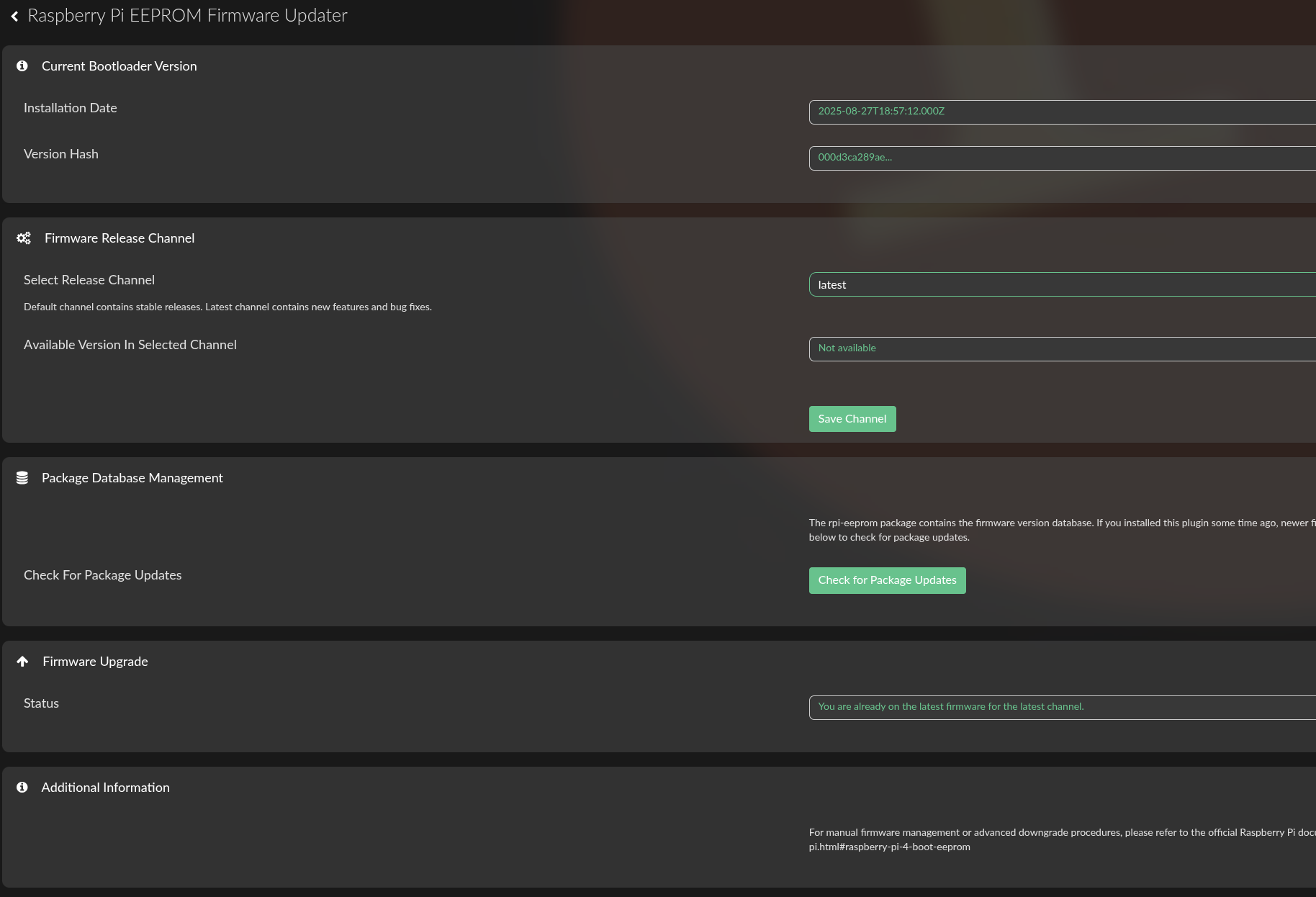
I am not sure why you can not access this plugin. You need to be on Raspberry Pi model 4B or higher (please check supported hardware from the opening post).
I use it on 2 rPi4 and 2 rPi5. Your plugin works very well as far as I can see and it will be th first plugin I will install on new devices. Thanks for this one!
I just checked EEPROM firmware on my rPi 4 and there was a new version 2025-10-14T16:40:13.000Z.
On rPi 5 no update is found, it´s still on 2025-08-27T19:01:47.000Z.
Both Pi:s ar on latest channel. My question, is there no update for rPi 5?
Once I clicked on settings of the plugin, and I already had latest channel selected, it automatically displayed that an update is available today. Clicked the update and it went thru with it, and rebooted. No issue to report.
Strange, for me on ‘latest’ it just show 2025-08-27T19:01:47.000Z. And yes I am on test channel and plugin test mode. Odd thing is that my rPi4 found 2025-10-17T09:48:37.000Z
Maybe @nerd knows why?
I had to uninstall RPI EEPROM Firmware plugin on my rPi5. Restarted it and reinstall plugin again. First after restart latest version 2025-10-14T16:40:13.000Z was found and I could perform an update.
Is it ment to function that way?
Fixed critical event where plugin install could trigger automatic firmware updates
Added manual “Package Database Refresh” button to get latest firmware versions
New dedicated UI section explaining when and why to refresh the package
Plugin UI now loads instantly (removed auto-refresh that caused delays)
If you installed this plugin a while ago and don’t see newer firmware versions, click the “Check for Package Updates” button in the new Package Database Management section.
Today I updated (fresh install) one of the setups I have to Volumio4 4.066
The setup is a Waveshare CM4IO carrierBoard fitted with a CM4 lite, Volumio is running from NVME
I tried to update the eeprom using the plugin (version 1.0.5), but unfortunately it does not find any firmware on both latest and default channels
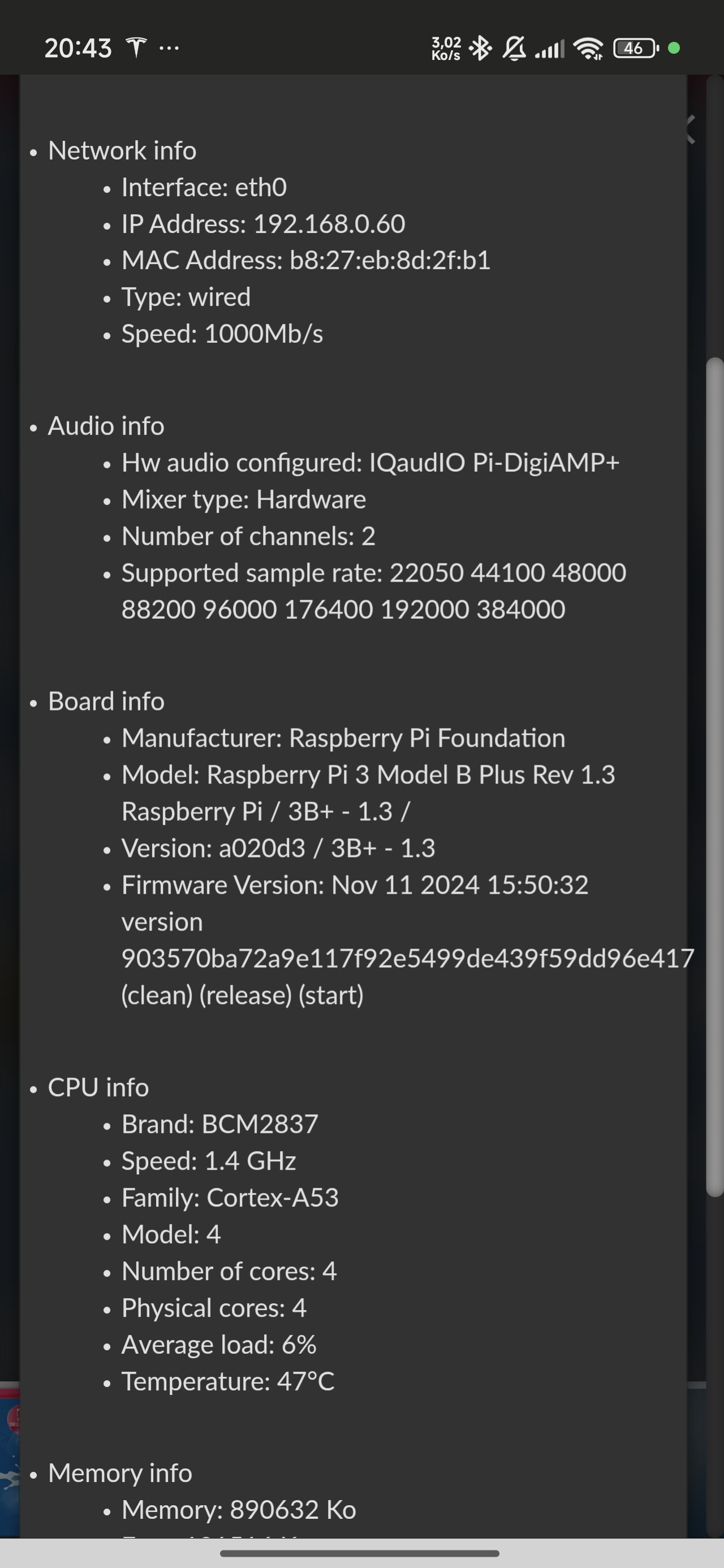
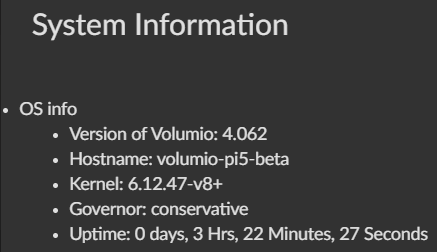
 Very good support!