Doesn’t drink coffee, he shoots it:
I wonder,
If I could get one of these morning light coffees in a drip format - perhaps my dream will come true?
Kind Regards,
i’ve one package of this still unopened I bought in Bali.
Remote Meter Selection function is very convenient,
Just installed the new Peppy_Meter 3.3.1 and Peppy_Remote ,
it works well without any issue !
Thank you !
I think I will pass on this as beans have been passed at least once already. Yes, hard pass.
Kind Regards,
Final update 1920x1080 turntable
@nerd
Once you’re rested, use your rescaling machine - 1920x1080 turntable to 1280x720 resolution, please.
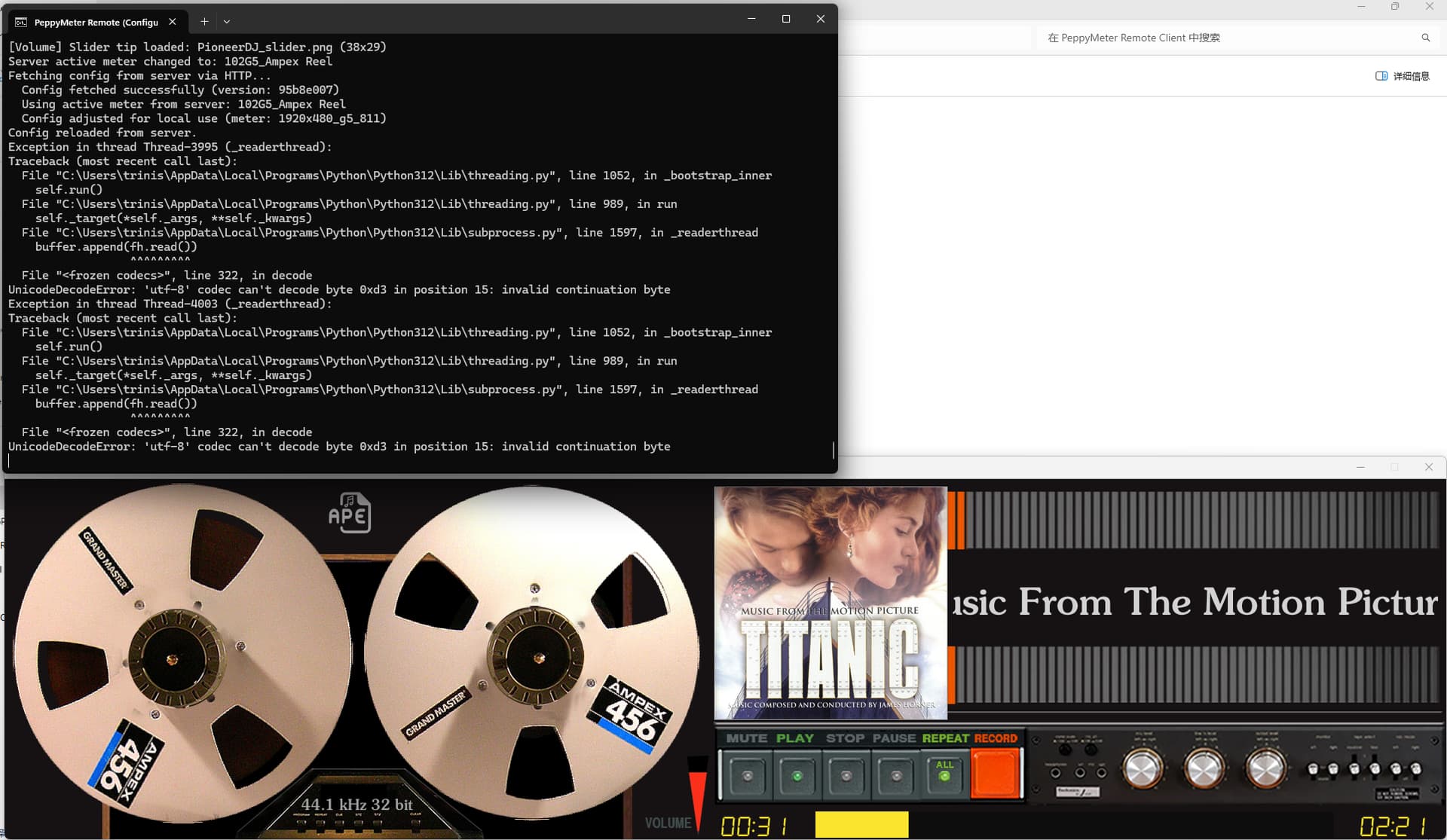
What’s the problem? The same thing happens when templates use smb or local, but it doesn’t seem to affect the running effect.
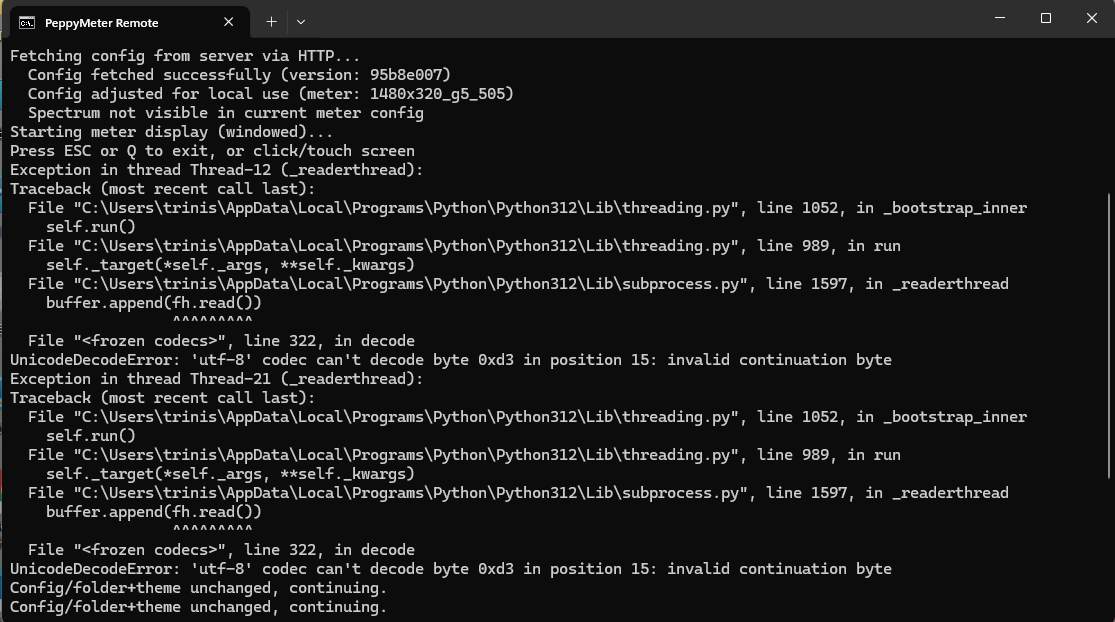
I reinstalled RemoteClient, but the error still occurs.
PeppyMeter Remote Client displays correctly
Good news - the angry red traceback you see in that screenshot is now handled. The application was not actually crashing (notice “Config/folder+theme unchanged, continuing” at the bottom - it carried on), but those UnicodeDecodeError tracebacks are ugly and alarming, so they deserved fixing.
What was happening:
On systems where the default encoding is not UTF-8 (for example, Chinese Windows with CP936/GBK), Python expects UTF-8 bytes but gets local encoding bytes instead. When it hits a byte like 0xd3 that is perfectly valid in GBK but invalid as UTF-8, it panics and throws that traceback.
The fix is simple: we now tell the decoder “if you cannot understand a byte, replace it with a placeholder and move on” instead of “if you cannot understand a byte, scream and throw furniture.” The application continues as before, except now without the screaming.
This applies to subprocess output (SMB mount commands), HTTP responses (config and font fetches), and UDP packets (discovery and config-version).
For the curious, here are some examples of perfectly innocent content that can trigger this on non-UTF-8 systems:
In all cases the fix is the same. The decoder now tolerates what it does not understand, rather than refusing to work entirely. No data is lost from the actual audio - this only affects text metadata and log output.
Pushed for testing. Please reinstall peppy remote and let me know if those tracebacks are gone.
Kind Regards,
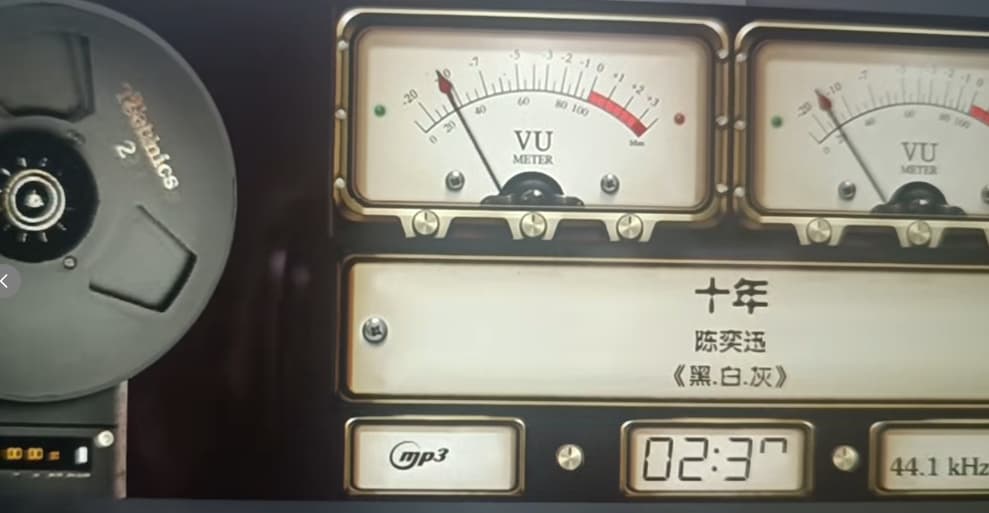
The remaining character blinks.
I tried modifying meters.txt to solve this problem, but it didn’t work. It works fine when I display “remaining” in other blank spaces.
1480x320_g5_505 [83G5_Free TDK]
Thank you for your prompt reply.!
Do I need to reinstall now?
Yes, reinstall is required.
Kind Regards,
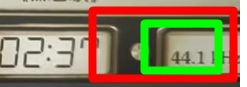
If I recall/remember correct you need to reduce the width of sample rate.
To width it will overwrite the time remaining (red)
Correct it won’t overwrite (green)
Oh, I understand. Thank you.
Perfect
Thank you
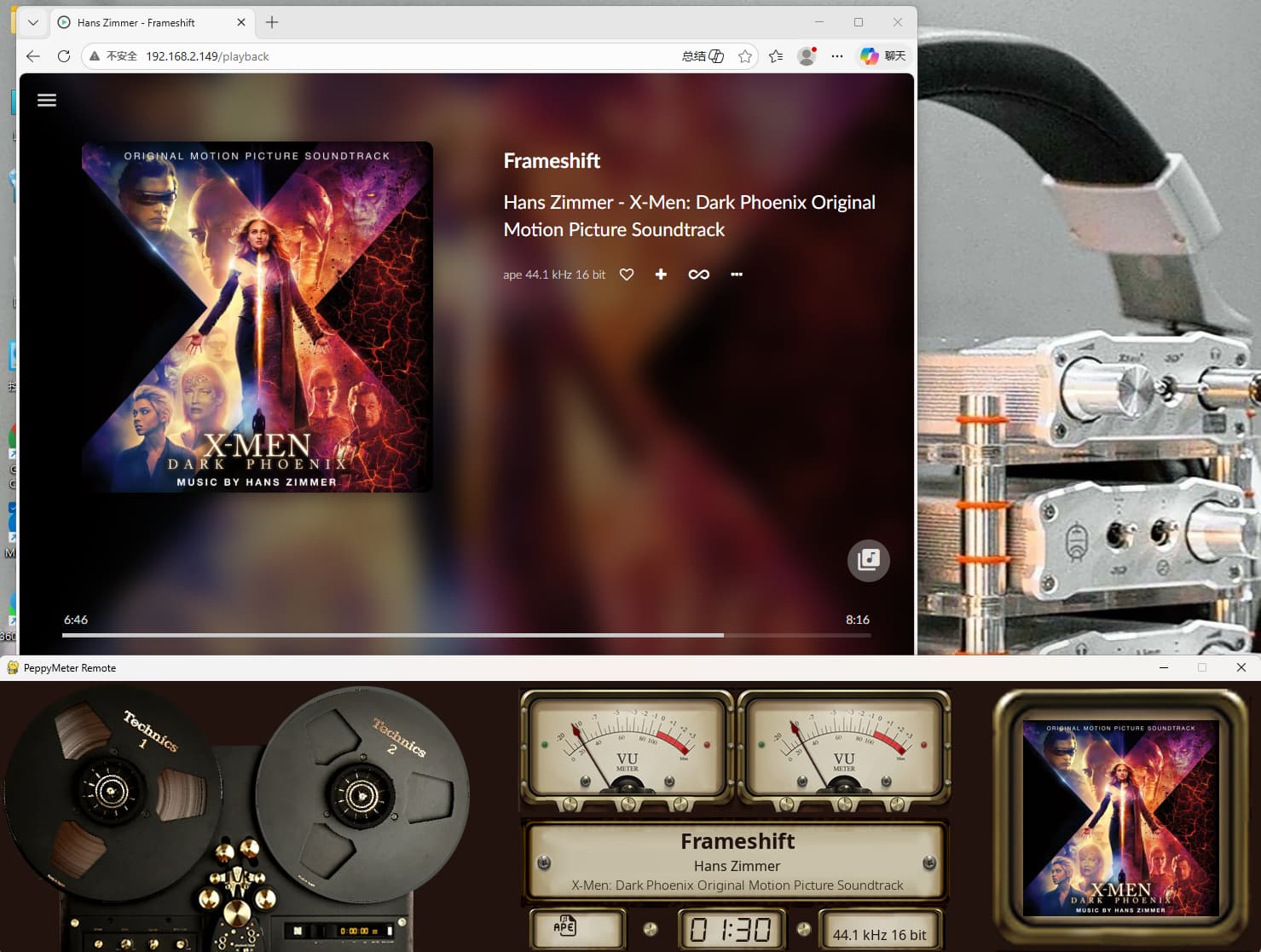
I previously sent you a message about the issue of modifying the playinfo.type icon displayed in the Volumio Web UI. If the icon is supported by Volumio, it can be changed and the change will be effective. However, for “.ape”, adding “APE.SVG” is ineffective.
These icons display perfectly in PeppyMeter Screensave.
/volumio/http/www4/app/assets-common/format-icons
I don’t respond to questions via PM’s.
If I recall correct, APE is part of a customized font set within Volumio. There are only a few that are added separate and need to be programmed to load. So just adding a new icon won’t do the trick.
See: peppy_screensaver/volumio_peppymeter/volumio_basic.py at main · foonerd/peppy_screensaver · GitHub
???
You asked about adding a custom icon named ape.svg, so I answered that.
Why we then switched to explaining what APE is remains a mystery, especially since I never needed the tutorial.
When playing .ape format music files, PeppyMeter Screensave displays the icon I set correctly, but Volumio Web UI fails to display it. Even after adding the corresponding ape.sgv file, it only shows the characters “ape”. The image above shows the Web UI. I’ve seen many of your replies in the community, so I assume you are very familiar with Volumio. Therefore, I’m asking you for help to see if there’s a way to solve this small problem.