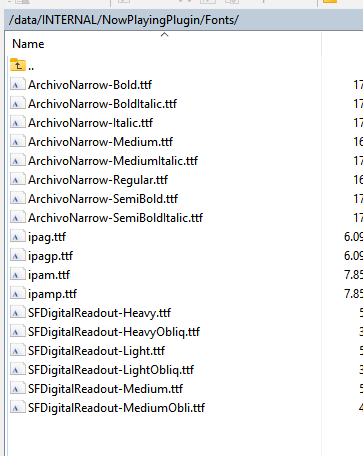
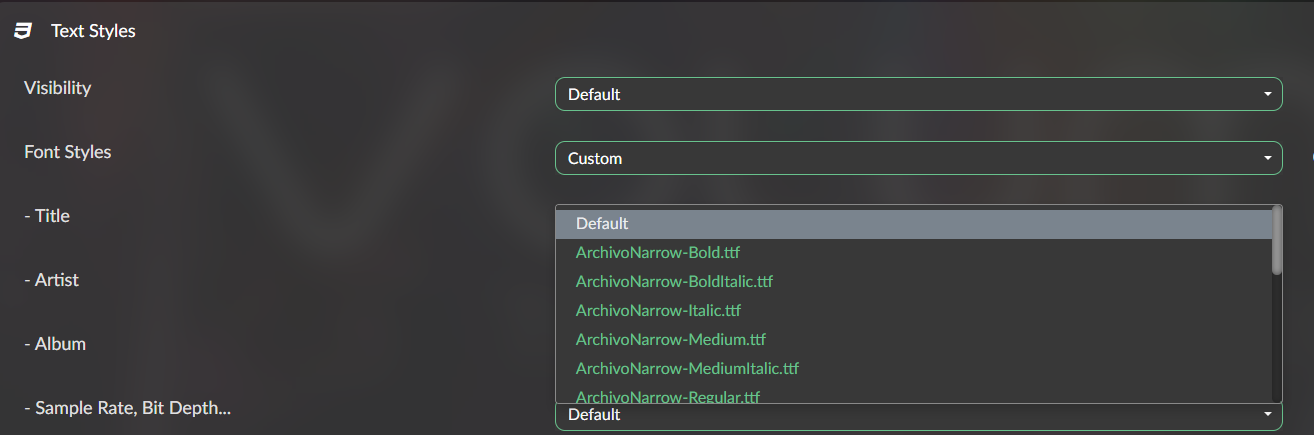
There is though somethin called variable fonts for tiff fonts, that you can manipulate the weight off, by CSS. I want to know if that is possible, like adding bold. .
Or if you do not want people to know how to change in system files for plugin, may bee do a version with a drop down list for thin, normal and bold. thin can bee 300 (in css value).
I know that itchy “let me just tweak this CSS” feeling. But trust me, if you manually wrangle those files, you’re very likely to break “Now Playing” like an amateur magician doing a disappearing act with your UI. Just because you can doesn’t mean you should (we’re looking at you, CSS cowboys ).
Want bold fonts? No need for sorcery, just follow the magical breadcrumb trail @SimonE kindly left behind and drop your bold font in the right spot. Voilà, no broken layout, no tears, and your Now Playing screen lives to tell the tale.
No, I do not want bold, I want thin, was just an example. Some fonts types do not have different versions of weight, they relay on css for it, that is the modern way to do it, if your not compiling it in. Volumio gui is on a webbrower, so need to compile in.
I am not an amateur, I work with web-programming. If I can get to know witch file to change, the risk the plugin broke is minimal.
(I surpose you wrote mainly to me, but did not clicked my message as response)
There is a configuration for padding in the plugin backend. Or you neeed to take down size of fonts, you can do that also for weather, I think it is the same as for header text, on clock.
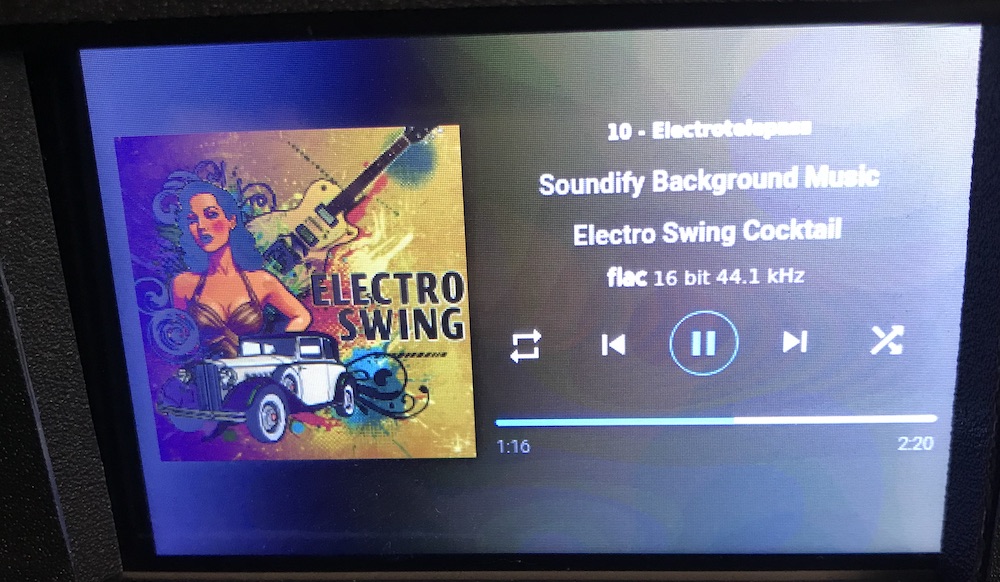
I love this Now Playing plugin. I use it mainly instead of the standard Volumio UI .
Nevertheless , I have some suggestions / feature request :
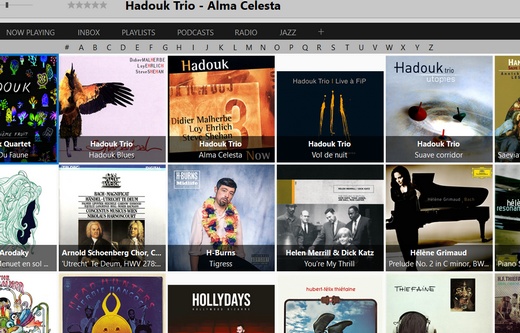
In the Albums and Artists views , the items are sorted alphabetically. On a very large library (more than 1000 items) the browsing is not practical, and we always start with the same view . So much so that I realized that in the end I often listen to the same albums.
Could it be possible to have a bar on top of the view with letters from A … Z , clicking a letter goes directly to the first item started with the letter . This kind of tool exists by default for example on MusicBee :
it would be nice to have some kind of a button like “Shuffle” that randomly rearranges all items, in a way to have a new view of the library, regardless of any specific order .
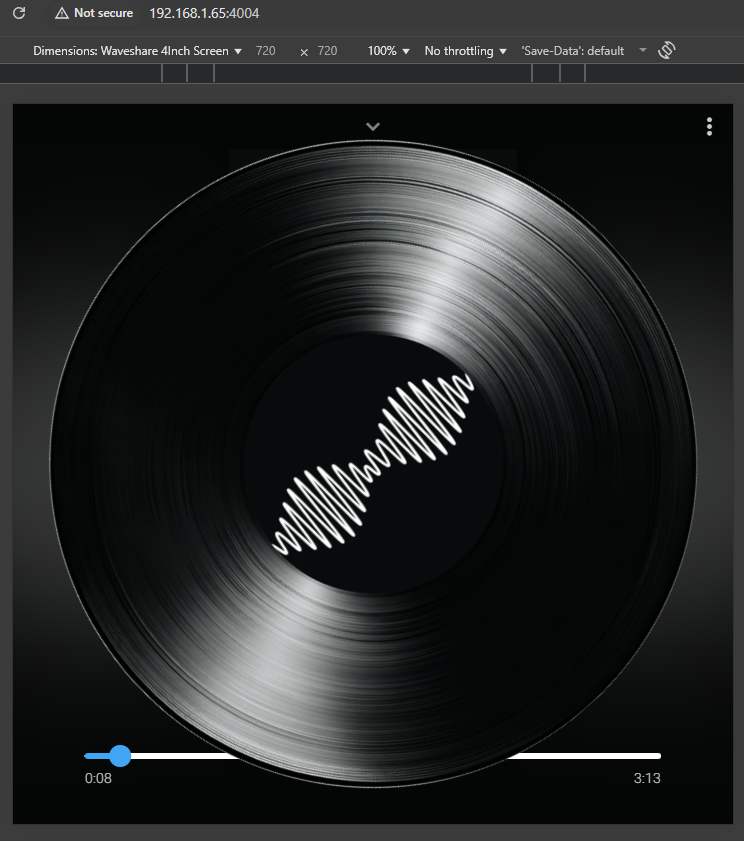
Love the plugin. Does anyone know if it would be possible to make the display appear like a spinning vinyl? I’m using a round display so want it to fill the screen.
I was thinking 2 image overlays that spin, one for the album art and 1 for the vinyl record.
I’m ok with the basics of css and react but not to this level so before I attempt this any insight if this is even possible with this plugin? And any pointers if so?
Ideally I’d like the spinning to stop/start inline with audio playback and still have the controls accessible.
UPDATE
Very hacky appending css/js to the end of the build files but i’ve got something nearly working. Just need to work out how to detect stop/start to have the vinyl spinning/stopped and how to show the track info on the bottom (increase z-index).
Absolutely love this plugin, it’s the solution I’ve been looking for to build a very simple jukebox for my son with special needs. I need to limit the functions he can access to basic controls for a single playlist we’ve curated in Spotify.
The only additional feature that would help me, would be the option to show the playlist list view, alongside the playing view, perhaps down the left hand side. Then he can easily and visually select the next track to play. Everything is on one screen then, and I can disable/hide all other controls.
Hello everyone, I have been using a Primo for a few months now, and it is a fantastic device!
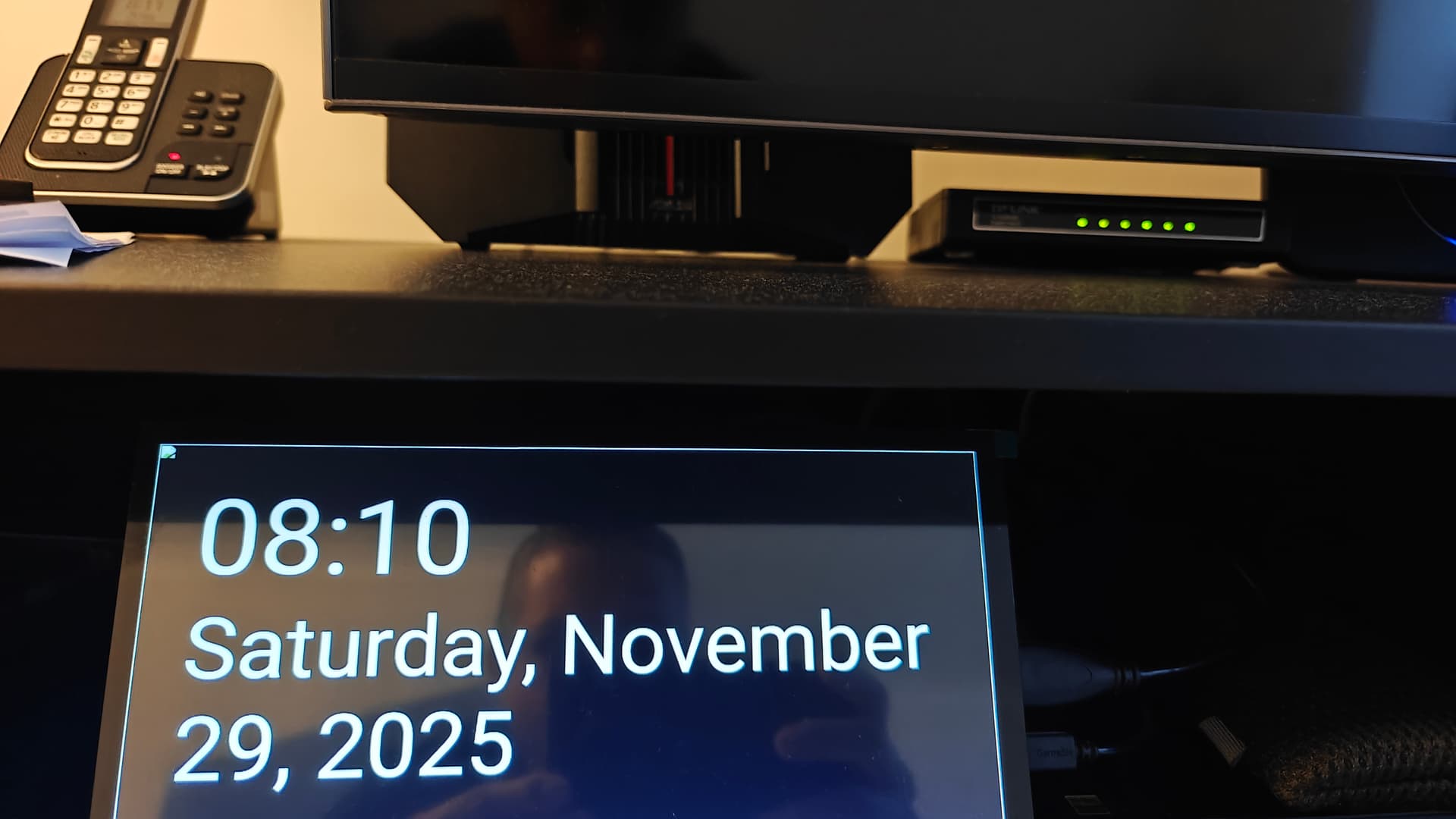
I’ve now installed the ‘now playing’ plugin, but I’m a bit overwhelmed by the many messages in this thread about configuration. I’ve configured the weather forecast and time zone, and in ‘preview’ I see a nice screen with the weather forecast and time, just as I want it, but in real time I don’t see this and always fall back to the standard Volumio screen.
What am I overlooking? And I don’t understand the meaning of ‘kiosk mode’. Is there anu global guide for this plugin?
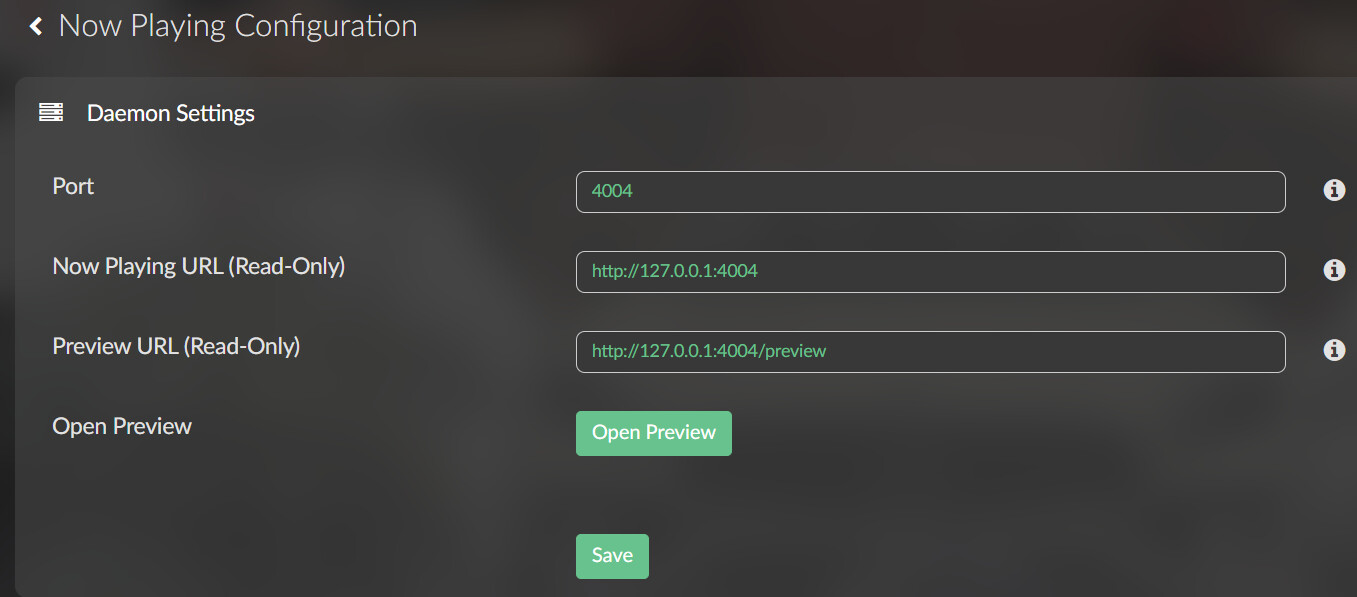
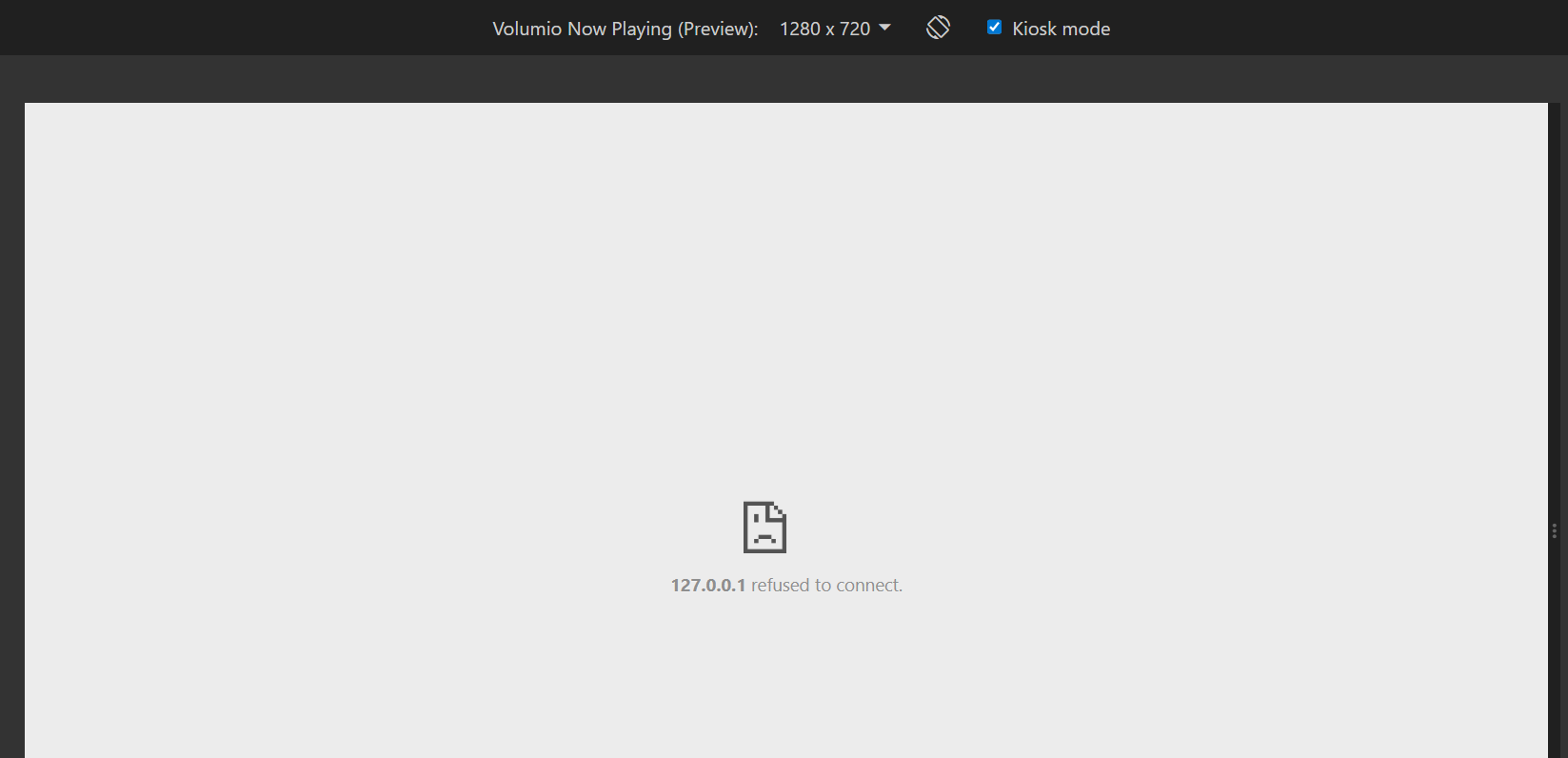
For a Pi5 on latest 4.069 and Now Playing 1.0.2. And I believe this has been the case prior to 4.067 or earlier. Unable to change neither of the preview URL to the static IP of the device. Changing it and saving it reverts back to 127.0.0.1. When I manually enter my address with port 4004/preview, the kiosk screen is still blank. Not a big deal, just reporting observations. My Pi4 and PC can save their respective IP and display previews normally.
Is there a way to preserve settings when updating volumio from v3 to v4? I have it tweaked just the way I like, and don’t want to lose all that. Thanks!
@xhorder Yes, here is what I do. Map the network drive of the volumio you are refreshing. Go to the Internal Storage folder which sores all your fonts, and configurations. Copy all these two a folder on your PC… Then after you install Volumio 4 just copy these files to the new Internal storage folder.
@Xhorder You can use the “Backup/Restore Settings” feature of the pluging (at the bottom of the Now Playing configuration page). It creates the backup file in /data/INTERNAL/NowPlayingPlugin/Settings Backups . Get this file from V3 and put it in the same folder in V4 and restore it the same way.
Note it needs to open ssh, and access to the file system with sftp (Filezilla or similar).
Hi all, loving the plugin but having an issue where I’m using unsplash to display images based on a keyword I use - The issue is that for the most part the images display fine, but I’m seeing alot of blank images which happens several time a day, it will eventually skip to another image which displays correctly… would anyone know why this is happening and how to fix?
Im using a Pi4 with latest versions of all plugins.
 Caution: Styling danger zone ahead!
 ).
).