if you want the plugin to work you need it … and your blank screen ask @gvolt
he can help with the screens  if the problem is settings …broken screens are not fixable.
and if safari isn’t working with the read only links use chromium based browser instead.
hello!
Any web browser should be fine!
Where this comes from?
Please, do not write such things !
Thanks
1 Like
is this fixed in later updates? i didn’t use it for a long time 
@gvolt plugin works just fine. Now Playing do not. But it doesn’t matter anymore. The Touch Screen plugin, it’s more than enough.
A post was merged into an existing topic: [PLUGIN] MPD OLED - installation & configuration plugin
Volumio X86 3.812
Lenovo M73 Mini Motherboard, i3/8GB & Intel NUC D34010WYK i3 / 8GB
Khadas Tone DAC
Hello Volumionoids
I’ve got a couple of systems now that display what looks like a white browser window on startup, just before the NOW PLAYING GUI loads, stating that localhost refused to connect and that the site can’t be reached. It only happens with the NOW PLAYING plugin. Is something trying to load as part of that plugin before dependent services have started up ? is there something I can tweak or delay? This happens on a couple of systems now, both this one and one that I’m still building that’s powered with an Intel NUC D34010WYK i3 / 8GB, so it’s not an issue local to one machine. Could it be connected to the fact that I KNOW the now playing and preview URLs on the NOW PLAYING config screen had the IP of the server in there on first run of the plugin and that I am sure they changed to the 127 address post reboot…
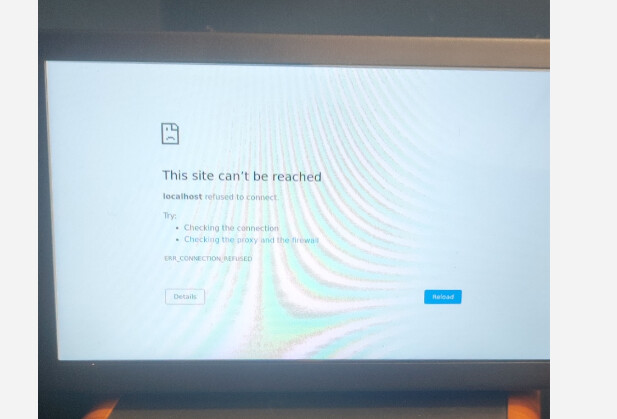
(and the preview screens dont work… and only get marginally better when i put the actual address of the server in the address bar)
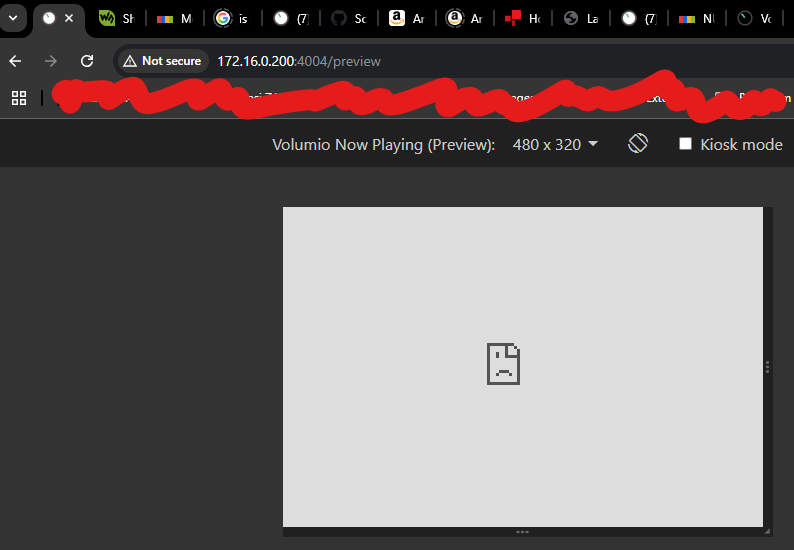
Has anyone (recently) had the same experience ?
Cheers
Alastair
I think what’s happening here is that the plugin hasn’t been fully loaded when Volumio tries to display the Now Playing page. Unfortunately, this is not something that can be resolved within the plugin since it has no control over when Volumio requests the page.
As for the 127.0.0.1 address, I reckon it’s because the network interface has not been brought up or assigned an IP address when the plugin loads. I can probably fix this, but it will be for the Bookworm version only.
This is not a complaint nor anything political… So venture your thoughts that way at your own discretion and risk of mental health.
I use the default colours for the fonts for the Now Playing info displays, like time, location and weather. Though I personally prefer bright colourful backgrounds, I have to resort to using keywords like “outer space” and “dark backgrounds” to ensure the tiny fonts come out to my 40+yo eyes and tiny 7 to 9" screens. Once I did that, I can better reliably see the info displayed from a distance across the room… Mostly, as I lie to myself.
Anyway, I immediately noticed the effects of “dark background” could become unsettling. Upon recent updates, I’ve started using “dark outer space”, “dim backgrounds” and “dim cityscape”… Hoping I’ll be safe from the horrors of reality or even artists’ moody and sometimes unsettling renditions.
Then just now… I got this… Sigh… 


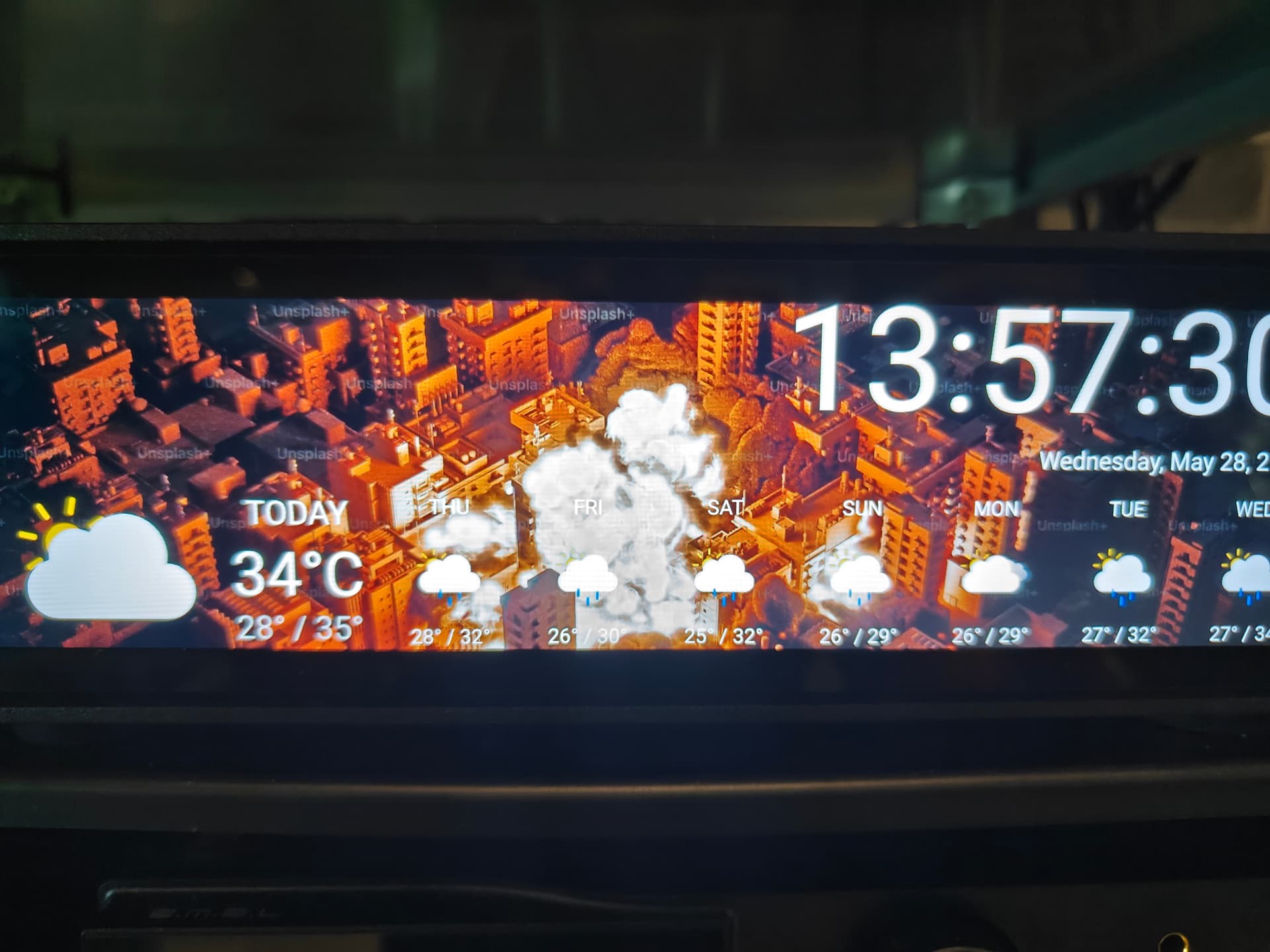
I’m gonna play with darker fonts so I can go back to bright and beautiful landscapes…
@alkjones76 I have a similar experience on my Rivo but it corrects itself a few moments later when the system chimes and is fully loaded. I reasoned that i tis occurring before the wifi has fully loaded but it appears that @patrickkfkan has provided teh answer above.
Would it be possible to get very specific help with changing the display presentation by someone who is a little more skilled than myself? Exact simple steps rather than a variety of options.
I have built a reference streamer in a full custom CNC aluminium case with a Wisecoco 8.8 inch screen (1920x480) with USB touch interface connected with HDMI to a RPi 3B+ running Volumio 3.779. My selected user interface type is “Manifest”. I have activated Touch Screen plugin and set = ON. But the touch function does not work.
Two things that needs attention:
-
The display layout. I like the design but the album cover art is centered, I would like it to the left.The text size is very small. With the album cover to the left of the display area the text could be substantially bigger. It should be easily readable from about 4m distance (similar to Lausiv’s streamer).
-
The touch function, I assume the custom settings page need some code to set the orientation of the touch overlay to change from portrait to landscape (as the default seem to be portrait). I would like to be able to use the transport buttons at the bottom of the now playing view and the menu.
I have read several threads about these subjects but I don’t see how to do it step-by-step or where to find things for my particular screen. Though I had no problem to paste the HDMI settings code for my screen, found here on the excellent community formum pages.But the two things listed above remains to be sorted. Bonus question - should I upgrade to a later release of Volumio or will it mess up my settings?
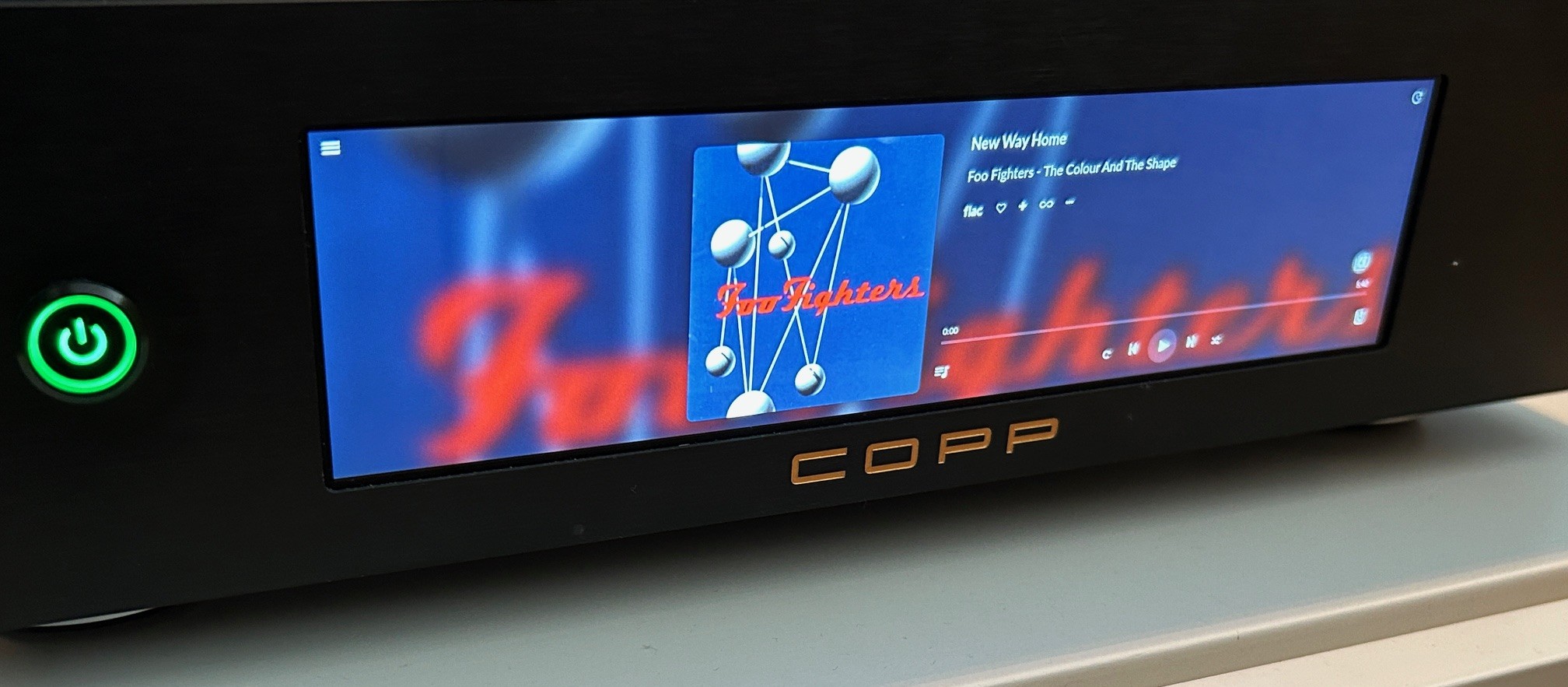
- Play with zoom settings, like 105 0r 110%, this will remove the hamburger menu unfortunalty.
- Try thy Now Playing plugin
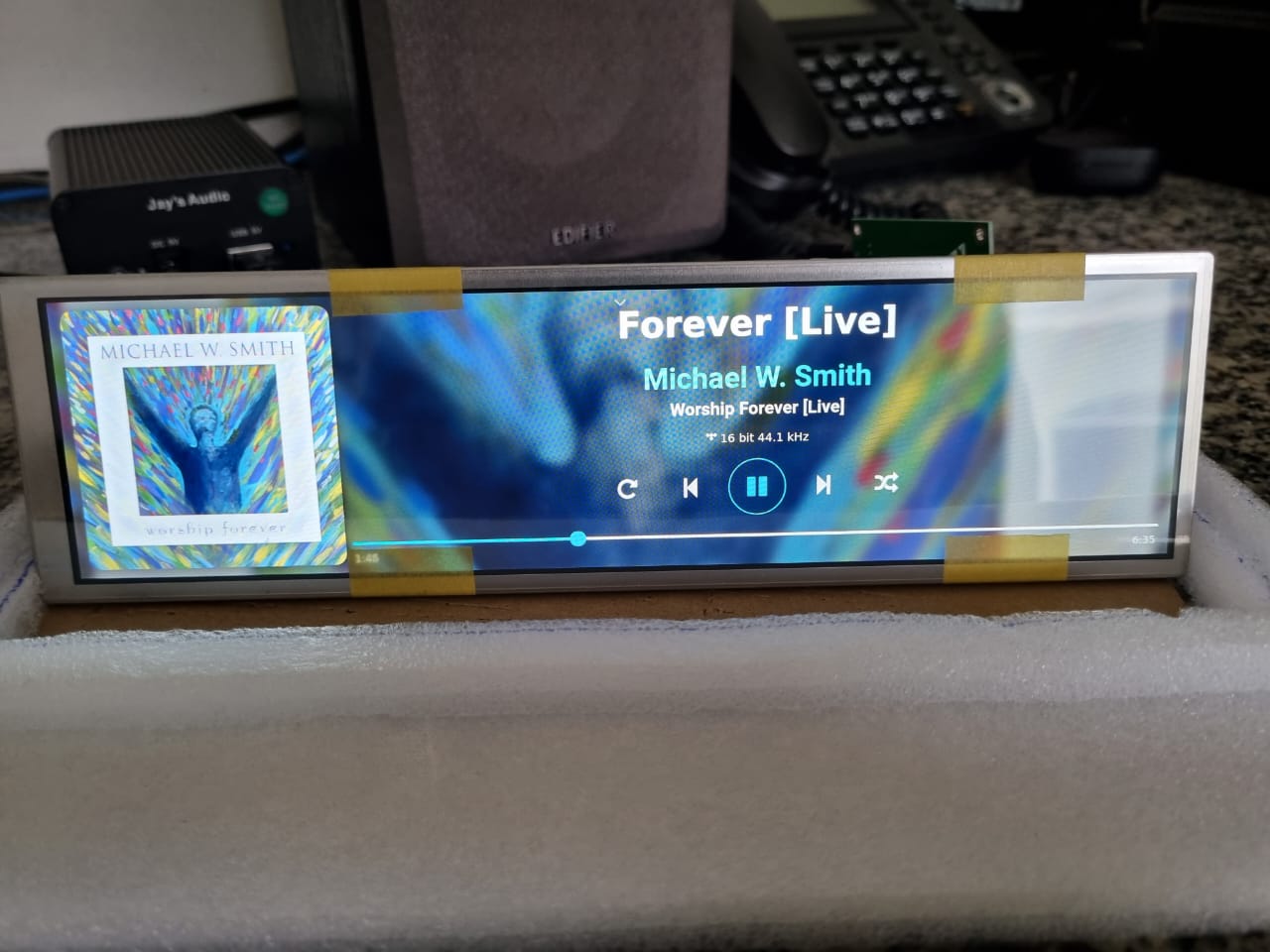
That is the layout of the Now Playing plugin. Download it from the store and play arround with the settings
Touch function doesn’t work on this screen (RPi), it works for Windows
Oh no!.. Well I will have to live without it then, it was sold as an RPi screen on AliExpress so I assumed it would have the basic functionality HDMI+touch. Is there any other 8.8" screen I could look for in the meantime with functioning touch (preferably optically bonded or OLED) to make a later upgrade?
Yes I have had the Now Playing plugin since the start of the project but was not aware how to use the settings page with the fields for pasting CSS codes. So I guess I need help with what CSS code goes where to increase the size similar to Lausiv’s project. I somebody could give any directions such as "copy-paste THIS text […] in THAT textbox on the settings page.
Edit: Thanks to your kind input I found out that I could edit the layout straight in the plugin in the player (just connected via the web interface to the IP address of the player). So now the album cover art is moved all the way to the left and I activated the ultrawide setting. Last thing to do now is to increase the test size but I don’t know what to type in the text boxes for the style sheet data (CSS).
On the latest beta 4.012. This only seems to happen on my Pi4 on HDMI [graphics only, not audio], as it doesn’t happen on the Pi5 with a 8.8" DSI screen. The only other difference I can see is my Pi5 is on 122% scale, while the Pi4 is at 125%. Both use custom height for the weather/forecast portion.
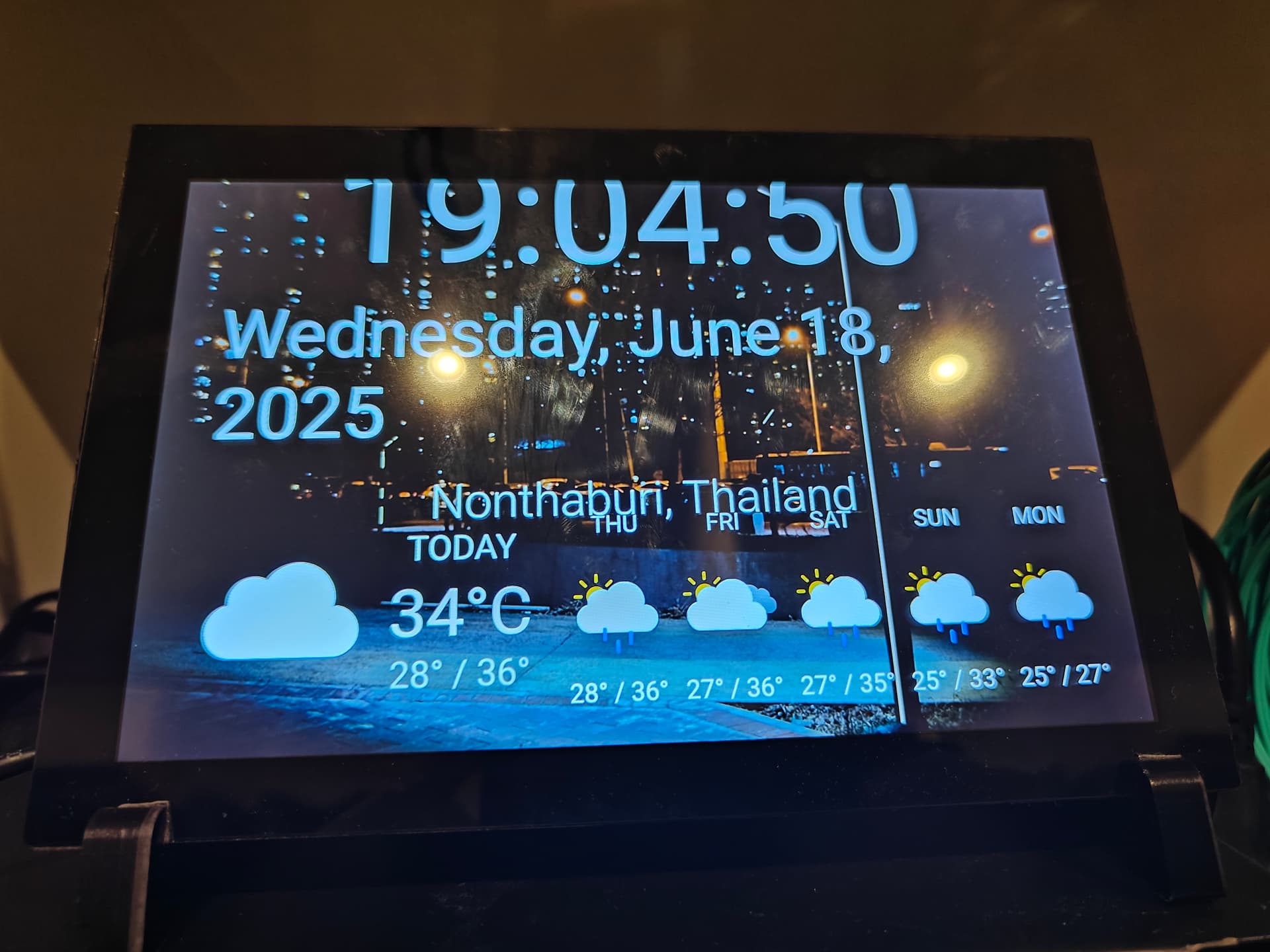
What happens is after awhile [I don’t know how long], the Now Playing screensaver with time, date, location and weather, would scale the time, date and location portion of the display bigger and beyond the edge of the screen vertically; time will go above top of screen and the location portion will go into the lower weather portion. I’ll try to upload a pic later to better illustrate.
EDIT:
I got a pic and a log. It did not return to normal size after a reboot, so I went into the config to take a look and it seems somehow, Now Playing changed my Idle Screen config, specifically for the Weather [what I’ve seen so far]. Unfortunately, the log is taken after reboot so I don’t know if it helps.

Hello,
The lastest release on Github (GitHub - patrickkfkan/volumio-now-playing ) is 0.7.6 but when I try an update from Volumio , it stays on 0.7.5 . Is it normal ?
Thanks
I love the plugin. Can I ask, I have variable fonts, how can I change weight on them, witch file to edit (location in volumio directory)? I want to set bold for song title, or even better if could sett exact weihgt, like CSS 500.
You can install custom fonts. If you hover over the “i” by font styles is gives this information:
Place custom fonts in “/data/INTERNAL/NowPlayingPlugin/Fonts” (this directory appears as “/internal storage/NowPlayingPlugin/Fonts” on the network). Supported formats: TTF, OTF, WOFF, WOFF2.