Dear Volumionauts,
FM/DAB Radio Plugin - Version 1.4.0
This is the largest update since the plugin first appeared here. The reception side has been re-engineered around one idea: the plugin measures instead of asking you to guess. No more hunting for a gain, a PPM value or a scan sensitivity that happens to work.
TL;DR
- Gain is measured, for FM and for DAB. Nothing to set.
- The FM scan is new: it finds stations, on their right frequencies, not signal strength.
- Cheap dongles do DAB without a PPM value. Leave it at 0.
- FM is now as loud as DAB and your music.
- Station logos for DAB and FM, steadier artwork, DAB slideshow pictures.
- A proper wiki: Home · foonerd/rtlsdr-radio Wiki · GitHub
The Curious Case of the Blue Dongle - solved
Last November I wrote that cheap dongles need a PPM correction for DAB, and to try values between 40 and 60. That was a workaround for a fault I had not found. The DAB decoder is meant to find a dongle’s frequency error by itself. On every ARM board, which is every Raspberry Pi, that correction never ran: one flag in the decoder was never given a starting value. A dongle more than about 2 ppm off found no ensemble at all, unless the PPM value you entered was within 2 of the right one.
That is fixed, and so are two faults it had been hiding: with a crystal running fast the sound came in bursts with about a quarter of it missing, and the first lock on a dongle far off frequency was hit and miss. The decoder now follows an error of up to 35 kHz either way (about 140 ppm). Tested with sticks 14 and 51 ppm off, PPM at 0.
@gkkpch: if the blue one is still in a drawer, it should do DAB now.
Measured, not guessed
- Gain: for FM once per station, for DAB at every tuning, at the highest step the receiver takes without overload. Next to a very strong local station a tuner invents signals that are not on the air; the plugin checks for that and takes the gain down until it does not.
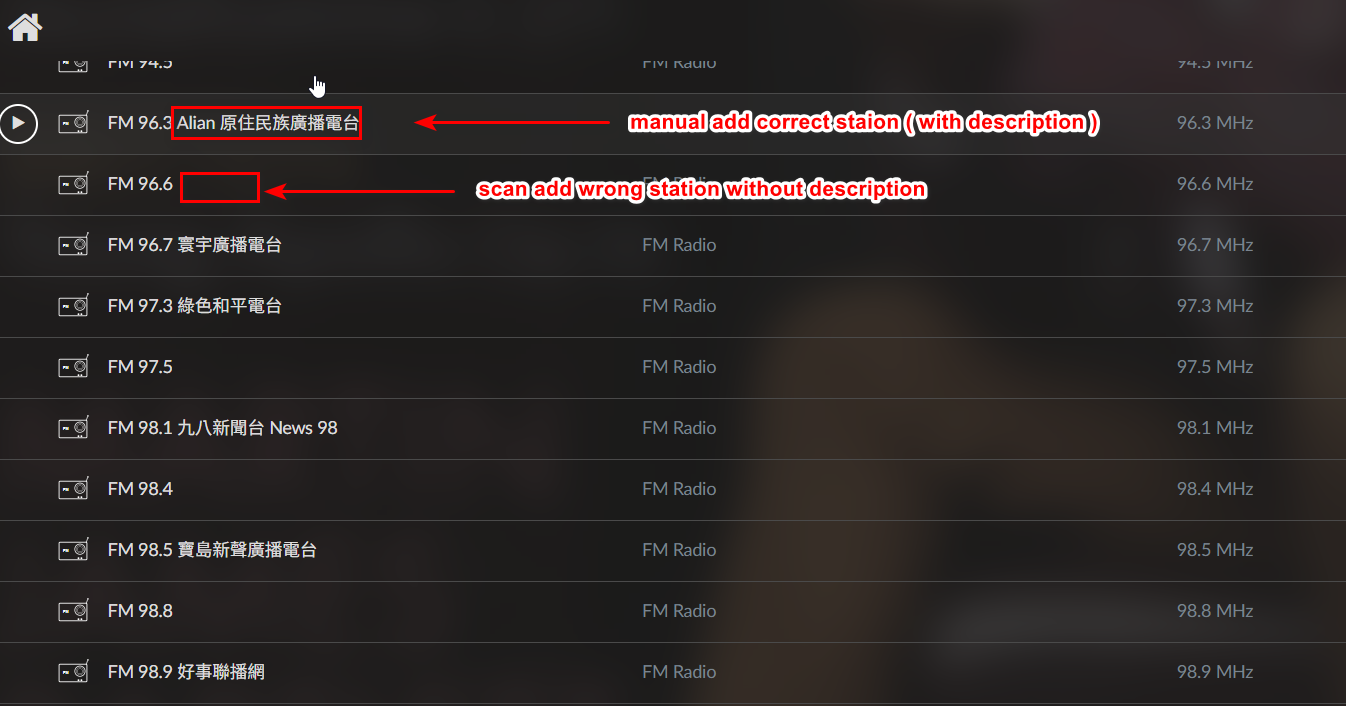
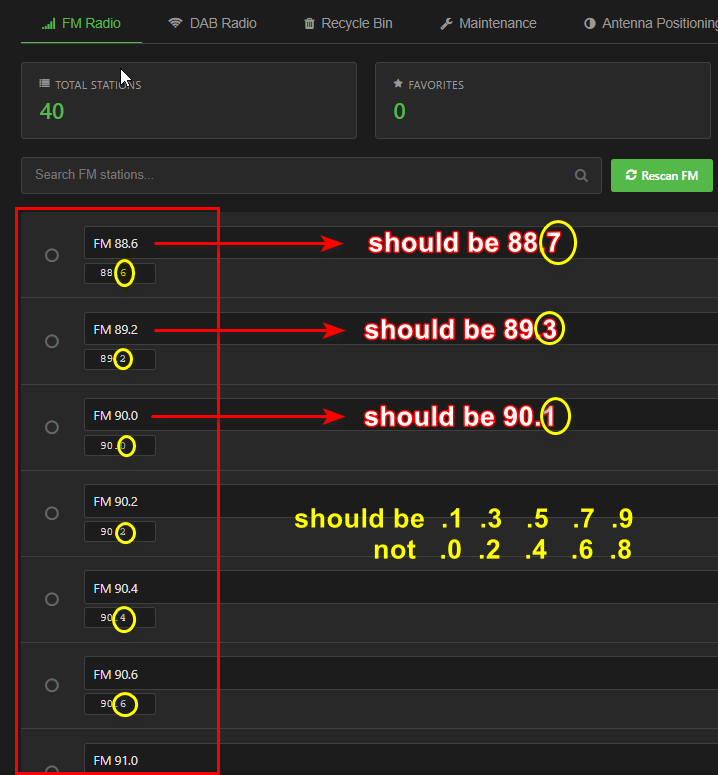
- FM scan: every channel of the band is measured. A station is a channel whose stereo pilot stands clear of the noise and is still there at a lower gain. Stations land on their real frequencies, signals the tuner made up are not listed, and a rescan keeps what you named, marked or played. About half a minute on a Pi 4 or 5.
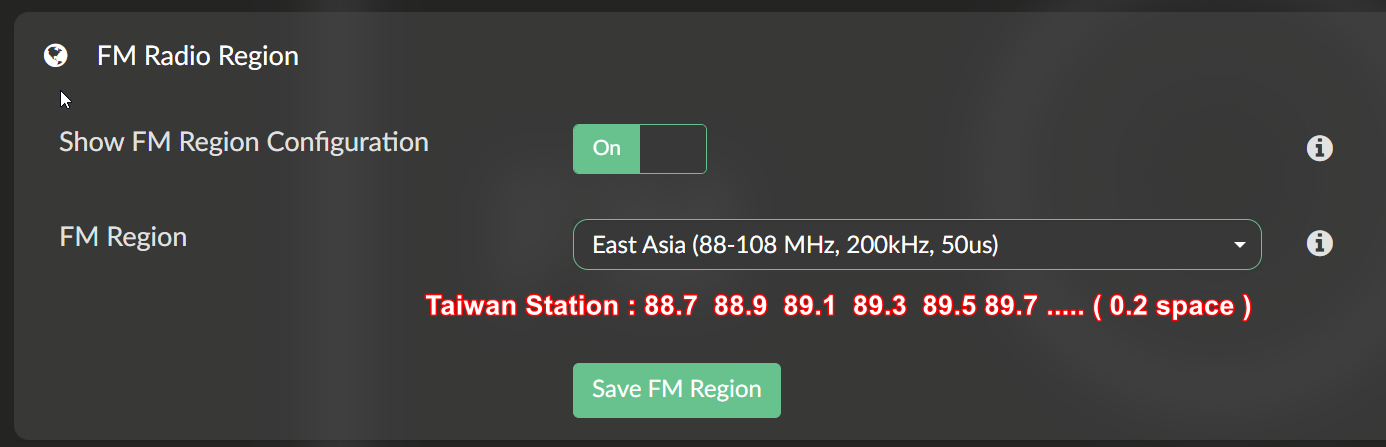
@arkimede, @dewen: this is the answer to the scans that found nothing, or found stations 100 kHz off. Please rescan with your region set (@dewen: East Asia with the 100 kHz scan offset, as before) and tell me what you get. How the scan works is on the wiki’s Scanning page.
What else is new
- FM level: FM was 7 to 11 dB quieter than DAB. It now plays at the same level. Turn the volume down before your first FM station after updating.
- Station logos published by the broadcasters themselves, for DAB and FM; FM stations are named and found by their RDS code. You can set a logo of your own for any station.
- Artwork follows the song, not every change of the station’s text.
- DAB slideshow: the pictures a station sends with its programme are shown. @gfloener, you asked for this in December and I told you it could not be done. It can.
- When a station cannot be played, the player shows it as stopped and says why. Pause stops a station and shows it as stopped.
- The station list survives plugin updates, and the Station Manager can update the plugin itself, with a way back to the version before.
- Every version is built for all four processor families (every Raspberry Pi from the Zero up, other ARM boards, x86-64) and goes through about 170 automated tests before it is released.
Documentation
Everything is in the wiki now: getting started, how scanning and gain work, the Station Manager, a settings reference, troubleshooting by symptom, the antenna guide, the Station Manager’s API, the setup all of this was measured on, and a table of seven dongles measured side by side.
A correction to my advice on dongles
In November I called the RTL-SDR Blog V4 the clear choice and the V3’s DAB inconsistent. Measured side by side on one antenna, that does not hold. DAB was received alike by all seven dongles. On FM the V3 and the Nooelec SMArt came out a little ahead of the V4: 27 and 28 stations found against 23, the V4’s stereo pilots 2 to 7 dB lower. If you have a V4, there is nothing to change; it works well. If you are buying, any of the three will do, and so will a cheap stick. The numbers are on the wiki’s Dongles page.
Updating
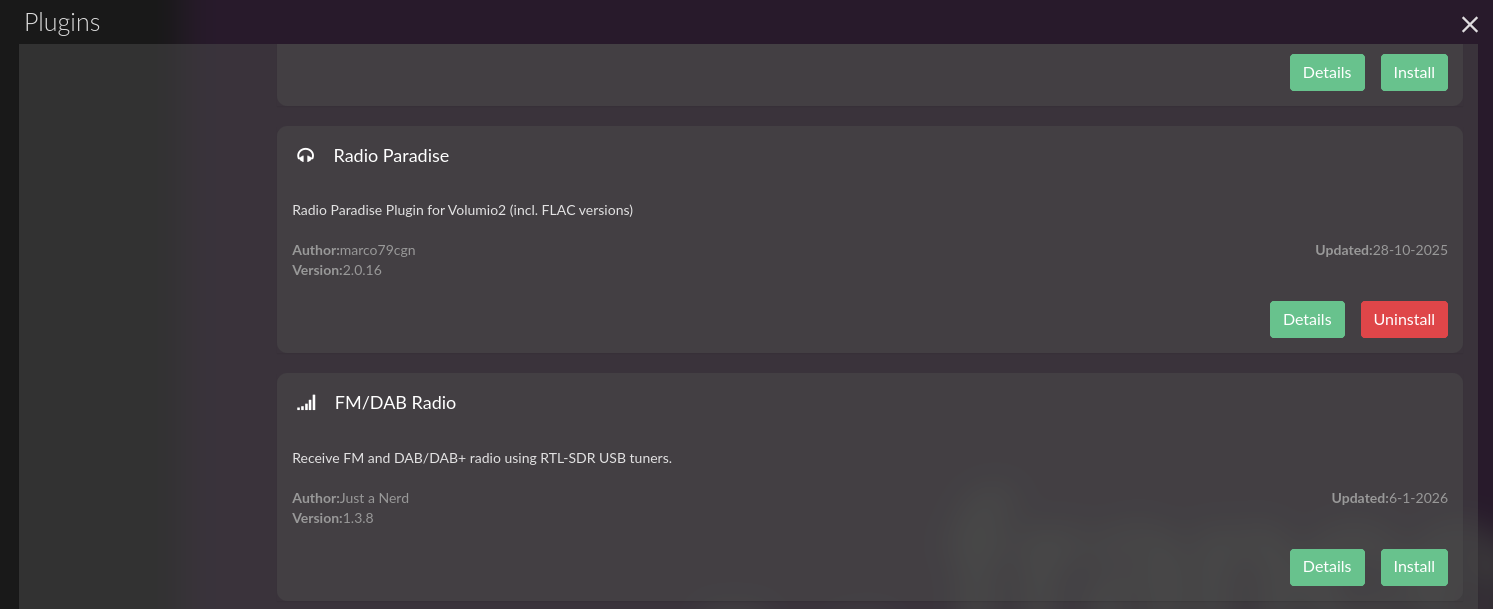
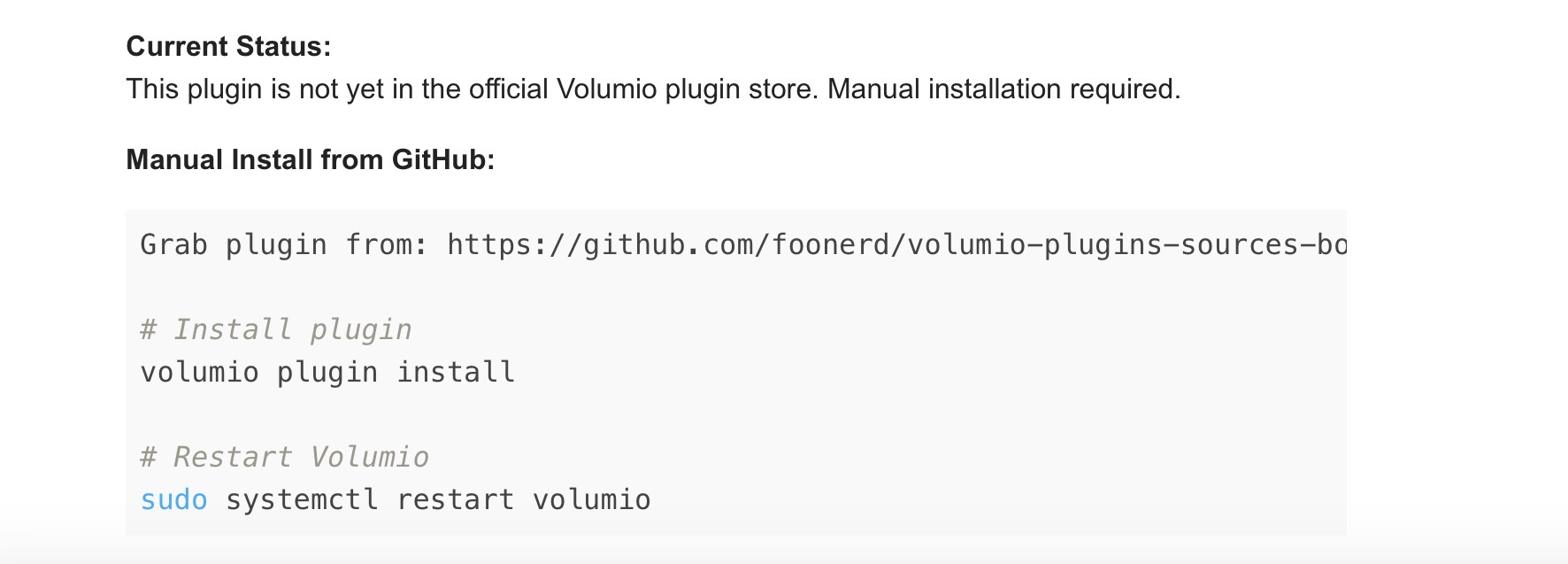
- 1.4.0 has been submitted to the plugin store. Until testing is complete it is listed as beta: switch on Plugins Test Mode at
http://<your player>/dev to see it.
- Coming from 1.3.9 or earlier: create a backup in the Station Manager (Maintenance) first. The update removes the old plugin folder, where 1.3.9 kept the station list; 1.4.0 then restores the newest backup by itself.
- Afterwards: set PPM Correction back to 0, rescan FM, and mind the FM volume.
Known limits
FM is received in mono. Dongles with tuners other than R820T, R820T2 and R828D have not been tested.
If something does not work, the wiki’s Troubleshooting page says what to include in a report. Thank you to everyone who tested, measured and reported in this thread: it is why this version exists.
Kind Regards,