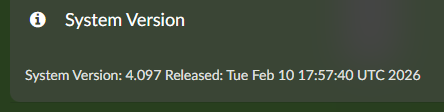
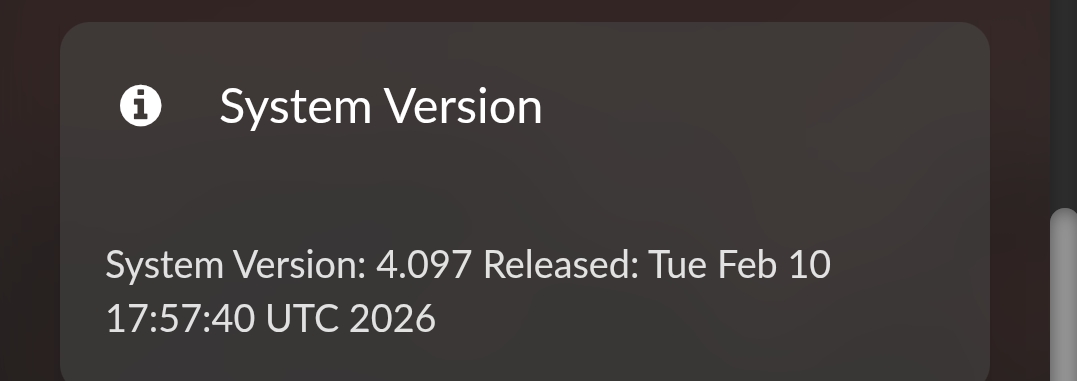
@Wheaten @Gelo5 What version of Volumio are you using? There is a workaround in place for 3.908 and 4.096, and this should be properly fixed in 3.909 and 4.097.
I am glad I am not the only one, but a non working Volumio with a lot of trouble, only after an Andriod update is very strange.
Why the complete Rivo+ stop running properly. Why NAS library dissapear. Why not reachable also over IP/web based.
I thought that Volumio is extreme stable, but it seems not to be
Issues with Rivo+ needs to be addressed to Volumio directly via a ticket. The Community doesn’t has access to the resources needed to support you.
Rivo+ related issues are not related to this topic regarding the iOS or Android app.
Normally this happens when the Rivo isn’t shut down in a proper way. Instead of shut down via the interface, pulling the power plug, or cutting of power before the device is fully shut down. (know from own expiernce)
1 Like
Well all and everything started immidiate after the first run of the Andriod app update. So I cannot confirm this is not related. For me this is the cause and the relation!
edit: and thanks for your support to open a ticket, highly appriciated!
Hello, thanks for the update.
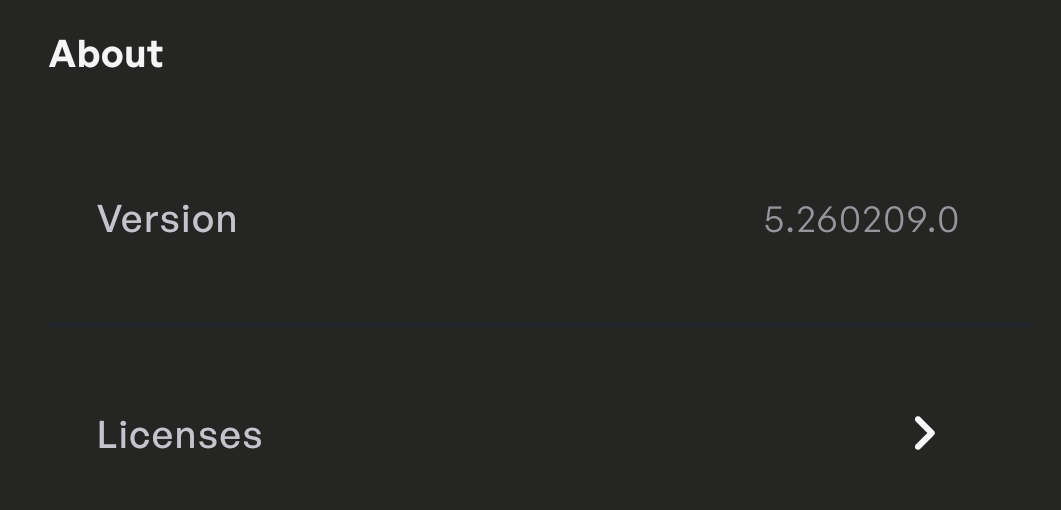
I’ve upgraded to version 5.260209.0 (beta test 2), but unfortunately none of the reported issues have been resolved - all three are still reproducible.
I’ll provide the requested logs a bit later.
1 Like
I haven’t used volumio for awhile as we were moving from Panama back to US. When I opened volumio on my phone, it immediately did an update. I find this new version very bloated and slow.i just want to control music on my Raspberry Pi.
Is there any way to roll back to the old version? Note I tried to discover the version number but I cannot find it. It self installed last week.
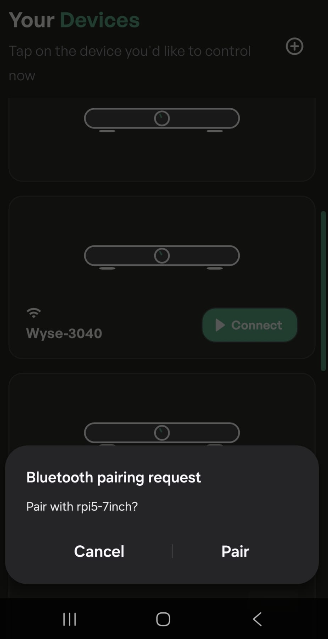
Until the “Bluetooth pairing” bug is fixed, the app is unusable. In my opinion.
@Gelo5 could you please try with the latest test version 4.100?
the problem of BT pairing requests should be solved
This is an Alpha release?
It seems the BT Pairing issue is resolved.
However the first 20-40 seconds the app is still acting up with iOS, the discovered devices keep swapping from position. Posted movie in DEV group.
Problem is also happening on Android devices.
Select Alpha channel
Updated two Pi devices to 4.100 alpha. I’m using the Android phone app.
The BT pair requests have stopped!
I’m not too sure how it’s supposed to work now, but with party mode on on both devices it seems pretty random which one will play back from Bluetooth. My phone’s BT settings now show only one BT device to pair with, called Volumio, not the system name of either of my devices. As a result, I don’t know for certain which device will play back from BT.
For my use case this is not an issue as I only want to use BT on my main system and can switch off BT playback from Sources on the other one.
Plus points: BT pair requests gone; stable BT playback
Minus point: not possible (or obvious to me how) to select specific Volumio devices for BT playback.
Bravo! No problems 
I have the latest Android app, but it now became worse compare to the older version regarding the useful screen size.
Here are my questions:
- can you support full screen option? Independently from Android settings, the notification bar and/or camera cutout is not disappearing.
- can you give us choice to hide Devices menu? I have only Rivo+ and it is totally useless to see…
Screenshots:
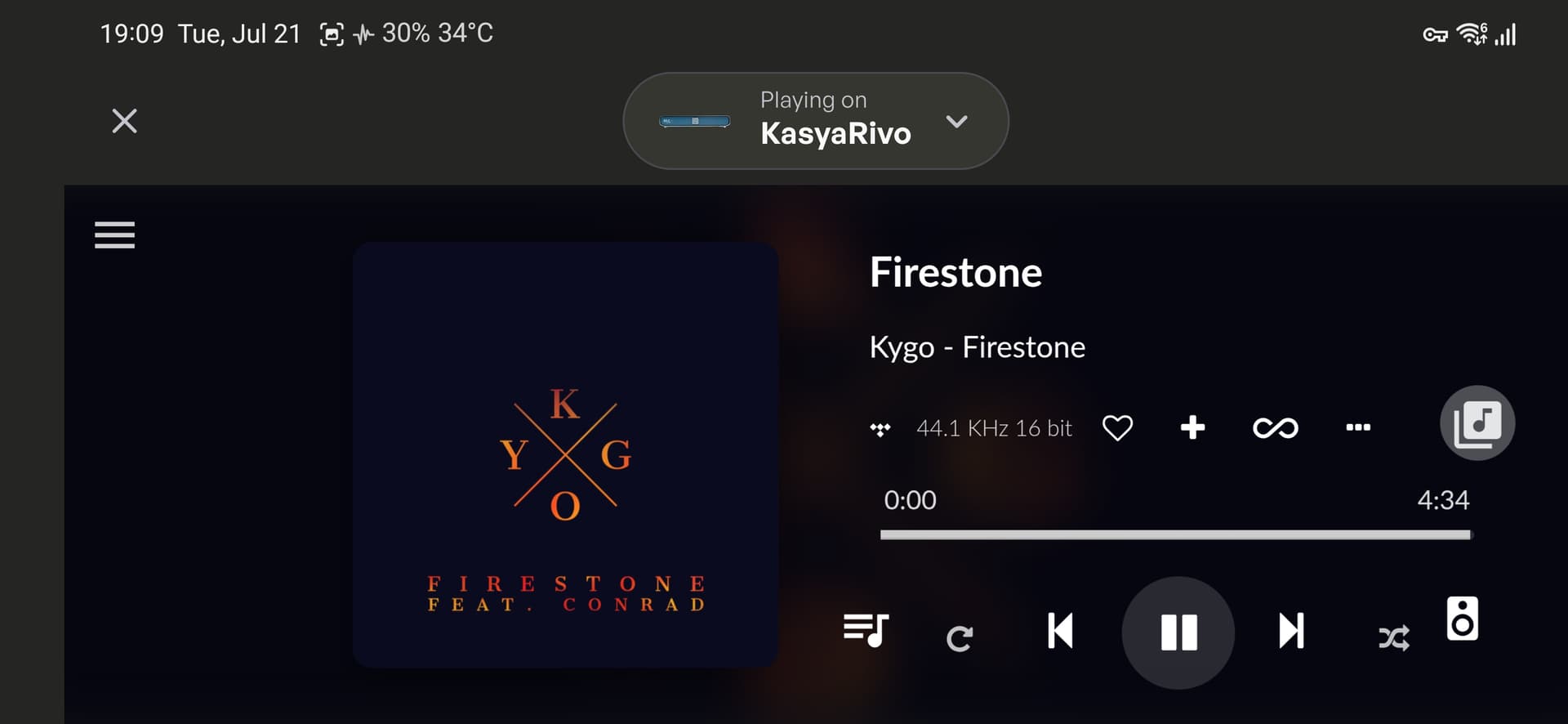
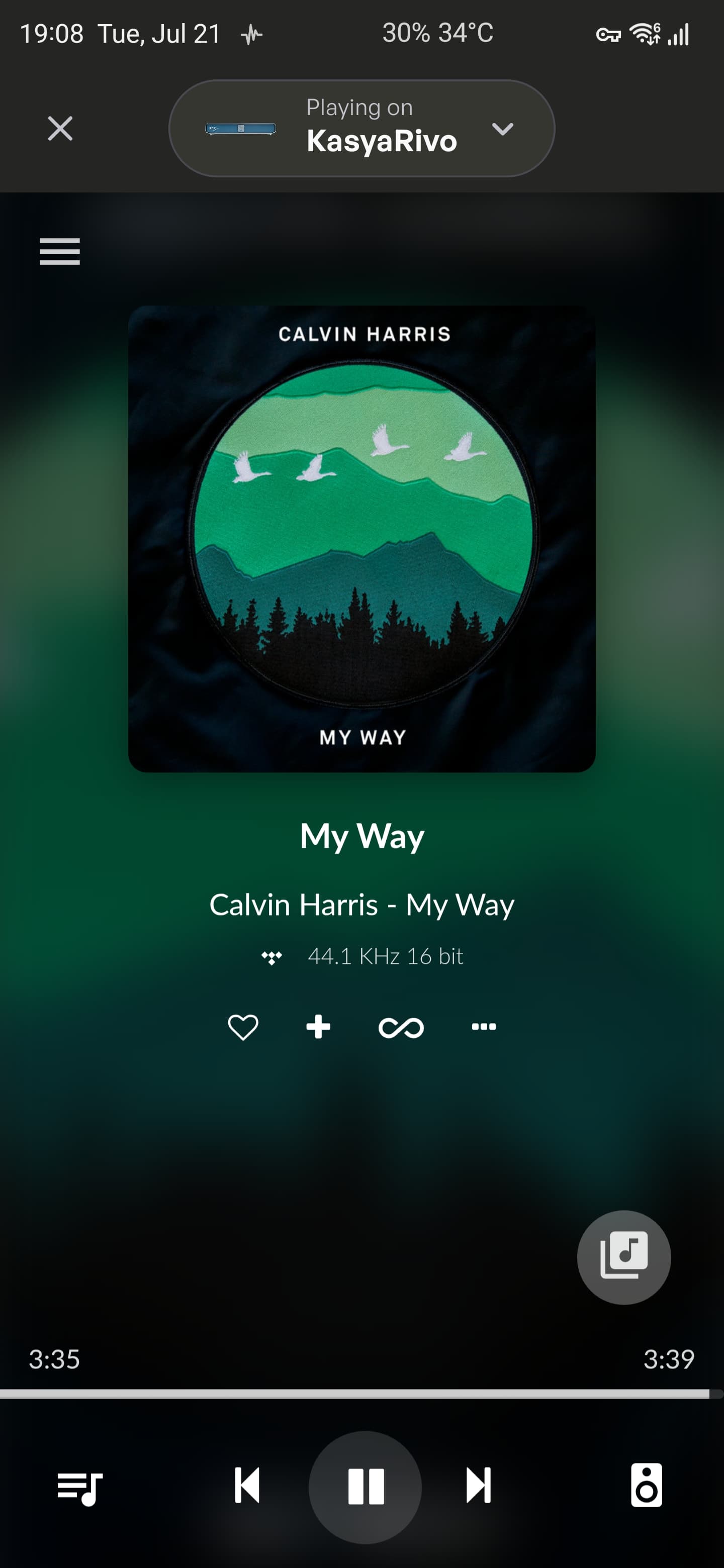
1 Like
I agree, while I understand that it’s probably useful for those users having multiple devices, I also doubt that majority of users do. So for the rest of us it’s just a waste of available screen space (especially on dedicated smaller screens that are used as remotes). Visually it kind of breaks the uniformity of the app, to me it looks like a persistent or even annoying notification. All of it would be no big deal if it was gone by clicking on X, but instead it kicks you out to the startup screen, and obviously I don’t follow that logic. Could we at least get an option to hide it, please?
@Kasya Hello and welcome to Volumio community 
Some Android phones have built-in option (toggle) for per-app full screen support, but some don’t.
Please check under display settings, something like this:
- Settings > Display > Full screen apps
- Settings > Display > Notch & Status bar (or Full screen display)
- Settings > Display & Brightness > Display cutout (or App display)
If you happen to be one of the unfortunate ones, don’t worry as you can still force Volumio app to launch in fullscreen via ADB commands. You’ll have to do that only once and then you’re all set. Let me know if you need help. What is your phone model?
I’ve succesfully did that myself, but fortunately I had that option already built-in on my custom ROM.
Thank you for your welcome! 
I have a Samsung S25 Ultra and have already tried those options under Settings → Display.
I would appreciate the exact ADB command that could help me solve this issue.
Okay, let’s do this. Samsung removed the UI option to force specific apps into immersive mode in Android 15, but the underlying ADB command should still work. This will hide both the top status bar and bottom navigation bar, giving you maximum screen space for your playlists.
Prerequisites
- A PC (Windows, Mac, or Linux).
- ADB (Android Debug Bridge) installed on your PC.
- USB Debugging enabled on your S25 Ultra.
- How to enable: Go to Settings > About Phone > Software Information and tap Build Number 7 times. Then go to Settings > Developer Options and enable USB Debugging .
The Fix
- Connect your S25 Ultra to your PC via USB.
- Open a Command Prompt (Windows) or Terminal (Mac/Linux) on your PC.
- Verify the connection by typing:
adb devices
- (Accept the prompt on your phone screen if it appears).*
- Run the following command specifically for the Volumio app:
adb shell settings put global policy_control immersive.full=volumio.browser.Volumio
- (Note:
volumio.browser.Volumiois the specific package name for the official Volumio app).*
What This Does
This forces Android to treat Volumio as an immersive app. When you launch it, the navigation bar and status bar will disappear automatically. You can still swipe from the edge to reveal them temporarily if needed.
How to Revert
If you want to return to normal behavior or if the UI looks incorrect, simply run:
adb shell settings put global policy_control null
Let me know if it worked.
1 Like