Same here.
I have exactly the same issue, when I use the hotspot mode on my volumio (without internet), the app 4.0.8 recognizes the device (mine has Volumio 2.806), but when I click on it, the black screen comes with rotating circle.
There are many use cases for being able to use the device in this hotspot mode. It can be operated completely independant from internet, for example in a remote location (party etc.).
The music can be on a HDD or USB stick directly plugged into the device (RaspberryPi in my case).
I have the same scenario, completely offline (not using any internet), connected to device in hotspot mode, and music is on HDD directly connected to the device.
Not an unusual setup for some instances (like taking the device to a different location to be able to play back music without network/internet).
It would be greatly appreciated if a solution could be found that it also works in this way. It was not a problem with the old app version.
Thank you in advance for your great support!
Roland
With the latest release from today, I can now use the hotspot function of my device, and it works flawlessly. Thank you!
1 Like
I just installed the latest iOS app version.
Everything is fine for me.
Thanks a lot for your work.
1 Like
Hi
First time I’ve tried this, but in the last 100 it picks the track above or below
The volume increments in the iOS app are faulty.
When using the volume buttons on the iPad, the volume steps are inconsistent.
For example, starting at 10 - 15 - 24 - 29 - 33 - 38 - 48 - …
The steps downwards are exactly the same.
Volumio is set to 1 step per click.
In the Android app, the volume increments per click of the volume buttons are correct.
RPI4
Volumio 4.071
Allo DigiOne Sign.
Qobuz
Flac on NAS
Radio
iOS-App: 4.251125.0
I’ve noticed, when browsing albums of own collection on the mobile app (Android) when you navigate back from an album it goes to the top of the list again. It used to be better before when it returns to the same album in the cueue.
Any way to fix this?
Ta
I’ve seen this too, scroll down to bands that start with S for example, go into a band to see the albums, use the left pointing arrow to go back, to the band, use the left pointing arrow once more to go back to the bands starting with S, but end up back at the top of the list where bands that start with A are.
For me it happens sometimes, but not always, so I usually think I might have accidentally tapped twice or long pressed or something.
1 Like
Hello ,
On my iPhone when i I open the app the click on the picture to connect t it said : failed to connect , check if your device is connected to same network . But if i click on settings then settings page is opened and from then I can control volumio …
If i connect via Ip adress all is ok .
It used to work …
I have latest iOS app
Thanks
I made a factory reset to my volumio on PI5 and the app did not recognize it after that. I just clean Volumio APP on iPhone and restarted again and voilá. A restart on iPhone could be a try. At least for me it solved.
@Lintbf
I was having the same issue, updating the IOS app to V 5.260115.0 fixed it.
I have the latest version …
Thanks
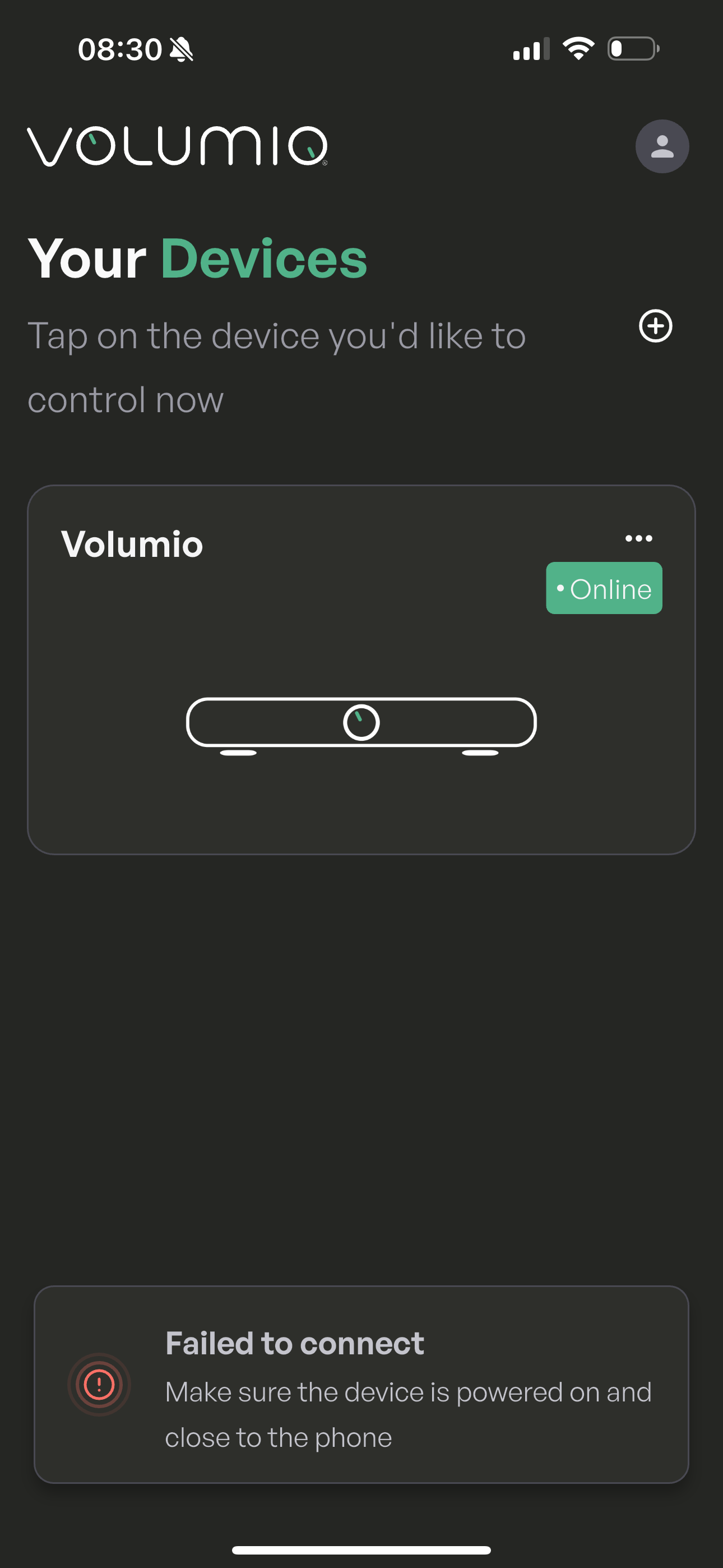
As i see the app see the Volumio just failed to Connect when click on the device picture … with that message
@volunio , any feedback pls
The app uses Bluetooth or IP adress for connecting ?
I see that o have a Bluetooth connection to volumul and now the app is working
Google Pixel 8
Andriod 16 QPR 3 Beta 2.1
Volumio 5.260209.0
Volumio Rivo+ 3.908
Today updated the Volumio android app to the latest version.
Could not connect or see the Rivo from andriod
Try to connect using browser and IP address. Also unable to connect.
Within the router I could see the Rivo including it’s fixed ip.
Create a factory reset usb. Made an full factory reset. Configured the Rivo from the browser. Everything working from the browser.
When I do start the andriod app, sometimes not visible, sometimes not able to connect and sometimes visible and connected. But very slow and feels as weird behaviour.
For this moment, I do skip the Android app.
What is the cause of the complete freeze and the required hardware factory reset?
Please solve the Android issue ASAP and push a new version.
Question besides, how can I back up and restore saved PEQ filters from the FusionDSP plugin?
edit: the unit is till not pleasant and correct functioning, I have no idea what is going on or wrong
Filters are stored in /data/INTERNAL/FusionDsp/presets. You can copy them to your PC with WinSCP and copy them back.
After the next steps, it seems that things are working again as it should
Rivo+ factory reset and setup again
Volumio android app, removed, and reinstalled
Router restarted
Right now both with App and Browser is again working fine.
Connecting/respons speed seems te be ok
Rivo+ updated to beta firmware 3.909
Library is ok, complete and responsible accecable.
Not sure why or what went wroing in between, but seems to be improved after these steps.
edit: and now no output on USB output, to be becoming mad
edit 2: and the whole Rivo+ is unreachable and not working anymore
Hi,
I’m experiencing multiple Android app–specific issues on Volumio 4.096 running on Raspberry Pi 5.
The Web UI works perfectly and is completely stable. All issues described below occur only in the Android app.
Setup:
- Raspberry Pi 5 with Volumio 4.096
- Wi-Fi only (Ethernet was previously used but is now physically disconnected)
- Stable Wi-Fi connection (wpa_state=COMPLETED, valid IP via wlan0)
- Android 15
- Device model: Nothing Phone (2a)
- Volumio Android app version: 5.260120.0 (fresh install from Google Play)
- Tested simultaneously on two identical phones
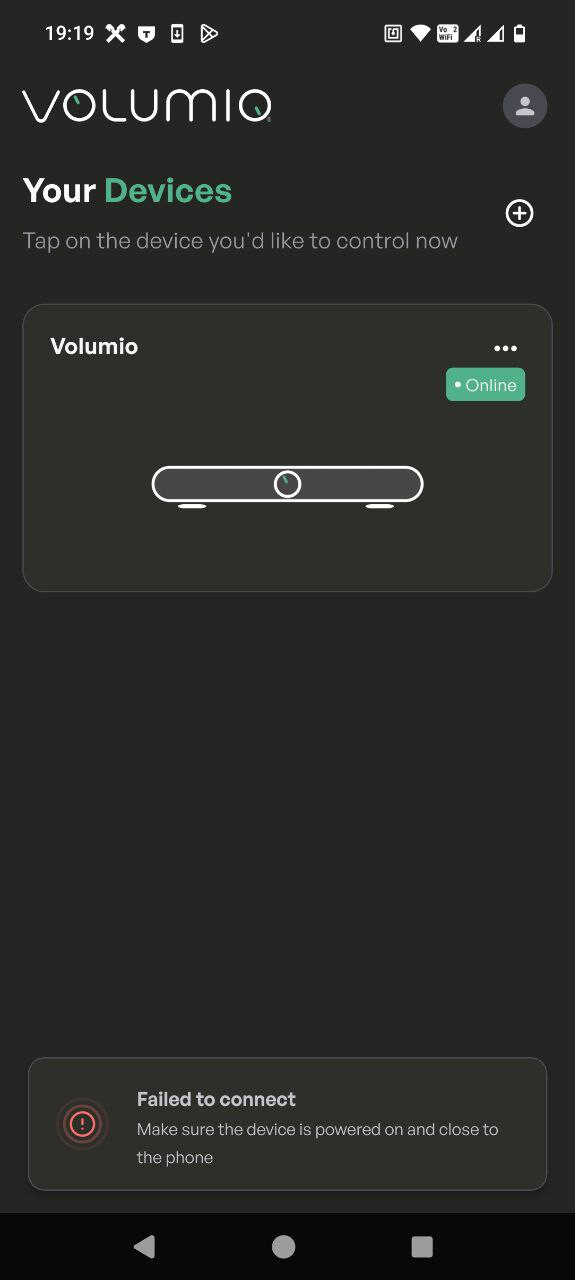
Issue 1 – Cannot connect from main screen (100% reproducible)
From the main screen of the Android app, tapping the device always results in:
“Failed to connect. Make sure the device is powered on and close to the phone.”
However, if I go to:
Settings → Devices → open the device settings → access Volumio from there
…it connects and works normally.
So:
- Device is online
- Playback works
- Web UI works
- Android app can connect indirectly
- But main screen connection attempt always fails
This happens every single time.
Issue 2 – Periodic UI refresh / flickering (Android app only)
In the Android app, the interface occasionally enters a refresh loop for about 15–20 seconds:
- Screen visibly reloads repeatedly
- Controls become hard to use
- Playback continues normally
- Web UI remains completely stable
This never happens in browser (desktop or mobile), only inside the Android app.
During these refresh loops, logs show repeated UI/session activity, for example:
info: CoreStateMachine::pushState
info: Socket.io: Client connected
info: Socket.io: Client disconnected
or repeated state pushes within very short intervals.
Playback (MPD) remains stable, and there are no Wi-Fi drops (wpa_state stays COMPLETED with valid IP).
Issue 3 – App freeze after changing settings
If I change certain settings from the Android app (for example confirming the output device), the app freezes.
After that:
- Buttons become unresponsive
- Killing the app and reopening it does not fix it
- The only way to recover is rebooting the Raspberry Pi 5
So the app seems to enter a broken state that survives app restarts and only clears after device reboot.
Additional observation
At one point, on one of the two phones, the device suddenly connected normally from the main screen and all functions were active. However, this happened only once and could not be reproduced.
Additional context:
- Ethernet and Wi-Fi were previously both active (.69 and .70)
- Ethernet is now completely removed
- Only Wi-Fi is active and stable
- No playback interruptions
- No UI refresh behaviour in Web UI
- Issue appears isolated to Android app
Questions:
- Is this a known issue in Volumio 4.096 Android app?
- Could the app be caching a stale IP from previous Ethernet use?
- Is there a way to fully reset Android app discovery?
- Could this be related to Android 15 behaviour?
Happy to provide additional logs if needed.
1 Like
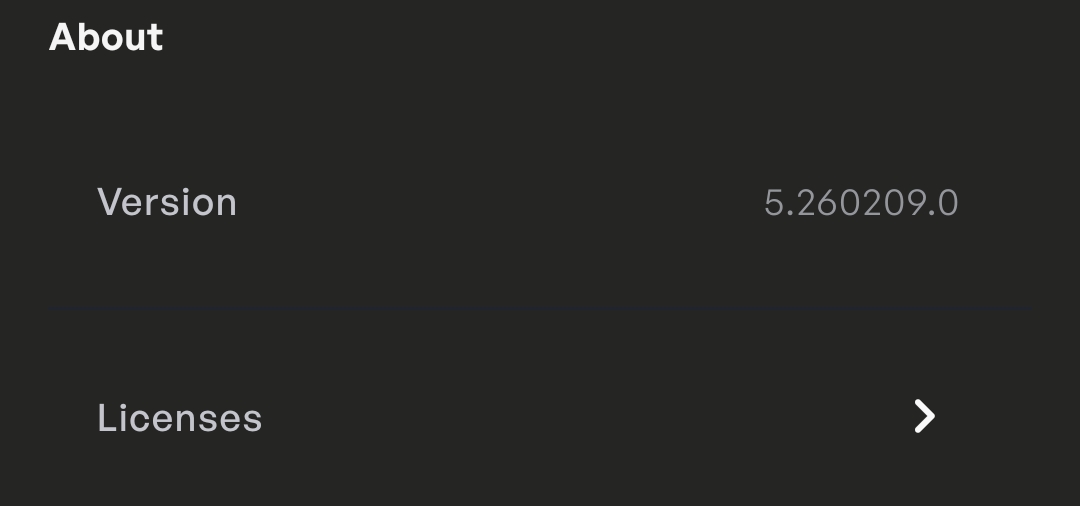
Hello @Tidio and thank you for your feedback. Can you try upgrading to version 5.260209.0 of the app? It is available through the beta test.
I would expect the first issue to go away, not sure about the second and third ones. For those I’d like to have two logs that reproduce it from a restart of the device.
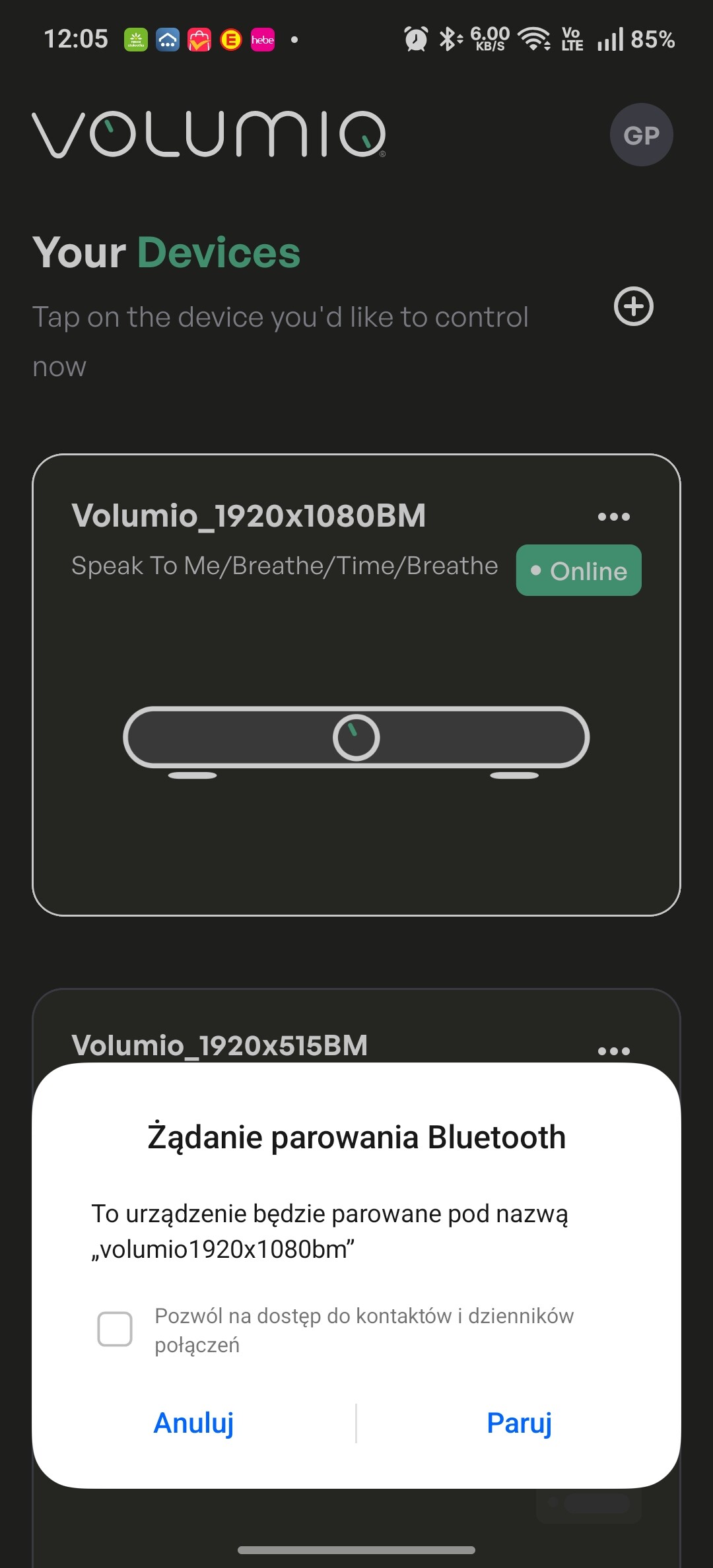
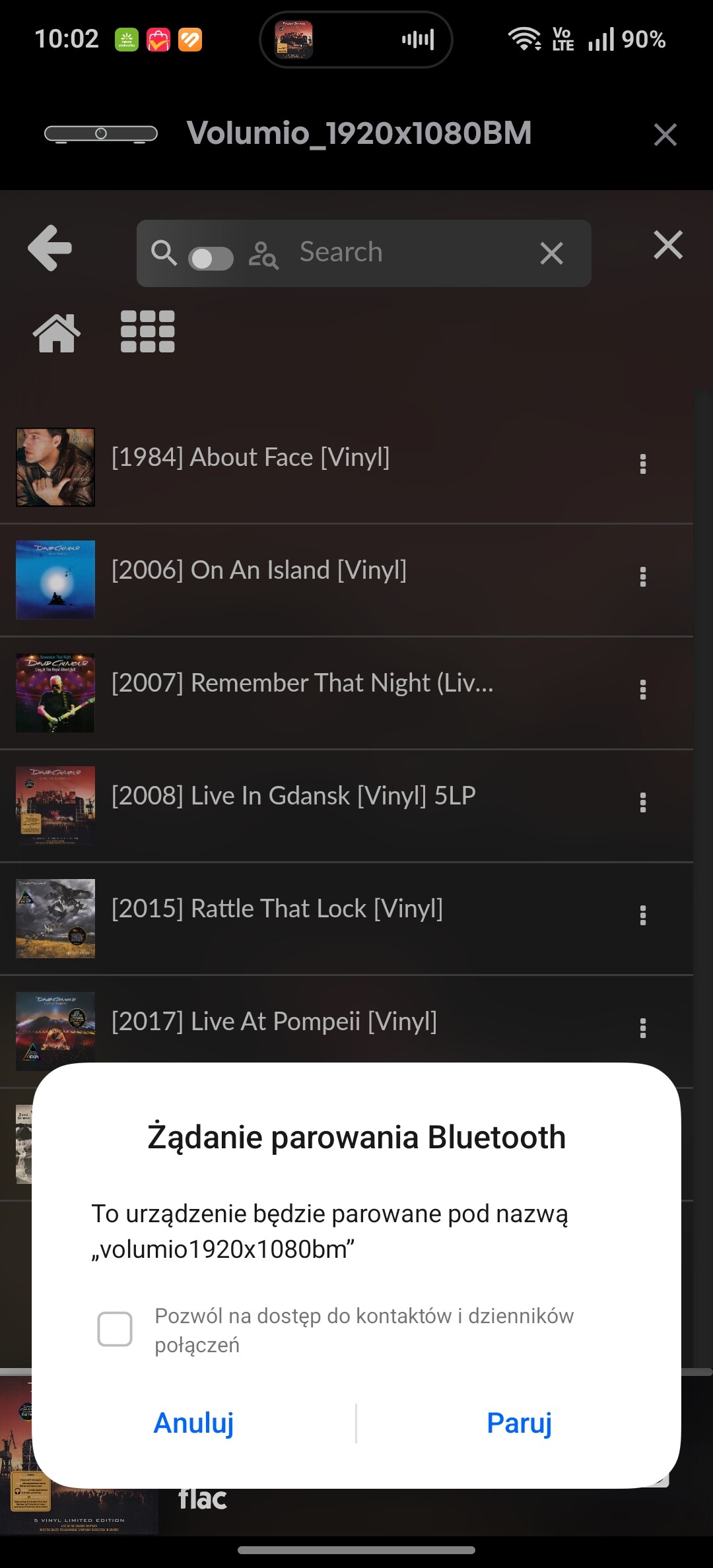
Honestly, I’m a little tired of fighting with the app. It keeps asking for Bluetooth pairing. I have five installations on the Rpi5, and they all do the same thing. I don’t want to pair. I can’t delete it, and the app is unusable.
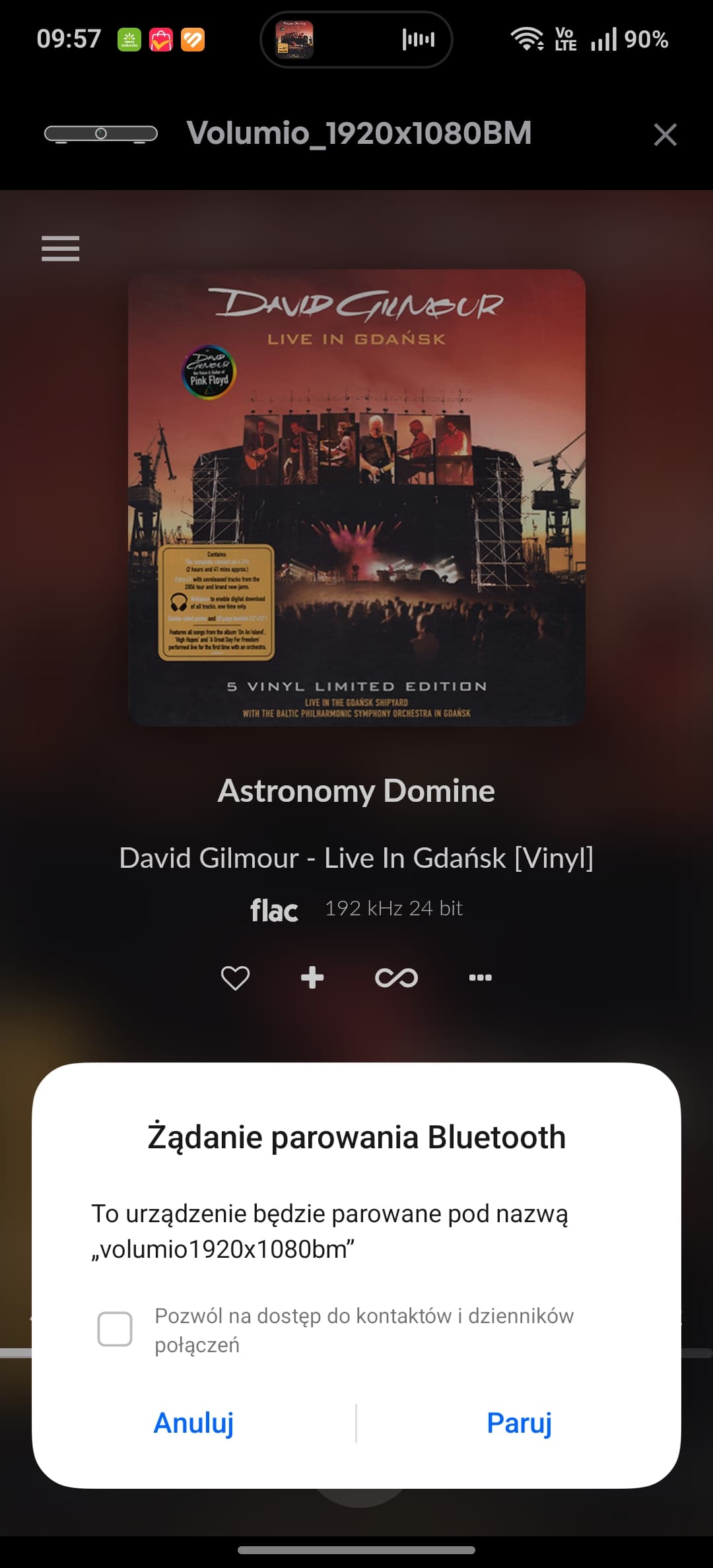
Android
Same experience here.
I have to power down every Raspberry Pi and x86 system before I can use the app. Otherwise, it keeps sending failing pairing requests every second, which makes it unuseable.
There’s hardly no feedback , so I’ve stopped using/testing the app entirely.