Thanks for your patience and let us know how you like it!!!
1 Like
After the initial difficulties (which were resolved very quickly, at least for my setup, I am impressed), the app works fine. I still have to use it a bit more to find out where it differs from the old version.
Nothing to do, also with 4.0.6 version my Rpi5 with latest 3.866 isn’t recognizable by app. I need to downgrade the app to the 1.10.4 version and it’s all magically ok. 
Solved!
During first intallation of the 4.0.6 version need to activate gps manually, so finally the app recognize my Volumio Rpi5 device.
1 Like
Using the new app on Android 16 all was ok until today when i was having issues playing anything. Noticed that my volumio wasnt active on any device, obviously this is device specific and not the app, however if i tried to log in on any device it came back with a network error, i had to use another device (still android 16) and i could them log each device back into my volumio. When i then used the original android device i still shows each device as being logged out, it was only after may app restarts and login attemps did it show all devices as logged in
With update on 4.0.6 the app also works with my older version of volumio. Thanks a lot for quick support.
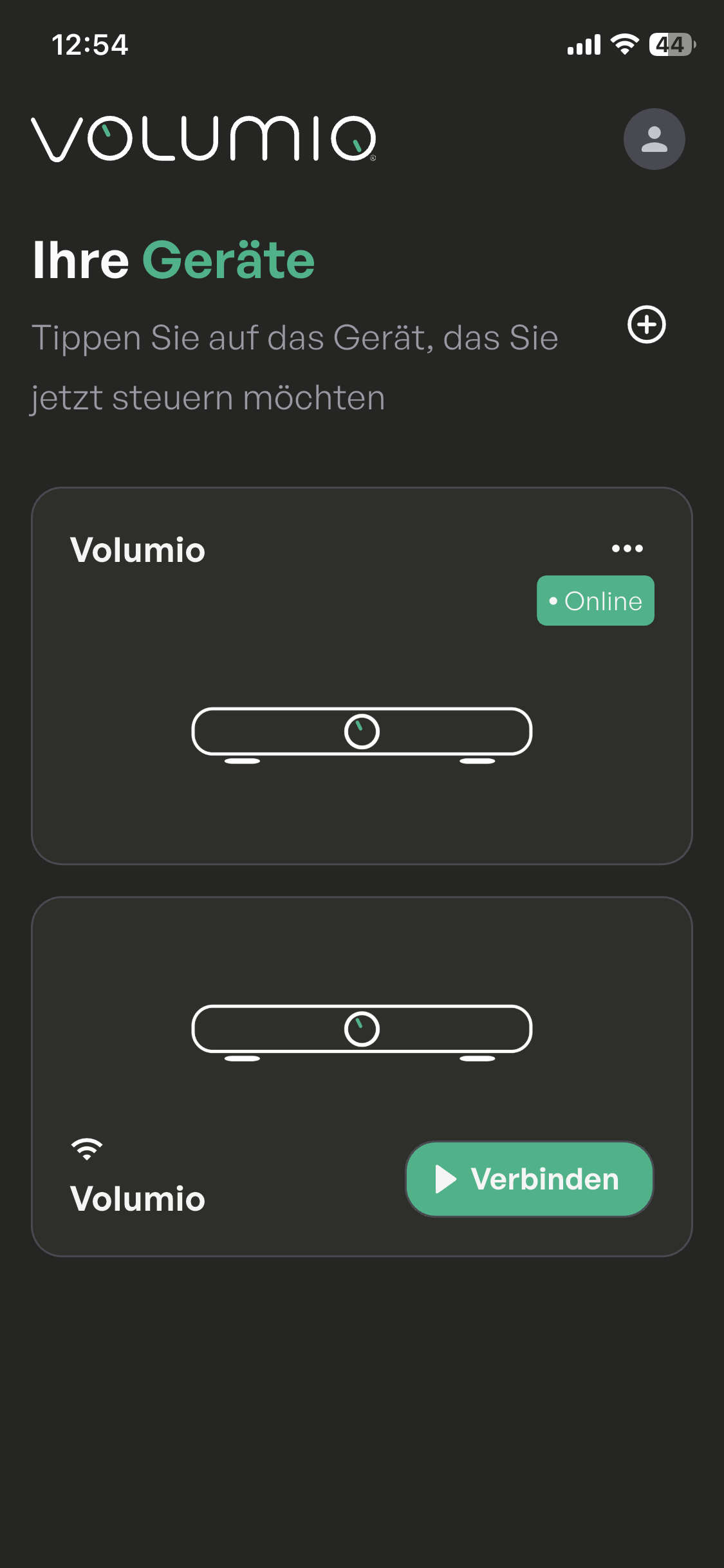
The only thing I still have to get used to is that my server appears twice on the screen at the beginning. This is a little confusing at first.
Thank you everyone for the feedback and sorry for the initial trouble for older Volumio OS versions.
You may not notice too much of a difference in the new app, but this is just a starting point. We plan to add more features in the future.
If you see the device twice it’s because of a bug in an older version. Reinstalling or clearing the app data should make it go away.
2 Likes
I have the same thing, that one of my devices appears twice, just like your screenshot. One with status “Online” and the other showing the “WiFi” symbol (I assume that is what it is) and the option to “Connect” (Verbinden). When I connect that device, it makes it active, and then the “other device” (which is the same device") appears on the bottom.
I cleared the Cache of the App, but that didn’t change anything. I did not want to delete the “data” in the app, since this probably has all my settings stored.
It’s not a big deal, since it works, it is just a “visual bug”, I suppose.
It only does it with one of my devices, the one that I have connected via LAN to my network. That device is running Volumio 2.916. My other device (which only gets recognized once) has Volumio 3 installed, and is connected via “WiFi” to my network.
Hello,
With the new app my setup doesn’t work anymore.
The app detects my device but when I click “Connect” the app shows only a black screen with a white icon spinning around for ever. And nothing more.
Here is my setup:
- Device: Volumio 3.874 on a raspberry pi.
- Device is not connected to any network.
- Device is configured in hostap mode.
- Mobile iOS app (4.0.6) is connected to the device over the hostap wifi.
The app seems to communicate with the device because when playing music via the web interface, the playing title is visible from the connect menu.
I tried: reinstall mobile app, the “GPS” trick someone talked about, connecting the pi to the lan over ethernet with the mobile app connected to hostap. Not solved for the moment.
Thanks for your help.
Edit: I just upgraded the music device to latest v4 of Volumio: same behavior
Hi @mymu, thank you for your report. From what you are saying it appears that you are using the device completely offline, do you have all your media stored locally on the device?
We did not plan for this use case, but we’ll discuss it internally.
Oh, I really hope, this is not going to affect my Boomio , as that will render the device useless.
Boomio is used this way, via the WiFi hotspot of the device, exactly, because it is mobile and is mostly used, where no networks are available.
I will check later this week and report back 
Thanks for your reply.
Yes I want my device to be lightweight and mobile. All music is stored on embedded storage, USB key or streamed via Airplay.
I hope you will support this mode back, everything worked very well with the old app.
After installing V 4.0.6 of the control app I can no longer connect to my Rivo+ from my phone.
I could connect with the previous version of the control app, although it always seemed a little flaky.
I can access & control my Rivo+ from my PC by entering its IP address.
My Rivo+ is hard wired to a simple switch, which is in turn wired to my router.
Please read the openings post, “HOW YOU CAN HELP”
And provide requested info.
Help us to help you!
@devgianlu
iPhone15, iOS 18.6
Android A56 5G, UI 8, V18
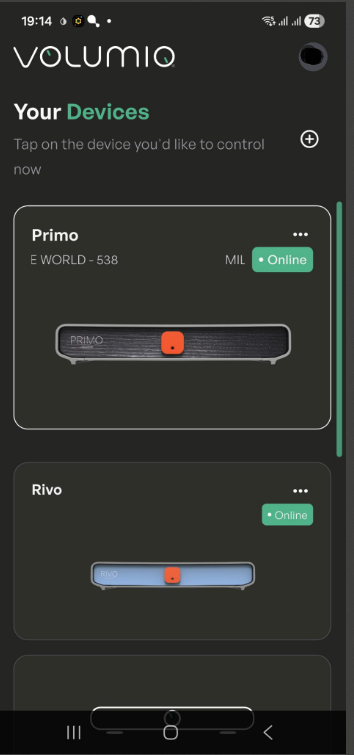
I see I have the same problem connecting to the Rivo on iOS with V4.0.7
Android Shows Online, iOS won’t connect and finally shows offline.
iOS:
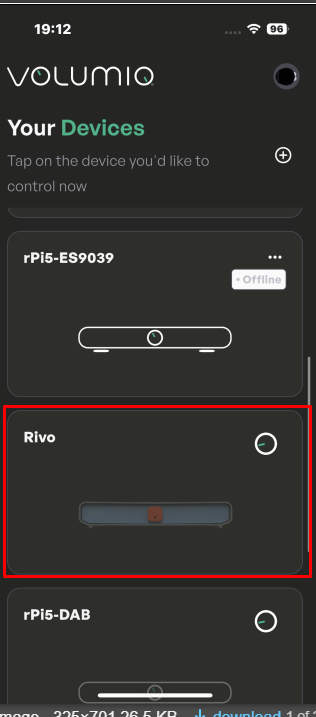
(seems devices are more then once in the list, but can’t connect to either of them. Need to delete everything and restart the app in order to connect)
Android:
Same issue here now. Running 4.0.8 via my iPhone 14 and cannot connect to the RIVO but no problems with Pi 5. Everything is fine through normal windows browser.
This was fixed by rebooting my router and the Rivo. Now works flawlessly. Many thinks to @devgianlu for troubleshooting and ultimately solving this with me.
with the old app i find my RPI with the new app i can find nothing, is it not easyer to build in on IP based connection ? as i set with the old it it was search and click and finisch what changed that now i can not find it anymore. the old app was good enought for me ? why no bring it online under a new name. now i need to make a shortcut from my browser just to get to it… running 4.022 bookworm
updating to 4.065 let see what happens nope not helping 
greats Donald
Thanks for iOS Vers 4.0.8 - problem solved