but technically if we remove the current plugins and install soloist should that work even if we don’t have a gui atm? It would require some manual work (and updates every 90 days as thats when the tool stops working from the looks of it)
It works, downside is that Soloist doesn’t give you sample rates etc. Neither does the Spotify app.
Also you need to refresh the binaries every 90 days and it will only work with a premium account.
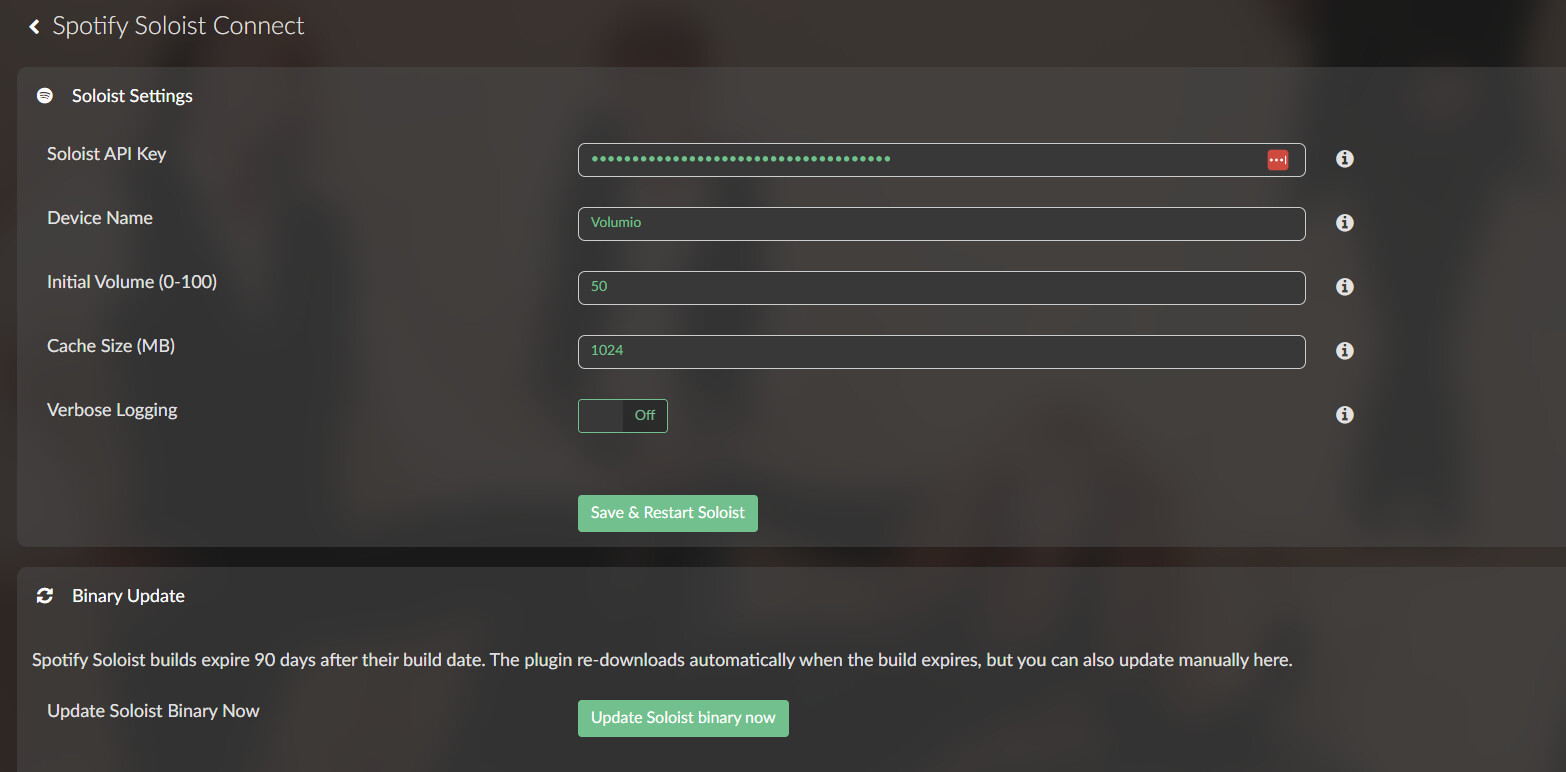

Currently running on Volumio-x86, need to test the rPi version. If stable I will open a new topic and publish an Alpha release.
So far it’s problematic on the rPi. Soloist only supports Pulseaudio, where Volumio uses Alsa.
3 Likes
nice! I wonder if this is spotify’s response to community requests like volumio’s for lossless
maybe an option/button to add a cron job to update the binary every xx time
Read the text on the update part above the button 
missed that, even better! (multitasking here, also trying to create some software tests for our own product, not audio related at all)
Bravo wheaten, have you been employed by Spotify recently ? 
Not employed, even not a fan of Spotify.
Qobuz - Qobuz - Qobuz - Qobuz
7 Likes
Something went wrong during the installation of the Spotify plugin in de latest version of Volumio. The result is that the Spotify plugin is not listed among the installed plugins, but it is also not available in the list of music services.
How can I refresh or rebuild the plugin list? The volumio plugin commands do not work in any case.
Does anyone have any idea how to fix this?
Kind regards,
Gerard Prins
Spotify made back-end changes, so you can’t authorize anymore.
So use the plugin as Spotify connect only will do the job.
The problem is that de plug-in is not in the list of installable plug-ins.
I may have found a workaround for the Spotify 4.4.1 playback issue.
My setup is Volumio 3.912 + Spotify plugin 4.4.1 + Raspberry Pi 2B. Spotify login and browsing worked correctly, but playback didn’t start and the Volumio device wasn’t available through Spotify Connect.
After debugging, I found that the OAuth access token was valid with Spotify’s Web API (/v1/me returned HTTP 200), but go-librespot 0.7.1 rejected it with:
INVALID_CREDENTIALS
I changed the go-librespot authentication from:
credentials: type: spotify_token
to:
credentials: type: zeroconf
and Spotify Connect immediately found my Volumio and playback worked. I then patched oauthLogin() in plugin 4.4.1 so it keeps credentials_type = zeroconf, and it still works after reboot.
So in my case the problem seems to be specifically the spotify_token authentication path between plugin 4.4.1 and go-librespot, rather than my Spotify account or network.
Has anyone else seen INVALID_CREDENTIALS with 4.4.1? Could Zeroconf be a possible workaround/default for this case?
@guerracanal this should not be necessary anymore, the fix for this issue has been deployed remotely
I just discovered that there is a version 4.4.2, but it didn’t bring about any improvement for me.
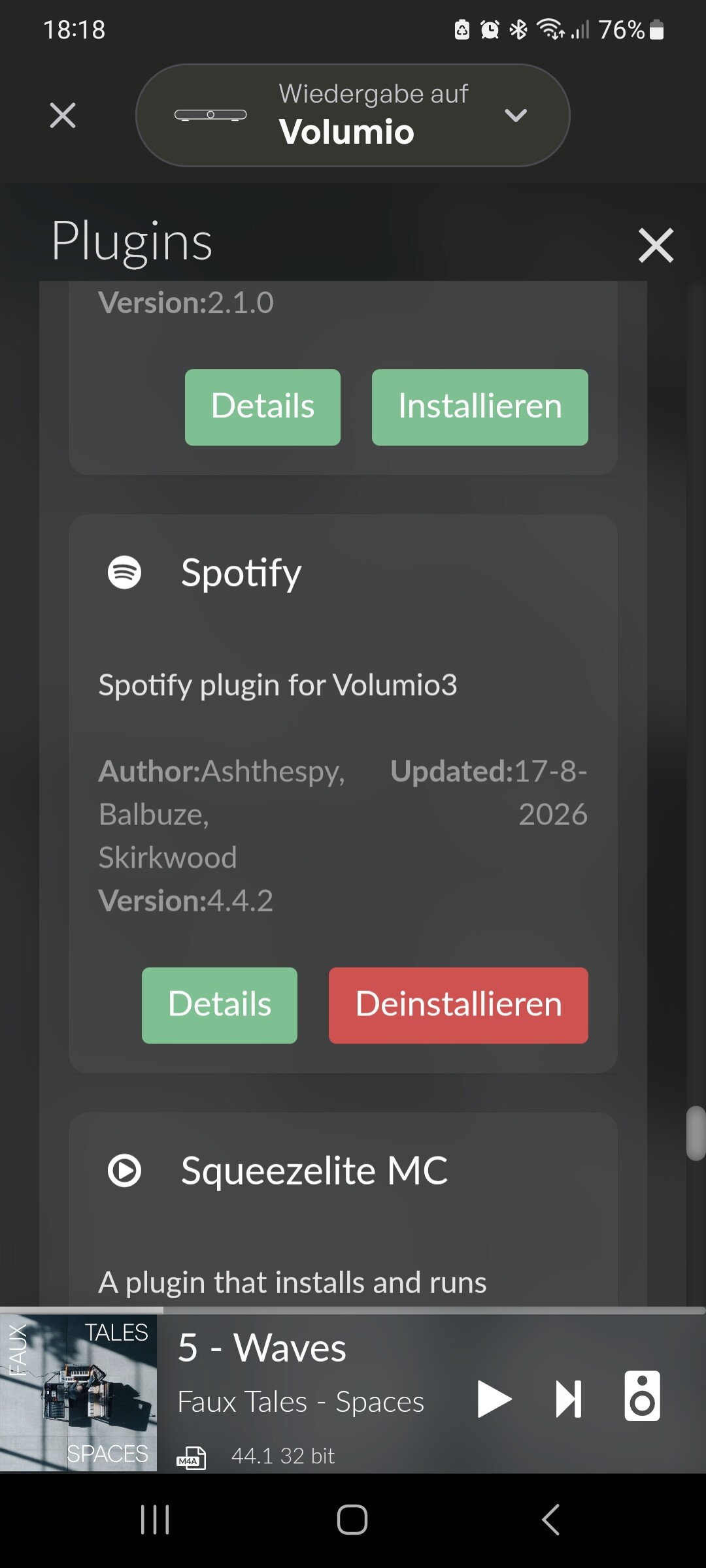
My system version is 4.119.
I’m actually 100% fine with this basic Spotify Connect funtionality. I wish this would make it next to upnp and airplay or into a minimal lightweight plugin. I will keep it as long as it works.
Uninstalled the version of the Spotify plugin that I had, so as to get the latest. Closed Volumio & restarted the Pi. When I search for the Spotify plugin under Plugins/Music Services I am NOT seeing the plugin as available to install.
Can anyone advise?
@TheCharbits please try again now, you should see v4.4.2 available
please try again, you should see v4.4.2 available in the plugin store
Hi Darmur
Many thanks for responding. Can confirm that v4.4.2 is now showing under Plugins/Music Services, and that therefore I am able to install it.
Regards, The Charbits
does the spotify plugin v4.4.2 stop the restart loops and i can go back to my normal spotify plugin operation where i authorize etc.?