Have just tried and made it play again thru JPlay (!!!???), while Volumio app is still stuck. A total mess!
Yes, bc I asked here if that glitch I reported 3 months ago is to be fixed with new fw and UI version. Please read above posted, also there is a response from Volumio team saying ''we are working on it"
Identified the core issue, the fix if quite complex but it’s on the todo list. Now let’s go back to Nova feedbacks 
Feedback on a new UI I could make after, as you have announced, stable fw version inc. Nova UI for esp. the Rivo to be released on Monday 28th, right?
I have posted that ‘‘old’’ issue here as a appropriate reminder, expecting it to be solved by new fw.
NOVA Feedback
After playing with this for a couple of days, some comments would be:
-
The look and overall feel is outstanding and pleasing.
-
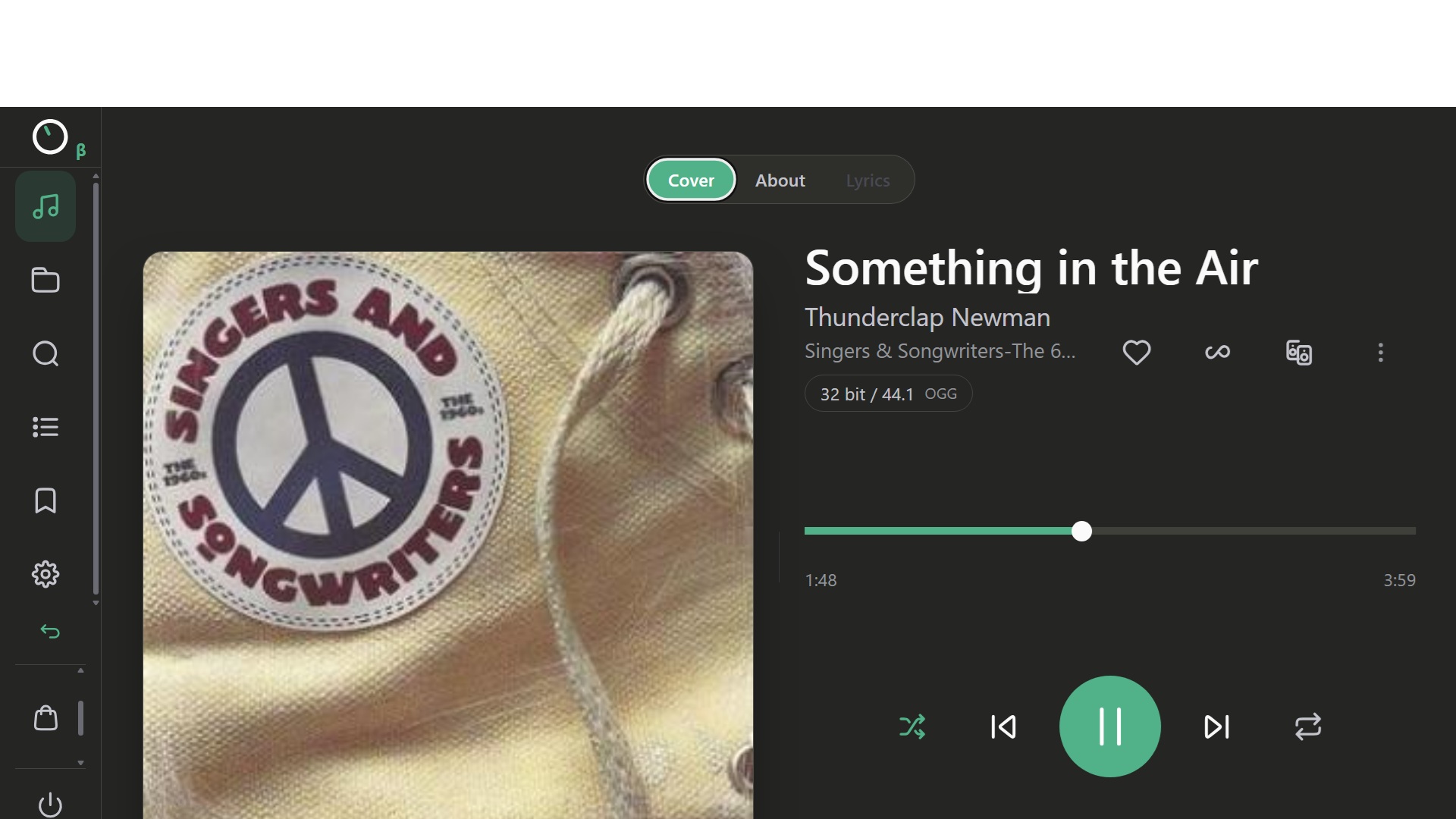
The listening screen is beautiful, and you have enhanced the screen by allowing separate views of Cover, Info and now of course Lyrics. I would like to see the Qobuz info coming in but perhaps that is a bigger challenge. The three-dot customization is a really nice touch. I prefer the simplicity of nothing.
-
The look and feel of the multi zones is much improved.
-
Search, really nicely done but I was so hopeful for a search of Volumio Playlists. I mix and match Qobuz with my own music and I would love to be able to search for songs/artists from within Volumio Playlists.
-
Queue - much easier to drag and drop songs from one position to the next.
-
Playlists - Appreciate that there is more info on the playlist, like number of songs etc.,
-
Settings Menus - At first, I found the menus to be a bit busy compared to Manifest, but I got used to it pretty quickly.
Overall – Great Job! Thank you for continuing to make the product - both hardware and software - a real winner, the absolute best in my opinion.
3 Likes
This frequently happens to me when using search (Google Pixel 9 Pro, Android 17)
Hi there. I have updated my RPi4 system to the new beta version and Nova.
On my laptop and mobile device it looks great. Love the new interface.
My player has an official RPi 7" Touchscreen (ver2) and it not longer works … what have I done wrong? Or do I need to redo the plugins? Screen never comes alive on boot-up. No display at all.
Many thanks.
Hi @jacrider
Nothing at all comes on the screen? You need always need to install the Touch Display plugin. Additionally there is now a very handy plugin to get you up and running.
Excellent Update! - Greatly Improved Loading and General Performance
Just switched to Nova with this library used for a modern player piano with electronic accompaniment:
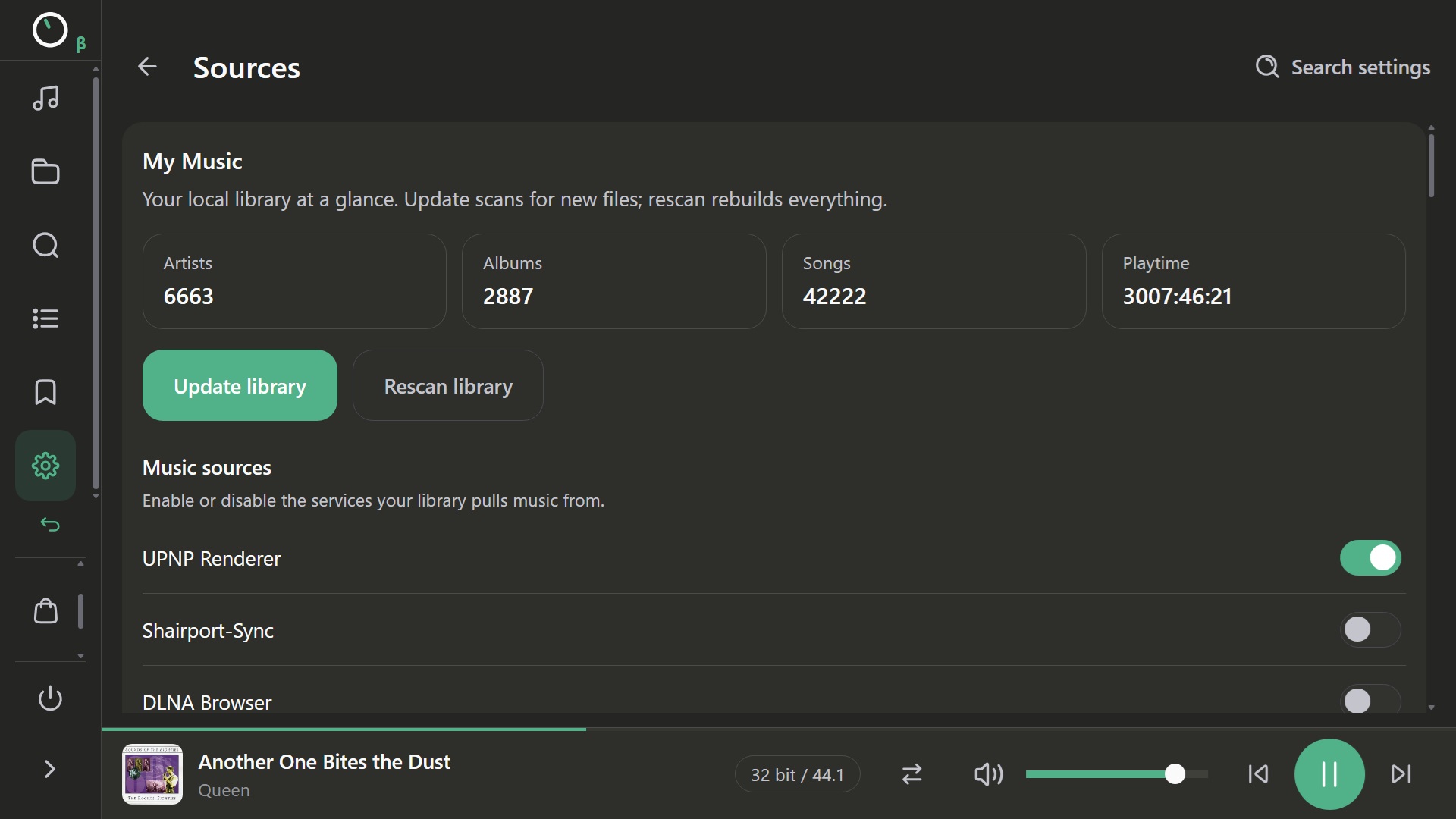
System: Pi 5 w/audio hat; music library on SSD attached to Pi
Controlling Devices: iPad, laptop
Note: All album art is user-supplied 300x300 pixel named “folder” at the “Album” level of Music > Artist > Album > Title standard organization scheme
Metrics:
Initial database load time (about 7k titles pre-identified): < 3 minutes !
Reload time after minor changes while playing: 3:35 !!
Initial web search for 6,663 artists time: < 20 minutes !!!
The good to report:
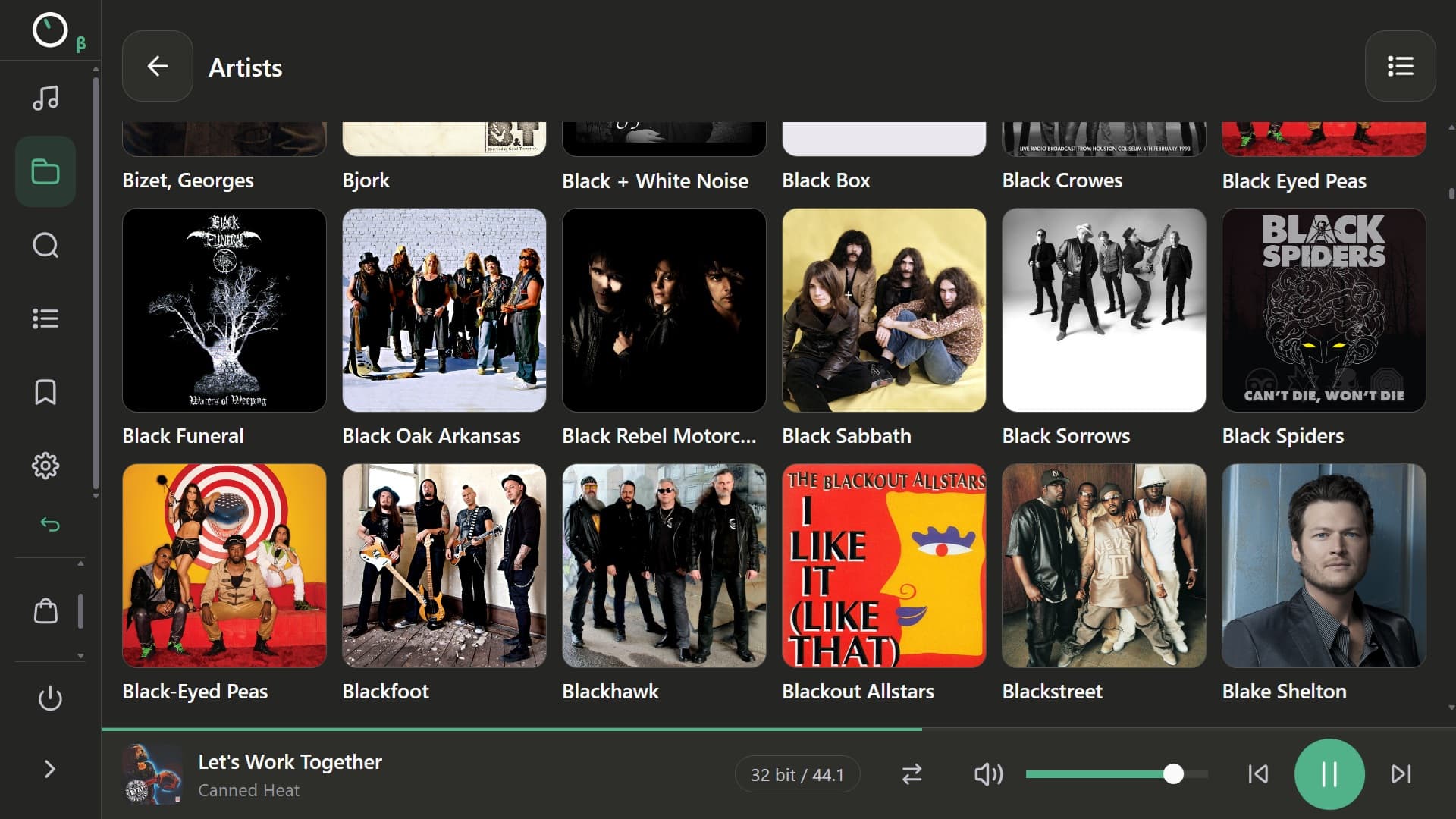
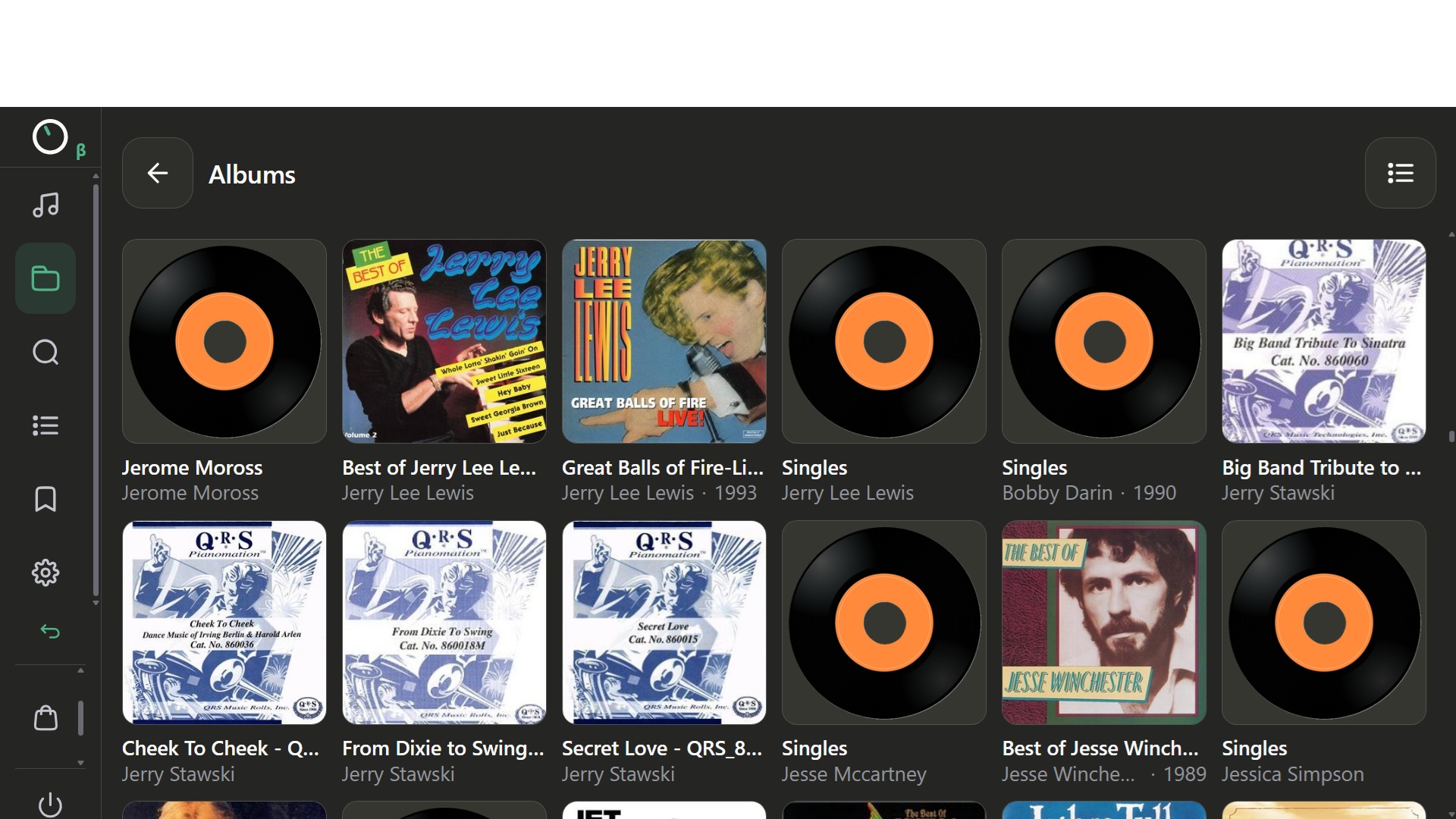
- Flawless–so far–display of artist and album art no matter the view mode. NONE of the display problems that I noted in the “Manifest” version are present (at yet) with an unflappable display.
- “Artist Art” found during the search [seems] greatly improved.
- Zero impact to music when searching for artwork or re-indexing! GREAT IMPROVEMENT!
- After examining a particular artist in the “Artist” view the “back arrow” puts you in the proper position in the artist list instead of at the beginning. This is a WILD improvement when you have 6,333 artists

- Once loaded, scrolling through 6,333 Artists or 2,887 Albums on both laptop and iPad (using “Kiosker”) is effectively instant and seemingly bulletproof. Previously, my library gave the “Manifest” version a serious case of heebie jeebies.
Wishlist: Allow user-supplied “artist art” using a file named “artist.jpg” or similar as the default IMAGE–don’t hard link the image found for the artist during the web search that enables the likes of the “About” tab. Said image stored in the “Artist” folder.
2 Likes
No. Beta version will be released on the Test channel on Monday 28th (I assume v4.209). Current v4.208 does not introduce Nova for the Rivo.
1 Like
How did you manage to do that?
I don’t know; I enabled the “Test” channel about a month ago, and with the latest update, I found the Nova interface and gave it a try.
Strange. V4.208 does not expose the Nova interface to the Rivo…
Thanks for the reply.
I had the TouchScreen plug-in installed and working for a long time prior to upgrading to this version of Volumio.
Should I uninstall it, then re-install it?
I did use the Pi Setup plug-in to setup and calibrate the screen. Worked perfectly. Again, should I uninstall and re-install it?
Many thanks
Hi, you shouldn’t have to do anything with plugins when switching to Nova from an older Volumio UI. The same goes for if you are updating Volumio 4.xx to the latest version. If the screen worked before it should do now.
However, if you mean that you were on Volumio 3.xx and you upgraded to 4.xx, that involves a complete new install and you will need to install the Touch Display plugin. If nothing is coming on your screen, it sounds like a power/cable/screen fault.
No, I was on a lower version of Volumio 4.xx and it did work before.
I’ll try to remove and re-install the plugins.
Thanks.
Hi @leorigna
Thanks for all the great improvements you’ve made since launch. One formatting issue that needs fixing.
In the Glass plugin configuration page the HTML formatting is broken when using Nova, but fine in Manifest. See screen grabs:
Nova:
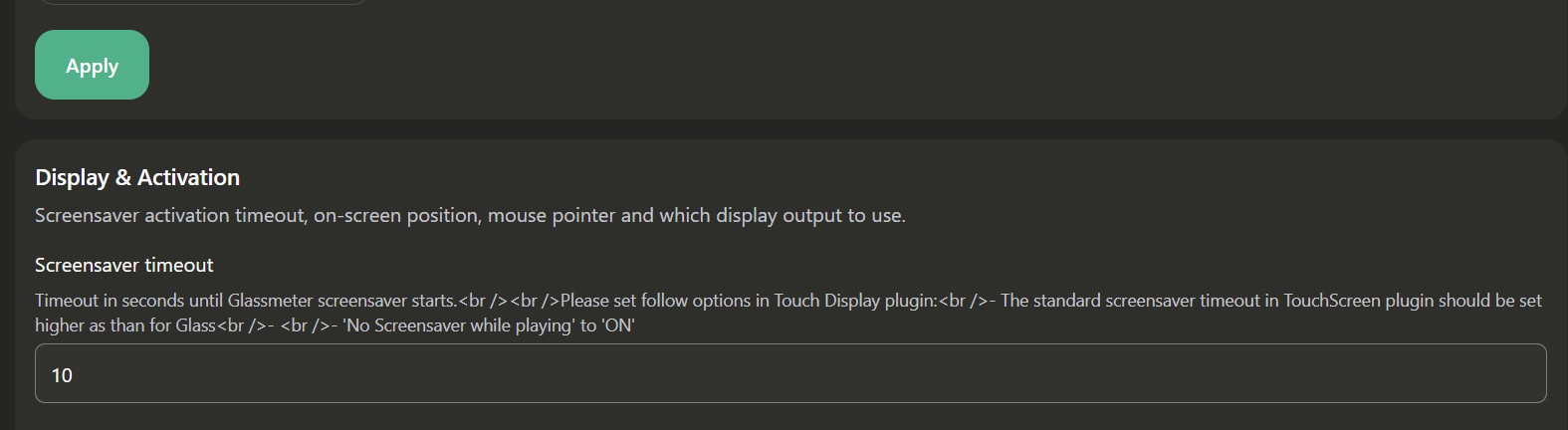
Manifest:

Thanks!
EDIT: Same issue in other plugins with an “i” for mouseover tip, for example Bandcamp Discover.
Happy Monday guys, here is NOVA v0.260925.1:
New
A search button is back in the Browse header, so you can jump to search from wherever you’re browsing.
Improved
Search, album and artist pages got a polish pass on phones: easier switching between list and grid view, your scroll position is kept when you switch, and pages load with the right title instead of a stale one.
Buttons for adding to a playlist, the queue or DSP now show the right icon for what they actually do.
Fixed
Opening “Go to album” for a song from your local library no longer shows an empty page.
Keep sharing feedback and impressions, we are keeping track of all of it!
3 Likes
Does it still happen with NOVA v0.260925.1?
Can you please report the issue from the app so we can look at it better?
I explaned how in a previous message.
Many thanks!
Yes, I updated to NOVA v0.260925.1, but I’m still experiencing the same issue.
I also reported it through the app, as you suggested.
Thanks for your support.
EDIT: the issue doesn’t occur when using Chrome in a browser, so it appears to be specific to the app.
1 Like