Sorry to say but, you updated to alpha versions, which you should have not because they are extremely experimental builds, and this is why we have 3 different levels of builds
In any case, contact our support and we will find a way to get you back to a stable software.
New Pin up to three quick actions on the Now Playing screen.
↔️ Seek by dragging the progress line in the mini player. Convenient tooltips now explain icons that aren’t obvious.
Improved Search no longer shows results under the wrong search while typing. Browsing and search pages now are stored in the address bar url, so sharing and bookmarking work. Smoother reconnects and lower memory use on lower-powered devices.
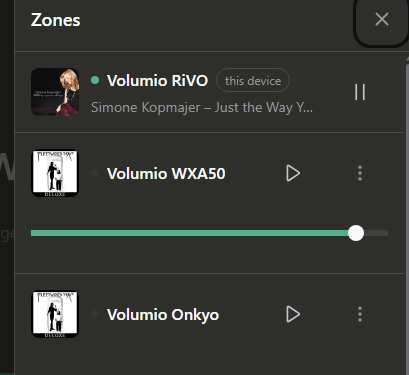
Fixed Removing Qobuz/Tidal favourites now works from the same menu used to add them. Backup & Restore and similar plugin settings pages work again. Back from search results returns to your results, not your library home. Zone grouping and Play Here on the zone row fixed.
For bugs and reports, please use the Help button on Nova so we get the full logs. Thanks!
One important reminder:
is the bug causing Volumio (Rivo) to get confused/ stuck when enabled
‘‘Sources>Super Search> Music Library’’
fixed in the new fw release???
Are there any issues with the Now Playing plugin and Nova 2609.08? Originaly it worked fine but when I went to update the plugin Volumio kicked me out altogether and then I could not connect again. I ended up reflashing and starting over.
I really like the new Nova interface for phone and pc but kiosk (TV) I still prefer the custom options that the Now Playing plugin offers.
New Now Playing has a new Lyrics view: synced or plain lyrics, with free scrolling while a track plays, and you can select lines to share. Album pages now show the release year, track count and total running time. Reporting a bug now lets you turn off the automatic screenshot, or attach your own image instead.
Improved On your device’s own screen, Settings now shows a way to report a bug when it’s available. The “get more music” hint in Browse no longer keeps naming Tidal and Qobuz once you’ve already enabled them.
Fixed Recent searches now only save the phrase you actually searched for, not every letter typed along the way. Favouriting a Qobuz or Tidal album now shows up immediately, instead of still offering “Add to favorites”. Removed a stray blue outline that flashed around the timeline when tapping or dragging it on iPhone/iPad. Fixed the Now Playing screen scrolling oddly on Motivo’s built-in display when viewing lyrics or track info.
This is pretty cool, because you can test Nova on your Rivo if you have another pi that’s already running Nova. So I have a Pi5 running Nova and when I switch over to the Rivo it is in the new interface.
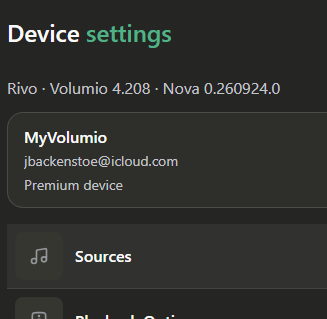
Hi, I received the Nova interface update on my Rivo (version 4.208). Upon startup, the app asks me to restart the system to apply it, but after restarting, the update doesn’t take effect, and the prompt to restart the system remains. I’ve tried multiple times—including by physically turning the unit off and on rather than just using the restart function, and by restarting the smartphone app and clearing the recent apps list—but nothing has changed.
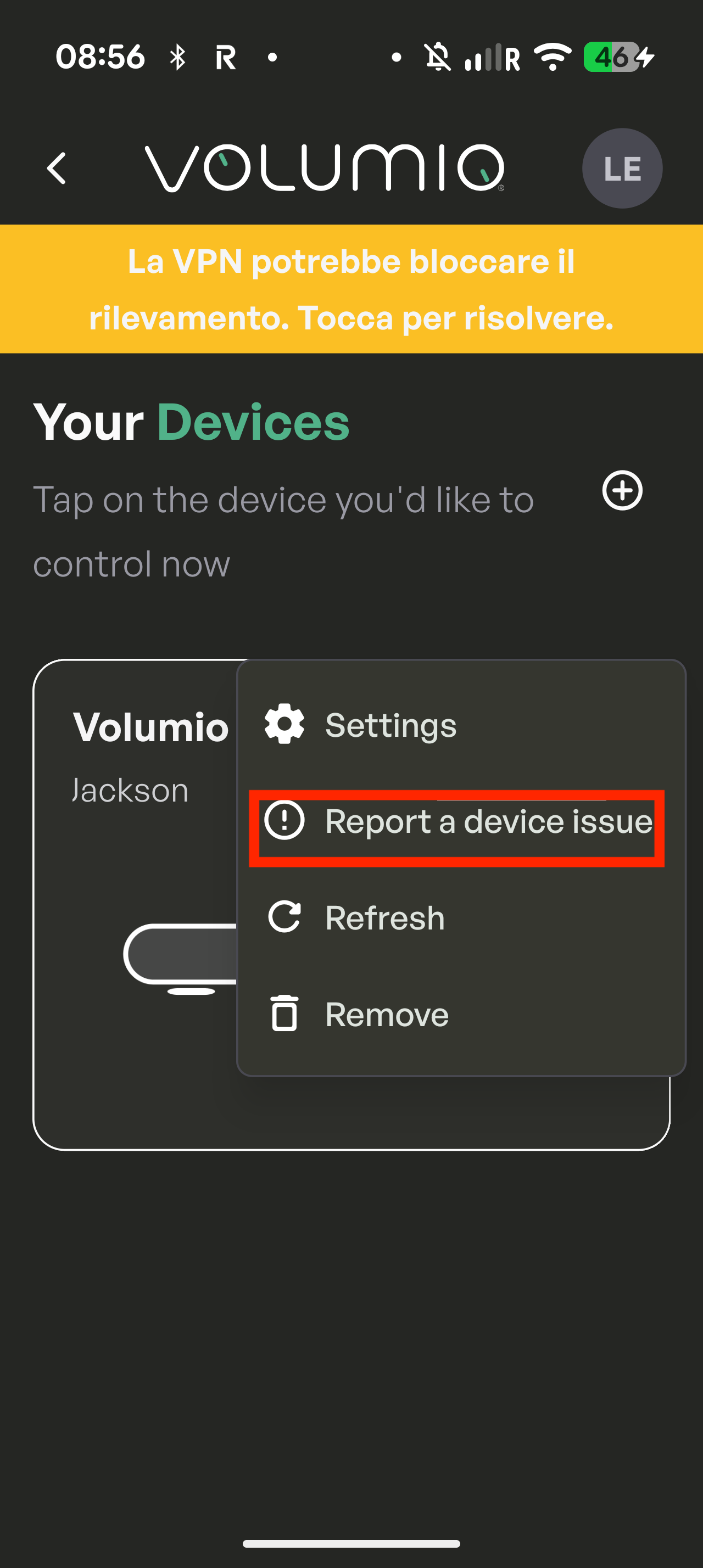
Hi, sorry to hear that. Can you please send us a log of the device via the app? Long press or tap the 3 dots in the device card in the home page of the app, then press “Repost a device issue”.
It’s great to finally see the album release year, track and album durations, and synchronised lyrics displayed in the interface!
I only wanted to report a few things:
At the moment, I can see the album and track durations only when browsing TIDAL, or in Album View and Artist View.
The situation is different in Music Library which is the view I use most often.
I’m fine with not seeing duration information during general browsing, since this view works much like navigating through folders in Windows. However, once a track is playing, if I select Go to Album or Go to Artist, I would expect to see the same details available in Album View or Artist View.
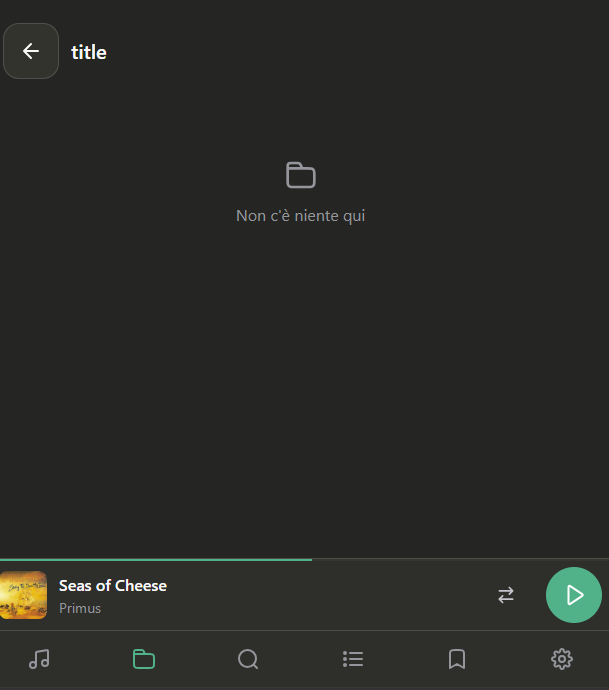
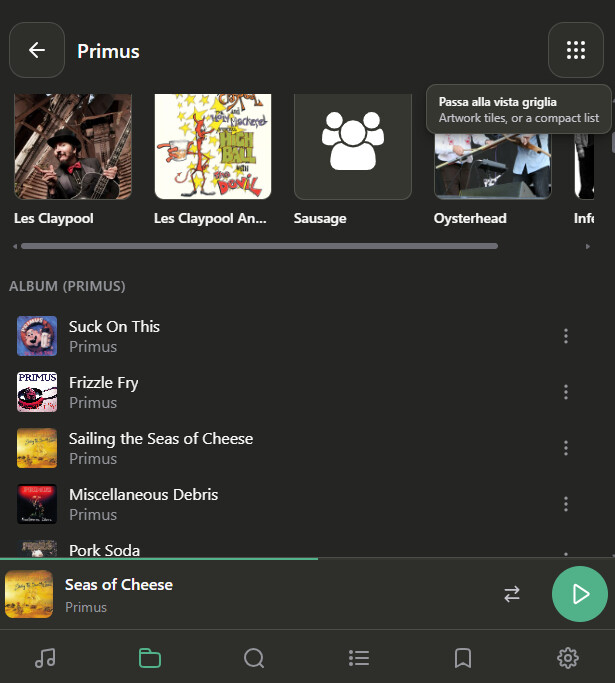
Instead, selecting Go to Album takes me to a blank page. Selecting Go to Artist does take me to the correct artist page, but the albums are not displayed with their release dates and durations.
I’ve attached screenshots showing both cases.
After selecting “Go to album” from the track that I was playing:
Log taken today, play stops after some time, UI not responsive, stuck…just like before when super search on media library being enabled
Please fix it, it’s been almost 3 months since reported!!!
Pls check previous discussion (July 23 in another thread) http://logs.volumio.org/rivo/vjS2PD3.html

 Pin up to three quick actions on the Now Playing screen.
 Convenient tooltips now explain icons that aren’t obvious.
 Search no longer shows results under the wrong search while typing.
 Browsing and search pages now are stored in the address bar url, so sharing and bookmarking work.
 Smoother reconnects and lower memory use on lower-powered devices.
 Removing Qobuz/Tidal favourites now works from the same menu used to add them.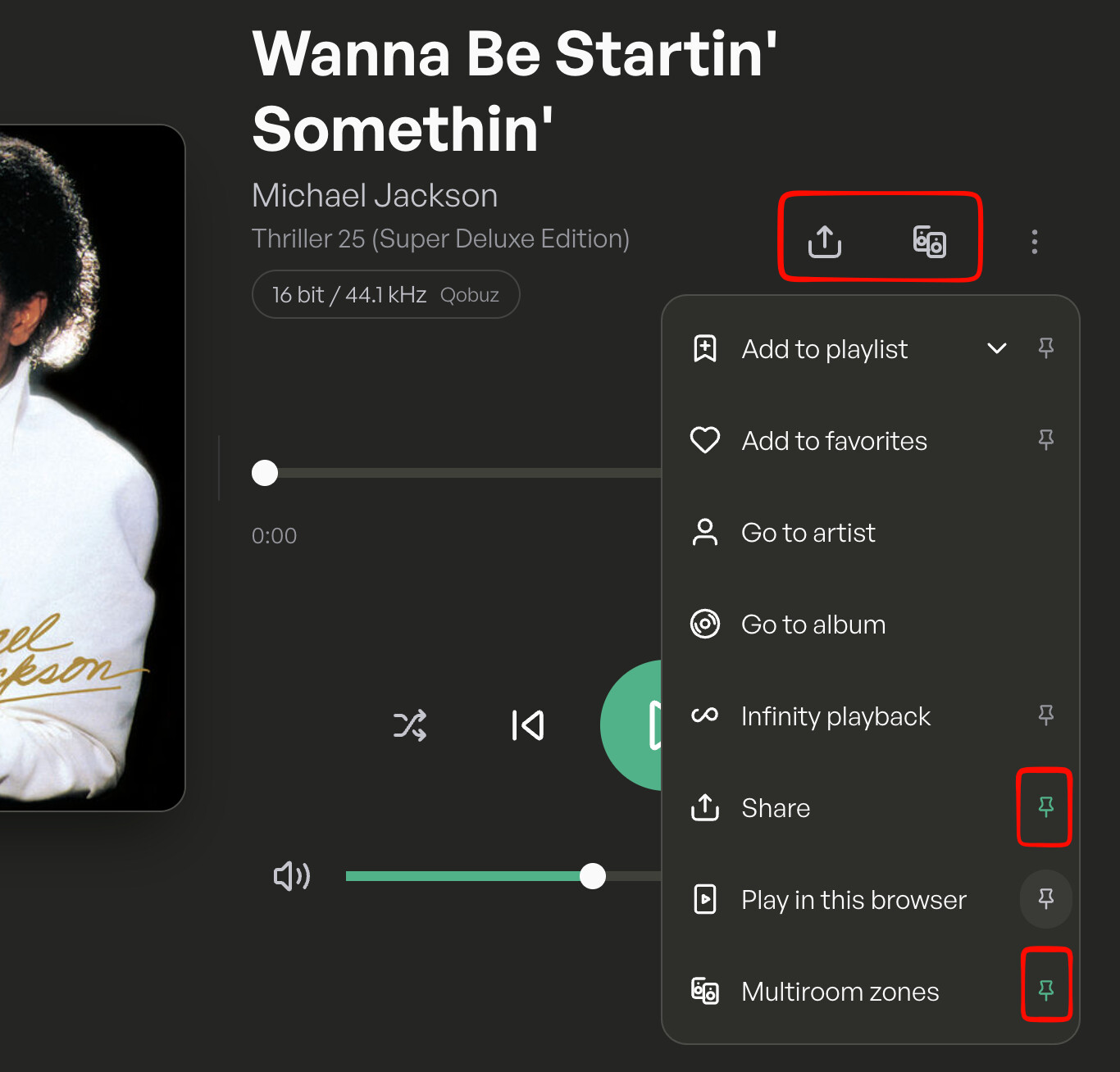
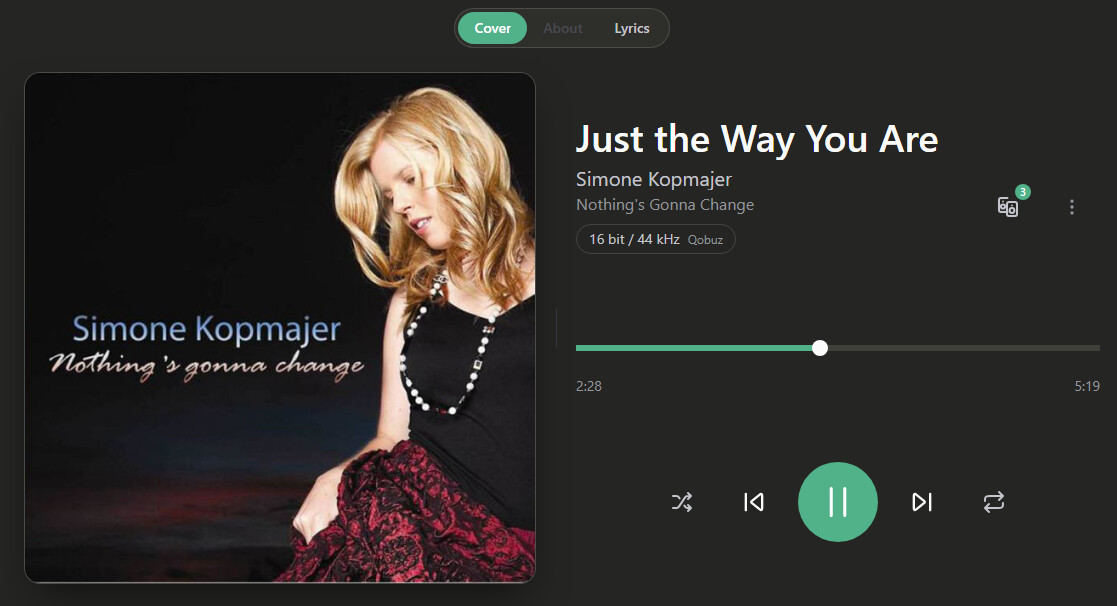
 Now Playing has a new Lyrics view: synced or plain lyrics, with free scrolling while a track plays, and you can select lines to share.
 Album pages now show the release year, track count and total running time.
 Reporting a bug now lets you turn off the automatic screenshot, or attach your own image instead.
 On your device’s own screen, Settings now shows a way to report a bug when it’s available.
 The “get more music” hint in Browse no longer keeps naming Tidal and Qobuz once you’ve already enabled them.
 Favouriting a Qobuz or Tidal album now shows up immediately, instead of still offering “Add to favorites”.
 Removed a stray blue outline that flashed around the timeline when tapping or dragging it on iPhone/iPad.