I have installed Volumio onto a Raspberry Pi with a 7" touchscreen. I goes through the setup and then asks me to log in. I have no idea what the login is. Is there a default, or can this request be disabled?
I have the Volumio app installed on my iPhone and I can access this Pi installation without any problem, I just can access it on the Pi touchscreen.
Volumio is a headless systeem (you can access it via the app or wen-browser).
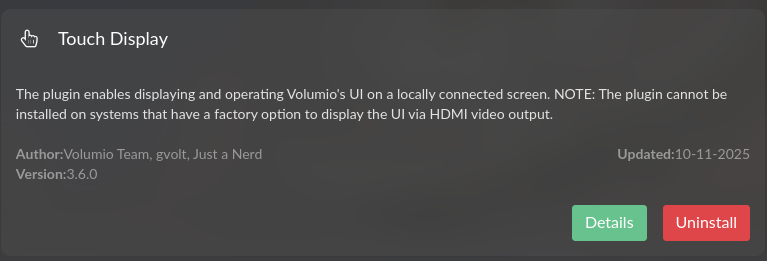
If you connect a display to it, you need to install the Touch Display plugin.
There is no need to login.
Hi I downloaded and installed the plug in, but no success so far. The monitor I have seems to be a generic one. It’s described as a 7" HDMI IPS Capacitive 5 point touchscreen. 1024 x 600, I have tried almost all of the listed 7" 1024 x 600 ones listed, but I still only get a screen with a QR code on it and a request to login.
I have installed the plugin, but it still only displays the QR Code and login screen, not the GUI. I’ve connected to it via my web browser and tried every 1024 x 600 7" monitor in your plugin and none of them make any difference.
Here is a link to my log file. I reloaded Volumio this morning and finally got it to display the screen, but there’s no touch and the screen goes off after about 10 seconds. I’ll have to try some different settings and possibly a higher current output power supply. I am using a genuine raspberry pi one at 3A.
Thanks all for helping fix the screen issues I’ve had with a very similar setup. The Touch Display plugin install & update would fail, but trying it again today made it all work again. Now I need to get the screen on my other Volumio install back up and running.