@TRHH
In your browser go to ‘device name’.local/dev or to ‘device ip address’/dev
Select Test update channel (rather than stable). First option at the top of the page.
Back in your usual browser page (‘device name’.local) without /dev, or mobile app, try System Updates → Check Updates again.
1 Like
@NikosR - Thanks. I assume this works only when connected through ethernet, not when connected through WLAN
Have a nice WE
Torben
This is how you enable TEST MODE:
https://help.volumio.com/en/articles/26-how-to-switch-update-channel-stabletest
We understand each other very well  Look forward to hear what you think!
Also WiFi
As I have updated to this ‘‘new’’ beta (hoping of some real improvement), the first I experienced is a ridiculous issue> selecting a specific track from i.e. a playlist, the track before or after that very one starts playing 

 . Not to mention that it randomly happens play to stop in the middle of a track, app freezes…
Here I completely stand with you, it is incredible to have in 2026 such SW quirks, after decades of Windows media players, JRiver’s, Winamp’s and so on and so on. Sadly, even my stupid EV has less issues
@volumio Thank you for the update and appreciate all the hard work your team has
put into this. Note I am using the Rivo, Preciso and HDMI to a Samsung TV from the rivo.
Should 4.185 have fixed the HDMI output issue? I didn’t see that mentioned in the release notes on screen, but what happened is it seems to be attempting to load everything, but things are missing or not applied, like album art from Qobuz, backgrounds, missing source identifier ie Qobuz,and font sizing. This is especially true in the “Now Playing” plugin screen… It only applies some of the font settings while omitting others such as font size etc. And moves very slowly from song to song whereas before it was automatic. And no back ground on now playing screen or idle screen. But perhaps this version has not fixed the HDMI output?
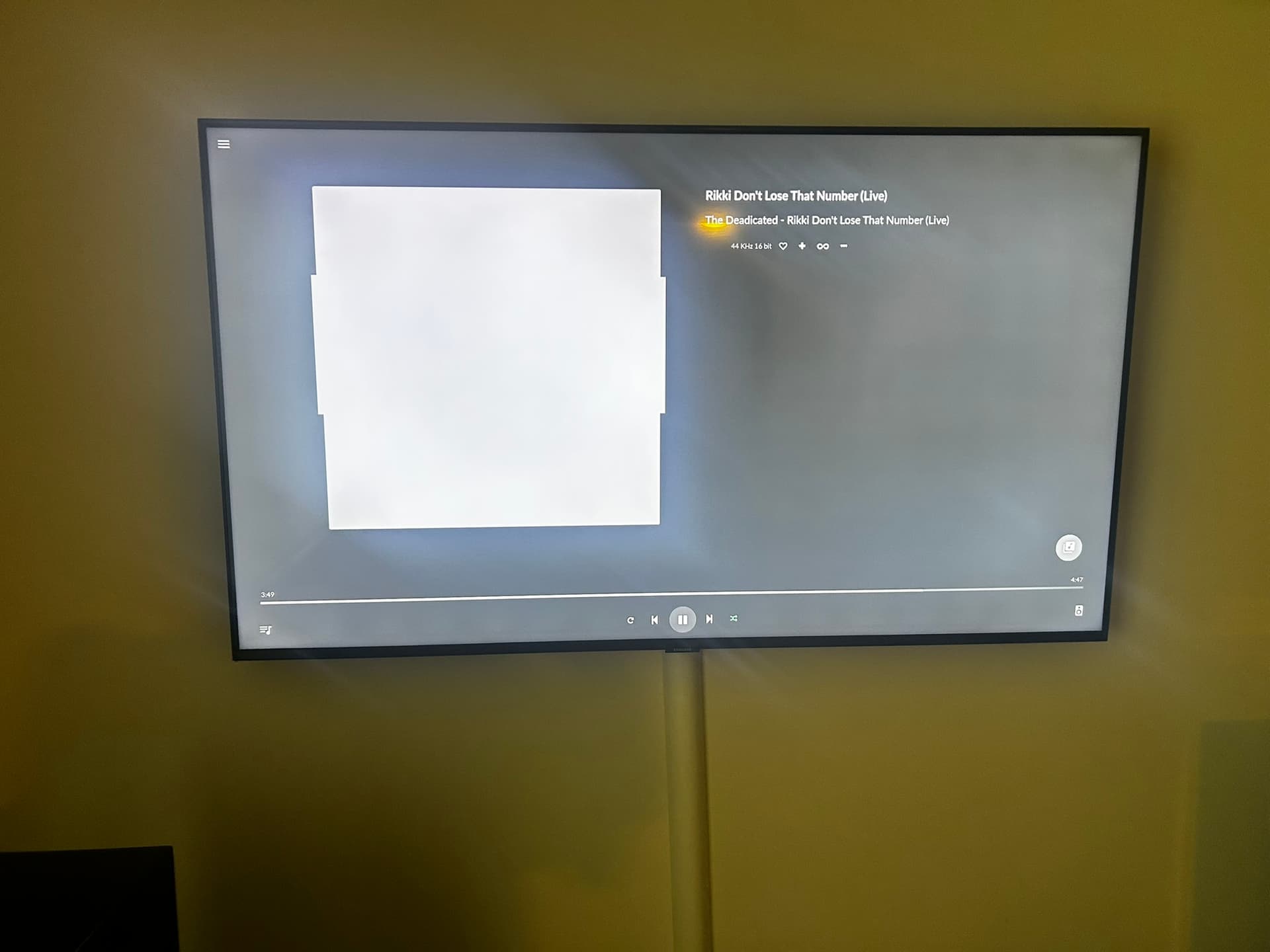
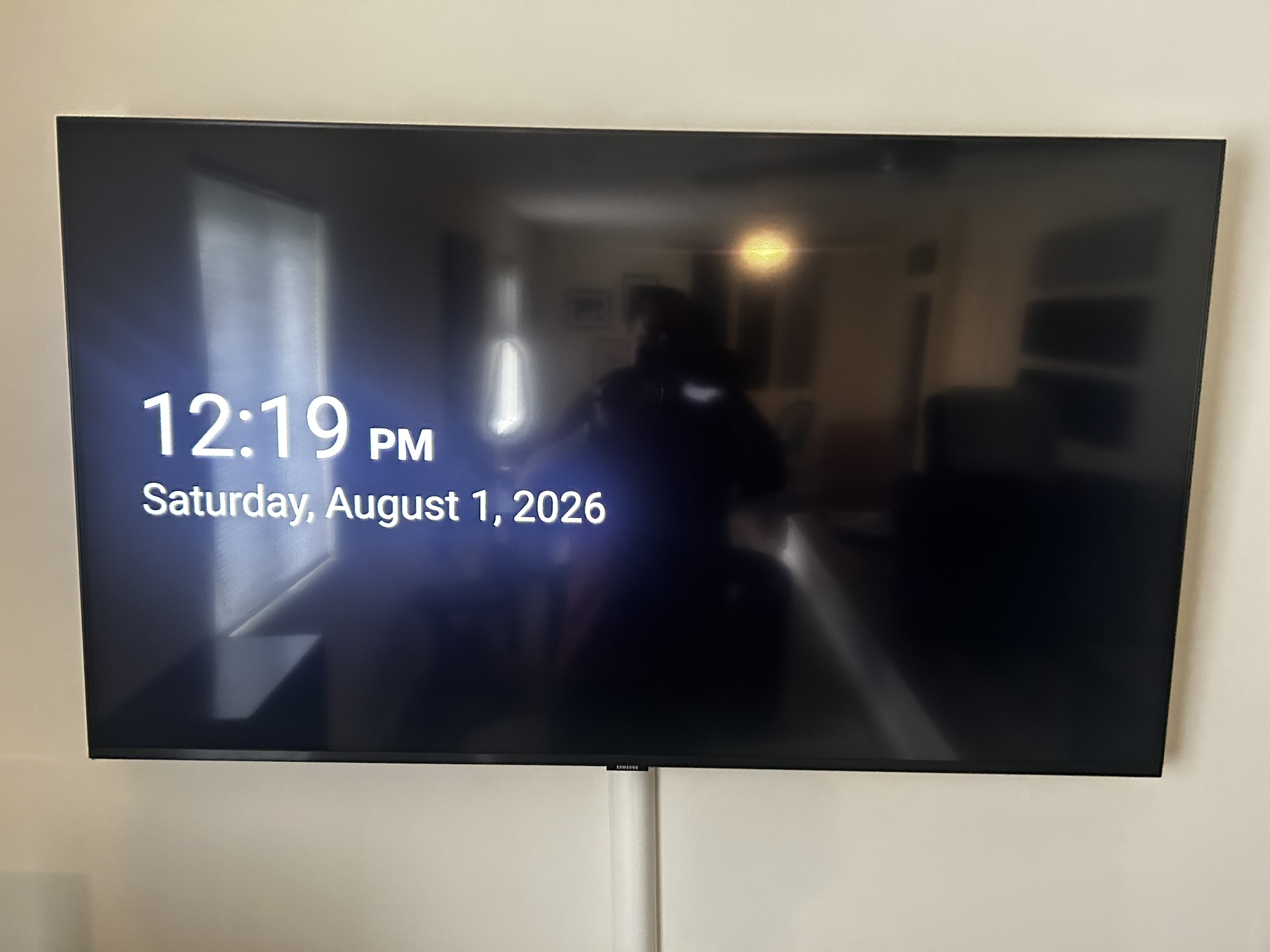
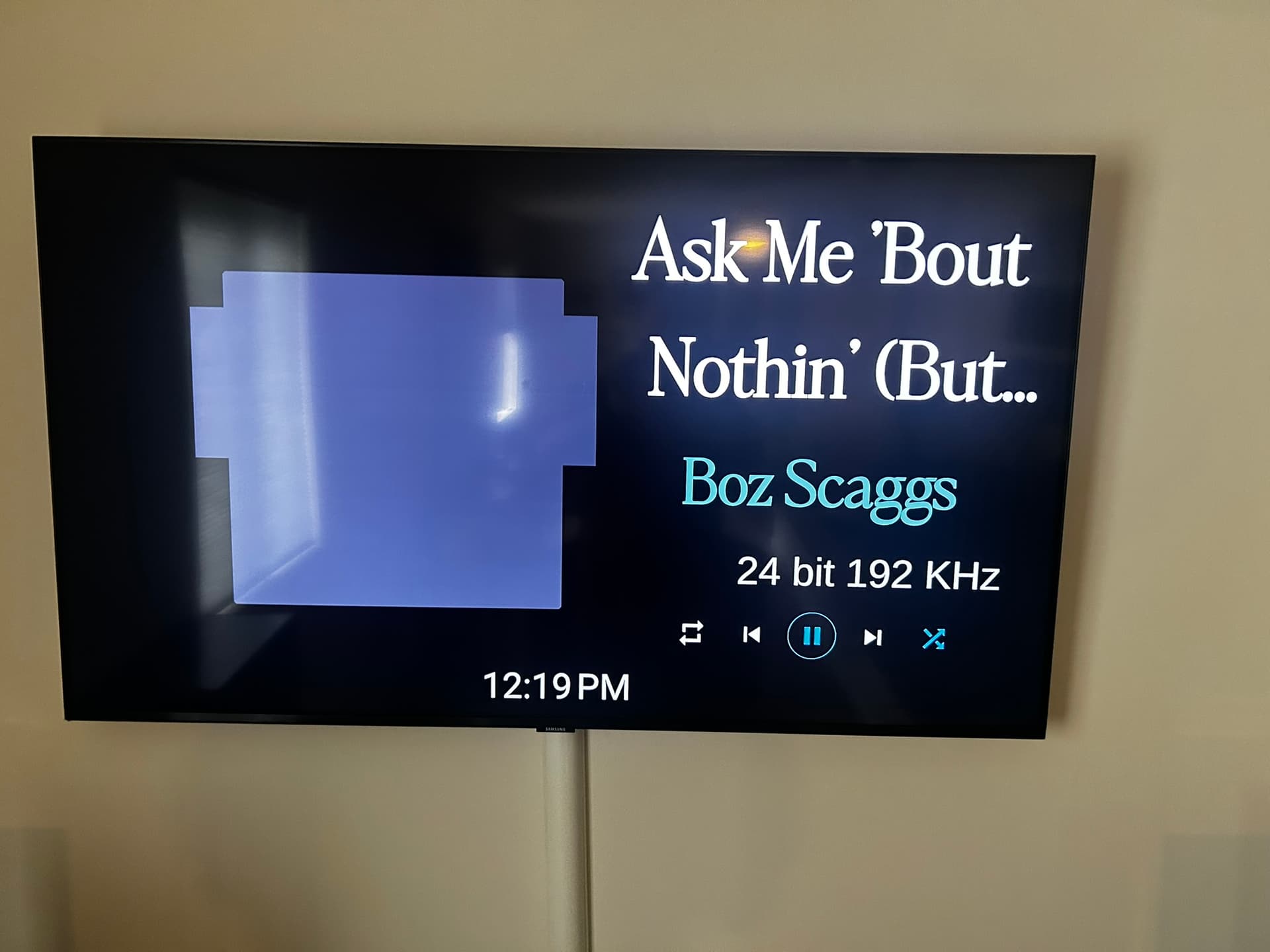
And. btw…when sending albums over upnp (JPlay, Mconnect), Volumio renderer is not showing album art in maybe 50% cases?!
Happens with Tidal, Qobuz, Nas…
hahaha, in other words: guys, see ya after ferragosto, GREAT!
1 Like
No such problem here with Audirvana on Mac, Rivo and beta 4.185
I recently updated my Rivo to beta 4.185 (release candidate)
- OTA update process ran smoothly. It took longer to actually download the firmware (100Mbps VDSL) than to reflash it.
- Noticeable improvement in UI responsiveness
- Quick and reliable connection through iOS app.
- Local library through local usb3 HDD was rescanned quicker with no problems. >30.000 tracks
- No problems using usb connection to Musical Fidelity M6xDAC and to Chord Mojo2.
- No issues encountered playing from the local library
- No issues using Tidal on Rivo
- No issues using Tidal Connect
- Audirvana (macOS) → UPnP → Rivo appears to work no worse and no better than before. Intermittent timing and handshaking issues remain. I had hoped for a slight improvement here if only because of increased Volumio responsiveness, but it seems the problems stem from incompatible use of the protocol by Audirvana and Volumio which have not been addressed since forever.
WE AUDIRVANA USERS HAVE BEEN ASKING FOR PROPER VOLUMIO-AUDIRVANA INTEGRATION FOR TOO LONG. WE NEED VOLUMIO TO BE ‘PLAYS WITH AUDIRVANA’ CERTIFIED. C’mon guys!!!
Why is the ‘Digital Inputs’ functionality active by default on the Rivo? It does not have any digital inputs…
I will only report further if I encounter an issue. I’m not a power user and the above is the functionality I use 99% of the time.
Audirvana is weird…
I’ve had a few streamers, and it doesn’t work well on any of them.
This might well be the case but there are streamers in their certified list which, I assume, work fine. One can also contact them to check which UPnP streamers are certified and if a particular streamer is certified with them or not. Certification is not on a fee basis, afaik.
Hi Mi,
Is there any update for Volumio being Audrivana Certified?
As I see devices running Volumio are certified (Pro-Ject, Orchard Audio)
Pro-Ject certified devices are only DACs, to my knowledge. Pro-Ject do not have a really working up-to-date streaming device, neither do Musical Fidelity (their devices are stuck in Volumio 2, to my knowledge, and I wonder why they still sell them) and I don’t think they are planning to have one any time soon. Orchard certification might well be just for the DAC too. The problem with Audirvana’s certified list is that Streamers (UPnP connected) and DACs (USB connected) are not differentiated within the list.
Yeah, you’re right. Seems customers are supposed to rely on crystal balls and educated guesses.
Not really sure why Audirvana labels certain DACs as “certified devices” when it’s unclear what that certification actually represents in practice. Besides it works with Audirvana…
At least a Pro-ject DAC I have works apparently…
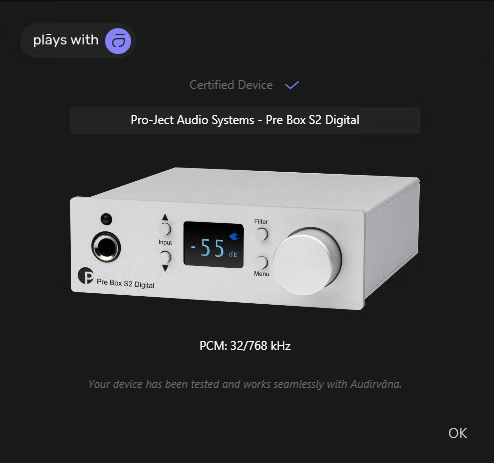
It is similar to Roon certification for DAC end-points. The software recognises the particular DAC and its capabilities and sets its parameters automatically. Certification involves just passing some tests. Obviously a usb DAC not being certified does not mean it does no work. It will work as long as it can work with the OS. UPnP is a more complex issue as the protocol has been badly abused… The reason why I request Audirvana certification for Volumio is that, apart from basic testing which might reveal a problem to be fixed, if the certification is in place, one HOPEFULLY will not become a ping-pong ball between their support teams if one reports a problem to either team, and the two teams will hopefully co-operate to tackle the issue.I hope you understand exactly what I mean, there is no worse thing than becoming a ping-pong ball between two software support teams not talking to each other, with all the finger pointing and the blaming the other team that usually takes place. That is the reason I currently do not bother to report any problems to either team and I steer any dedicated Audirvana user away from Volumio. Which is a shame really.
Have you taken into consideration within the new upgrade IIS recognition issue? In my case if I cut the power off for 10 min the Rivo plus loses the IIS connection to the dac. Then it is very hard to find and establish that connection again. Sometimes it is taking hours to do so. Unplugging everything, factory reset, several times restarting, plugging all again til the IIS connection is established.
Today I’ve updated the Rivo Plus to version 4 (beta). Found no issues at all. The update was smooth and prompt, took about 6-7 min. Since I’m using the Rivo Plus solely as an end point with Audirvana Studio on Linux Mint, I just went through the setup and did not add up a library or
a Tidal service. I’ve disabled most of the settings which I don’t need. First impression - SQ got better, very clear and tight bass, more mini details have shown up and the sound stage got wider. I’ve cut the main power for 10 min and restarted everything again. “No output source found” Had to unplugged the IIS cable and do factory reset but this time I’ve succeeded to connect on the 3rd time. Please, check out this issue! My dad is Gustard A26.