I have the following problem and hope for your understanding, that I don’t understand everything, although my English seems to be not too bad:
Configuration:
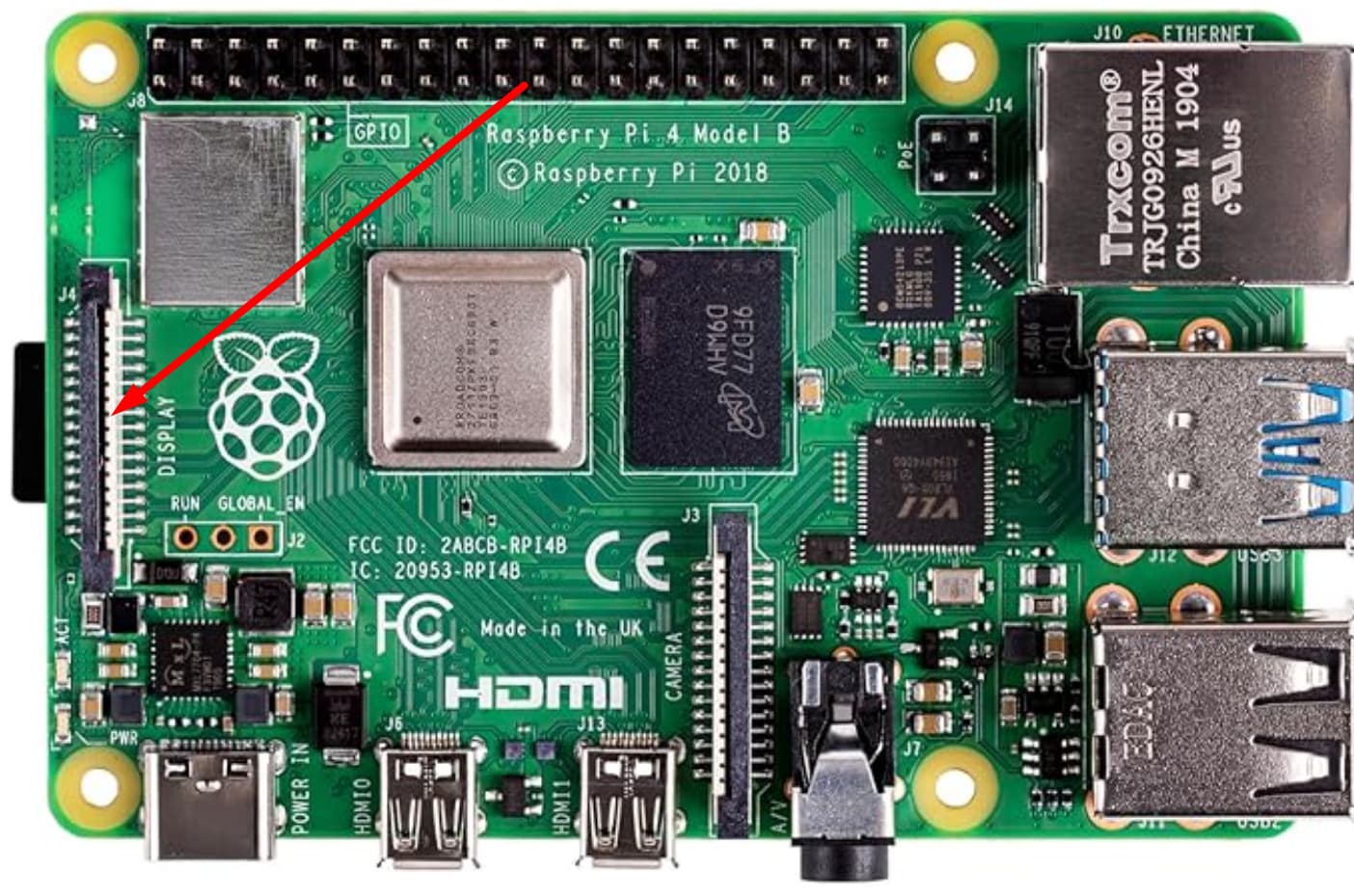
Raspberry 4b
Touch Display 2
Volumio Version 4.096
Plugin Touch Display: Could not find a version number
I managed to rotate the screen by 90° and the image is fine. The scale factor is 100%.
But when I try to touch, the cursor is shown too low in height. The column is fine. So, when I touch “Sources”, I come to “Network”, and when I touch “Plugins” I come to “Shutdown”.
I searched already the forum, but find troubles with rotation or troubles with the touch display 1. So I would be happy for any help.
Another issue is whether I can change the menu order as I’d like to have Shutdown more on top. But that’s not really important.
Best regards and thank you for your time
Hans
----------------------------- Delete here & above before posting below -----------------
Thank you very much for a really fast response!
I installed that plugin, but didn’t know whether to uninstall the standard touch display plugin.
Then I let me guide by the assistance, but didn’t know which interface to choose and choosed DS0.
The result after restart is a black screen …
So I guess I have to re-program the SDHC card …
Any idea for the next start? Shall I use only the new plugin? And which is the correct interface for the touch display 2? DS0, DS1, HMDI?
Only bad results help to learn more
Depends on which connection you plugged the screen.
The one closed to the USB-C port is DSI-0.
Best to start with a clean install without any manual adding things to /boot/userconfig.txt. Let the plugin “Pi Screen Setup” do it’s magic.
When you boot and see the Volumio boot logo, then you can install the “Touch Display plugin”.
Thank you very much!!
As I managed to find the IP of the volumio I could control it via PC.
So first I uninstalled both touch display plugins and restarted. Then I installed the screen setup plugin and used the assistance (used 90° for rotation). Then when starting again the start screen was horizontal as it should be. Then installed the standard touch display plugin (to make see volumio). But then the image had be rotated again as the screen was in portrait mode.
Anyway: The touch position is now at the correct place! The mouse pointer is shown where my fingertip had been.
Again: Thank you very much for spending your time for me (and also for others, as I guess)!