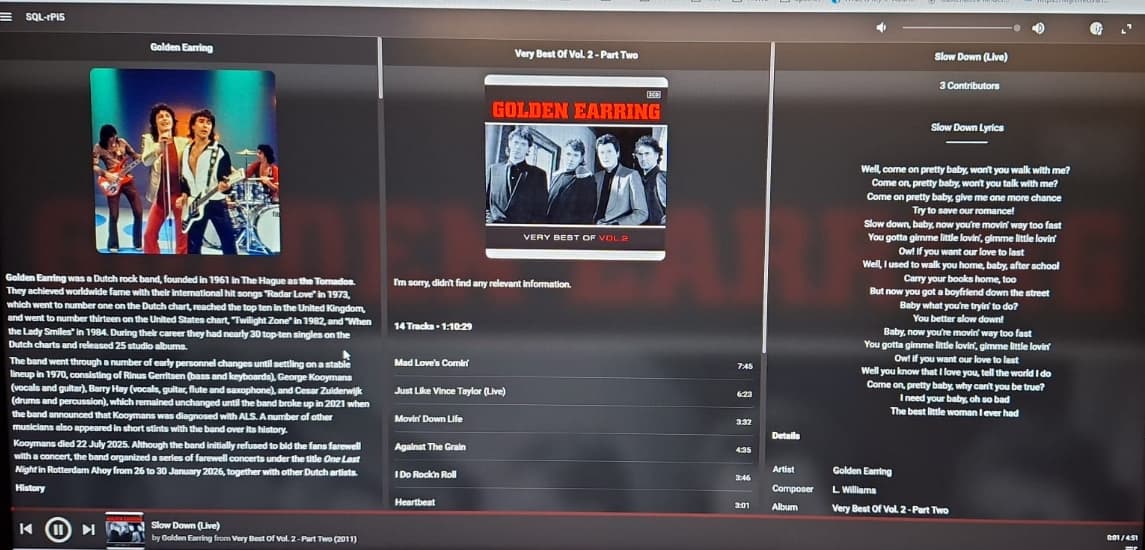
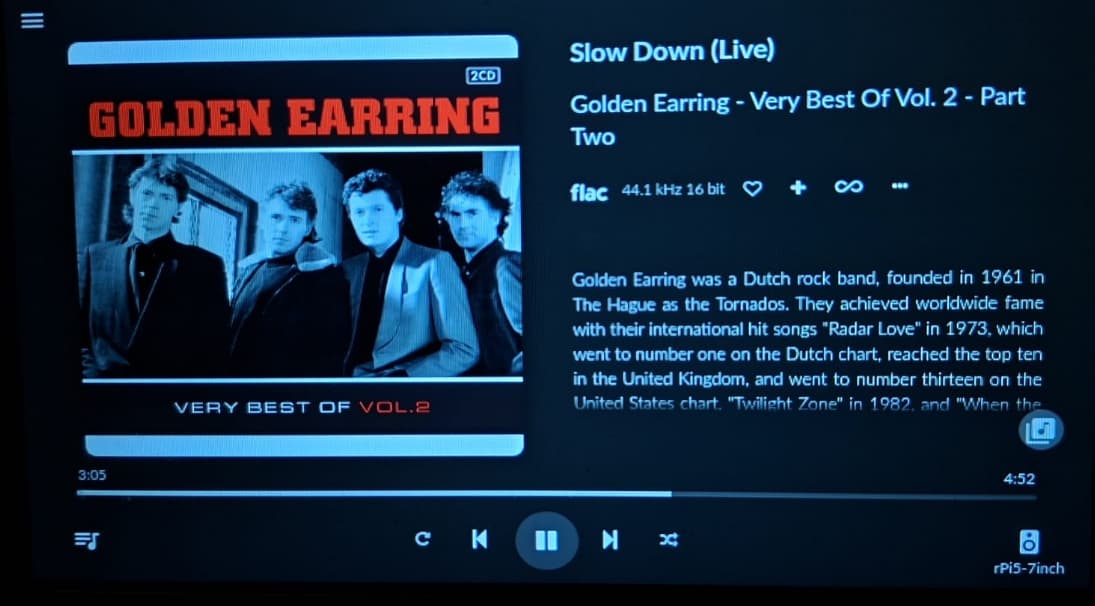
•	Volumio (latest version) on a Pi 4 with a Hifiberry DAC HAT
•	11.9” Waveshare HDMI touch display
•	Lyron Music Server on a Synology running in Docker
•	Squeezeelite plugin activated on Volumio
•	I can control Volumio on the display (e.g., Radio Paradise)
•	I can also control music from my iPad that I start on the LMS via the Material Skin.
However, the display does not show the music that I start on the LMS—only the music that is played directly through Volumio.
I hope you understand what I mean.
Can anyone help me?
Ok, can I just use the old config.txt to get the 11.9-inch display working? It wasn’t easy to get it running—I’m just a user, not a programmer, and had to hunt everything down bit by bit.
There is a plugin called Pi Screen Setup. Which will do the hard work for you. Don’t copy files over as it will prob. break it. There are mayor differences between Buster and Bookworm.
I have now reinstalled everything. The system is now running Volumio version 4.103, and I was also able to properly install my 11.9-inch display using the Pi Screen Setup plugin.
However, I still have the same problem. Everything that I start directly on Volumio (for example Radio Paradise) is displayed on the screen. But the content that I start via Squeezelite on the LMS (Material Skin) is not shown on the display.
This has been working for years, and suddenly it no longer works. I’m completely at a loss.
Here is a video of it. You can see that when I start Radio Paradise on Volumio , it is displayed on the screen. But when I start Radio Paradise on the LMS , nothing is shown on the display.
So, I solved the problem in a different way. When I installed the large display three years ago, I only switched to Volumio because it didn’t work with PiCorePlayer. In the meantime, that has changed and I can now use pCP with the 11.9-inch display as well. It actually runs much better. Sometimes it takes a problem to lead you back to the good stuff