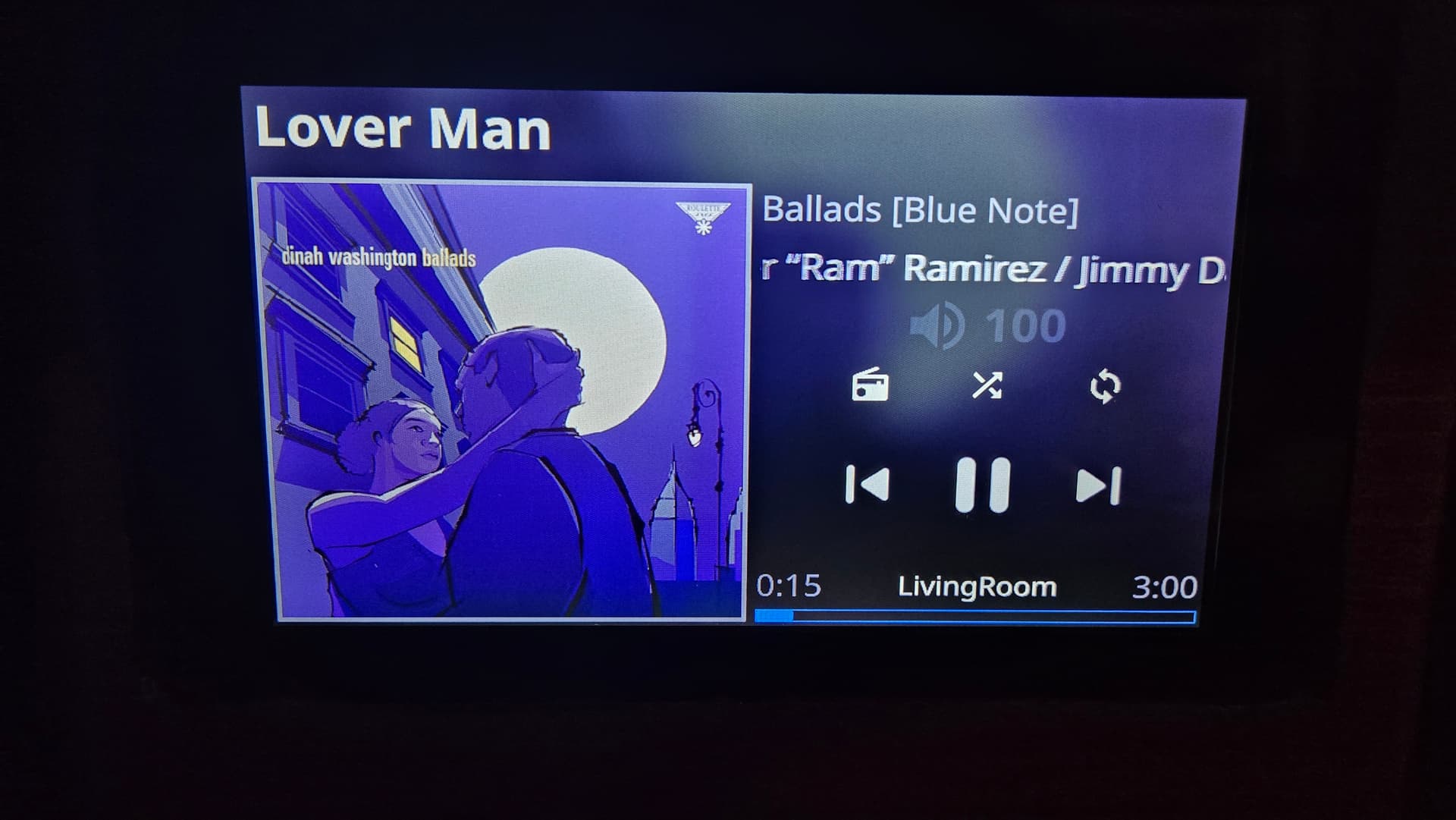
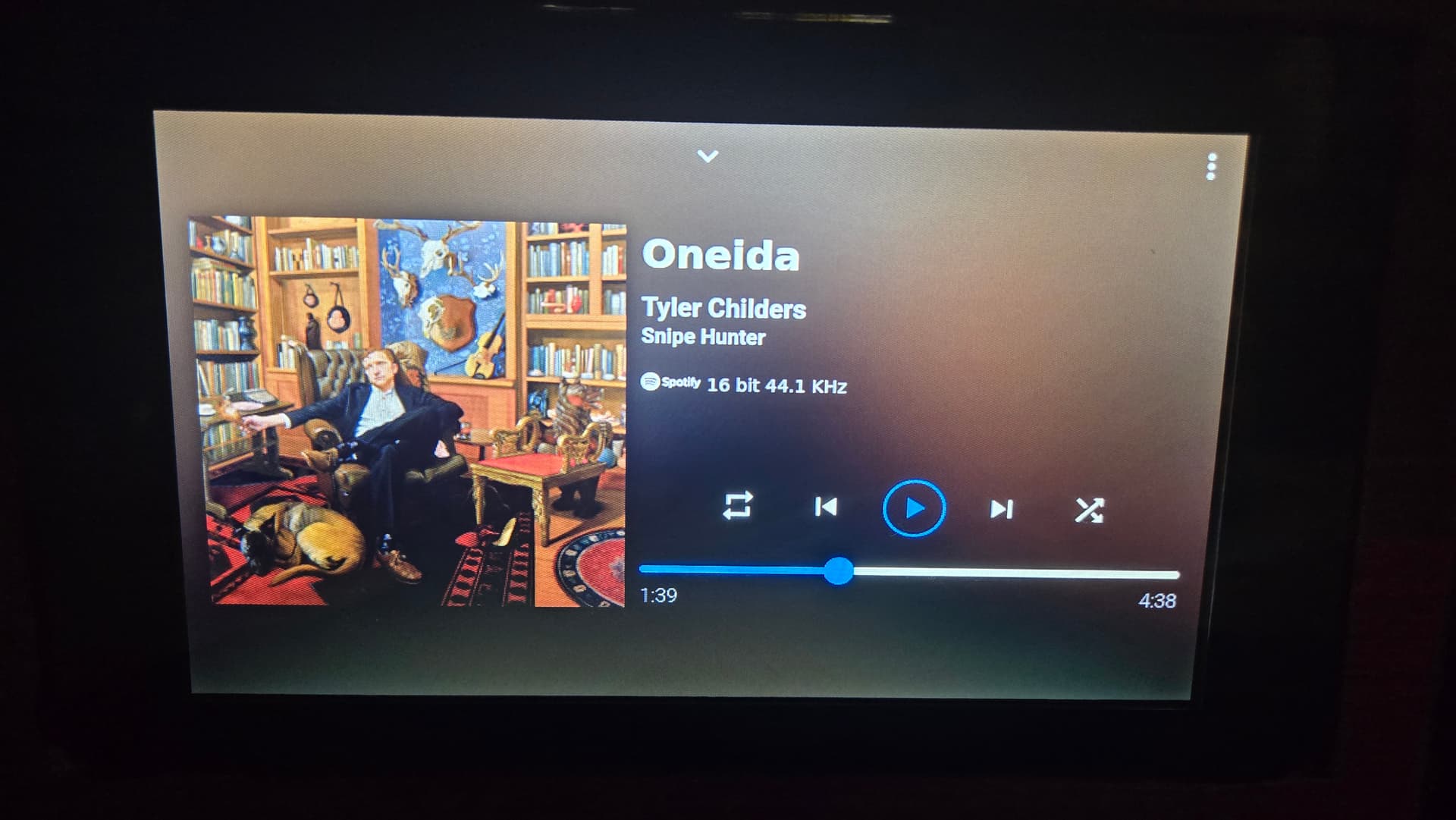
I am having trouble getting the Raspberry Pi Touchscreen to work with Volumio.
My gear
Raspberry Pi 3 B+
Raspberry PI official 7" Touchscreen
Hifiberry DAC +
Volumio- most recent version that was released
Wired connection, ive tried unistalling the plug in and re installing it with no luck. Any advice appreciated. Please let me know if additional info is needed.
rPi3 B+
7" Touch screen
Hifiberry DAC+
Version of Volumio -Version 4.084
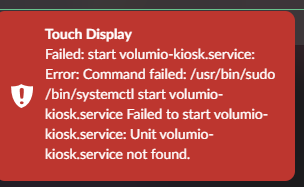
Error. - Touch Display Failed: start volumio-kiosk.service: Error: Command failed: /usr/bin/sudo/bin/systemctl start volumio-kiosk.service Failed to start Volumio-kiosk.service: Unit volumio-kiosk.service not found.
I get the attached error after attempting to install the plug in.
Sounds like there’s a partially installed version of the plugin that’s stopping the installation process. Try again to uninstall the plugin and then restart the Pi before reinstalling.
Failing that, it’s a reflash.
Thanks for the advice. Any idea as to what may cause a partial install? Ive tried un installing the plug in, but for some reason it wont uninstall. Ive even went to the extent of buying a new sd card reader for my laptop, and a new sd card, etched Volumio, with the same results.
Assuming the RPI Touchscreen is the Raspberry Pi Touch screen
I went to the help center, but this to me doesn’t make sense. Any additional input would be appreciated. Was I supposed to install the plug in before connecting the touch screen?
If the screen does not show properly the Volumio’s user interface probably you did not install the TOUCH DISPLAY plugin, downloading it from PLUGIN section of the Volumio UI
So, first, access to Volumio, via APP or volumio.local web browser’s address
Download the plugin
Connect RPI touchscreen
After I installed all of my components, I.E. screen, hat, etc. I installed the micro Sd card, waited for the boot to show a QR code and provide a IP address where I accessed the GUI or UI (I am not sure on what is the proper term), then installed plug in. Which is when I receive the error.
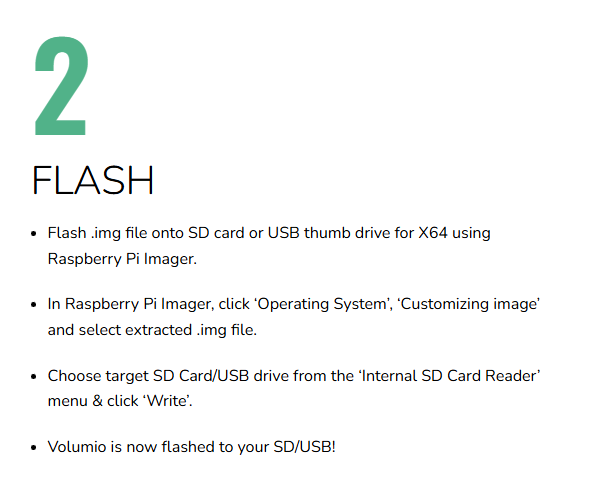
First don’t flash the image with Balena, Use raspberry pi imager. Balena has caused a lot of problems.
Don’t perform any additional settings within the imager, only flash the *.img file.
Once done:
Install the touch display plugin and let us know if it solved the problem.
Ok, good to know, i will give this a try tonight. I guess if I followed the guide here on Volumio’s site, I would have seen step 2, which explains to use Raspberry Pi imager. How come none of the guides on YouTube explain this? Or at least the ones I have watched. Note to self, get it straight from the horse.