Wi-Fi Subsystem Resilience Improved
Updated wireless to include fallback handling, improving reliability across edge-case wireless setups, including problematic USB Wi-Fi dongles and soft-block recovery scenarios.
Issue Reporting Streamlined
Added a structured hardware support request template targeting the Bookworm base. This enables clearer community feedback and faster triage by the development team.
Raspberry Pi
Firmware Integration for Pi Devices
Introduced firmware-volumio, a new bundle specifically tailored for Raspberry Pi devices. It includes updated Wi-Fi, Bluetooth, and SoC firmware required by newer Raspberry Pi kernels on Bookworm.
Build Pipeline Synchronization
Merged contributions from bookworm/pi and Bookworm branches to ensure consistency and reliability in Pi image generation. All Bookworm-based Raspberry Pi images now follow the same firmware injection logic.
x86
Expanded Intel Platform Support
Enabled Intel CNVi Bluetooth and LPSS features to support Gemini Lake and other low-power platforms with integrated connectivity subsystems.
Improved Display Capabilities
Enabled Kernel Mode Setting (KMS) and framebuffer for advanced display handling. This allows better compatibility with modern panels and embedded systems.
Audio Driver Additions
Added support for Realtek HDA codecs ALC663 and ALC897, improving compatibility with many OEM and embedded audio configurations.
Networking Enhancements
Enabled 88XXAU Realtek USB Wi-Fi driver to expand wireless device coverage.
Enabled full CIFS kernel support to allow broader SMB file-sharing features.
Added runtime rfkill recovery logic to better handle wireless reinitialization after suspend/resume events or BIOS-level blocks.
Known Issues:
ACPI controls such as mute, brightness, and function keys may not work reliably on some x86 devices.
Important: x86 OTA update to 0.067 is not supported due to partition layout changes. A fresh re-flash is required.
Thanks for your detailed report and log. I’ve reviewed your tDCZoUt log thoroughly and confirmed that your Realtek ALC897 digital interface (hw:0,1) is properly detected at the ALSA level, with no obvious driver or kernel issues. However, before proceeding with any fix or workaround, I’d like to request a few key details to help isolate the root cause without assumptions:
To help narrow down the SPDIF output issue, could you please confirm the following?
Was audio ever heard from the SPDIF port using either Volumio playback or via manual ALSA command-line tools?
What is the SPDIF output connected to? (e.g., amplifier, AV receiver, DAC). Some devices require specific sample rates or may not support PCM input from certain sources.
Was the correct output device selected in the Volumio UI? Please confirm whether the SPDIF interface (ALC897 Digital, typically hw:0,1) was explicitly selected as the playback output.
I was unable to type the commands
dmesg | grep -i rt2870
dmesg | grep -i firmware
as the bluetooth keyboard I have interprets | as >
I hope the logfile gives you what you need
Thanks for the log. However, this appears to be from an older Volumio 3.812 (Buster-based) system, which already works fine with your adapter. To continue the investigation, I specifically need this check performed on your 0.66 (or preferably 0.67) Bookworm-based installation, where the hotspot fails.
Also, there’s no need to use a physical keyboard to run the commands. You can use an SSH session instead, which will let you copy and paste commands without issues related to keyboard layout.
This will help confirm whether the firmware request is being suppressed or not triggered at all. Let me know once you’ve done this on the Bookworm version.
Thanks for confirming the hostname change and sharing the log.
The hostname issue appears resolved - there are no further resolution errors, so the system is now correctly identifying itself.
To proceed, could you please SSH into the system and run the following command:
ls -la /data
We’d like to verify the contents and state of the persistent data directory. This will help us check for anything unusual that might be affecting the update mechanism.
Let us know the output so we can continue debugging.
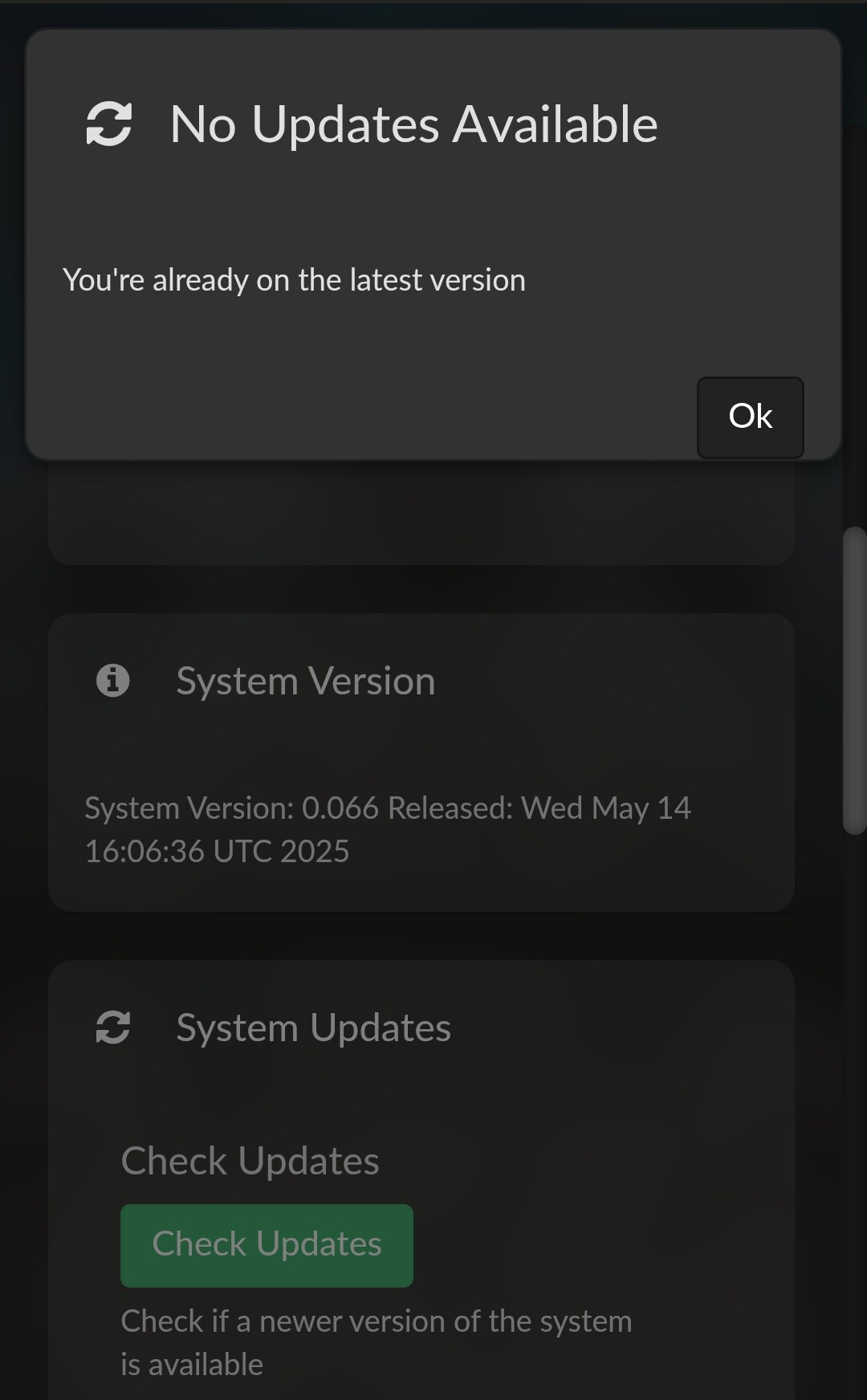
/data/test is created when you switch to Test Mode via http://<volumio-ip>/dev. It flags the system to look for test-tier updates during the next OTA check.
/data/test-alpha is bundled with image intentionally - it acts as a sentinel to prevent switching to production beta or stable channels, especially in protected alpha builds.
Having both at once can cause undefined behaviour in the update logic - which is likely why no updates were offered until /data/test was removed.
got three crashes (Tidal desktop Application crashes, playback on Volumio keeps running. Restart of the Tidal Application cannot find the Volumio device. Had to switch off and on the MyVolmio to make the device visible again.
Thanks for continuing to test this issue so thoroughly.
To help us better understand the system state at the time of these intermittent disconnects or stream failures, I’ve prepared a lightweight diagnostics script that captures key runtime stats every 5 seconds. It will run for up to 15 minutes (or until manually stopped).
cd /home/volumio
unzip collect-volumio-runtime.zip
This will extract collect-volumio-runtime.sh into the current directory.
Make the script executable:
chmod +x collect-volumio-runtime.sh
Run the script when beginning a test session:
./collect-volumio-runtime.sh
The script will log system info snapshots every 5 seconds to /tmp/volumio_debug_capture/.
It runs for a maximum of 15 minutes unless interrupted earlier with CTRL+C.
After the issue occurs (gap, reconnect, TIDAL crash):
Archive the output folder:
cd /tmp
tar -czvf volumio_debug_capture.tar.gz volumio_debug_capture
Then upload the .tar.gz archive.
This will allow us to correlate any potential system-level resource bottlenecks, I/O contention, or VTCS (Tidal Connect) session anomalies with your observations.
Hi Nerd
Tried 0.67 still no hot spot
log file http://logs.volumio.org/volumio/7tEWYgW.html
I couldn’t get SSH to work either.
Using monitor and Bluetooth keyboard. terminal declares sudo dsmeg : command not found ?!
By the way when i previously used 0.66 when I used SSH with command
The SSH session froze and never came back , which is why I used the monitor and bluetooth keyboard. I was hoping that the combination of monito/keyboard + SSH would enable me to fulfill your request. I will go back to 0.66 and try
Regards