I installed the new plugin and almost everything is working fine. There are some texts misaligned on my display (WS 11.9 DSI - 1480 x 320) that I’m trying to fix, b ut the problem is that there are some “artifacts” (I don’t know how to call them) that I can’t fix modifying meters.txt.
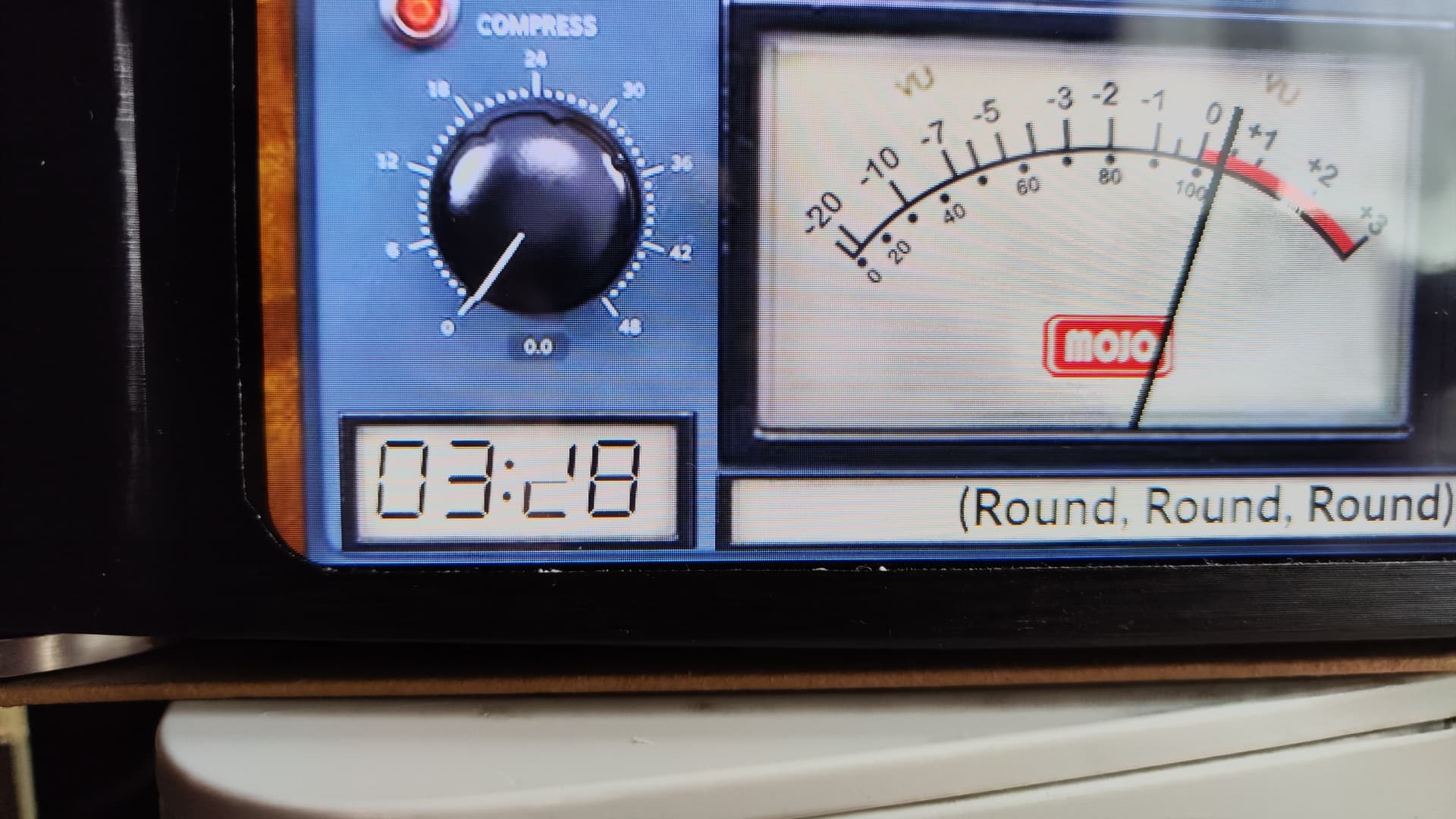
For example, in the AudioResearch template, I can’t get the remaining time to display correctly unless I set the font to 25. Everything over that gets cut in the bottom.
There are some other problems with remaining time in other templates (Accu Black, Klangheim Mojo, Krell KAS, Line Magnetic,… did not test all templates). It looks like not all the defined paint area is being repainted in some cases, and in others it seems like something is painting over this area.
There are small problems with some other templates, i.e. in the Advance X220 template the artist text is cut down from the middle. Or repainted strangely.
I’ll try to fix all this and if anyone wants the fixed (for me at least) templates, I’ll upload them somewhere. I just need someone to point me in the right direction about where to look for this problems. I’m no programmer, but I can learn .
Thanks in advance.
Angel
Edit. The text fields problem seems related to the foreground file being repainted over the text (which is not repainted). At least this is what I see in the Naim template
Guys… this isn’t a full‑fledged release. This is a concept.
As in: it’s basically a sketch on a napkin that somehow escaped into the wild.
If you’re expecting polished features, you might want to sit down, it doesn’t even have rough edges yet, just theoretical ones.
It’s functional for about 95%, which for a concept is more then acceptable.
It wouldn’t hurt to read a few posts back… they contain answers, plot twists, and maybe even enlightenment.
I installed peppymeter on VolumIO 4 using the foonerd repository and the instructions. It works fine with some templates, but it doesn’t update the remaining time on some templates, and on others it doesn’t update it at all, but it still displays the current play time at the time of start of the plugin.
I imagine it could be due to the different image processing speeds of one template versus another.
I’ve checked the parameters in the Meters.txt file several times, and they seem fine and error-free. Any suggestions? Is there a plugin log?
I’m very satisfied with what I have, despite several skins (both original and Gelo5) not functioning correctly. I spent yesterday filtering them and kept only the ones that work—more than 20 at 1920x1080. This is sufficient for a beautiful PeppyMeter display with full metadata. I’m also pretty sure the community will fix the remaining issues over time.
Great stuff. It working on my system as well.
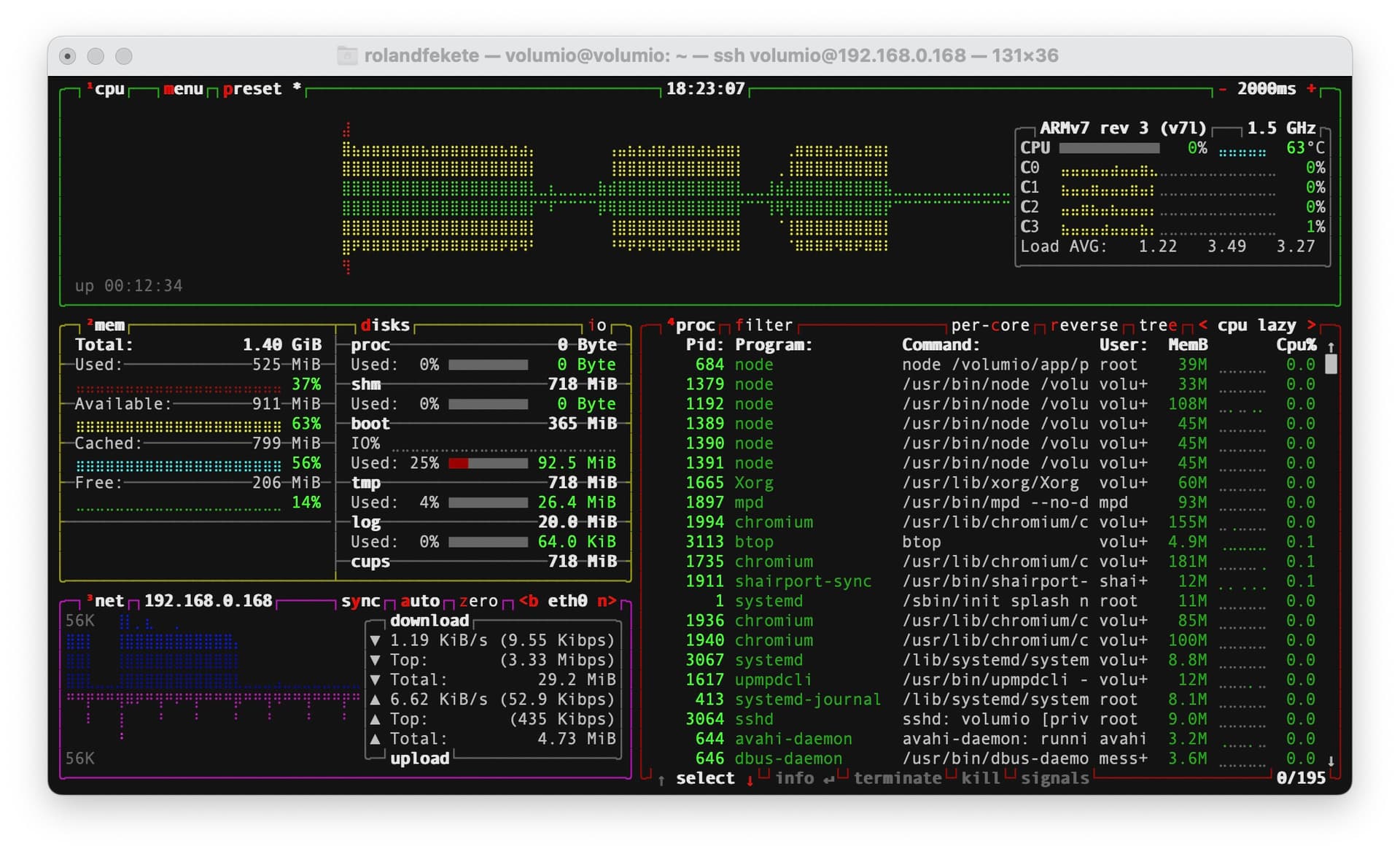
Just a little feedback. On my system (4.073 brand new clean install) the needles are a bit lagging even if I change the “smooth needle” speed. I also noticed when I playing and the peppymeter screensaver starts the cpu usage is around 40-50%. I’ve put the 3.xx card back, and the cpu usage was aroun 5-8%. Has anyone else noticed this?
I see in the right top corner armV7 rev 3. That’s a rpi2?
The rPi2 has already a full job, running bookworm, so adding peppy it doesn’t surprise me.
rPi2 + Bookworm + Peppy is a no-go.
also no 64bit volumio is in it?
Thats fine I will wait for an other update. I didn’t want to put a fan in my setup…
Thanks for your work and help. great jobb
It turns out this plugin and its options grew a lot faster than any of us expected, Peppy has been, well… a bit too peppy!
To keep things organized (and to give Peppy the space it clearly deserves), we’ve created a brand‑new dedicated topic for Peppy for Bookworm.
We’ll be closing this thread, as we don’t anticipate any further updates here.
Feel free to hop over to the new topic, Peppy will be waiting there, probably with even more surprises.



 .
.