The steps are as described. Note that PeppyMeter 2.2.1 should be fully installed before installing Python 3.7 to ensure all settings are correct and effective. After installing Python 3.7, you need to install all the third-party packages required by PeppyMeter 2.2.1.
All,
Seems @Lee.Yan is not willing to provide the exact steps to do this, as it is not just installing Python3.7.x along side with Python3.11, without breaking anything. It needs to be done in a virtual environment etc.
If you decide to go on trail and error base, be prepared to reflash and start from scratch.
Not working! 
2 posts were merged into an existing topic: [Plugin] PeppyMeter/Spectrum Screensaver for VOLUMIO Bookworm
I have provided a clear solution. If you cannot implement it, it simply means there is a deficiency in your Python usage. I am currently enjoying the benefits of Volumio4 & PeppyMeter. I wonder if it’s possible to share videos in this community? If so, I can share the joy of Volumio4 & PeppyMeter running perfectly via video. (I reiterate that my implementation is based on the x86 platform; I do not have RPi5 hardware for testing and cannot provide RPi5 implementation steps.)
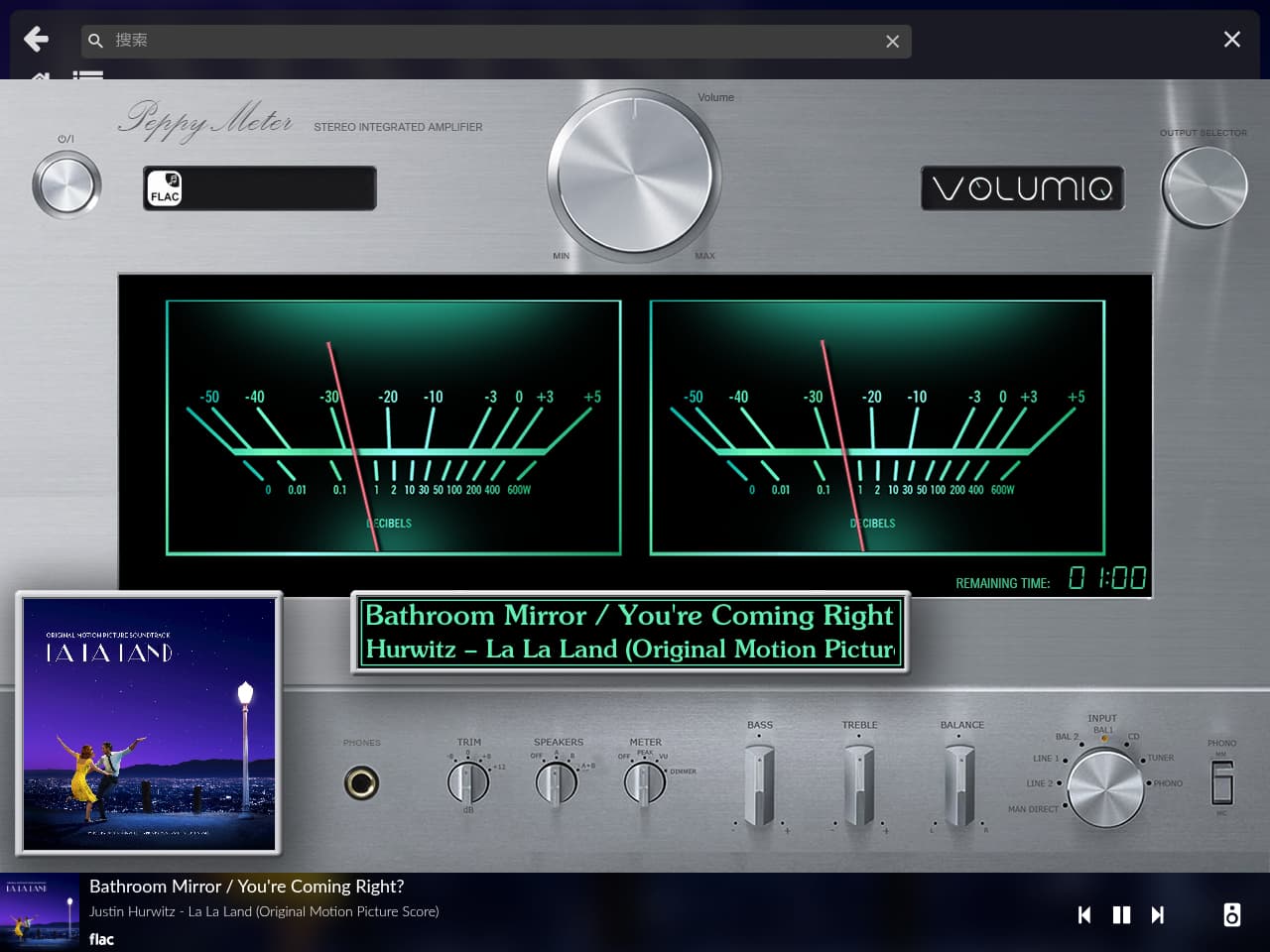
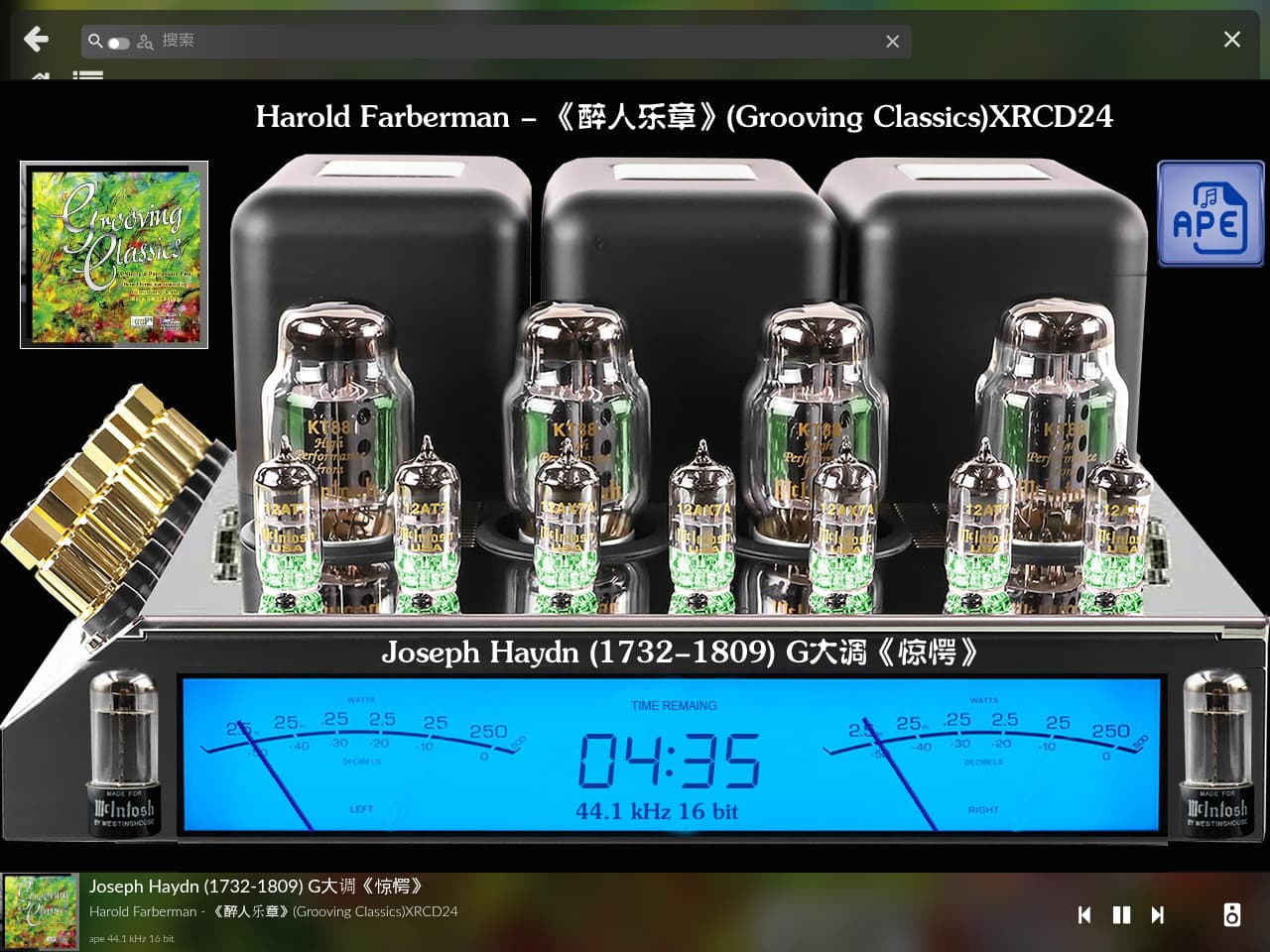
The steps for your x86 build served as a great guideline for the RPi. I managed to get PeppyMeter (2aCD version) running on the screen.
What works:
- I have the PeppyMeter screensaver running, and the meter/spectrum is moving.
- Pressing ‘Play’ activates the screensaver after the timeout. Pressing ‘Stop’ returns to the standard interface. Pressing ‘Play’ again triggers the screensaver with a different skin.
What doesn’t work:
- No metadata is displayed at all.
- The screens do not cycle to the next one, even though I have it set to “Random” and “Interval” to 25.
What I did: I installed Python 3.7.9 and Pygame 2.6.1. (Don’t ask me how—I followed Gemini’s instructions, and it sent me back and forth until I confused myself!  )
)
This is why I love the Volumio community. It’s all about SHARING!
HW: RPi5/4GB
Screen: 15.6" 1920x1080
Dac: Topping D90 iii Discrete
Volumio: v4.074
PeppyMeter ScreenSaver (2aCD) v2.2.1
PeppyMeterBasic: Turned Off
Touch Display: 3.6.0
I’m very glad that this was helpful to you, and congratulations on your progress!
I ran PeppyMeter 2.2.1 almost perfectly on the x86 platform, with natural and smooth transitions between music tracks.
Please share your step by step on how you implement this on your x86. These would save us a lot of time tinkering around.
Thank you.

3 Likes
In my case it’s very clear I have a deficiency in my Python usage, I am not a programmer at all. I understand that we should use PyEnv, and I’ll try to do it, but @Lee.Yan, it really should be easier for all of us if you could share your experience.
Anyway, I’m going to try to learn about PyEnv. If I find the way to make this work I’ll try to explain it here.
Regards.
Angel
1 Like
How about we politely ask the developer to upgrade to version V4 instead of just guessing and trying?
I have a feeling the updated version will be released soon—or at least I am really hoping it will!
I am a big fan of this plugin. It is the only reason I have not upgraded to V4, but I did try V4 and it is more stable and quicker than V3.
1 Like
@Wheaten
I knew it, I knew you would understand my last comment! (gif)
It had to end this way! If @nerd joined @wheaten, it would definitely work.
oh no no, I love my wife - I like and respect my colleagues 
Hey Grzegorz, I  you too!

2 Likes
2 posts were merged into an existing topic: [Plugin] PeppyMeter/Spectrum Screensaver for VOLUMIO Bookworm
Works without problems (v.3.0 by wheanerd)
TY
Edit:
only Random (on title) and Spectrum( if it is alone without meters) does not work
2 Likes
Thanks a lot for the hard work
Would you pls let us know why there are 2 version foonerd and wheathensudo ?
Do we need to do also the Prepwork or only install it ?
Thanks
@Lintbf
just 2 forks for the same, pick either one of them.
I never mentioned you need to install the prepwork, you need it if you want to make changes.

1 Like