And you have a competent answer.
Hi Falk and Grzegorz,
Thanks for answering this one.
Then “Now Playing” comes in, as I can overlay the cover image with 50 shades of black. In this case the background of peppy won’t be that dominant.
And it’s for sure no show stopper 

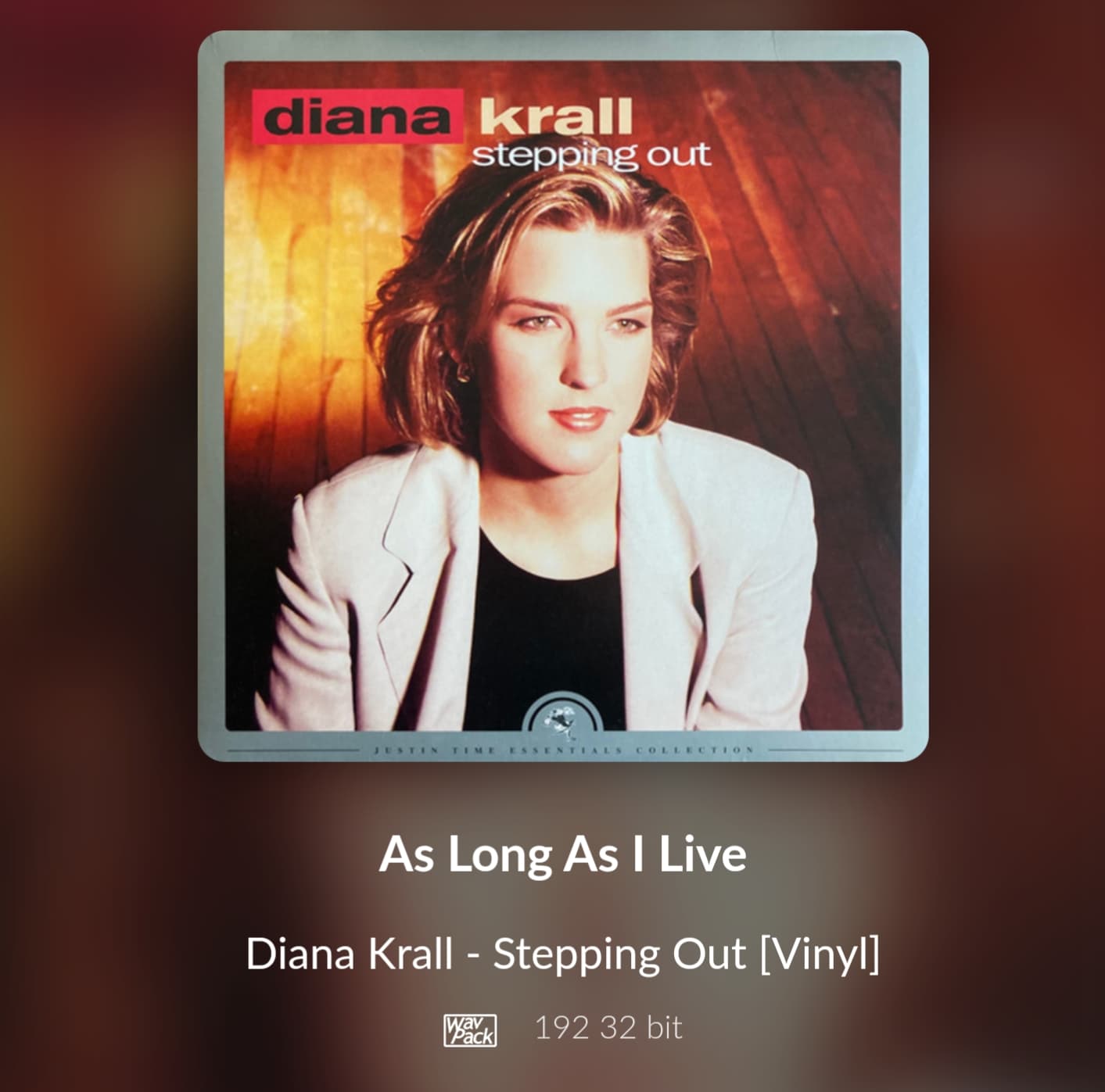
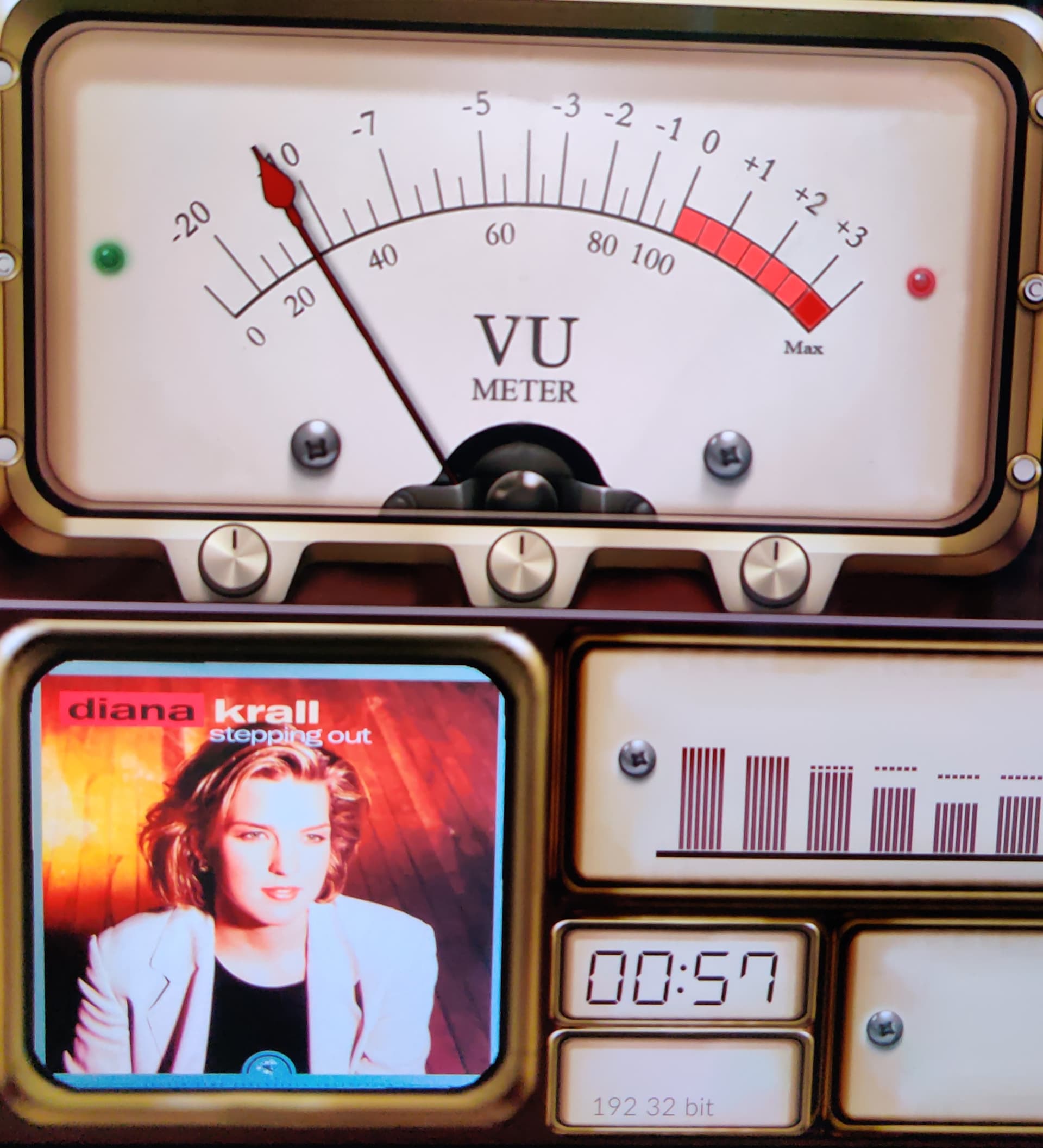
Yes just did on your screenshot 
Hi all,
I have just installed Volumio and PeppyMeter and all went well its beautiful I am a Sony nut so had to have the 120 skins for Peppy but have tried to install twice with FileZilla but cant see a Gelo folder 1920 x 1080 after transfer and a reboot plz help!
and you copied them to?
And you did a reload of peppy (plugin off and on again)?
I copied them to the folder on the post for the 120 skins and watched Andys YouTube video it says where to put them Im sorry if im posting in the wrong place wasnt sure if help or here was correct
I have exactly the same issue, brand new install on RPI5/NVE today, Peppy Meter works brilliantly but despite two attempts and multiple restarts I can not make Peppy Meter see the new Gelo5_1024x600 skins copied across to the two folders as described - what am I missing?
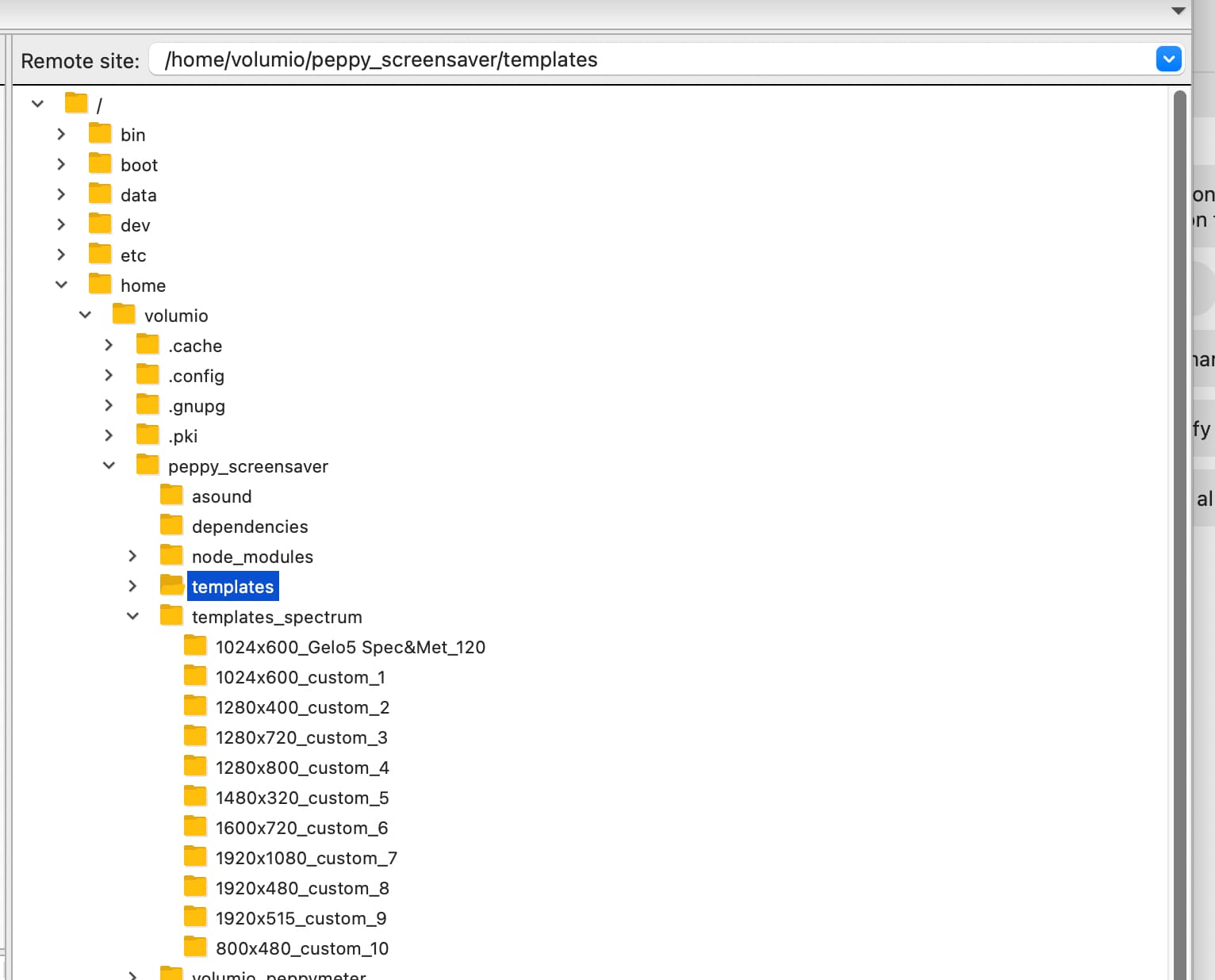
Hi Gelo5, thanks for getting back to me I appreciate that. Please see attached screenshots showing the location of the skins on my install.
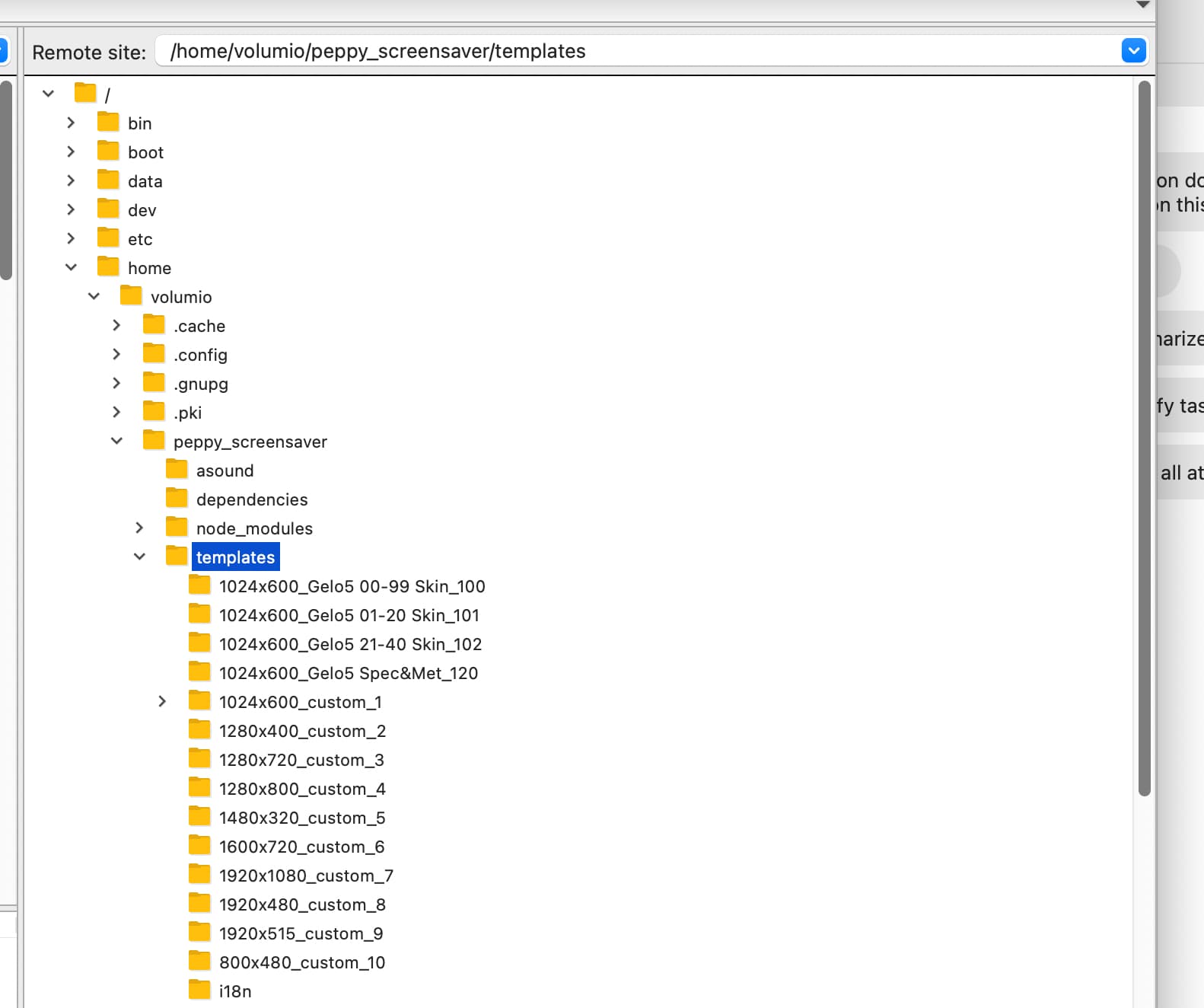
Cheers
MarkZ
No, no…
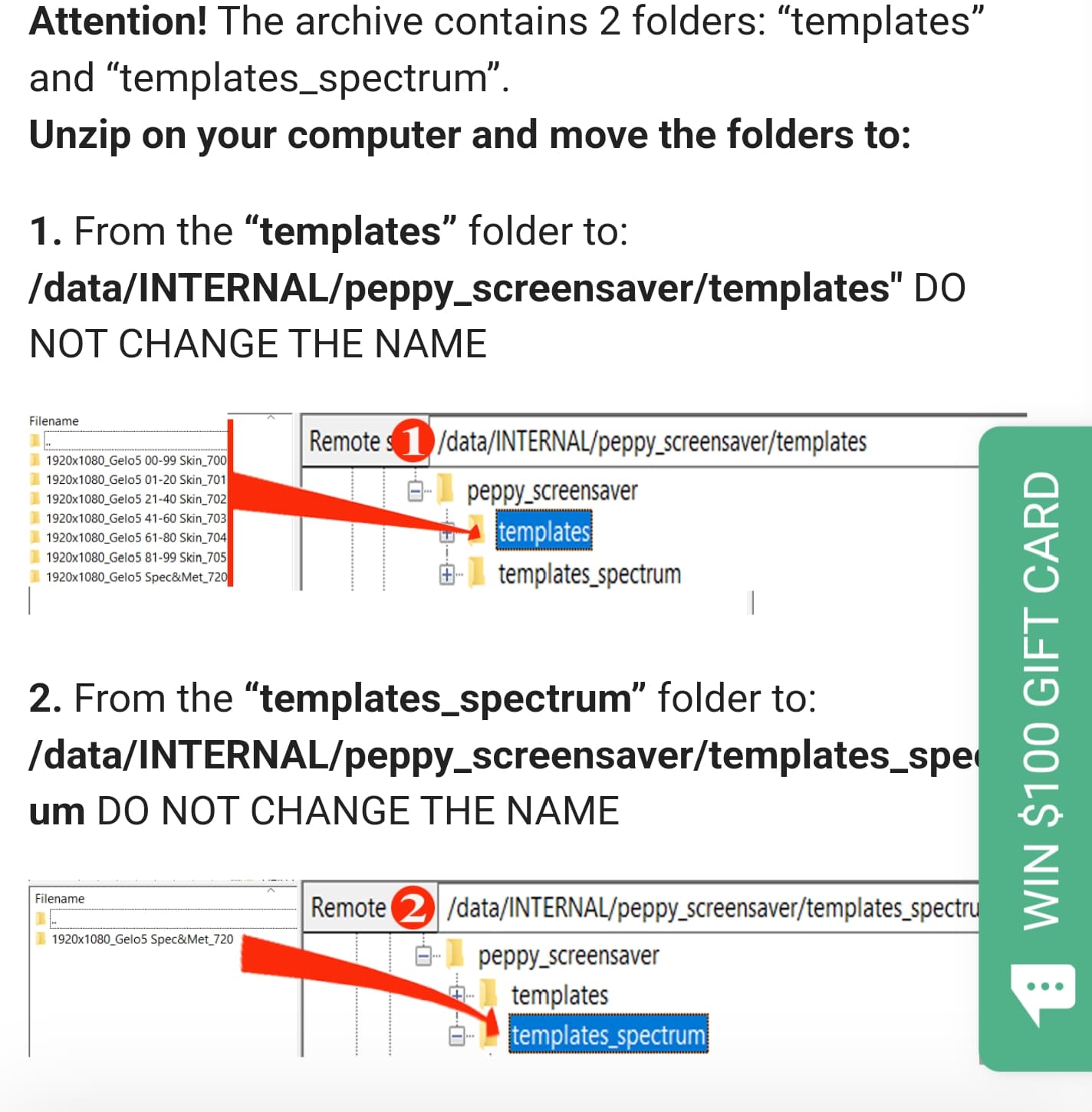
This is not a place as I described!!! home/volumio???
click on my Avatar and read carefully where to copy!
probably @HiFiGuy made the same mistake. That’s why I asked for a photo.
1 Like
Hi Gelo5,
All good now and thank you, my silly mistake made late at night. These skins are fantastic!
Is it possible to fine tune the needle settings, if possible increase the attack time - on my display the needles seem a little ‘sluggish’.
Cheers
Mark Z
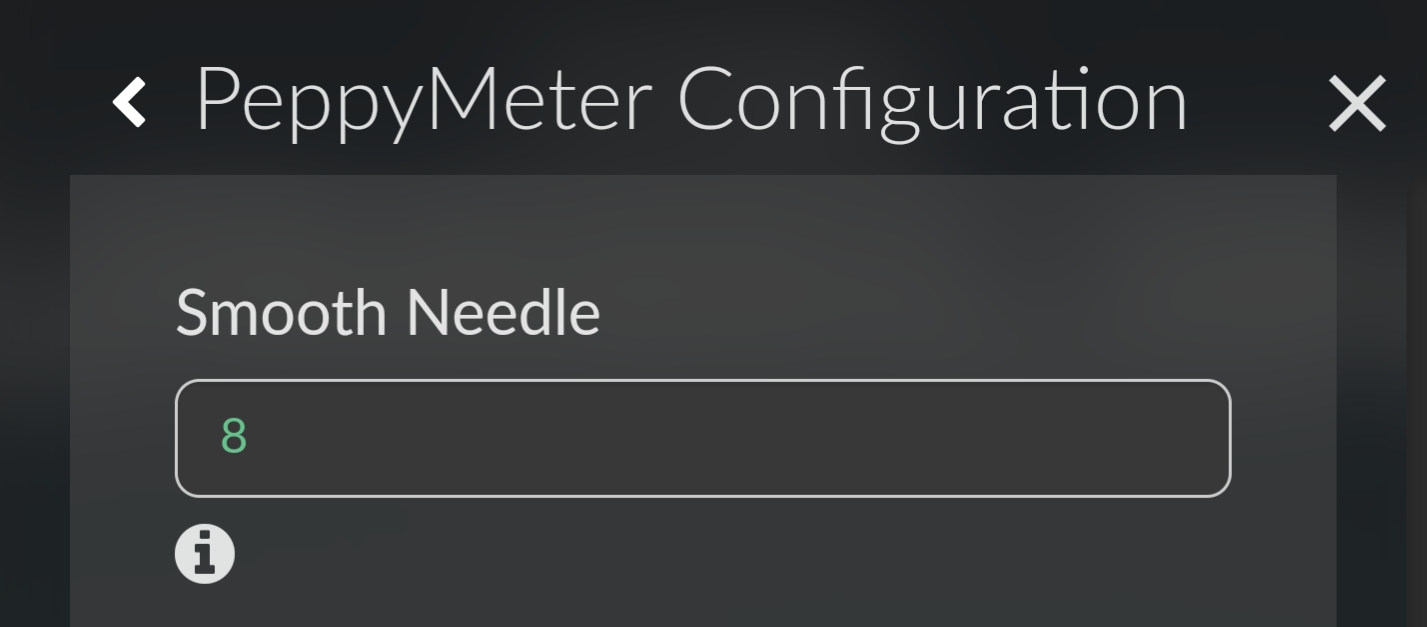
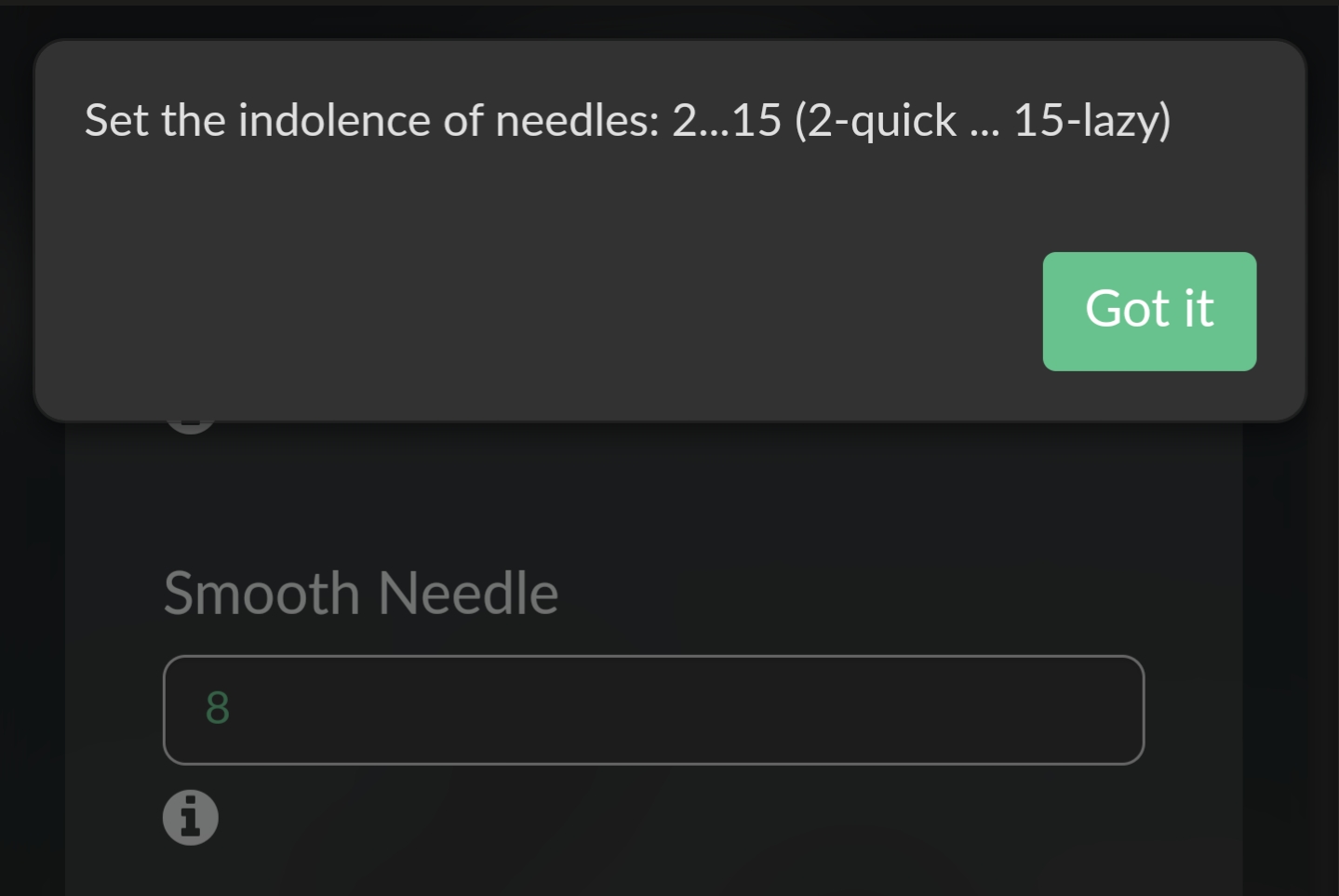
Thanks - I’d tried this but hadn’t realised the effect wasn’t immediate, sweet spot on my display is now set, thanks again for your help.
Cheers
Mark Z
It’s my pleasure.
No joy here didnt reply last night as I was trying again the folder seems to be correct when I tried again now FileZilla asked if Id like to overwrite similar files I rebooted Peppy before rebooting the Pi4 any other things it might be?
Still you haven’t provide any info, but only it’s not working. We can’t support you this way.
Where to copy? Show screenshot!