Thank you Gelo5, disable and enable plugin works, no need to reboot.
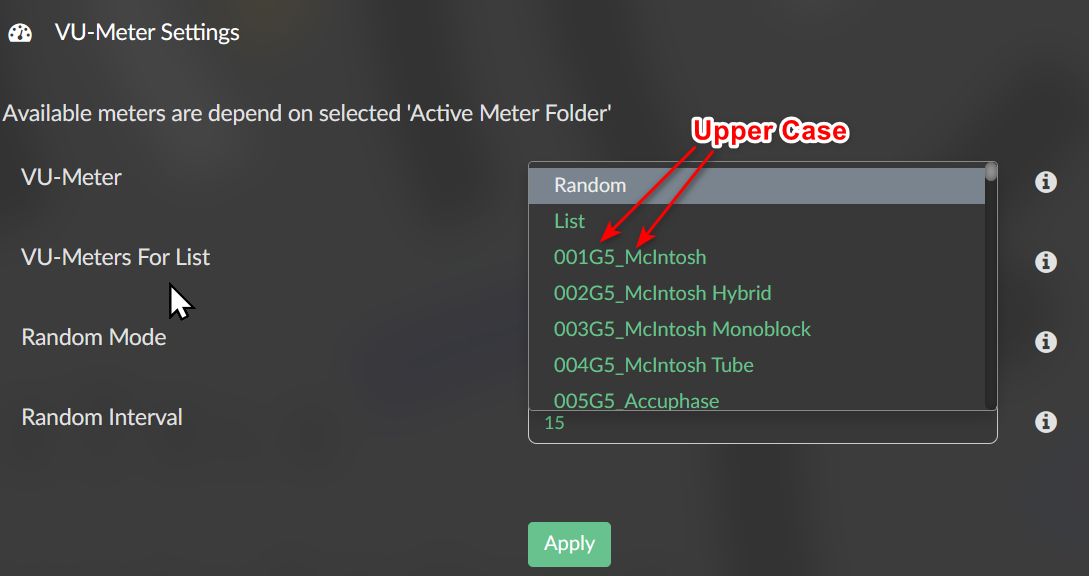
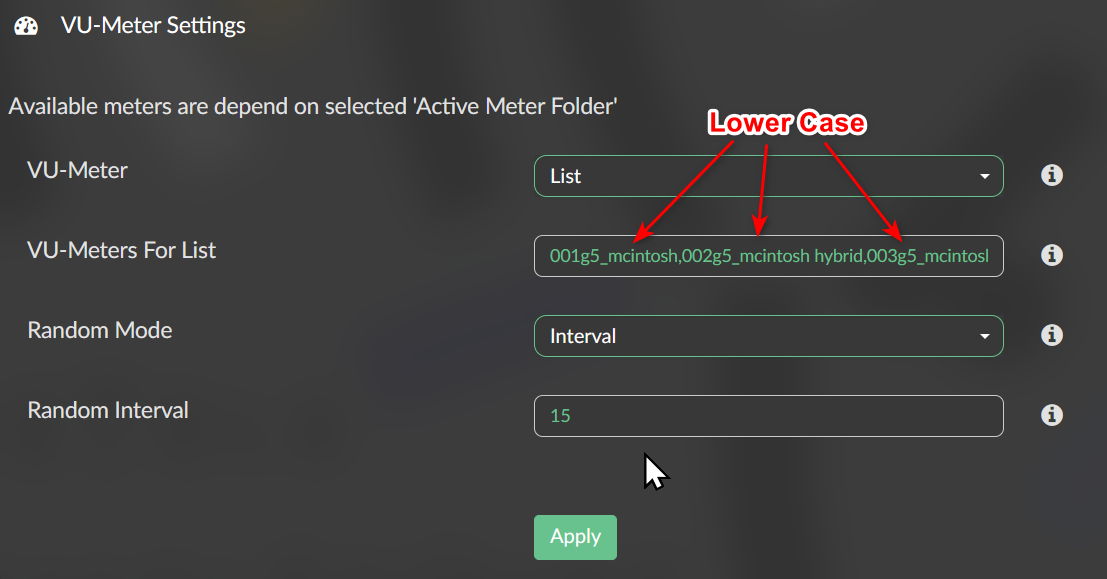
For LIST mode “black screen”, I found sometimes it will convert the skin name from upper case to lower case, so it will not find if your skin name is upper case, and cause the black screen.
The default 1920x1080_custom_7 use all lower case skin name, so it will be ok in the LIST mode. But Gelo5 99 skins name use some upper case, if I change all the 99 skin name to lower case in meters.txt, it will be OK without black screen in LIST mode. I can view about 62 skins without crash ( I think it maybe the maxium skin number ? )
I don’t know if only me has the “upper case to lower case” problem in the LIST mode ? At first it’s normal, but if you apply change and choose LIST mode again, it sometimes become lower case…
Random and One skin mode can use upper case skin name without problem.
Oh my god ! I am so sorry !!!
Don’t know why I type your name wrong…
Thank you for your creation Gelo5, I love every skin you made, it looks so cool, although I don’t have anyone of the real machine.
thank you !
My father has a Tape Player “Nakamichi 700” long time ago, when I was a child, I often press the machine’s buttom…I have found it in the 1920x515, it a good memory, thank you.
I have a question
If I play a song, the peppy meter screensaver starts after xx seconds, if I interrupt the song playing, the screen will quit peppy screensaver and back to “now playing” volumio screen.
But if I let the song play throughout over without interrupt, when it finished playing, no more song in the quene and it stopped, the screen will stay at peppy meter skin screen, no needle movement ( because no song play ). Is it normal ? Or it should back to “Now playing” screen when song is over ( just like I pressed the “stop” button to interrupt it ) ?
Because if I use random/list mode and set interval to 15 second, the peppy meter screen will still change the skin when song is over. Should it back to “Now playing” screen if no song paying ?
Hi @dewen
yes that’s normal. No event is created by Volumio that I could evaluate. The song is furthermore in status play.
So I have no chance to know, when the song is ended, to stop the screensaver view.
@2aCD Thank you for your quick reply !
The “Now Playing” plugin can detect “song is not playing” after a period of time and go to “idle screen”. I wonder if Peppy Meter can detect it, then it will work ?
Then I enable it, but it seems no response, the screensaver not start after a period of time.
I have set “No Screensaver while Playing” On.
Also tried 1.4.2 but the same result.
If I use 1.5 with Volumio 3, it works.
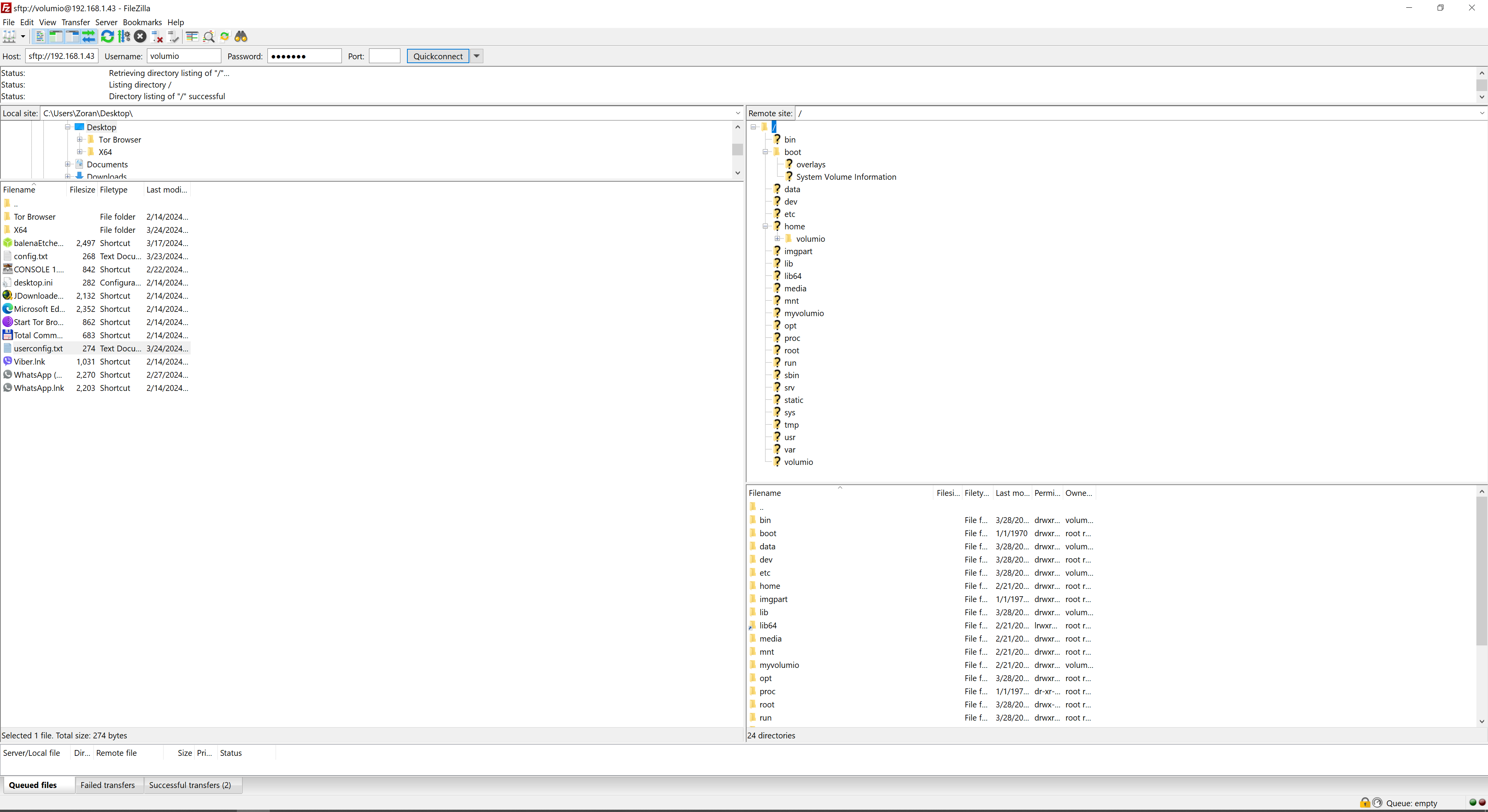
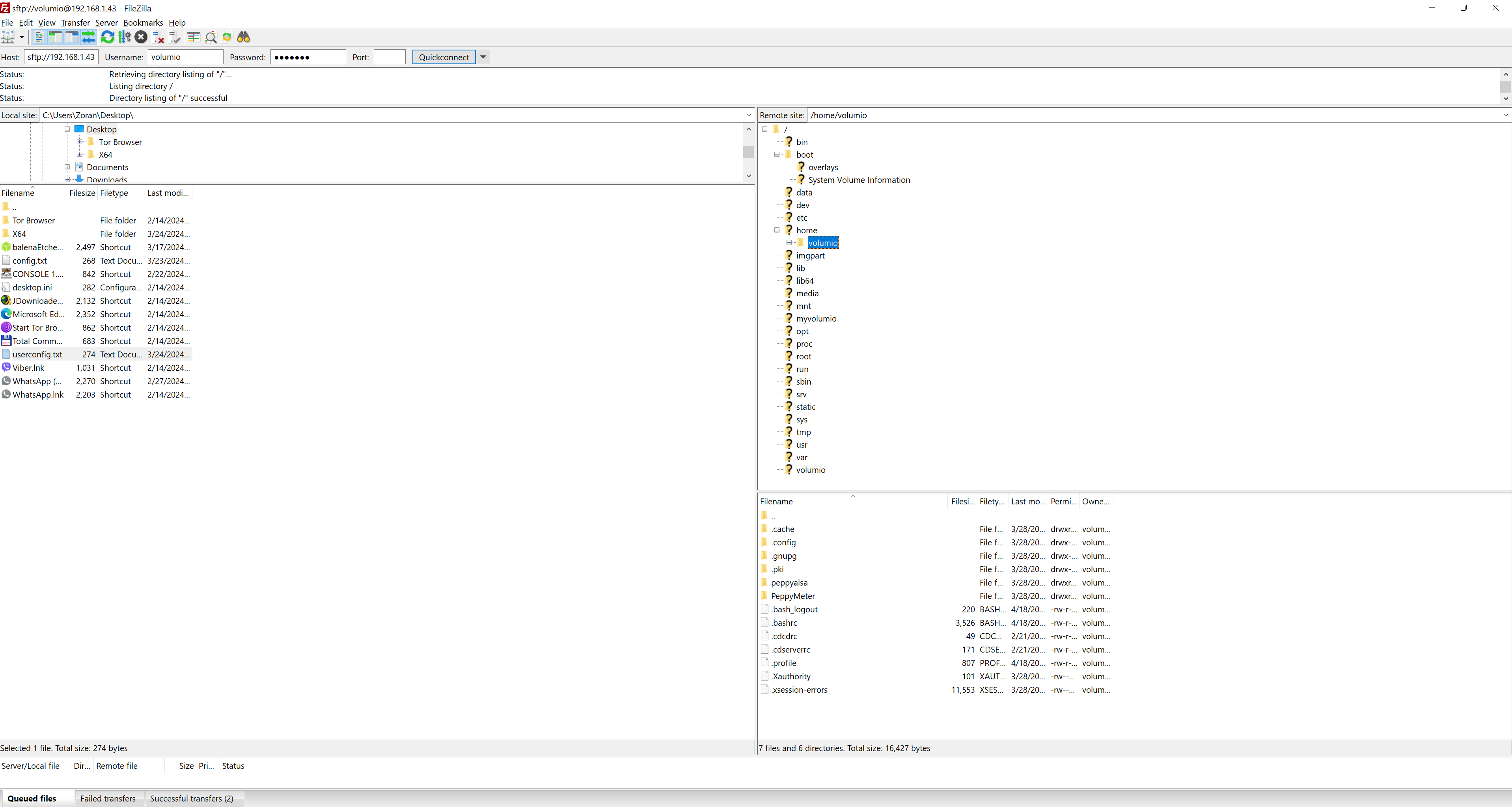
I found there is no peppyalsa directory in /home/volumio
I tried manual command install but failed in
“autoconf && automake --add-missing” with some error.
Is there something I can do to success install PeppyMeter Screensaver on Volumio 2.x ?
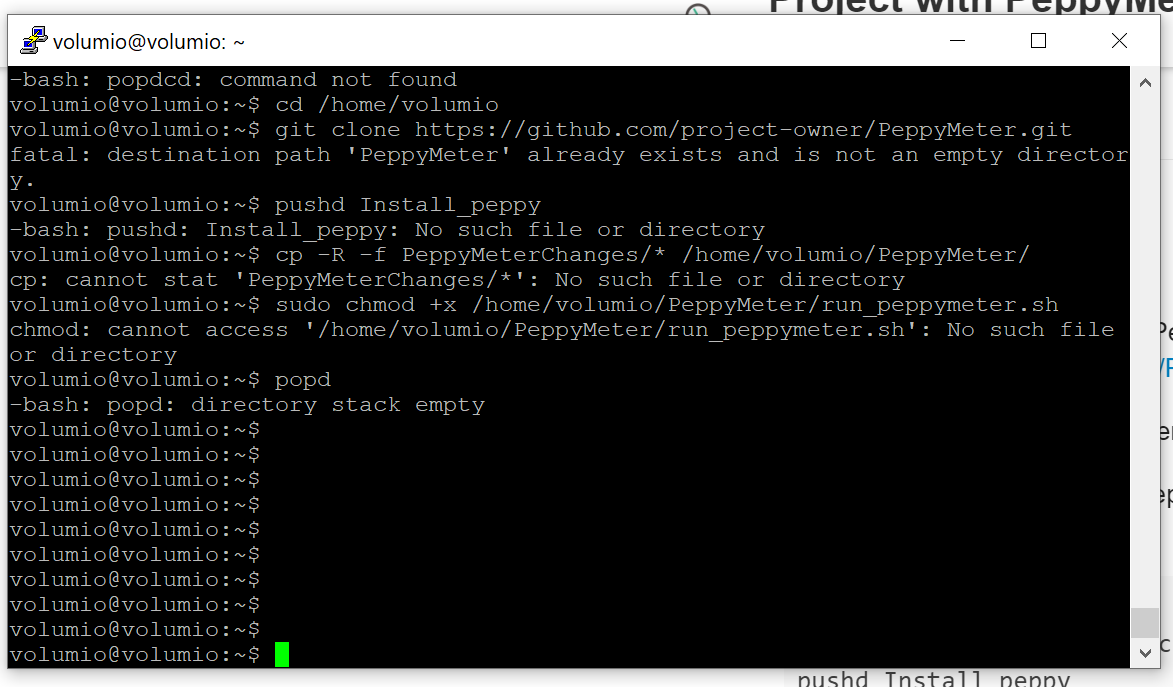
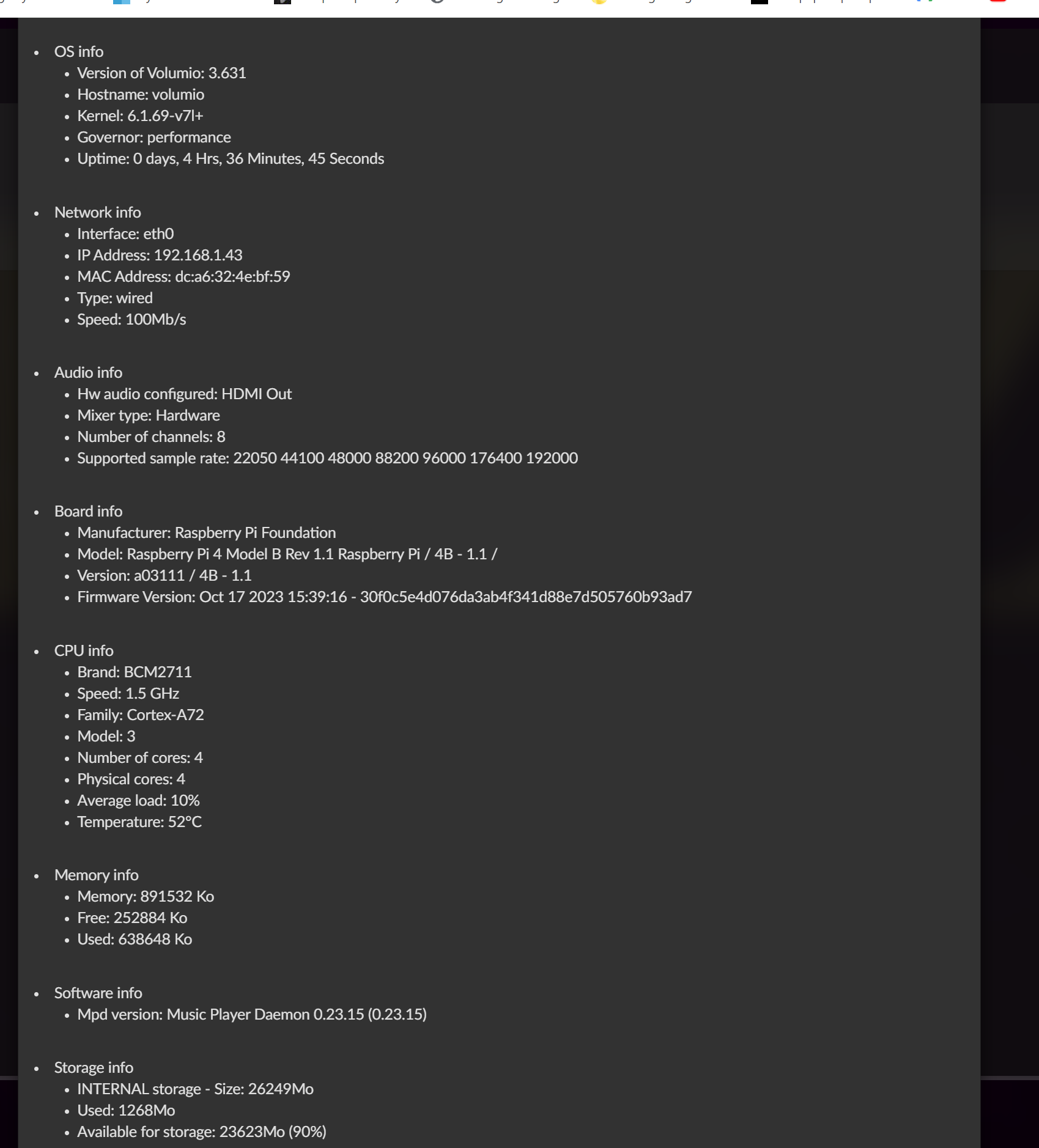
I can’t install the Peppy meter from post 7, I put a picture so you can see what’s happening. Raspberry pi 4 I have also uploaded a picture so you can see which system it is.