Hi and Happy New Year from Denmark 

I have just picked up the Primo Plus today. Right out of the box it sounds great  But I’m surprised that Primo Plus is not yet Roon Certified.
When is the Primo Plus expected to be finally certified?
Hi and Happy New Year from Denmark
I have just picked up the Primo Plus today. Right out of the box it sounds great But I’m surprised that Primo Plus is not yet Roon Certified.
When is the Primo Plus expected to be finally certified?
Hi! In fact we completed certification. We are in touch with Roon to get this sorted ASAP
Sounds promising 
Dear team Volumio
Any news regarding the time horizon for the Primo Plus getting its final Roon Ready certification?
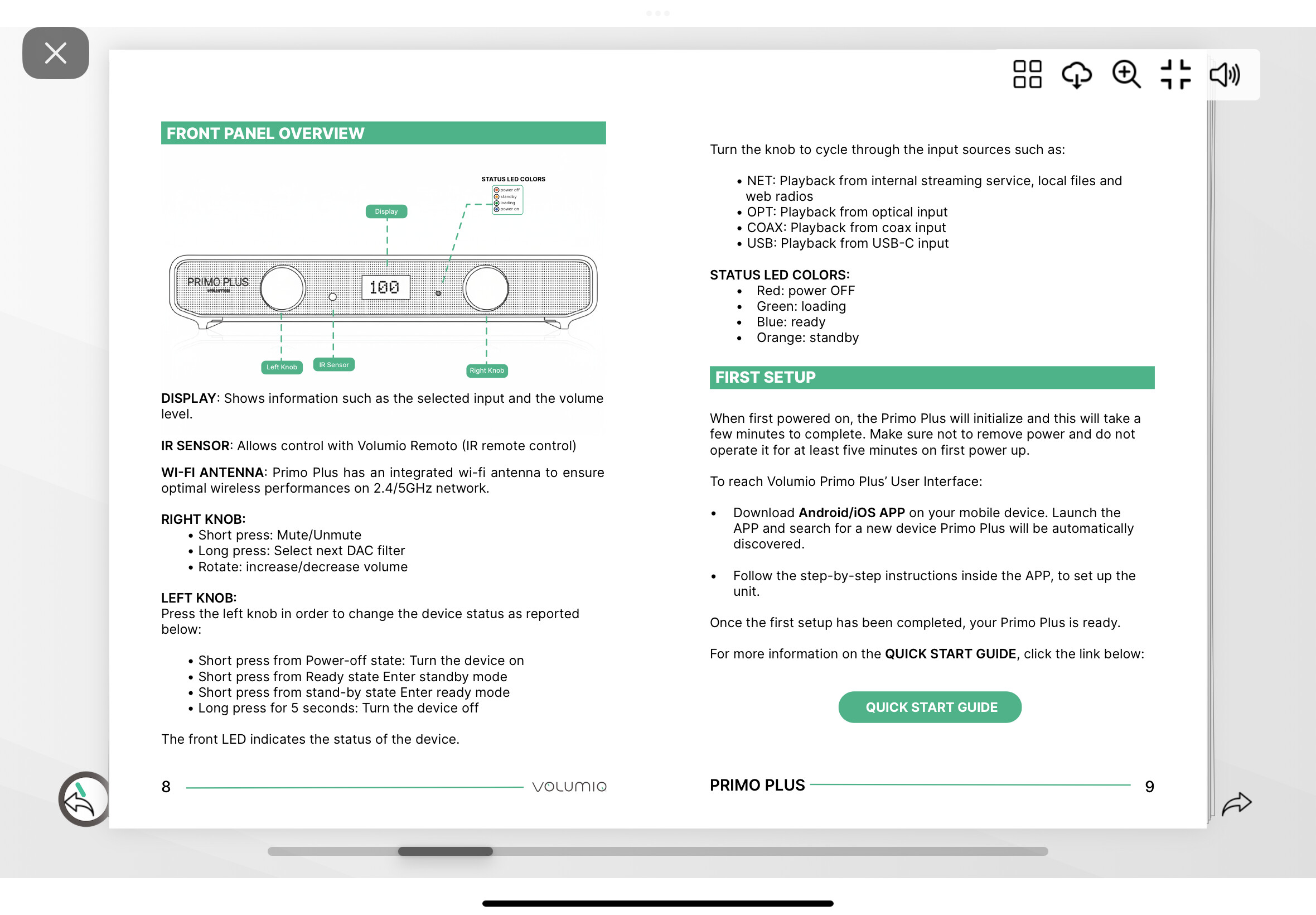
Another thing. My unit doesn’t light orange when I press the left knob to go in standby mode. Same goes when I press standby in the Volumio app. It just goes red as though the power is off!?
could you please check now? the problem should be solved
Hi Darmur
Unfortunately not all 
Roon Ready Certified is working 
But in standby the led is RED not ORANGE as it’s supposed to be according to the manual. Is this normal?..… Can You please confirm if this is as it’s supposed to be or not? 
please perform this test:
if all three colors are shown is this sequence, it means the RGB LED is functioning well and the Control Unit is able to select all the colors. if not, it is a HW issue related to the LED, you can contact our customer support for a RMA
I have done the test
Yes all three colors are shown.
My question is if the LED should be orange or red in standby mode? The manual says orange but mine is red
it’s a quite dark orange, quite close to red (maybe too much)
I think you’re right, I’ll make it a bit lighter in the next MCU FW update, thanks for the feedback
could you please try with the new test-version 3.896?
you must enable test mode and perform an OTA update.
please revert to the stable channel again after the update has been finalized
Hi Damur
I’m already on 3.896
It’s just a color. Just wanted to make sure nothing was wrong as the orange is so close to the red color. You confirmed that setting is fimmware related. Right now I just enjoy the Primo Plus listening music and being VERY SATISFIED - What a fantastic pease of equipment 
I think I will wait for Your next firmware update - until then I will enjoy my new purchase
Thanks for making such a great streaming/DAC Team Volumio
BTW I have owned the Rivo and Motivo in the past. Trying other brands in between. But somehow I’m always returning to Volumio. Up until now the Primo Plus is my absolute favorite Volumio product and an absolute gem 
I already made the orange color a bit lighter on the new MCU firmware 3.896, could you please double-check if the FW VER is now 0.5.3?
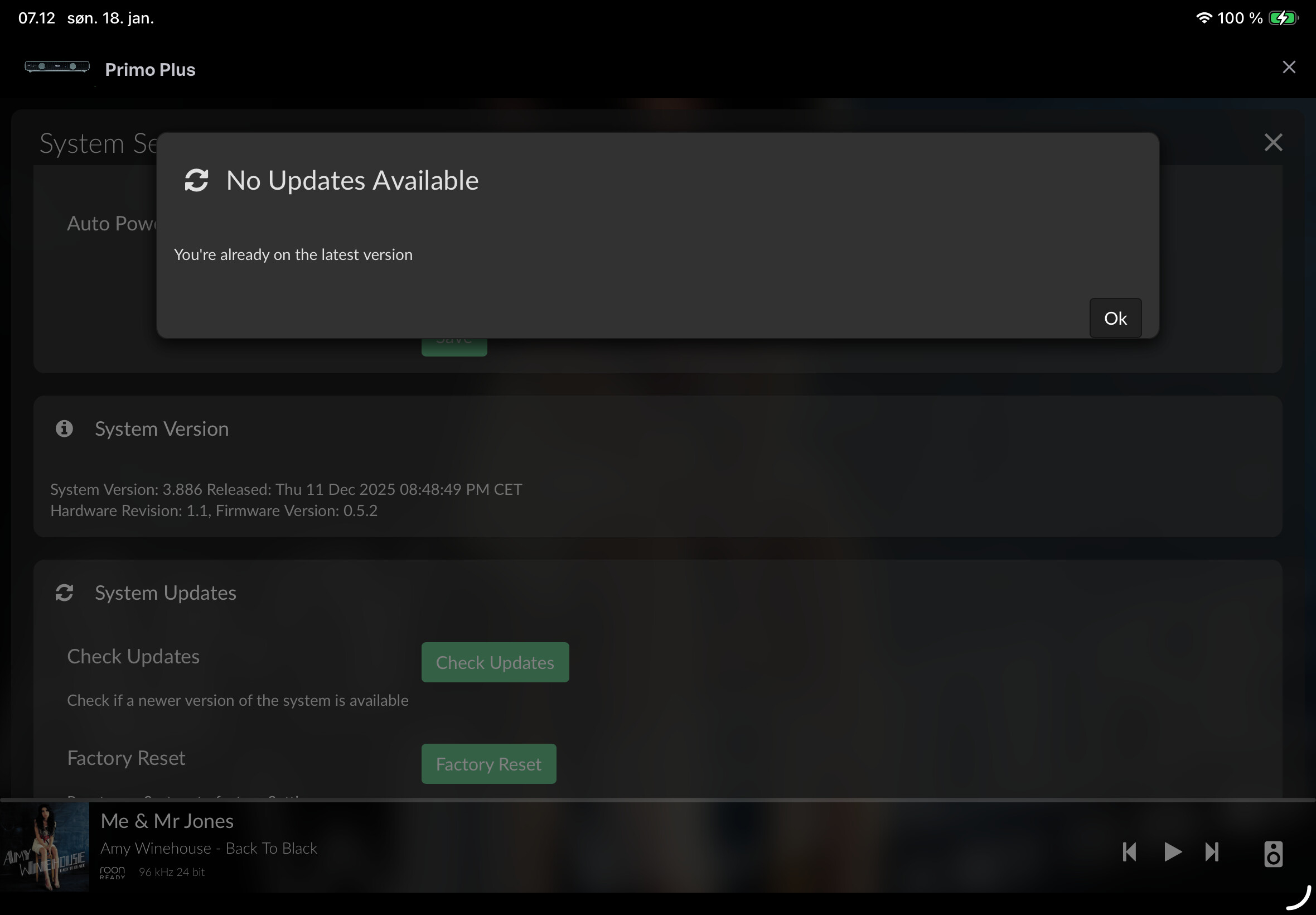
It’s 0.5.2
If I press update it’s saying that I’m on the latest version
could you please post a screenshot that shows the OS and FW version altogether?
like this one
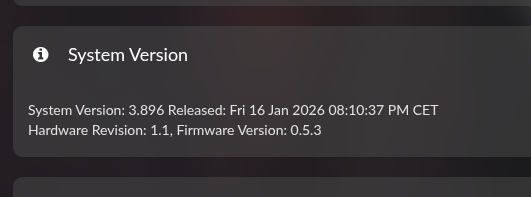
Ok that’s why, you are still on the latest stable version (3.886), the new MCU firmware is included with the latest test version 3.896
please enable the test channel from the /dev page, the perform an OTA update
after the reboot, the MCU firmware will be updated to the version 0.5.3 (you will see the corresponding message on the front display), that will make the orange color lighter.
Please re-select “stable” channel afterwards, and let me know the outcome
Solved…. Thank You Darmur 
Hi Damur
I suspect there is a bug on version 0.5.3.
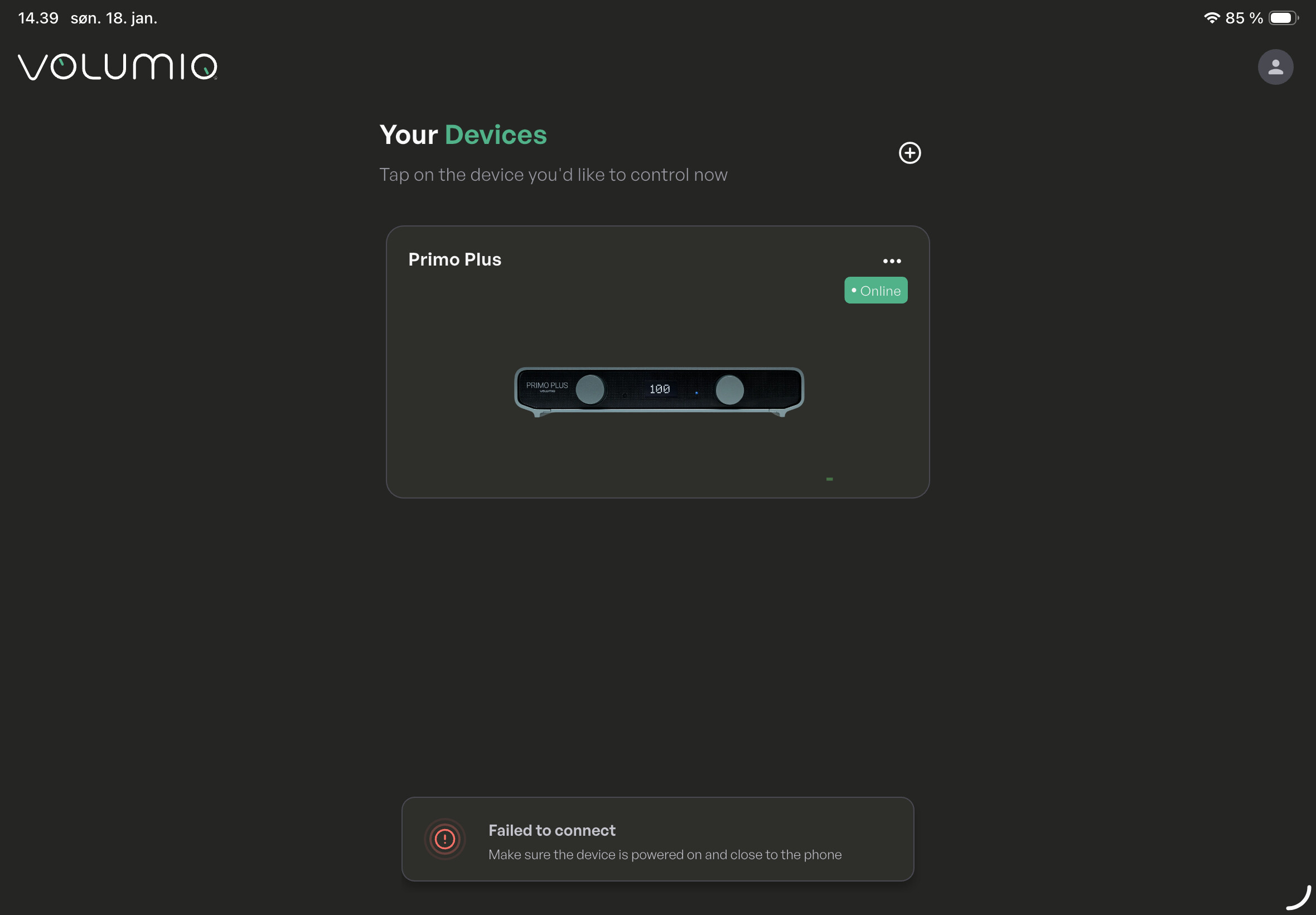
Would like to go back to back to 0.5.2 as there suddenly is a problem when I want to enter the Volumio platform. Primo Plus is online but I’m getting a “failed to connect”
Can you remove the Primo Plus (3 dots), close the app and try again?
Hi,
I did the OTA and tried to do this on my Rivo+, but it does not help, no restart/poweroff/reboot solves it. I can only reach the Rivo+ through the web browser.