I recently found the Volumio 4 update. This looks promising for the future.
I installed it on some of my Volumio units. Most look fine. But on the Raspberry 3B+ I get some errors installing the Touch display plugin. Installation takes some time but eventually ends well. After starting the plugin I get some error messages and no display. If I try to deactivate the plugin the full interface restarts, startup sound plays and I got a notice player successfully restarted. But the connection is still there all time and it seems to just be the interface. Same happens if I try to uninstall the plugin. I thought there was some issue in installation so I’ve tried 3 times now with same result.
I understand it is hard to say anything without any logs, don’t have any available at the moment. But maybe you have seen same problems before?
Second problem (pi4B 4GB) is on a bigger, 4k (3840 x 2160) touch screen Everything works, but I get black boarders on both sides and the touch screen represents the full screen, which makes touching quite a bit of in the edges. I’ve tried to modify resolution settings etc. but nothing seems to take any effect. Any suggestions?
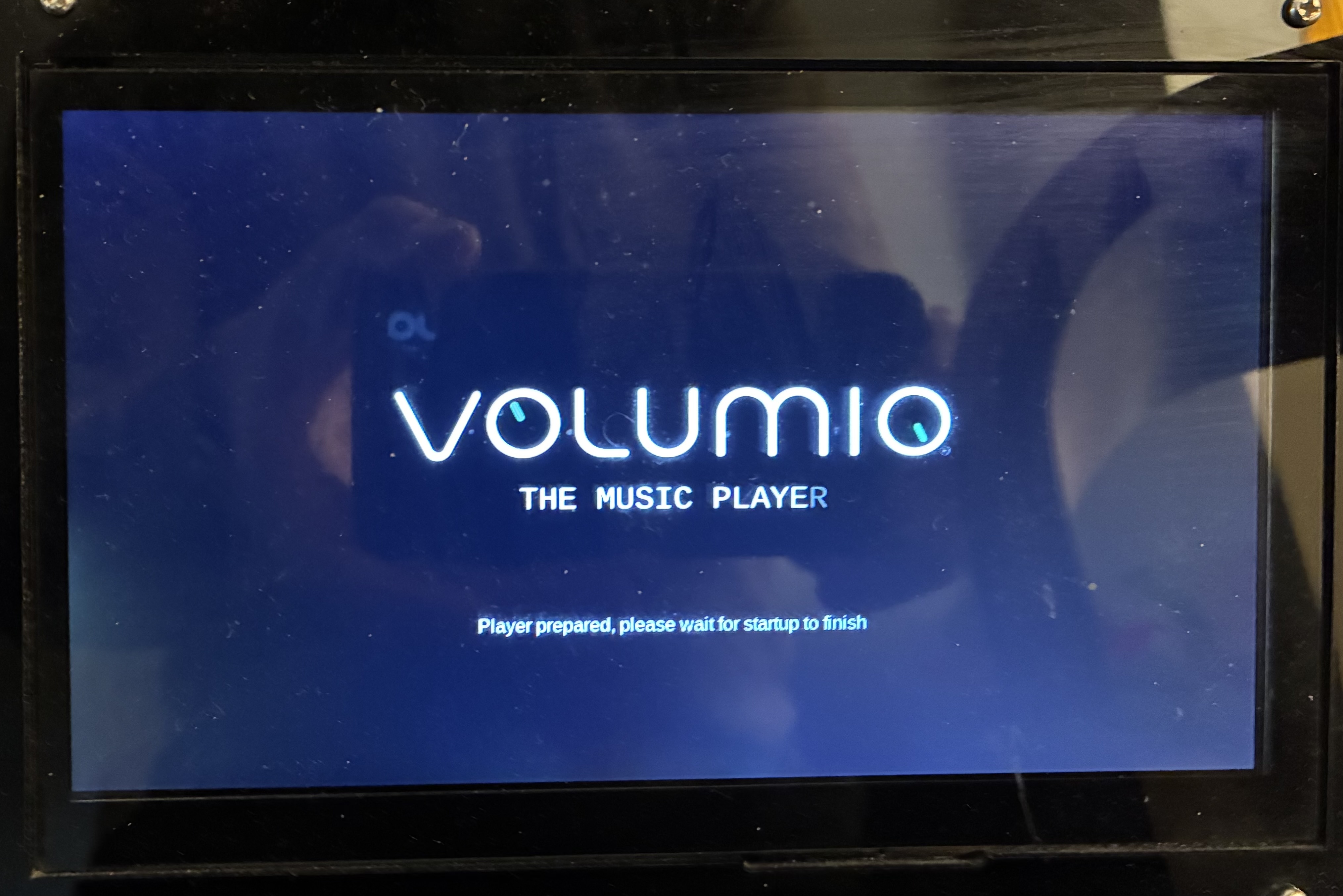
I would be grateful for some help as I am unable to get the touchscreen plugin working. Sound works fine, as does output on Smartphone app or via web browser on LAN. Just not the connected HDMI screen. At boot, the 7" screen powers up with the logo stating Volumio is loading but once fully booted, the screen goes blank with the backlight on.
Many thanks in advance,
Hardware Setup Details:
HDMI screen:
1024x600 CUQI connected via HDMI
further details here: 7 Inch Touch Screen Monitor for Raspberry Pi, Portable IPS Display 1024 * 600 HDMI Touchscreen with Case, for Gaming Consoles/PC/Camera/Win OS : Amazon.co.uk: Computers & Accessories
Here are my logs.
http://logs.volumio.org/volumio/ZQTQ6E6.html
Hardware details:
OS info
Version of Volumio: 4.080
Hostname: volumio-mf
Kernel: 6.12.47-v8+
Governor: conservative
Uptime: 0 days, 7 Hrs, 11 Minutes, 58 Seconds
Network info
Interface: eth0
IP Address: 192.168.1.8
MAC Address: 88:a2:9e:75:2a:64
Type: wired
Speed: 1Gb/s
Audio info
Hw audio configured: HiFiBerry Digi+ Pro
Mixer type: None
Number of channels: 2
Supported sample rate: 44100 48000 88200 96000 176400 192000
Board info
Manufacturer: Raspberry Pi Foundation
Model: Raspberry Pi 5 Model B Rev 1.1
Firmware Version: 2025/12/08 19:29:54 (2226a853bb9f5fd80392e3a4a89e457aeca88008)
CPU info
Brand: BCM2712
Model name: Cortex-A76
Speed: 1.5 GHz
Family: Cortex-A76
Model: 1
Number of cores: 4
Physical cores: 4
BogoMIPS: 108.00
Average load: 10%
Temperature: 40°C
Memory info
Memory: 2032520 Ko
Free: 1206212 Ko
Used: 826308 Ko
Software info
MPD version: Music Player Daemon 0.24.6 (b6f106b+)
Bluetooth capabilities version: 5.0
AirPlay version: AirPlay 2
UPnP renderer: upmpdcli 1.9.7-1~ppa1~bookworm
Storage info
INTERNAL storage - Size: 24204MB
Used: 463MB
Available: 22448MB (93%)
Hey @Dharmos,
Before we can investigate this, I need you to clarify what you are actually trying to achieve and what the specific problem is. Your report conflates several unrelated concerns.
Your current configuration shows:
- Audio output: HiFiBerry Digi+ Pro (I2S DAC providing S/PDIF digital audio)
- Video output: HDMI touchscreen (1024x600 CUQI display)
These are two separate paths. The Touch Display plugin handles video rendering and touch input - it has nothing to do with audio routing.
What I need you to answer:
-
What is your intended setup?
- Video on HDMI display + Audio from HiFiBerry Digi+ Pro?
- Or do you expect audio to come from the HDMI display?
-
You say “Sound works fine” - where is sound coming from? The HiFiBerry connected to an amplifier or receiver?
-
What specifically is not working?
- No picture on HDMI display after boot?
- Picture appears but no touch response?
- Something else entirely?
-
Has Touch Display plugin ever worked on this setup, or is this a first attempt?
The log shows Touch Display plugin status as FAILED, but without understanding what you are trying to accomplish, there is no basis for troubleshooting.
Note: If you expect HDMI audio from the touchscreen while the HiFiBerry Digi+ Pro overlay is active, that is not possible - I2S DAC and HDMI audio are mutually exclusive output paths.
Kind Regards,
Hi @nerd
The audio from the HifiBerry goes via optical Toslink to a DAC and then active speakers, and works fine for sound (in fact, is stunning). What I would like is for the “what’s playing” to display on the HDMI screen.
-
Video on HDMI display + Audio from HiFiBerry Digi+ Pro? - yes
-
Digiberry → optical out → DAC → Active speakers
-
No picture on HDMI display after boot? - Initial picture after immediate boot is the Volumio Logo is loading screen. Once completely booted, it goes blank. It used to have the QR code and terminal login previously, but assume the (not working) Touchscreen plugin stops that from displaying.
-
Has Touch Display plugin ever worked on this setup, or is this a first attempt? - Touch display has worked for both display and touch control when running Raspberry OS Buster and Bookworm. It also worked really well with Volumio OS 4.07X on x64 hardware as well as Win 10 (the x64 NUC is now retired as that was noisy, hence the RPi5). I have never managed to get the Touch Display working with Volumio for Pi.
Hope that helps and is detailed enough.
I think I have a screen similar to yours, though not the same:
After installing fresh volumio 4.073 and the plugin (v3.6.0) I also saw the volumio logo after booting, like yours, and then a black screen. I also couldn’t disable to plugin for some reason, it would just restart.
I got it working with a pi zero 2w by adding this to /boot/userconfig.txt
hdmi_force_hotplug=1
config_hdmi_boost=10
hdmi_group=2
hdmi_mode=87
hdmi_cvt 1024 600 60 6 0 0 0
installing an additional driver
sudo apt update && sudo apt upgrade -y && sudo apt install -y xserver-xorg-video-fbdev
creating and editing a file
sudo nano /etc/X11/xorg.conf.d/10-volumio-fbdev.conf
filling it with this content
Section "ServerFlags"
    Option "AutoAddDevices" "true"
    Option "AutoAddGPU" "true"
EndSection

Section "Device"
    Identifier  "FBDEV"
    Driver      "fbdev"
    Option      "fbdev" "/dev/fb0"
    Option      "ShadowFB" "true"
EndSection

Section "Screen"
    Identifier "DefaultScreen"
    Device "FBDEV"
    Monitor "DefaultMonitor"
    DefaultDepth 24
    SubSection "Display"
        Depth 24
        Modes "1024x600"
    EndSubSection
EndSection

Section "Monitor"
    Identifier "DefaultMonitor"
    Option "DPMS" "false"
EndSection
The rebooting / restarting the kiosk service
sudo systemctl restart volumio-kiosk
For pi zero 2w I also edited /usr/bin/chromium-browser to stop giving a low memory error by changing the $memkb check to a lower number
if [ $want_memcheck -eq 1 ]; then
  memkb=$(awk '/^MemTotal/{print $2; exit}' /proc/meminfo)
  if [ $memkb -le 262144 ]; then
    if ! display_qstn "$lowmem" "$lowmemok"; then
            exit 1
    fi
  fi
fi
hello , i can’t install touch display with the latest volumio 3.874, i have the following error :Re-synchronizing package index files from their sources
Ign:1 Index of /raspbian buster InRelease
Hit:2 Index of /debian buster InRelease
Err:3 Index of /raspbian buster Release
404 Not Found [IP: 93.93.128.193 80]
Hit:4 https://deb.nodesource.com/node_14.x buster InRelease
The date and time are correct
is there a solution ?
Upgrade to the latest test version V3.887.
Buster changed his repositories for Buster, which causes older version of Volumio to fail.
Ok i will do it thanks
hi @ouroboros
thanks for the help. However even after following the instructions, it did not work and the volumio-kiosk service will resolutely not start.
Finally got around to reinstalling on my Pi4 with a non-Waveshare 8" HDMI touchscreen.
Flashed 4.073, OTA updated to 4.084 and then added Touch Display. It’s taken much longer to download and install but upon install and setting up options, I noticed I don’t have any weird black bars on my display anymore, thus not needing me to apply workarounds.
This is what I’m running minimally for everything to work…just update userconfig.txt:
# --- Pi4 & KMS Base ---
arm_boost=1
dtoverlay=vc4-kms-v3d-pi4
disable_overscan=1
hdmi_blanking=0

# --- Force HDMI0 to native at boot ---
hdmi_force_hotplug:0=1
hdmi_ignore_edid_audio:0=1
hdmi_cvt:0=1280 800 60 6 0 0 0

# --- Force HDMI1 audio at boot ---
hdmi_force_hotplug:1=1
hdmi_force_edid_audio:1=1

# --- Disable unused buses ---
dtparam=spi=off
dtparam=uart=off
Hi
I have a problem with plugins set to 180°. It only rotates the image but the touch does not rotate. The problem does not occur at 90° and 270°
- Raspberry Pi 4 Model B Rev 1.5
- Official Raspberry Pi 7" Touch Display v 1.1
- Volumio 4.084
- Plugins Touch Display 3.6.0
- http://logs.volumio.org/volumio/0E5rKqh.html
Kind regards
I got the same problem - Pi4b, original 7’', V. 3.887.
Display plugin reinstall failed - was working before update.
Tried Test and Stable channels; also tried other mirrors.
http://logs.volumio.org/volumio/yePUEA9.html
Any solution to this?
volumio@volumio:~$ sudo apt update
Hit:2 https://deb.nodesource.com/node_14.x buster InRelease
Ign:3 http://mirror.pit.teraswitch.com/raspbian buster InRelease
Hit:1 https://archive2.volumio.org/debian buster InRelease
Err:4 http://mirror.pit.teraswitch.com/raspbian buster Release
  404  Not Found [IP: 204.16.246.250 80]
Reading package lists... Done
E: The repository 'http://mirror.pit.teraswitch.com/raspbian buster Release' does not have a Release file.
N: Updating from such a repository can't be done securely, and is therefore disabled by default.
N: See apt-secure(8) manpage for repository creation and user configuration details.
hi
Please tell me where I can download version 3.6?
I can’t find the download link.
Thank you.

Hello
I have the same problem with the “Touch Display” 7.
During the plugin update, the display stopped working; only the Ethernet connection was functioning. I tried reinstalling, and now with the latest version “4”, nothing works anymore! The installation invariably ended with several errors, but since my technical knowledge is very limited, I abandoned “Volumio” and bought a commercial streamer!
Regarding version “3.6”, I have an “img” file (version 3.661) stored on my computer, dated April 2024. I can provide the file if needed.
Have a good day.
3 posts were merged into an existing topic: X86 Hardware issues (Graphics, WiFi, Onboard Sound, external DACs, Disks, BIOS/UEFI Boot problems etc.)
Hi Knut,
thanks for this information.
I used Rpi 3b with original 7`` Touch panel Version 1 with Volumio 3.
I changed to Volumio 4.073 and tried to install Touch panel plugin 3.6.0.
The installation took a very long time, the panel remained dark.
Uninstalling the plugin was not possible.
This error appeared intermittently: no such file or directory, stat temp/.X11-unix/X0
Thanks to your description, I was able to revive the touch panel.
System: Raspberry CM4 on WaveShare Base B, Waveshare 7.9" HDMI/USB Touch display, Volumio 4.073, fresh flash from official image. Only HDMI display specific customizations enabled at the moment.
Symptoms: If Touch Display plugin is enabled, no touches are registered. With Volumio 3 before, all worked as expected, issue started after fresh install. At first it seemed that there were intermittent touches registered, had some other issues and reinstalled the OS. After reinstall, the screen is totally unresponsive. Trying to troubleshoot it myself, it seems that driver is loaded correctly, the Waveshare device is present under the /dev/input as event4 and seems to be passed to X11 too.
please try this for your /boot/userconfig.txt
[pi4]
dtoverlay=vc4-kms-v3d-pi4
hdmi_group=2
hdmi_mode=87
hdmi_timings=400 0 220 32 110 1280 0 10 10 10 0 0 0 60 0 59400000 3
[all]
disable_fw_kms_setup=1
Also test replacing the bridge for touch between WS and rPi by a cable.
I had a lot of issues with the HDMI plug of WS that fried 3 rpi’s HDMI0 ports.