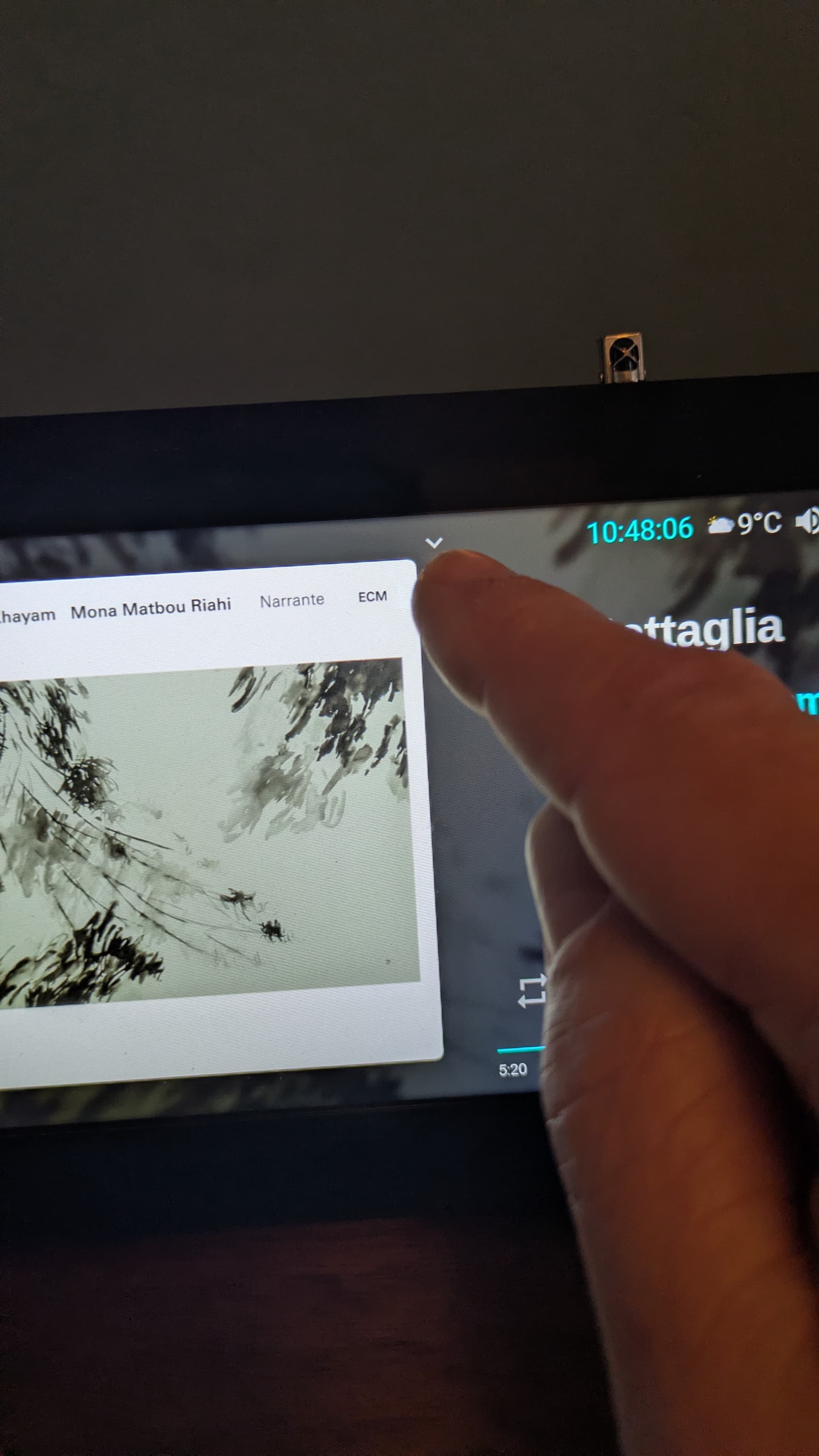
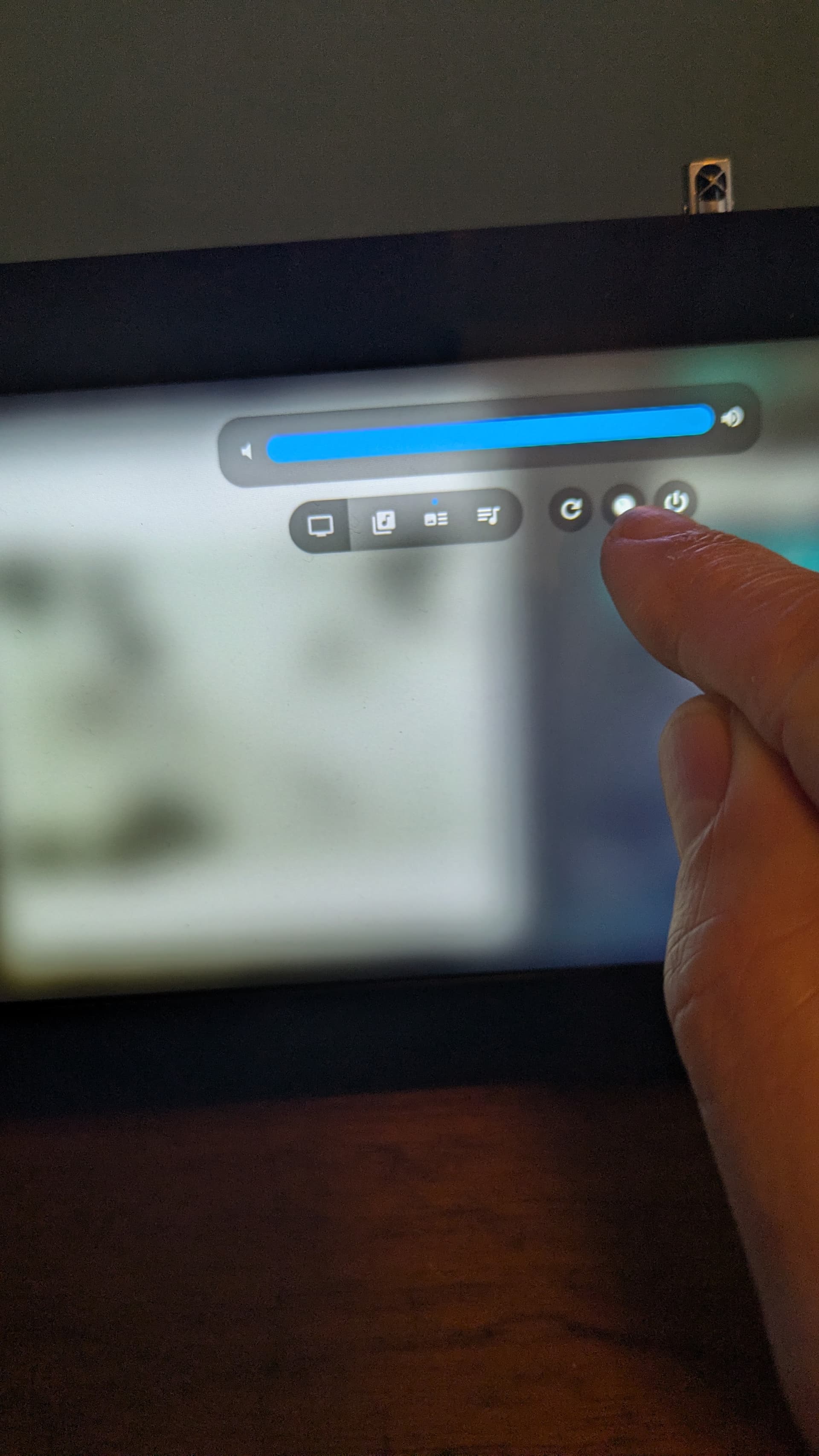
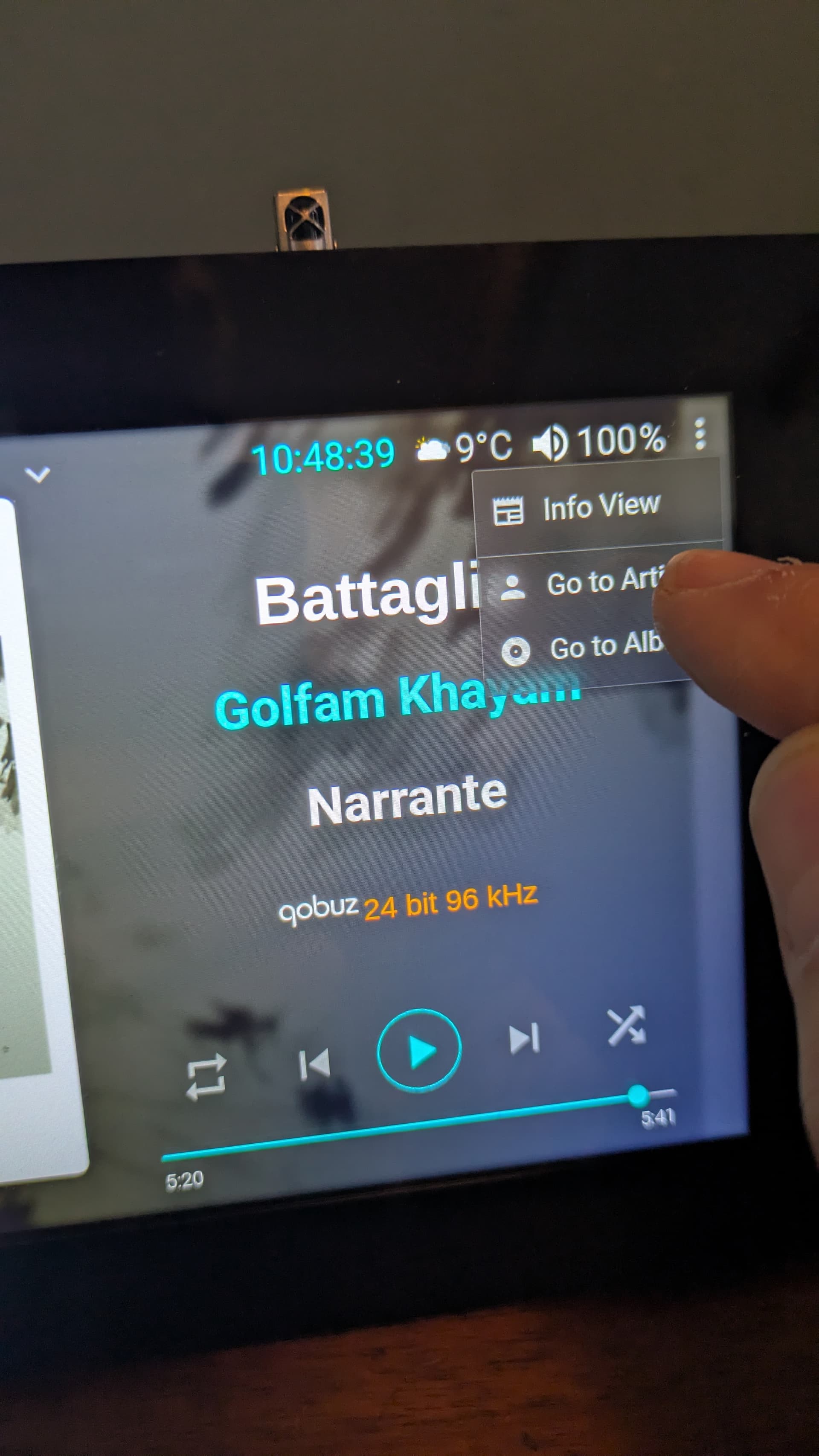
I haven’t used onscreen keyboard with Now Playing plugin on Volumio 4.xxx, first time 2 days ago.
I know it worked on Volumio 3.xxx when I tried it then.
I guess that it’s some incompability in Now Playing plugin so I disabled it for know.
# Set device scope
[all]

# Enable display vc4 autodetection
display_auto_detect=1

# Add touchscreen-specific overlays

# # dtoverlay=rpi-ft5406. -- In many versions of Volumio, the rpi-ft5406 driver is already built into the kernel and activates automatically

dtoverlay=vc4-kms-v3d
dtoverlay=vc4-kms-dsi-7inch

# Ensure backlight control works
gpio=18=op,dh
Hi everyone! And thanks to all your work with this topic. I have been reading for days trying to find a working solution for my own case but I am growing desperate since so many things have changed since the very first post.
I have a Raspberry Pi 3 with a Waveshare 3.5 inch SPI touchscreen mounted via GPIO. It is the 480x320 model which has been referenced a couple of times in the thread.
When I flashed the current version of Volumio to my mSD card, I managed to proceed with the plugin installation via web interface but the screen stayed white (or black). I tried going back to an older Volumio version which uses kernel 5.x - but there, it already fails at the plugin installation in the web interface with the chromium dependency error. I tried changing the repository as mentioned but it also didn’t help.
So, could someone give me instructions from scratch on how to properly get this working nowadays? Thank you so much!
I don’t know which display you are using, but it happened to me with a WaveShare 7" DSI display. Somehow, the system thinks there is an additional HDMI display. I solved it disabling HDMI with these 2 lines in userconfig.txt:
Thank you Angel, your hint actually helped me for the first time ever to get a display on my touchscreen! It showed the “Volumio - The Music Player” animation after bootup. However, it did not get any further and then suddenly restarted with only a black screen again. The web interface shows “cannot start xserver”, how can this be solved?
We identified the issue last night and it’s already being addressed.
Recent changes from NodeSource caused bookworm and buster to no longer be recognized as valid distribution names.
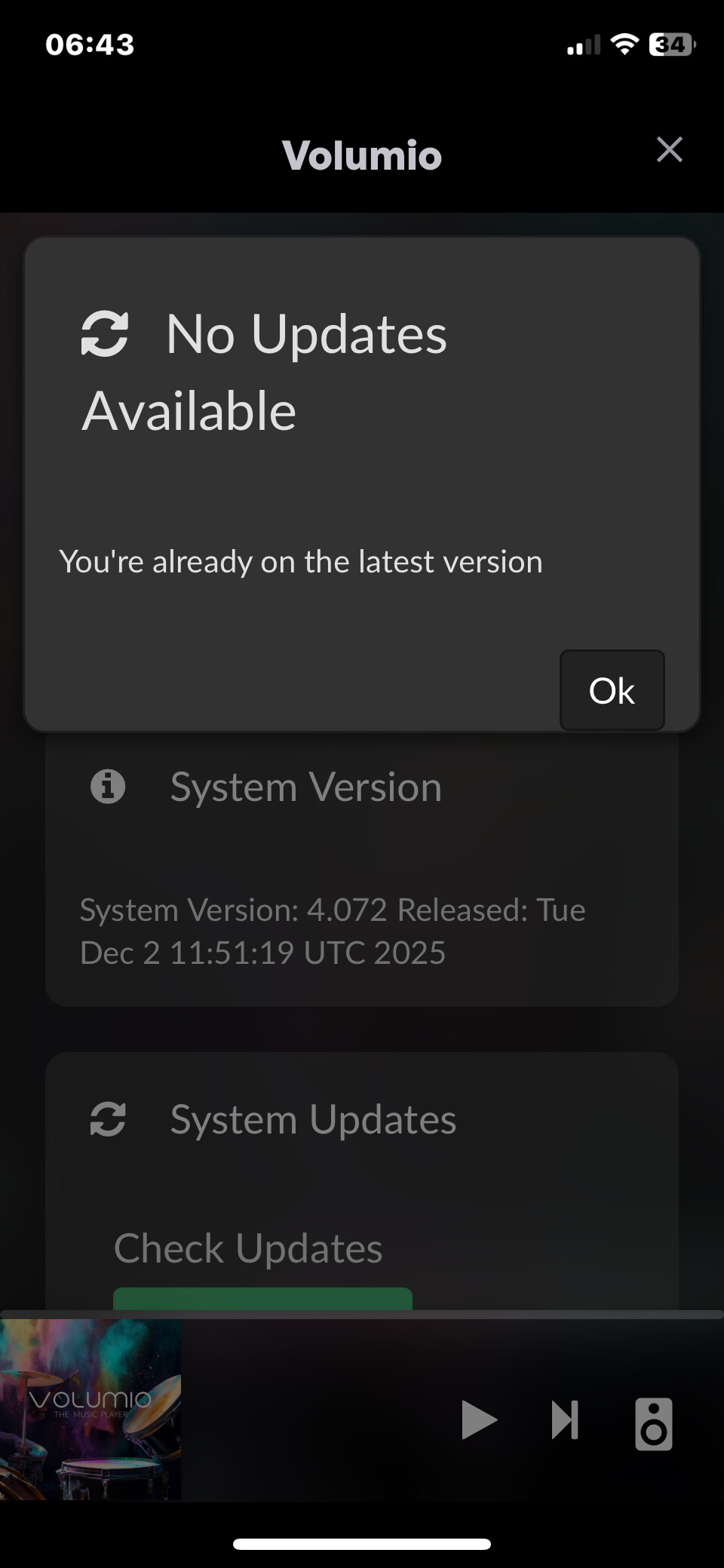
It’s not related to V4.072, also earlier images are generating the same error.
volumio@volumio:~$ cat /proc/cpuinfo | grep -i revision
CPU revision : 3
CPU revision : 3
CPU revision : 3
CPU revision : 3
Revision : c03111
volumio@volumio:~$ cat /proc/cpuinfo | grep -i model
model name : ARMv7 Processor rev 3 (v7l)
model name : ARMv7 Processor rev 3 (v7l)
model name : ARMv7 Processor rev 3 (v7l)
model name : ARMv7 Processor rev 3 (v7l)
Model : Raspberry Pi 4 Model B Rev 1.1
So what exactly is the blocker? “I think I’m stuck” is not actionable information. Either OTA works and you have not configured the release channel correctly, or OTA is broken and we need logs to investigate. There is no third option where we guess what you meant.
If OTA genuinely fails after switching to the test channel, provide a log link from http://volumio.local/dev so we can actually investigate. If you simply did not know how to switch channels, the documentation link was already given - read it and follow the steps.
I cannot help further without knowing which of these scenarios applies to you.