After years of answering the same question in creative new ways - writing guides, drawing diagrams, linking the same forum threads, explaining what a filesystem label is, gently suggesting that the search button does in fact work - I have accepted defeat.
You win.
Introducing the Storage Manager plugin, now available as beta in the plugin store.
Because if the mountain will not read the guide, the guide must become a button.
What it does:
Detects your boot disk so you do not accidentally destroy your Volumio installation (you are welcome)
Lists all other disks attached to your system
Initializes, partitions, formats, and labels disks with Volumio-recognized labels (issd, ihdd, Internal SSD, Internal HDD) - all from the UI, no SSH, no terminal, no existential crisis
Checks and repairs filesystems on your boot device after power loss
Recovers another Volumio installation by booting from a different medium
Resizes the data partition when automatic resize did not complete
Only offers labels not already in use, because apparently choosing from four options was also too many decisions
Supported filesystems: ext4, FAT32, exFAT, NTFS.
For those who still enjoy reading, the community guide remains available:
Source and readme:
The plugin is in beta. Once testing is completed and the community confirms no problems, it will be promoted to stable. Please report any issues in this thread with your device model, Volumio version, disk type, and what you were doing when it broke.
Do not use a disk while an operation is in progress. I should not have to say this, but here we are.
Thanks, @nerd — your patience and dedication to this community are genuinely impressive. I don’t know how you keep your cool sometimes!
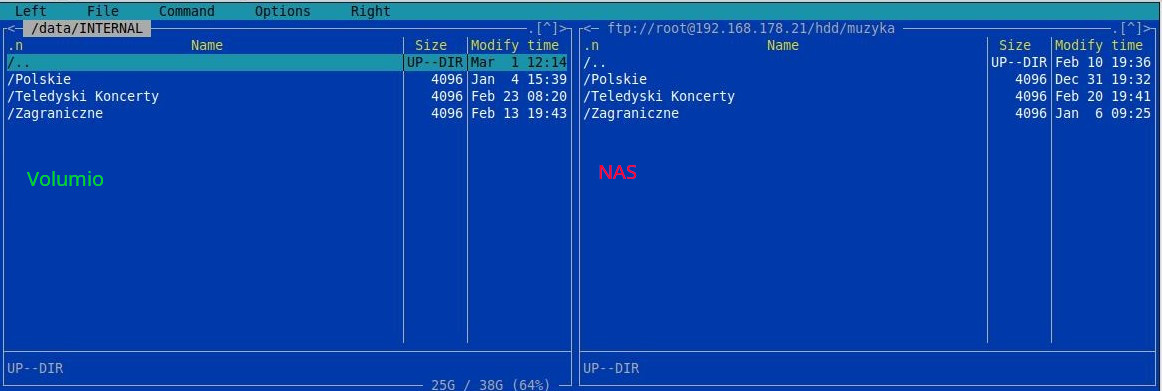
@tweed77 — you’re not wrong, but remember that Volumio and Raspberry Pis attract users of all ages and backgrounds from around the world. I include myself here: when someone says “basically, Midnight Commander in the Volumio console is enough,” a good chunk of us probably have no idea what that means.
My forum name is not ironic. “nerd” is a clinical diagnosis at this point.
Staying cool is straightforward - it is just thermodynamics. You identify the heat source, select the appropriate refrigerant, and maintain the pressure differential. Forum threads are no different from cooling systems. The moment you lose focus on the problem and start worrying about presentation, you have introduced unnecessary overhead. That is what designers and artists are for - lovely people, but overhead nonetheless.
As for patience - there is no patience involved. There is only the problem. The problem does not care if I am frustrated, and frustration does not fix the problem. So it is a wasted state.
That said - if I ever come close to losing refrigerant, it is when I ask for logs and receive instead a philosophical debate about whether a MAC address in a diagnostic dump means the NSA is personally interested in someone’s FLAC collection. Somewhere between “please send logs” and “I do not trust what information this reveals” the actual problem quietly dies of neglect in the corner, undiagnosed and unmourned. Big brother is not watching your jazz playlist. I promise. Even if various agencies are exploring your home network weaknesses, these will be for other reasons. Volumio unrelated.
Besides, code is the aesthetics. Clean logic is beautiful. Elegant error handling is art. Comments are just shiny glitter you sprinkle on top so other people feel included.
The real secret to keeping cool? I treat every support thread like a faulty compressor. Somewhere in that system there is a blocked valve, a leaked charge, or someone who plugged the suction line into the discharge port and is now wondering why the room is getting warmer. You find it, you fix it, you move on.
The heat from forum pressure is just waste energy from inefficient processes. Route it properly and it becomes useful work.