Hey @Jersinger,
Thanks for the logs. Here is what they show:
Your fdisk output confirms the partition table is correct - sda3 spans the full 1.9T as expected. However, sda3 does not appear in df at all and has no filesystem size reported in lsblk. The overlay is running at 264MB, which is the fallback state when the data partition cannot be mounted. The ~238-283GB limit you are seeing is consistent with the filesystem on sda3 having been corrupted during first-boot resize rather than the partition itself being wrong.
This is a known issue tracked at Resize function breaks on 2TB microSDXC cards due to parted unit parsing · Issue #260 · volumio/volumio3-os · GitHub
The short version: the first-boot resize script parses parted output in MB. On devices reporting sizes in TB, the value gets truncated to a single digit. The resulting bad geometry corrupts the ext4 metadata on the data partition. On microSD this drops the system into emergency mode. On x86 EFI boot continues but sda3 fails to mount, leaving the system running on the overlay fallback.
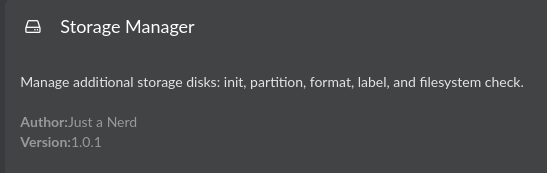
The repair requires an e2fsck followed by a resize2fs against sda3. I have a Storage Manager plugin in beta that includes filesystem check/repair and resize functions and handles large disks correctly. It would be worth trying as an alternative to the manual SSH repair steps.
Install it from the plugin store - look for Storage Manager. Once installed, run the filesystem check/repair function first, then the resize. Let us know what the plugin reports - this will be a useful field test on the x86 path.
If the plugin does not cover this case yet, the manual fallback via SSH is:
sudo e2fsck -f /dev/sda3 -y
sudo resize2fs -p /dev/sda3
Kind Regards,