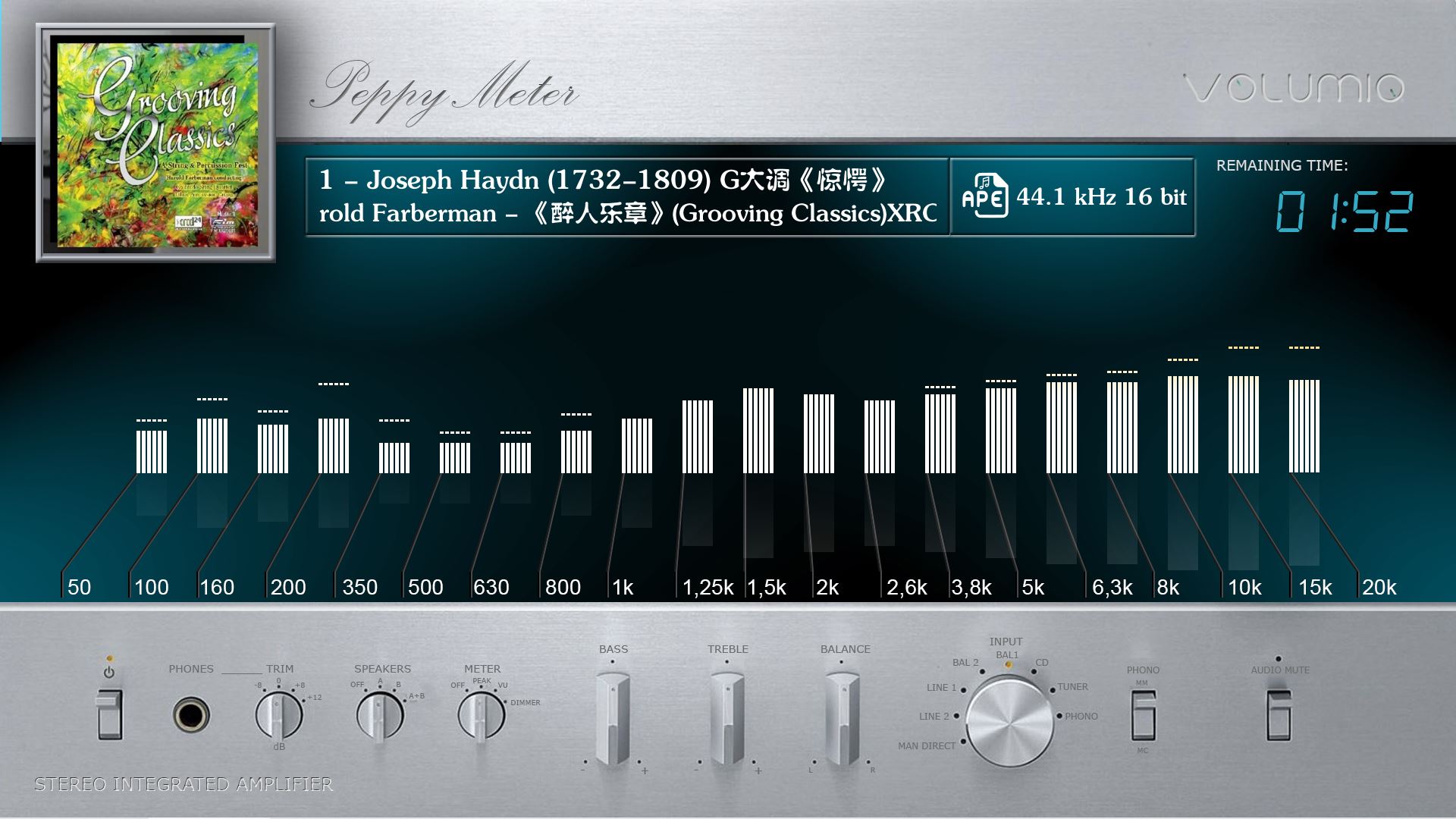
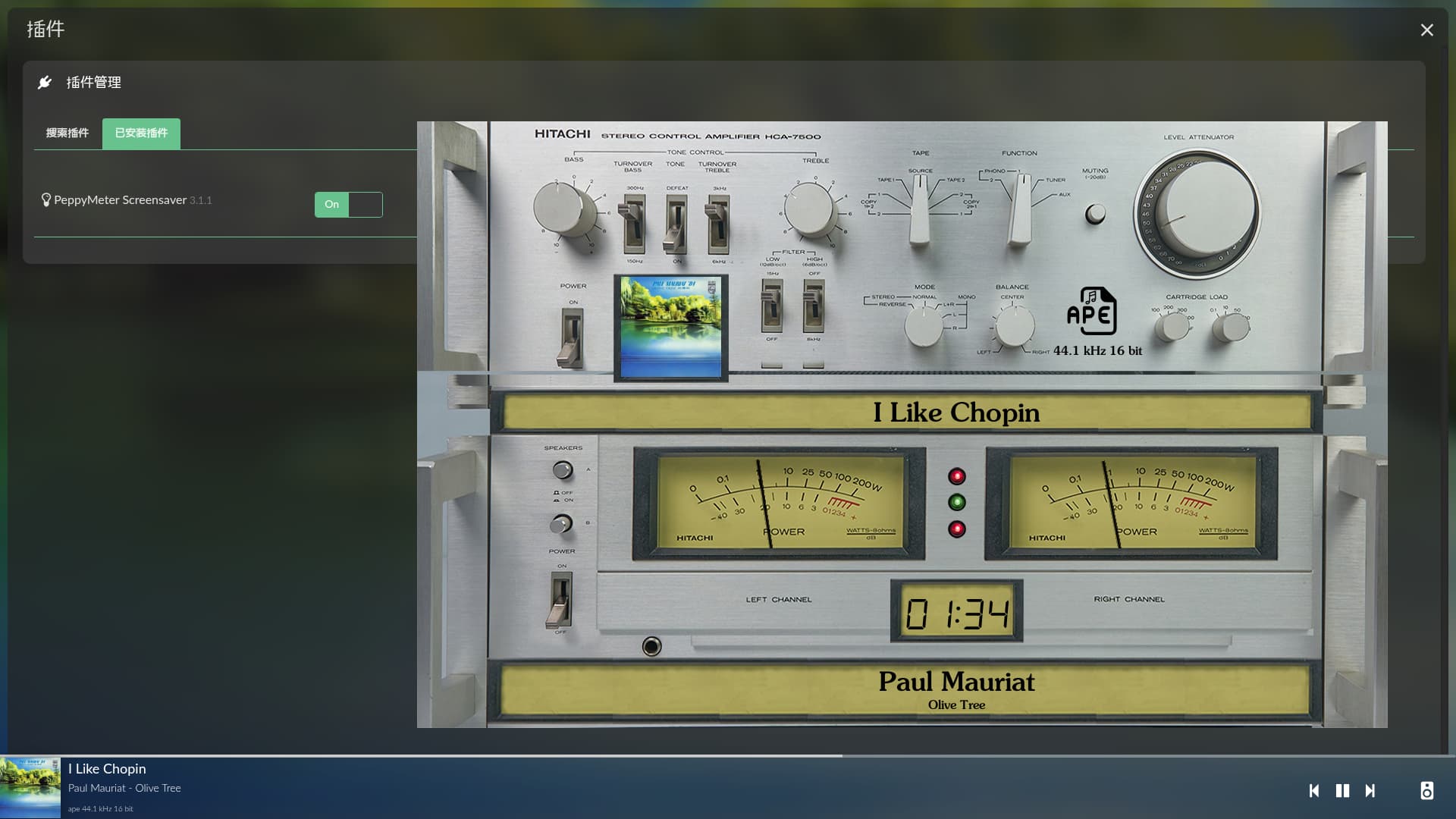
Hey @Lee.Yan,
Great work. Are you planning to share and expose source code in some repo?
Kind Regards,
Hey @Lee.Yan,
Great work. Are you planning to share and expose source code in some repo?
Kind Regards,
I need to have some conversations with you. Sharing is definitely possible.
The problem has been identified. Please provide guidance.
[RemoteSpectrum] Failed to initialize: ‘MeterUtil’ object has no attribute ‘config’
Traceback (most recent call last):
File “/storage/emulated/0/Download/peppy_remote/lib/peppy_spectrum.py”, line 132, in start
self.sp = Spectrum(self.util, standalone=False)
~~~~~~~~^^^^^^^^^^^^^^^^^^^^^^^^^^^^^
File “/storage/emulated/0/Download/peppy_remote/screensaver/spectrum/spectrum.py”, line 46, in init
ScreensaverSpectrum.init(self, self.name, util, plugin_folder)
~~~~~~~~~~~~~~~~~~~~~~~~~~~~^^^^^^^^^^^^^^^^^^^^^^^^^^^^^^^^^^^^^^
File “/storage/emulated/0/Download/peppy_remote/screensaver/spectrum/screensaverspectrum.py”, line 31, in init
bgr = util.config[“background”][“screen.bgr.color”]
^^^^^^^^^^^
AttributeError: ‘MeterUtil’ object has no attribute ‘config’
I don’t understand. The same code works fine in PeppyMeter_screensaver and Peppy_Remote (Windows). Shouldn’t the ‘util’ object be ‘MeterUtil’ instead of ‘util’?
Hey @Lee.Yan,
Your util is correct. MeterUtil is the right object, and it has no config attribute by design. Nothing is wrong with the util type.
The real cause is which screensaverspectrum.py gets loaded. There are two files with that name:
Your traceback shows the upstream one in screensaver/spectrum/ being loaded. That is the one that needs util.config, which MeterUtil does not have. Hence the error.
Why it loads the wrong one only on Android: spectrum.py imports it with a bare line:
from screensaverspectrum import ScreensaverSpectrum
A bare import like that resolves by walking sys.path in order and taking the first directory that contains the file. On Windows and Linux the launcher exports PYTHONPATH with screensaver ahead of screensaver/spectrum, so the override wins and everything works. Pydroid3 runs no launcher, so there is no PYTHONPATH. Your hand-set sys.path decides, and right now screensaver/spectrum is being resolved before screensaver, so the upstream sibling sitting next to spectrum.py wins.
The fix is in your Pydroid3 bootstrap, not in any shipped file. In the sys.path block you already edited, make sure BASE/screensaver comes before BASE/screensaver/spectrum. Something like:
import sys
BASE = "/storage/emulated/0/Download/peppy_remote"
paths = [
    BASE + "/lib",
    BASE + "/screensaver",
    BASE + "/screensaver/peppymeter",
    BASE + "/screensaver/spectrum",
]
for p in reversed(paths):
    while p in sys.path:
        sys.path.remove(p)
    sys.path.insert(0, p)
The order matters: screensaver must sit ahead of screensaver/spectrum in the final sys.path so the bare import binds to the override. Once it does, the util.config line is never reached and the error is gone.
Nothing in the shipped files needs changing. The override and the upstream file are byte-for-byte identical to what runs on every working Windows and Linux box. The only difference on your tablet is import resolution order, which Pydroid3 leaves to you.
Kind Regards,
OK, I understand. Thanks!
As you said, once the paths were sorted out, all the problems disappeared, and no code needed to be modified. A lot of time was wasted before because although CairoSVG was correctly installed in PyDroid3, it was actually unusable. Furthermore, errors generated by CairoSVG cannot be caught within the program. After carefully reviewing your code, I found that CairoSVG could be uninstalled from PyDroid3, and then it would run normally.
Here is the final path handling:
# Set up paths - mirrors Volumio plugin structure
screensaver_path = os.path.join(SCRIPT_DIR, "screensaver")
peppymeter_path = os.path.join(screensaver_path, "peppymeter")
spectrum_path = os.path.join(screensaver_path, "spectrum")

if spectrum_path not in sys.path:
    sys.path.insert(0, spectrum_path)
if peppymeter_path not in sys.path:
    sys.path.insert(0, peppymeter_path)
if screensaver_path not in sys.path:
    sys.path.insert(0, screensaver_path)
if _LIB_DIR in sys.path:
    sys.path.remove(_LIB_DIR)
sys.path.insert(0, _LIB_DIR)
In “def run_peppymeter_display()”
The sys.path.insert command reverses the search order of the inserted path; the last path added is searched first.
A post was merged into an existing topic: Peppy Meter Basic - The plugin!
You can locate it anywhere in the plugin settings:
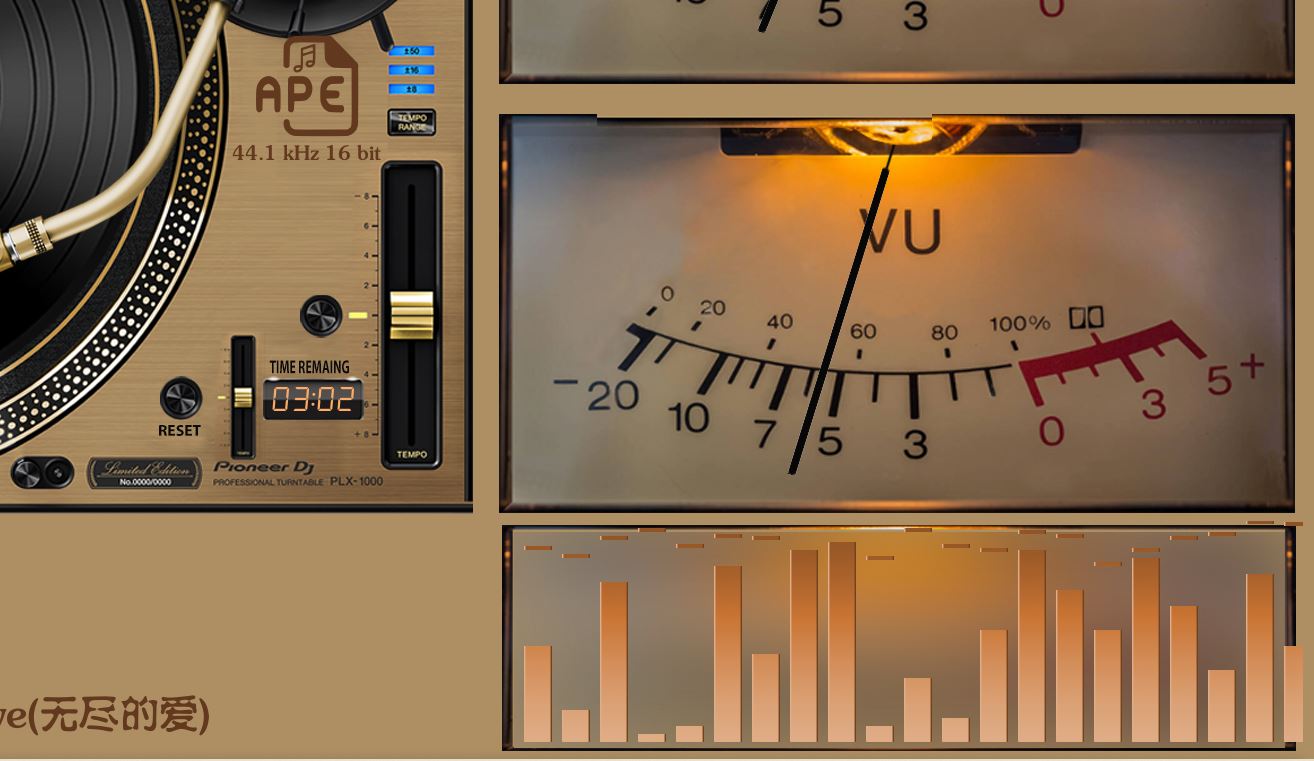
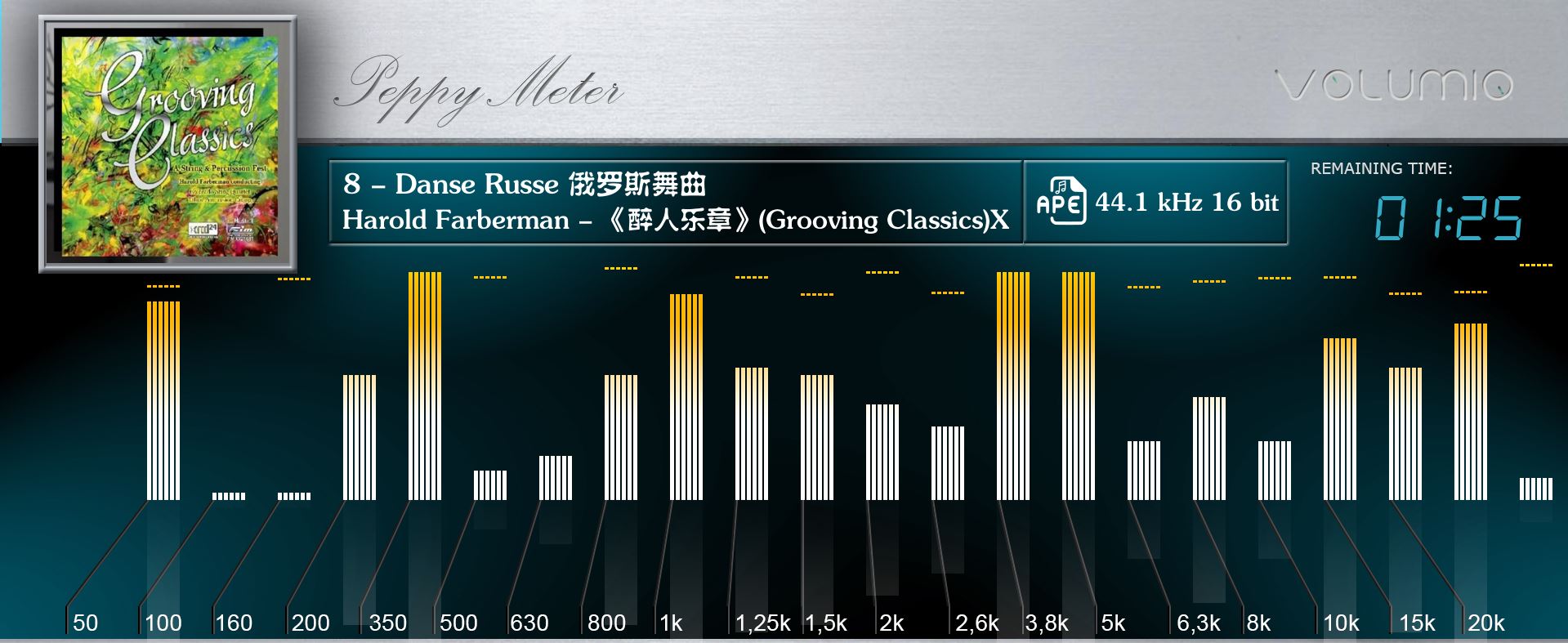
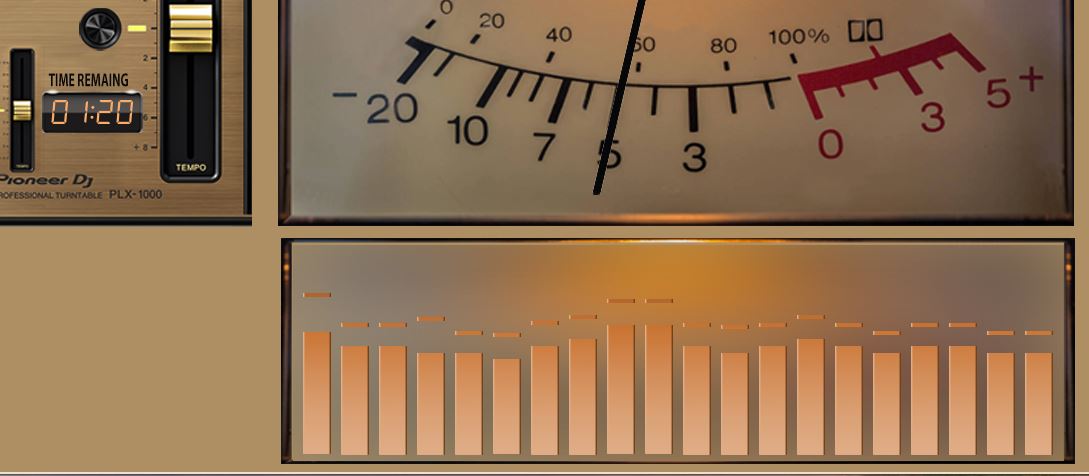
A problem with a template containing a spectrometer: If the template name is explicitly specified instead of using random, the spectrum displays correctly, and the level meter displays correctly if present. If random is selected, when rotating to a template containing a spectrometer, the level meter displays correctly, but the spectrum is not displayed. Other templates containing only the spectrum do not display the spectrum.
This issue does not exist in PeppyMeter_screensaver.
Typical example: 1920x1080_g5_721 - 121G5_Pioneer S+M
Occasionally, setting “random” allows the spectrum to be displayed, but the display format is slightly different, exceeding the specified area.
This is normal.
Several templates in 1920x1080_custom_7 exhibit the same problem, such as: orange
This issue occurs simultaneously on both Windows and Android platforms with Peppy_Remote.
I just did another test using a local template; using the server theme had no problems, and switching displays was completely normal, including the spectrum.
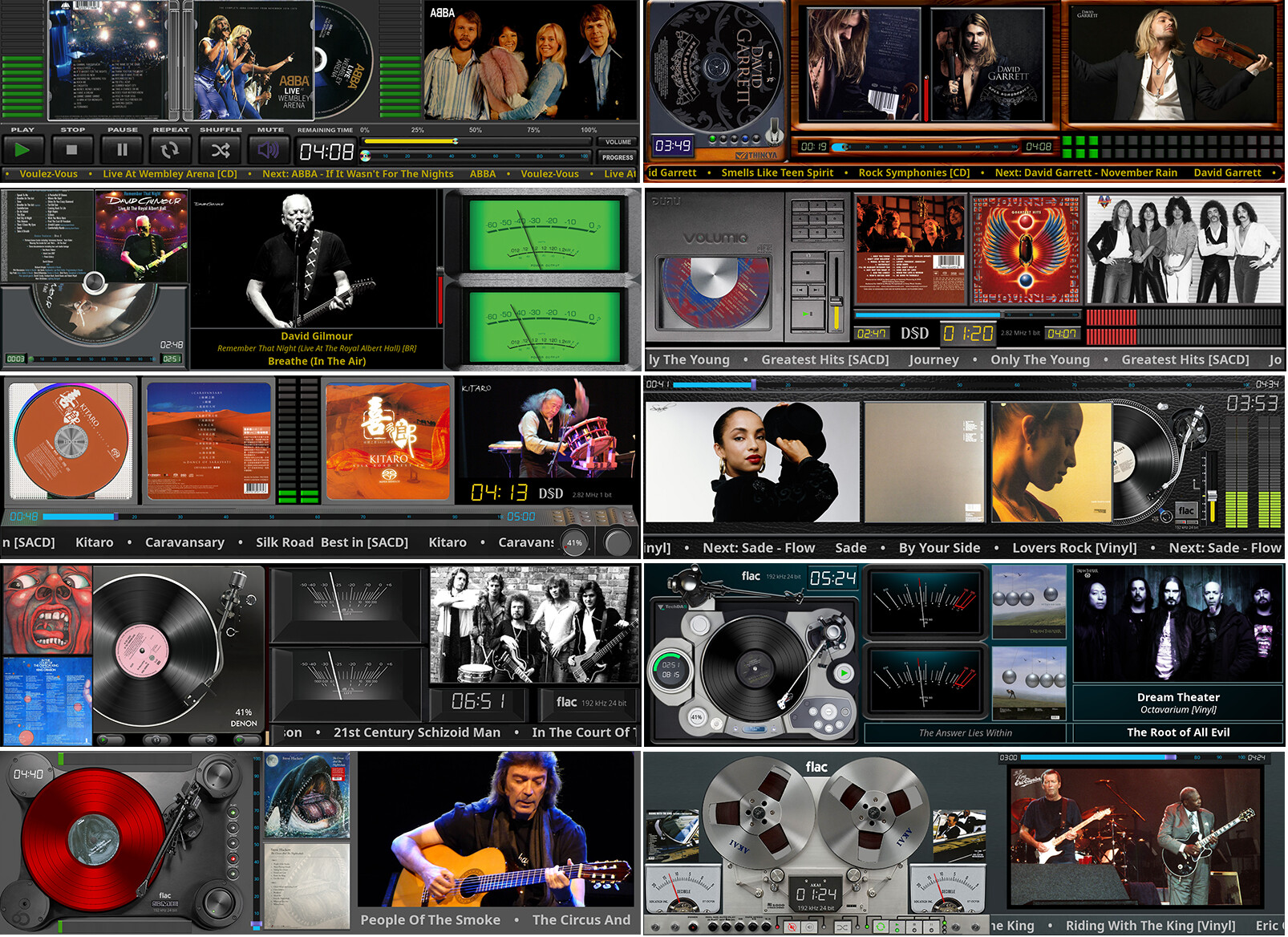
I’ve updated the “FanartCD” series - 1920x1080, 1920x550, 1920x515, 1280x720.
To fully see how it works:
The the FanArt files should be saved in the same location as cover.jpg and music files right?
FanArt skins in action…
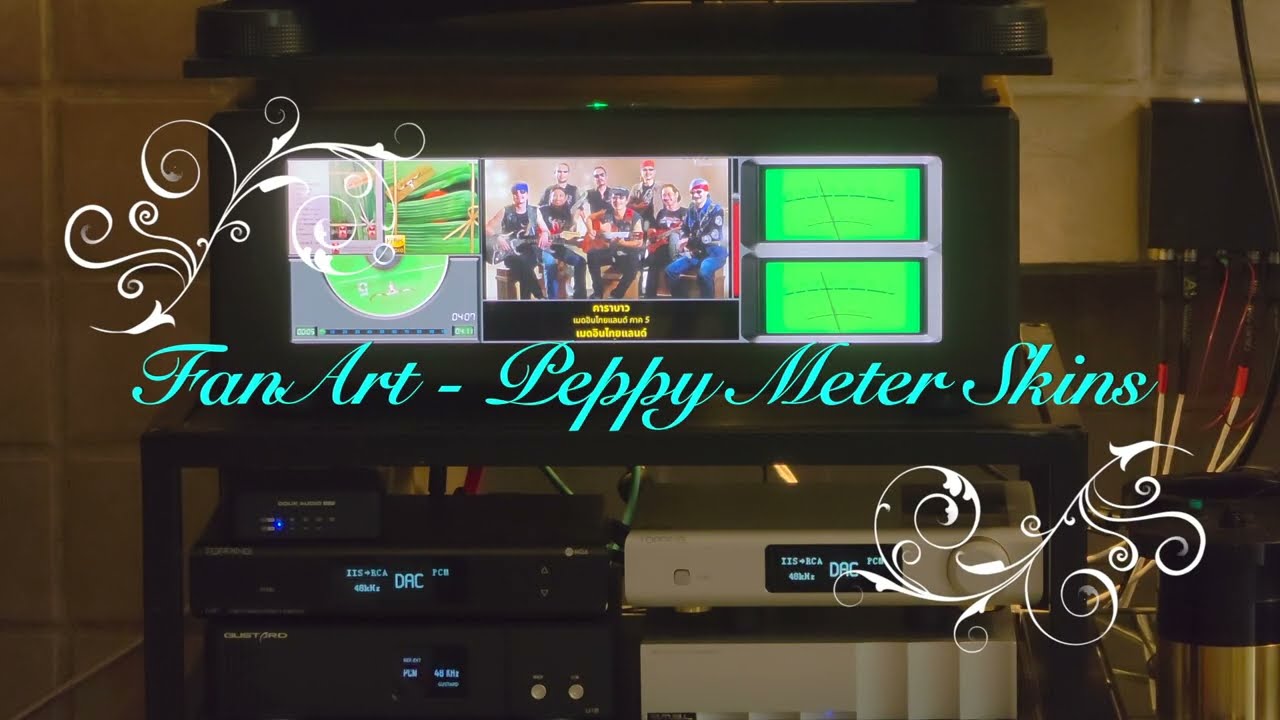
No, the fanart folder located in the folder with the artist’s name. Attachment from the post above
Download sample.zip file ( from this post)- example for Pink Floyd
If there is no “Fanart” folder - photos are downloaded from fanart.tv (if they are for a given band), but you must be registered and paste the API in the Plugin)
ARTIST.zip (708 Bytes)
Artist
|
Album1 → back, cdart, logo, music, folder
Album2 → back, cdart, logo, music, folder
Album3 → back, cdart, logo, music, folder
…
Fanart → 01.jpg, 02.jpg…
…continuation of the Fanart series, this time Turntables: 1920x1080, 1280x720 (rescaler)
Dear Volumionauts,
Every item in this release arrived courtesy of @Gelo5, who continues to test with the thoroughness of a man who suspects the furniture is plotting against him. The clinical advice was, as always, precise and actionable. The head physician merely filled the prescriptions.
Speaking of which, the head physician is currently recovering in an entirely different kind of clinic - so the sleep clinic is operating on a skeleton crew. Dreams are still being accepted at the front desk but surgery is on hold until the surgeon can walk to the operating theatre without supervision.
What landed:
Remote fixes - live VU-meter reload during sessions, spectrum bar alignment, peak-hold toppings, and a black square that was squatting over the remaining time display has been evicted.
Host fixes - config-version bump on meter and theme save so remote clients actually notice when something changed, fanart cache invalidation with a clear-cache button, interval timer persistence across random skin recreation, non-Latin artist name support for cache and NAS lookup (Thai and friends welcome), slideshow index continuity across skin changes, sequential and random order control, and memory-bounded image decode so your 24-megapixel holiday photo no longer brings the screensaver to its knees.
As always, provided as-is, you all know the rest.
Kind Regards,
I think there’s some truth to this, I’m convinced my coffee table is sentient. It spends all day quietly waiting for the perfect opportunity to attack my shinbone.
Master of the templates, dream chaser by day, template factory by night, undefeated champion of “just one more version.”. He just keeps producing.
It’s nice what you write (even though you usually betting me). Hey, TY
Yes 2 times beating, 1 time nice does the trick