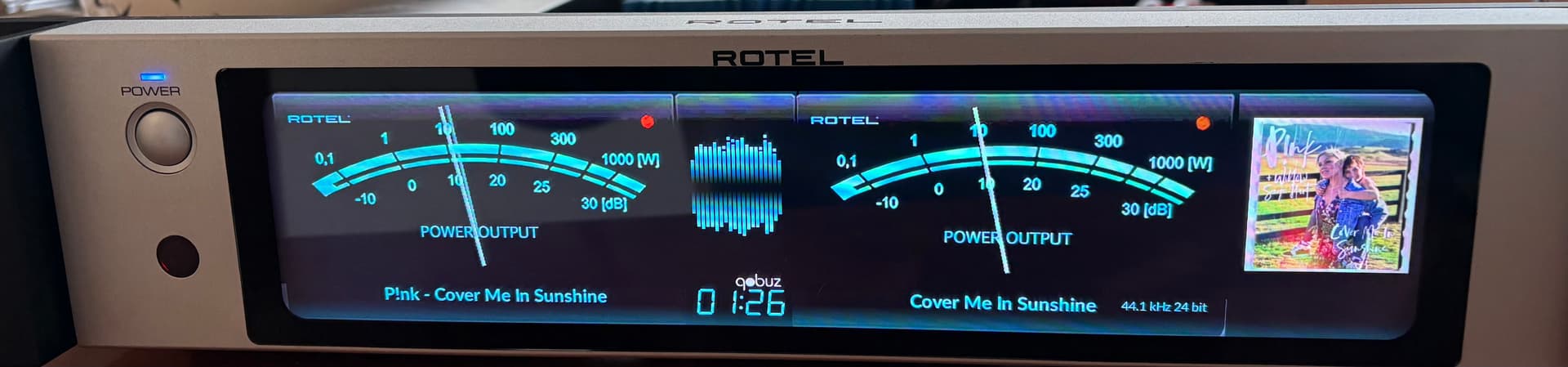
Hey @naimnatnod !
I uninstalled peppy screensaver screensaver vers.3.0.0, reboot rPi5 and installed it again from foonerds github but I’m still att 3.0.0. I can´t find any update. How did you find it?
Kind Regards / C
Hey @naimnatnod !
I uninstalled peppy screensaver screensaver vers.3.0.0, reboot rPi5 and installed it again from foonerds github but I’m still att 3.0.0. I can´t find any update. How did you find it?
Kind Regards / C
Did you remove the peppy_screensaver directory after uninstalled the PeppyMeter plugin?
No, I didn’ think of that. I thought that was done during uninstall process. Anyway I removed peppy_screensaver directory and did a new install. Now Peppy_Screensaver version is 3.0.4
Thanks for yor advice!
Best Regards/ C
3.0.5
Hey Peeps,
Great news: V3.0.5 has officially landed! 
Now, before you pop the champagne, here’s the twist:

Will we fix it? Probably… if we find time between saving the world and making coffee. 
Can’t wait? Grab @balbuze’s version, it skips metadata and runs like a sprinter on rPi devices.
Enjoy, and remember: patience is a virtue… or just use rPi5. 
How to install, as people seems to struggle with it.
If you have already installed a previous version:
cd ~rm -rf peppy_screensaverNext:
cd ~
git clone --depth=1 https://github.com/foonerd/peppy_screensaver.git
cd peppy_screensaver
volumio plugin install
Reminder:
Before firing off questions, please invest just 1% of your time reading the last 40 posts. Trust me, it’s way less than the time we spend writing them.
Why?

So, read first, ask later. Your future self (and our sanity) will thank you.
This is why I love this forum! Thank you guys.
Now you can work @Gelo5 
2aCD’s version had a bug, where sample rate position depended on the Artist/Title/Album block. This bug has been resolved, when adding the scrolling back in. So with some templates the sample rate is not properly aligned or playinfo.maxwidth needs adjustment.

playinfo.maxwidth = 355
playinfo.samplerate.pos = 340,171,regular
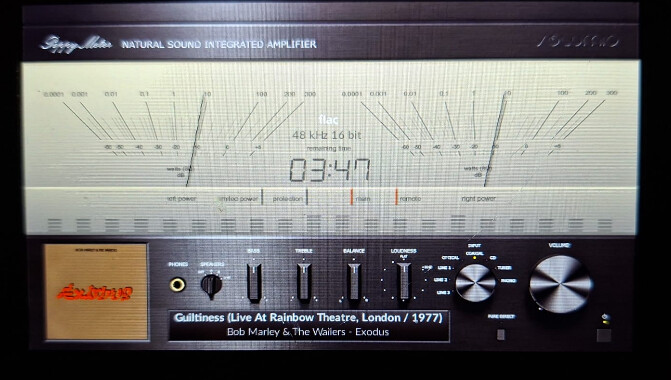
Just installed the latest V3.0.5 version on my Rotel style Rpi5.
Works like a charm with Flac, Qobuz, webradio and Spotify!
I did not have to thinker with the custom meter and image files for Peppy and Spectrum I designed for the Volumio 3.x screensaver version.
Thanks @nerd and @Wheaten for all your efforts to make this possible 

Thanks for this update. One Qestion, during install of 3.05 I saw this:
Compressing the plugin
No modules found, running “npm install”
npm WARN config production Use--omit=devinstead.
Is that ok?
Regards / C
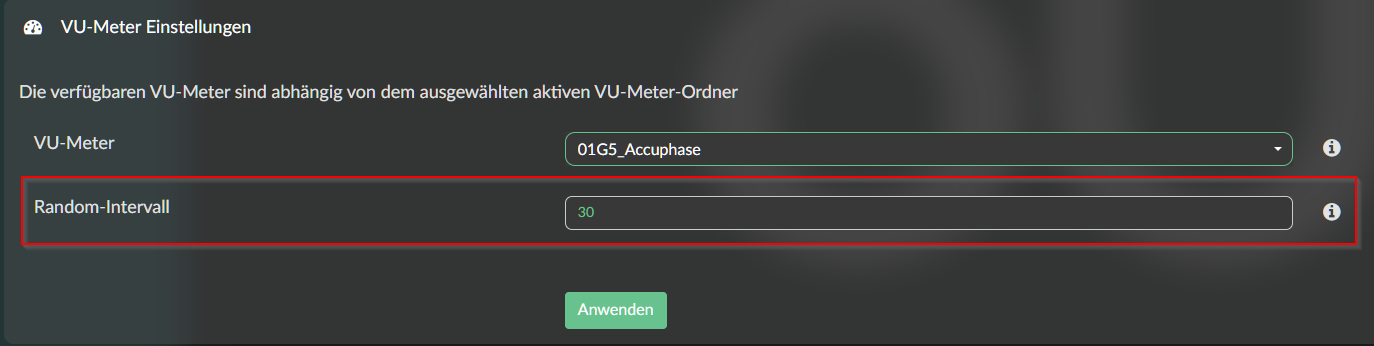
Thank you for the hints here. Installation of 3.0.5 was successful and i used the template folder 1024x600_custom_1 but why the random-intervall option is shown? I do not want to change the VU-Meter type in a random intervall. Can anyone help?
@ClaesM
yes nothing to worry about.
Coming soon:
Rotating cover art so smooth, so elegant, so perfectly synchronized… you’ll almost forget it took seventeen code rewrites, three existential crises, and a Pi that threatened to burst into flames just to make it turn 90 degrees.
Hi Wheaten, great job on the rotating cover art skin. Is it possible to make the two holes of cassette tape spinning? That would be awesome, don’t you think?
Andy
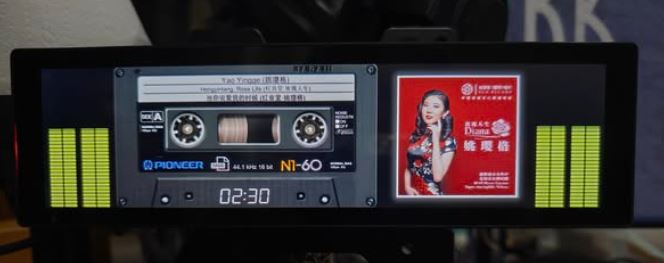
That’s complete rewriting, as this means intercepting the static BGR image and handle it as overlay. Everything is possible but not by me.
Currently I have the cover rotating, by using 2 additional parameters in meters.txt.
This is my last modification to it.
albumart.rotation = true
albumart.rotation.speed = 6
Hi,
Great add-on.
Installed v3.0.5 on RPi5 and it’s working like a charm.
Do you have any working Template for 1280x400 with a rotating cover art?
BR,
Paulo
Great job.
The only thing that doesn’t work is: playinfo.type.color It only changes the color in the samplerate. The logo color remains unchanged.
No that’s what coming soon means, It’s not there yet but coming soon…
It might be that it will never be released, as you’re going to be very limited in text placement.
The rendering cover won’t be able to have a text overlay, so that’s a concern.
Text can only be placed outside the cover, otherwise it will draw black boxes.
Thanks Wheaten,
My bad as I missed the to be (eventually).
So for my 1280x400 all is working like a charm 
Yeah will be solved
One request: skins, 1280x720 would be appreciated. This is the native resolution for the official Raspberry Pi Display 2. Currently there are only few skins targeting this resolution.
Kind Regards,