Hi @RedEyeNinja
Yes, same here. Maybe a network issue at openweathermap?
1 Like
Here also the weather dissapeared… 
Hi @patrickkfkan
When you get a chance, could you look at the openweathermap API. The weather data is not showing anymore.
Many thanks.
1 Like
Now Playing Plugin - Weather Service Fix (OpenWeather Changes)
TL;DR: If weather in the Now Playing plugin shows “Could not obtain API key” or “401 Unauthorized”, you now need to add your own OpenWeatherMap API key in plugin settings → Weather Service. Get a free key at Weather API.
What was going wrong (from debugging)
Two separate issues showed up:
-
“Could not obtain API key” - The plugin used to obtain a key by fetching openweathermap.org and scraping it for a widget script (
weather-app....js) that contained an app ID. OpenWeather recently changed the site (Next.js, new structure). That script is no longer on the page - the homepage no longer references anyweather-appscript; it now serves/_next/static/chunks/...only. So the source we relied on to get a key is gone, and the plugin fails with “Could not obtain API key”. -
401 Unauthorized (after adding a key) - The plugin was still calling the One Call API 2.5 endpoint. OpenWeather retired 2.5 (June 2024), so those calls return 401. They have moved everyone to One Call API 3.0.
So: the key source on the website is gone (recent change), and the old 2.5 API endpoint is retired.
What need to be changed in the plugin
-
User-supplied API key
In plugin settings there is need for a Weather Service section with an OpenWeatherMap API Key field. User must enter your own key there (no more automatic key from the website). -
One Call API 3.0
The plugin need to use the 3.0 One Call endpoint instead of 2.5, so the same key that works elsewhere (e.g. MagicMirror, other apps) works here too. -
Requirements unchanged
You still need Geographic Coordinates set under Localization so the plugin knows where to fetch weather for.
What you need to do
-
Fix the plugin code (Maintainers - PM me for the src details)
-
Get a free OpenWeatherMap API key
- Go to Weather API
- Sign up / log in
- Create an API key in your account (e.g. under “API keys”)
-
Enter it in the Now Playing plugin
- Volumio → Plugins → Now Playing (settings)
- Open the Weather Service section
- Paste your key into OpenWeatherMap API Key
- Click Save
-
Keep coordinates set
- Under Localization, make sure Geographic Coordinates are set (required for weather location).
After that, weather should load again. If you still see errors, check that the key is correct and that you’re on a plugin build that includes this fix (user API key + 3.0 endpoint).
For maintainers / contributors
- The plugin need to use One Call API 3.0 (
/data/3.0/onecall). - Config supports a
weather.openWeatherMapApiKeyvalue; the UI exposes it in the Weather Service section.
Kind Regards,
Hi @nerd
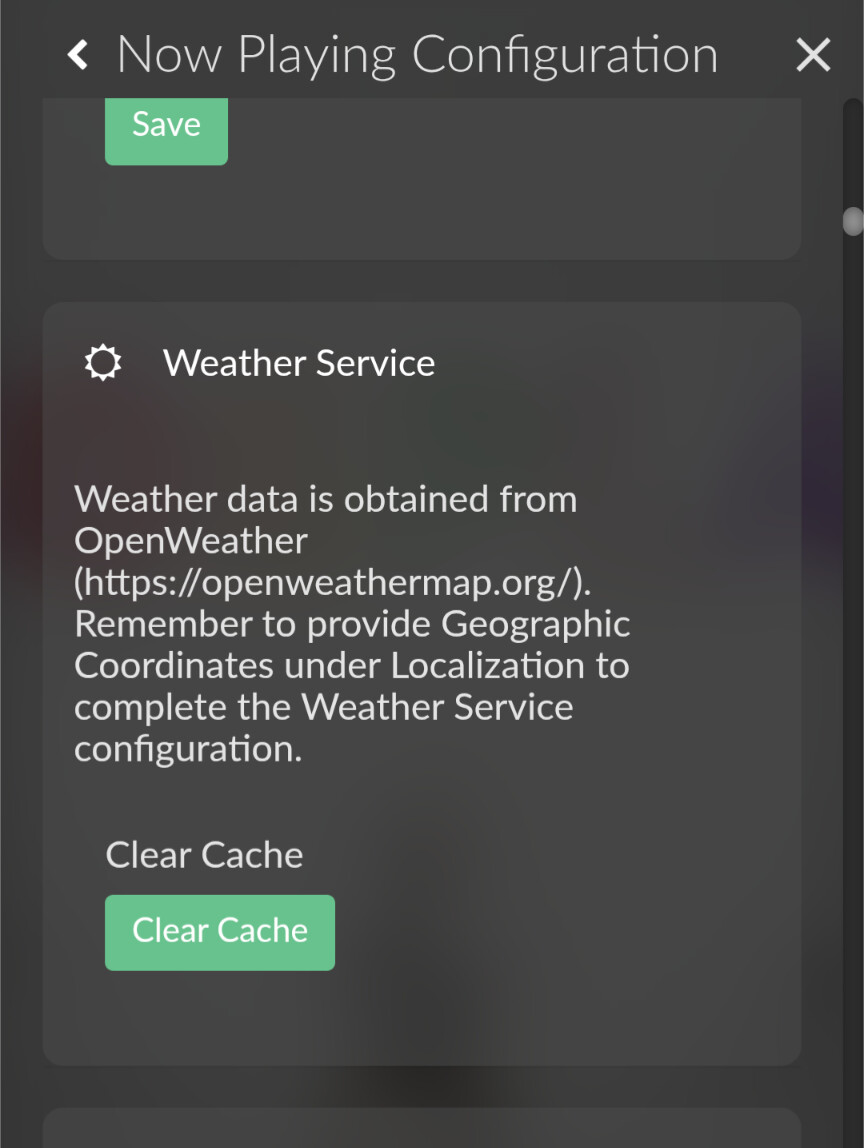
Am I missing something? Here’s all I see in the plugin’s weather section:
@nerd
Sorry didn’t read your post properly. The API option needs to be added.
Dear Volumionauts,
With @balbuze’s help, updated plugin with changed One Call API 3.0 is in the plugin’s store now.
I do not assume ownership and this is only one-off help for the community. Plugin’s origins remains with @patrickkfkan
Ensure that you have your API key available before configuring this version of plugin.

No point trying to use the string from screenshot - it is fake.
Kind Regards,
Yes we are aware of this issue. Sorry, we are working on it
1 Like
Great, thank you.
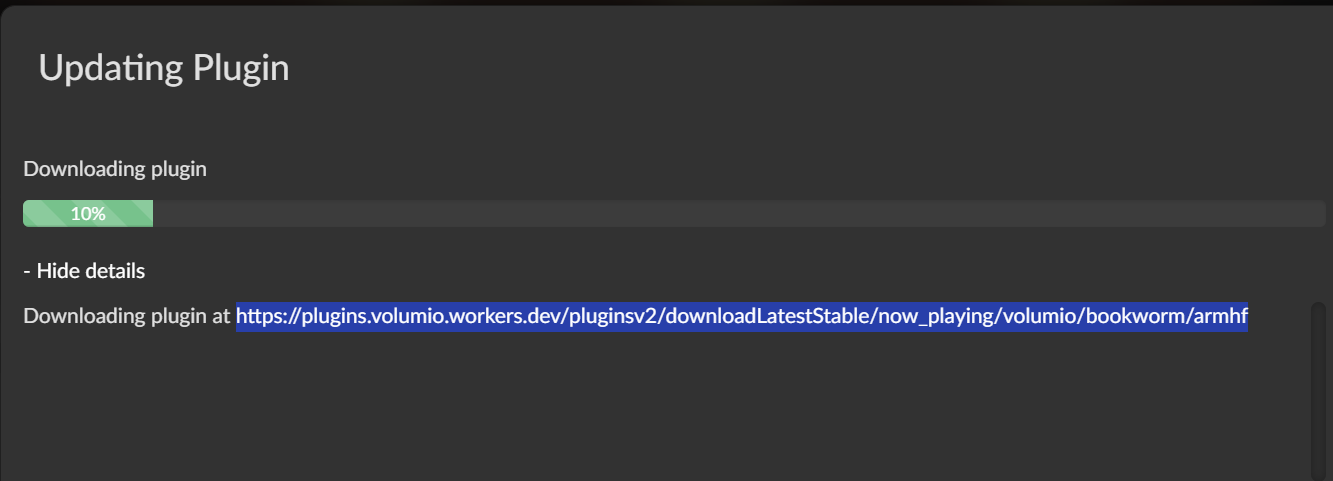
doesn’t work (v1.0.5) - 10%  only v1.0.3 works but the weather doesn’t work here
Same here. I tried uninstalling the old plugin first and rebooting before trying to install V1.0.5. Stuck on 10% during download.
Hello!
Thanks to @nerd The Great , Now_playing v1.0.5 works again! And is online!
Enjoy!
2 Likes
I clicked on the update and it’s bricked my system. Stupid because I always remove the plugin and reboot before installing Now Playing updates, but I didn’t do that this time. System became unresponsive and won’t now reboot. This error message appears after the Plymouth screen:
[FAILED] Failed to start dynamicswap.service - dynamicswap service.
I also tried this from @HeadGeek but it still doesn’t restart after removing the plugin. Also tried the same to remove Touch Display.
Almost nuclear: volumio updater userdata
I have backups!
Looks like trying to update the plugin bricked one of my installs, and another just refused to pull the updated version, even after removing and reinstalling. Seems to be stuck at 0.7.6(?).
Maybe I’m missing something…
hello!
I did update from v1.0.3 to v1.0.5 and everything went fine, uninstall too
I don’t see how the plugin can affect this. IMHO, your SD card is corrupted.
You have to run volumio4 for 1.x. version of the plugin
Hi @balbuze
I’m using a NVMe SSD. It’s not corrupt. I’ve had this behaviour before when updating this particular plugin. On multiple systems. Unistall/reboot/install new version always works for me.
Huh… All was well until recently. I’m on 3.886 Dec 2025 build and it tells me up to date. Is 4 Beta channel, perhaps?