Hey @Lee.Yan,
Two questions, two answers, and one mix-up to untangle first: there are two different glass-evo files, for two different machines.
- glass-evo-0.2.0.zip is the component for the player, Volumio itself. That is the one you downloaded.
- glass-evo-0.2.0-windows-x64.zip is the remote for your Windows machine: the bundle, Glass’s remote with the Glass interface in it.
- Does the player need glass-evo for the glass-evo remote?
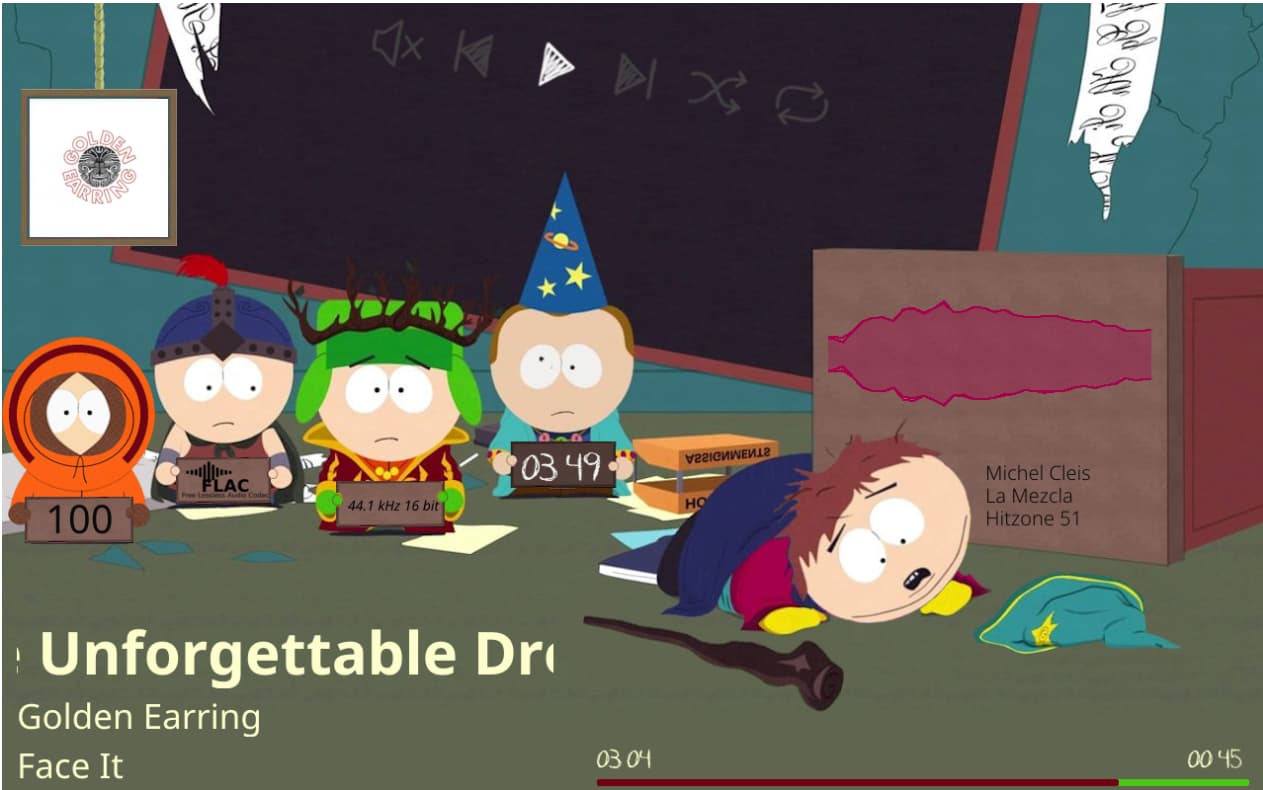
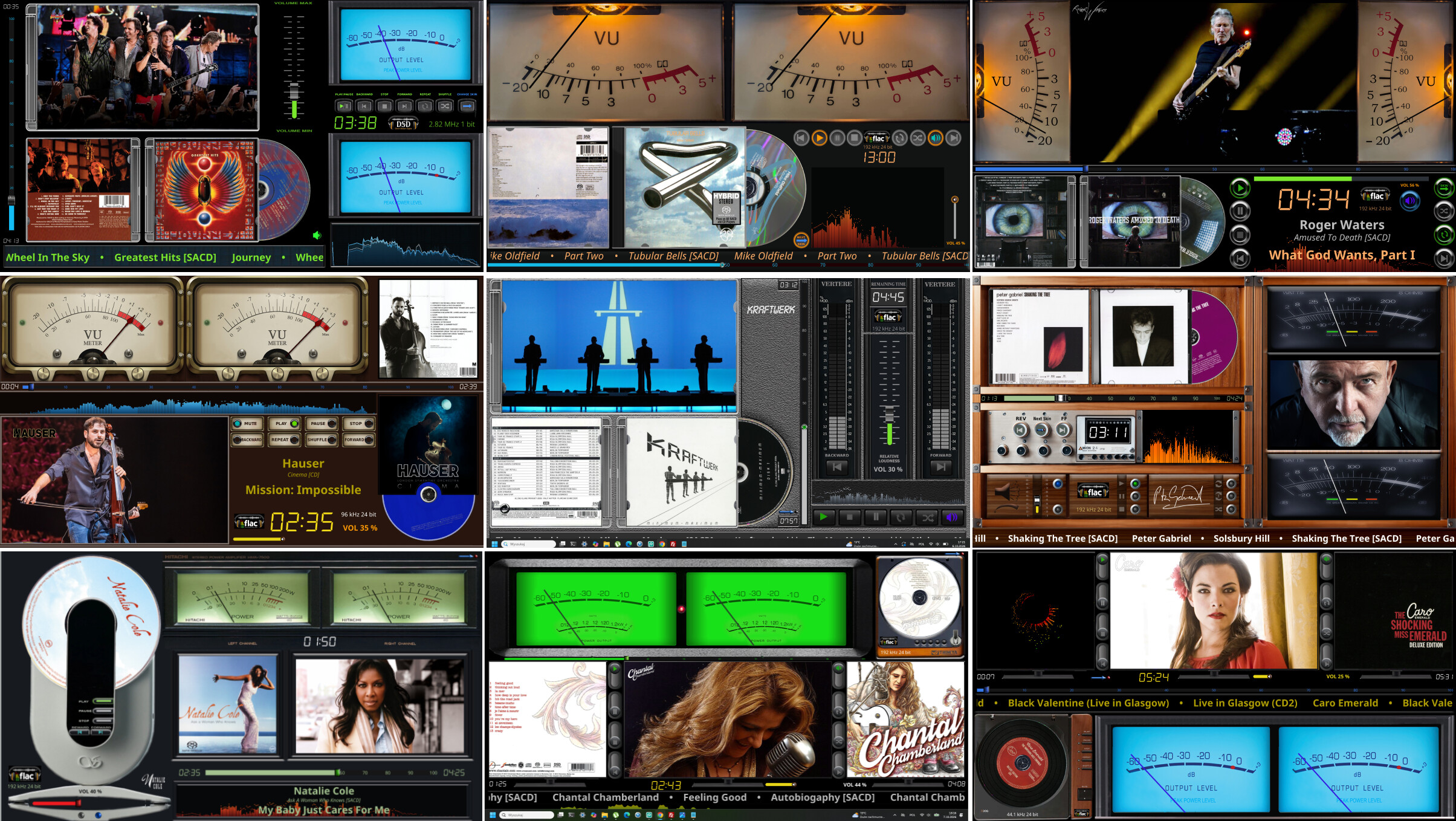
The remote draws the face itself; it brings the look from the player. What it shows is set on the remote’s own settings page, under “This remote shows”:
- “the Glass interface while glass-evo holds the player’s screen” (as installed): the face only while glass-evo holds the player’s screen. That needs glass-evo installed on the player and on its screen. Otherwise you see the theme alone.
- “the Glass interface always”: the face whoever holds the player’s screen.
- “the theme alone”: the same as the standalone remote.
The player needs Glass 0.8.20 or later either way.
To install the remote on Windows: unpack glass-evo-0.2.0-windows-x64.zip whole, then in PowerShell:
powershell -ExecutionPolicy Bypass -File glass-evo-0.2.0-windows-x64\remote\windows\install.ps1
It takes the standalone’s place under the same Start menu entries, and your settings stay.
- Installing glass-evo on the player by hand
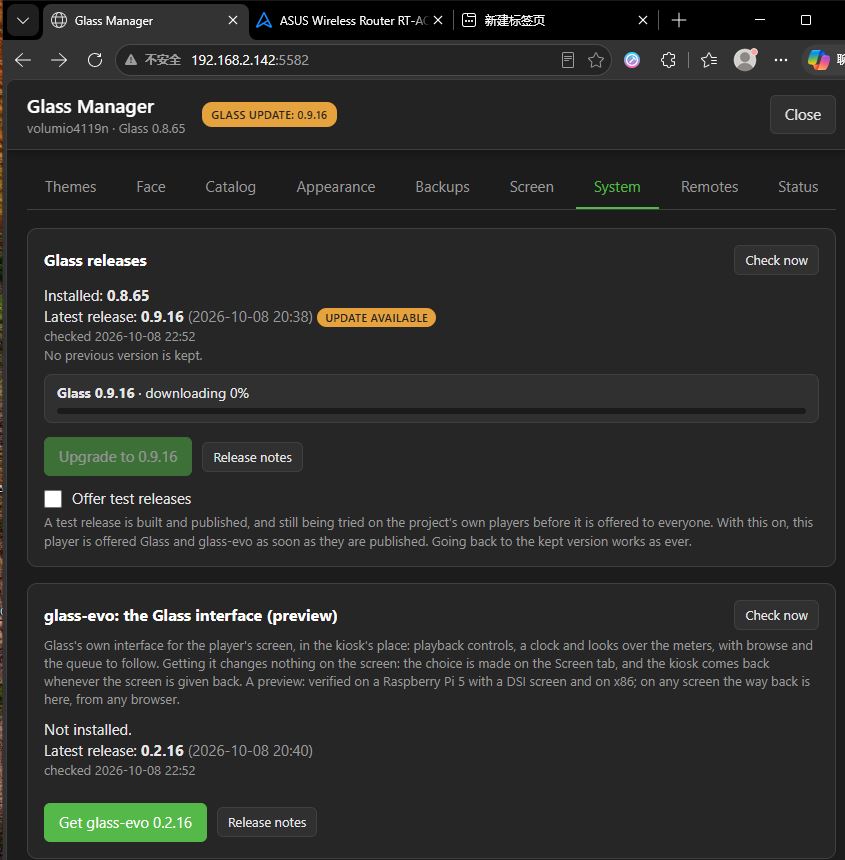
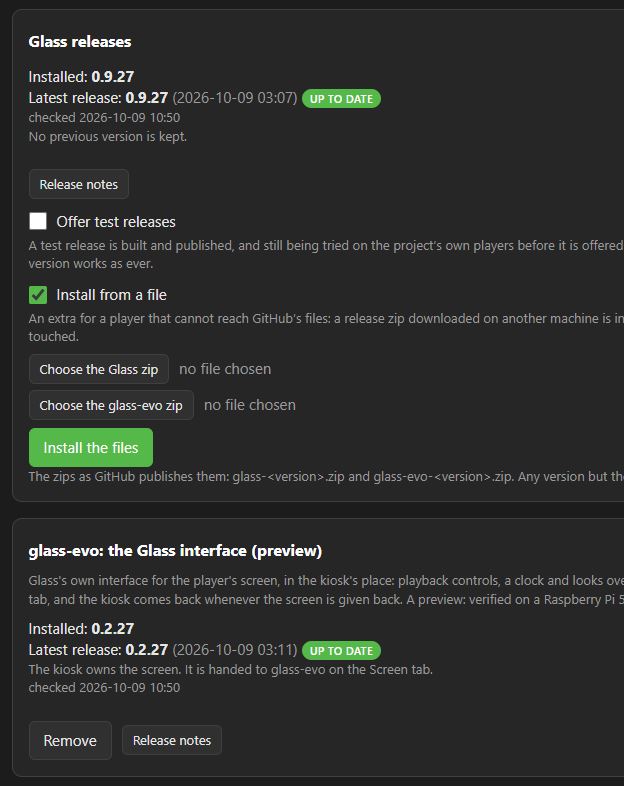
No. The component is installed only from the Manager’s System tab, “Get glass-evo”. The Manager downloads it from GitHub and checks it against the release’s checksum before installing. A zip on your PC cannot go that way.
The good news for a slow line: since Glass 0.8.62, a download that breaks is tried again by itself rather than giving up. If it still fails, that is a report for post 80, with the log, and we will see where the line breaks.
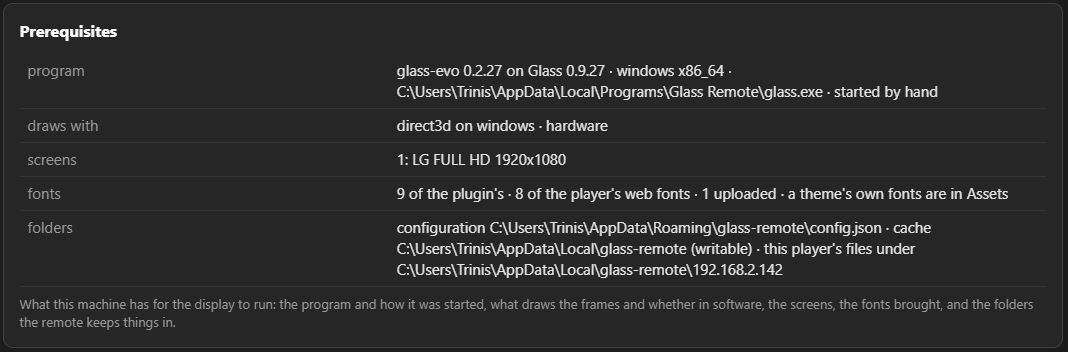
The details:
Kind Regards,


 Glass Interface & Control Modes Guide