Hey @dewen,
A model patient: tested, reported, in text, with nothing left to stitch. Discharged with full honours.
Glad the confirmation reads as clever rather than fussy - a sleeve brushing the screen should never end the evening.
Kind Regards,
Hey @dewen,
A model patient: tested, reported, in text, with nothing left to stitch. Discharged with full honours.
Glad the confirmation reads as clever rather than fussy - a sleeve brushing the screen should never end the evening.
Kind Regards,
Hey @Marius_Rimstad,
A simple question on the side is always allowed. Welcome to the clinic.
60 is not advised against at all. It is the Full profile, and on a Pi 5 it is a perfectly sensible choice. The chain that used to be taxing was the old Python one - which is exactly why Glass replaced it.
The figures from the bench, a Pi 5 at 1280x720, eight heavy turntable and tape meters averaged:
So Glass at twice the frame rate still costs less than PeppyMeter did at half.
Why 30 out of the box, then? The Auto profile picks Standard, 30, for a Pi 5: smooth to the eye, and no power spent that nobody asked for. To have 60: Manager > System tab > Performance > Full. Records and reels turn at every frame, so those gain the most.
Nothing to fear in trying: if a theme proves too heavy for the rate you set, the display steps itself down - 45, then 30 - and the Status tab says so.
Full numbers on the Performance page of the wiki: Performance · foonerd/glass Wiki · GitHub
Now:
As for “such a simple render” on less hardware: simple to the eye is not simple to the pixel. A 1280x720 screen is close to a million pixels, nearly 4 MB a frame; sixty frames is over 200 MB a second to move if it were all redrawn. A needle is a picture turned to a new angle and blended over its background, every frame, for every needle. Glass already refuses to do the obvious: the still parts are composed once, only the boxes that changed are repainted, turned needles are cached, and the painting is shared across the cores. That is why smaller boards get smaller profiles - Light at 20 for a Pi 3, Minimal at 15 for a Zero 2 W.
And should the hardware man in you still find it all too taxing for so simple a picture: the source is open, the bench numbers are published, and the clinic gladly welcomes a better chain. Bring yours, beat 56 percent at 60 frames on a Pi 5, and the surgeon will hand you the scalpel himself.
Kind Regards,
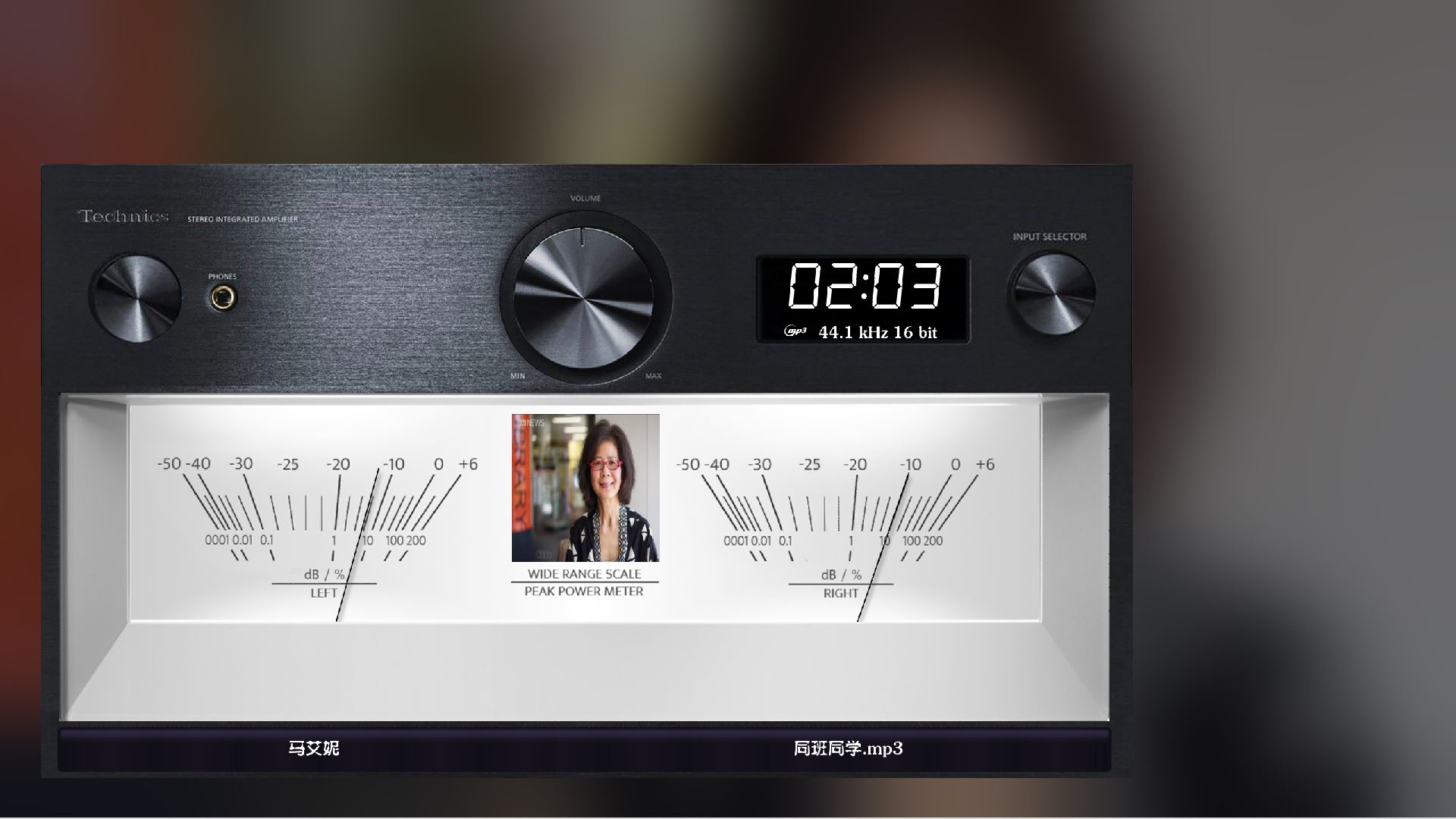
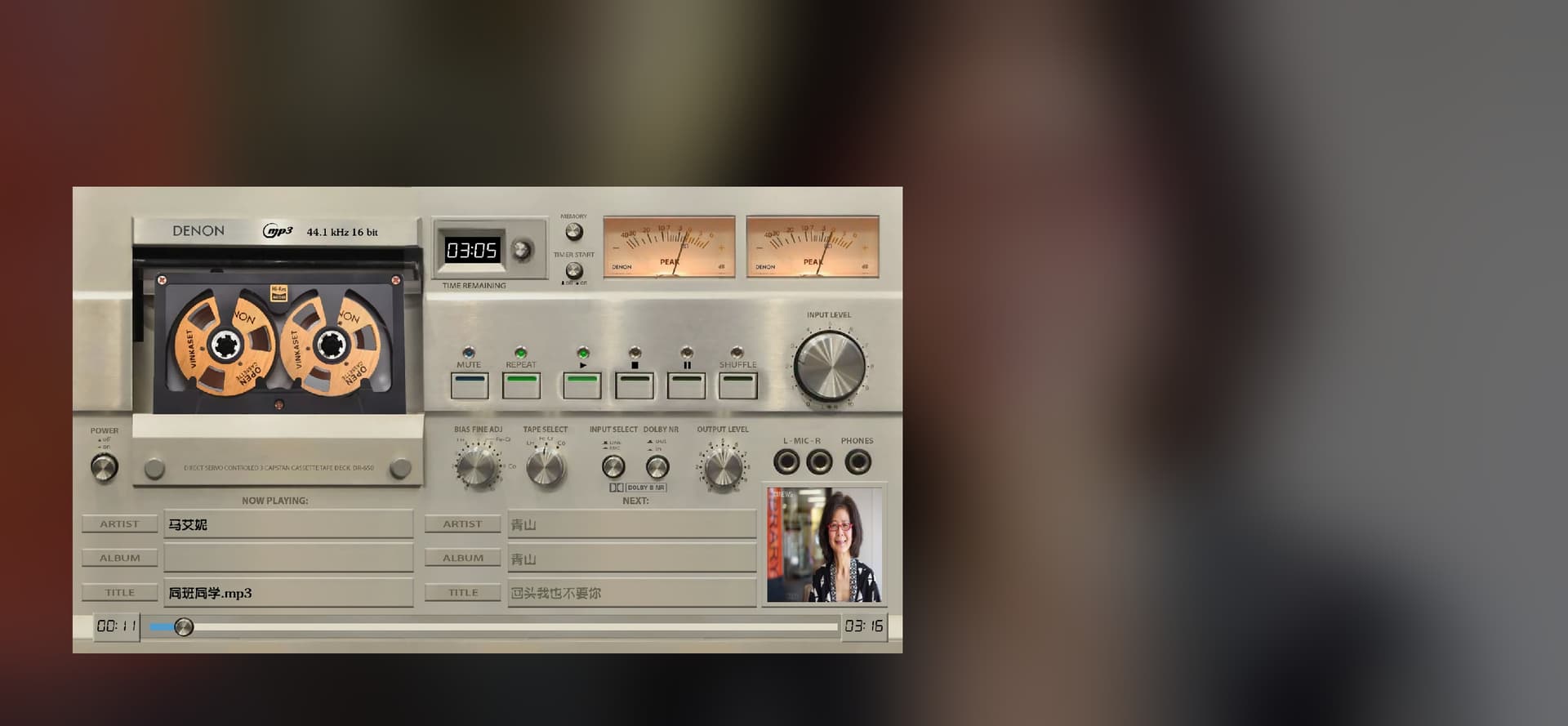
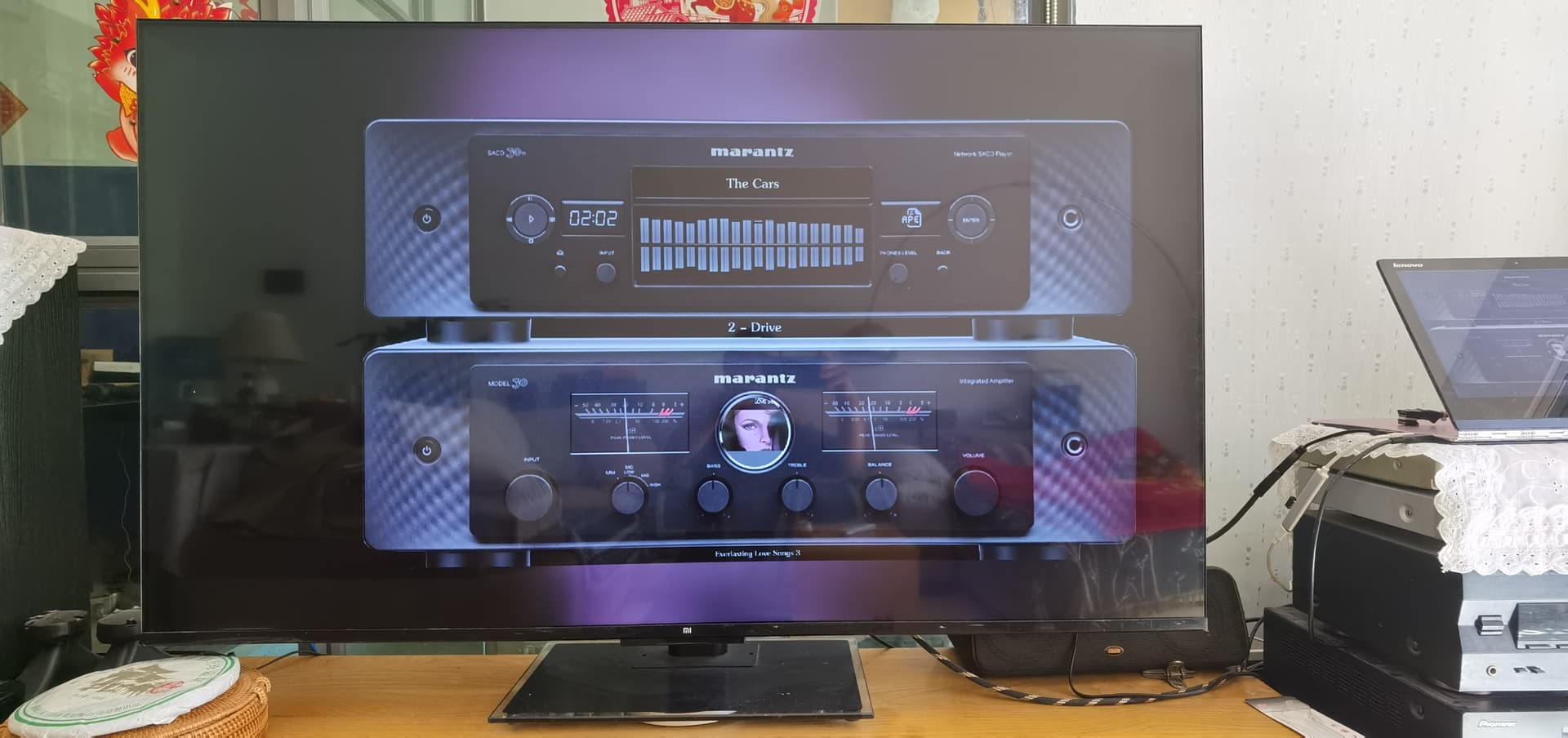
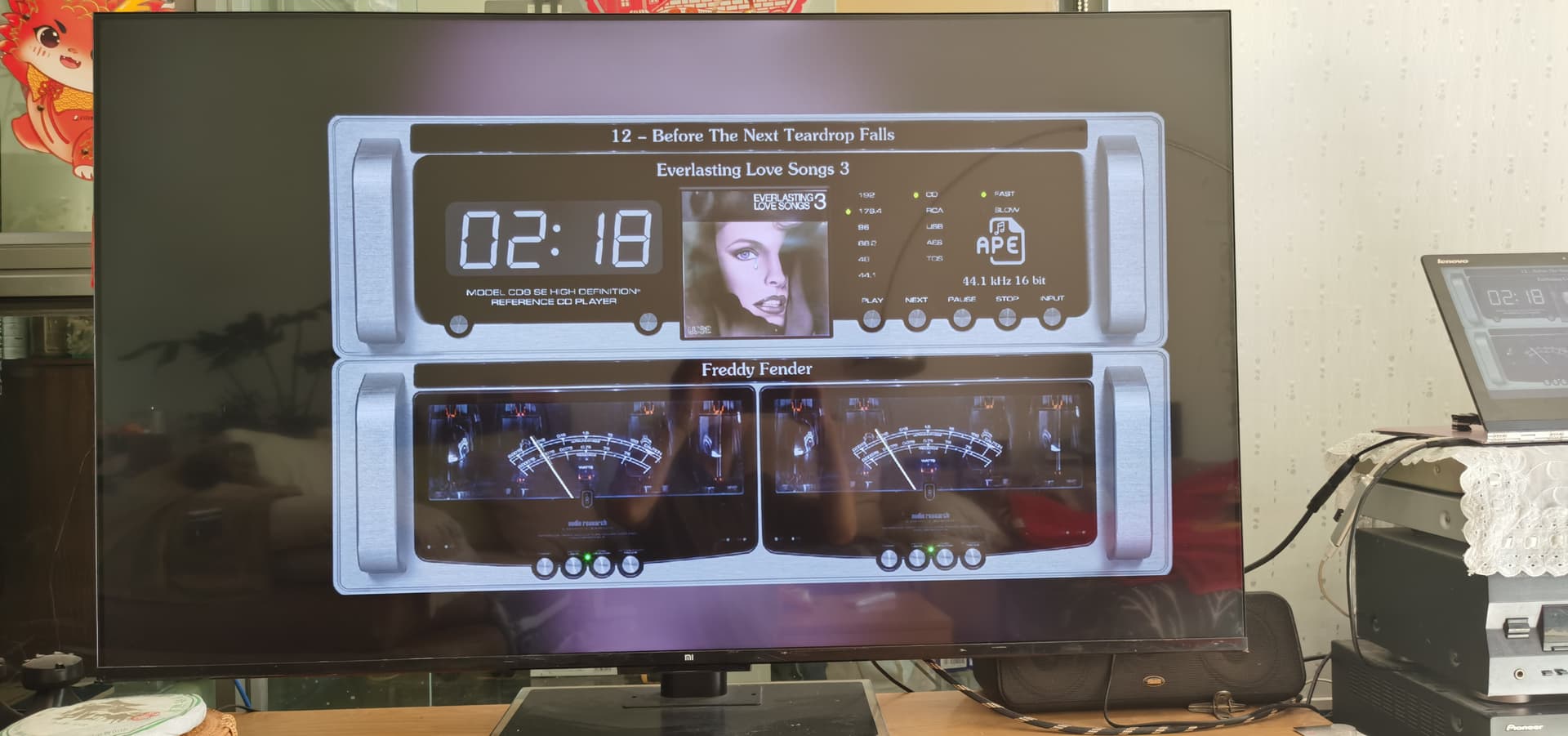
Glass on TV
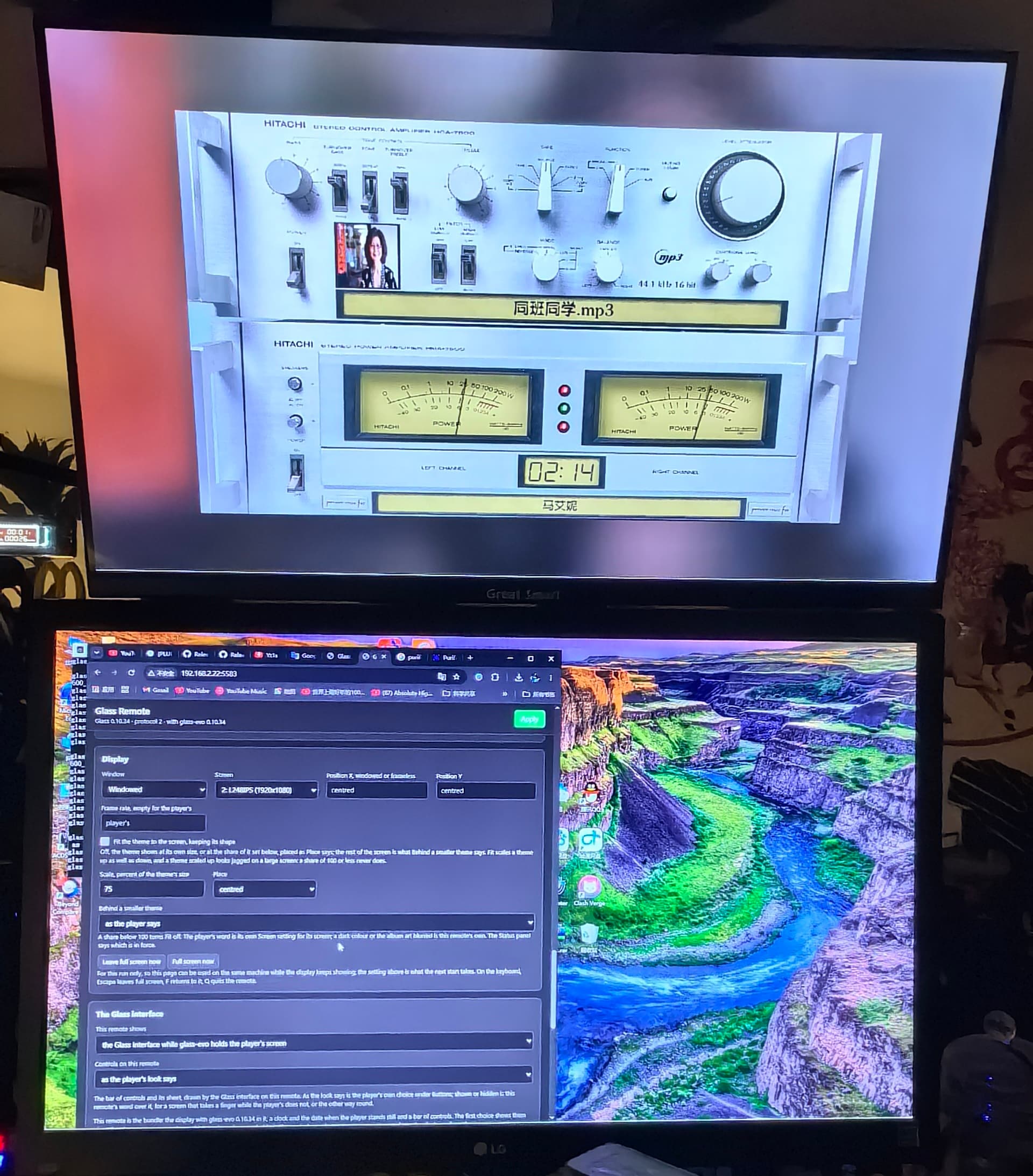
When I first launched the remote app, it appeared as a small window. Once the connection to the player was established at 127.0.0.1:5583, the theme began to display within that window. I noticed that the theme’s display automatically adapts to the window size—though I couldn’t find any specific settings to manually adjust the window dimensions—which means the interface supports scaling. (However, scaling up the theme doesn’t look great; it results in jagged edges and pixelated artifacts.) This brought the idea of a “frosted glass” effect to mind. Could we add a “frosted glass” overlay behind the theme, along with a few options for scaling? Why do I want this? Well, when I display the “Glass” theme on my 75-inch TV, it’s simply too large if it fills the entire screen; it would look much better if it were scaled down and positioned appropriately. Since our TVs run on Android, displaying these meters is incredibly convenient—much better than the HDMI-based setup I used previously.
What do you think? Is this feasible?
Hey @Lee.Yan,
A 75-inch ward, then. Before the surgeon picks up anything, a word on how dreams get admitted, because this one took longer to decode than it will take to answer.
What I read in your post, translated into the clinic’s terms:
What already exists: the remote’s settings page has Fit the theme to the screen, keeping its shape. Turn it off, and the theme shows pixel for pixel, centred, unstretched - which is your “scaled down”, at the theme’s own size. Try that first.
What does not exist on a remote: a size of your choosing and the blurred backdrop. Those are dreams, and dreams are admitted on a form, not a story. If after trying Fit off you still want them, post exactly this, nothing more:
I am one surgeon. Every post I have to interpret before I can proceed it is time taken from the operating table - yours included.
Kind Regards,
What I mean is that I would like to see a setting in the remote that allows for scaling down the theme—for instance, to 85% or 75% of its original size—and positioning it specifically on the screen. This would also allow for the inclusion of a “frosted glass” effect, while simultaneously addressing display issues on large screens. My mention of a 75-inch TV was just one example, not the primary objective.
I am aware that your application already includes scaling functionality, so I expect that implementing this feature wouldn’t place any significant additional burden on you.
Hey @Lee.Yan,
Your dream is out of theatre: Glass 0.10.34 and glass-evo 0.10.34. On the remote’s own settings page, beside Fit, three new settings:
The Status panel on that page has a new row, On the screen, saying how the theme sits and whose word the backdrop is. A touch lands where it should at any share.
Upgrade the player and the remote, set your 75 or 85, and report back as text - device, theme, settings, what you saw.
Kind Regards,
Thank you so much!
I know you’ve been typing away furiously at your keyboard all day.
Seeing your silence, I know you’ve understood what I meant.
Thank you so much for your efforts.
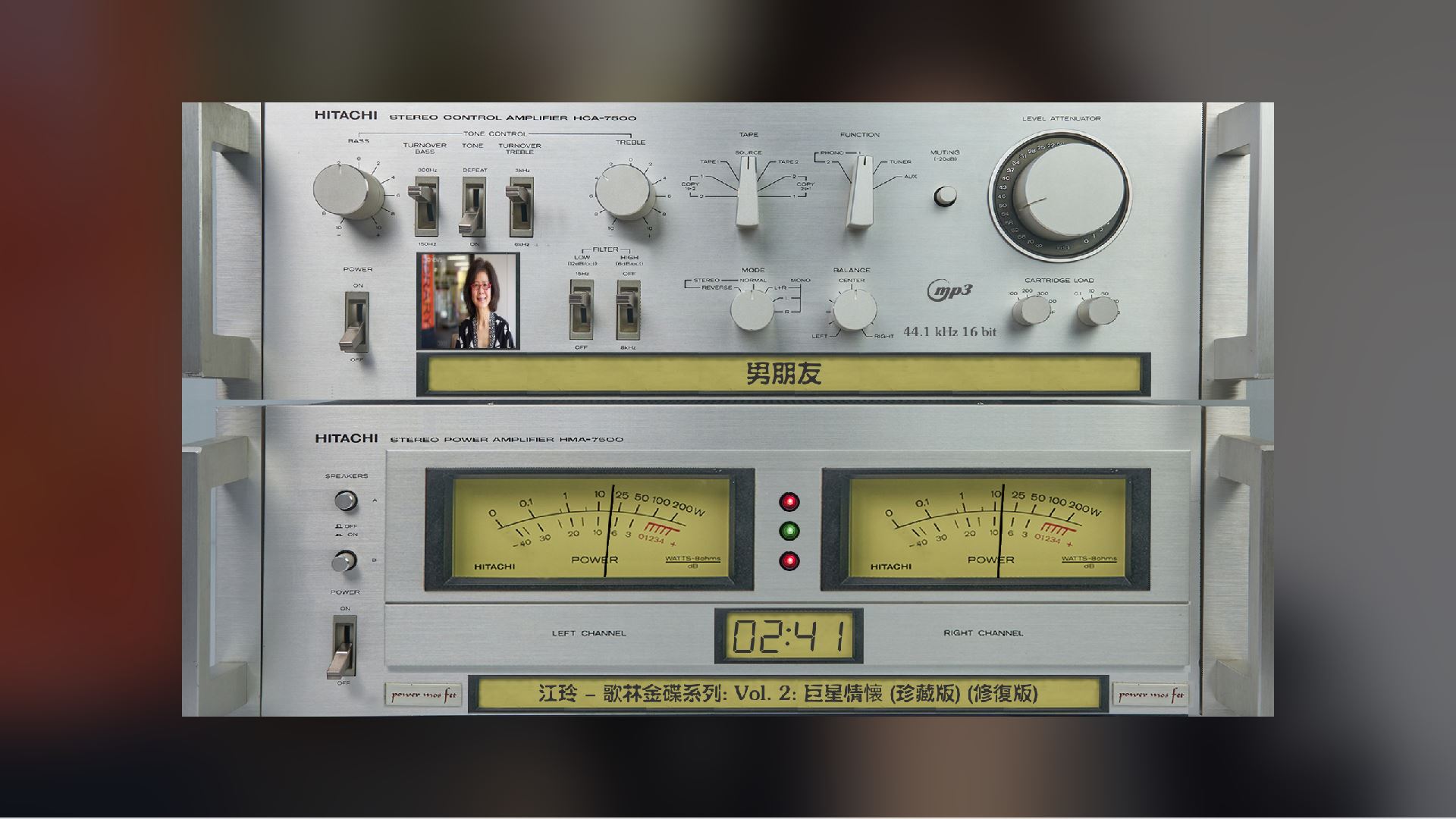
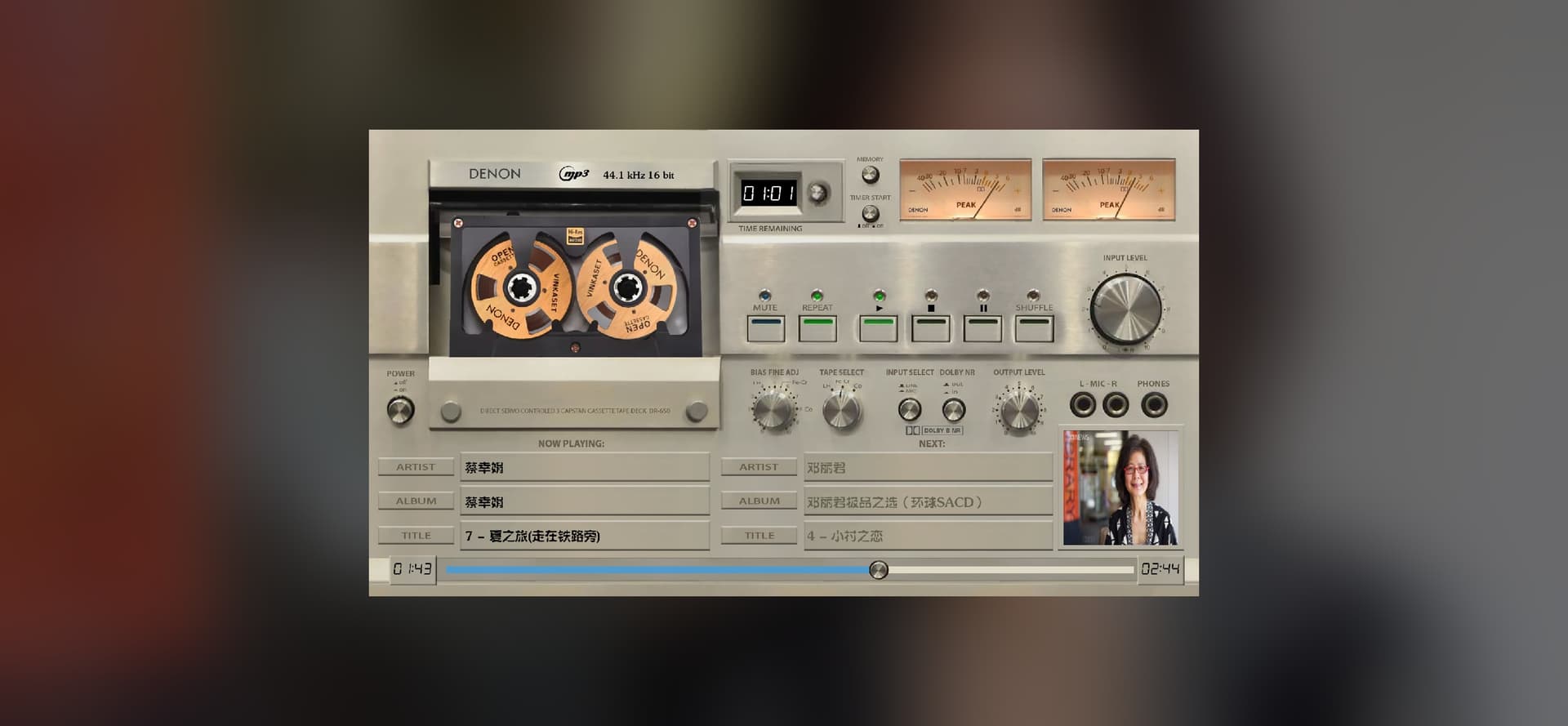
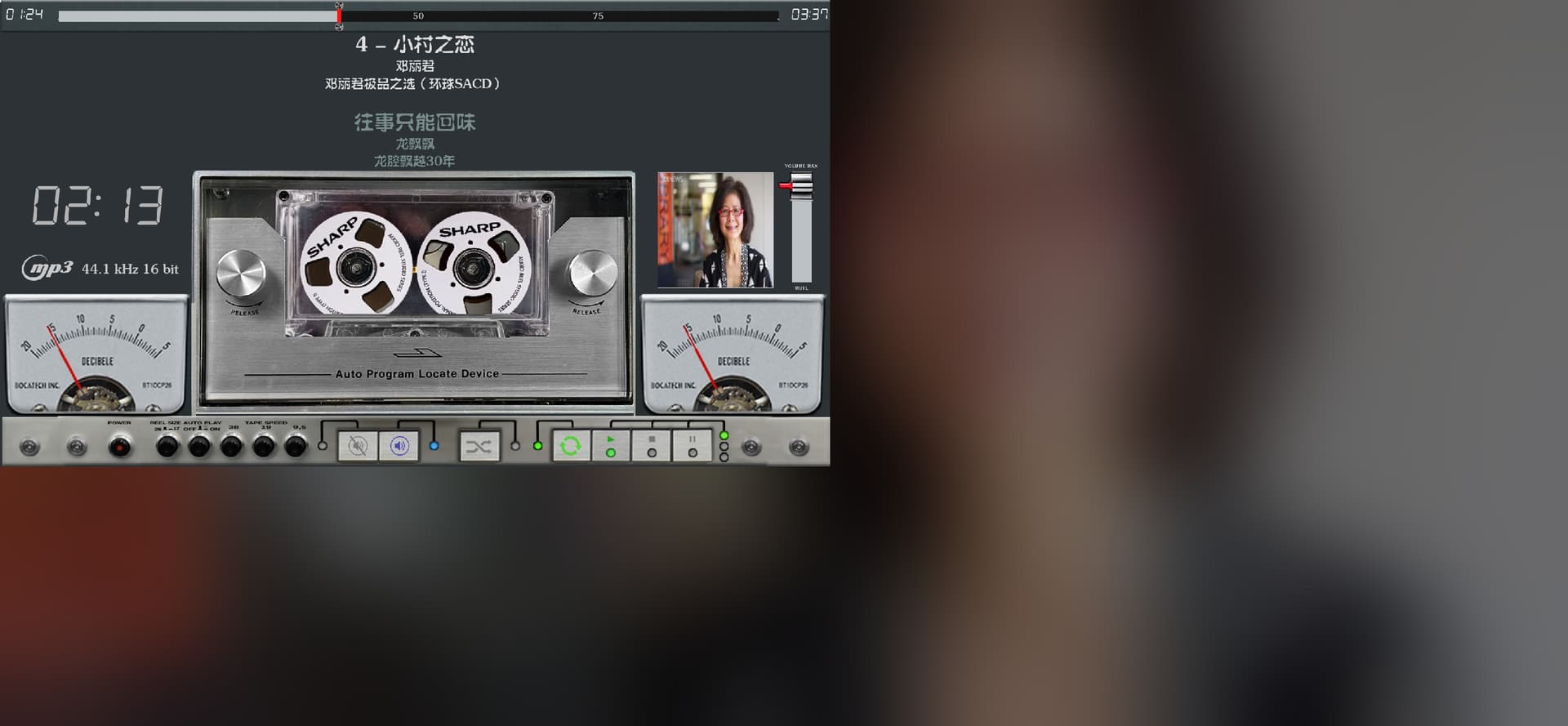
One of my favorite theme
Remote of Andiod 75%
One more thing: in which section of the forum should I post issues or feedback regarding the Volumio system?
Hey @Lee.Yan,
No keyboard was harmed in the making of this release. The clinic runs on alpha and beta waves, and the occasional gamma burst when a patient sends pictures instead of text.
Enjoy the frosted glass.
Kind Regards,
Adding a parameter for “margin” (or “edge distance”) would be perfect; it would allow you to ensure that the main subject—when positioned near the corners or edges—doesn’t end up pressed right against the frame.
Hey @Lee.Yan,
Glad the TV looks the part. That is exactly what it was cut for.
And the margin went straight onto the table: Glass 0.10.35 and glass-evo 0.10.35. On the remote’s settings page, beside Place:
For the Volumio system itself, the forum sorts it like this:
Same rule there as here: versions, steps, and the log link as text.
Kind Regards,
Hi Guys sorry to intrude
Can same one point me to the right directions to get 2560x720 Themes for my Volumio
Thanks
Dreams come true; wishes fulfilled.
Thank you, Doctor.
The design is very well thought out. I did consider the possibility of conflicts involving mutual obstruction, but I knew that, as an expert, you would handle it perfectly.
Windows
Tablet
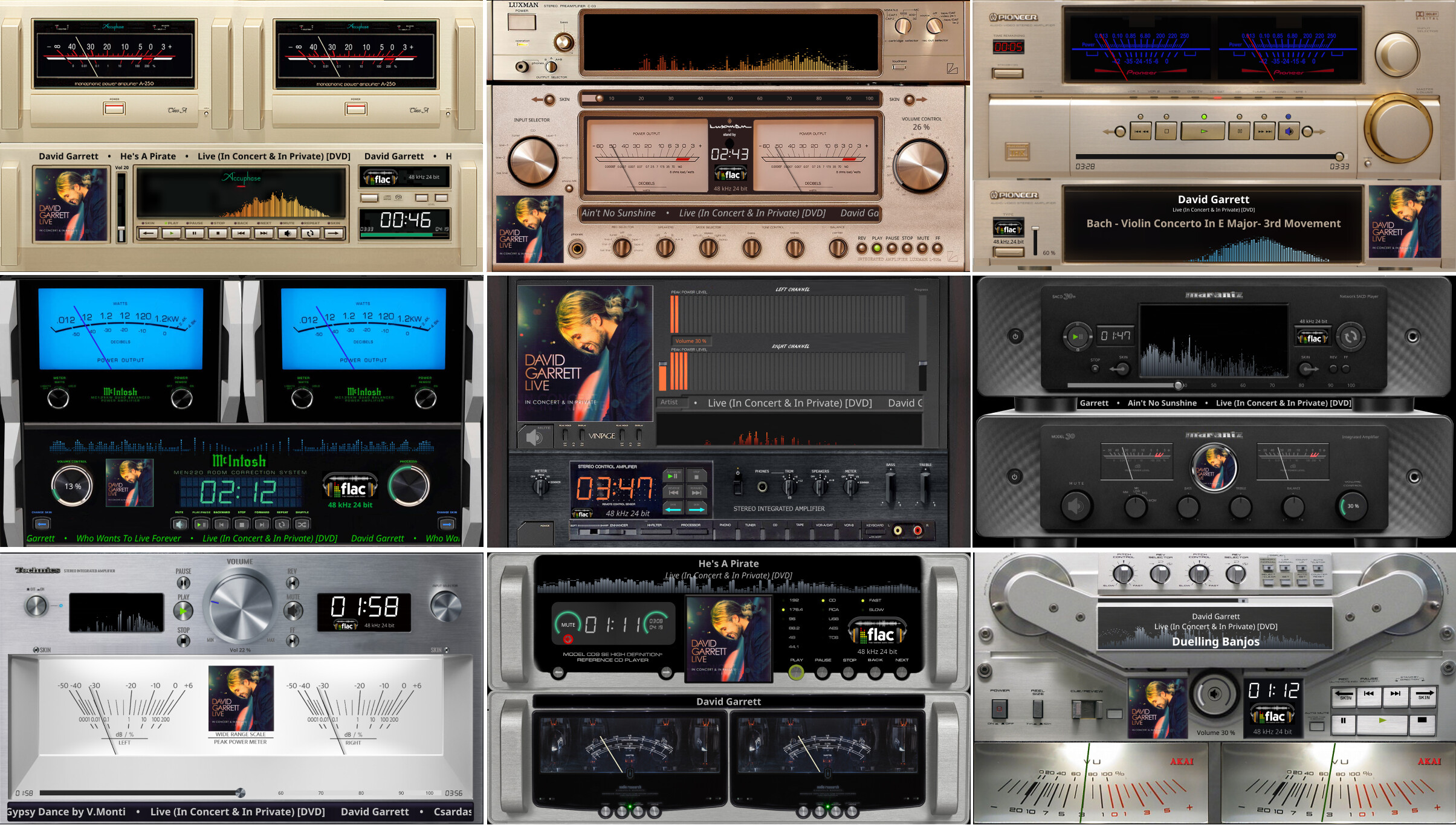
Glass runs perfectly on TV.
There is no longer any need to use an HDMI cable to connect a Volumio-player to the TV; instead, you can simply use the TV remote to launch the Glass app directly on the TV—it runs quickly, smoothly, and looks great.
You don’t need to search for a theme that perfectly matches your screen dimensions. Glass is highly versatile; simply choose a theme with roughly similar proportions and enable the “Fit the theme to the screen” option to achieve excellent results. With a vast selection available, you’ll have even more fun exploring your options.
This use case demonstrates how existing themes can be efficiently adapted to screens with unknown resolutions, eliminating the need to create a specific theme for every individual resolution. In cases where the aspect ratio of a theme’s visual elements does not perfectly match that of the screen, a “frosted glass” effect can be used to fill the remaining space.
Minor formatting issue browsing/playing Bandcamp media.
Glass report: Something else
What I did and what I saw: In lists view, when browsing Bandcamp tracks/albums there are HTML formatting issues. This was also in Nova, but that is fixed now. When playing individually purchased tracks from Bandcamp, these are also mis-formatted in the Glass/play screen, though whole albums display correctly.
Reproduced between Oct 24 10:50:30 and Oct 24 10:59:44 by the player’s clock, as in the log, with Glass logging at verbose (its level is verbose otherwise).
System log: http://logs.volumio.org/volumio/j6nvNAB.html
Diagnosis
Something else: the checks found no cause
Checked: Glass 0.10.35 is the latest release.
Checked: glass-evo 0.10.35 is installed and works with this Glass.
Checked: The display runs glass-evo 0.10.35, started after its install.
sibermusic · Glass 0.10.35
Player
Glass: 0.10.35 (arm) · build eb92853
Volumio: 4.239 · pi · Raspberry Pi 5 Model B Rev 1.0 · backend up 10.6 h
Memory: 3.90 GB · 614.0 MB in use · 3.30 GB available
Other plugins: FusionDsp 3.1.7 (audio_interface) · off · in the audio path
Backup & Restore Data 1.7.4 (system_controller) · on
Bandcamp Discover 2.3.1 (music_service) · on
IR Remote Controller 3.4.13 (system_hardware) · on
Raspberry Pi EEPROM Firmware Updater 1.0.7 (system_controller) · on
SoundCloud 2.1.0 (music_service) · on
System information 3.1.1 (user_interface) · on
Touch Display 3.6.0 (user_interface) · off
Addresses: hidden until revealed
Manager: http://sibermusic.local:5582/ · up 634 min
Anymote: http://sibermusic.local:5582/anymote
PeppyMeter Screensaver enabled: no
Screen
Display: showing · DISPLAY=:0 · opens after 3 s
Screen: no screen size from X · theme 1280x720 · mouse on · since 2026-10-24 10:50
Drawn on: the screen itself (KMS/DRM) (opengl) · the screen is Glass’s
Screen owner: glass-evo owns the screen: it is the player’s interface; the kiosk and what runs it are off, recorded below. · glass-evo: installed 0.10.35 · glass-evo took the screen on 22/10/2026, 16:01:17; it turned off: Touch Display, getty@tty1. · Face size: normal
Kiosk: Kiosk service: inactive · X server: down · Touch Display plugin: off (angle 90) · Display Configuration plugin: off
Graphics: drawing on the screen itself works (drm-rp1-dsi, DSI-2): in software, on the processor, llvmpipe (LLVM 15.0.6, 128 bits) · Mesa 24.2.8-1~bpo12+rpt5
Screen settings: rotation 90 · pointer auto (hidden now)
Touch mapping: As the panel reports
Panels: DSI-2: connected, 720×1280, portrait by nature
Inputs: Touch: Goodix Capacitive TouchScreen (event1) · Mice: none · Keyboards: none
Backlight: 11-0045: 28 / 31
Panel: The panel is on · brightness 28 / 31 · dims to 26 while the player stands still
Behind a smaller theme: the dark colour
Interactive controls: As the theme says
Performance: Full · 60 fps · governor on · Raspberry Pi 5 Model B Rev 1.0
glass-evo
Component: 0.10.35 · needs Glass 0.10.35 · this Glass works with 0.10.35 · 0.10.34 kept for going back
Screen: glass-evo owns the screen · held on the screen itself (KMS/DRM)
Display: the component’s binary · since 2026-10-24 10:50 · component installed 2026-10-23 22:43
Face tab and Anymote: the Glass interface, always · glass-evo’s module 0.10.35 · 1 pages watching
Look: built in
Picture when nothing plays: sibermusiclogreen1.jpg · found
When the player stops: After the persist period (5 s)
Face size: Normal
Buttons: shown · away while the player stands still
Forecast: hidden until revealed · °C · Today · reading 4 min ago
Audio
Audio path: the tap heads the ALSA chain · output volumio
Player: play · mpd · Hondenfokker - TRACKMake It Better · measured · mp3 HQ VBR
Audio rings: glasstap.glass.1125.24 (44100 Hz, 2 ch, live)
Channel: 1 displays connected
Themes
Theme on show: 1280x720_g5_705_meters · One meter: 94G5_MNN8 · now 94G5_MNN8
Theme folders: 7 themes in /data/INTERNAL/glass/templates · 3 spectrum twins in /data/INTERNAL/glass/templates_spectrum
Fonts: Light: Built in · Regular: Built in · Bold: Built in · Italic: Built in · Clock digits: Built in · 0 uploaded
Network share: themes readable over the network, not editable
Car Dash: off
Artist fanart: off · 0 artists cached
Catalog: 202 themes · catalog changed 2026-10-19 21:01 · 3 installed from it
Theme’s own files: 75 named · 75 found
Network and remotes
Remote displays: Remote displays are off on this player.
Connected: No remote display is connected.
Face and Anymote
Face: 1 pages watching · frames flow
Housekeeping
Logging: verbose · display, manager, settings
Last upgrade: 0.10.34 · 0.10.35 · 2026-10-23 22:43
Last install: none since the backend started
Releases offered: released ones only
Newest backup: 24oct26 · 2026-10-24 00:18
Internal storage: 546.27 GB free
Recent problems: none in the last 300 lines
Hey @SimonE,
A model admission, as ever: the report, the log, and the minutes it happened in. The surgeon barely had to open the chart.
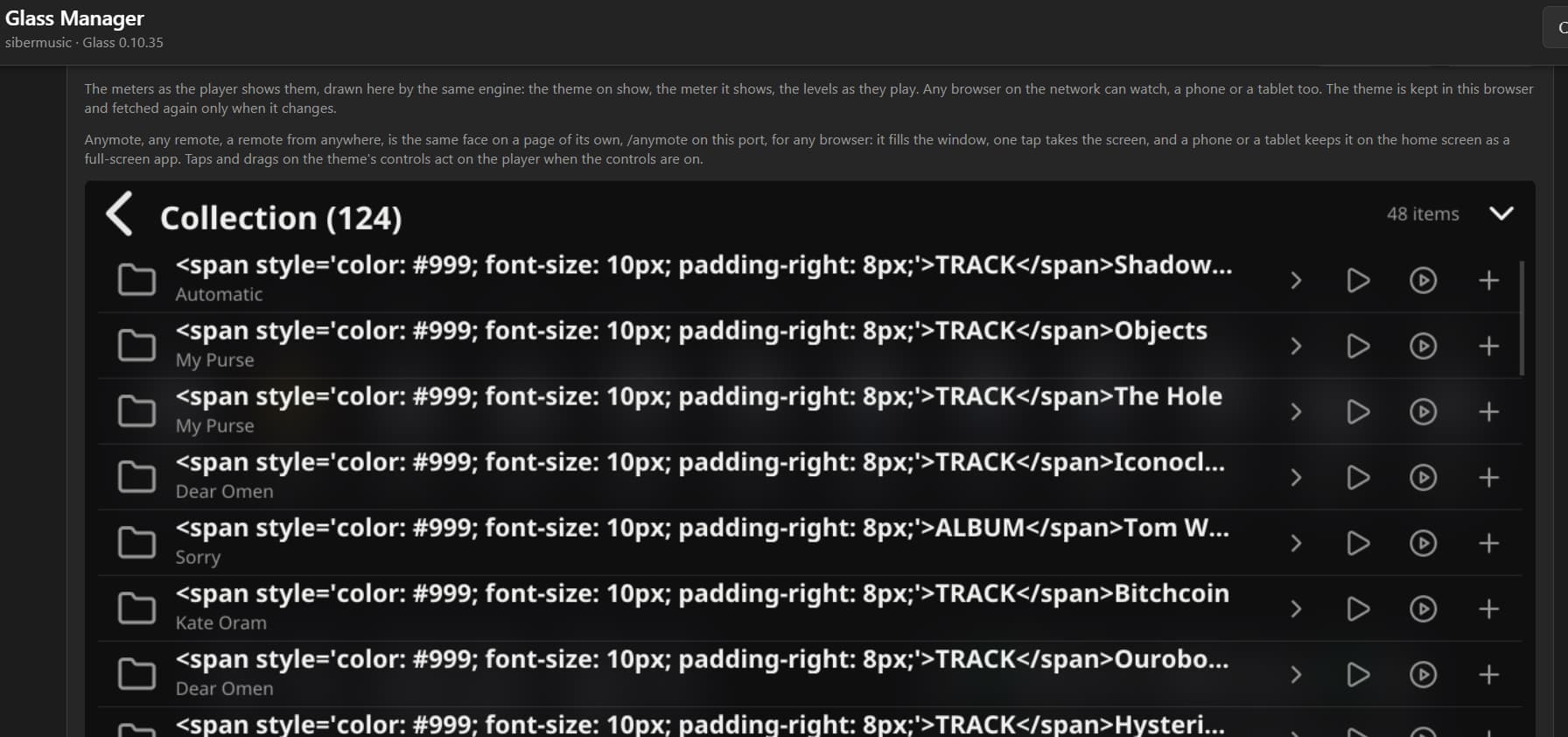
The culprit is not in our ward. The Bandcamp plugin writes web markup into the track’s title itself, so Volumio’s classic interface can paint a little grey badge. Your log has it, word for word:
title="<span style='color: #999; font-size: 10px; padding-right: 8px;'>TRACK</span>Make It Better"
Only single purchased tracks wear that badge, which is why whole albums looked healthy.
Not our patient, but our cure: Glass 0.10.36 and glass-evo 0.10.36 put every name through one plain-text wash where it enters Glass. Tags go, entities decode, a badge in front of a name comes off and becomes the item’s icon, and the word glued to a playing title - your “TRACKMake It Better” - is peeled off as well. Lists and the play screen alike.
Upgrade the pair and let the clinic know how Bandcamp looks now.
Kind Regards,
Thanks again @nerd for the Bandcamp bandaid.
Bandcamp browsing and playback displays exactly as it should.
Has it been released?
In the “1920x515_g5_910_turntables” theme, there is a missing file: “Denon_DP400_mask.jpg”. Although I have found a file with the same name in other themes, it may not be the correct size. I am unsure of its specific function, so I am unable to modify or provide a suitable replacement.
YES
Downloaded, thanks. Running.