Please check it.
@Gelo5
Delete albumart.mask =Denon_DP400_mask.jpg.
it’s right. Thank you
Actually, I am aware of this way of handling it; I’m just more interested in what the actual effect of this file is.
mask - as the name suggests - masks the album art area
I’ve figured out the purpose of “_mask.jpg.” It is not needed for the “103G5_Denon DP400” theme.
1 Like
About 1920x1080_g5_TouchMetGBS
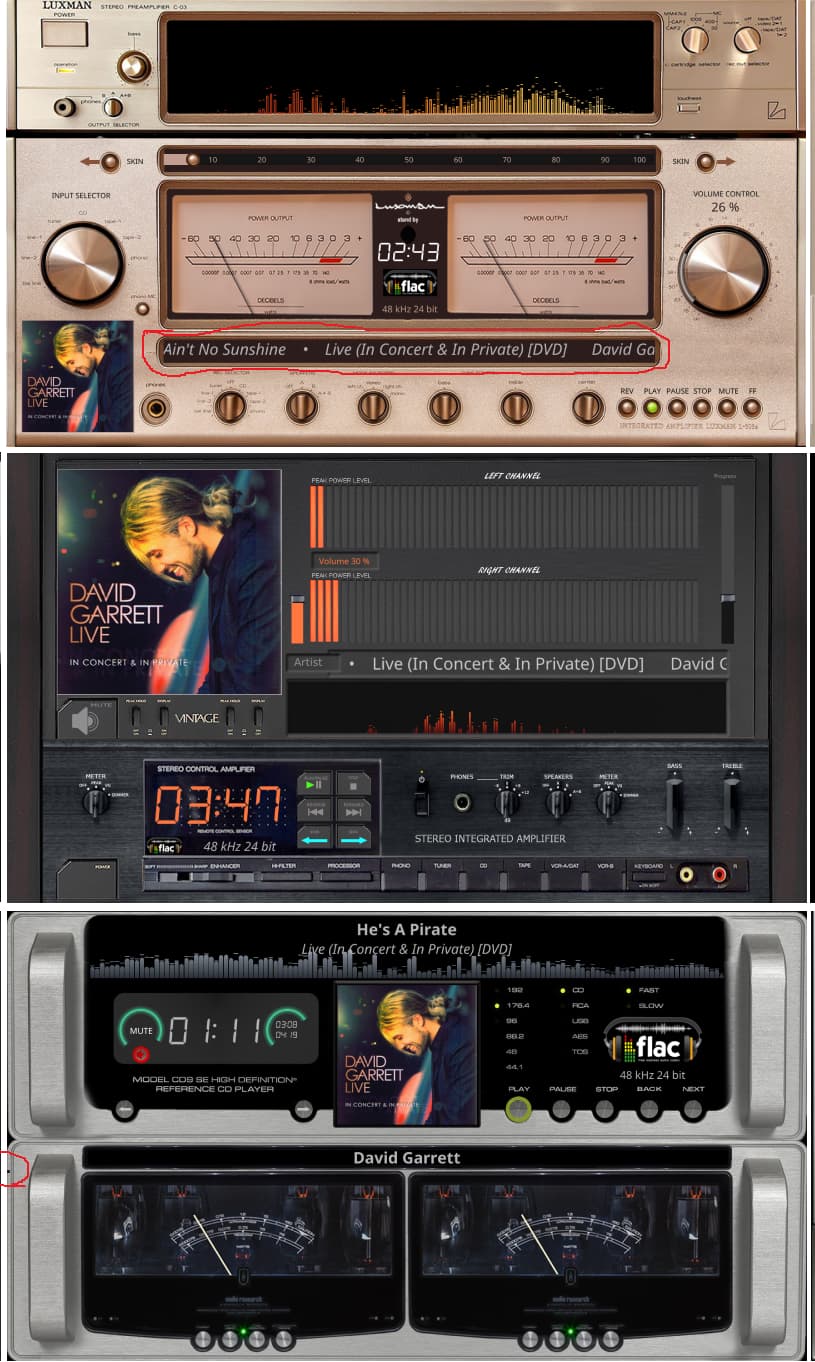
Fine-tuned the positioning of titles within the theme to ensure they appear more balanced inside their designated boxes.
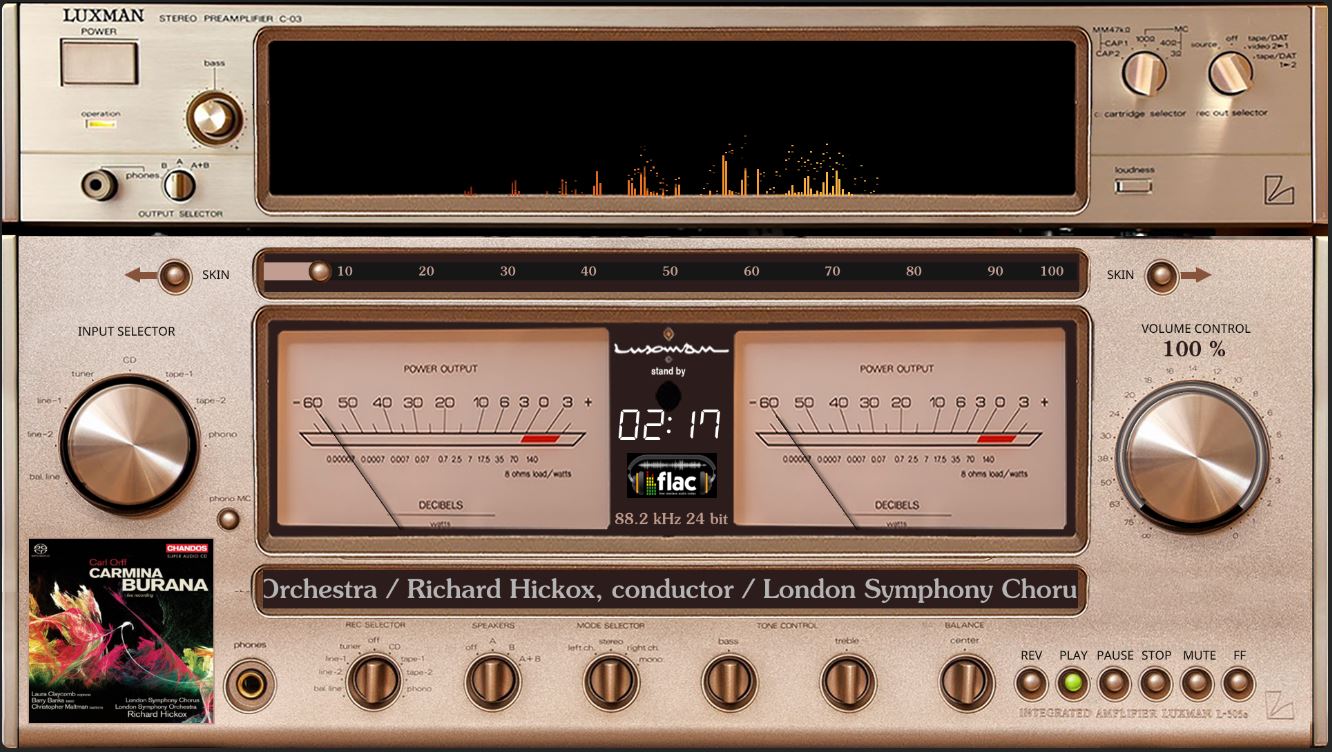
Fixed a black dot appearing on the left border of the ‘808G5_Audio Research’ theme (an issue that had persisted in previous versions of the theme).
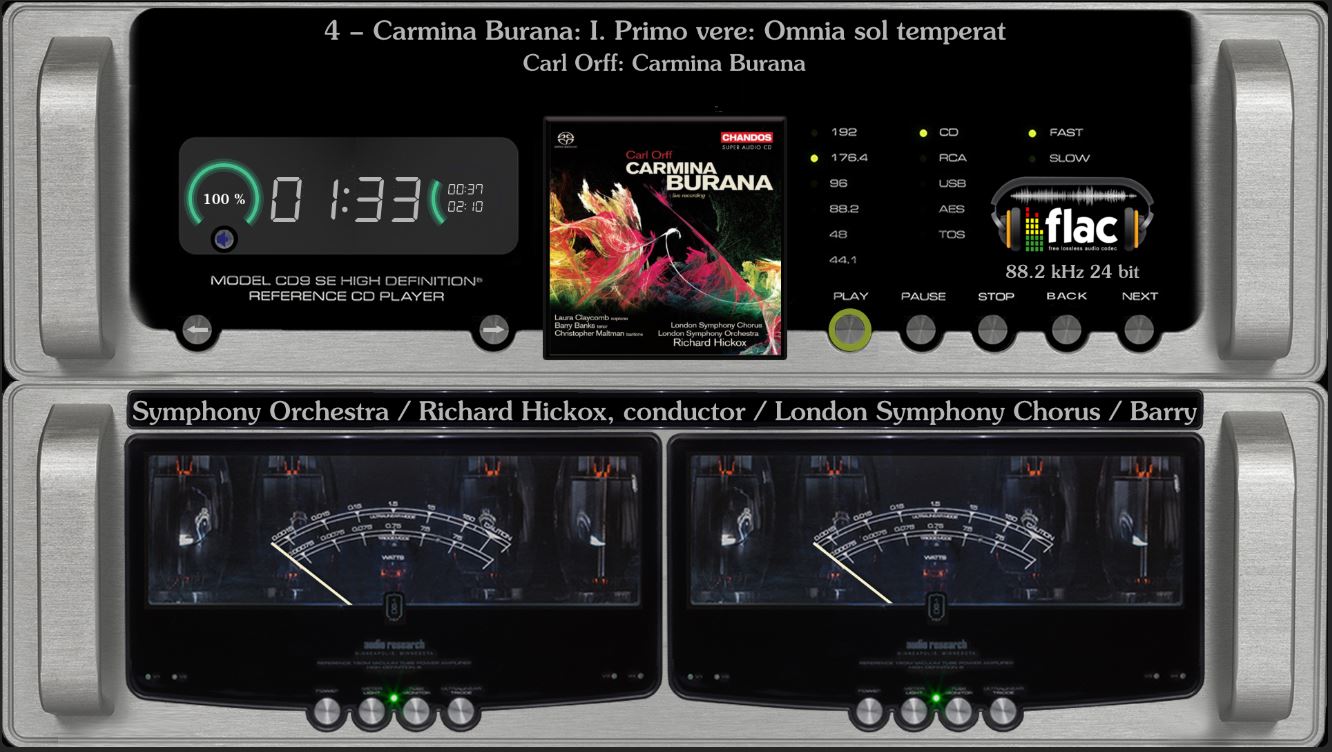
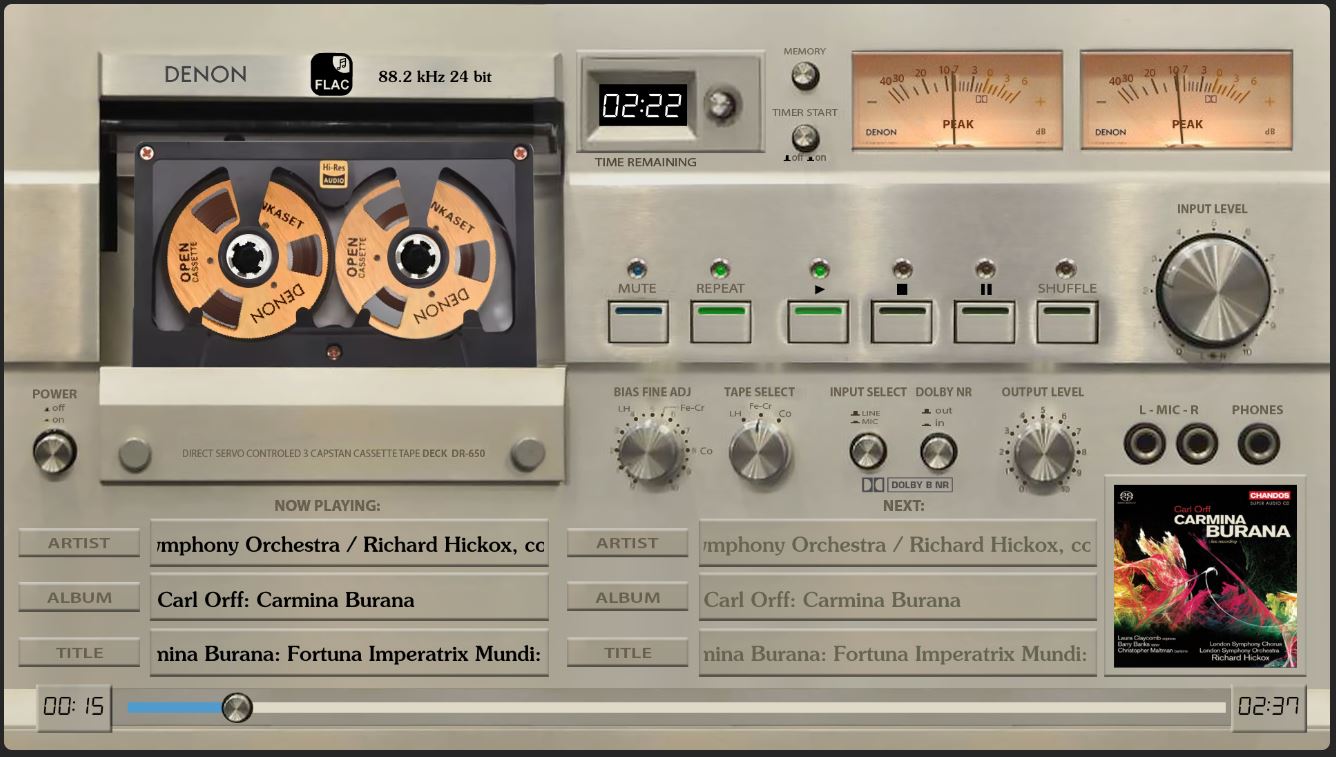
In many of my previous themes, I fine-tuned the positioning of the subheadings to ensure they appear more balanced within their containers—subtle adjustments you might not have even noticed.
Refined the APE format icons.
Fix1920x1080_g5_TouchMetGBS.zip (1.8 MB)
Don’t you really want to make some fixes? The ZIP file I sent is already all set.
You can use Beyond Compare 4 to compare my modified meters.txt file, which will make it very easy for you to see exactly what changes I’ve made.
For your needs, you can do whatever you want with the skins.
I can’t find the skins you made - are they on github?
I haven’t published these two skins anywhere, but I can share them with you (along with the source assets) if you’d like. Please note that they require the foo_vis_vumeter plugin for Foobar2000; they are not PeppyMeter themes. I don’t currently have a suitable platform to host or share them.
The themes you’ve created are already outstanding. I only mentioned those two skins because the developer of foo_vis_vumeter also created a small utility for building skins—which is what I was referring to when I previously asked what software you use to build your PeppyMeter themes. After all, writing meters.txt files by hand is quite inconvenient.
That’s why I say Glass is just one piece of the puzzle short.
I also noticed some parameters in your latest theme that I hadn’t seen used before. Is there a comprehensive guide available for writing meters.txt files?
Receive
Not me - share with the community.
Best regards
Just as I thought - this is not a topic about Foobar!
And I have 300 KODI skins and a jet plane in my garage. Stick to the topic.
Please do not edit your posts once you have already received a reply. I happened to take another look by chance.
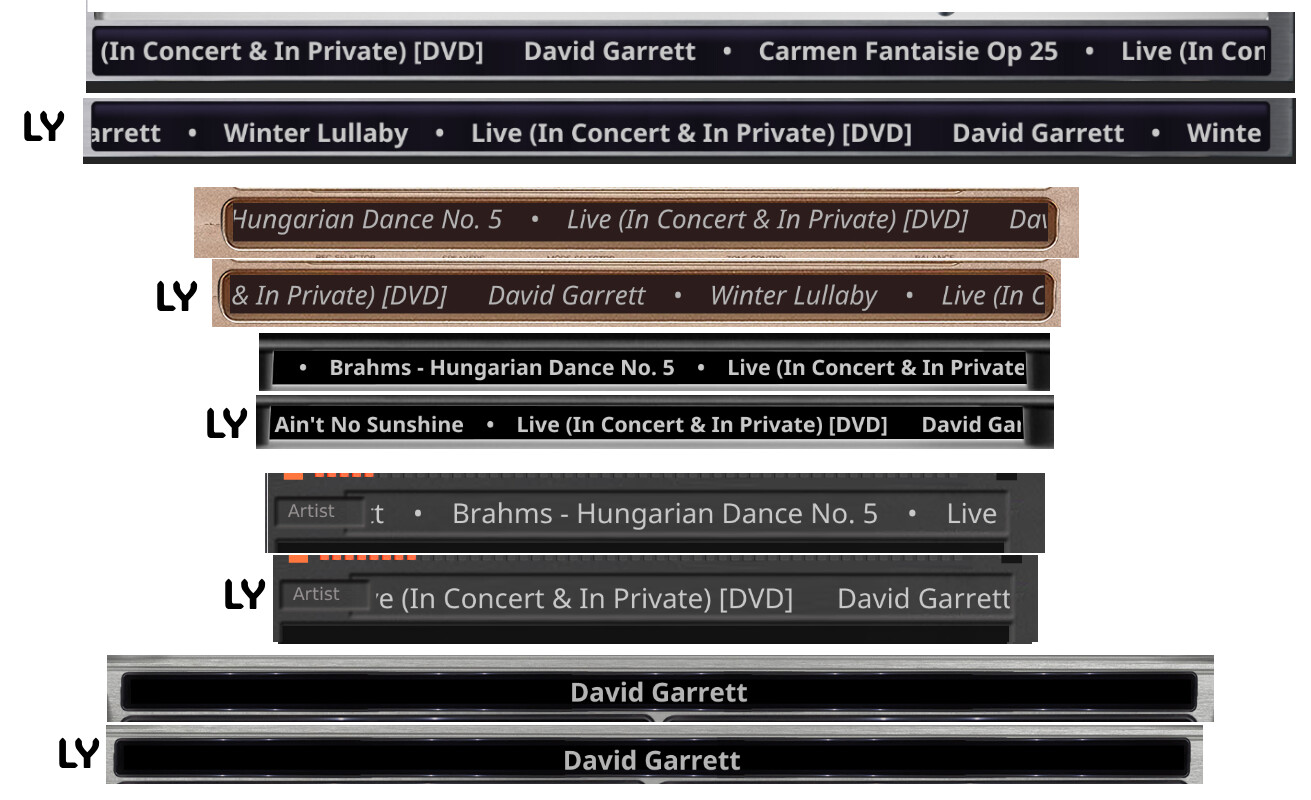
I don’t see a need to replace meters.txt with yours (anyone who wants to can do so themselves). You’ve shifted the tickers downward by 3 to 10 pixels.
Does it look better? That’s a matter of taste.
Best regards
I would like to ask if the remote player on Android cannot use the glass-evo function? Currently, glass-evo on the host and Glass Manager is normal. Thank you
Hey @Fire,
It can. The Android remote comes in two flavours, and the clinic suspects you have the plain one.
- Standalone,
glass-<version>-android.apkfrom Glass’s releases: the player’s theme and nothing over it. - Bundle,
glass-evo-<version>-android.apkfrom glass-evo’s releases: the same display with the Glass interface in it - the clock and date when the player stands still, the bar of controls, in the player’s look.
Both are the same app, Glass Remote, signed with the same key: the bundle installs straight over the standalone and keeps your players and settings. Take the same version as your player.
To see which one you have:
- The remote’s settings page (
http://127.0.0.1:5583/on the device): on the bundle, the line under the title ends with “with glass-evo” and its version, and there is a panel The Glass interface. The standalone has neither. - Android’s app information for Glass Remote: the bundle’s version says “with glass-evo”.
Out of the box the bundle shows the Glass interface while glass-evo owns the player’s screen - which, as you say, it does.
The whole of it: On a Remote Display · foonerd/glass-evo Wiki · GitHub
Kind Regards,
Dear Volumionauts,
The clinic has noticed patients arriving with two names on their charts and no idea which is which. A short anatomy lesson, then.
Glass is the plugin. You install it once with the script from the wiki’s Quick Start, and it is the engine:
- It draws the meters: the themes, the needles, the turntables, the reels, the spectrum.
- It listens to the music through its own tap, bit for bit untouched.
- It brings the Glass Manager (port 5582): themes, settings, Status, Find a problem, upgrades.
- It feeds remote displays on other machines.
- With Volumio’s kiosk on the screen, Glass is a screensaver: it shows the meters while music plays, over Volumio’s own interface.
glass-evo is an add-on to Glass, never on its own. The Manager gets it on its System tab, and it brings the Glass interface:
- A clock and date when nothing plays, a bar of controls, the queue, browsing and search, favourites, themes and power - drawn by Glass’s engine over the theme.
- On the Screen tab you can hand the player’s own screen to it. The kiosk browser is then switched off, and the meters are not a screensaver any more - they are the player’s interface. Give the screen back, and the kiosk returns.
- The same interface shows in a browser too: on the Manager’s Face tab, and on Anymote (
http://<player>:5582/anymote). The Screen tab says when - while glass-evo holds the screen, or always.
On a remote display the same split applies, by which package you install:
glass-<version>-...- the standalone: the player’s theme and nothing over it.glass-evo-<version>-...- the bundle: the theme with the Glass interface in it.- Linux, Windows and Android alike. On Android both are the one app, Glass Remote, and one installs over the other with the settings kept.
One rule for all: Glass and glass-evo carry one version number and go together. Upgrade them as a pair - the System tab does it for you, and from files you give both zips at once.
In one line: Glass draws the meters; glass-evo puts a face on them.
Wikis, for those who read the leaflet:
- Glass: Home · foonerd/glass Wiki · GitHub
- glass-evo: Home · foonerd/glass-evo Wiki · GitHub
Kind Regards,
2 Likes